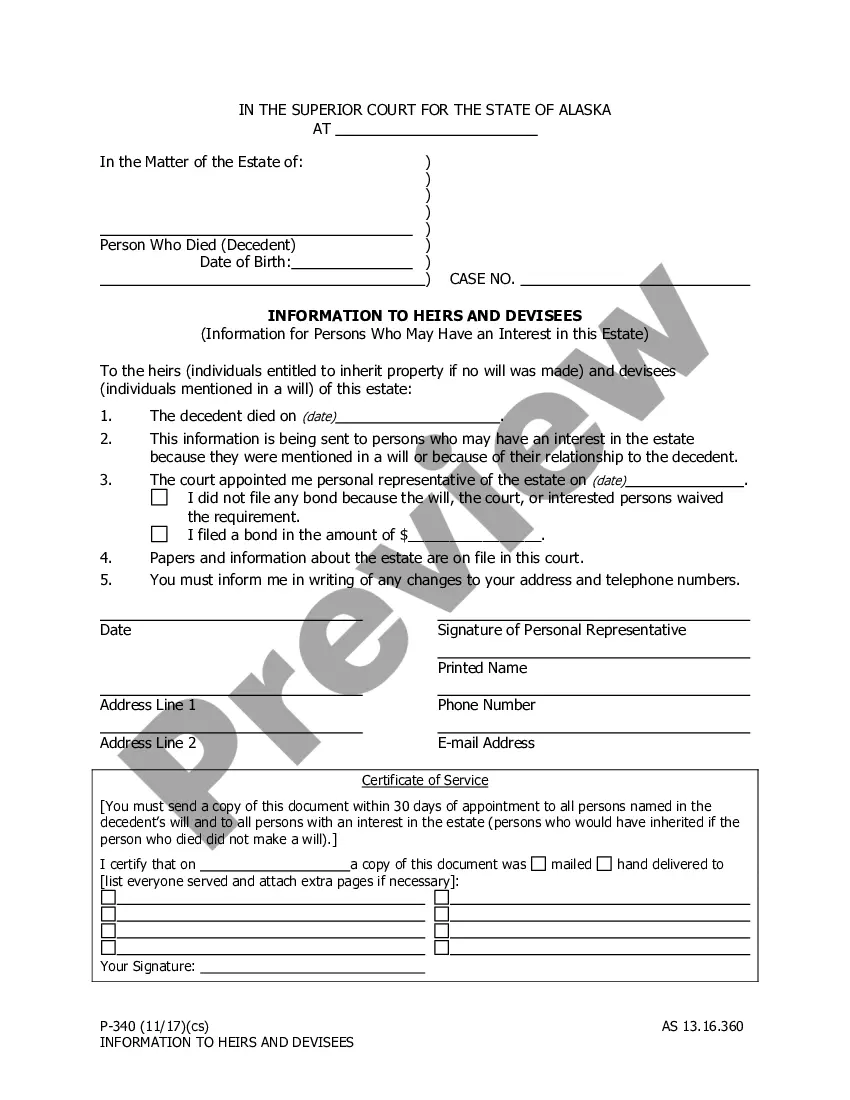
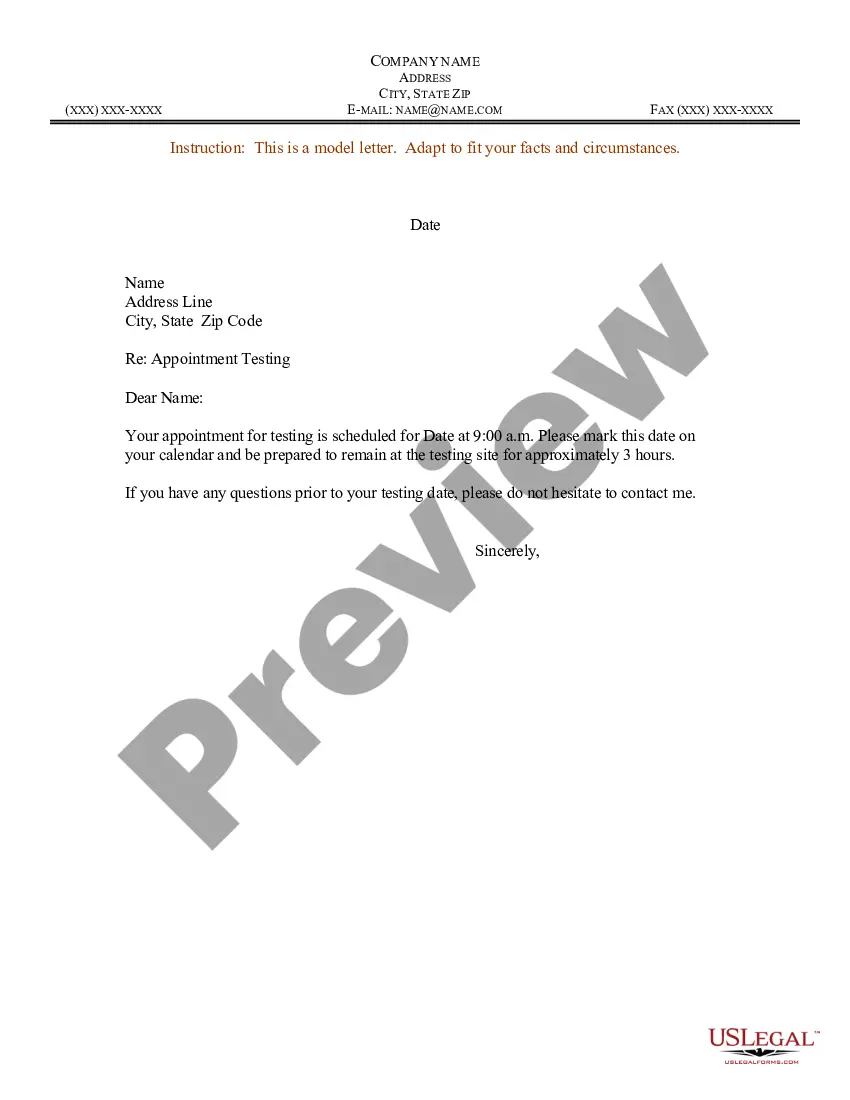
Sample Letter for Appointment Testing
Overview of this form
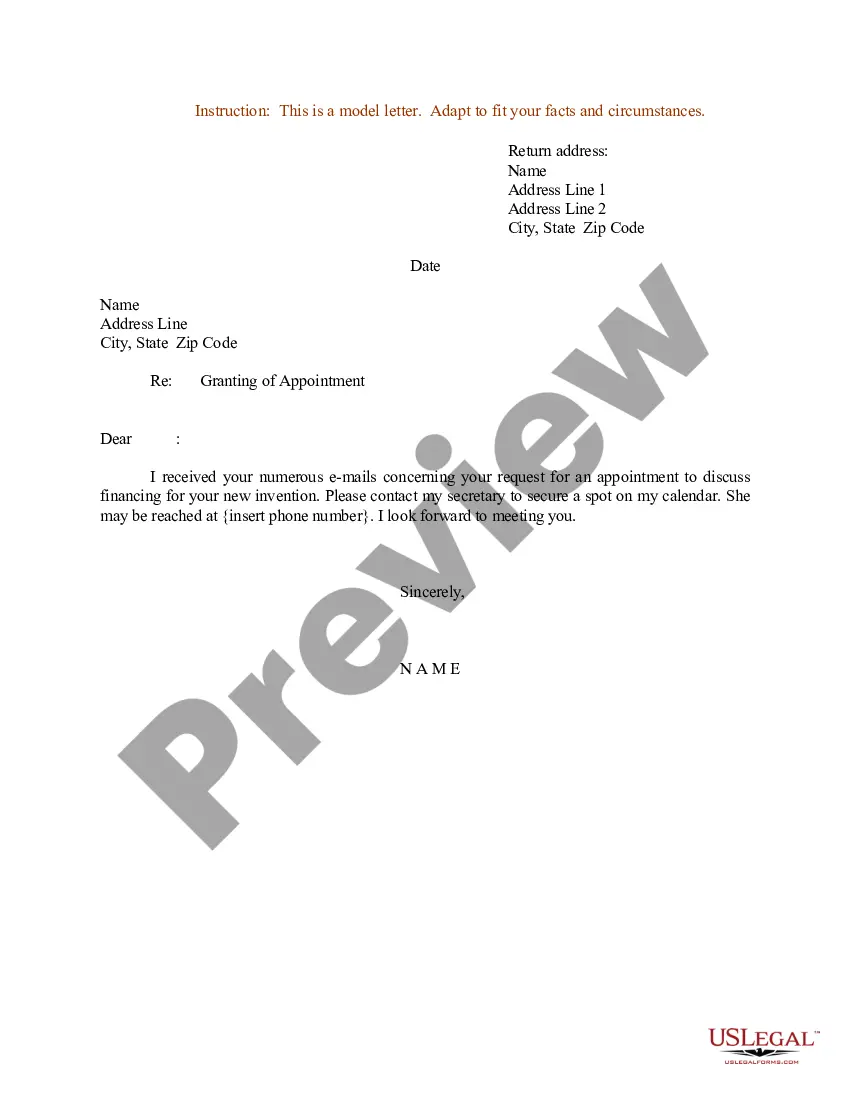
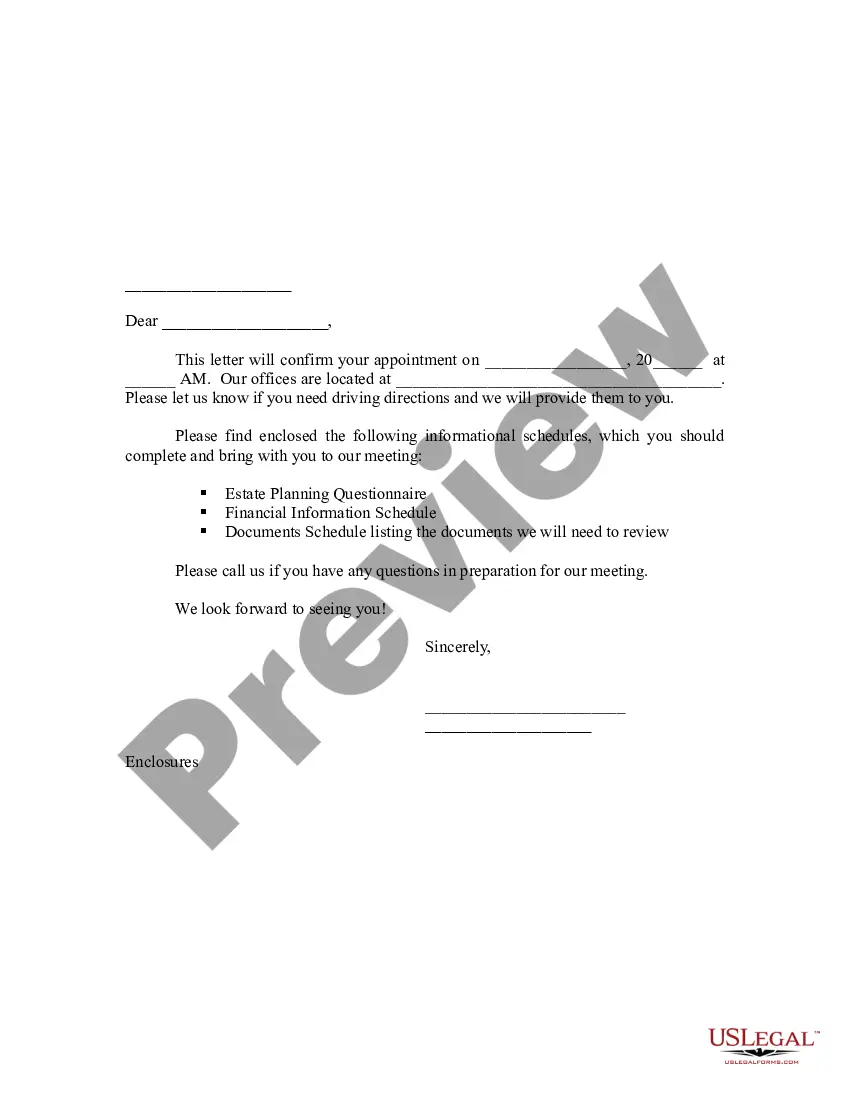
The Sample Letter for Appointment Testing is a template designed to notify individuals about their scheduled testing appointments. This form provides essential details, including the date, time, and duration of the testing session. It simplifies communication between the organization and the test participant, ensuring clarity and reducing confusion. Unlike general appointment letters, this specific template focuses on testing appointments, making it particularly useful in educational or professional testing scenarios.
Form components explained
- Date: The date when the letter is created.
- Name: The name of the recipient.
- Address: The complete address of the recipient.
- Appointment Details: The scheduled date and time of the testing appointment.
- Duration: Estimated time to remain at the testing site.
- Contact Information: The sender's name, company, address, and contact details for any inquiries.
When to use this form
Use the Sample Letter for Appointment Testing when you need to formally inform an individual about their upcoming testing session. This form is ideal for educational institutions, certification bodies, or any organization that requires individuals to undergo testing as part of a process. It ensures that recipients have all the necessary details well ahead of time.
Who needs this form
- Educational institutions scheduling student tests.
- Employers requiring testing for job applicants or employees.
- Certification or licensing agencies conducting examinations.
- Medical facilities planning assessments for patients.
How to complete this form
- Fill in the date at the top of the letter.
- Enter the recipient's name and address information correctly.
- Specify the date and time of the appointment for testing.
- Indicate the approximate duration of the testing session.
- Include your contact information for any questions or concerns from the recipient.
Notarization guidance
This form does not typically require notarization to be legally valid. However, some jurisdictions or document types may still require it. US Legal Forms provides secure online notarization powered by Notarize, available 24/7 for added convenience.
Get your form ready online
Our built-in tools help you complete, sign, share, and store your documents in one place.
Make edits, fill in missing information, and update formatting in US Legal Forms—just like you would in MS Word.
Download a copy, print it, send it by email, or mail it via USPS—whatever works best for your next step.
Sign and collect signatures with our SignNow integration. Send to multiple recipients, set reminders, and more. Go Premium to unlock E-Sign.
If this form requires notarization, complete it online through a secure video call—no need to meet a notary in person or wait for an appointment.
We protect your documents and personal data by following strict security and privacy standards.

Make edits, fill in missing information, and update formatting in US Legal Forms—just like you would in MS Word.

Download a copy, print it, send it by email, or mail it via USPS—whatever works best for your next step.

Sign and collect signatures with our SignNow integration. Send to multiple recipients, set reminders, and more. Go Premium to unlock E-Sign.

If this form requires notarization, complete it online through a secure video call—no need to meet a notary in person or wait for an appointment.

We protect your documents and personal data by following strict security and privacy standards.
Typical mistakes to avoid
- Forgetting to include the date of the appointment.
- Incorrectly spelling the recipient's name.
- Omitting contact information for follow-up questions.
- Not confirming the testing location before sending the letter.
Why complete this form online
- Convenient: Downloadable in Word format for quick editing.
- Editability: Easily customizable for specific appointments and recipients.
- Reliability: Drafted by licensed attorneys to ensure legal compliance.
Legal use & context
- This letter serves as a formal document that can be referenced if any disputes arise regarding the appointment.
- Retaining a copy can provide proof of communication, which may be useful for both parties involved.
What to keep in mind
- The Sample Letter for Appointment Testing is essential for clearly communicating test appointment details.
- This form is applicable in various settings, including educational and professional environments.
- Careful completion of this form helps avoid common communication errors and misunderstandings.
Looking for another form?
Form popularity
FAQ
In addition to the salary, joining date and responsibilities, the appointment letter should also contain information such as the job title, rate of pay, benefits plan and the reporting structure for the job title.
Asking for an appointment I would like to arrange an appointment to discuss2026. Please would you indicate a suitable time and place to meet? Would it be possible to meet on (date) at your / our offices to discuss2026? Can we meet (up) to talk about2026?
Use the company letterhead to write the letter. Add the date and four spaces down, add the employee-to-be or recipient's details. Two spaces down, add the salutation. State the purpose in a warm tone, as you would welcome guests to the house.
Write a clear subject line. Use a salutation. Introduce yourself (if necessary) Explain why you want to meet. Be flexible about time and place. Request a reply or confirmation. Send a reminder.
Date of Joining. Designation. Job Location. Salary and Benefits. Hours of working. Leave Policy. Terms and conditions.
Introduction Start your email with introducing yourself if necessary especially if you are sending the request on behalf of your manager. State the reason for the meeting. Check for their availability. Propose a location for the meeting.
Date Your Name Dear Applicant Name, Following your acceptance of the job offer letter which you signed on _______, we would like to confirm your appointment with Company Name as a Job Title. Starting Date: Salary. Other Benefits. Congratulations on your appointment and welcome to Company Name. Your Name