California Trust Printable For 2022
Description
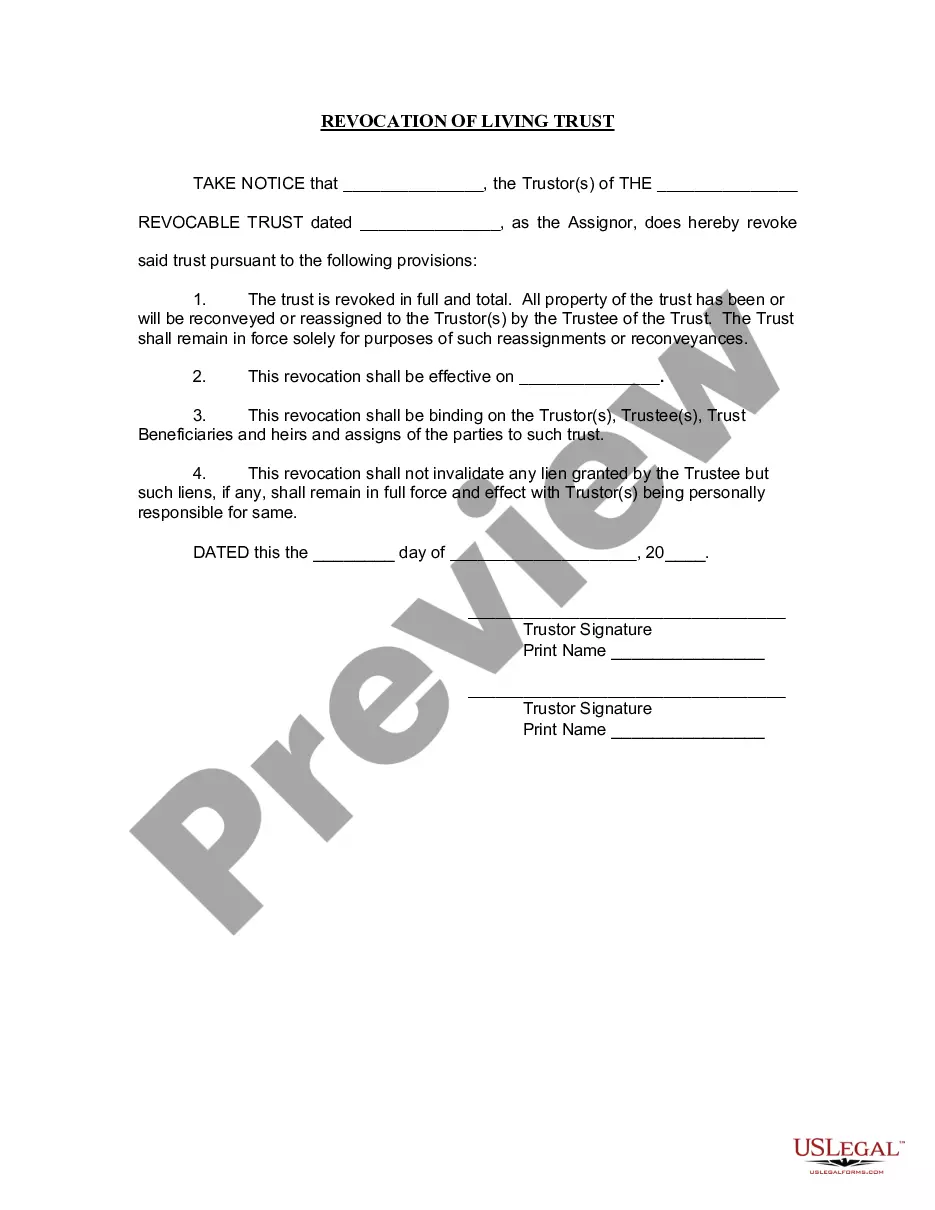
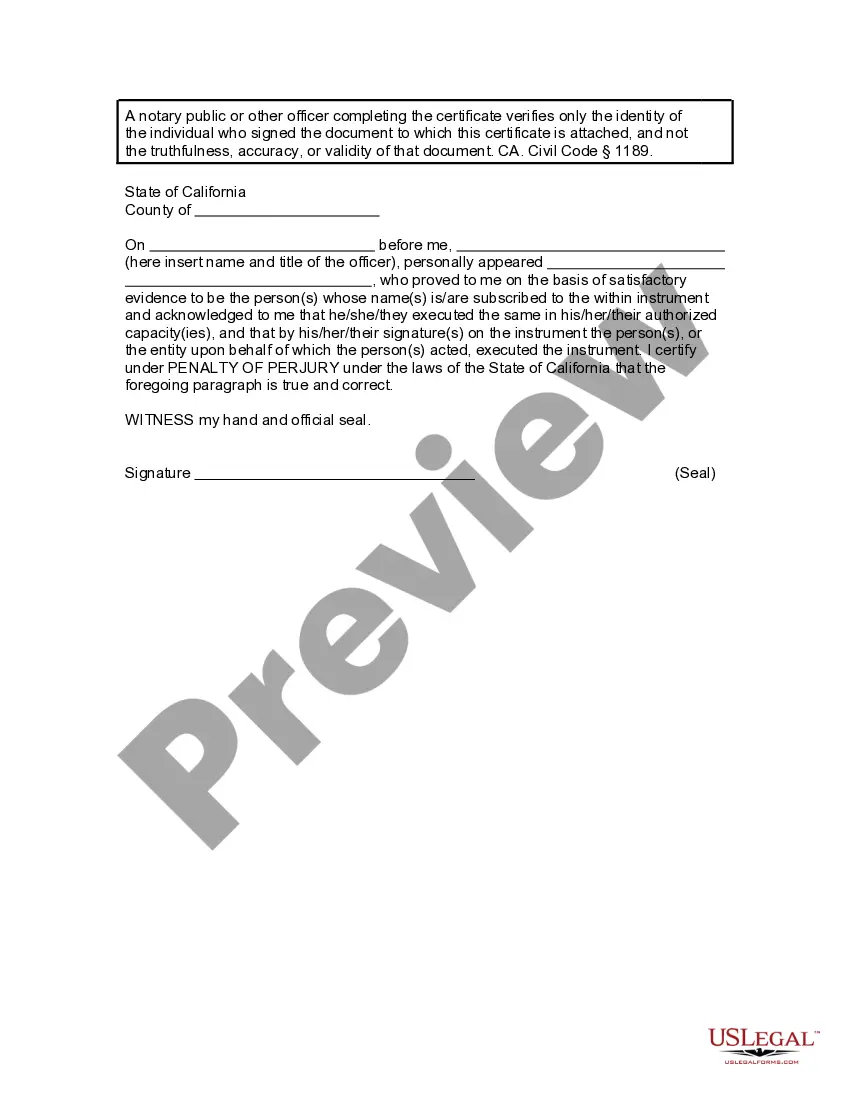




Get your form ready online
Our built-in tools help you complete, sign, share, and store your documents in one place.
Make edits, fill in missing information, and update formatting in US Legal Forms—just like you would in MS Word.
Download a copy, print it, send it by email, or mail it via USPS—whatever works best for your next step.
Sign and collect signatures with our SignNow integration. Send to multiple recipients, set reminders, and more. Go Premium to unlock E-Sign.
If this form requires notarization, complete it online through a secure video call—no need to meet a notary in person or wait for an appointment.
We protect your documents and personal data by following strict security and privacy standards.

Make edits, fill in missing information, and update formatting in US Legal Forms—just like you would in MS Word.

Download a copy, print it, send it by email, or mail it via USPS—whatever works best for your next step.

Sign and collect signatures with our SignNow integration. Send to multiple recipients, set reminders, and more. Go Premium to unlock E-Sign.

If this form requires notarization, complete it online through a secure video call—no need to meet a notary in person or wait for an appointment.

We protect your documents and personal data by following strict security and privacy standards.
Looking for another form?









How to fill out California Revocation Of Living Trust?
Getting a go-to place to access the most recent and appropriate legal samples is half the struggle of working with bureaucracy. Choosing the right legal documents calls for accuracy and attention to detail, which explains why it is vital to take samples of California Trust Printable For 2022 only from trustworthy sources, like US Legal Forms. An improper template will waste your time and hold off the situation you are in. With US Legal Forms, you have little to be concerned about. You may access and check all the information concerning the document’s use and relevance for the circumstances and in your state or region.
Consider the following steps to complete your California Trust Printable For 2022:
- Use the catalog navigation or search field to locate your sample.
- Open the form’s information to check if it matches the requirements of your state and county.
- Open the form preview, if there is one, to make sure the form is definitely the one you are looking for.
- Get back to the search and look for the correct template if the California Trust Printable For 2022 does not suit your requirements.
- If you are positive regarding the form’s relevance, download it.
- When you are a registered customer, click Log in to authenticate and access your selected templates in My Forms.
- If you do not have an account yet, click Buy now to get the form.
- Choose the pricing plan that fits your needs.
- Proceed to the registration to finalize your purchase.
- Finalize your purchase by picking a payment method (bank card or PayPal).
- Choose the document format for downloading California Trust Printable For 2022.
- Once you have the form on your gadget, you can modify it with the editor or print it and complete it manually.
Remove the hassle that accompanies your legal paperwork. Check out the extensive US Legal Forms catalog where you can find legal samples, examine their relevance to your circumstances, and download them immediately.
Form popularity
FAQ
If you have an LLC, here's how to fill in the California Form 568: Line 1?Total income from Schedule IW. Enter the total income. Line 2?Limited liability company fee. Enter the amount of the LLC fee. The LLC must pay a fee if the total California income is equal to or greater than $250,000.
PAYMENTS Mail Form 568 with payment to: Mail Franchise Tax Board. PO Box 942857. Sacramento, CA 94257-0501. E-Filed returns: Pay electronically using Web Pay, credit card, EFW, or mail form FTB 3588, Payment Voucher for LLC e-filed Returns, with payment to: Mail Franchise Tax Board. PO Box 942857. Sacramento, CA 94257-0531.
The fiduciary (or one of the joint fiduciaries) must file Form 541 and pay an annual tax of $800 for a REMIC that is governed by California law, qualified to do business in California, or has done business in California at any time during the year. A REMIC trust is not subject to any other taxes assessed on this form.
In 2022, trusts from $0 to $2,750 had a federal tax rate of 10%. The three other levels are 24% for $2,751 to $9,850; 35% for $9,851 to $13,450; and 37% for $13,451 and higher. Although trusts can help reduce your estate taxes, there are still taxes.
The trustee may have to file a return if the trust meets any of these: The trustee or beneficiary (non-contingent) is a California resident. The trust has income from a California source.