Amendment To A Trust Form For California
Description

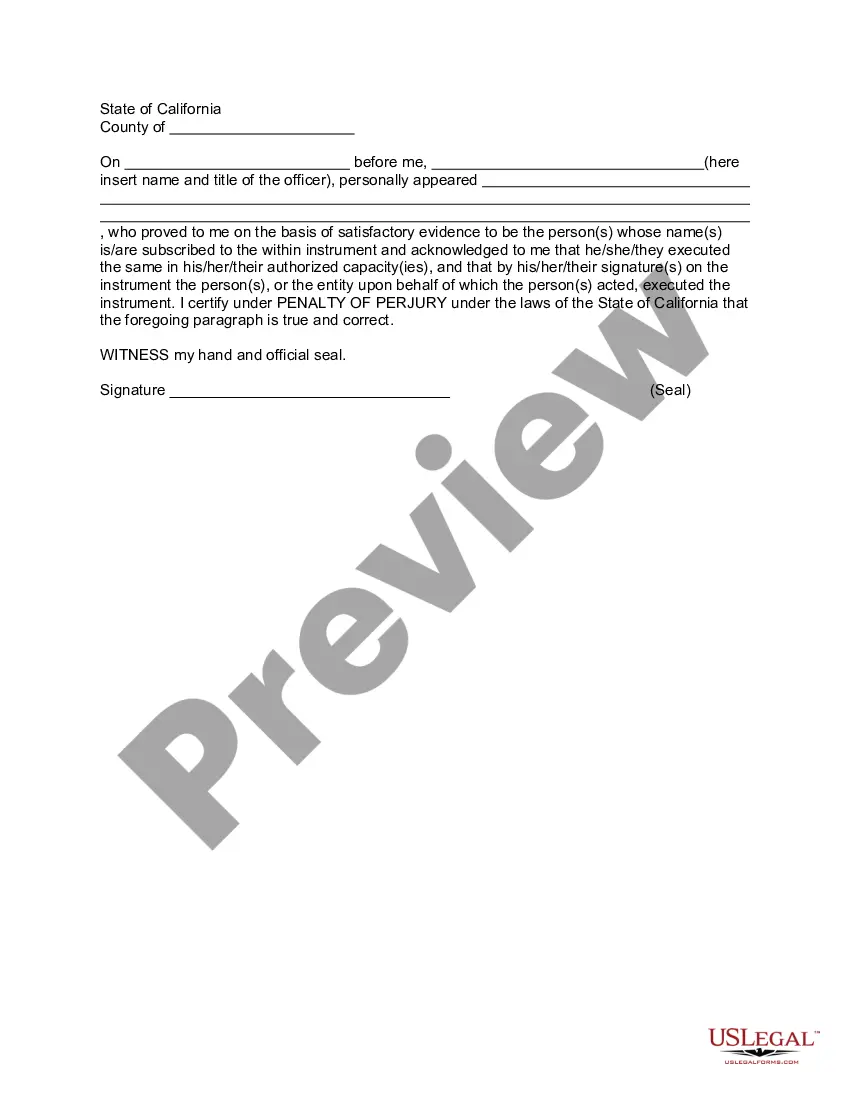


Get your form ready online
Our built-in tools help you complete, sign, share, and store your documents in one place.
Make edits, fill in missing information, and update formatting in US Legal Forms—just like you would in MS Word.
Download a copy, print it, send it by email, or mail it via USPS—whatever works best for your next step.
Sign and collect signatures with our SignNow integration. Send to multiple recipients, set reminders, and more. Go Premium to unlock E-Sign.
If this form requires notarization, complete it online through a secure video call—no need to meet a notary in person or wait for an appointment.
We protect your documents and personal data by following strict security and privacy standards.

Make edits, fill in missing information, and update formatting in US Legal Forms—just like you would in MS Word.

Download a copy, print it, send it by email, or mail it via USPS—whatever works best for your next step.

Sign and collect signatures with our SignNow integration. Send to multiple recipients, set reminders, and more. Go Premium to unlock E-Sign.

If this form requires notarization, complete it online through a secure video call—no need to meet a notary in person or wait for an appointment.

We protect your documents and personal data by following strict security and privacy standards.
Looking for another form?







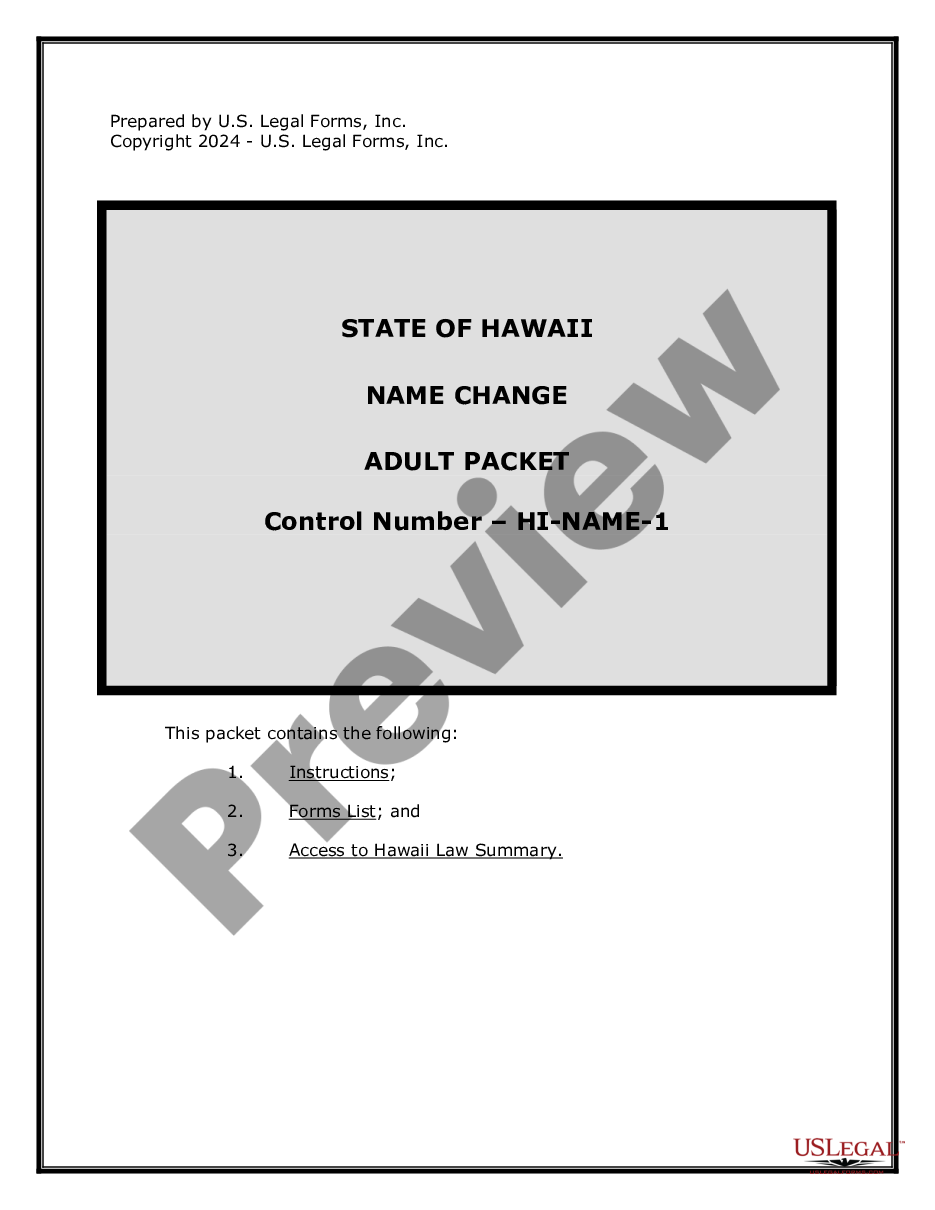


How to fill out California Amendment To Living Trust?
Locating a dependable source for obtaining the most up-to-date and suitable legal templates is part of the challenge of navigating bureaucracy. Identifying the correct legal document prerequisites demands precision and meticulousness, which clarifies why it is crucial to source samples of Amendment To A Trust Form For California exclusively from trustworthy providers, like US Legal Forms. An incorrect template could squander your time and delay the matter at hand. With US Legal Forms, you can be at ease knowing your needs are met. You have access to and can review all information pertaining to the document’s applicability and significance for your circumstances and in your locality.
Consider the following steps to complete your Amendment To A Trust Form For California.
Eliminate the hassles associated with your legal paperwork. Browse the extensive US Legal Forms library where you can discover legal templates, verify their applicability to your situation, and download them instantly.
- Utilize the library navigation or search function to locate your template.
- Check the form’s description to verify if it meets the requirements of your locality.
- Examine the form preview, if available, to confirm that it is what you need.
- Continue your search and seek out the appropriate document if the Amendment To A Trust Form For California does not meet your criteria.
- If you are confident about the form’s significance, download it.
- If you are a registered user, click Log in to verify your identity and access your selected forms in My documents.
- If you do not have an account yet, click Buy now to acquire the form.
- Select the pricing option that fulfills your requirements.
- Proceed to the registration to finalize your acquisition.
- Complete your purchase by selecting a payment method (credit card or PayPal).
- Choose the file format for downloading Amendment To A Trust Form For California.
- Once you have the form on your device, you can modify it with the editor or print it out and fill it in manually.
Form popularity
FAQ
Amending a trust in California involves using an Amendment to a trust form for California. Begin by reviewing your existing trust to determine what needs modification. After filling out the amendment form, make sure to sign it according to state regulations. For a streamlined process, consider using platforms like USLegalForms, which offer easy access to legal forms and guidance tailored for California residents.
To amend a trust in California, you typically need to complete an Amendment to a trust form for California. First, identify the specific sections of the trust you wish to change. Next, fill out the form accurately, and ensure it is signed and dated appropriately. Finally, keep the amended document with your original trust documents to maintain organization and legality.
Yes, you can amend your trust without a lawyer by using an Amendment to a trust form for California. This form allows you to make necessary changes to your trust document. However, it is important to ensure that you follow California's legal requirements for amendments. If you feel uncertain, consulting a legal professional can provide clarity and peace of mind.
Amending a trust can be straightforward if you follow the correct procedures. By utilizing an Amendment to a Trust Form for California, you simplify the process significantly. While it may require some attention to detail, many find it manageable, especially with guidance from platforms like USLegalForms. This resource provides the necessary forms and instructions, making the amendment process smoother for everyone.
Amending a declaration of trust involves similar steps to amending a trust document. First, review the original declaration to understand its structure. Then, fill out an Amendment to a Trust Form for California, detailing the specific changes you intend to implement. Make sure to sign and notarize the amendment to validate it, and store it alongside your original declaration for future reference.
To amend a trust document, start by locating the original trust agreement. You will then need to complete an Amendment to a Trust Form for California, which allows you to specify the changes you wish to make. After drafting the amendment, ensure you sign it in the presence of a notary public. Finally, keep the amended document with your original trust, as it becomes part of your estate planning records.
§15404(b) allows you to modify or partially terminate a trust even without the consent of all beneficiaries upon petition to the court. You must still have the consent of the settlor and the modification cannot substantially impair the interests of the beneficiaries who do not consent.
A trust amendment that can be used to modify an existing California revocable trust instrument. This trust amendment allows a client to modify a revocable trust instrument without creating an entirely new trust instrument or restating an existing revocable trust instrument in its entirety.
Amending a Living Trust in California These amendments do not need to be notarized to count, but they do need to be witnessed and signed, or at least created holographically (in the grantor's handwriting, with the grantor's signature).