Applicant Flow Log
Overview of this form
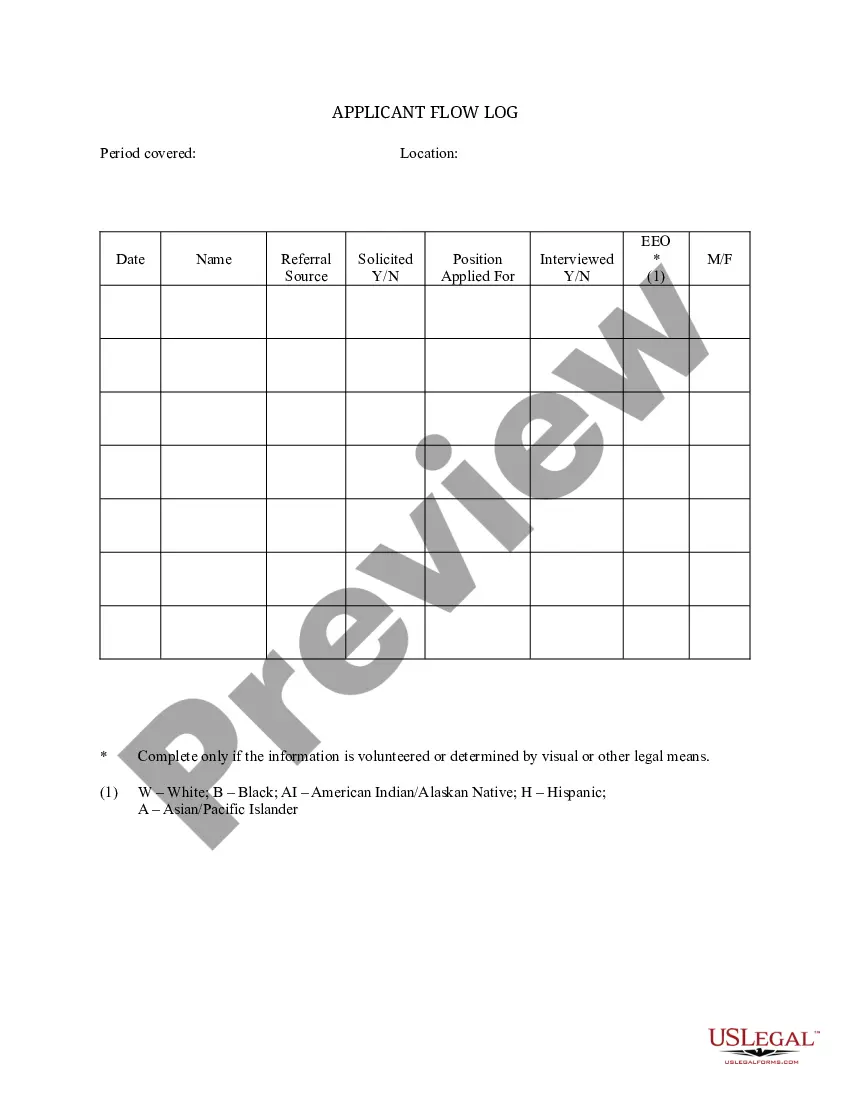
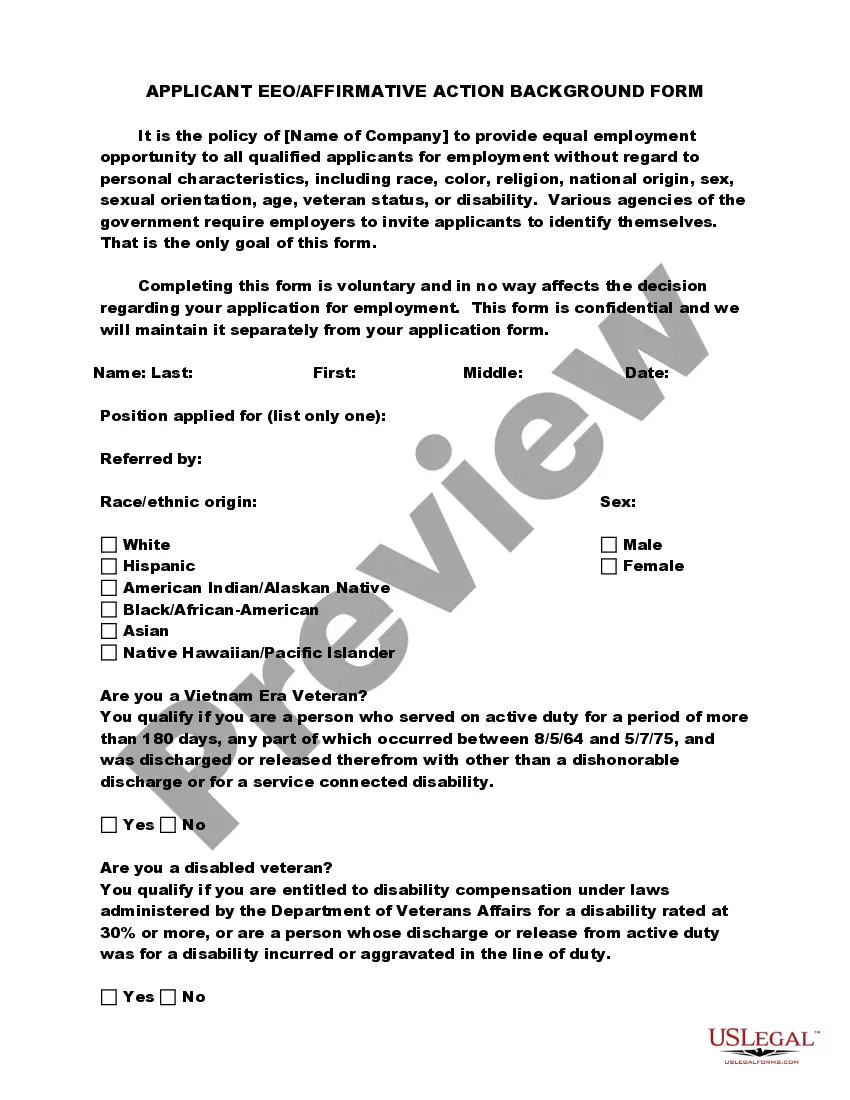
The Applicant Flow Log is a specialized form designed to help employers track and organize information regarding job applicants. This log captures essential details such as the referral source, whether an applicant was interviewed, and the position for which they applied. Unlike general applicant tracking systems, this log focuses specifically on documenting applicant flow to help ensure compliance with equal opportunity employment laws and facilitate better hiring practices.
Key parts of this document
- Period covered: The timeframe during which the data is collected.
- Name: The name of each applicant.
- Referral source: The method through which the application was received (e.g., job board, referral).
- Solicitation status: Indicates whether the applicant was solicited for the position.
- Position applied for: The specific job title the applicant is interested in.
- Interview status: Indicates whether the applicant has been interviewed.

Situations where this form applies
This form should be used during the recruitment process to maintain a systematic record of all applicants for open positions. It is especially useful for employers looking to comply with Equal Employment Opportunity (EEO) guidelines and to enhance their hiring transparency. Use this log whenever you conduct interviews or receive applications, ensuring you have an accurate representation of your applicant pool.
Who should use this form
- HR professionals managing the hiring process.
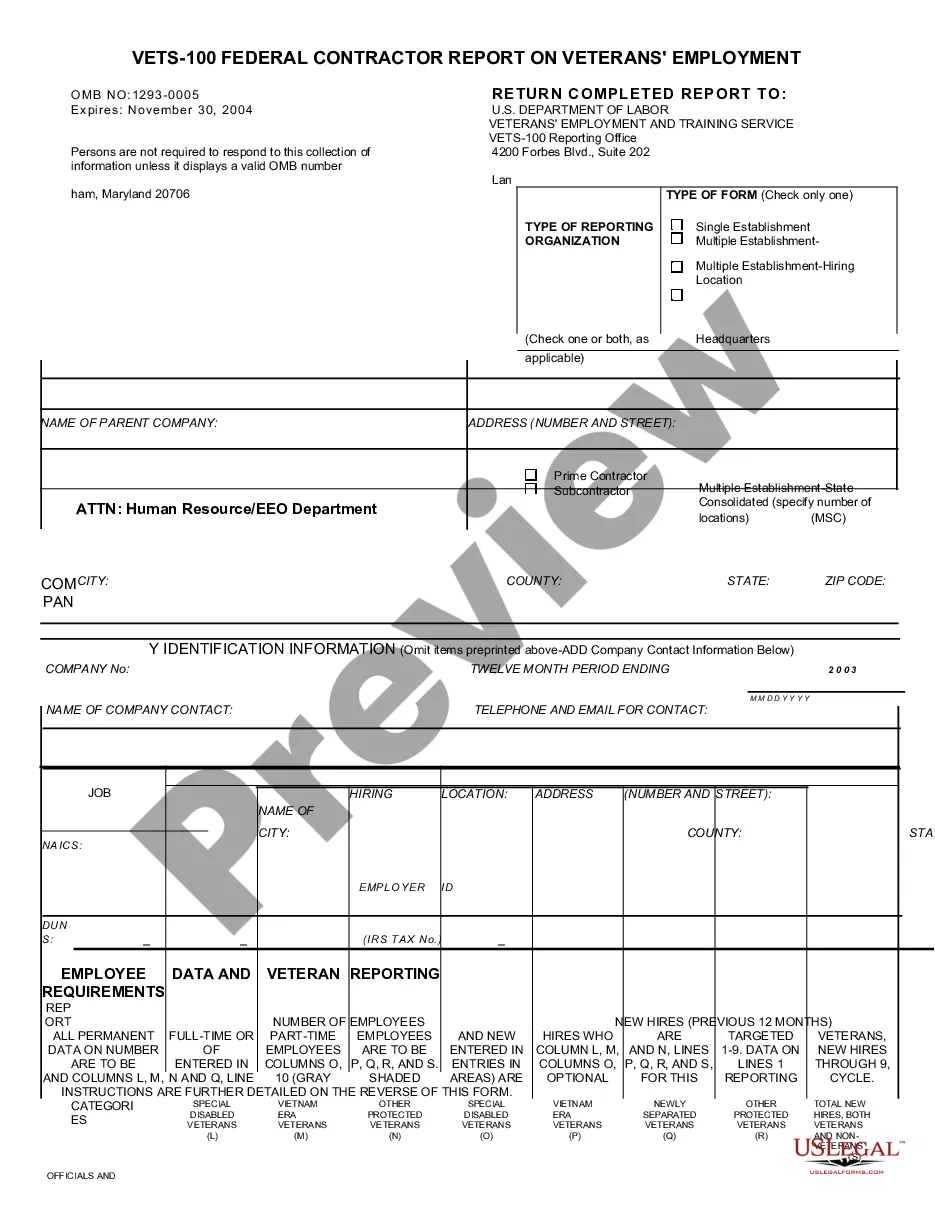
- Employers looking to track applicant data for compliance with labor laws.
- Recruiters seeking to streamline their applicant tracking and maintain hiring records.
- Organizations aiming to improve their diversity and inclusion efforts through better tracking of applicant sources and statuses.
How to prepare this document
- Enter the period covered for the application tracking.
- Fill in the applicant's name in the designated field.
- Specify the referral source for each applicant.
- Indicate whether the applicant was solicited for the position.
- Record the position the applicant applied for.
- Mark whether the applicant was interviewed.
Notarization guidance
Notarization is not commonly needed for this form. However, certain documents or local rules may make it necessary. Our notarization service, powered by Notarize, allows you to finalize it securely online anytime, day or night.
Get your form ready online
Our built-in tools help you complete, sign, share, and store your documents in one place.
Make edits, fill in missing information, and update formatting in US Legal Forms—just like you would in MS Word.
Download a copy, print it, send it by email, or mail it via USPS—whatever works best for your next step.
Sign and collect signatures with our SignNow integration. Send to multiple recipients, set reminders, and more. Go Premium to unlock E-Sign.
If this form requires notarization, complete it online through a secure video call—no need to meet a notary in person or wait for an appointment.
We protect your documents and personal data by following strict security and privacy standards.

Make edits, fill in missing information, and update formatting in US Legal Forms—just like you would in MS Word.

Download a copy, print it, send it by email, or mail it via USPS—whatever works best for your next step.

Sign and collect signatures with our SignNow integration. Send to multiple recipients, set reminders, and more. Go Premium to unlock E-Sign.

If this form requires notarization, complete it online through a secure video call—no need to meet a notary in person or wait for an appointment.

We protect your documents and personal data by following strict security and privacy standards.
Typical mistakes to avoid
- Failing to update the log regularly with new applicants.
- Leaving out critical details such as the referral source or interview status.
- Inconsistently documenting information across different hiring periods.
Why use this form online
- Easy access and instant updates to applicant information.
- Ability to edit and customize the log to meet specific hiring needs.
- Secure storage of applicant data for future reference and compliance purposes.
Looking for another form?


Form popularity
FAQ
Zoho Recruit. SAP SuccessFactors. Oracle Taleo. iCIMS Recruit. Smart Recruiters. Workday. Workable. JazzHR.
Understand how a new Applicant Tracking System could help. Identify your ATS needs. Get a team together. Get executive buy-in for the new applicant tracking system. Create your applicant tracking software shortlist. Schedule a demo of different ATS systems. Compare ATS solutions.
An applicant tracking system (ATS) is a software application that enables the electronic handling of recruitment and hiring needs.In many cases they filter applications automatically based on given criteria such as keywords, skills, former employers, years of experience and schools attended.
Applicant flow data refers to records of hiring, such as promotions and other related employment actions used for the purpose of monitoring selection and employment practices. It is an important tool used in analyzing recruitment goals and is generally used for record keeping and statistical purposes.
An applicant flow log is a record of job applicant information, which is then used for statistical analysis by the U.S. federal government.
An Internet Applicant is an individual who satisfies all four of the following criteria:The contractor considered the individual for employment in a particular position; The individual's expression of interest indicated that the individual possesses the basic qualifications for the position; and.
Employ A CRM Tracking System. Keep The Application And Hiring Process Simple. Keep Your Physical Applications Organized. Take Advantage Of Calendar Reminders. File Again After The Interview Process. Always Keep Important Documents.
When applicants apply for a job online, their contact information, experience, educational background, resume, and cover letter are uploaded into the database. The information can then be transferred from one component of the system to another as candidates move through the hiring process.