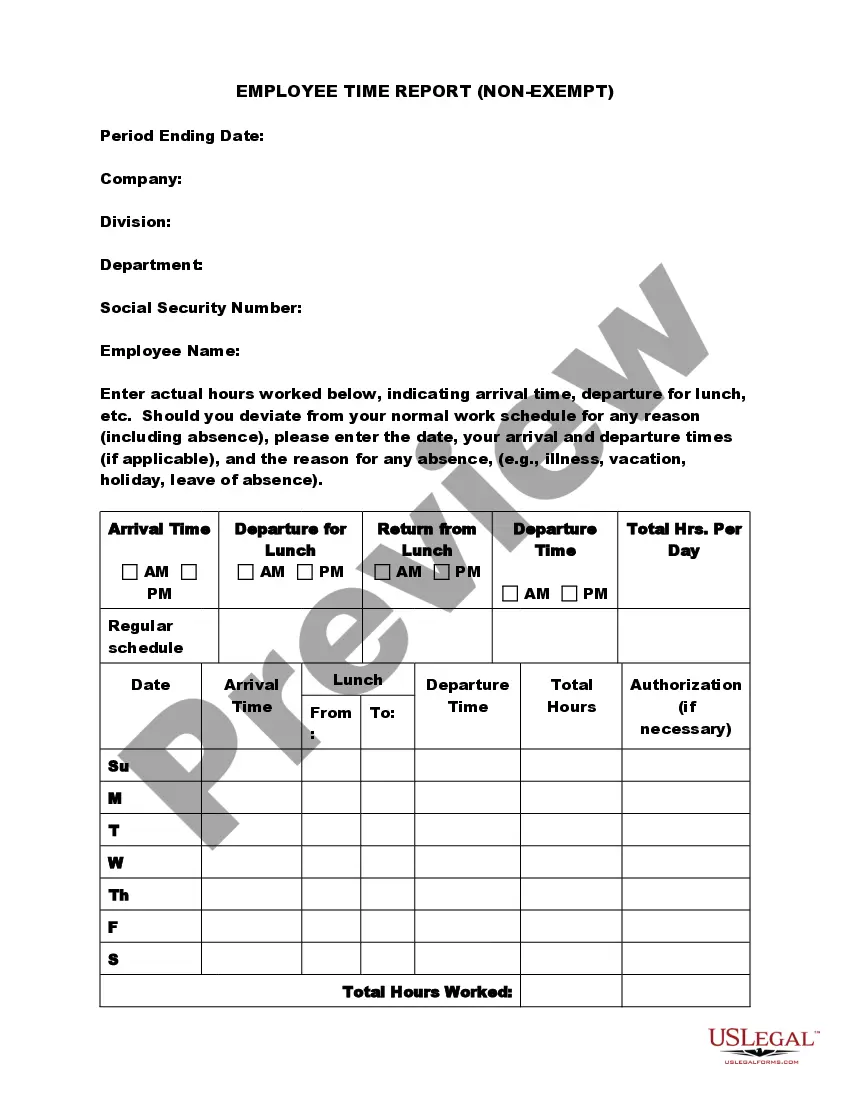
Employee Time Report (Nonexempt)
What this document covers
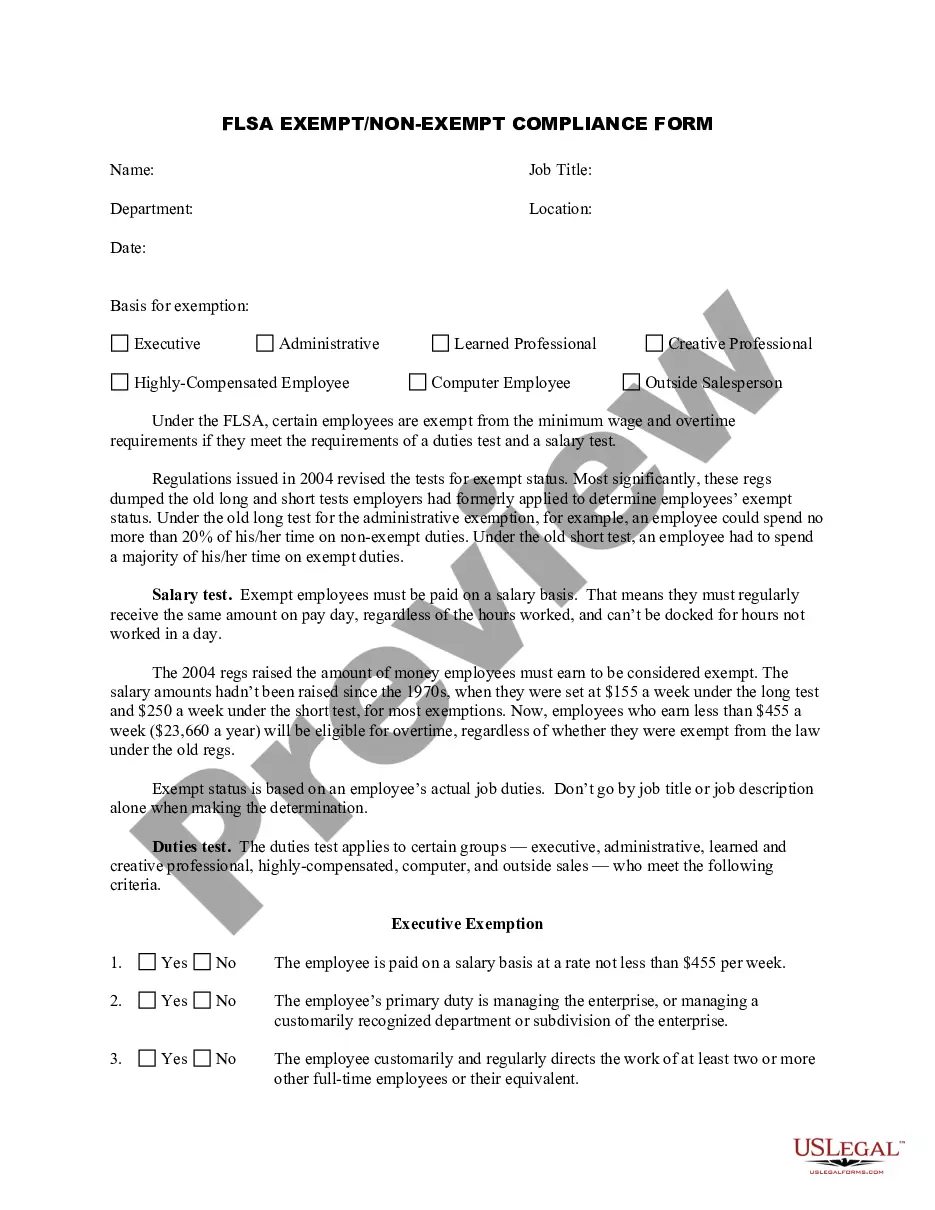
The Employee Time Report (Nonexempt) is a legal form used by employers to document the actual hours worked by nonexempt employees. This form is essential for calculating wages accurately and ensures compliance with labor laws regarding time tracking. Unlike other time tracking methods, this form allows a structured and clear documentation of hours, breaks, and any deviations from the regular work schedule.
Key components of this form
- Period Ending Date: The date that marks the end of the reporting period for hours worked.
- Company: Identification of the company employing the individual.
- Division and Department: Sections to specify the area of the employeeâs work within the company.
- Employee Information: Includes Social Security Number, Name, and necessary personal details.
- Actual Hours Worked: Detailed input for arrival times, lunch breaks, return times, and departure times.
- Authorization: Sections for employee and manager signatures to validate the reported hours.


Situations where this form applies
This form should be used whenever nonexempt employees need to record their working hours. It is particularly important for payroll processing, overtime calculations, or when an employee's work hours differ from their regular schedule due to vacations, illnesses, or other reasons. Employers can reference this form during audits or labor inspections to demonstrate compliance with wage and hour regulations.
Who this form is for
Eligible Users:
- Employers who have nonexempt employees under their supervision.
- Human resources personnel responsible for employee time tracking.
- Employees required to report their hours to ensure accurate payroll processing.
Completing this form step by step
Steps to Complete the Employee Time Report:
- Enter the period ending date for the time report.
- Fill in the company name, division, and department details.
- Provide your Social Security Number and full name.
- Document your actual hours worked, including arrival and departure times, along with any breaks taken.
- Ensure all sections are filled out accurately and obtain the necessary signatures.
Does this document require notarization?
This form does not typically require notarization unless specified by local law. Always verify local regulations for specific requirements regarding time reporting forms.
Get your form ready online
Our built-in tools help you complete, sign, share, and store your documents in one place.
Make edits, fill in missing information, and update formatting in US Legal Forms—just like you would in MS Word.
Download a copy, print it, send it by email, or mail it via USPS—whatever works best for your next step.
Sign and collect signatures with our SignNow integration. Send to multiple recipients, set reminders, and more. Go Premium to unlock E-Sign.
If this form requires notarization, complete it online through a secure video call—no need to meet a notary in person or wait for an appointment.
We protect your documents and personal data by following strict security and privacy standards.

Make edits, fill in missing information, and update formatting in US Legal Forms—just like you would in MS Word.

Download a copy, print it, send it by email, or mail it via USPS—whatever works best for your next step.

Sign and collect signatures with our SignNow integration. Send to multiple recipients, set reminders, and more. Go Premium to unlock E-Sign.

If this form requires notarization, complete it online through a secure video call—no need to meet a notary in person or wait for an appointment.

We protect your documents and personal data by following strict security and privacy standards.
Typical mistakes to avoid
- Failing to include the correct period ending date.
- Omitting to report all hours, including breaks and overtime.
- Not securing required signatures for validation.
Why complete this form online
- Convenience of completing and submitting the form digitally.
- Editable fields make it easy to correct any mistakes before submission.
- Reliability of using a form drafted by licensed attorneys to ensure compliance with legal requirements.
Main things to remember
- The Employee Time Report (Nonexempt) is essential for documenting hours worked accurately.
- It includes vital information for payroll processing and compliance with labor laws.
- Proper completion of the form minimizes errors and ensures accountability from employees and employers alike.
Looking for another form?

Form popularity
FAQ
The number of hours worked doesn't affect an exempt employee's pay because the salary is considered full compensation for all hours worked, whether more or fewer than 40 in a week. However, there is nothing illegal about requiring exempt employees to clock in and out at the start and end of the workday, or for lunch.
From March 1, it will be compulsory for employers to keep a record of the starting and finishing times of work, and any unpaid breaks taken, of salaried staff covered by these awards earning up to $148,700.
Non-exempt employees are eligible for overtime, rest and meal breaks, and are subject to California's minimum wage laws. Exempt employees may not be eligible for overtime or breaks.As an exempt employee, an employer could require the employee to work more than 40-hours per week without overtime pay.
An exempt employee is not entitled overtime pay by the Fair Labor Standards Act (FLSA). These salaried employees receive the same amount of pay per pay period, even if they put in overtime hours. A nonexempt employee is eligible to be paid overtime for work in excess of 40 hours per week, per federal guidelines.
Time clocks typically are used for recordkeeping purposes. The FLSA doesn't mandate time clocks at all, not even for hourly, non-exempt employees. The FLSA's Fact Sheet No. 21, titled "Recordkeeping Requirements Under the Fair Labor Standards Act (FLSA)" states: "Employers may use any timekeeping method they choose.
The FLSA does not limit the amount of working hours an employer can expect of exempt workers. However, nothing in the FLSA prohibits employers from requiring exempt employees to clock in or track time either. Tracking time is a good idea, because it prevents disagreements between the employee and employer.
These rules and regulations apply to both part-time and full-time employees. When an employee is considered non-exempt, it means they aren't covered by FLSA standards and regulations.However, any paid leave they take during the week will not apply to the traditional 40 hours of work.
The number of hours worked doesn't affect an exempt employee's pay because the salary is considered full compensation for all hours worked, whether more or fewer than 40 in a week. However, there is nothing illegal about requiring exempt employees to clock in and out at the start and end of the workday, or for lunch.
If they're exempt, which a majority of salaried employees are, you're not required to have them fill out a timesheetbut if they fall under the non-exempt category (for example, if the employee's salary is less than $684 per week) then they would need to fill out a timecard.