Responsible Computer Network and Internet Use for Schools
About this form
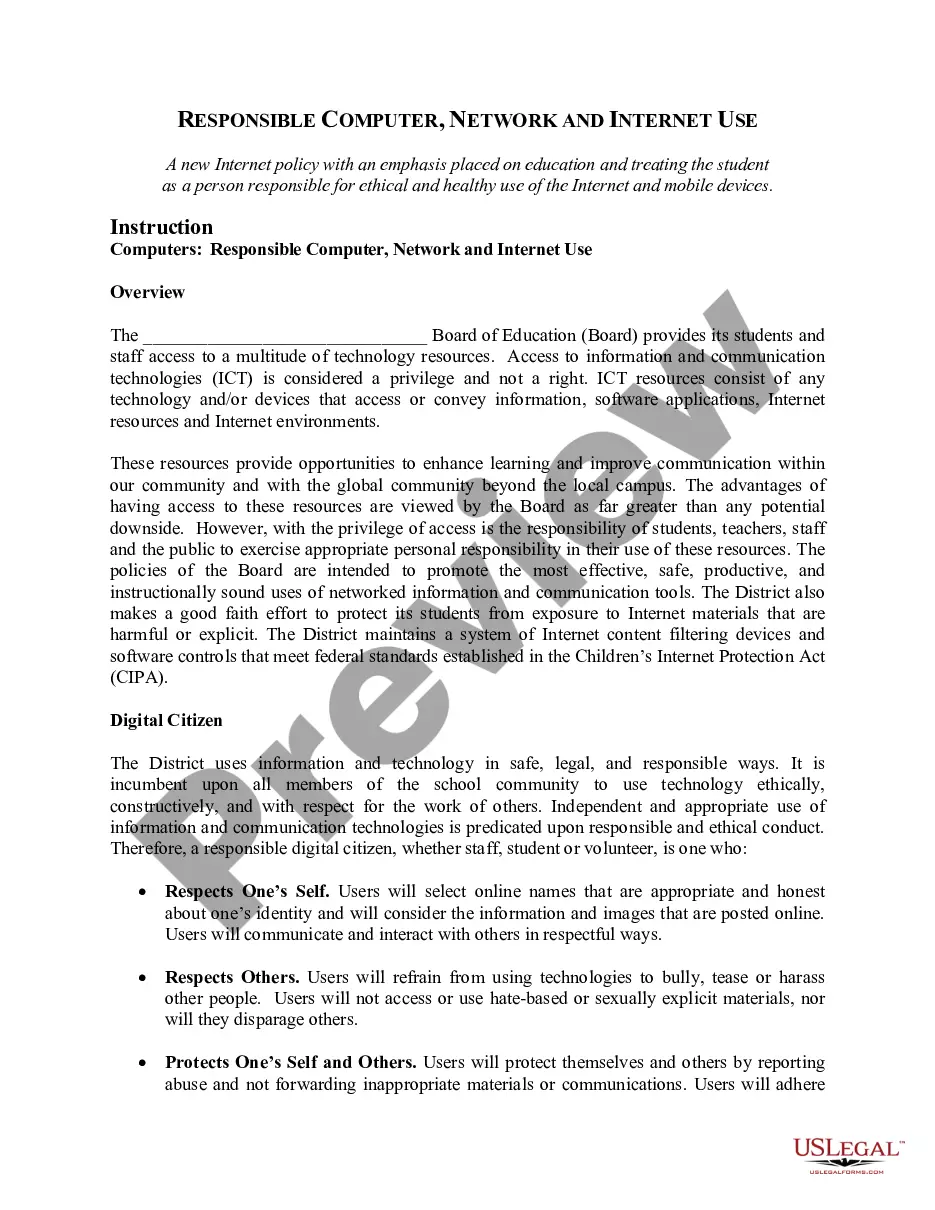
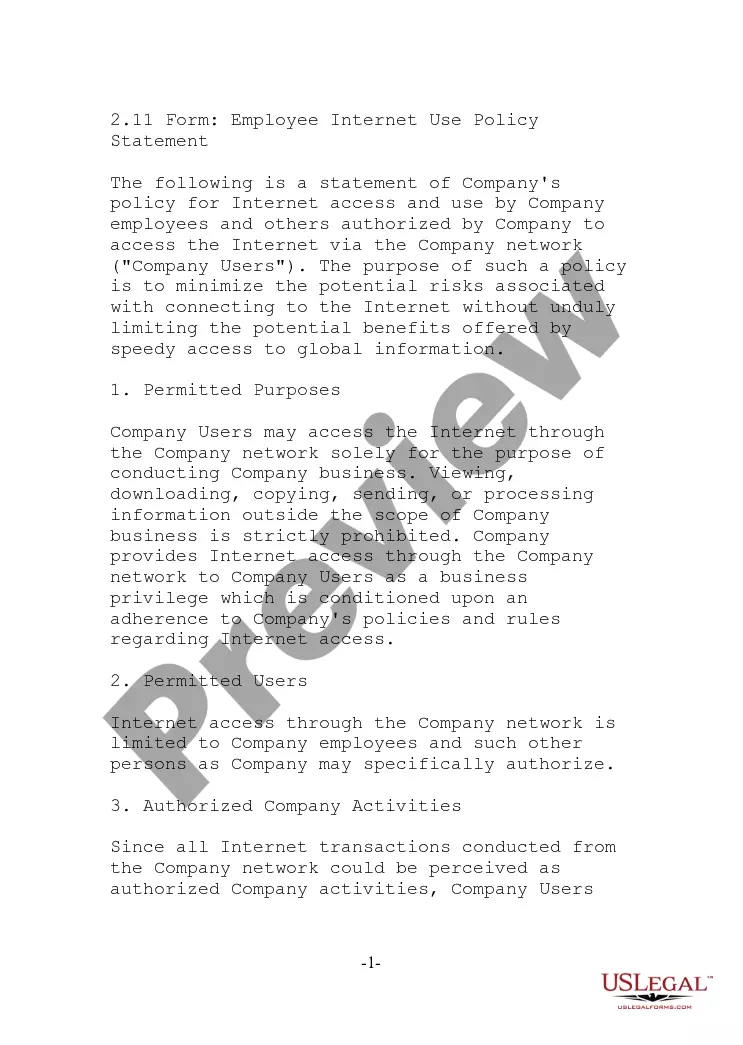
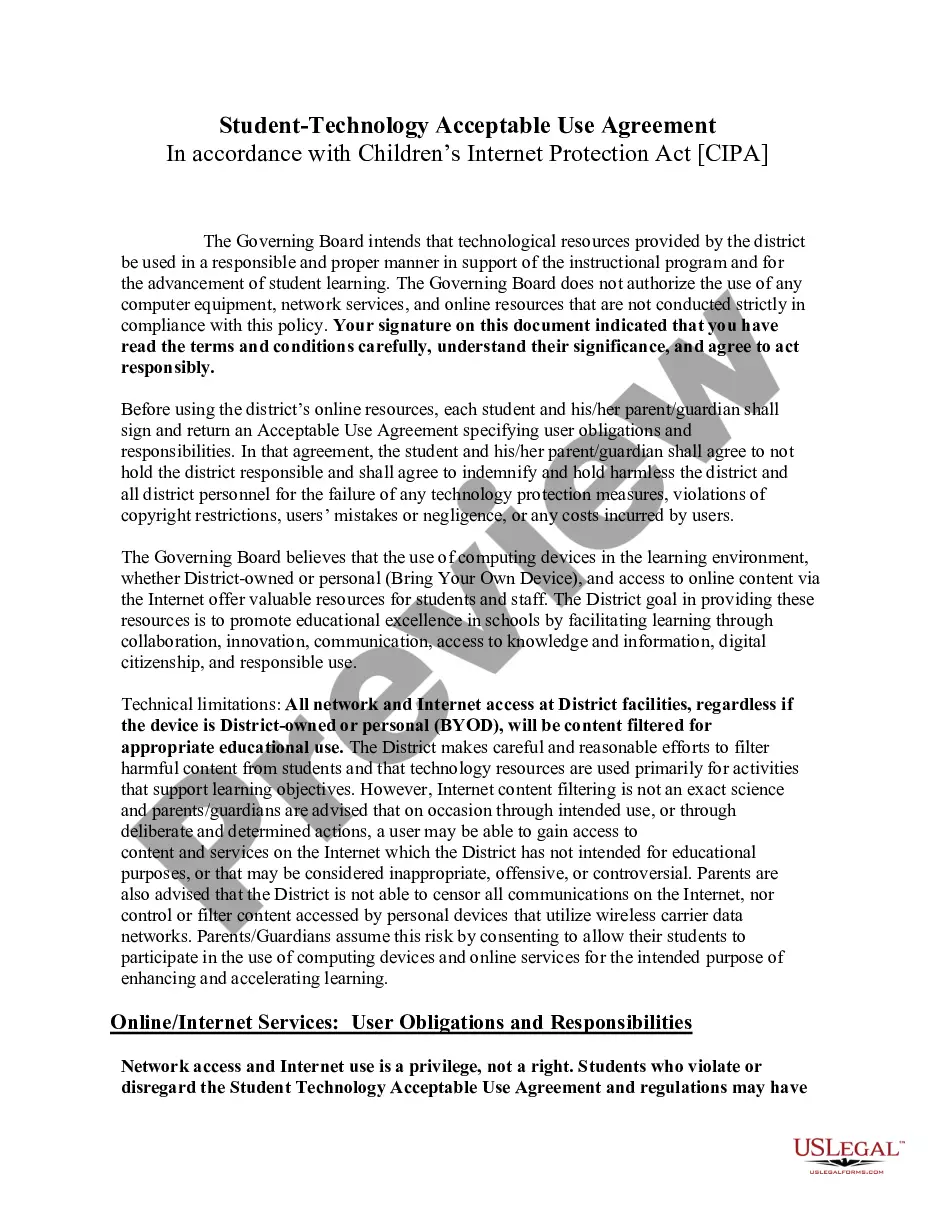
The Responsible Computer Network and Internet Use for Schools form is a policy guide designed to ensure ethical and responsible use of technology resources by students, teachers, and staff in an educational setting. Unlike similar policies, this form emphasizes the importance of education and promotes a culture of digital citizenship within the school community.
Main sections of this form
- Access privileges to technology resources and responsible use guidelines.
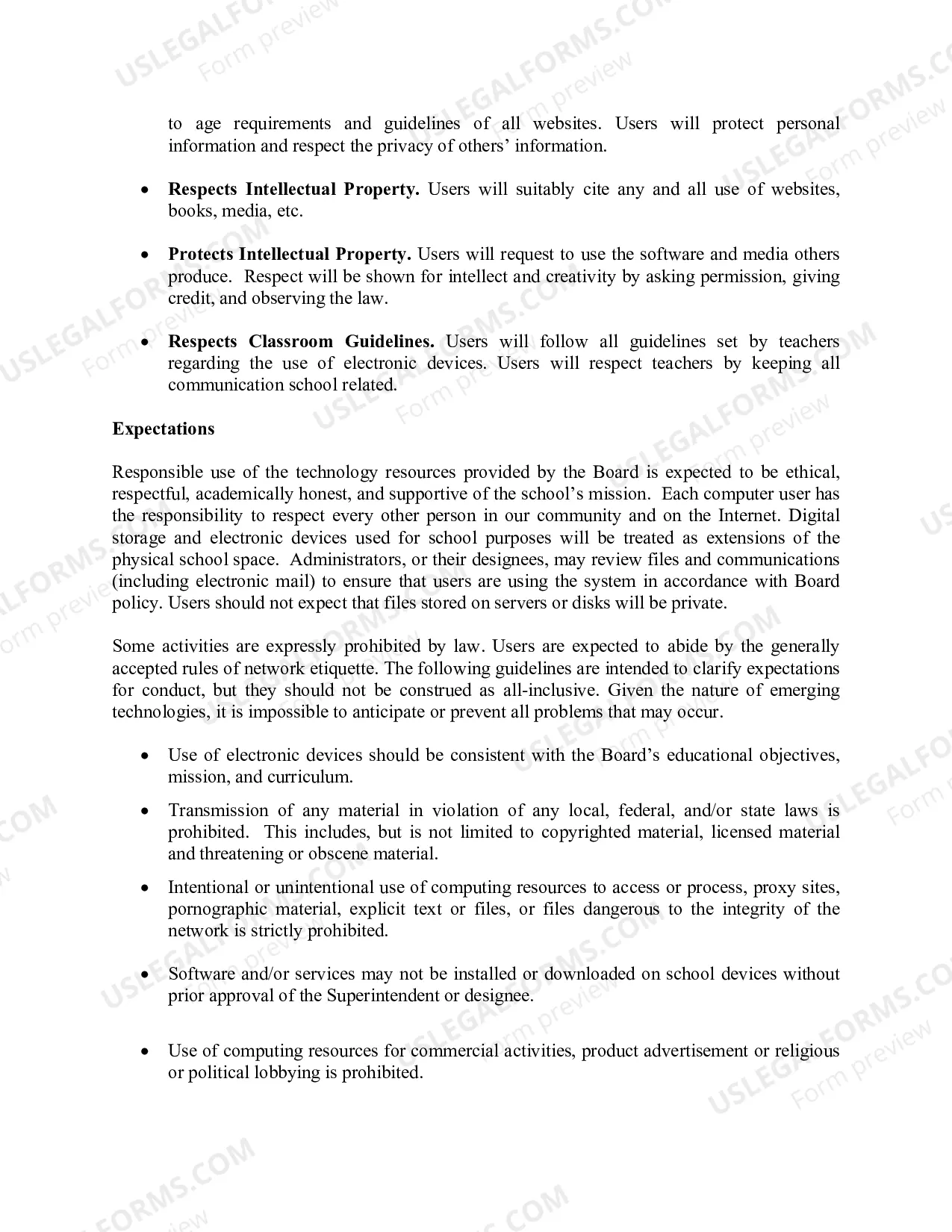
- Expectations for behavior regarding digital citizenship and respect for others.
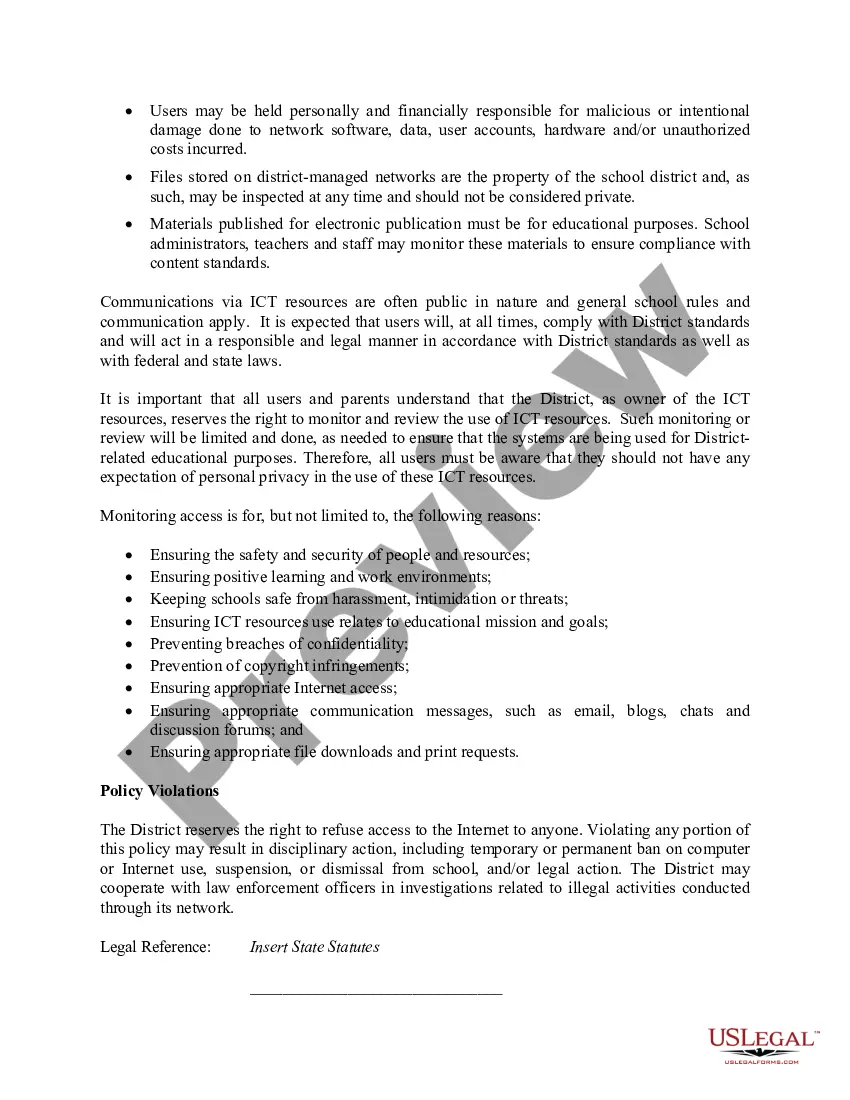
- Monitoring and review policies for usage of ICT resources to ensure compliance.
- Consequences for violating the policy, including potential disciplinary actions.
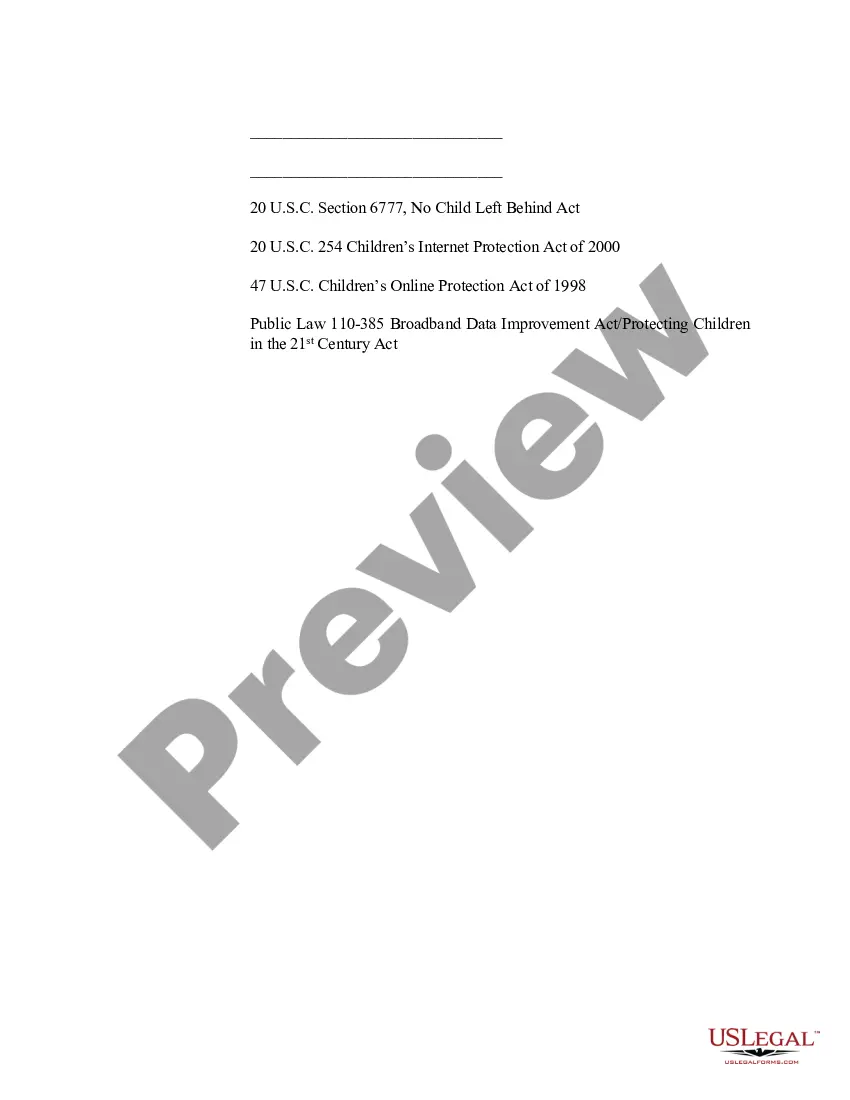
- Legal references, including federal laws governing internet use in schools.


When to use this form
This form should be utilized when establishing or updating a school's technology use policy. It is necessary during the introduction of new digital resources or when addressing concerns related to technology misuse among students and staff. Schools may also use this form in workshops or training sessions focused on responsible internet use.
Who needs this form
- School administrators looking to implement or revise internet use policies.
- Teachers who need guidance on establishing classroom technology usage rules.
- Staff responsible for managing school technology resources and ensuring compliance.
- Parents interested in understanding their children's internet use policies at school.
Instructions for completing this form
- Identify the Board of Education providing the policy.
- Define the guidelines for responsible computer and internet use.
- Outline expectations and consequences for violations of the policy.
- Include legal references related to internet protection and student rights.
- Distribute the completed policy to all students, staff, and parents.
Does this form need to be notarized?
This form usually doesn’t need to be notarized. However, local laws or specific transactions may require it. Our online notarization service, powered by Notarize, lets you complete it remotely through a secure video session, available 24/7.
Get your form ready online
Our built-in tools help you complete, sign, share, and store your documents in one place.
Make edits, fill in missing information, and update formatting in US Legal Forms—just like you would in MS Word.
Download a copy, print it, send it by email, or mail it via USPS—whatever works best for your next step.
Sign and collect signatures with our SignNow integration. Send to multiple recipients, set reminders, and more. Go Premium to unlock E-Sign.
If this form requires notarization, complete it online through a secure video call—no need to meet a notary in person or wait for an appointment.
We protect your documents and personal data by following strict security and privacy standards.

Make edits, fill in missing information, and update formatting in US Legal Forms—just like you would in MS Word.

Download a copy, print it, send it by email, or mail it via USPS—whatever works best for your next step.

Sign and collect signatures with our SignNow integration. Send to multiple recipients, set reminders, and more. Go Premium to unlock E-Sign.

If this form requires notarization, complete it online through a secure video call—no need to meet a notary in person or wait for an appointment.

We protect your documents and personal data by following strict security and privacy standards.
Typical mistakes to avoid
- Failing to clearly define acceptable and unacceptable uses of technology.
- Not involving the school community in the policy formulation process.
- Neglecting to update the policy as new technology emerges.
- Omitting legal requirements specific to the state or local district.
Benefits of completing this form online
- Convenient access to customizable templates tailored for educational institutions.
- Editability to meet specific school district needs and requirements.
- Reliable legal language drafted by licensed attorneys ensuring compliance and enforceability.
Legal use & context
- This form is designed to support schools in complying with federal laws on internet safety.
- It provides a framework for maintaining a secure and respectful online environment for students.
- Failure to comply with the policies outlined may result in legal repercussions for the school and individuals.
Looking for another form?





Form popularity
FAQ
With a few clicks, students can find answers to almost any question. This ease of access to information has made research much easier and more efficient. In addition, online resources such as educational videos and articles can supplement classroom learning, making the learning process more engaging and effective.
An Acceptable Use Policy is a document which addresses all rights, privileges, responsibilities and sanctions associated with the use of the internet and digital technologies within the school, including online and offline usage.
In education, computer networks are used to facilitate communication and collaboration between students, teachers, and administrators. They also provide students with access to a wealth of resources, such as online libraries, educational websites, and virtual classrooms.
Local Area Network (LAN)?This is one of the most common types of networks and is more typically used in office buildings than a PAN network. A LAN network connects devices in one building or even two and can also be found in schools or laboratories.
Computers can be used for online education & research. With the help of the internet, students can find useful information about their projects, assignments and also can take useful help from other researchers as they store & organize their research materials in computers.
Computers in education are used to provide Audio-Visual learning, research, online learning, maintain records, make documents, and learn new evolving technologies.
In education, computer networks are used to facilitate communication and collaboration between students, teachers, and administrators. They also provide students with access to a wealth of resources, such as online libraries, educational websites, and virtual classrooms.
Computers can be used for online education & research. With the help of the internet, students can find useful information about their projects, assignments and also can take useful help from other researchers as they store & organize their research materials in computers.