Invoice Template for Actor
What this document covers
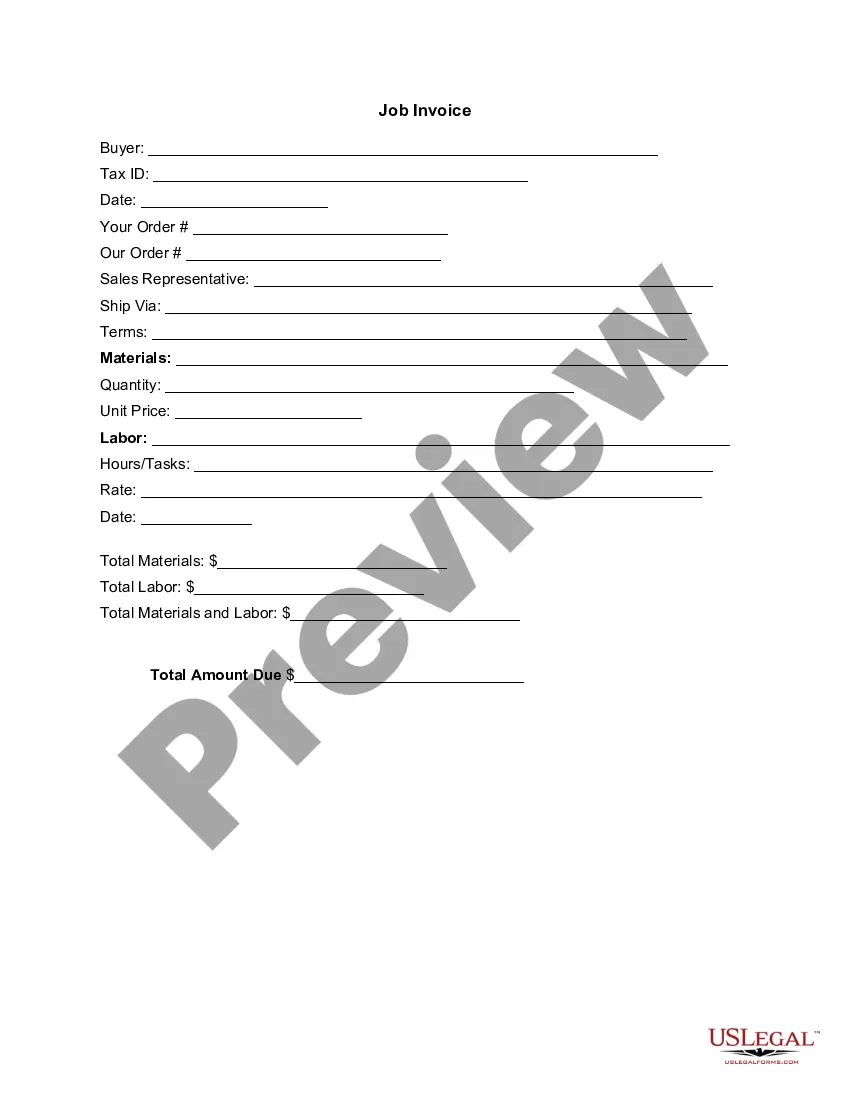
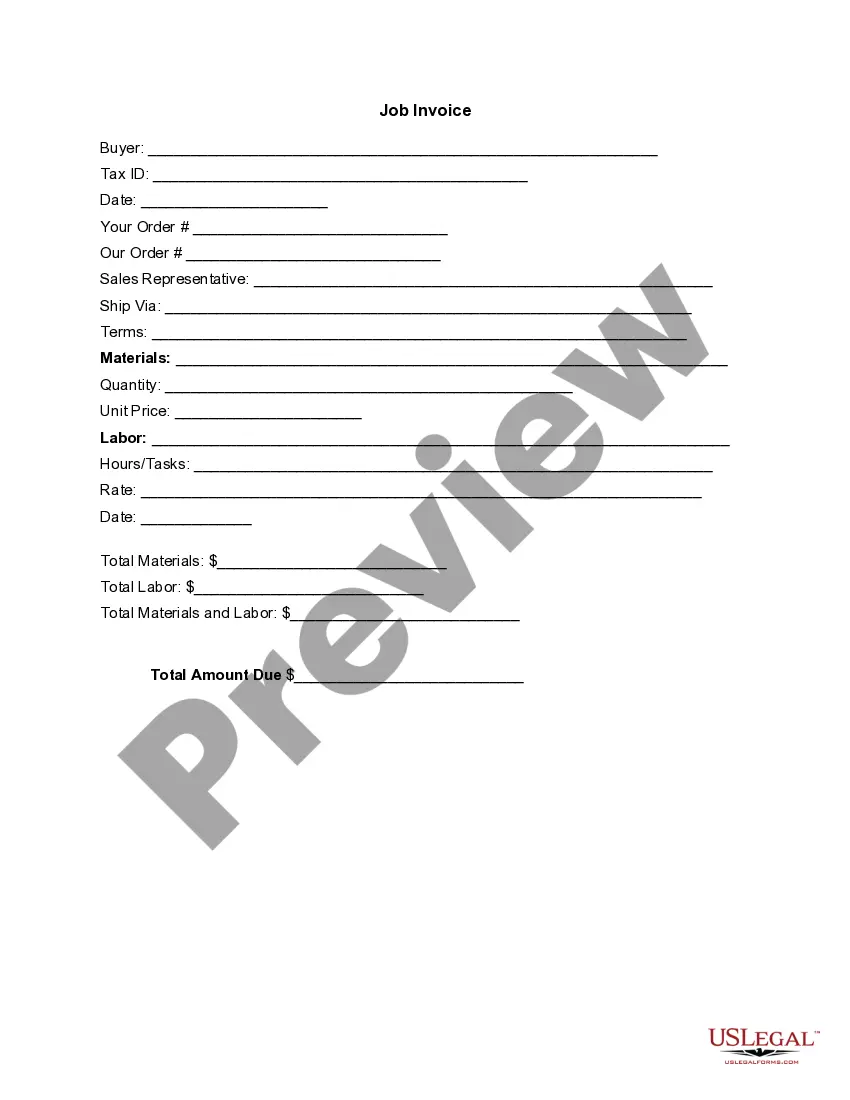
The Invoice Template for Actor is a detailed billing document specifically designed for professionals in the entertainment industry. This form outlines the services rendered, materials used, and total fees due for an acting gig, helping to ensure clear communication between the actor and the hiring party. Unlike generic invoices, this template is tailored to meet the unique needs of actors and their services.
Main sections of this form
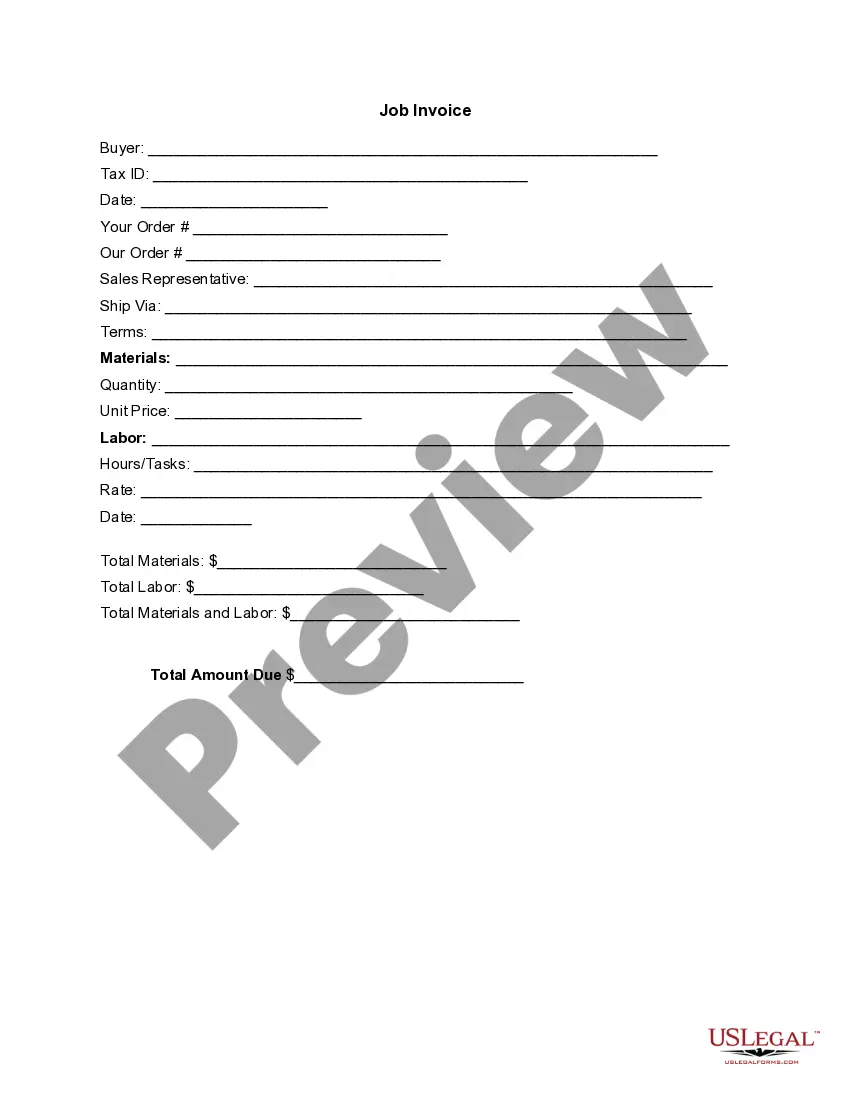
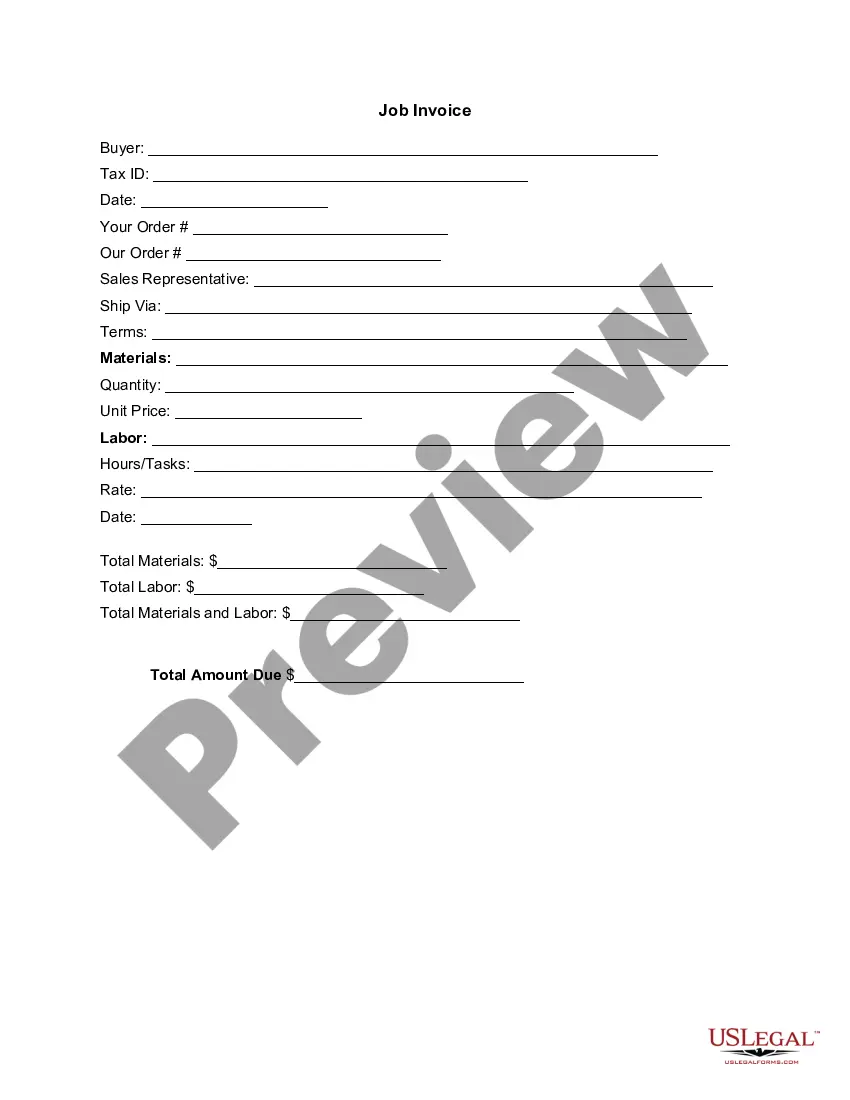
- Buyer Information: Name and Tax ID of the individual or company receiving the invoice.
- Order Details: Includes spaces for your order number and our order number for tracking.
- Sales Representative: Name of the representative managing the transaction.
- Shipping Information: Method of delivery for materials or services, if applicable.
- Labor Details: Description of work performed, hours spent, and rates charged for services rendered.
- Total Amount Due: A clear summary of all costs, including materials and labor, for easy understanding.

Common use cases
This invoice template should be used when an actor provides services to a client, such as a casting director or production company. It is particularly essential when working on film sets, theater productions, or promotional events where formal billing is necessary to ensure prompt payment.
Who can use this document
- Actors and performers looking to bill clients for their services.
- Production companies and casting directors that need an organized system for tracking payments.
- Freelance artists who require a formal invoice format for their work.
Instructions for completing this form
- Fill in the buyer's name and Tax ID at the top of the invoice.
- Enter order numbers for both parties to track the transaction.
- Specify the sales representative and how materials were shipped, if relevant.
- List the services provided, including details on labor, quantity, unit price, and tasks performed.
- Calculate the total amount due by adding materials and labor costs.
Does this document require notarization?
This form does not typically require notarization unless specified by local law. It is advisable to check any specific requirements in your state that may necessitate additional legal verification.
Get your form ready online
Our built-in tools help you complete, sign, share, and store your documents in one place.
Make edits, fill in missing information, and update formatting in US Legal Forms—just like you would in MS Word.
Download a copy, print it, send it by email, or mail it via USPS—whatever works best for your next step.
Sign and collect signatures with our SignNow integration. Send to multiple recipients, set reminders, and more. Go Premium to unlock E-Sign.
If this form requires notarization, complete it online through a secure video call—no need to meet a notary in person or wait for an appointment.
We protect your documents and personal data by following strict security and privacy standards.

Make edits, fill in missing information, and update formatting in US Legal Forms—just like you would in MS Word.

Download a copy, print it, send it by email, or mail it via USPS—whatever works best for your next step.

Sign and collect signatures with our SignNow integration. Send to multiple recipients, set reminders, and more. Go Premium to unlock E-Sign.

If this form requires notarization, complete it online through a secure video call—no need to meet a notary in person or wait for an appointment.

We protect your documents and personal data by following strict security and privacy standards.
Mistakes to watch out for
- Failing to include all pertinent buyer information, which may delay payment.
- Not providing a detailed breakdown of services, leading to confusion.
- Incorrectly calculating the total amount due, which can create disputes.
Why use this form online
- Easy customization to fit specific services offered by the actor.
- Quick download for immediate use, streamlining the billing process.
- Reliability of professionally drafted templates ensuring compliance with legal standards.
Summary of main points
- The Invoice Template for Actor is tailored for those in the entertainment industry.
- Properly detailing services and costs ensures clarity and aids in timely payments.
- Use this form when providing services to clients in any state, adjusting for local laws as needed.
Looking for another form?


Form popularity
FAQ
Include Contact Information. Add the Invoice Date. Establish a Simple Invoice Numbering System. List Your Services. Add Your Payment Terms. Include the Amount Due and the Payment Due Date.
Invoice Bus. Invoicebus helps you send online invoices to your clients and get paid instantly regardless to wherever you are based in the world. Invoice Generator. FreshBooks. Skynova. Invoiceto.me. Create. Zoho Invoice. Square Invoices.
Create an Invoice Header with Your Business Information. Include Your Client's Contact Details. Provide Invoice Information. Specify Your Payment Terms. Include an Itemized List of Services. List Applicable Taxes. Consider Adding Notes.
Download the free illustration work invoice template. Insert your name, your business name and contact information. Add your business logo and media. Fill out the client or business and contact information. Create and include a unique invoice number. Include an issue date and payment due date.
Download the basic Simple Invoice Template in PDF, Word or Excel format. Open the new invoice doc in Word or Excel. Add your business information and branding, including your business name and logo. Customize the fields in the template to create your invoice. Name your invoice. Save
Open your invoice template. Add the date. Enter the invoice number. Fill out the customer name, address, reference and/or order number. Enter a description of the goods or services. Total the costs and double-check your math.
Download the basic Simple Invoice Template in PDF, Word or Excel format. Open the new invoice doc in Word or Excel. Add your business information and branding, including your business name and logo. Customize the fields in the template to create your invoice. Name your invoice. Save
Download the Square Invoices app on your iOS or Android device. Create your free Square account or sign in with your existing Square account. Tap the '+' sign on the navigation bar and select 'Invoice'.When your clients receive the invoice in their email, they can pay you securely online.