Invoice Template for Model
What this document covers
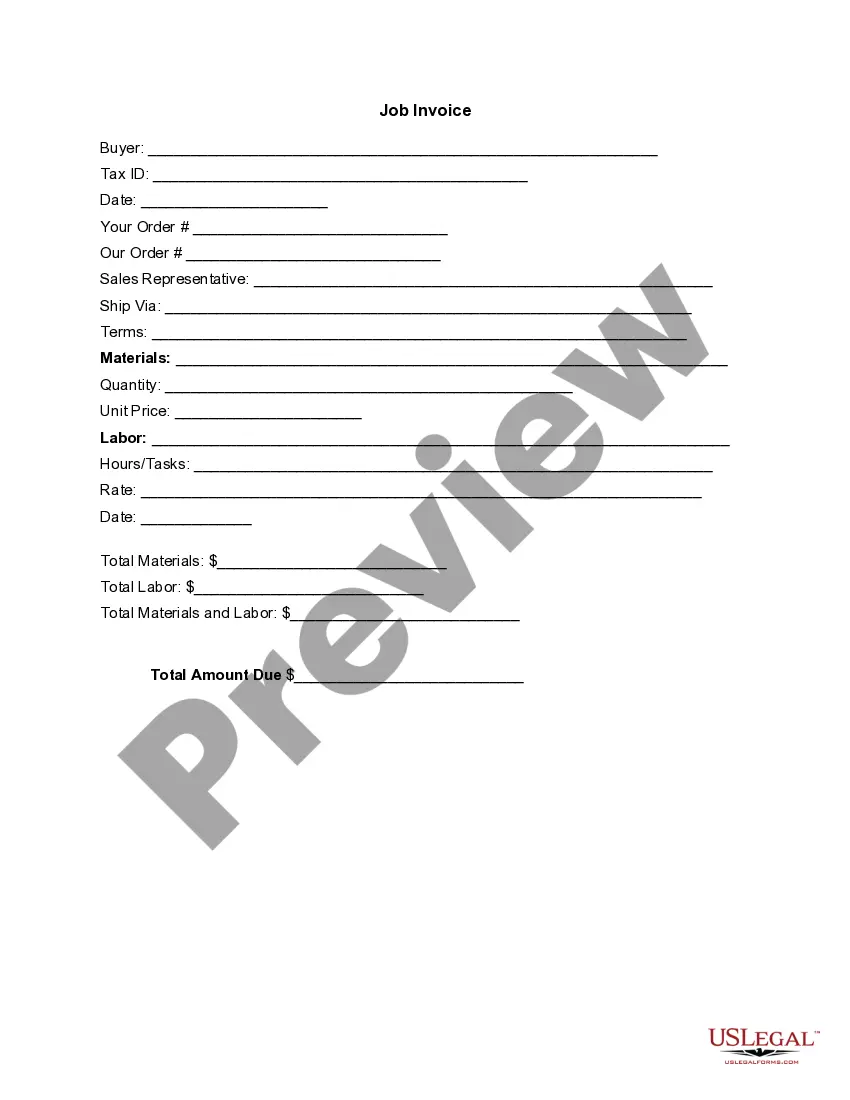
An Invoice Template for Model is a document that itemizes goods or services provided, along with their respective costs. It serves as an official request for payment, detailing the transaction between a seller and a buyer. Unlike other receipts or bills, this invoice format is specifically designed for modeling services or products, helping professionals clearly communicate charges to clients.
Key parts of this document
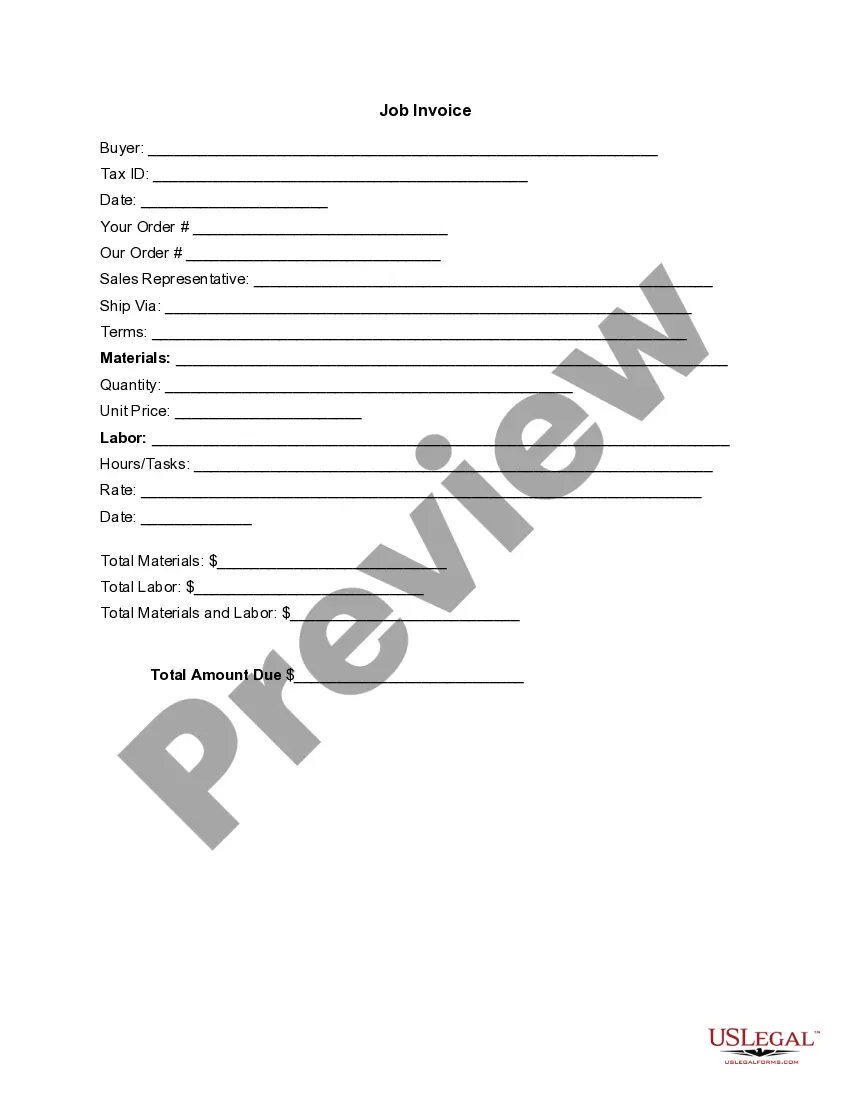
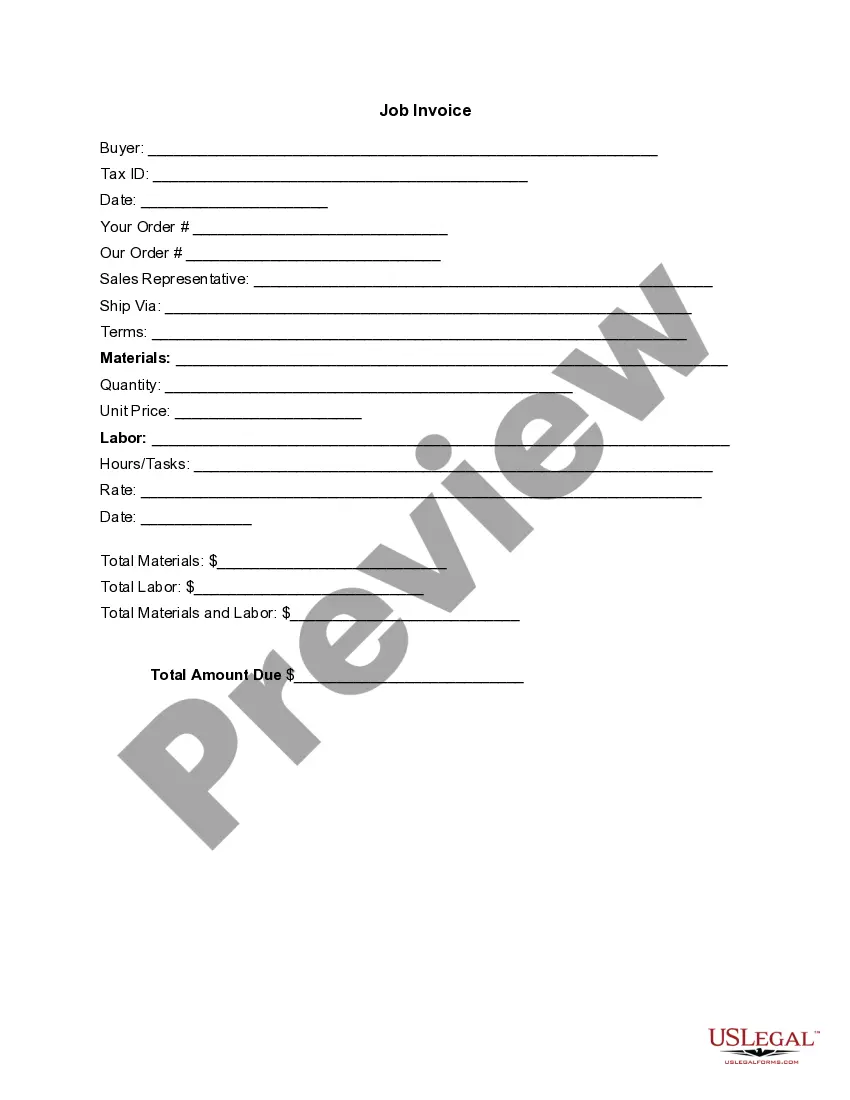
- Buyer information, including name and Tax ID
- Date of the invoice
- Details of the order, including order numbers for both buyer and seller
- Sales representative contact information
- Shipping method and payment terms
- Itemized list of materials used, labor hours, and associated costs
- Total amounts due, calculated from materials and labor



When this form is needed
This form is typically used when a modeling professional completes a project and needs to invoice the client for services rendered. It is suitable for both one-time projects and ongoing services, ensuring clear record-keeping and transparency in client transactions.
Who this form is for
This invoice template is ideal for:
- Modeling agencies and freelancers
- Photographers and videographers providing modeling services
- Event planners and coordinators working with models
- Any business requiring professional invoices for modeling-related services
Completing this form step by step
- Identify the buyer and enter their name and Tax ID.
- Fill in the invoice date and order details for both parties.
- Document the sales representativeâs contact information.
- List the materials and labor performed, including quantities and prices.
- Calculate the total amounts due for materials and labor, and enter the final total.
Does this form need to be notarized?
This form does not typically require notarization unless specified by local law. It serves as a standard invoice for documenting transactions between parties.
Get your form ready online
Our built-in tools help you complete, sign, share, and store your documents in one place.
Make edits, fill in missing information, and update formatting in US Legal Forms—just like you would in MS Word.
Download a copy, print it, send it by email, or mail it via USPS—whatever works best for your next step.
Sign and collect signatures with our SignNow integration. Send to multiple recipients, set reminders, and more. Go Premium to unlock E-Sign.
If this form requires notarization, complete it online through a secure video call—no need to meet a notary in person or wait for an appointment.
We protect your documents and personal data by following strict security and privacy standards.

Make edits, fill in missing information, and update formatting in US Legal Forms—just like you would in MS Word.

Download a copy, print it, send it by email, or mail it via USPS—whatever works best for your next step.

Sign and collect signatures with our SignNow integration. Send to multiple recipients, set reminders, and more. Go Premium to unlock E-Sign.

If this form requires notarization, complete it online through a secure video call—no need to meet a notary in person or wait for an appointment.

We protect your documents and personal data by following strict security and privacy standards.
Avoid these common issues
- Failing to include Tax ID or other important buyer information.
- Not itemizing all services or materials, which can lead to disputes.
- Leaving out the total amount due or miscalculating totals.
- Incorrectly stating payment terms, which can cause payment delays.
Why complete this form online
- Convenience of downloading and using the template immediately.
- Editability to customize for specific transactions and clients.
- Reliability, ensuring that all necessary components are included.
- Ease of record-keeping by keeping digital copies for future reference.
Looking for another form?
Form popularity
FAQ
Make your invoice look professional. The first step is to put your invoice together. Clearly mark your invoice. Add company name and information. Write a description of the goods or services you're charging for. Don't forget the dates. Add up the money owed. Mention payment terms.
Download the basic Simple Invoice Template in PDF, Word or Excel format. Open the new invoice doc in Word or Excel. Add your business information and branding, including your business name and logo. Customize the fields in the template to create your invoice. Name your invoice. Save
Download the basic Simple Invoice Template in PDF, Word or Excel format. Open the new invoice doc in Word or Excel. Add your business information and branding, including your business name and logo. Customize the fields in the template to create your invoice. Name your invoice. Save
Open a New Word Document. Choose Your Invoice Template. Download the Invoice Template. Customize Your Invoice Template. Save Your Invoice. Send Your Invoice. Open a New Blank Document. Create an Invoice Header.
PayPal (Web, iOS, Android) for creating invoices on mobile devices. Square (Web, iOS, Android) for accepting in-person and online payments. Wave (Web, iOS, Android) for invoicing and accounting for small businesses. Zoho Invoice (Web, iOS, Android) for invoice workflows.
PayPal (Web, iOS, Android) for creating invoices on mobile devices. Square (Web, iOS, Android) for accepting in-person and online payments. Wave (Web, iOS, Android) for invoicing and accounting for small businesses. Zoho Invoice (Web, iOS, Android) for invoice workflows.
Microsoft Word provides templates for invoice sheets that you customize to suit your business needs. Office features more than 100 online invoice templates that copy to a Word document. The Word command ribbon plus the Table Tools ribbon help update the style, color, alignment and other layout elements.