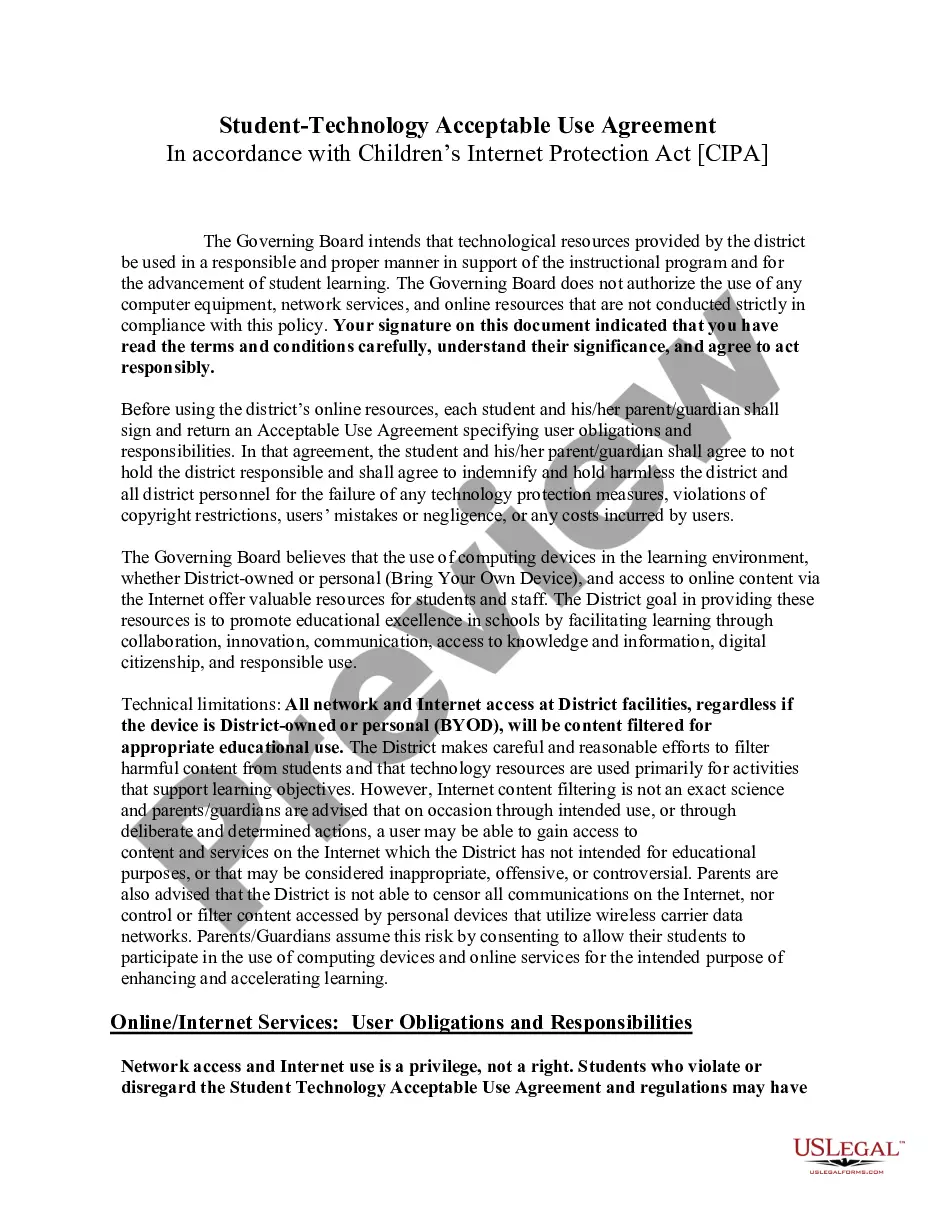
Student-Technology Acceptable Use Agreement
Understanding this form
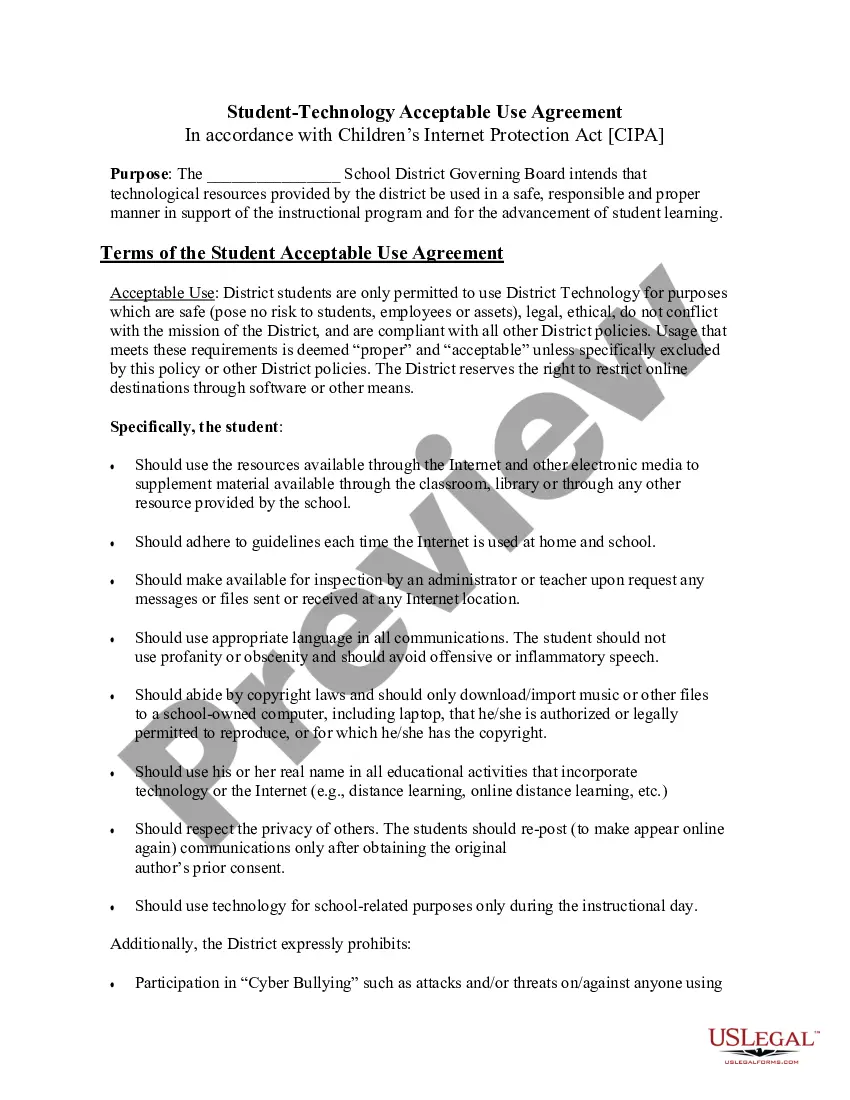
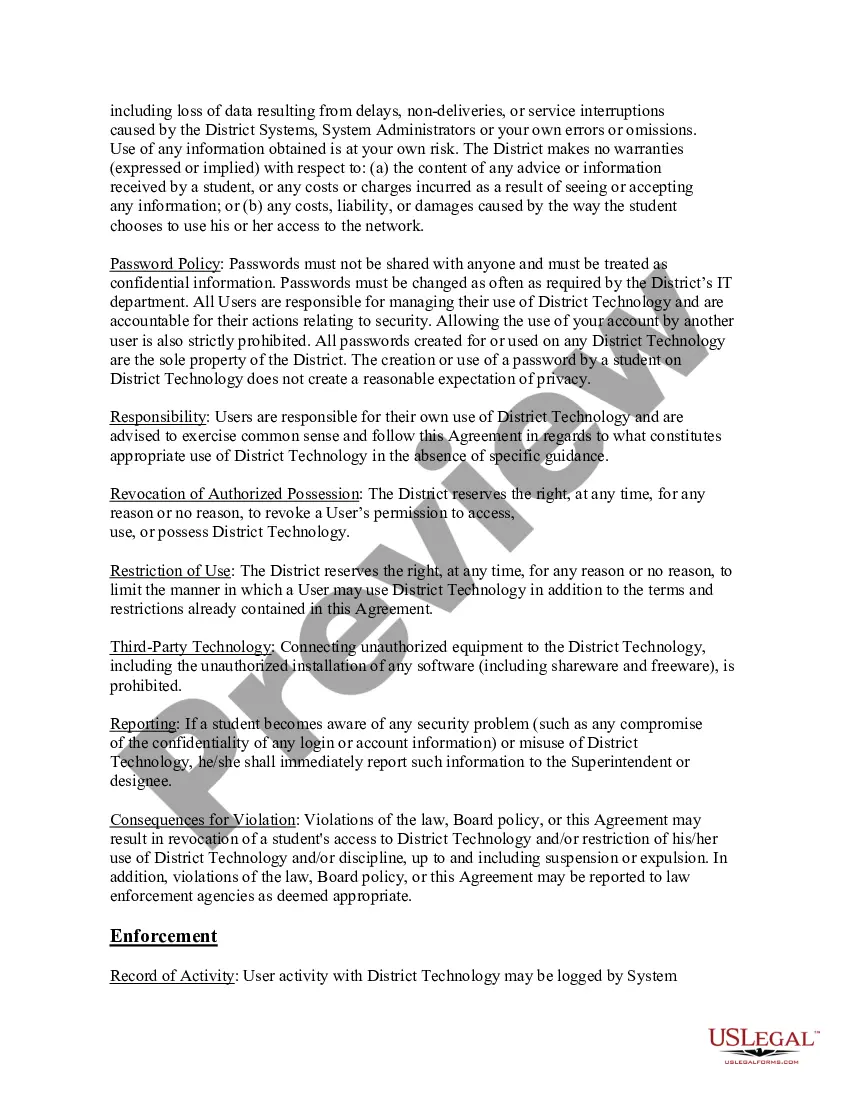
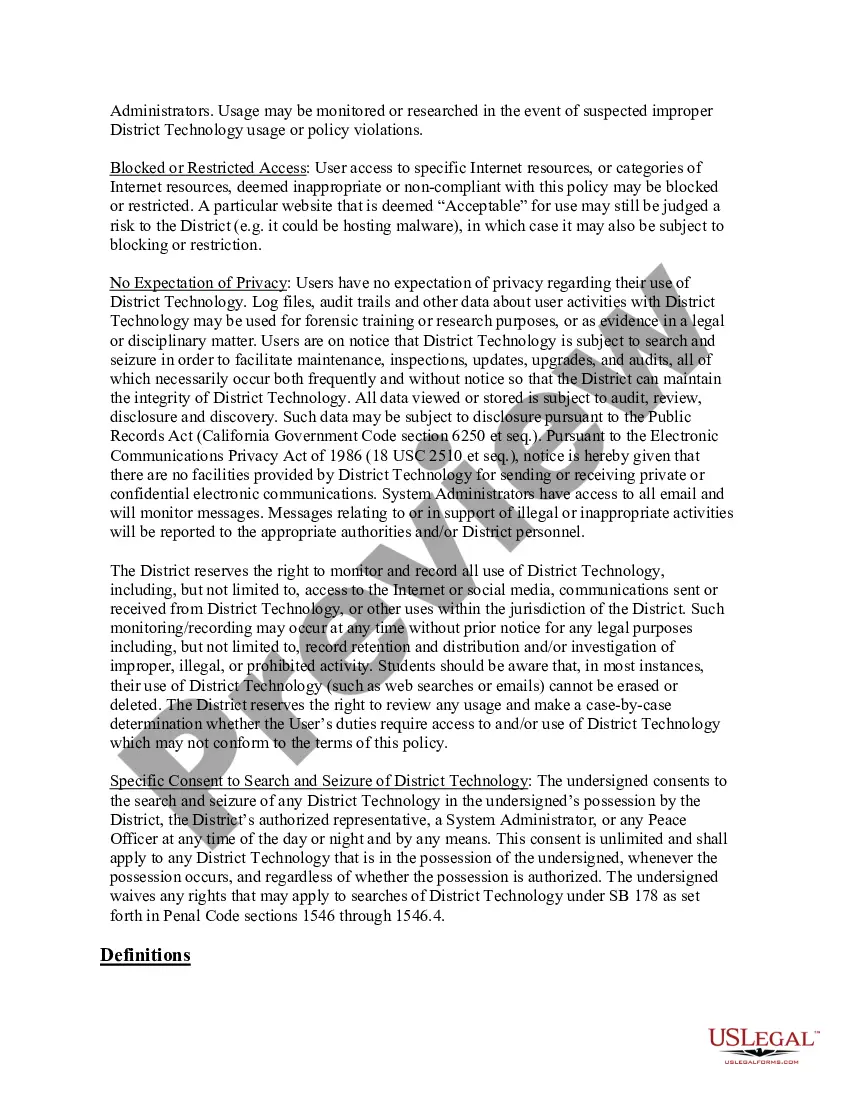
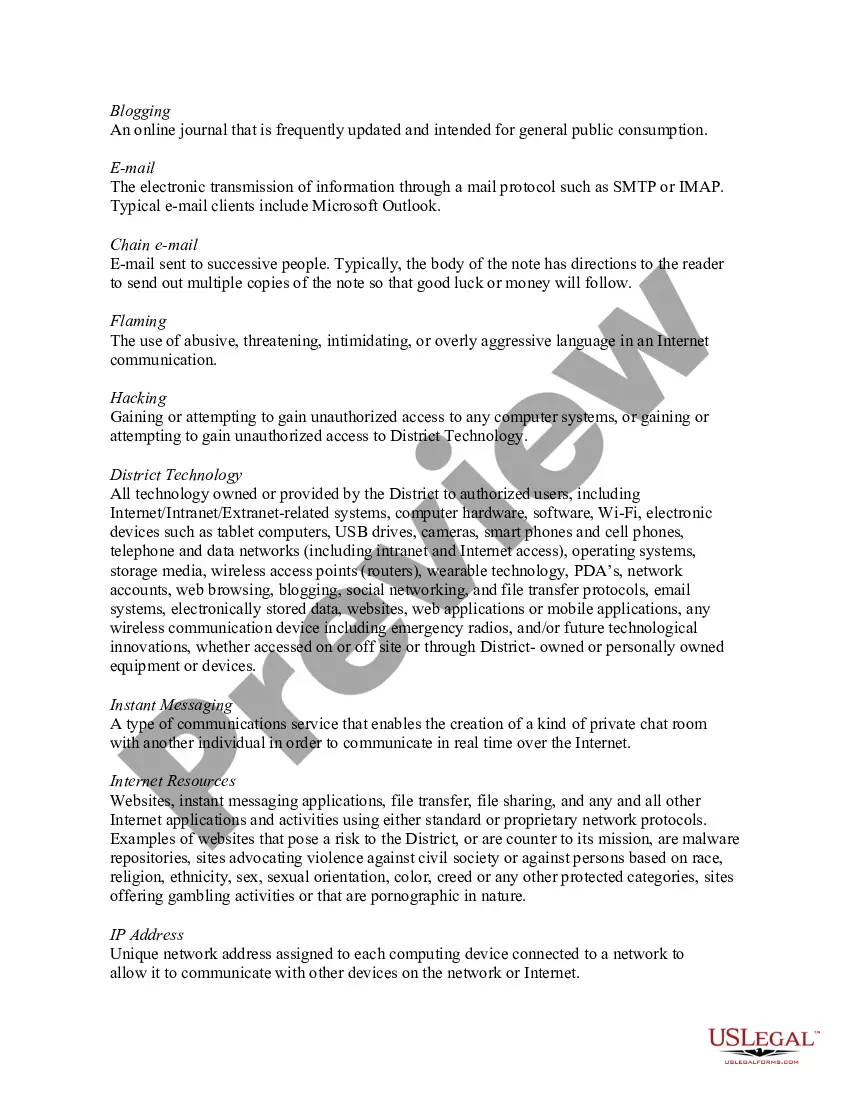
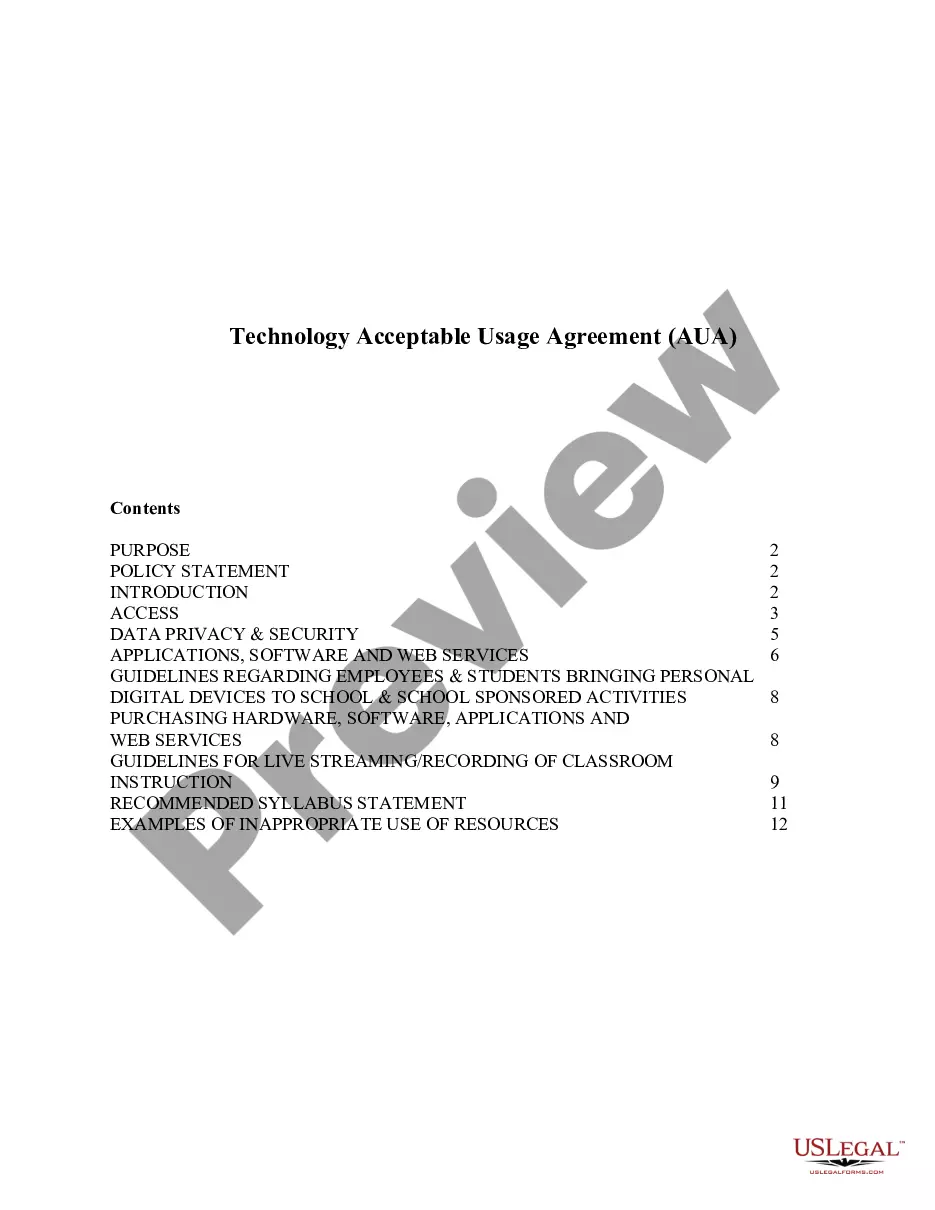
The Student-Technology Acceptable Use Agreement is a legal document that outlines the responsibilities and acceptable behaviors for students while using technology resources provided by educational institutions. This agreement ensures that students understand their obligations concerning the use of devices, internet access, and other online resources, highlighting the importance of responsible digital citizenship. It is distinct from other agreements as it specifically addresses the safe and ethical use of technology in an educational setting, particularly in compliance with the Children's Internet Protection Act (CIPA).
Form components explained
- Purpose of the agreement and reference to CIPA compliance.
- Responsibilities of students and parents regarding technology use.
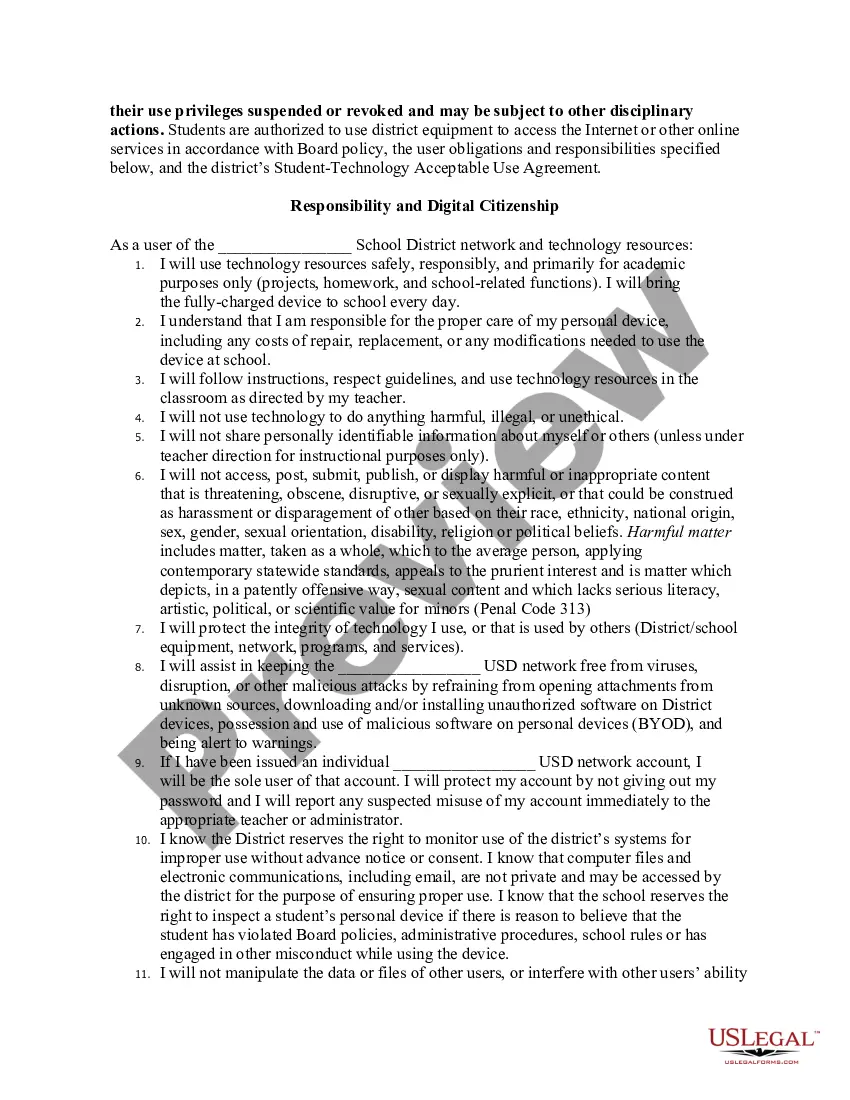
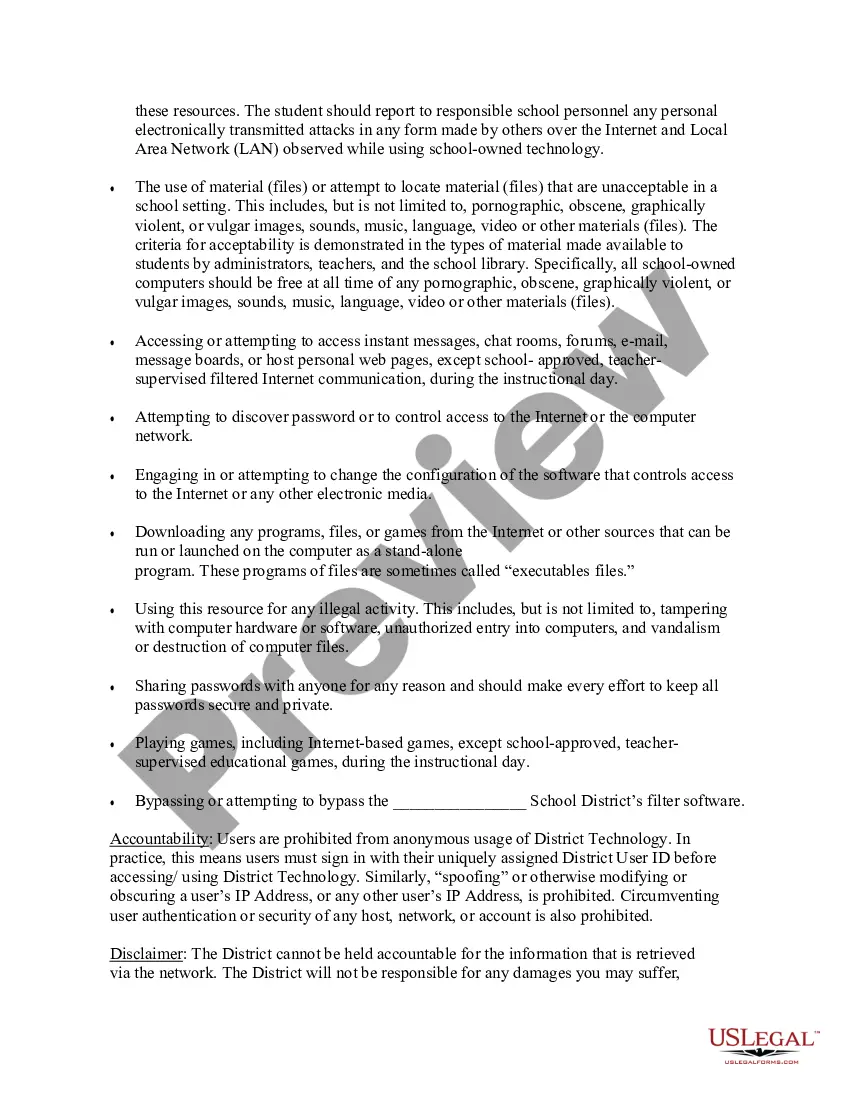
- Prohibitions against harmful, illegal, or unethical behavior online.
- Guidelines on personal device use in the educational environment.
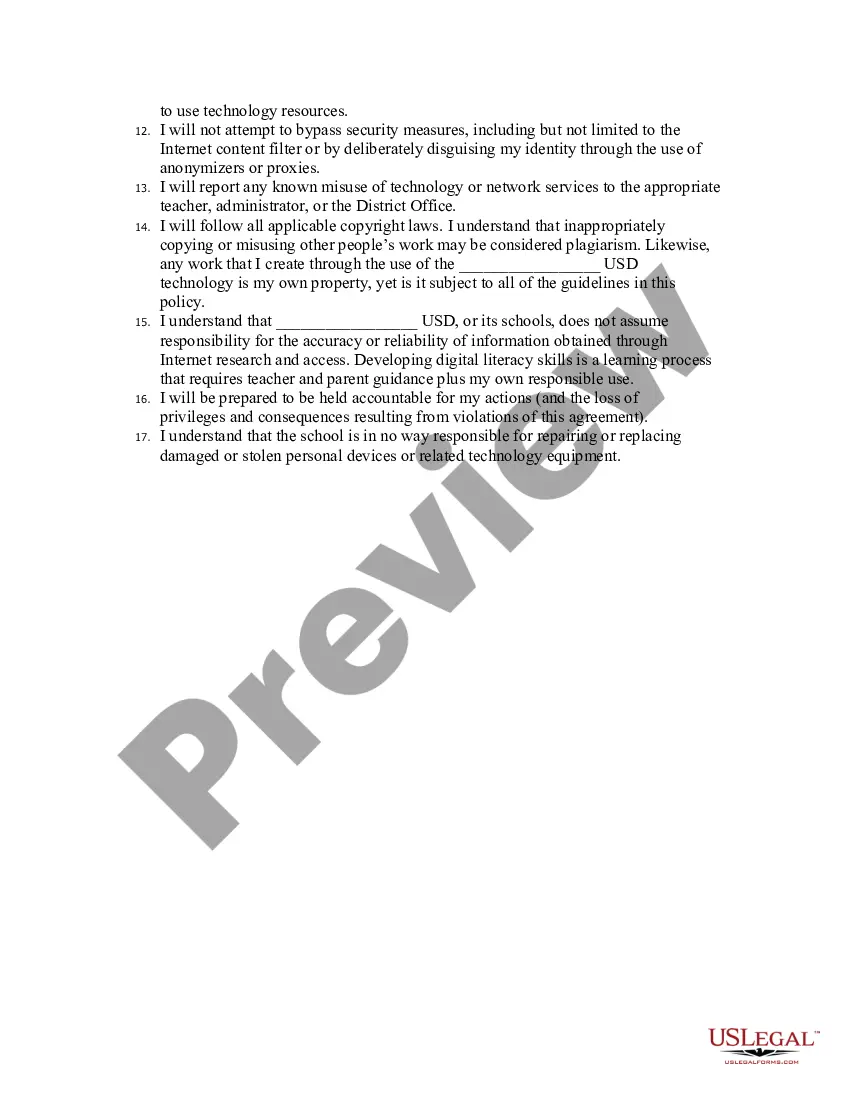
- Consequences for violations of the acceptable use policy.
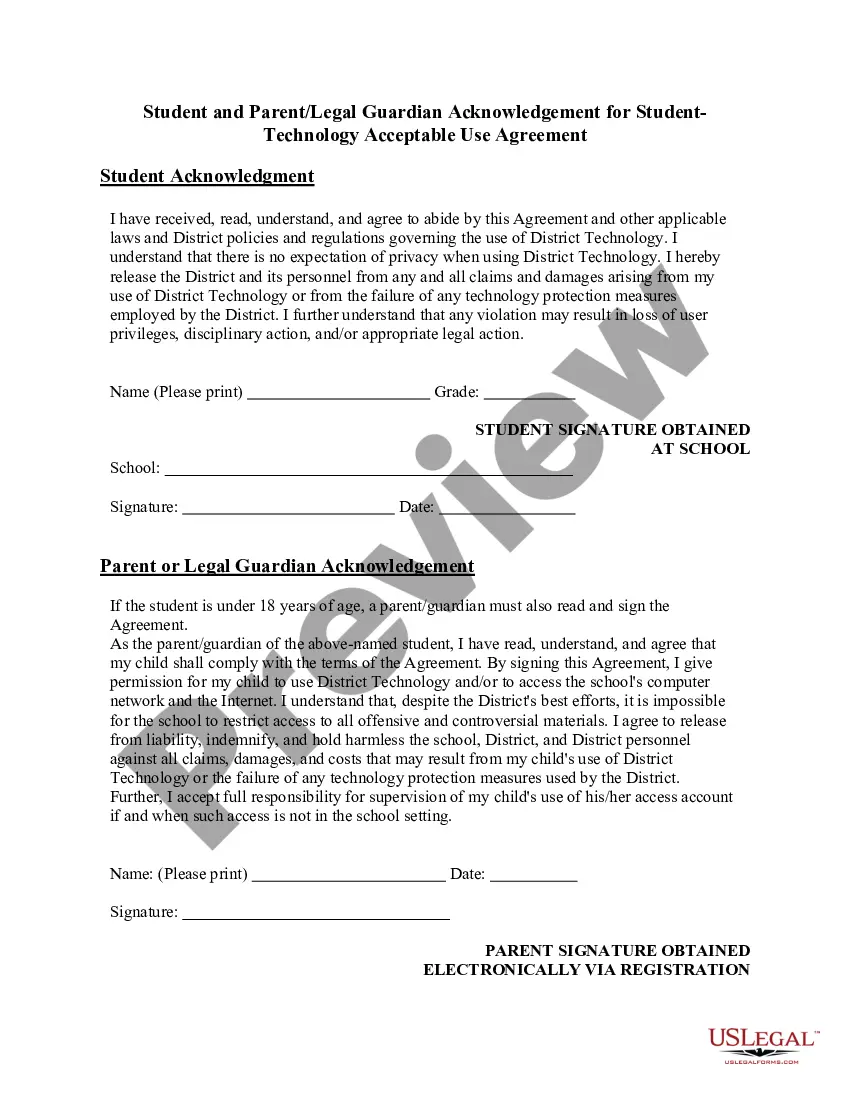
- Acknowledgment section for signatures from students and parents/guardians.


When to use this document
This form should be used at the beginning of each academic year or when a student is newly enrolled in a district that provides access to technology resources. It is essential when students will be using district-provided devices or their own personal devices for educational purposes. Additionally, it is required before granting network access as it helps ensure compliance with safety standards and safeguards against misuse of technology.
Who this form is for
The following individuals are encouraged to use this form:
- Students enrolled in a school district providing technology access.
- Parents or legal guardians of students under 18 years of age.
- Educational institutions requiring documentation of acceptable technology use policies.
How to complete this form
- Read the agreement carefully to understand terms and conditions.
- Fill in your name and grade in the designated section for students.
- Obtain a signature from a parent or legal guardian if you are under 18.
- Return the completed form to your school administrator or designated teacher.
- Keep a copy of the signed agreement for your records.
Does this document require notarization?
This form usually doesn’t need to be notarized. However, local laws or specific transactions may require it. Our online notarization service, powered by Notarize, lets you complete it remotely through a secure video session, available 24/7.
Get your form ready online
Our built-in tools help you complete, sign, share, and store your documents in one place.
Make edits, fill in missing information, and update formatting in US Legal Forms—just like you would in MS Word.
Download a copy, print it, send it by email, or mail it via USPS—whatever works best for your next step.
Sign and collect signatures with our SignNow integration. Send to multiple recipients, set reminders, and more. Go Premium to unlock E-Sign.
If this form requires notarization, complete it online through a secure video call—no need to meet a notary in person or wait for an appointment.
We protect your documents and personal data by following strict security and privacy standards.

Make edits, fill in missing information, and update formatting in US Legal Forms—just like you would in MS Word.

Download a copy, print it, send it by email, or mail it via USPS—whatever works best for your next step.

Sign and collect signatures with our SignNow integration. Send to multiple recipients, set reminders, and more. Go Premium to unlock E-Sign.

If this form requires notarization, complete it online through a secure video call—no need to meet a notary in person or wait for an appointment.

We protect your documents and personal data by following strict security and privacy standards.
Avoid these common issues
- Failure to have a parent or guardian sign if the student is underage.
- Not reading or understanding the terms before signing.
- Omitting personal information such as name or grade.
Benefits of using this form online
- Convenient access to the agreement for downloading and printing.
- Editable sections allow personalization for each student.
- Secure handling of the agreement through digital submission options.
Key takeaways
- The Student-Technology Acceptable Use Agreement is essential for ensuring responsible digital use in schools.
- Students and parents must understand their rights and responsibilities related to technology use.
- Compliance with the agreement helps protect the safety and integrity of educational technology resources.