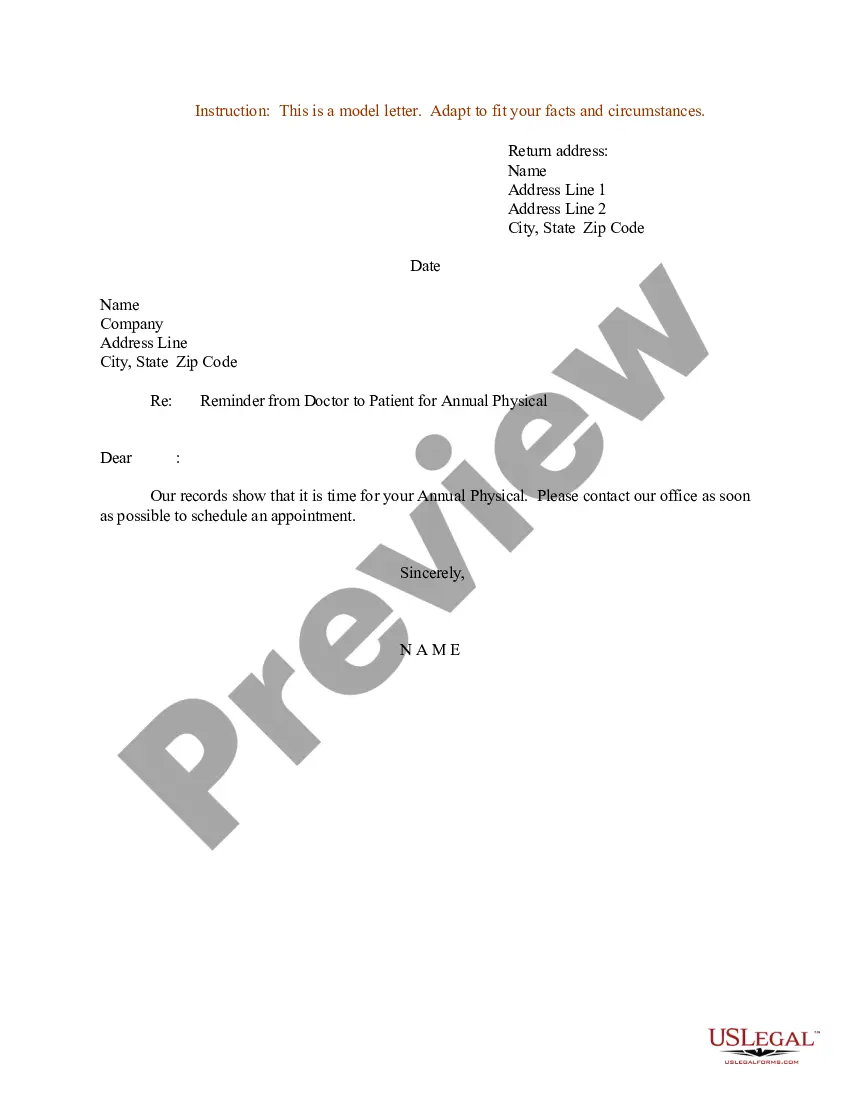
Texas Defendant's Responses and Objections
Description
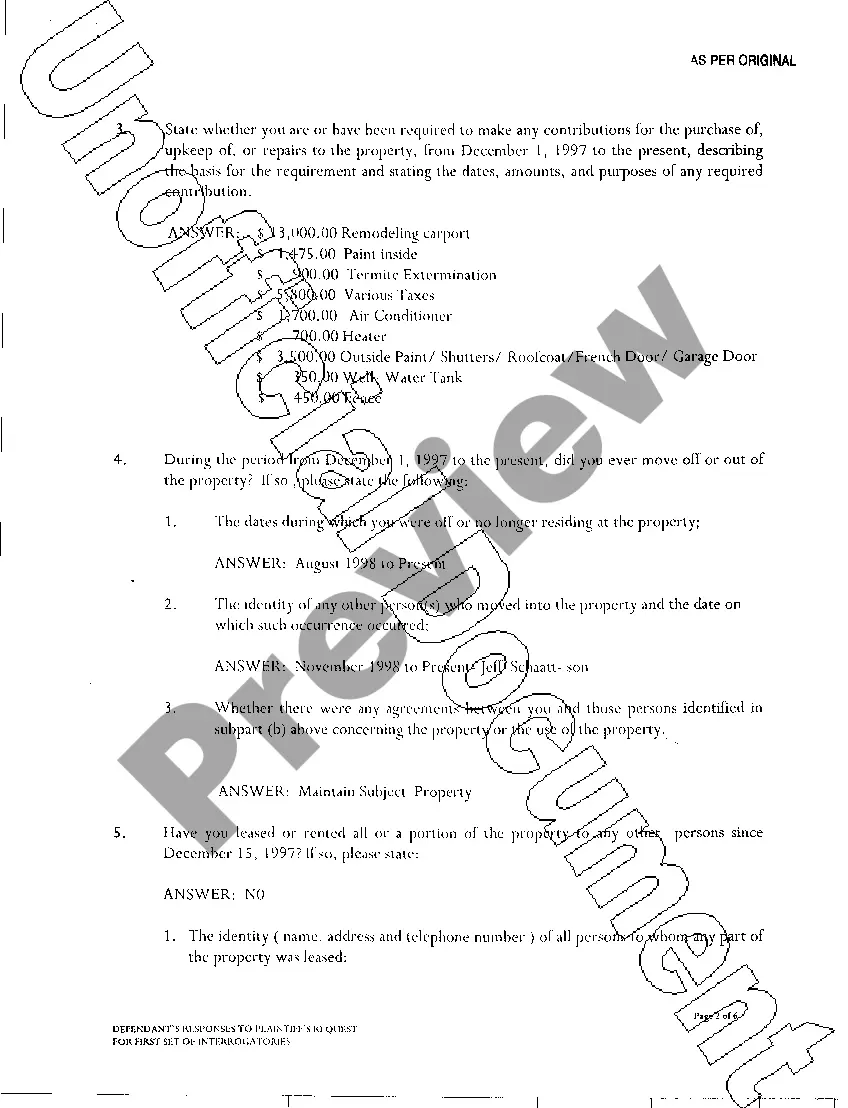
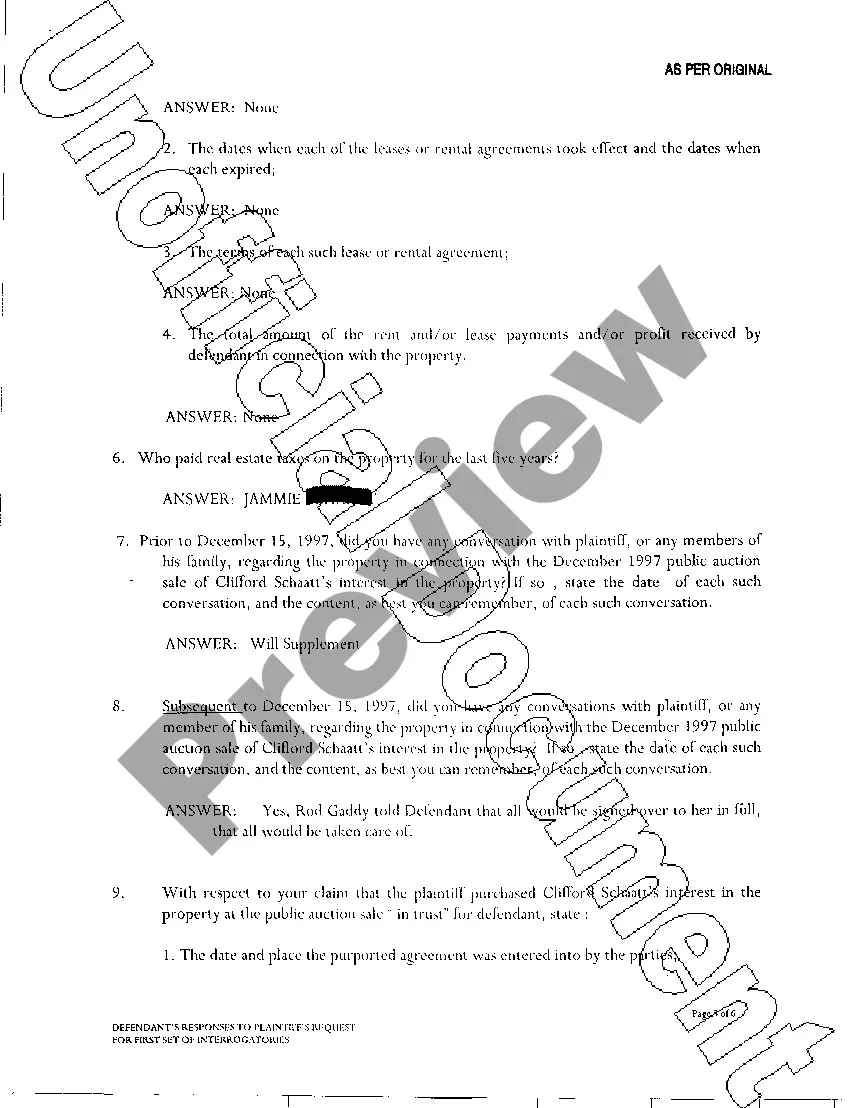
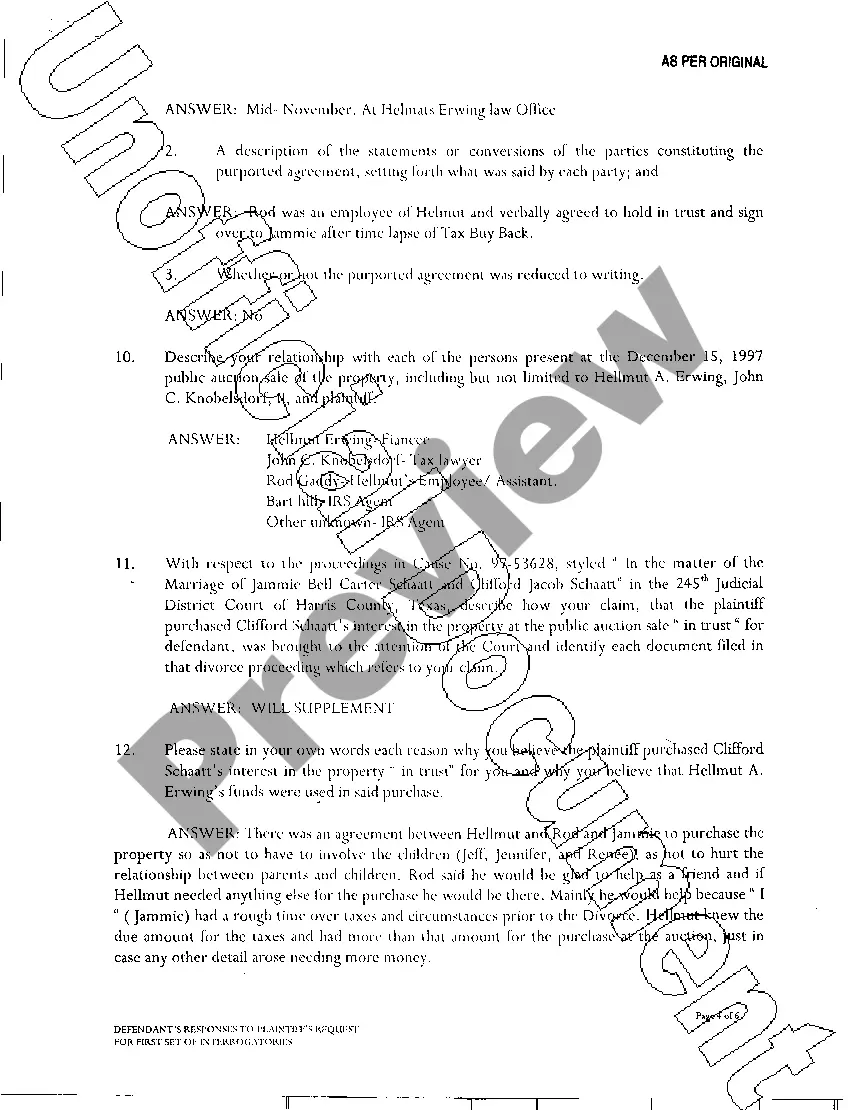
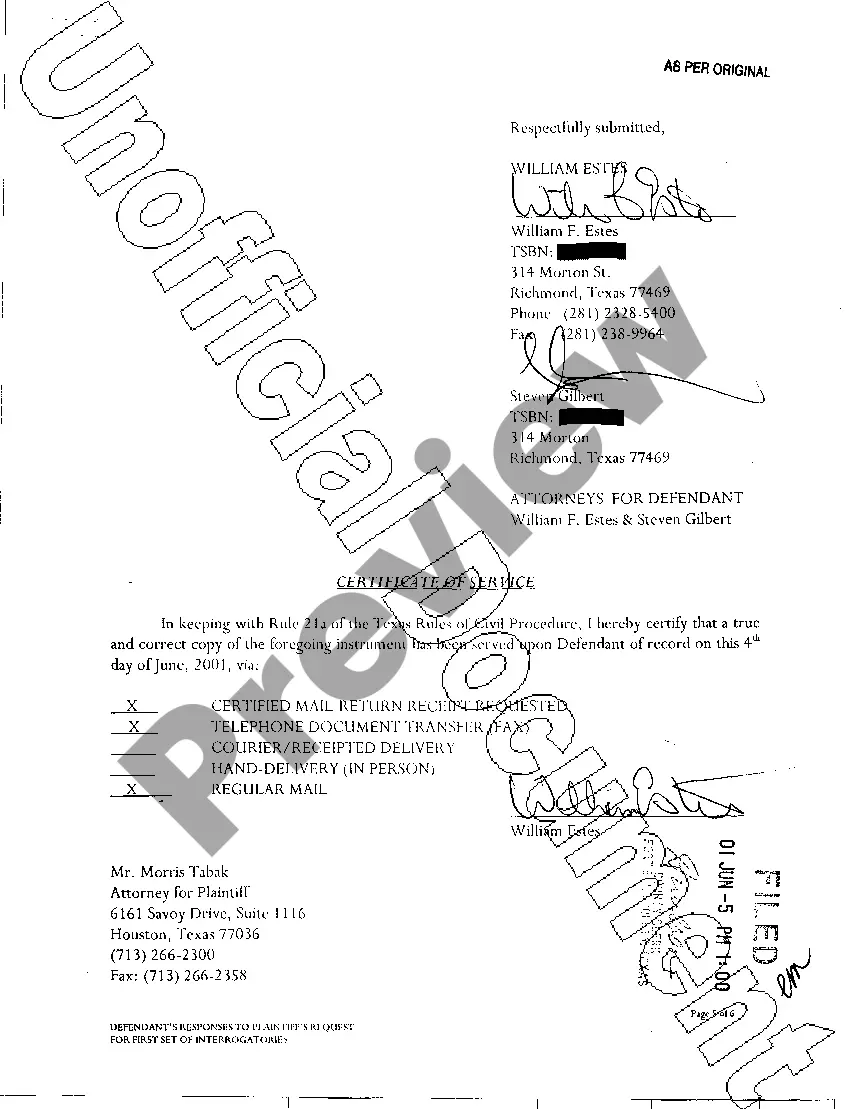
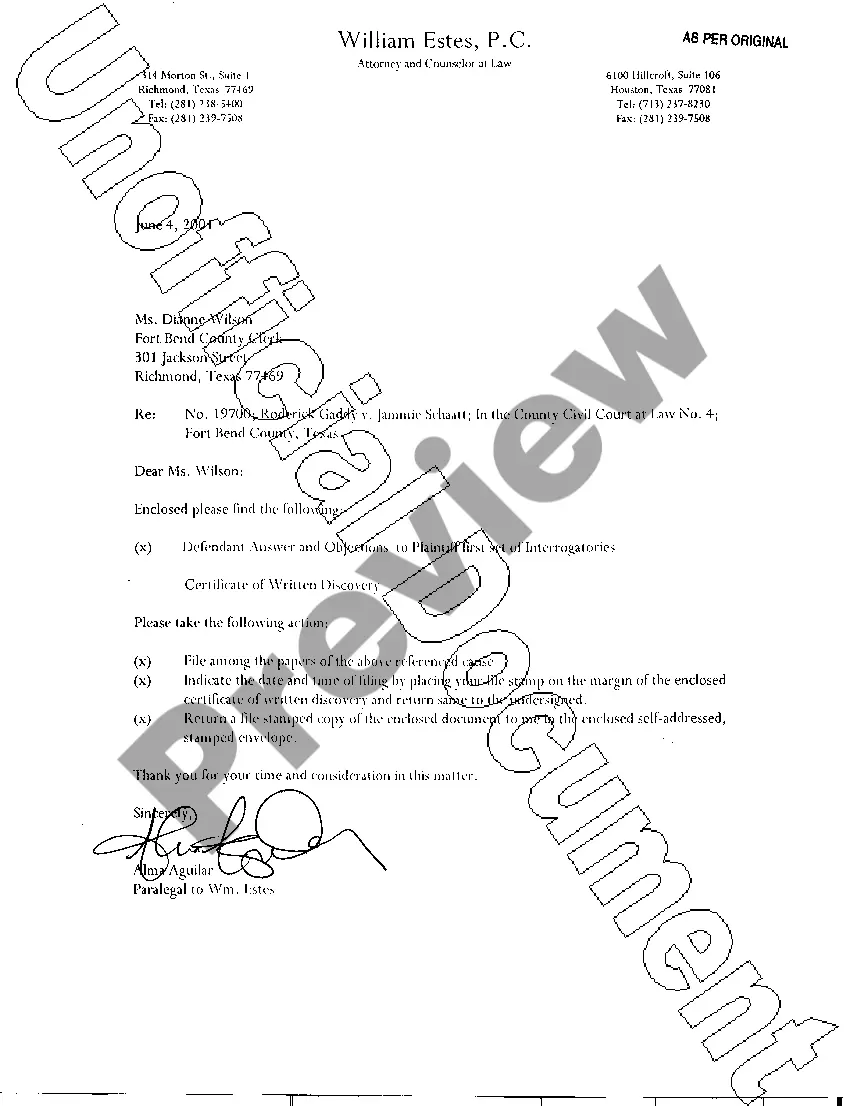
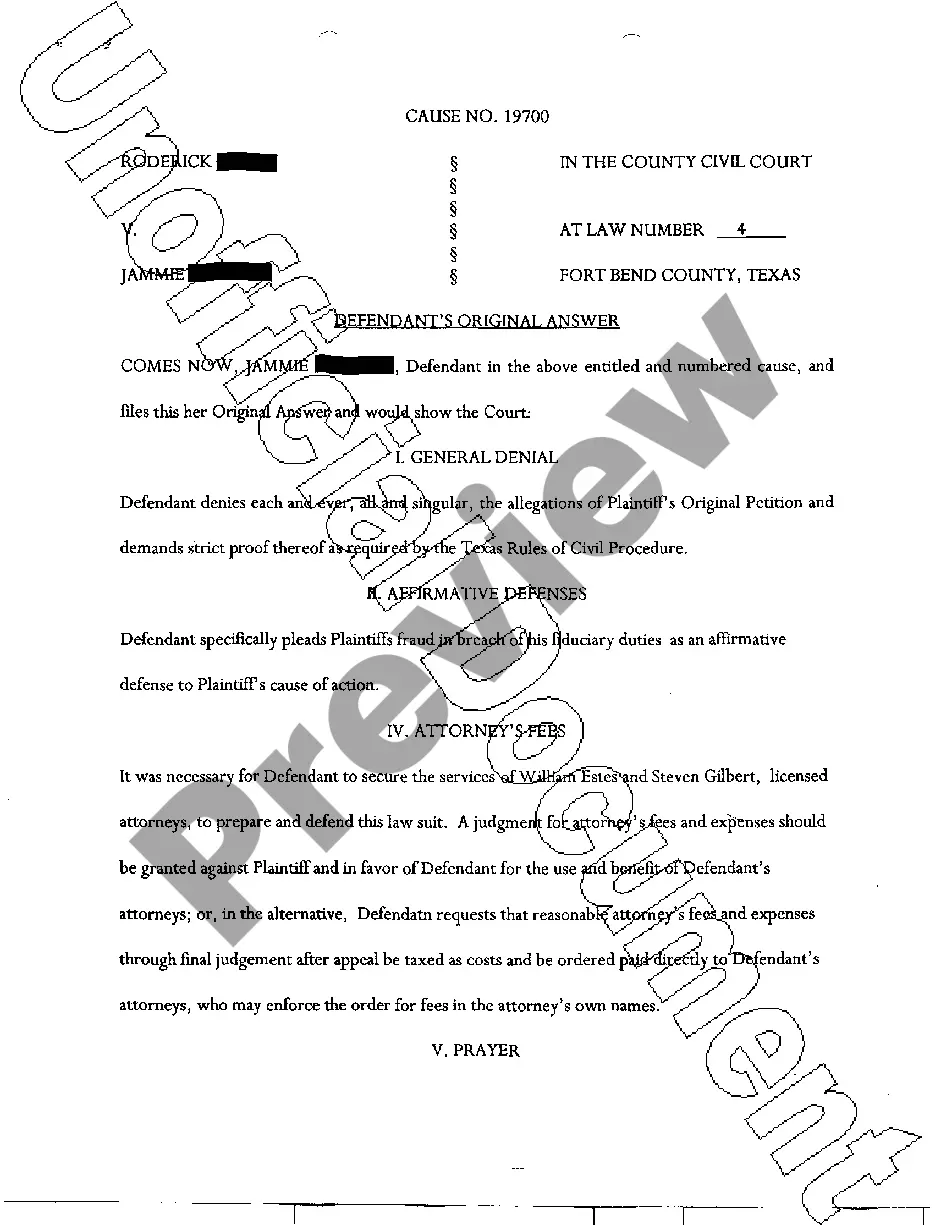
How to fill out Texas Defendant's Responses And Objections?
Access to top quality Texas Defendant's Responses and Objections templates online with US Legal Forms. Avoid hours of misused time seeking the internet and lost money on files that aren’t up-to-date. US Legal Forms offers you a solution to exactly that. Find around 85,000 state-specific authorized and tax samples that you can save and fill out in clicks in the Forms library.
To receive the sample, log in to your account and then click Download. The file is going to be stored in two places: on your device and in the My Forms folder.
For people who don’t have a subscription yet, take a look at our how-guide below to make getting started simpler:
- See if the Texas Defendant's Responses and Objections you’re looking at is appropriate for your state.
- View the sample utilizing the Preview option and read its description.
- Check out the subscription page by clicking on Buy Now button.
- Select the subscription plan to keep on to register.
- Pay out by card or PayPal to finish creating an account.
- Pick a favored file format to download the document (.pdf or .docx).
You can now open the Texas Defendant's Responses and Objections sample and fill it out online or print it out and do it by hand. Consider mailing the document to your legal counsel to be certain all things are filled in appropriately. If you make a mistake, print and fill sample again (once you’ve made an account every document you save is reusable). Create your US Legal Forms account now and get much more forms.
Form popularity
FAQ
You can object to an interrogatory if the information sought is known by the requesting party or available to both parties equally. For example, you should raise this objection if the answers are publicly available or in a third-party's custody or control.
Organize documents. Organize according to the demand number. Don't duplicate documents. If you're providing three years of bank statements in response to one demand, and the same documents contain information responsive to another demand, state so. Comply with the due date. Communicate. Do a complete job.
If a request asks for a document, make a copy of the document; in your response, describe the document and say that a copy is attached; and attach a copy of the document to the responses you send back to the other side.
Create a Realistic Schedule and Stick to It. First, you must create a realistic timeline for discovery. Start Discovery as Soon As Possible. Date, Source, and Stamp Each Delivery of Documents. Prepare Privilege Log. Understand the New Federal Rules.
Yes, the responding party must serve all other parties with copies of the discovery responses, with the original discovery responses sent to the propounding party...
Thank you for your inquiry regarding our product or service. Thank you for your interest in our product or service. We would like to thank you for your letter inquiring about our product. We truly appreciate your letter asking for information about our service.
1) Agree on timelines for your discovery plan. 2) Provide a list of custodians. 3) Lay out parameters for information disclosure. 4) Keep legal holds in mind. 5) Make sure preservation methods are forensically sound. 6) Define protective orders.
Sort Court Documents into Folders/ Sections The easiest way to organize documents is by creating folders and sections. With Bundledocs you can create as many sections, sub-section or even volumes as needed. For example, create a 'Pleadings', 'Correspondence', 'Records' etc. section and add any documents you need to it.