Request for Additional Information , Not in Brochure
What this document covers
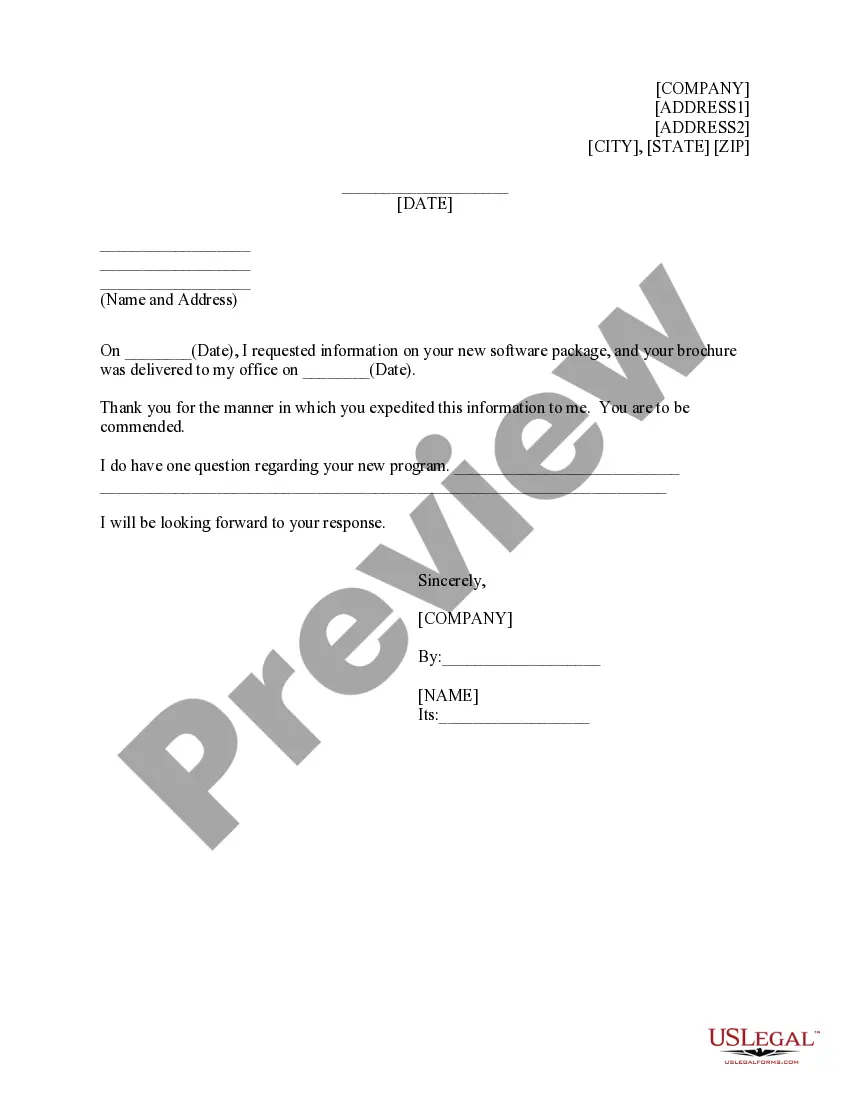
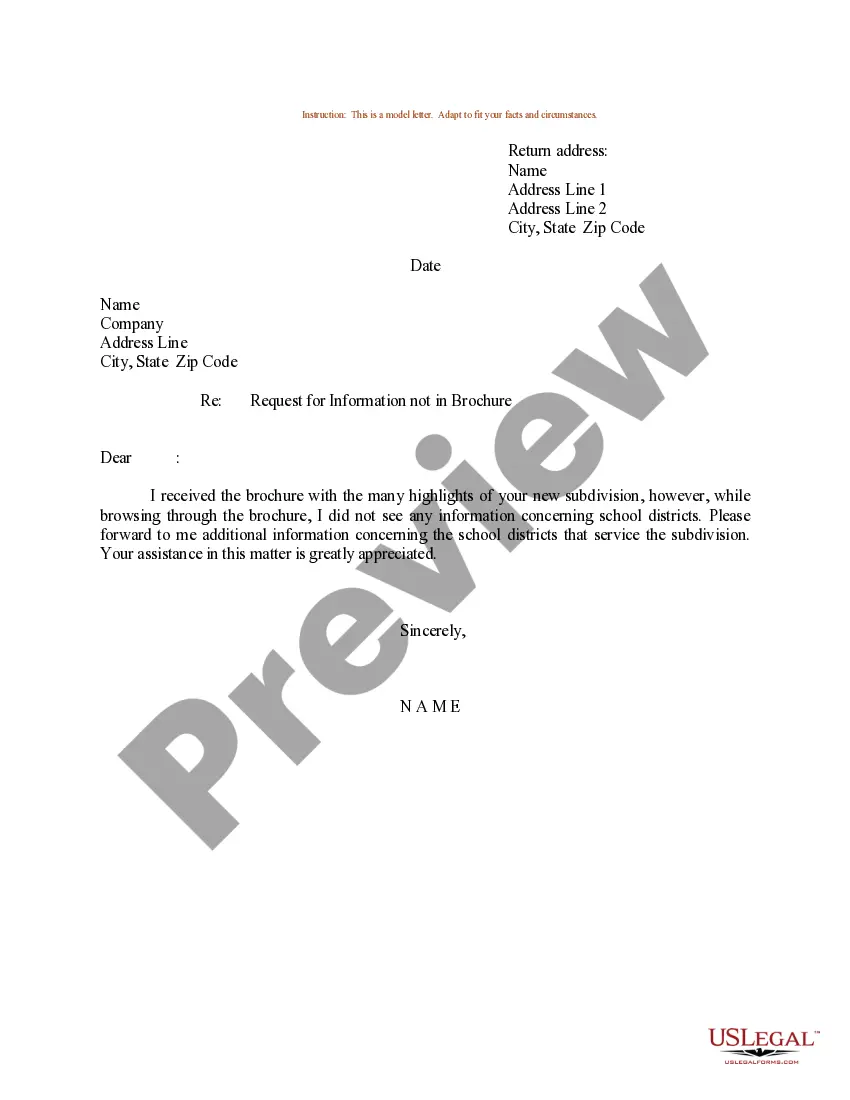
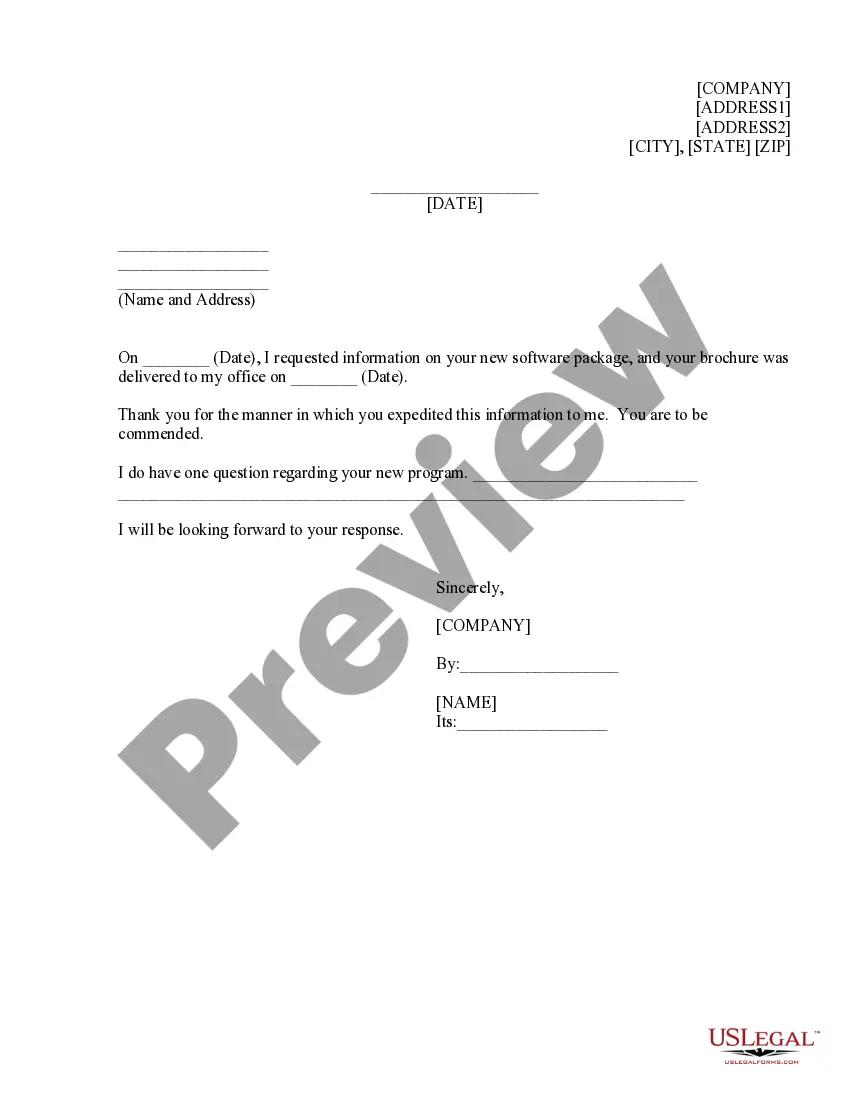
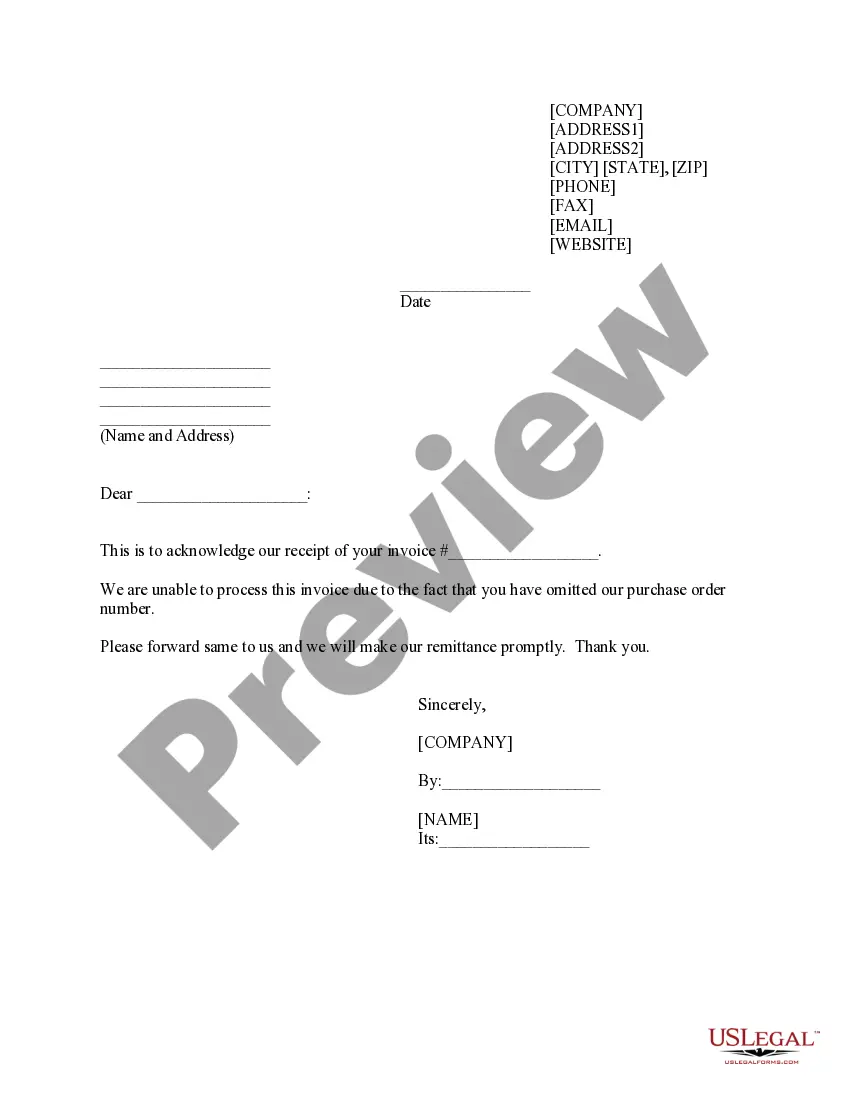
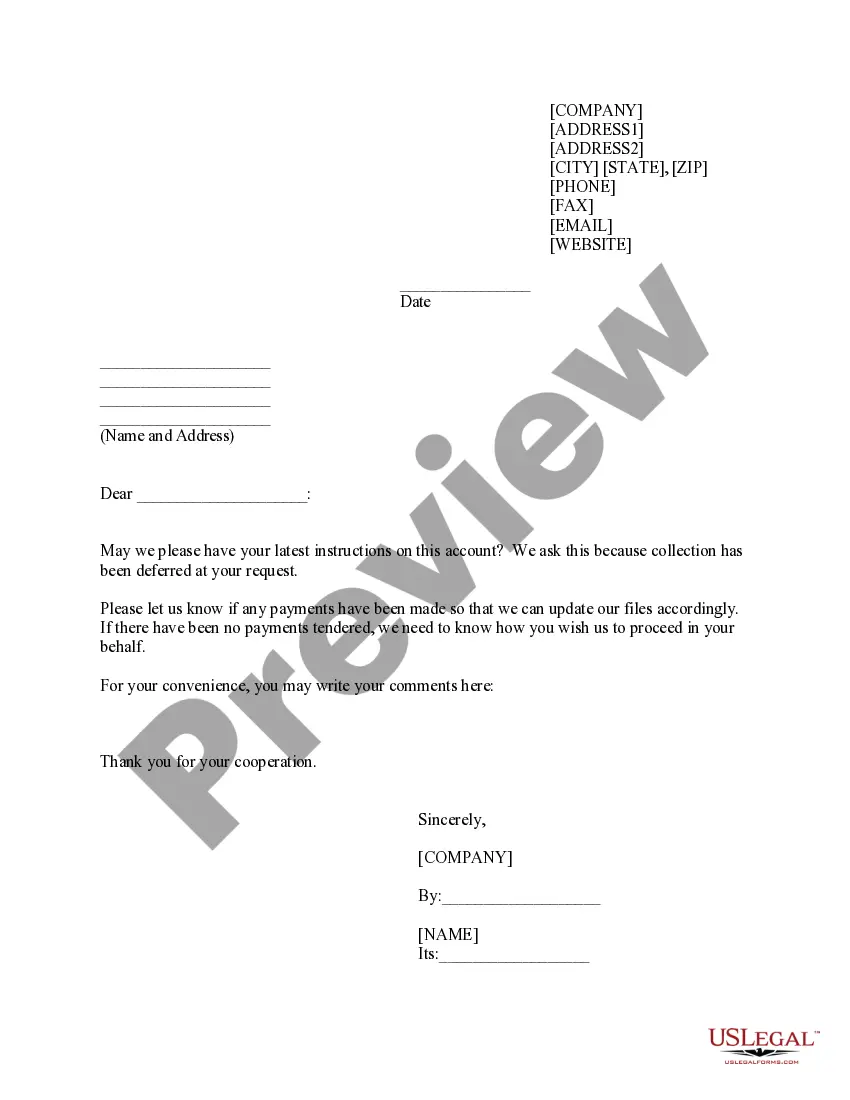
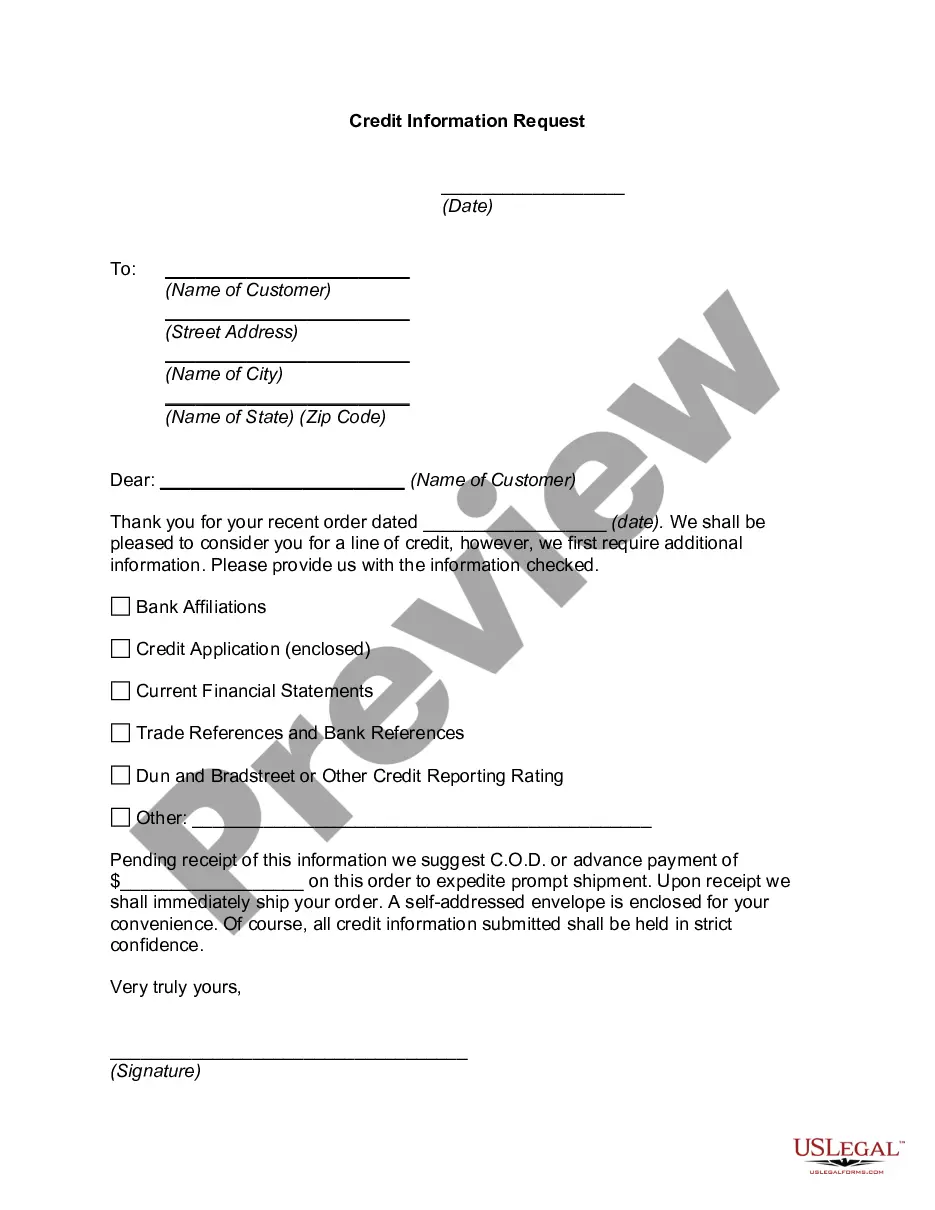
The Request for Additional Information, Not in Brochure is a document used to formally request further details about a product or service from a company. Unlike general inquiries, this form specifically addresses information that was not included in the brochure provided. It enables individuals or businesses to seek clarification on particular aspects of a software package, ensuring they have all necessary information to make informed decisions.
Key components of this form
- Sender's address: The address of the individual or company making the request.
- Recipient's address: The name and address of the company being contacted.
- Date requested: The date the initial request for information was made.
- Date brochure received: The date the brochure was delivered to the sender.
- Question section: A space to outline any specific inquiries about the software package.
- Signature section: Includes the signatory's name and title to authenticate the request.
When to use this document
This form should be used in situations where an individual or company has received a brochure about a software package but has additional questions that were not addressed within the brochure. It's applicable for scenarios such as seeking clarification on specific features, pricing, or compatibility of the software before making a purchasing decision.
Intended users of this form
- Businesses looking to evaluate new software packages.
- Individuals who have received promotional materials but require further information.
- Purchasing agents or decision-makers who need to ensure all questions are answered prior to a purchase.
Instructions for completing this form
- Identify the sender's address by filling in the top part of the form.
- Fill in the recipient's name and address where the request is being sent.
- Enter the date of your initial information request and the date the brochure was received.
- Clearly state your question or area of inquiry in the designated section.
- Sign the form, including your name and title for authenticity.
Notarization guidance
This form usually doesn’t need to be notarized. However, local laws or specific transactions may require it. Our online notarization service, powered by Notarize, lets you complete it remotely through a secure video session, available 24/7.
Get your form ready online
Our built-in tools help you complete, sign, share, and store your documents in one place.
Make edits, fill in missing information, and update formatting in US Legal Forms—just like you would in MS Word.
Download a copy, print it, send it by email, or mail it via USPS—whatever works best for your next step.
Sign and collect signatures with our SignNow integration. Send to multiple recipients, set reminders, and more. Go Premium to unlock E-Sign.
If this form requires notarization, complete it online through a secure video call—no need to meet a notary in person or wait for an appointment.
We protect your documents and personal data by following strict security and privacy standards.

Make edits, fill in missing information, and update formatting in US Legal Forms—just like you would in MS Word.

Download a copy, print it, send it by email, or mail it via USPS—whatever works best for your next step.

Sign and collect signatures with our SignNow integration. Send to multiple recipients, set reminders, and more. Go Premium to unlock E-Sign.

If this form requires notarization, complete it online through a secure video call—no need to meet a notary in person or wait for an appointment.

We protect your documents and personal data by following strict security and privacy standards.
Common mistakes to avoid
- Failing to provide specific details about the inquiries, making it difficult for the recipient to respond effectively.
- Leaving out important dates that could affect the context of the inquiry.
- Not proofreading for accuracy before sending, which may result in confusion.
Benefits of completing this form online
- Convenience of filling out and submitting the form from any location.
- Editable format allows users to adjust content easily as needed.
- Access to templates drafted by licensed attorneys ensures legal validity and comprehensiveness.