Interface Requirements
Overview of this form
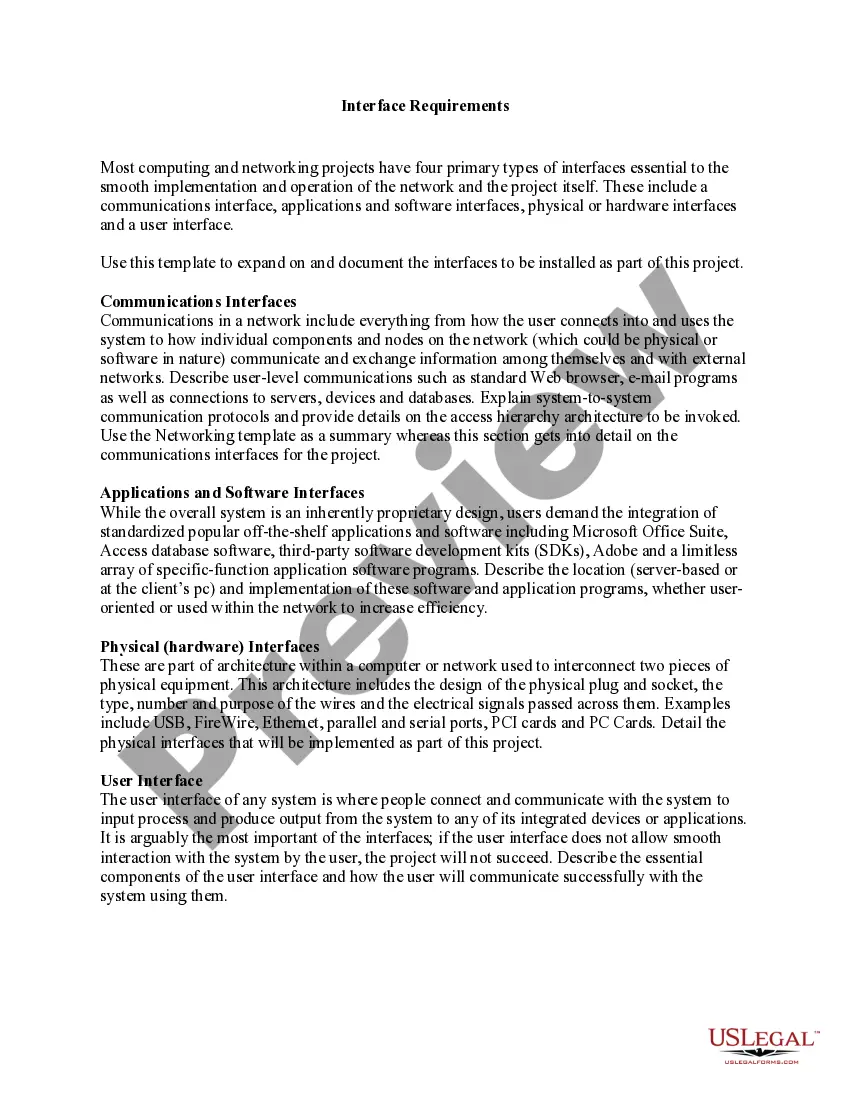
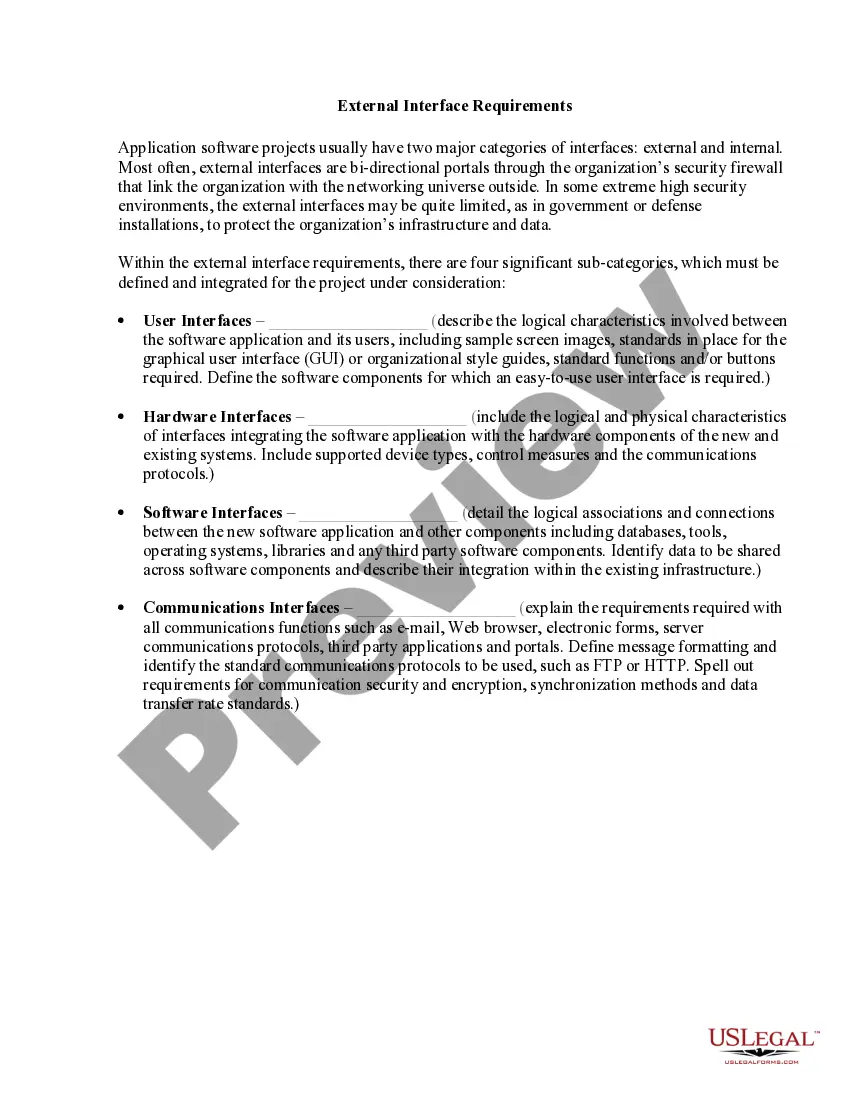
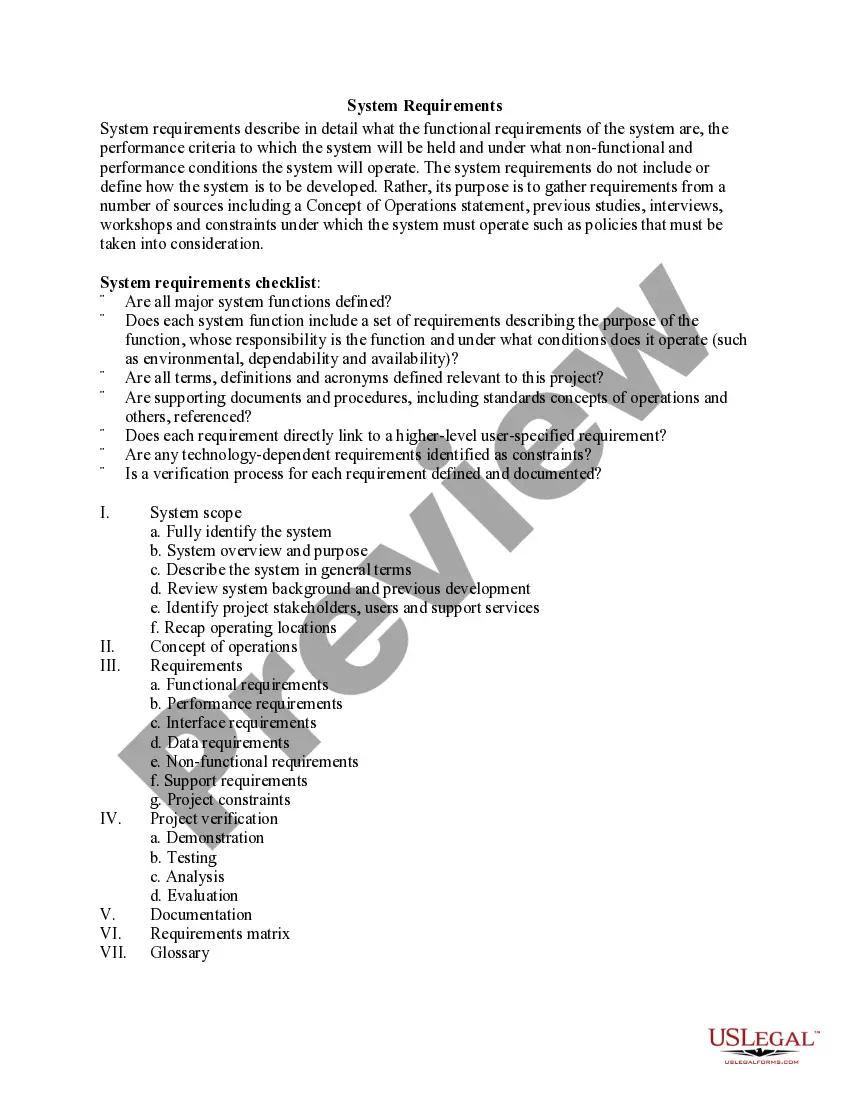
The Interface Requirements form is a document that outlines the essential interfaces needed for the implementation and operation of a computing or networking project. This form helps project managers clearly define the communications, applications, hardware, and user interfaces to ensure smooth functionality. Unlike general project documentation, this form focuses specifically on the technical interfaces that support effective communication and efficiency within the system.
Main sections of this form
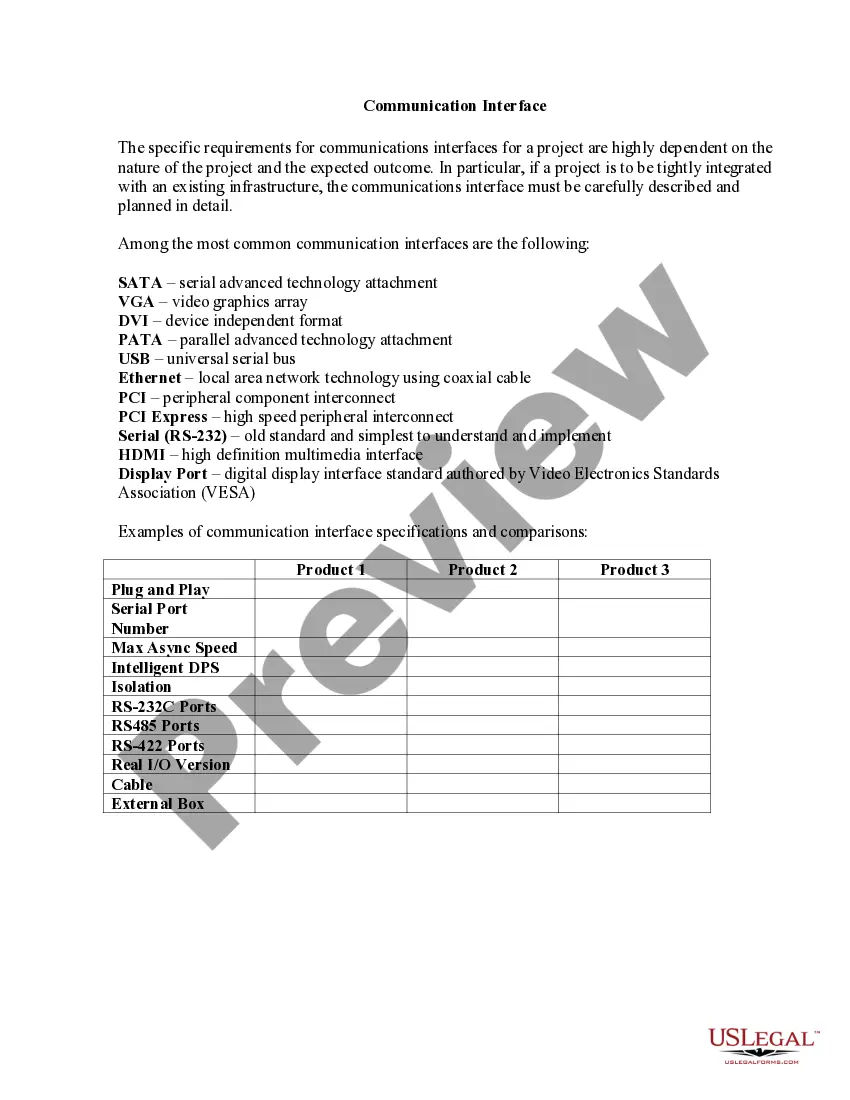
- Communications Interface: Details on how users connect with the system and how components communicate.
- Applications and Software Interfaces: Specifications for standard and third-party software integration.
- Physical (Hardware) Interfaces: Technical definitions of hardware connections, including ports and cables.
- User Interface: Components that enable user interaction with the system and applications.
When this form is needed
This form is essential when initiating a new computing or networking project, especially when defining technical specifications and requirements is vital for project success. Use this form when you need to document clear interface expectations or ensure compatibility among different software and hardware components.
Who should use this form
- Project managers overseeing computing and networking projects.
- IT professionals who need to establish and document interface requirements.
- Network engineers focusing on the integration of physical and software components.
- Developers working on projects requiring user interface design.
Completing this form step by step
- Identify the different types of interfaces required for the project.
- Describe the communications interface, including user and system interactions.
- Specify applications and software interfaces, detailing their purpose and location.
- Outline the physical interfaces, including any necessary hardware specifications.
- Document the user interface components to ensure effective user engagement.
Does this document require notarization?
This form does not typically require notarization to be legally valid. However, some jurisdictions or document types may still require it. US Legal Forms provides secure online notarization powered by Notarize, available 24/7 for added convenience.
Get your form ready online
Our built-in tools help you complete, sign, share, and store your documents in one place.
Make edits, fill in missing information, and update formatting in US Legal Forms—just like you would in MS Word.
Download a copy, print it, send it by email, or mail it via USPS—whatever works best for your next step.
Sign and collect signatures with our SignNow integration. Send to multiple recipients, set reminders, and more. Go Premium to unlock E-Sign.
If this form requires notarization, complete it online through a secure video call—no need to meet a notary in person or wait for an appointment.
We protect your documents and personal data by following strict security and privacy standards.

Make edits, fill in missing information, and update formatting in US Legal Forms—just like you would in MS Word.

Download a copy, print it, send it by email, or mail it via USPS—whatever works best for your next step.

Sign and collect signatures with our SignNow integration. Send to multiple recipients, set reminders, and more. Go Premium to unlock E-Sign.

If this form requires notarization, complete it online through a secure video call—no need to meet a notary in person or wait for an appointment.

We protect your documents and personal data by following strict security and privacy standards.
Typical mistakes to avoid
- Failing to detail all types of interfaces required for the project.
- Not including specifications for user interaction, leading to user frustration.
- Omitting critical hardware requirements for physical connections.
Benefits of using this form online
- Convenience of accessing and editing the document from anywhere.
- Reliability in using templates drafted by licensed attorneys.
- Guidance through structured sections to ensure comprehensive documentation.
Looking for another form?
Form popularity
FAQ
External Interface requirements state the required characteristics at a point or region of connection of the system to the outside world (e.g. location, geometry, inputs and outputs by name and specification, allocation of signals to pins etc).
The user interface must be secure, convenient and extensible. Security requirements include the need to protect authorization information from unauthorized access, the maintenance of customer confidentiality and tracking of payments in progress. The problem of protecting of each party from fraud must also be addressed.
A user interface specification (UI specification) is a document that captures the details of the software user interface into a written document. The specification covers all possible actions that an end user may perform and all visual, auditory and other interaction elements.
Functional requirements of a user interface are usually listed in an engineering specification document. It must meet three specific criteria: (1) formality, (2) correctness, and (3) standards creation. The major problem with a paper specification is that it is open to interpretation by each individual reader.
Identifying interfaces helps you to define your system's boundaries. Identifying interfaces also helps you understand the dependencies your system has with other systems and dependencies other systems have with your system.
Functional requirements define what a product must do, what its features and functions are. Nonfunctional requirements describe the general properties of a system. They are also known as quality attributes.
External Interface Requirements These requirements include user interfaces (interaction logic between software and user), screen layouts, buttons, functions on every screen, hardware interfaces (here a team describes what devices the software is created for), and other relevant particularities.