Quitclaim Deed All of Grantor C
What is this form?
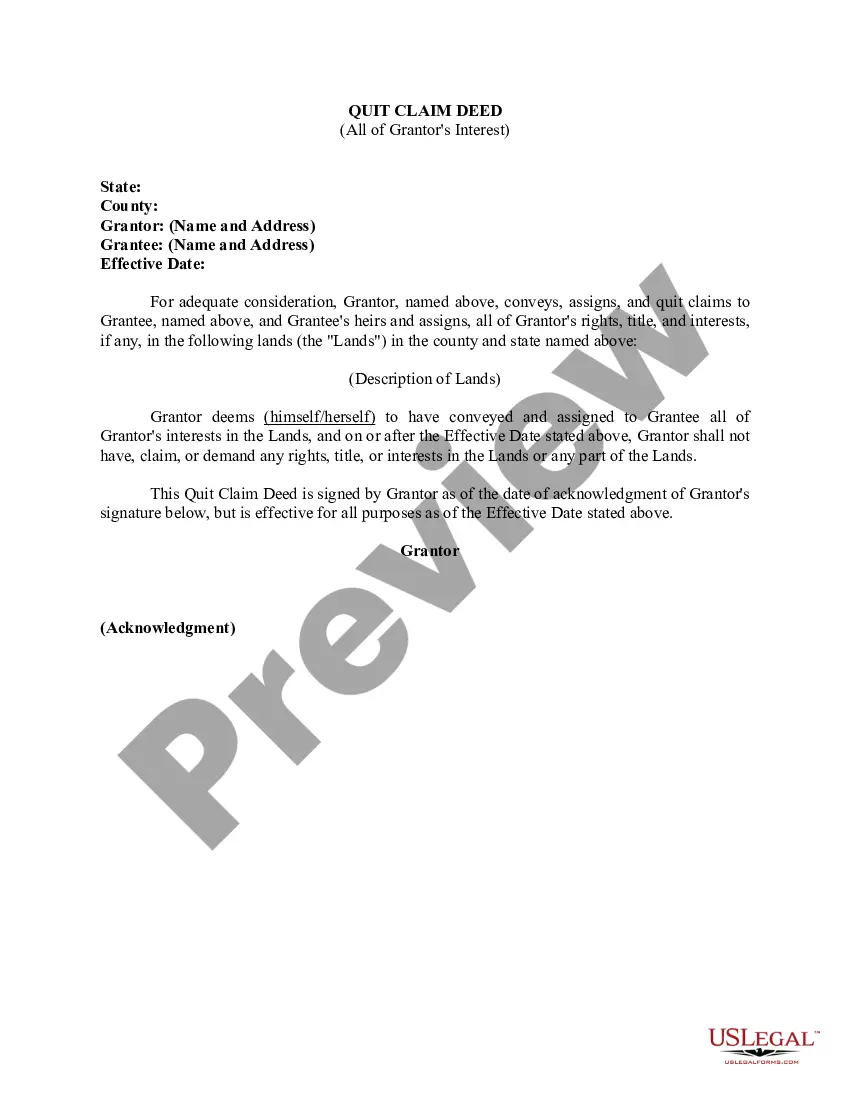
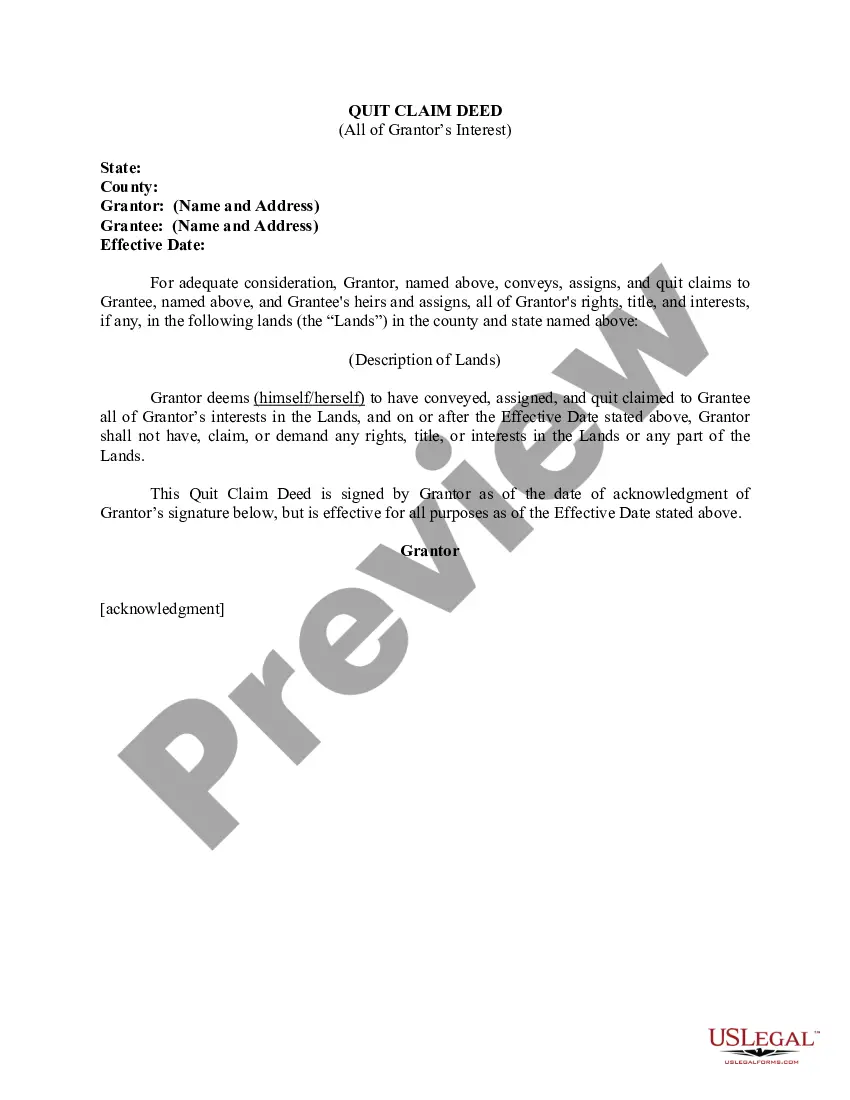
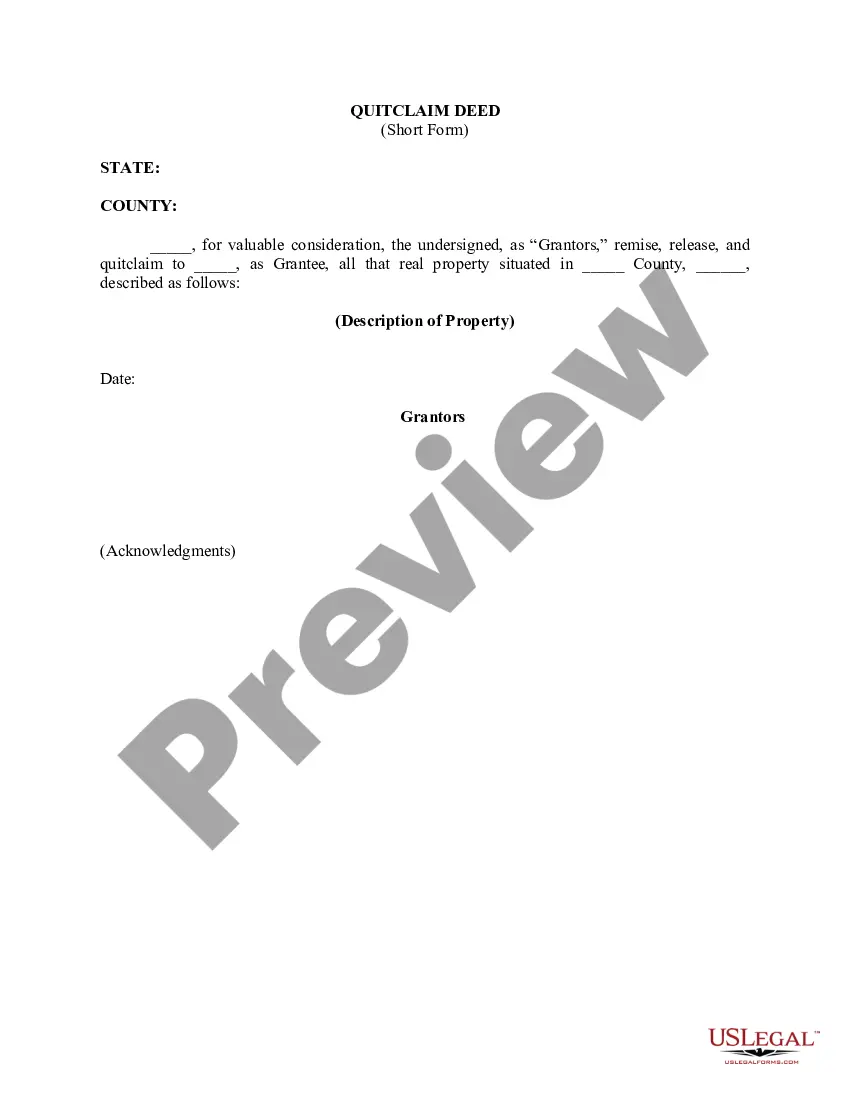
The Quitclaim Deed All of Grantor C is a legal document that allows the Grantor to transfer their interest in specific lands to the Grantee without making any guarantees about the title. This form is particularly useful in situations where the Grantor cannot fully guarantee ownership, distinguishing it from warranty deeds, which provide such assurances.
Key parts of this document
- Grantor's name and address
- Grantee's name and address
- Effective date of the transfer
- Description of the property being transferred
- Statement of the Grantor's intent to convey all interest in the property
- Signature of the Grantor and acknowledgment section
Situations where this form applies
This form is often used in scenarios where property ownership needs to be transferred quickly and without extensive legal checks. Common situations include transferring property between family members, resolving ownership disputes, or when a property is sold "as-is" without title guarantees. It allows the Grantor to relinquish any claims to the property simply and efficiently.
Who can use this document
- Individuals looking to transfer property ownership without warranties
- Family members transferring property to one another
- Anyone involved in property settlements
- Real estate investors dealing in properties with unclear titles
Instructions for completing this form
- Identify the Grantor and Grantee by entering their names and addresses.
- Specify the effective date of the property transfer.
- Provide a detailed description of the property being transferred, including location.
- Have the Grantor sign the document in the presence of a notary, if required.
- Complete the acknowledgment section to confirm the Grantor's signature.
Is notarization required?
This form does not typically require notarization unless specified by local law. However, having the document notarized can help establish its authenticity and prevent disputes regarding the legitimacy of the signatures.
Get your form ready online
Our built-in tools help you complete, sign, share, and store your documents in one place.
Make edits, fill in missing information, and update formatting in US Legal Forms—just like you would in MS Word.
Download a copy, print it, send it by email, or mail it via USPS—whatever works best for your next step.
Sign and collect signatures with our SignNow integration. Send to multiple recipients, set reminders, and more. Go Premium to unlock E-Sign.
If this form requires notarization, complete it online through a secure video call—no need to meet a notary in person or wait for an appointment.
We protect your documents and personal data by following strict security and privacy standards.

Make edits, fill in missing information, and update formatting in US Legal Forms—just like you would in MS Word.

Download a copy, print it, send it by email, or mail it via USPS—whatever works best for your next step.

Sign and collect signatures with our SignNow integration. Send to multiple recipients, set reminders, and more. Go Premium to unlock E-Sign.

If this form requires notarization, complete it online through a secure video call—no need to meet a notary in person or wait for an appointment.

We protect your documents and personal data by following strict security and privacy standards.
Mistakes to watch out for
- Failing to include a clear description of the property
- Not providing accurate names and addresses for both Grantor and Grantee
- Neglecting to date the document
- Forgetting to sign or notarize the document, if required
Benefits of completing this form online
- Convenience of being able to download and complete the form at any time
- Editability allows for accurate information entry before printing
- Forms are created by licensed attorneys, ensuring reliability and compliance
Looking for another form?

Form popularity
FAQ
A person who signs a quitclaim deed to transfer property they do not own results in no title at all being transferred since there is no actual ownership interest. The quitclaim deed only transfers the type of title you own.
Fill out the form. Complete the form using a typewriter or by printing neatly using black ink. Sign in front of a notary. Get a Preliminary Change of Ownership Report (PCOR). File the forms. Give the deed to the grantee.
But you might be wondering if an owner can transfer a deed to another person without a real estate lawyer. The answer is yes. Parties to a transaction are always free to prepare their own deeds.A quitclaim deed, for example, is far simpler than a warranty deed.
To use a Quitclaim Deed to add someone to a property deed or title, you would need to create a Quitclaim Deed and list all of the current owners in the grantor section. In the grantee section, you would list all of the current owners as well as the person you would like to add.
The Quit Claim Deed form uses the terms of Grantor (Seller or Owner of said property) and Grantee (Buyer of said property) for the two parties involved. First, the parties must fill in the date. Then, write in the name of the county and state in which the property is located.
Yes, you can prepare.
There will be a $30 recording fee. If you prepare a quitclaim deed using the Do-It-Yourself Quitclaim Deed (after Divorce) tool, detailed instructions on what to do next will print out along with the deed.