Household Employee Limits
Description
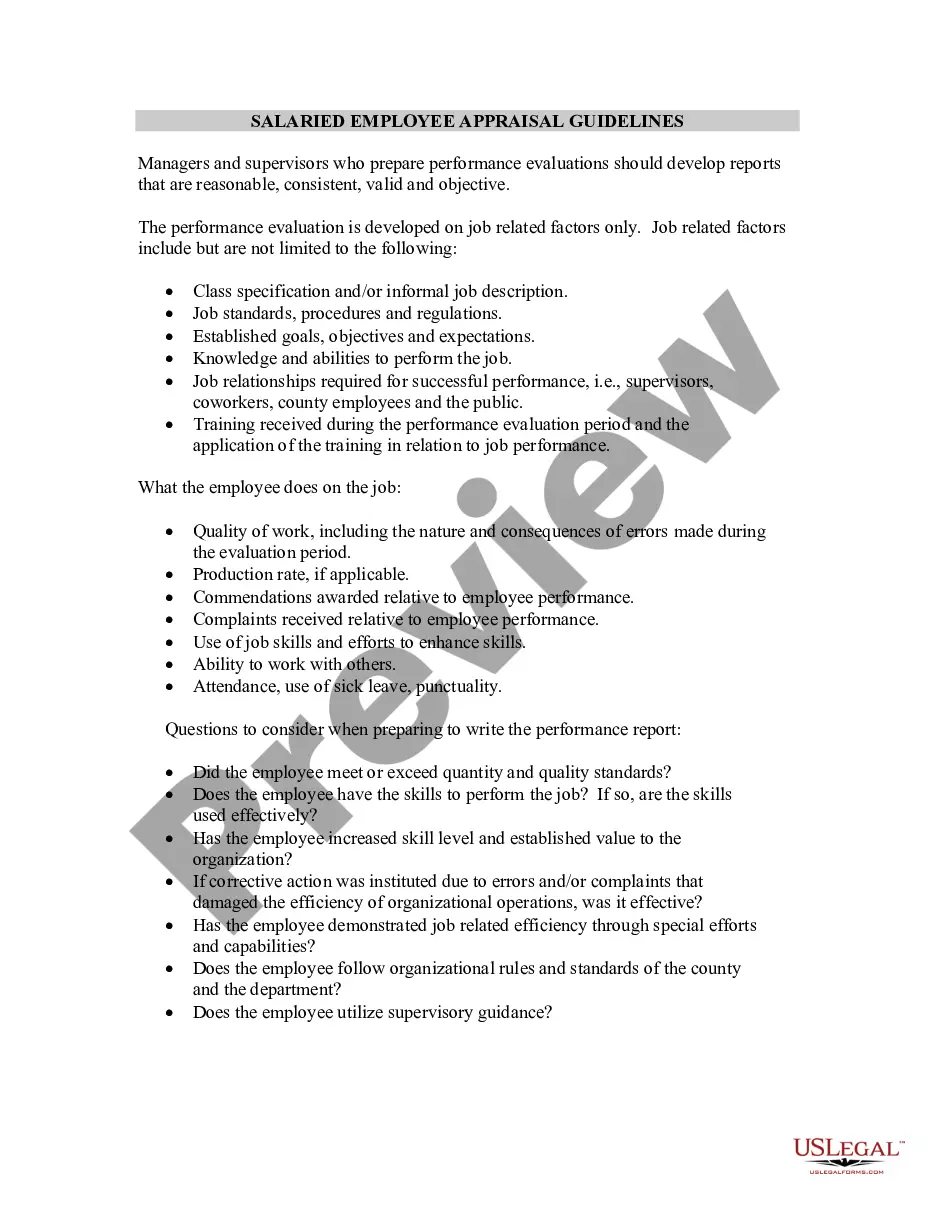
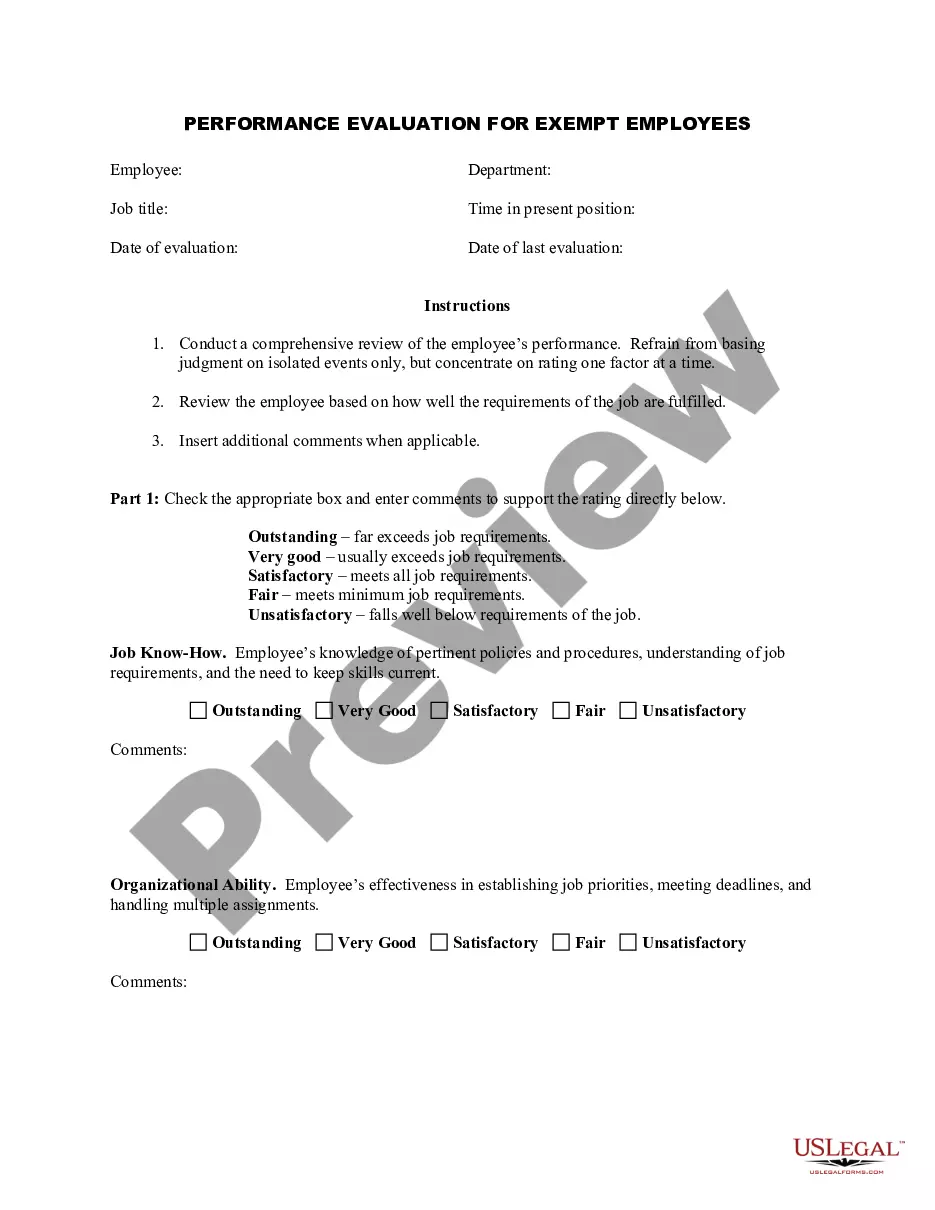
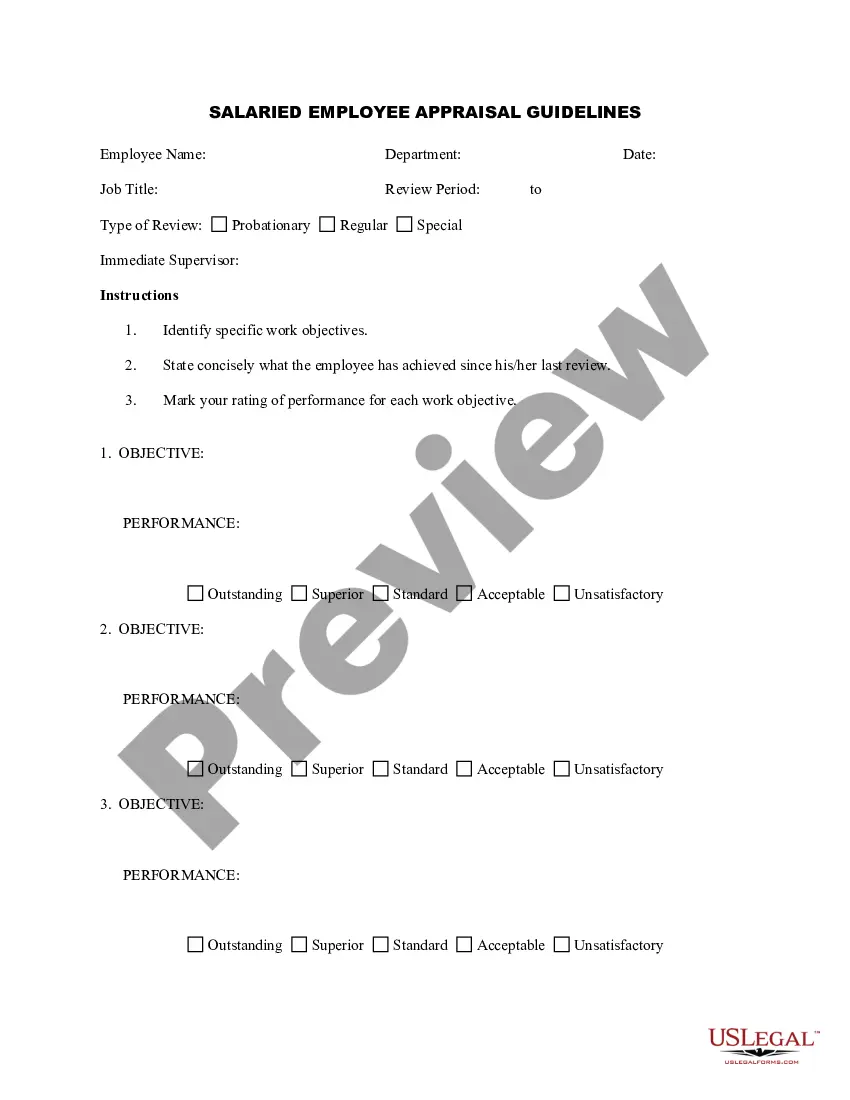
Get your form ready online
Our built-in tools help you complete, sign, share, and store your documents in one place.
Make edits, fill in missing information, and update formatting in US Legal Forms—just like you would in MS Word.
Download a copy, print it, send it by email, or mail it via USPS—whatever works best for your next step.
Sign and collect signatures with our SignNow integration. Send to multiple recipients, set reminders, and more. Go Premium to unlock E-Sign.
If this form requires notarization, complete it online through a secure video call—no need to meet a notary in person or wait for an appointment.
We protect your documents and personal data by following strict security and privacy standards.

Make edits, fill in missing information, and update formatting in US Legal Forms—just like you would in MS Word.

Download a copy, print it, send it by email, or mail it via USPS—whatever works best for your next step.

Sign and collect signatures with our SignNow integration. Send to multiple recipients, set reminders, and more. Go Premium to unlock E-Sign.

If this form requires notarization, complete it online through a secure video call—no need to meet a notary in person or wait for an appointment.

We protect your documents and personal data by following strict security and privacy standards.
Looking for another form?
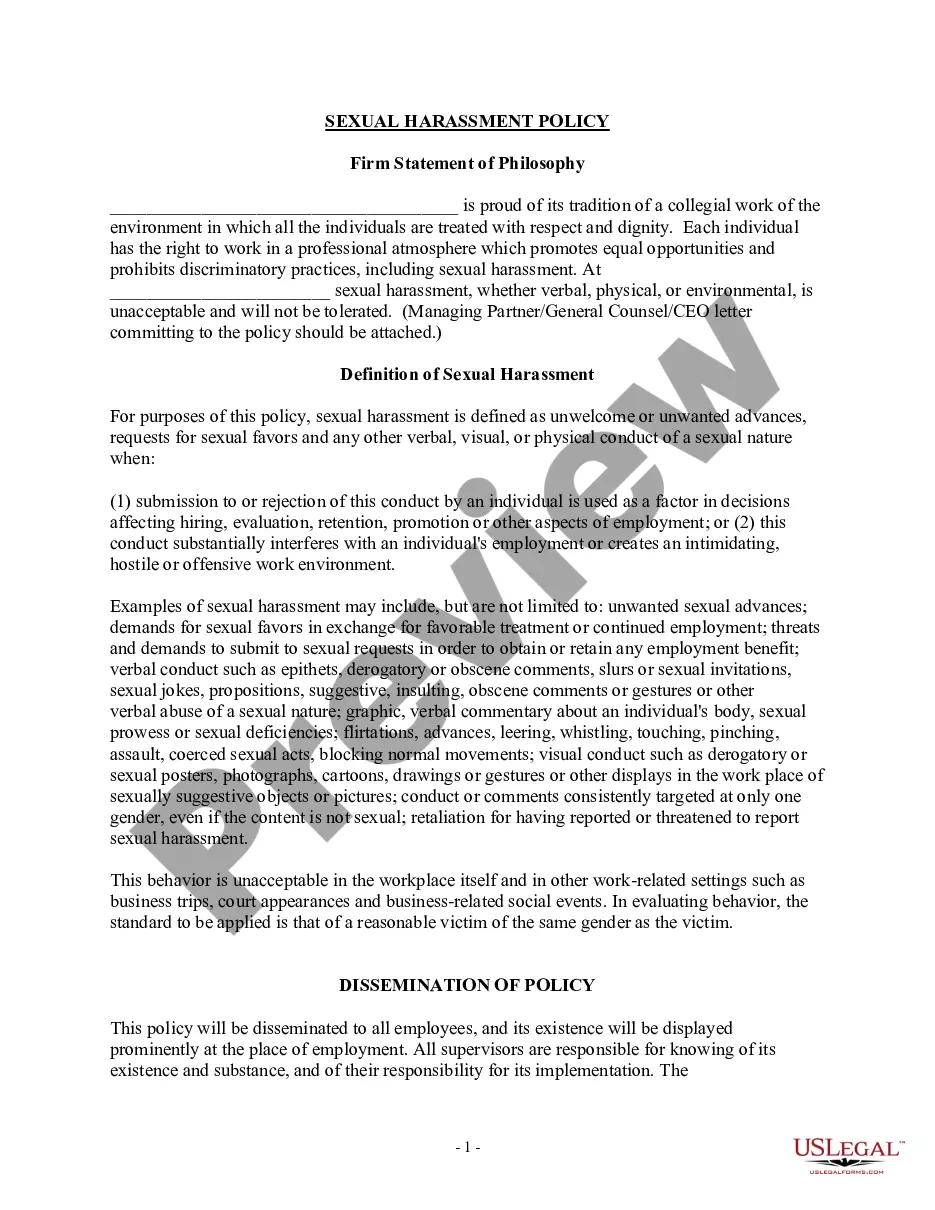



How to fill out Salaried Employee Appraisal Guidelines - General?
Creating legal documents from the ground up can occasionally feel a bit daunting.
Certain situations may require extensive investigations and significant expenses.
If you seek a simpler and more cost-effective method of drafting Household Employee Limits or any other paperwork without unnecessary complications, US Legal Forms is readily available.
Our digital library of over 85,000 current legal forms covers nearly every facet of your financial, legal, and personal matters.
Review the document preview and descriptions to make sure you are viewing the document you need. Ensure that the template you select meets your state and county's regulations. Pick the appropriate subscription plan to acquire the Household Employee Limits. Download the form, then complete, validate, and print it out. US Legal Forms has an impeccable reputation and over 25 years of expertise. Join us today and make document preparation a straightforward and efficient process!
- With just a few clicks, you can efficiently obtain state- and county-specific forms expertly prepared by our legal experts.
- Utilize our platform whenever you need dependable and trustworthy services that allow you to effortlessly find and download the Household Employee Limits.
- If you are already a member of our site and have set up an account with us, simply Log In to your account, select the template and download it or re-download it later in the My documents section.
- Not registered yet? No worries. It only takes a few minutes to sign up and dive into the catalog.
- But before you proceed straight to downloading Household Employee Limits, consider these recommendations.
Form popularity
FAQ
Use Schedule H (Form 1040) to report household employment taxes if you paid cash wages to a household employee and the wages were subject to social security, Medicare, or FUTA taxes, or if you withheld federal income tax.
Here's how to fill one out: Open or continue your return in TurboTax. Search for household employee taxes, sch h (use this exact term including the comma and space). Select the Jump to link at the top of the search results. Answer Yes to Did You Have a Nanny or Household Employee? and follow the instructions.
Household employees include housekeepers, maids, babysitters, gardeners, and others who work in or around your private residence as your employee. Repairmen, plumbers, contractors, and other business people who provide their services as independent contractors, are not your employees.
Household employees include housekeepers, maids, babysitters, gardeners, and others who work in or around your private residence as your employee. Repairmen, plumbers, contractors, and other business people who provide their services as independent contractors, are not your employees.
Steps to Creating Nanny's W-2 Confirm your nanny's information. ... Gather your nanny's wage and tax information. ... Generate Form W-2 online. ... Provide W-2 to your nanny. ... Submit a copy of Form W-2 and Form W-3 to the SSA. ... File Schedule H with your personal tax return.