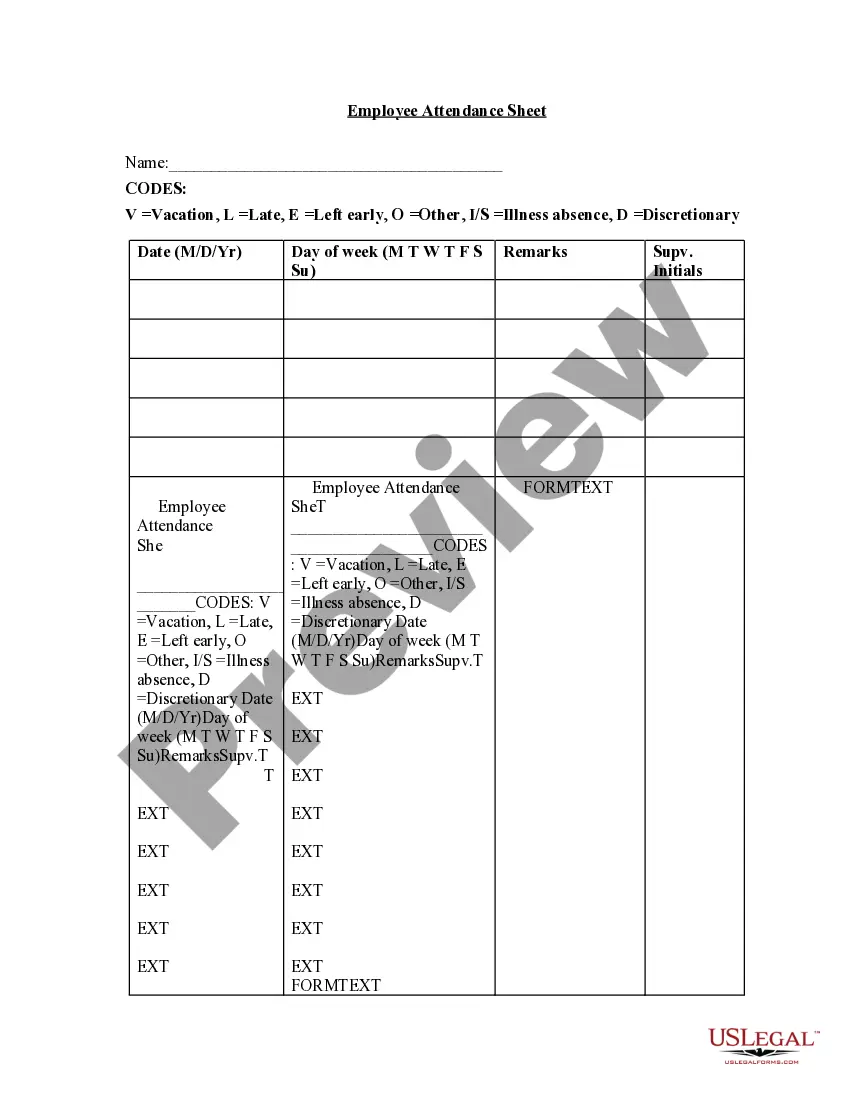
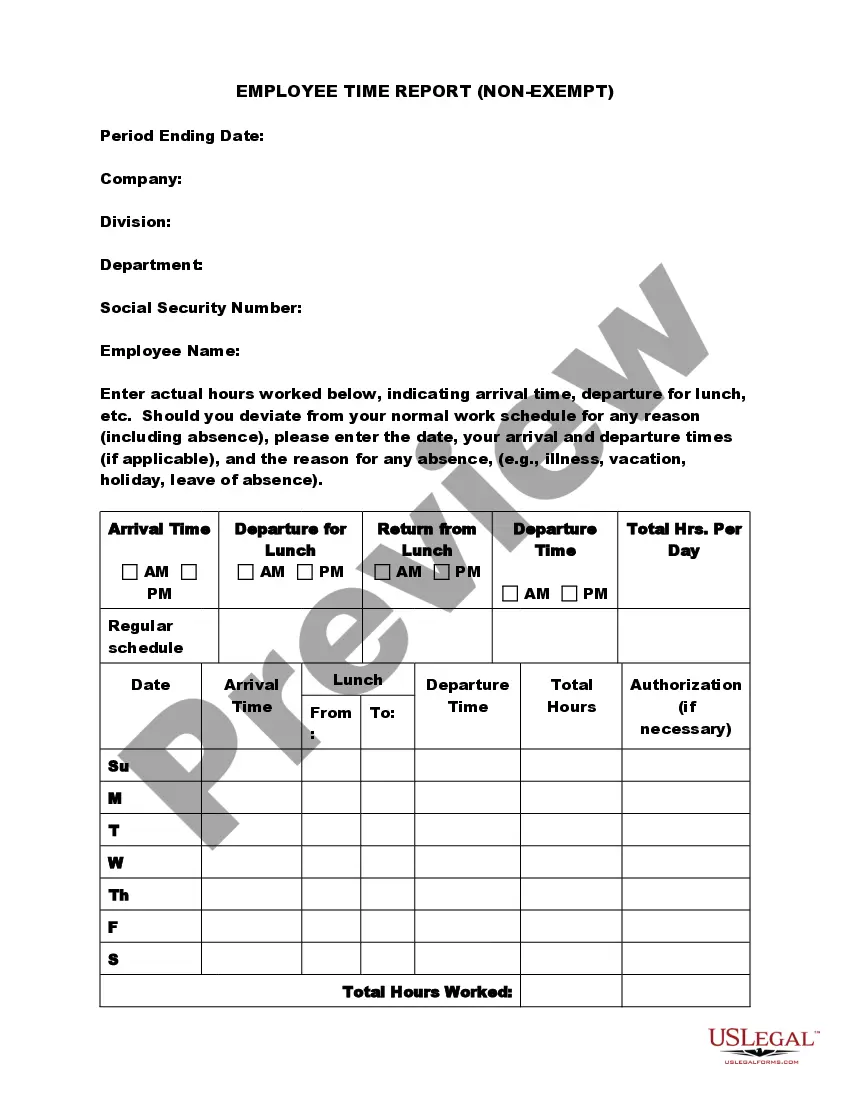
Employee Time Sheet Sample For Google Sheets
Description
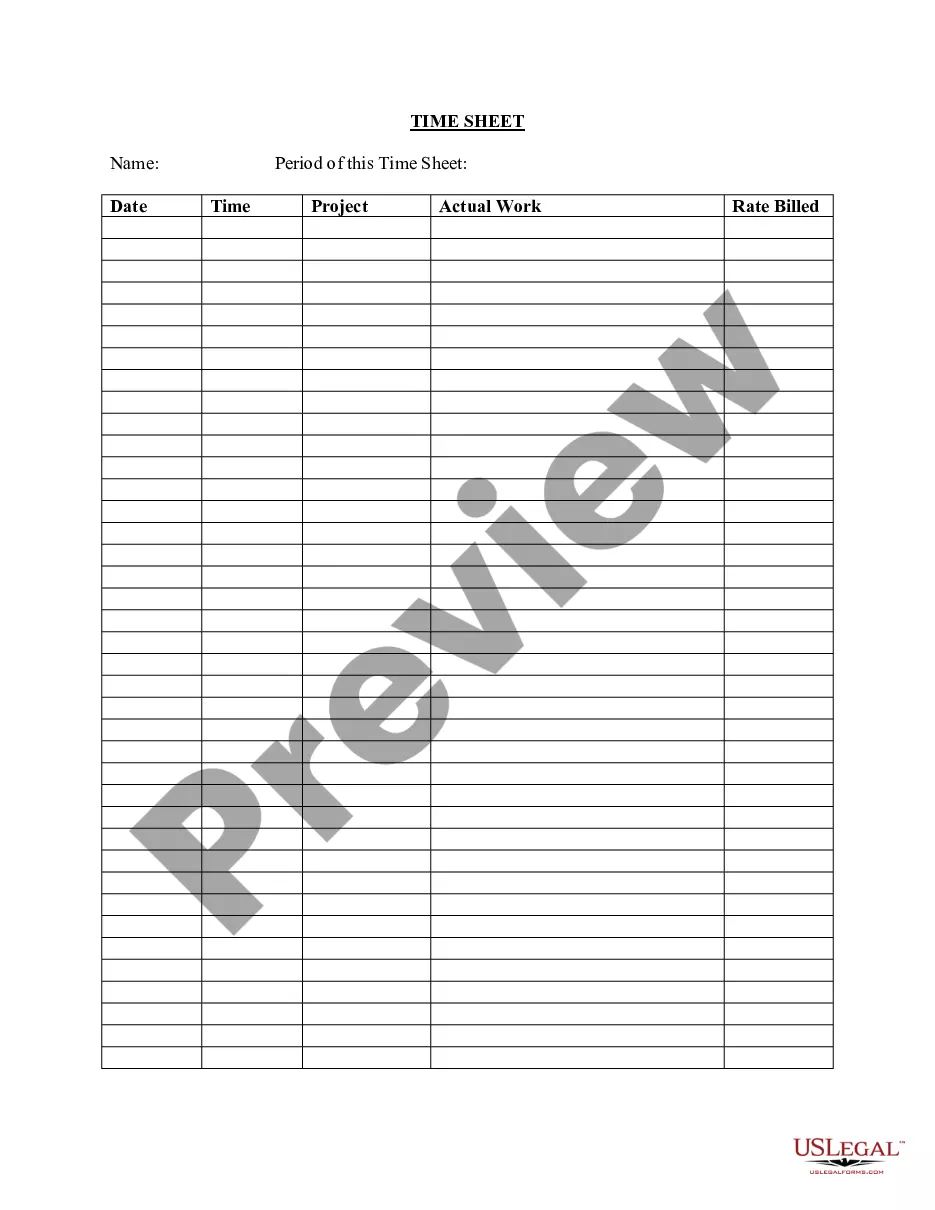
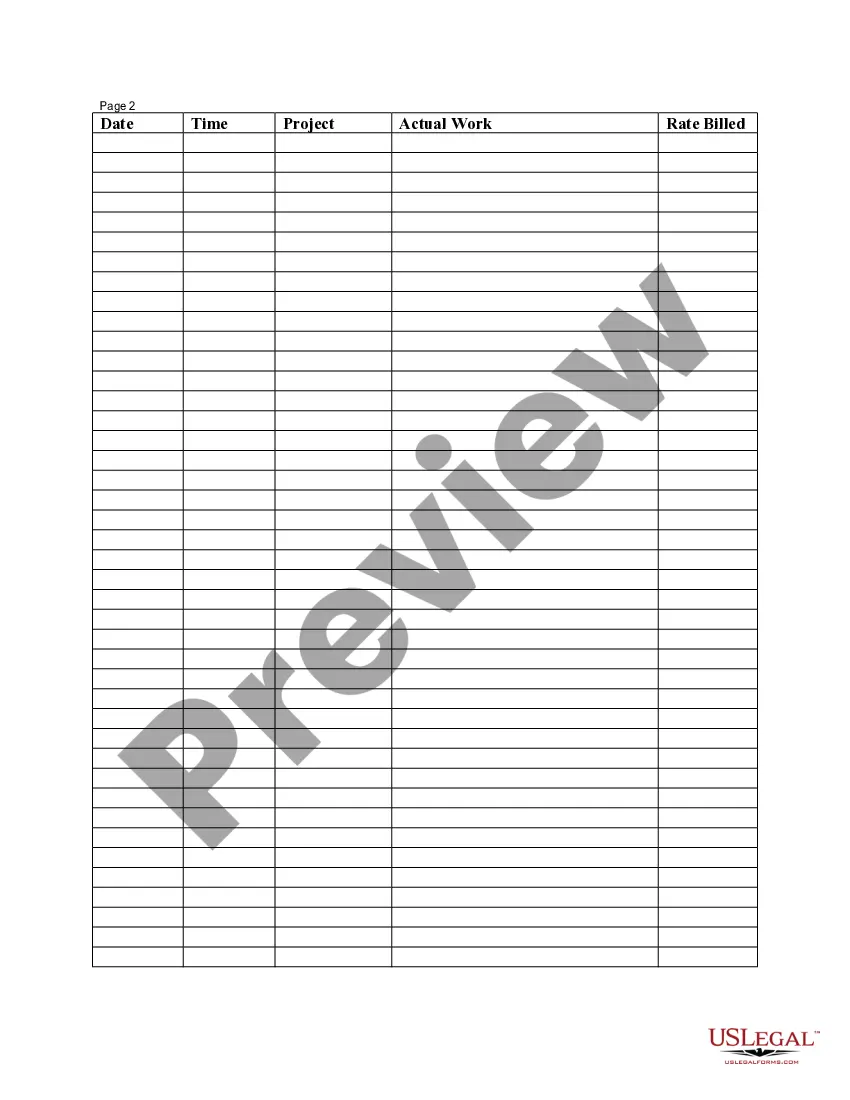
Get your form ready online
Our built-in tools help you complete, sign, share, and store your documents in one place.
Make edits, fill in missing information, and update formatting in US Legal Forms—just like you would in MS Word.
Download a copy, print it, send it by email, or mail it via USPS—whatever works best for your next step.
Sign and collect signatures with our SignNow integration. Send to multiple recipients, set reminders, and more. Go Premium to unlock E-Sign.
If this form requires notarization, complete it online through a secure video call—no need to meet a notary in person or wait for an appointment.
We protect your documents and personal data by following strict security and privacy standards.

Make edits, fill in missing information, and update formatting in US Legal Forms—just like you would in MS Word.

Download a copy, print it, send it by email, or mail it via USPS—whatever works best for your next step.

Sign and collect signatures with our SignNow integration. Send to multiple recipients, set reminders, and more. Go Premium to unlock E-Sign.

If this form requires notarization, complete it online through a secure video call—no need to meet a notary in person or wait for an appointment.

We protect your documents and personal data by following strict security and privacy standards.
Looking for another form?


How to fill out Employee Time Sheet?
The Employee Timesheet Example For Google Sheets displayed on this page is a versatile official template created by expert attorneys in accordance with national and local regulations.
For over 25 years, US Legal Forms has been supplying individuals, enterprises, and legal practitioners with more than 85,000 validated, state-specific documents for any commercial and personal circumstance. It represents the fastest, most straightforward, and most reliable method to acquire the necessary paperwork, as the service promises bank-standard data security and anti-malware safeguards.
Subscribe to US Legal Forms to have verified legal templates for all of life's situations readily available.
- Search for the document you require and examine it.
- Navigate through the file you searched and preview it or read the form overview to confirm it meets your requirements. If it doesn’t, use the search feature to discover the suitable one. Hit Buy Now once you have found the template you need.
- Sign up and Log In.
- Select the subscription plan that fits you and create an account. Use PayPal or a credit card for a quick payment. If you already possess an account, Log In and verify your subscription to proceed.
- Obtain the editable template.
- Choose the format you would like for your Employee Timesheet Example For Google Sheets (PDF, DOCX, RTF) and save the template on your device.
- Complete and sign the document.
- Print the template to fill it out by hand. Alternatively, use an online multifunctional PDF editor to quickly and accurately fill in and sign your form with a legally binding electronic signature.
- Re-download your documents any time.
- Access the same document once again as needed. Open the My documents section in your profile to retrieve any previously purchased forms.
Form popularity
FAQ
If you want to move out when your tenancy agreement ends, you need to tell your landlord in writing. This is called giving 'notice to quit'. If you do not give notice to quit in writing, your landlord can argue that your tenancy is still running, and you're responsible for rent.
Follow these steps to start an an eviction case: You give the Tenant a Notice to Quit. ... You wait for the deadline requirement to pass. ... You start a court case by filing a Complaint. ... You give (serve) the Tenant a copy of the Complaint. ... The court holds an eviction hearing. ... The Tenant has 20 days to respond to the Complaint.
Alaska landlords cannot raise the rent during the term of a lease unless the lease specifically allows them to do so. Alaska landlords can raise the rent of a month-to-month tenancy by giving the tenant proper notice (30 days) of the change.
Notice of Termination of Month-to-Month Tenancy - This notice is used to provide the required thirty (30) days notice to terminate a month-to-month tenancy. Notice of Month-to-Month Tenancy Rent Increase - This notice is used to inform a month-to-month tenant of a proposed rent increase.
The landlord or the tenant may terminate a month to month tenancy by a written notice given to the other at least 30 days before the rental due date specified in the notice.
An Alaska 10 Day Notice to Quit (Non-Compliance) is a document created by the landlord and served to the tenant when they break the lease by doing something other than non-payment of rent. The landlord must specify the acts and omissions constituting the breach.
If the tenant wishes to terminate the lease early, they have to give a 30 day notice. For more information on Alaska Landlord Tenant laws (Alaska Statutes Secs. 09.45. 090, 09.45.
Instead, your landlord is required by law to give you notice before he or she can terminate your tenancy. If you have a month-to-month tenancy? the most common type of tenancy? your landlord generally must give you notice a full rental period before requiring you to vacate the property.