Expense Form Documentation For Behavior
Description





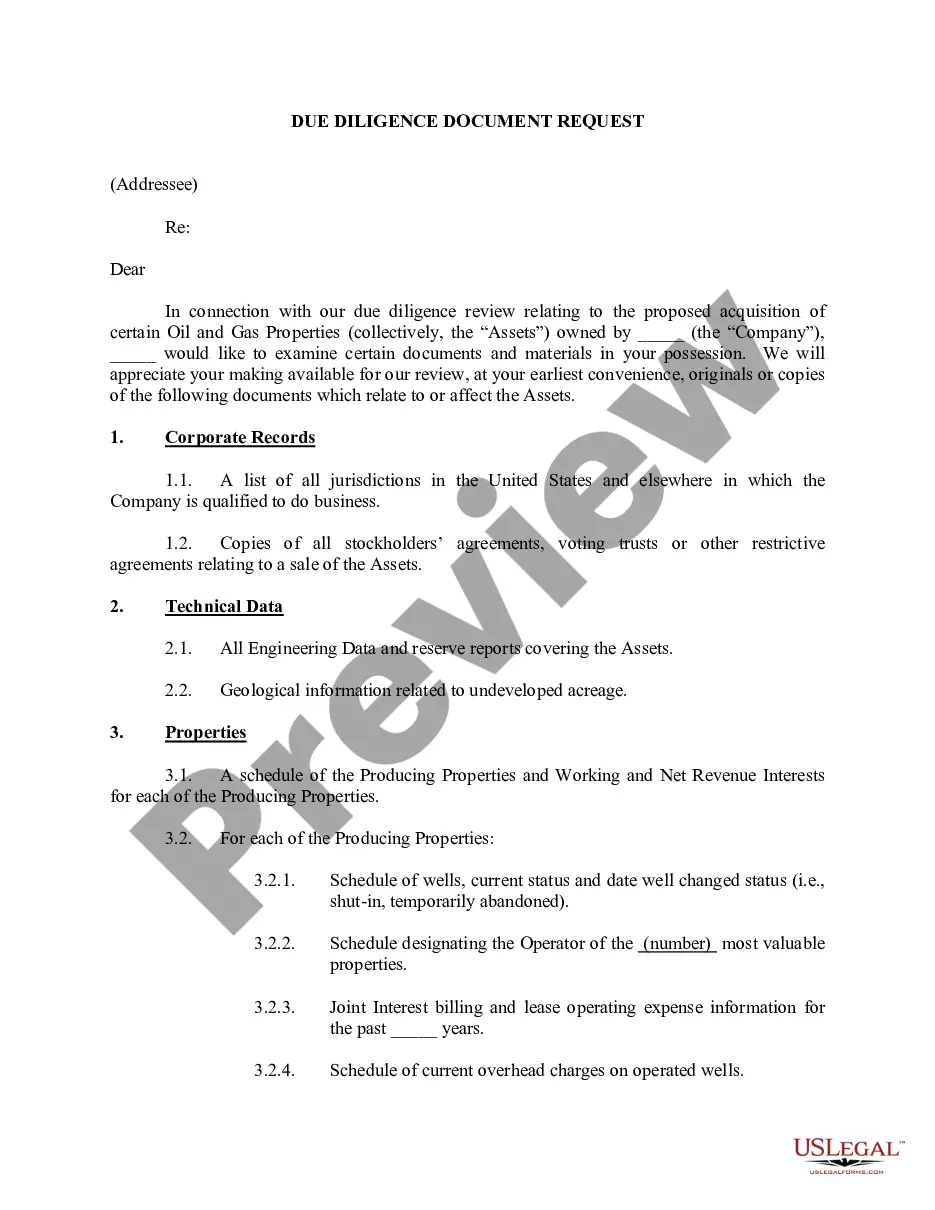
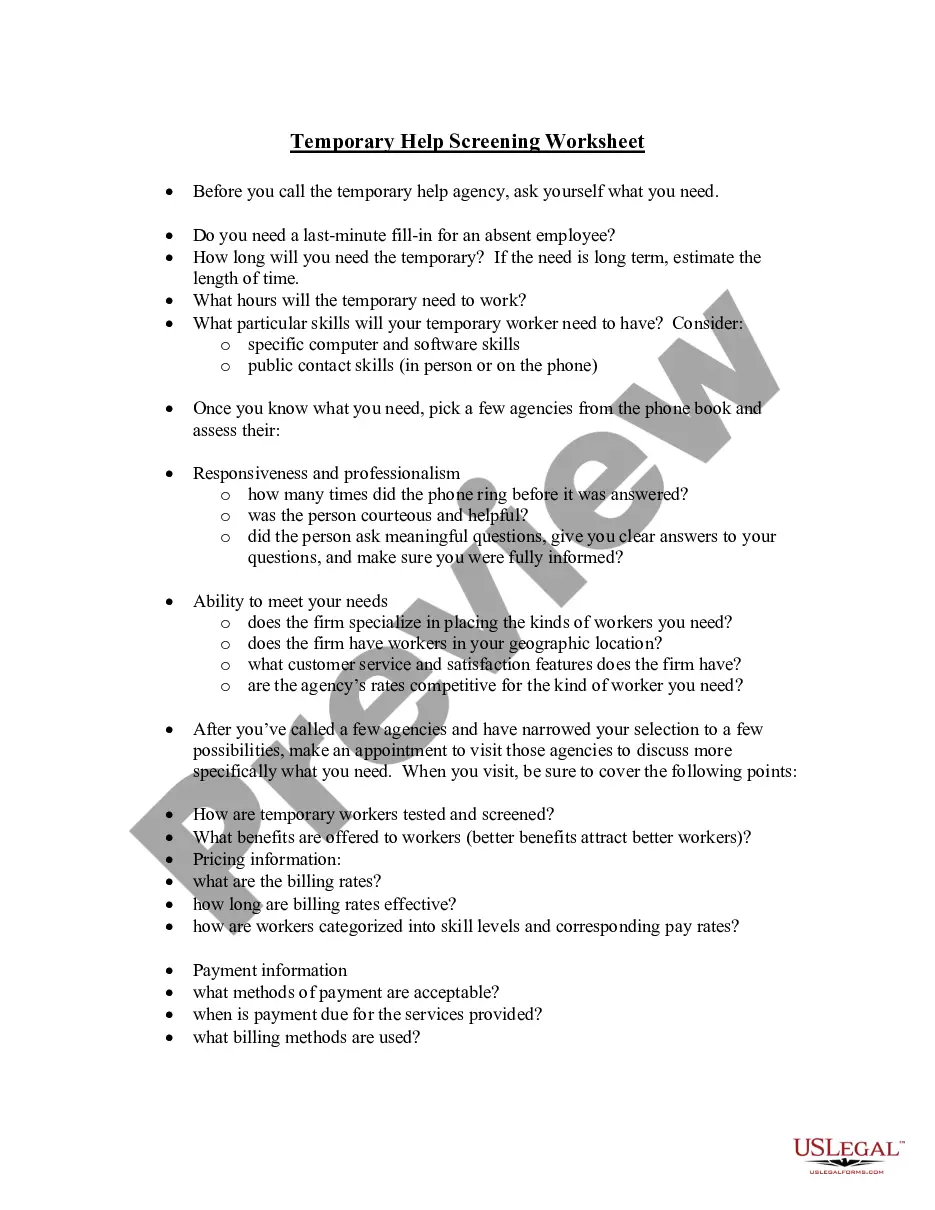
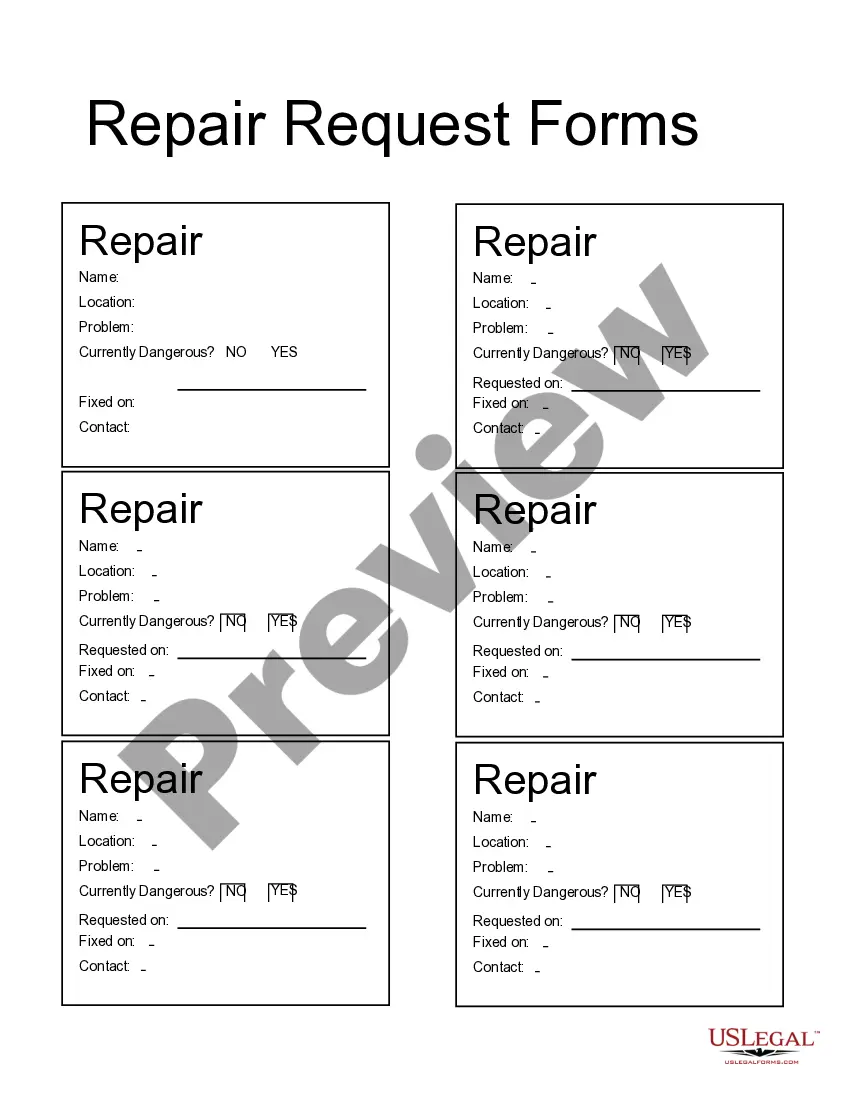
How to fill out Expense Account Form?
The Expenditure Form Documentation For Conduct you observe on this page is a reusable legal template crafted by professional attorneys in accordance with federal and state statutes and regulations.
For over 25 years, US Legal Forms has supplied individuals, businesses, and lawyers with more than 85,000 authenticated, state-specific forms for any commercial and personal circumstance. It's the fastest, simplest, and most dependable approach to acquire the documentation you require, as the service ensures bank-grade data protection and anti-malware safeguards.
Choose the format you desire for your Expenditure Form Documentation For Conduct (PDF, DOCX, RTF) and download the example onto your device.
- Browse for the document you require and review it.
- Examine the file you searched and preview it or check the form description to confirm it meets your needs. If it doesn't, use the search feature to find the correct one. Click Buy Now when you have found the template you require.
- Register and Log In.
- Choose the pricing plan that fits you and establish an account. Use PayPal or a credit card to make a swift payment. If you already possess an account, Log In and verify your subscription to proceed.
- Obtain the editable template.
Form popularity
FAQ
6 Steps To Create An Expense Report: A Guide For Small Businesses Select a Template or Use an Accounting Software. ... Add or Delete Columns. ... Report Expenses as a Different Line Item. ... Calculate the Total. ... Attach Associated Receipts. ... Print or Send the Report.
The process for building an expense report is fairly straightforward: Determine what expenses you want to include in your report. List the expenses that meet your criteria, including the details listed above. Total the expenses included in your report. Add notes about expenses incurred or total paid.
You must include the following information: ? surname or family name ? first names ? address including postcode ? date of birth ? National Insurance number, if you have one ? this will be 2 letters followed by 6 numbers and one letter for example, QQ123456A If you do not include this information on your form it will be ...
Always agree your expenses before incurring them. If you've agreed something outside the guidelines, you must explain why on the form. Submit receipts for all expenses. If the receipt has other items on it, circle the items you've included on your form.
How to Fill Out an Expense Report Enter your name, department, and employee ID number. Date the employee expense report. Provide a brief description of the business purpose of the expenses submitted for reimbursement. Enter the date, type, and amount of each expense in the related column.