Unitrust Trust With Someone You Hurt
Description

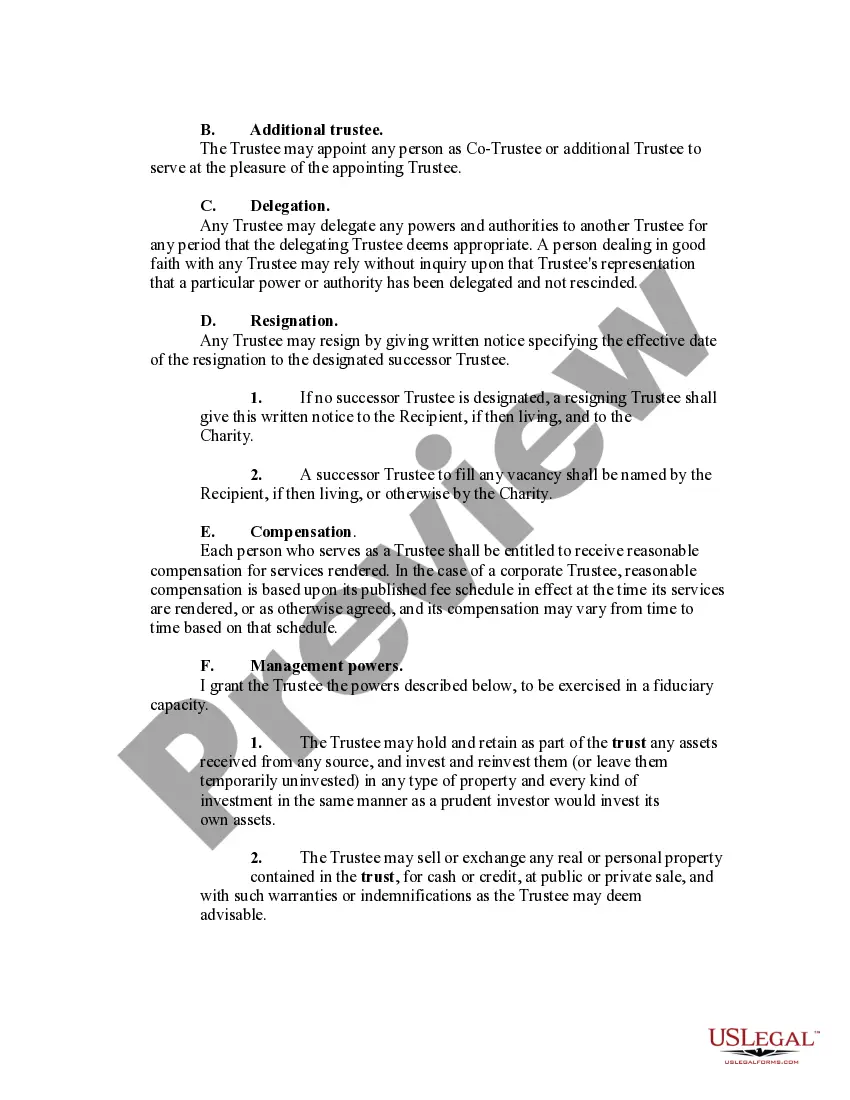
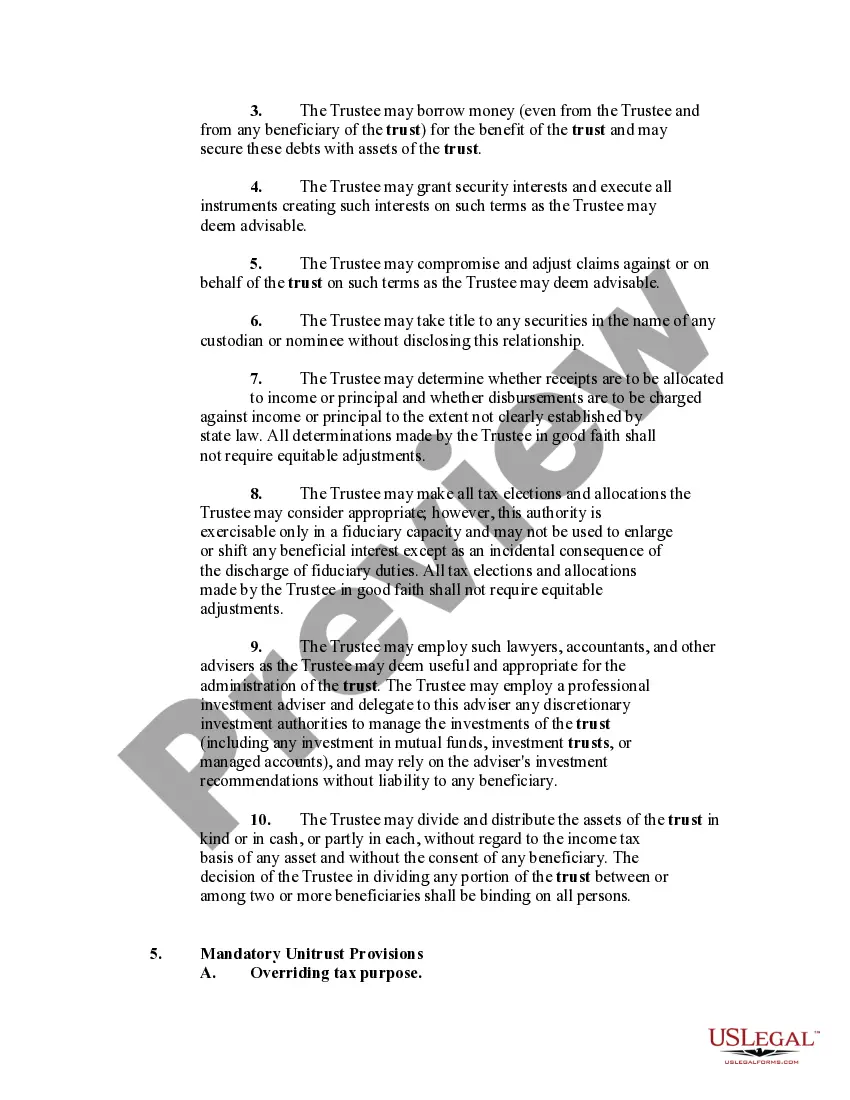
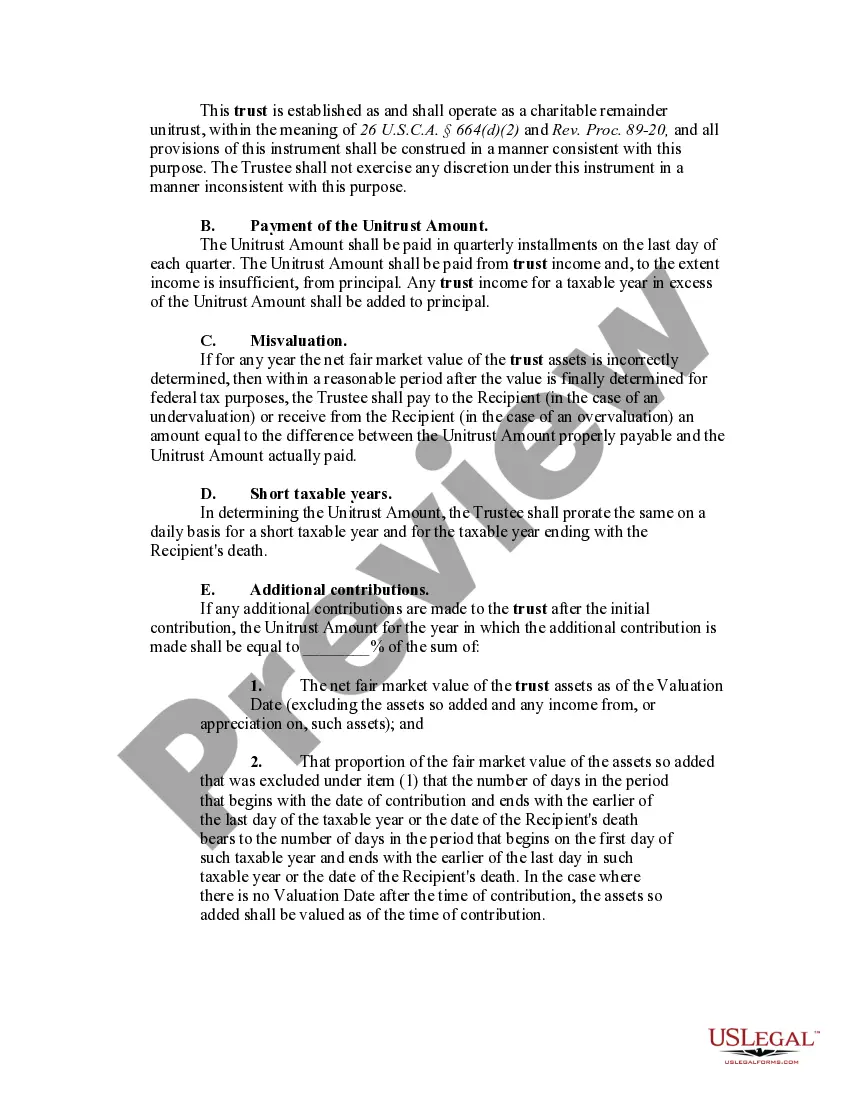
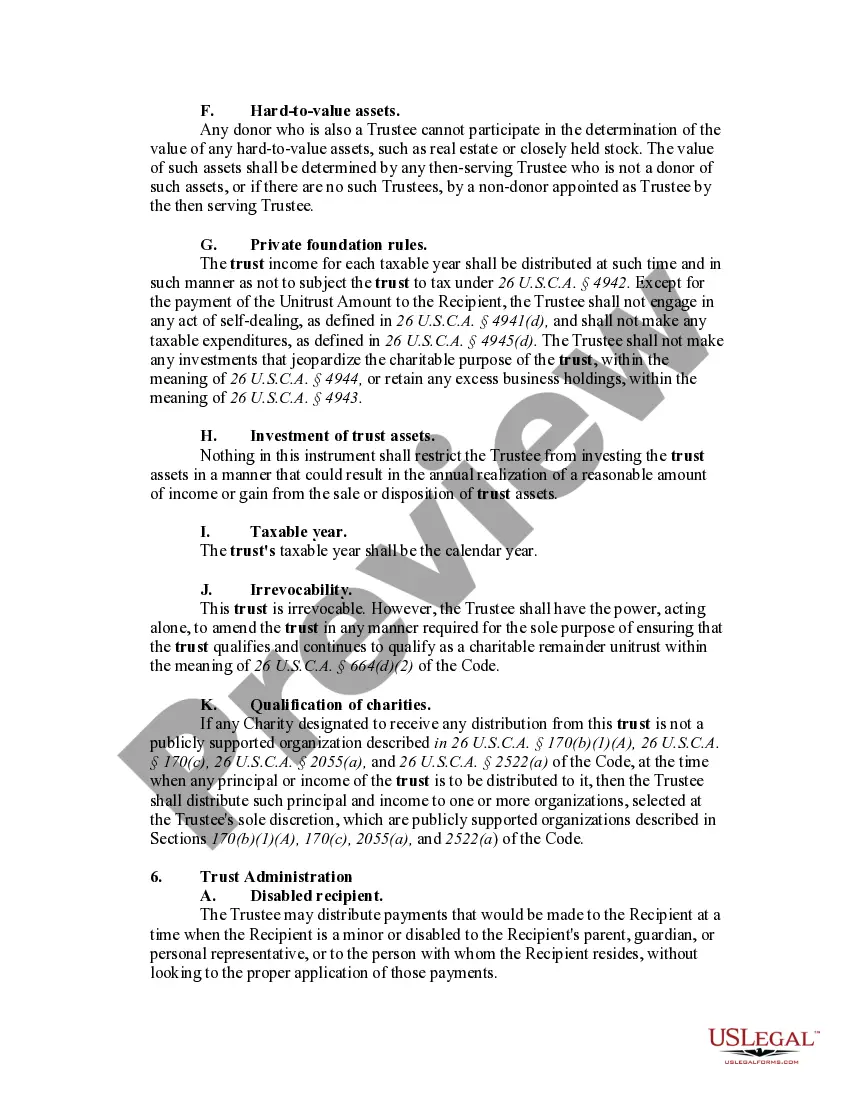
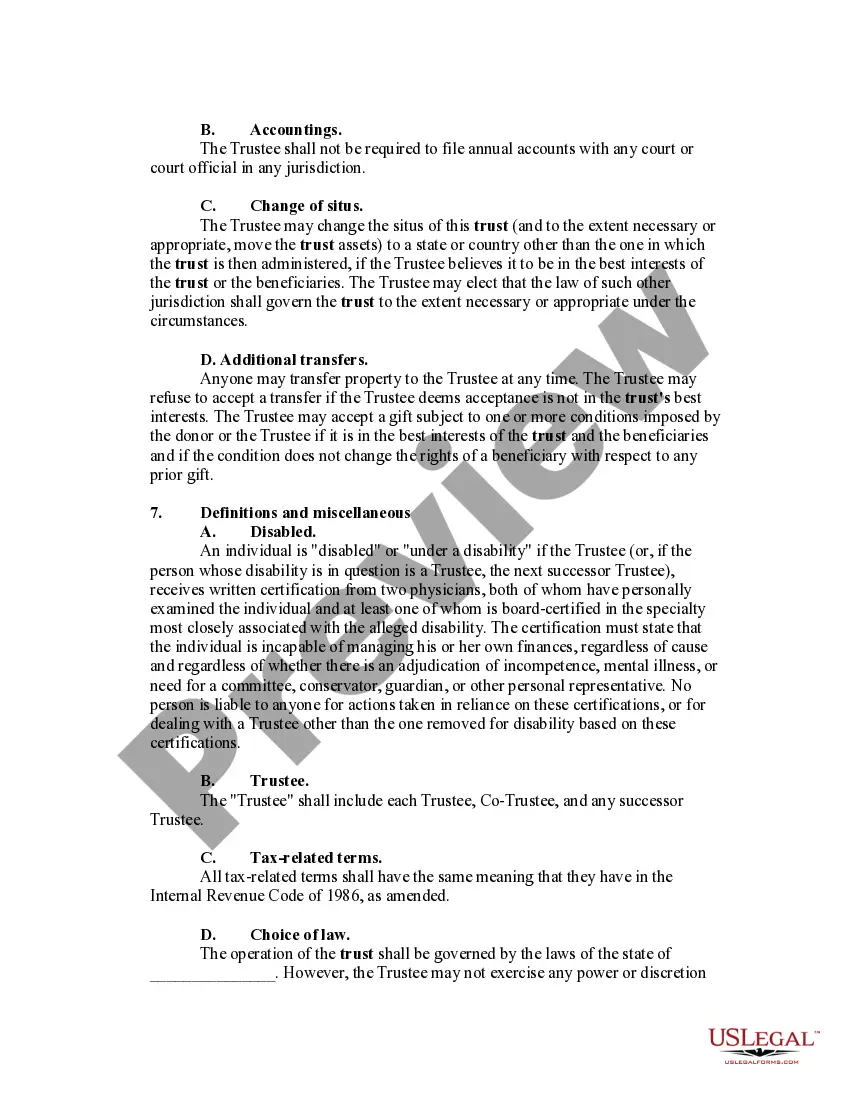
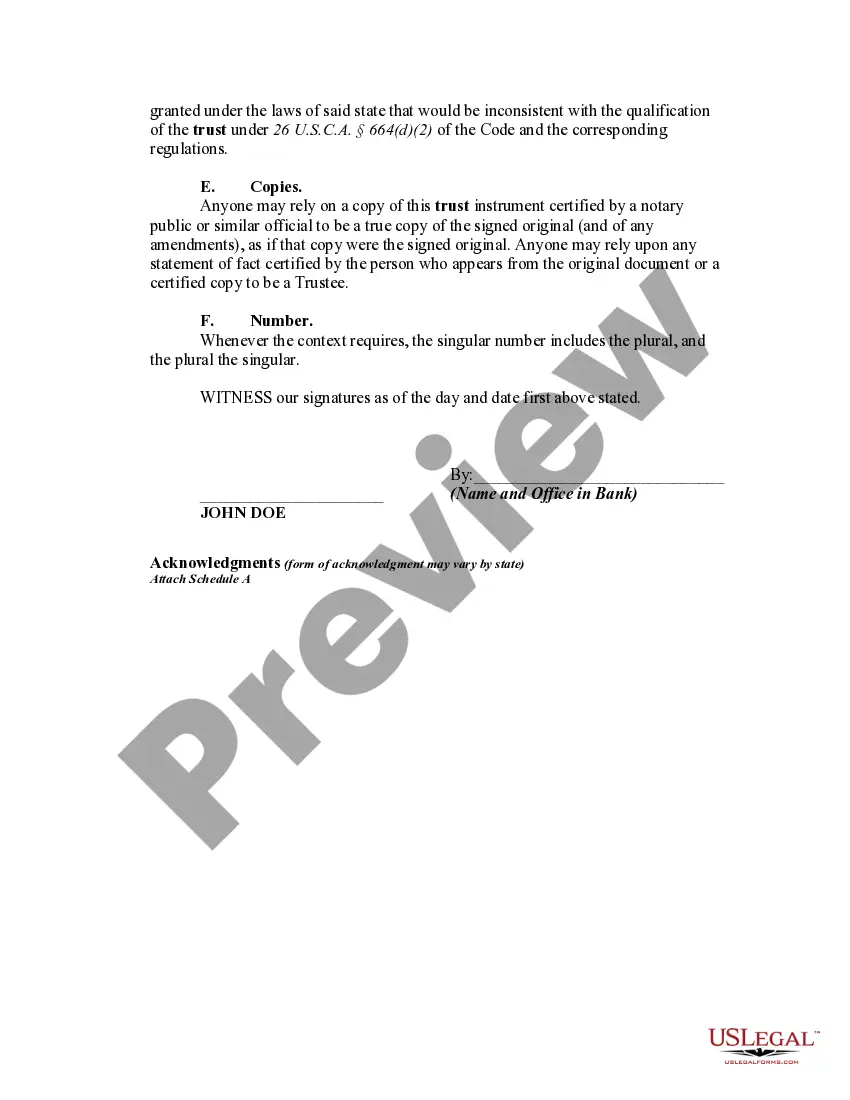
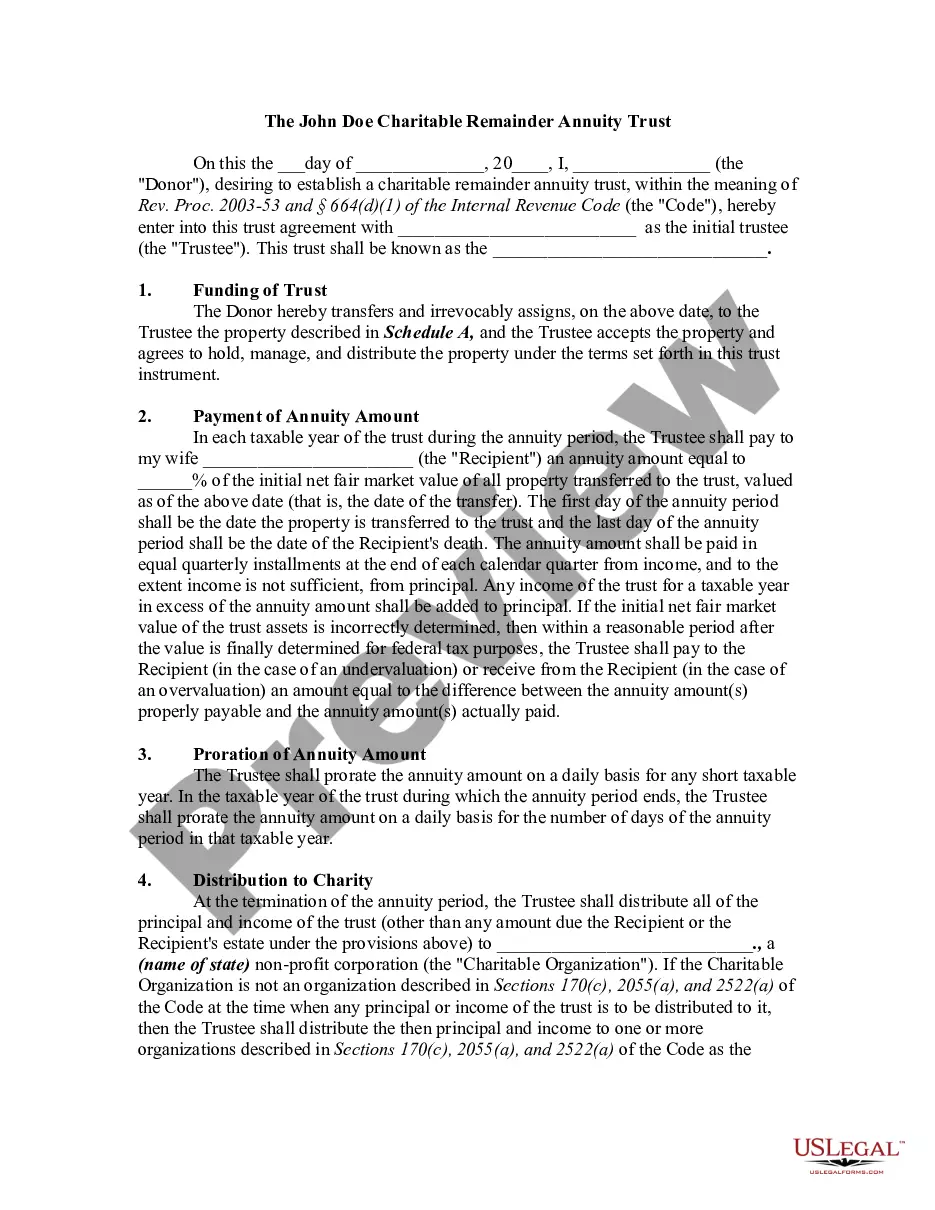




Get your form ready online
Our built-in tools help you complete, sign, share, and store your documents in one place.
Make edits, fill in missing information, and update formatting in US Legal Forms—just like you would in MS Word.
Download a copy, print it, send it by email, or mail it via USPS—whatever works best for your next step.
Sign and collect signatures with our SignNow integration. Send to multiple recipients, set reminders, and more. Go Premium to unlock E-Sign.
If this form requires notarization, complete it online through a secure video call—no need to meet a notary in person or wait for an appointment.
We protect your documents and personal data by following strict security and privacy standards.

Make edits, fill in missing information, and update formatting in US Legal Forms—just like you would in MS Word.

Download a copy, print it, send it by email, or mail it via USPS—whatever works best for your next step.

Sign and collect signatures with our SignNow integration. Send to multiple recipients, set reminders, and more. Go Premium to unlock E-Sign.

If this form requires notarization, complete it online through a secure video call—no need to meet a notary in person or wait for an appointment.

We protect your documents and personal data by following strict security and privacy standards.
Looking for another form?



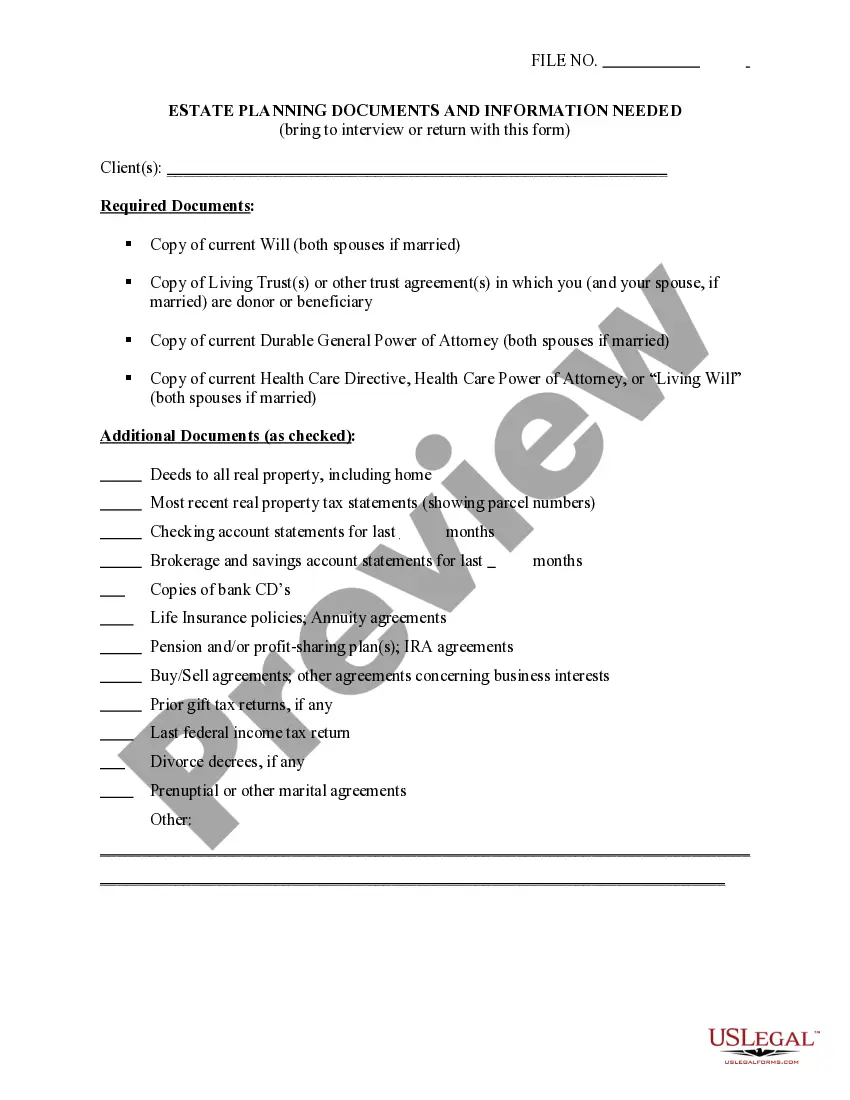





How to fill out Charitable Remainder Inter Vivos Unitrust Agreement?
Finding a reliable source to acquire the latest and suitable legal forms is a significant part of navigating bureaucracy.
Identifying the appropriate legal documents necessitates precision and meticulousness, which highlights the need to obtain samples of Unitrust Trust With Someone You Hurt exclusively from reputable providers, such as US Legal Forms. An incorrect template will consume your time and hinder your current situation.
Remove the stress associated with your legal documentation. Explore the vast collection of US Legal Forms to discover legal templates, verify their applicability to your circumstances, and download them immediately.
- Utilize the library navigation or search bar to locate your template.
- Examine the form’s description to confirm if it aligns with the regulations of your state and locality.
- View the form preview, if accessible, to verify that the template is indeed what you require.
- Return to the search and find the accurate template if the Unitrust Trust With Someone You Hurt does not suit your needs.
- Once you are certain about the form’s applicability, download it.
- As an authorized user, click Log in to verify and access your chosen templates in My documents.
- If you do not yet have an account, click Buy now to acquire the form.
- Choose the payment plan that meets your requirements.
- Proceed with the registration to finalize your transaction.
- Conclude your purchase by selecting a payment method (credit card or PayPal).
- Choose the document format for downloading Unitrust Trust With Someone You Hurt.
- After you have the form on your device, you can edit it using the editor or print it out to complete it by hand.
Form popularity
FAQ
Microsoft Forms is available in the following plans: Microsoft 365 business basic, standard, and premium; Microsoft 365 A3/A5 and E3/E5; Office 365 A1/A3/A5 and E1/E3/E5; and Microsoft 365/Office 365 F3.
There is also no version history which makes it very difficult to reset the questions that have been overwritten.
I'm afraid to inform you that version history feature for Microsoft Forms is not yet available but this feature is currently up for a vote for a possible future implementation. You may check on this link for more information: ...
Open a previously saved or published form. From the toolbar in the designer, click Versions. The Version History log appears. The log shows how many times the form was saved or published along with the date and time.
Right now unfortunately, you can recover the entire Form from recycle bin if, it was deleted. however, recovering only a deleted question from the Form is currently not supported.