Notice of Annual Report of Employee Benefits Plans
Understanding this form
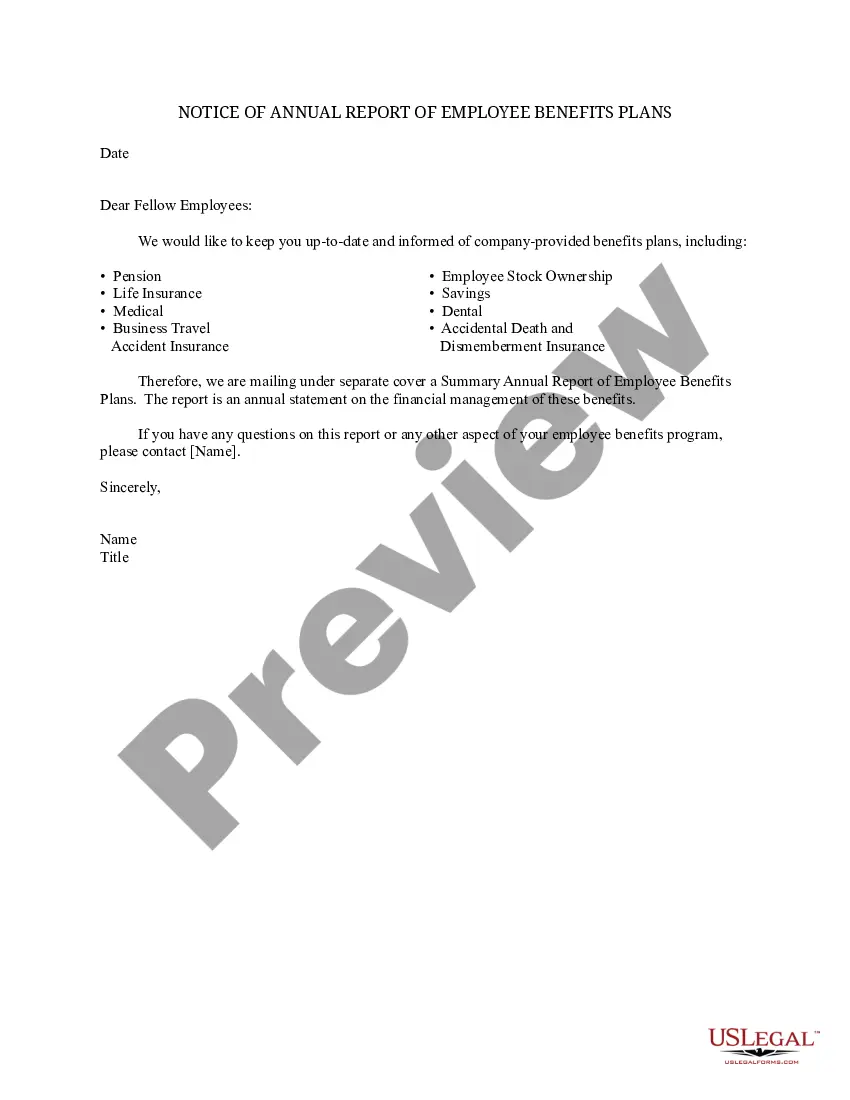
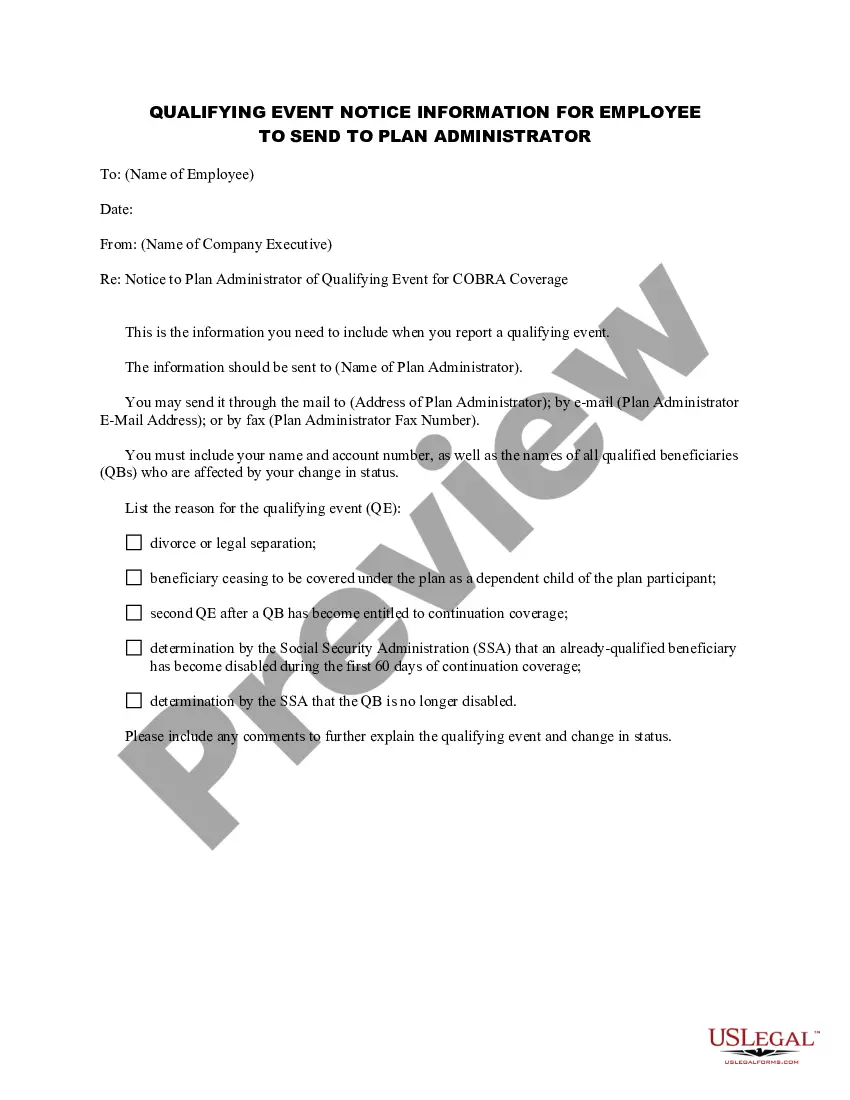
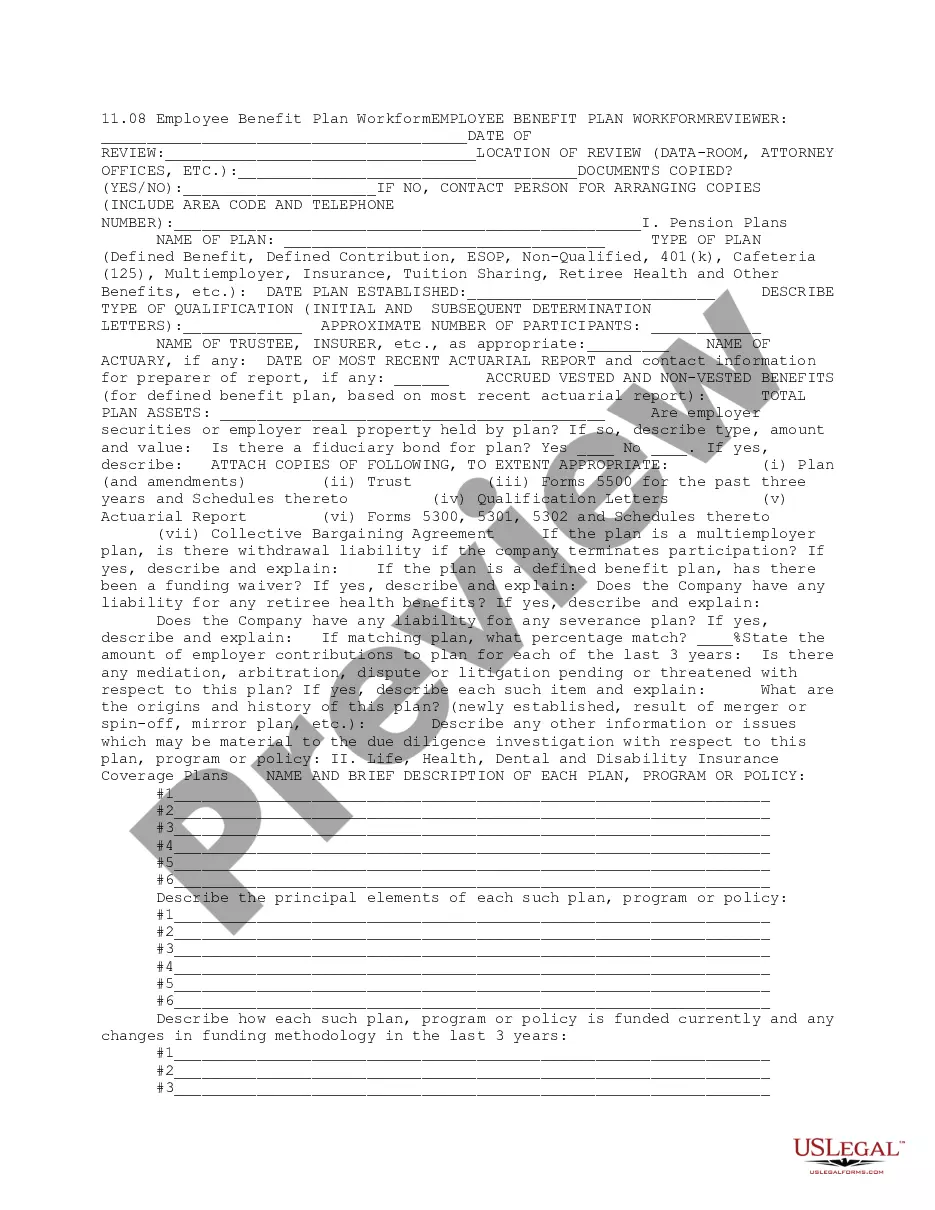
The Notice of Annual Report of Employee Benefits Plans is a formal document used by employers to keep employees informed about the benefits plans provided by the company. This form serves a unique purpose as it not only updates employees on available benefits but also offers a summary of the financial management of these benefits plans. This distinguishes it from other forms related to employee benefits which may not provide comprehensive financial insights.
What’s included in this form
- Date of issuance
- List of benefits available to employees
- Summary Annual Report information
- Contact information for inquiries
- Signature of the issuing authority
When this form is needed
This form should be used whenever a company needs to communicate changes or updates about employee benefits to its workforce. It is essential during the annual review period of employee benefits, which may also coincide with open enrollment periods when employees can make changes to their benefits selections.
Intended users of this form
- Employers looking to communicate benefits information to their employees
- HR managers responsible for maintaining compliance with employee benefits regulations
- Any business that offers multiple employee benefits plans, including health insurance, retirement plans, and other perks
Completing this form step by step
- Identify the date of issuance for the notice.
- List all employee benefits included in the company's benefits package.
- Provide a summary of the financial aspects of each benefits plan.
- Insert the contact information for an HR representative available for questions.
- Ensure that the form is signed by the appropriate authority, such as the HR manager or company executive.
Notarization guidance
This form does not typically require notarization unless specified by local law. Always check regional regulations to confirm if a notarized version is necessary for validity.
Get your form ready online
Our built-in tools help you complete, sign, share, and store your documents in one place.
Make edits, fill in missing information, and update formatting in US Legal Forms—just like you would in MS Word.
Download a copy, print it, send it by email, or mail it via USPS—whatever works best for your next step.
Sign and collect signatures with our SignNow integration. Send to multiple recipients, set reminders, and more. Go Premium to unlock E-Sign.
If this form requires notarization, complete it online through a secure video call—no need to meet a notary in person or wait for an appointment.
We protect your documents and personal data by following strict security and privacy standards.

Make edits, fill in missing information, and update formatting in US Legal Forms—just like you would in MS Word.

Download a copy, print it, send it by email, or mail it via USPS—whatever works best for your next step.

Sign and collect signatures with our SignNow integration. Send to multiple recipients, set reminders, and more. Go Premium to unlock E-Sign.

If this form requires notarization, complete it online through a secure video call—no need to meet a notary in person or wait for an appointment.

We protect your documents and personal data by following strict security and privacy standards.
Mistakes to watch out for
- Failing to update the list of benefits according to the latest changes.
- Not including contact information for employees to ask questions.
- Omitting the signature of the responsible authority.
Advantages of online completion
- Convenient access for employees to view updated benefits information.
- Easily editable to reflect changes in benefits or financial management.
- Secure format ensures that sensitive employee benefits information is protected.
Legal use & context
- This notice serves as legal documentation that employers have fulfilled their duty to inform employees about their benefits.
- Failure to provide this information may result in employees being uninformed about their rights and options.
- The annual nature of this notification reinforces the employer's commitment to transparency in employment benefits.
Quick recap
- The Notice of Annual Report of Employee Benefits Plans is essential for keeping employees informed.
- The form details important benefits and management aspects, aiding employee understanding and engagement.
- It is crucial for compliance with regulations regarding employee rights and company responsibilities.
Looking for another form?
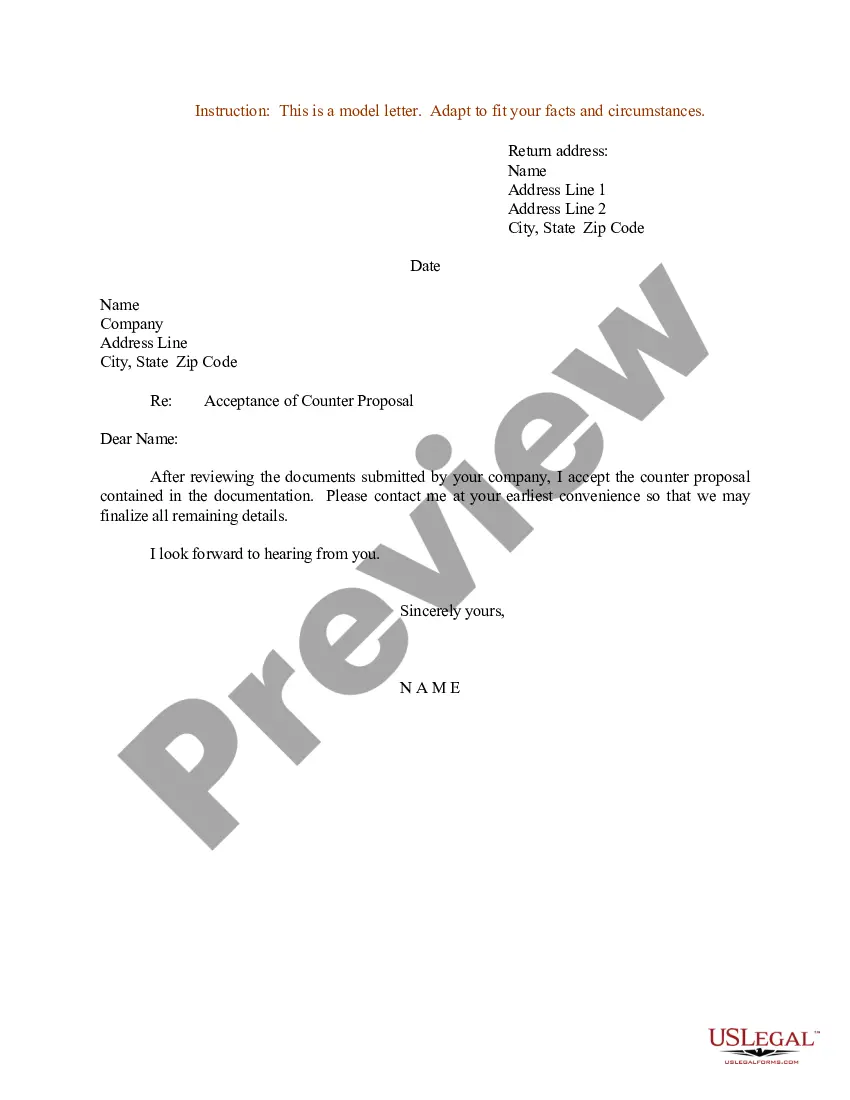
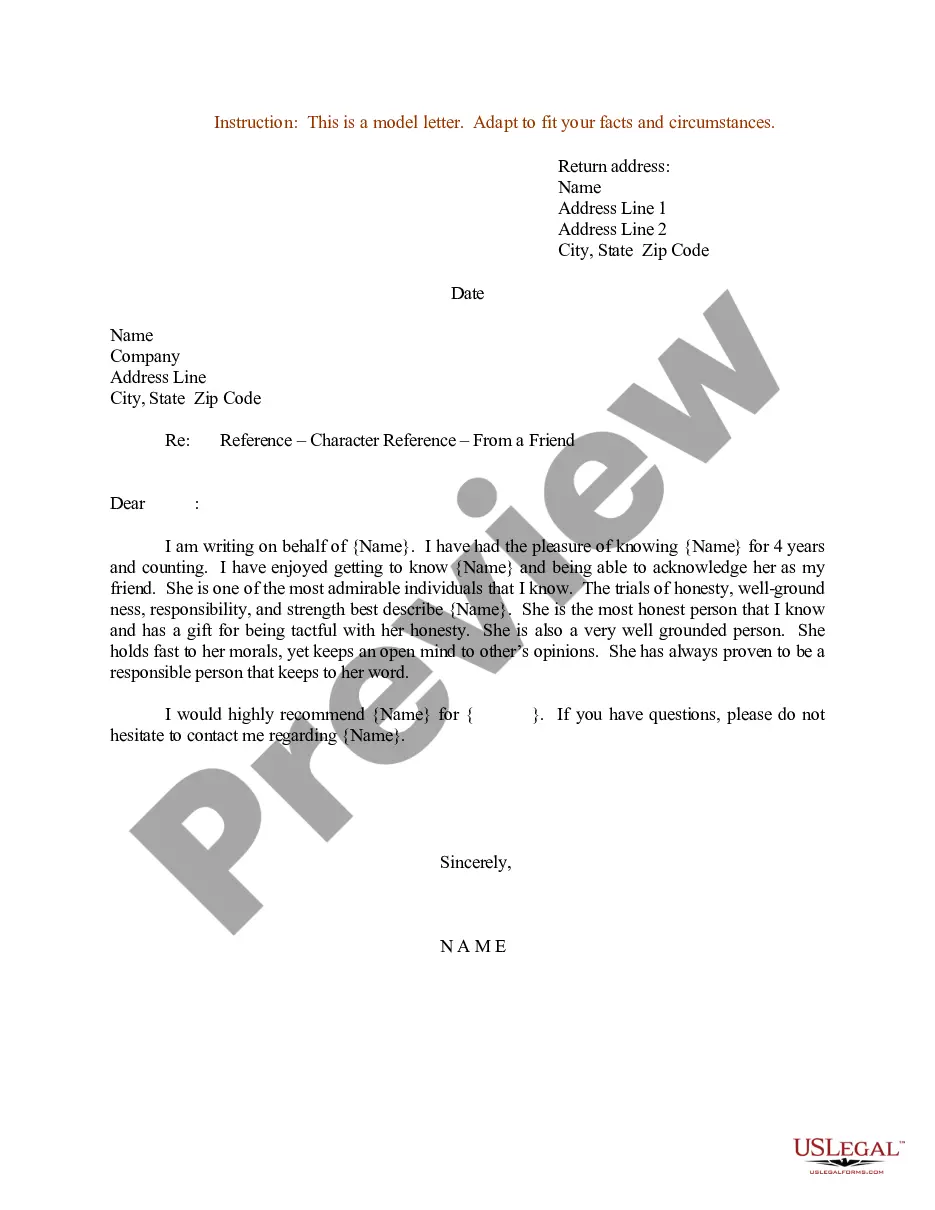
Form popularity
FAQ
The plan document is a written document that describes the participant's rights, benefits, and obligations within the plan, as well as the plan's terms and conditions for administering the plan. The plan document should include the Trust Agreement (if applicable) and Insurance Contract(s).
The SPD must be furnished: With plan enrollment materials or within 90 days of coverage. Upon request by a plan participant or person entitled to receive an SPD. An updated SPD must be furnished every 5 years if the plan is amended.
The Summary Plan Description (SPD) is one of the important 401(k) plan documents that provides plan participants (and their beneficiaries) with the most important details of their benefit plan, like eligibility requirements or participation dates, benefit calculations, plan management instructions, and general member
ANSWER: A SAR is a summary annual report, and its purpose is to summarize for employees the information that appears in an ERISA plan's Form 5500.The plan administrator generally must furnish SARs within nine months after the end of the plan year (which is two months after the normal due date for Form 5500s).
The summary plan description is an important document that tells participants what the plan provides and how it operates. It provides information on when an employee can begin to participate in the plan and how to file a claim for benefits.
SAR Due Dates: The SAR must be distributed to plan participants no later than 9 months after the end of the plan year. That's two months after Form 5500 is due. If you're on a calendar plan year, that's September 30th.
Employers must distribute the SAR to each plan participant covered under the plan during the applicable plan year, including COBRA participants and terminated employees who were covered under the plan. For instance, the Form 5500 (and the associated SAR) filed in 2019 pertain the to the plan offered in 2018.
The summary plan description (SPD) is simply a summary of the plan document required to be written in such a way that the participants of the benefits plan can easily understand it. Unlike the plan document, the SPD is required to be distributed to plan participants.Plan amendments must be made to both documents.
Distributing the SAR at the participant's worksite by handing them a hard copy. Distributing the SAR along with the participant's annual statement. Including the SAR as a special insert inside a company newsletter or some other kind of publication. Mail via USPS to the participant's place of residence.