Log Summary of Work Related Injuries and Illnesses - OSHA Form 300 + 300A
What this document covers
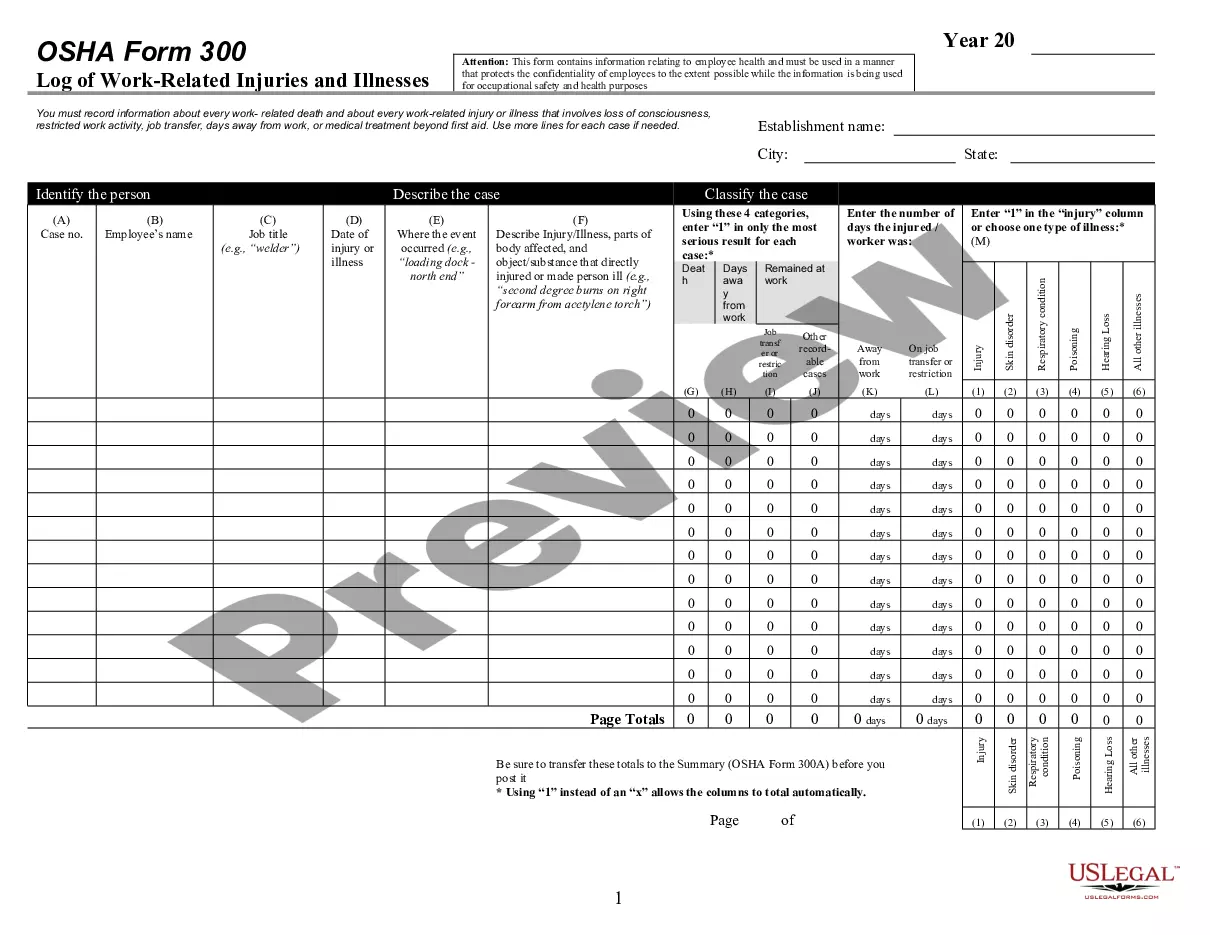
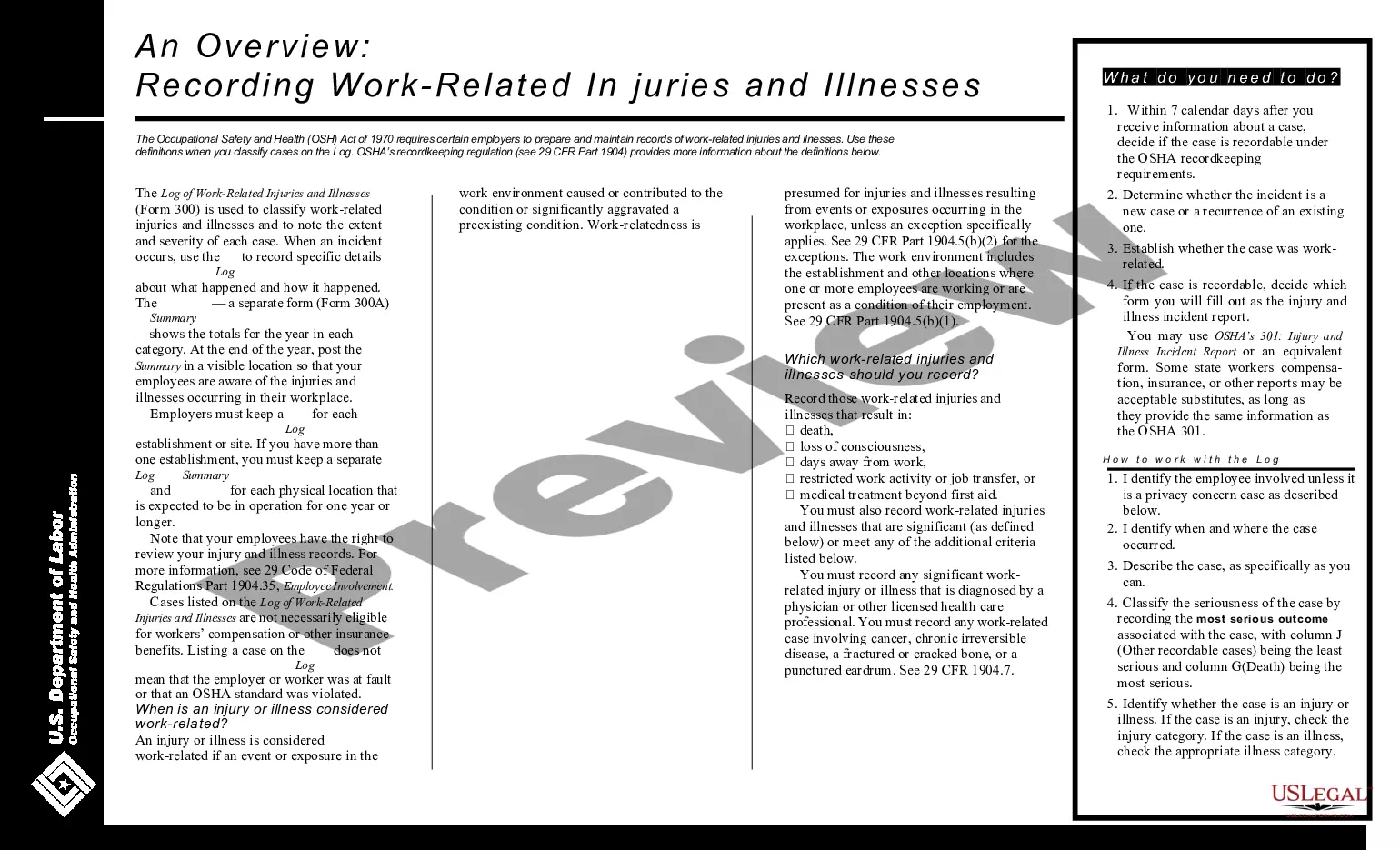
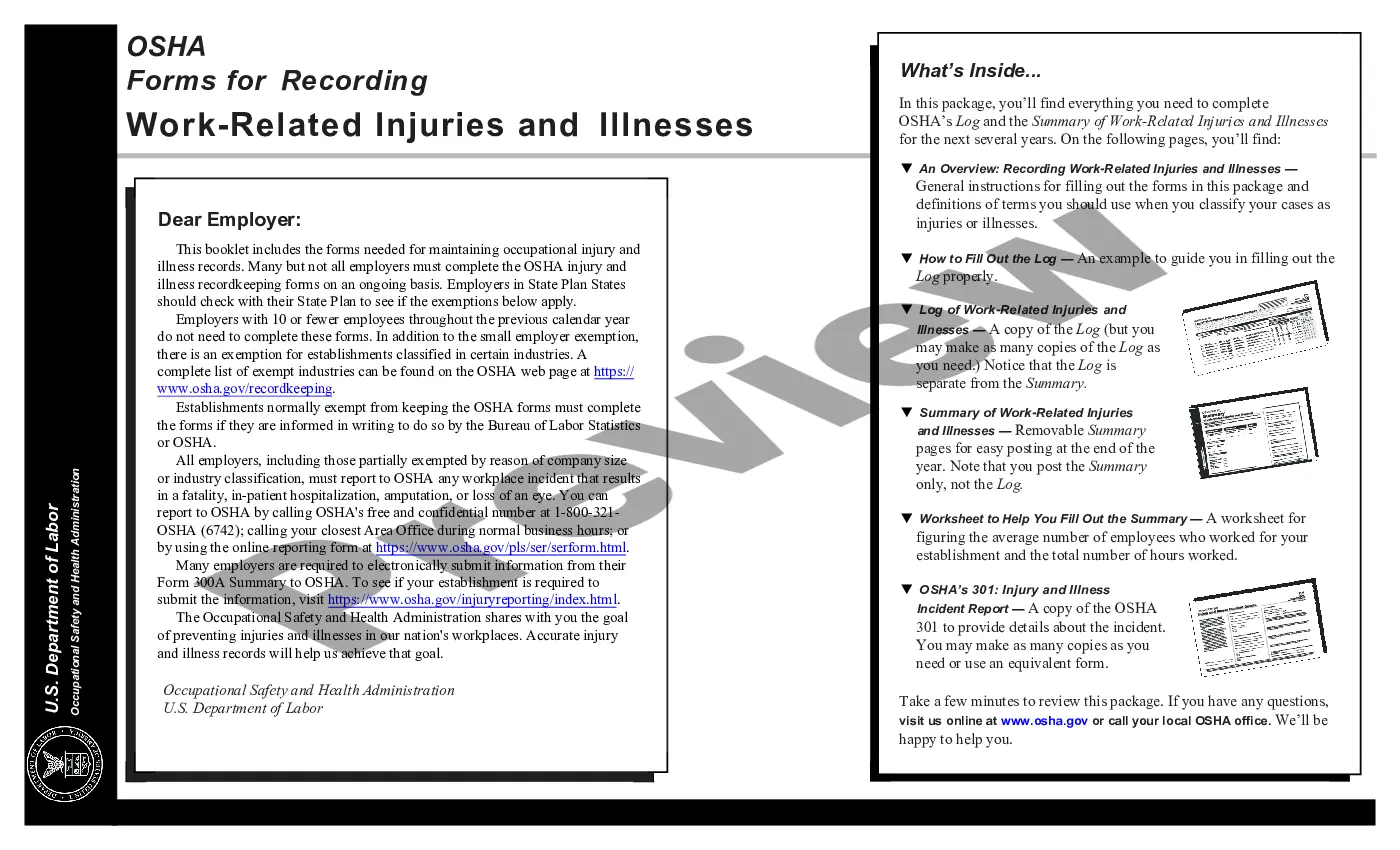
The Log Summary of Work Related Injuries and Illnesses, commonly referred to as OSHA Form 300 and 300A, is a crucial document used by employers to record and summarize work-related injuries and illnesses. This form is essential for maintaining workplace safety standards and ensuring compliance with OSHA regulations. Unlike other employment forms, this form provides a comprehensive overview of workplace incidents, allowing employers to track and analyze safety trends over time.
Main sections of this form
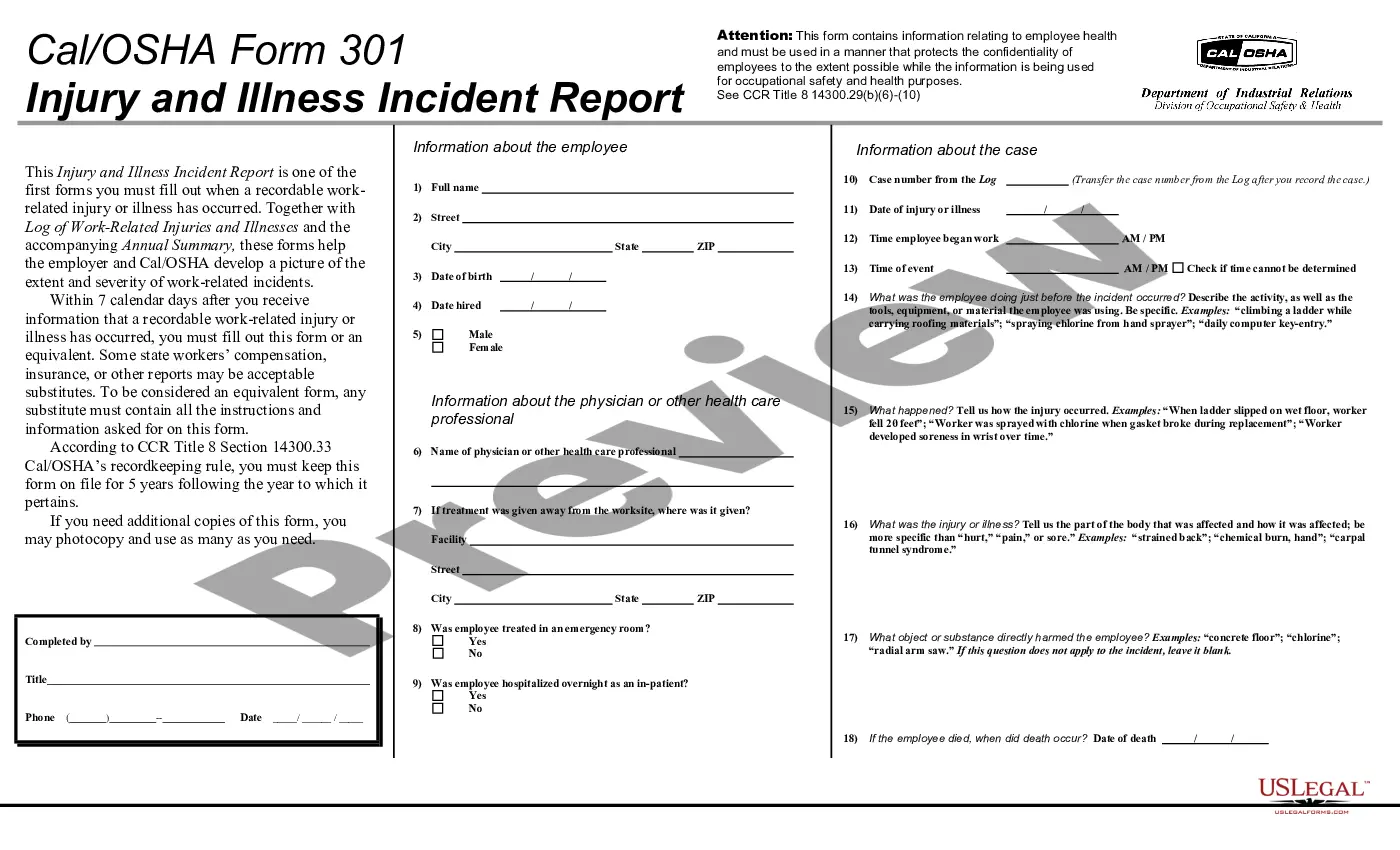
- Description of the injury or illness.
- Parts of the body affected by the incident.
- Object or substance that caused the injury or illness.
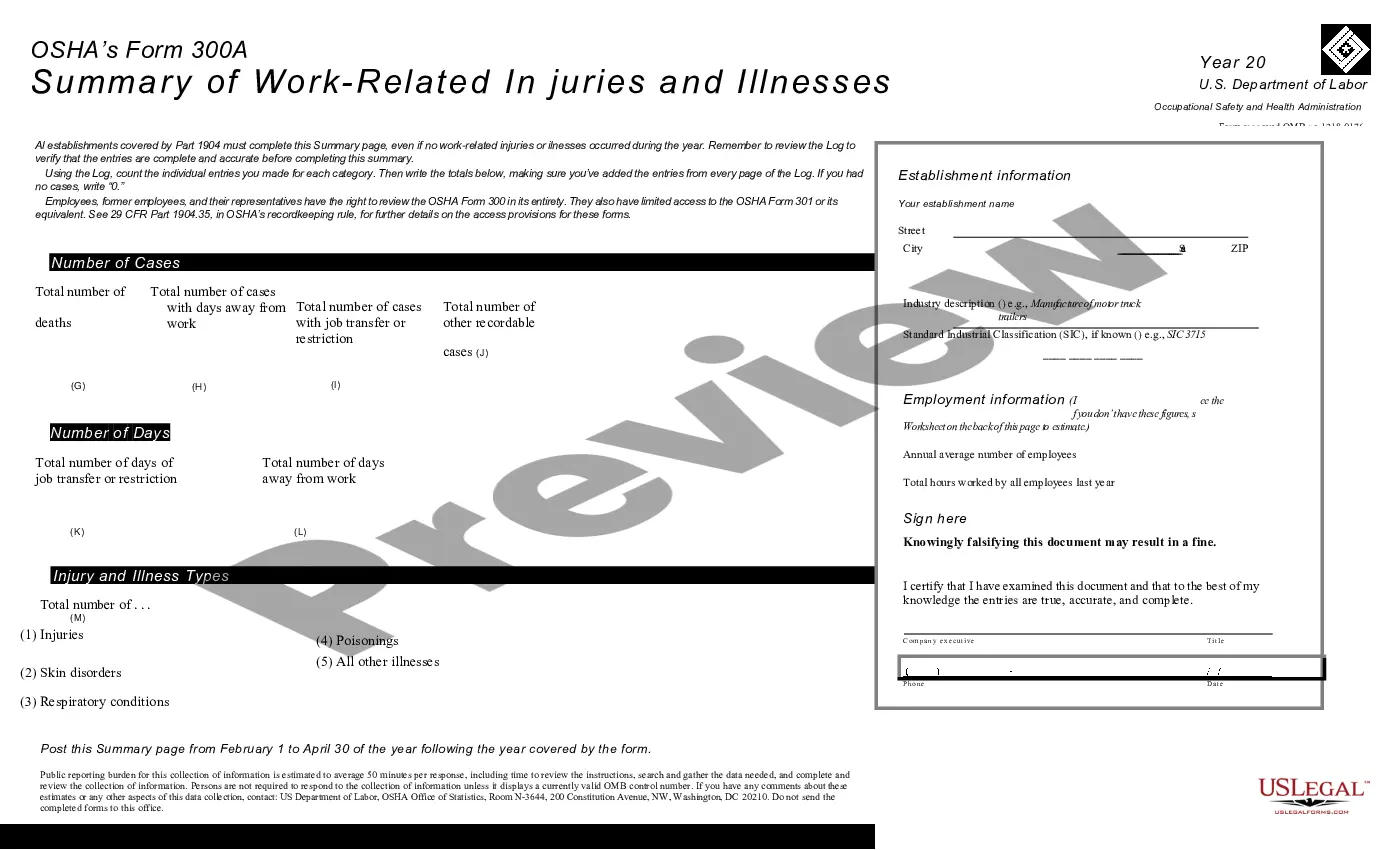
- Categories for classifying the severity of the incident.
- Number of days the employee was away from work due to the injury or illness.
Situations where this form applies
Employers should use this form when an employee experiences a work-related injury or illness that results in medical treatment, lost workdays, or a job transfer. It is essential for documenting incidents that may affect workplace safety and for fulfilling legal reporting requirements. This form is also useful for annual reporting of workplace injuries, helping employers identify patterns and improve safety measures.
Who should use this form
- Employers of all sizes who have employees at risk of workplace injuries.
- Human resources professionals responsible for employee health and safety.
- Safety officers tasked with maintaining OSHA compliance.
- Management teams looking to enhance workplace safety protocols.
How to prepare this document
- Identify and describe the injury or illness in detail.
- Specify the parts of the body that were affected.
- Note the object or substance involved in causing the injury or illness.
- Classify the incident according to the severity categories provided.
- Enter the total number of days the employee was absent due to the incident.
Is notarization required?
Notarization is not commonly needed for this form. However, certain documents or local rules may make it necessary. Our notarization service, powered by Notarize, allows you to finalize it securely online anytime, day or night.
Get your form ready online
Our built-in tools help you complete, sign, share, and store your documents in one place.
Make edits, fill in missing information, and update formatting in US Legal Forms—just like you would in MS Word.
Download a copy, print it, send it by email, or mail it via USPS—whatever works best for your next step.
Sign and collect signatures with our SignNow integration. Send to multiple recipients, set reminders, and more. Go Premium to unlock E-Sign.
If this form requires notarization, complete it online through a secure video call—no need to meet a notary in person or wait for an appointment.
We protect your documents and personal data by following strict security and privacy standards.

Make edits, fill in missing information, and update formatting in US Legal Forms—just like you would in MS Word.

Download a copy, print it, send it by email, or mail it via USPS—whatever works best for your next step.

Sign and collect signatures with our SignNow integration. Send to multiple recipients, set reminders, and more. Go Premium to unlock E-Sign.

If this form requires notarization, complete it online through a secure video call—no need to meet a notary in person or wait for an appointment.

We protect your documents and personal data by following strict security and privacy standards.
Mistakes to watch out for
- Failing to provide a thorough description of the injury or illness.
- Inaccurately categorizing the severity of the incident.
- Not documenting all incidents that meet OSHA reporting criteria.
- Neglecting to update the form for ongoing incidents or patterns.
Why use this form online
- Convenient access to downloadable forms that can be completed at your pace.
- Editability allows employers to fill in details quickly and accurately.
- Reliable, attorney-drafted templates ensure compliance with legal requirements.
- Easy record-keeping with digital submissions and storage options.
Legal use & context
- This form helps employers comply with OSHA regulations on reporting work-related injuries and illnesses.
- It provides legal protection in case of disputes regarding worker safety and incidents.
- Proper use of this form contributes to maintaining a safe workplace and helps avoid potential penalties from OSHA.
Looking for another form?

Form popularity
FAQ
The OSHA Form 300 is a form for employers to record all reportable injuries and illnesses that occur in the workplace, where and when they occur, the nature of the case, the name and job title of the employee injured or made sick, and the number of days away from work or on restricted or light duty, if any.
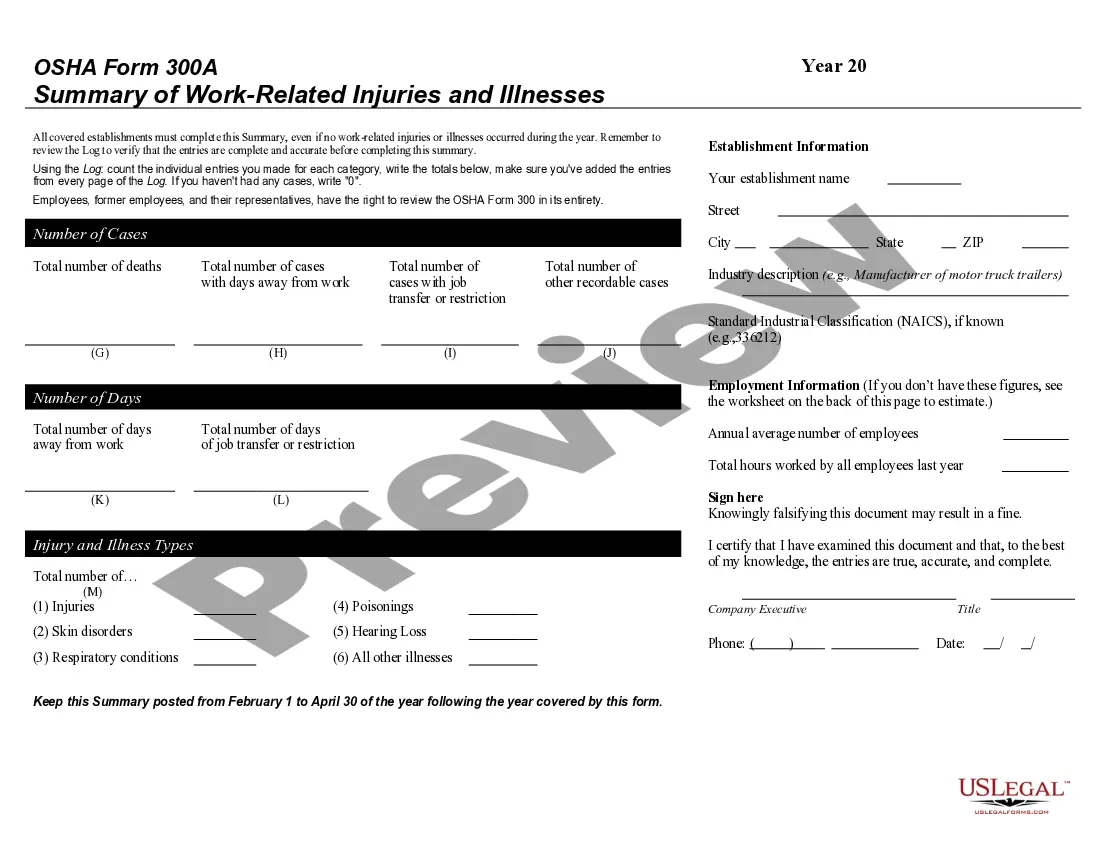
The OSHA 300 log is part of a federal requirement concerning safety in the workplace. OSHA Form 300A is the second page of the OSHA Form 300. The first page (Form 300) contains a log for work-related injuries and illnesses designed by the Occupational Safety and Health Administration (OSHA).
Tips for Maintaining an OSHA 300 Log The information shall be posted within seven days after a recordable case has occurred. Employers must keep injury and illness records for each establishment.
Step 1: Determine the Establishment Locations. Step 2: Identify Required Recordings. Step 3: Determine Work-Relatedness. Step 4: Complete the OSHA Form 300. Step 5: Complete and Post the OSHA 300A Annual Summary. Step 6: Submit Electronic Reports to OSHA. Step 7: Retain the Log and Summary.
Covered establishments are only required to electronically submit information from the OSHA Form 300A (Summary of Work-Related Injuries and Illnesses). The requirement to keep and maintain OSHA Forms 300, 300A, and 301 for five years is not changed by this Final Rule.
The data submission process involves four steps: (1) Creating an establishment; (2) adding 300A summary data; (3) submitting data to OSHA; and (4) reviewing the confirmation email. The secure website offers three options for data submission. One option will enable users to manually enter data into a web form.
The OSHA 300 Log requires employers to check one of 6 boxes to categorize the injury/illness: (1) injury (2) skin disorder (3) respiratory condition (4) poisoning (5) hearing loss (6) all other illnesses. There are spaces to record days of job transfer or work restriction, as well as days away from work.
In general, employers with 10 or more employees are required to post in the workplace a completed OSHA Form 300A (Summary of Work-Related Injuries and Illnesses) every year between February 1 and April 1. Employers with fewer than 10 employees and certain low-risk industries are exempt from this requirement.