Family and Medical Leave Request Form
Overview of this form
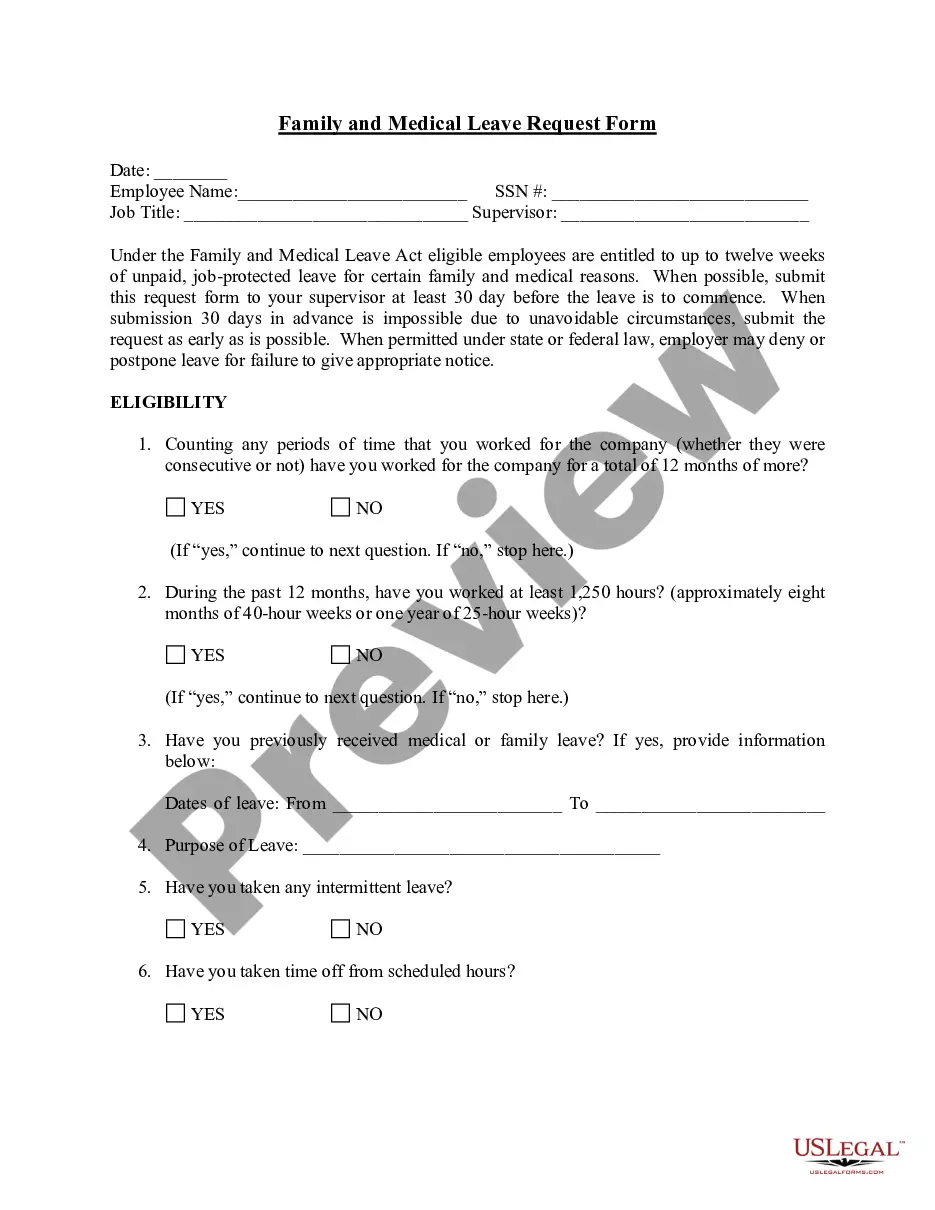
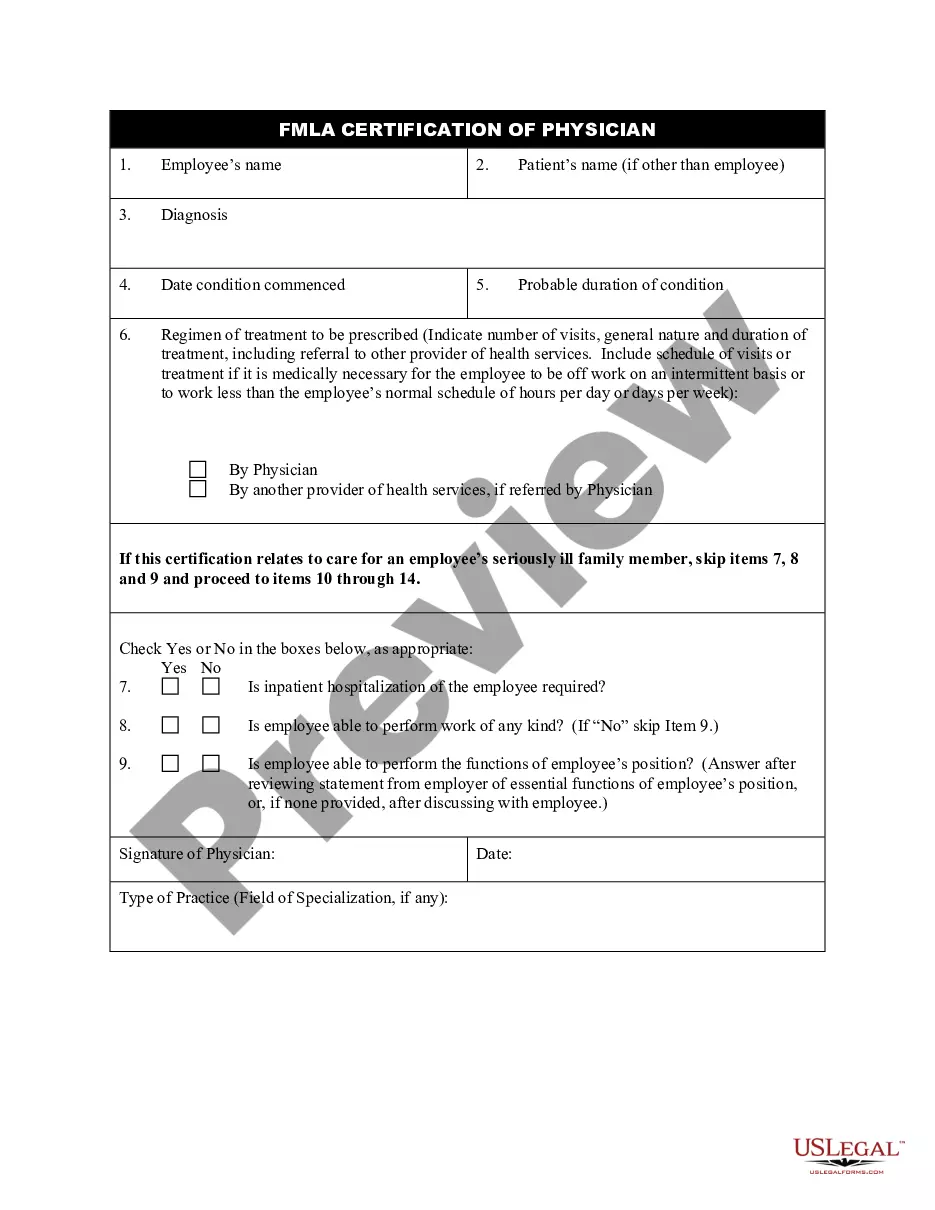
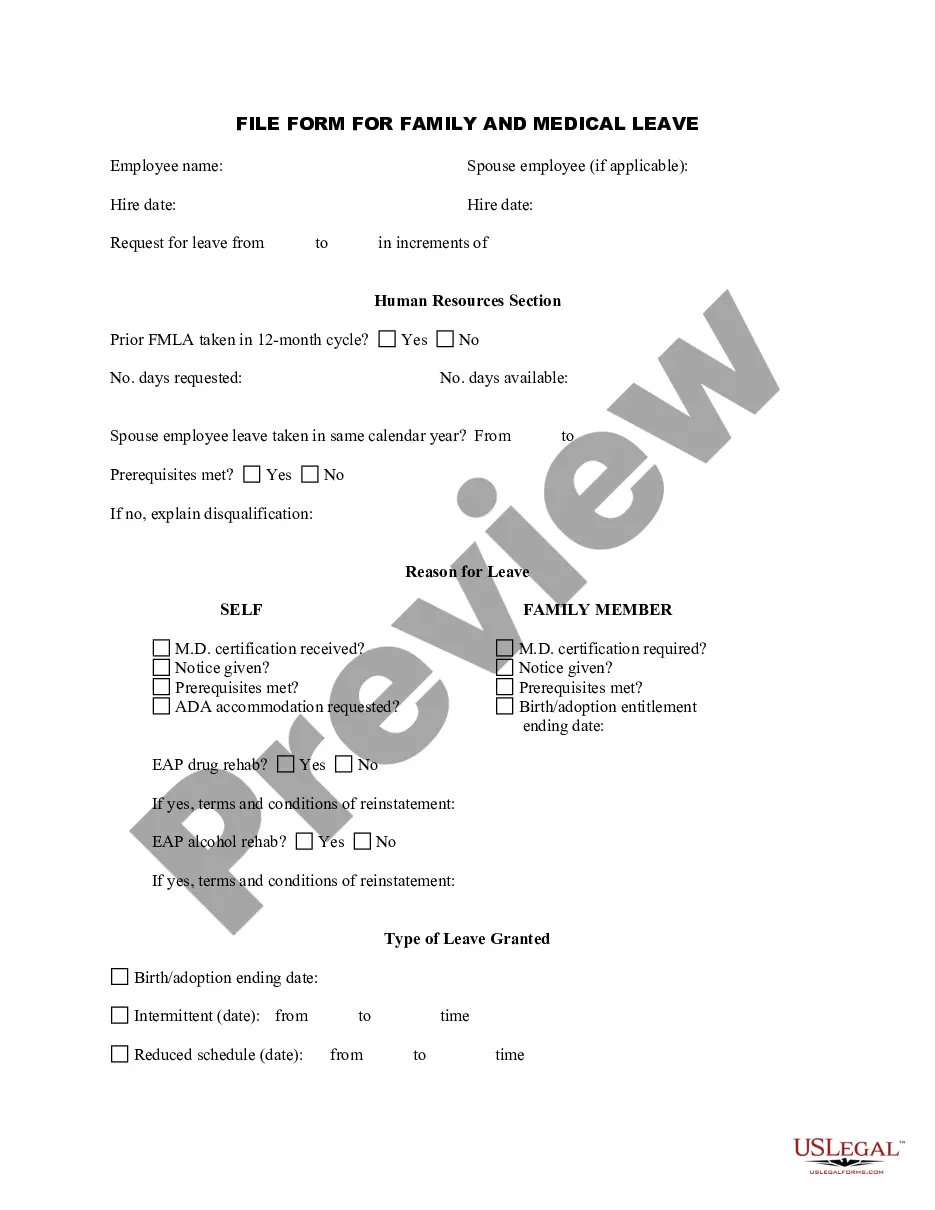
The Family and Medical Leave Request Form is a legal document that allows employees to formally request leave under the Family and Medical Leave Act (FMLA). This request may be for personal serious health conditions or for family-related medical issues. Unlike other leave forms, this document specifically addresses entitlements for job-protected leave, making it crucial for employees seeking to balance their work obligations with medical needs or family care.
Key components of this form
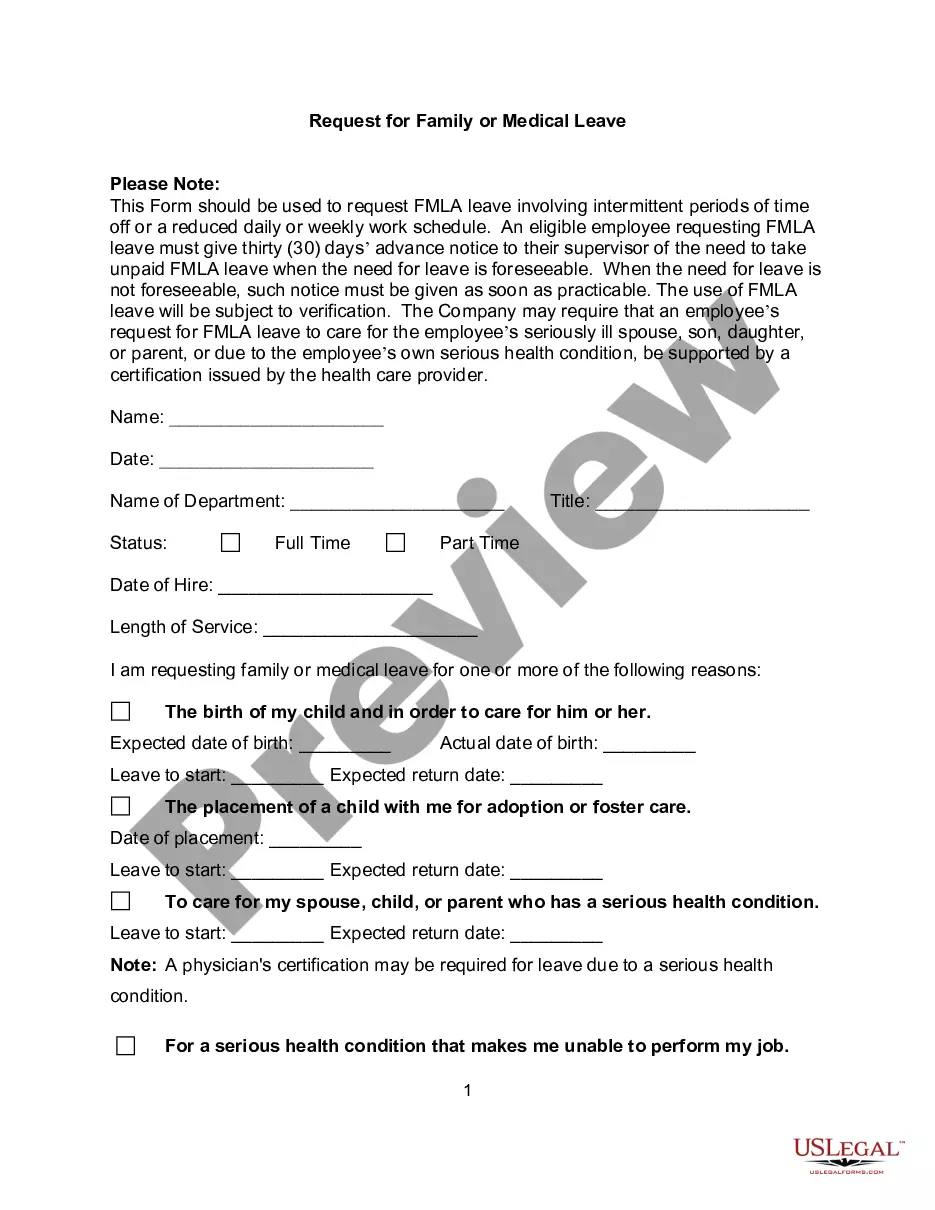
- Date and employee identification: Includes the date of the request, employee name, Social Security Number, job title, and supervisorâs name.
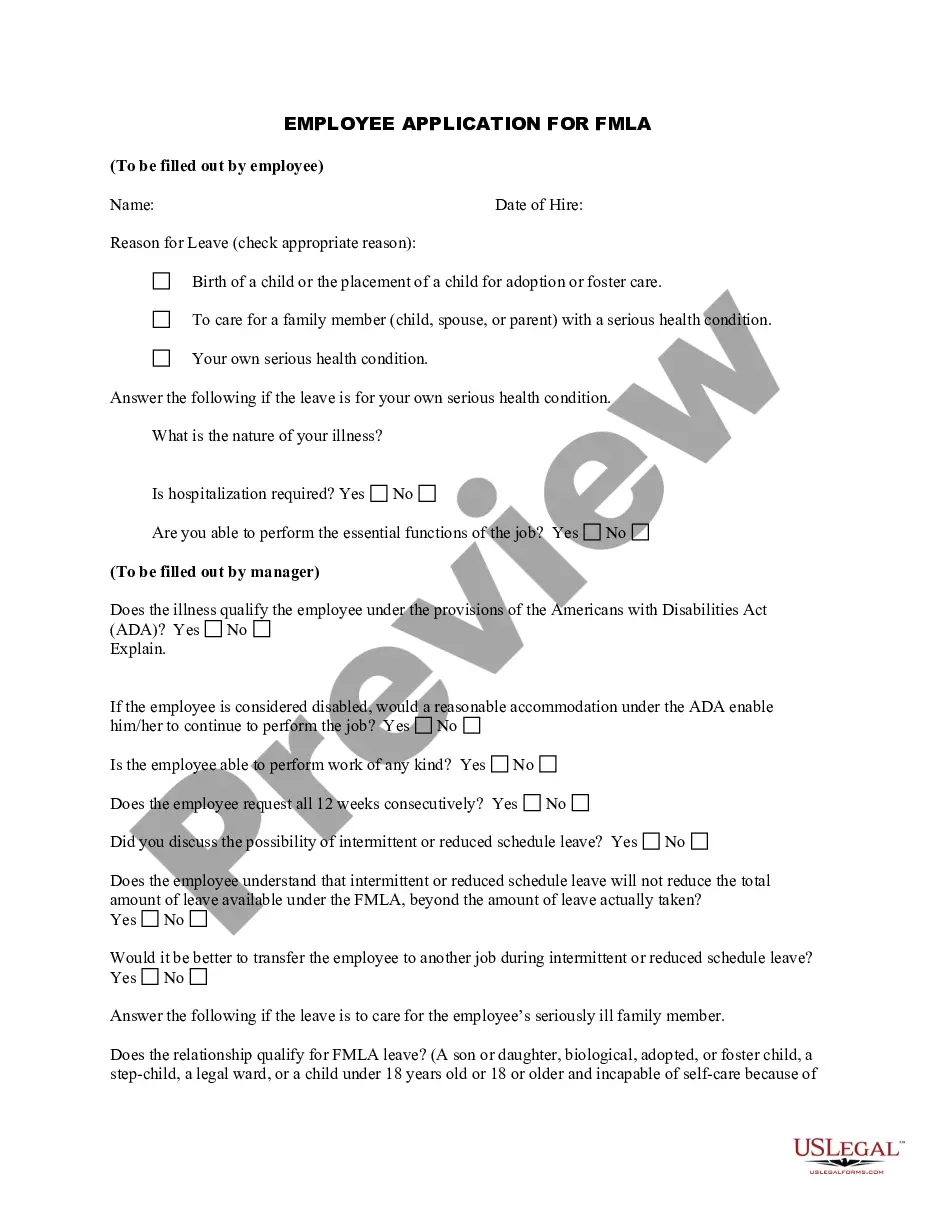
- Eligibility questions: A series of questions to confirm if the employee meets the 12-month and 1,250 hours of work requirements.
- Previous leave information: A section to report any past family or medical leave taken by the employee.
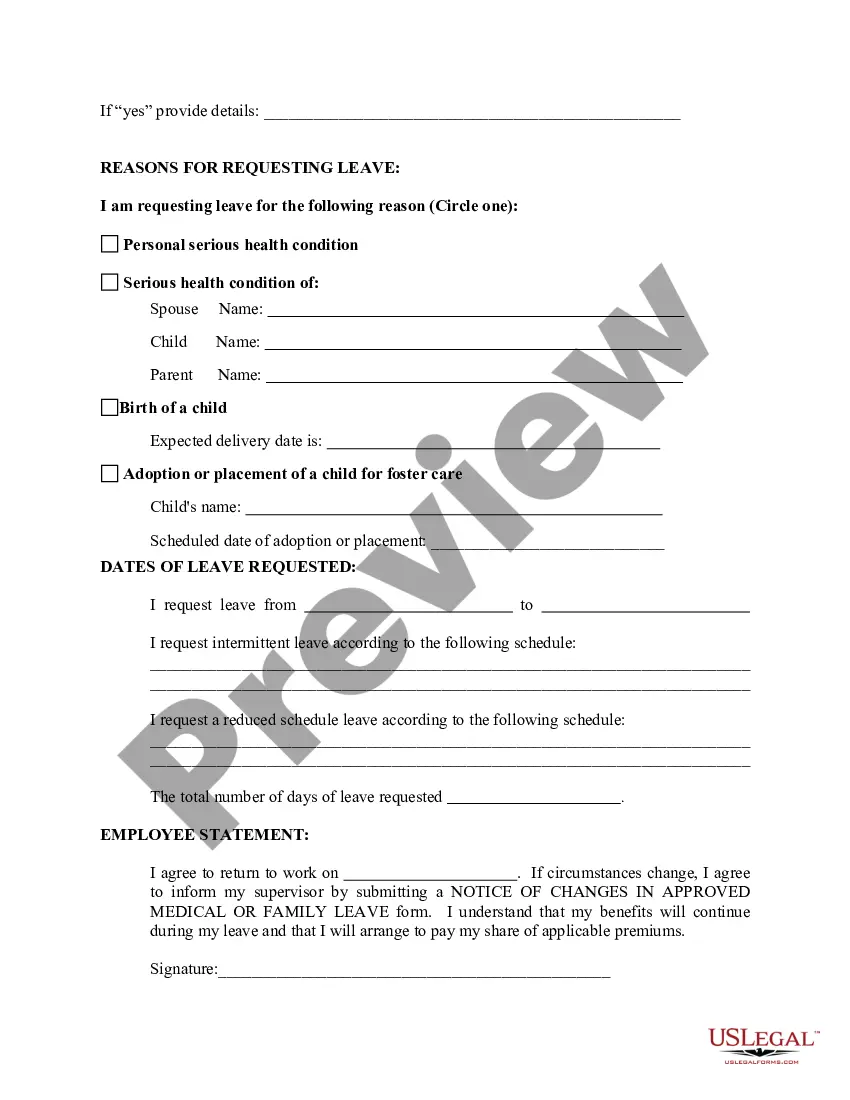
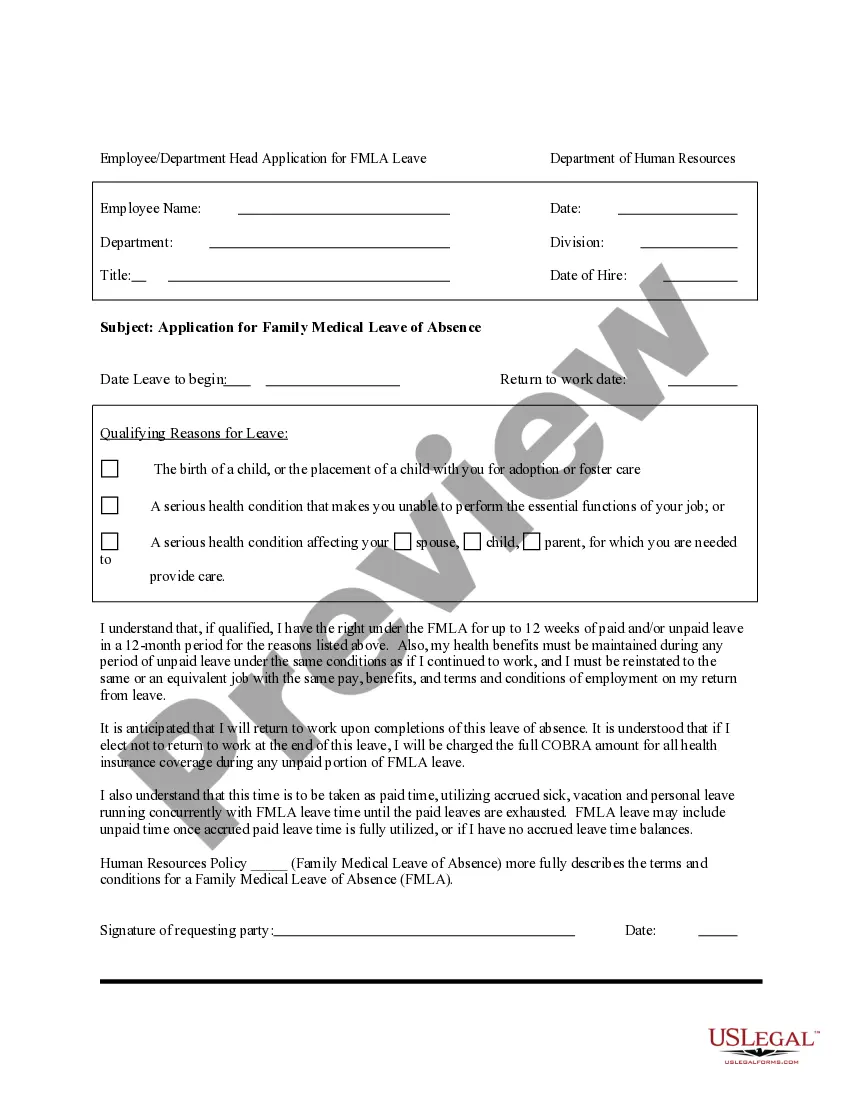
- Reason for leave: Employees must specify the reason for the leave request and can indicate if they prefer a reduced work schedule.
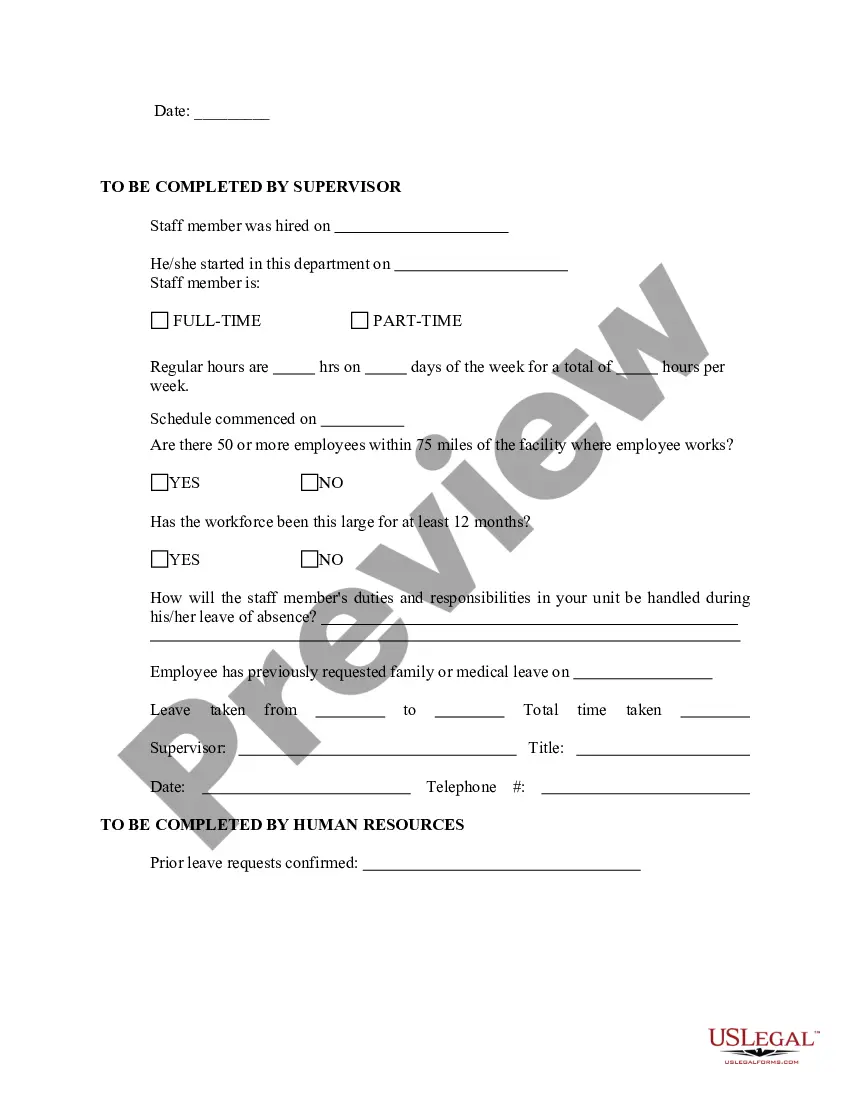
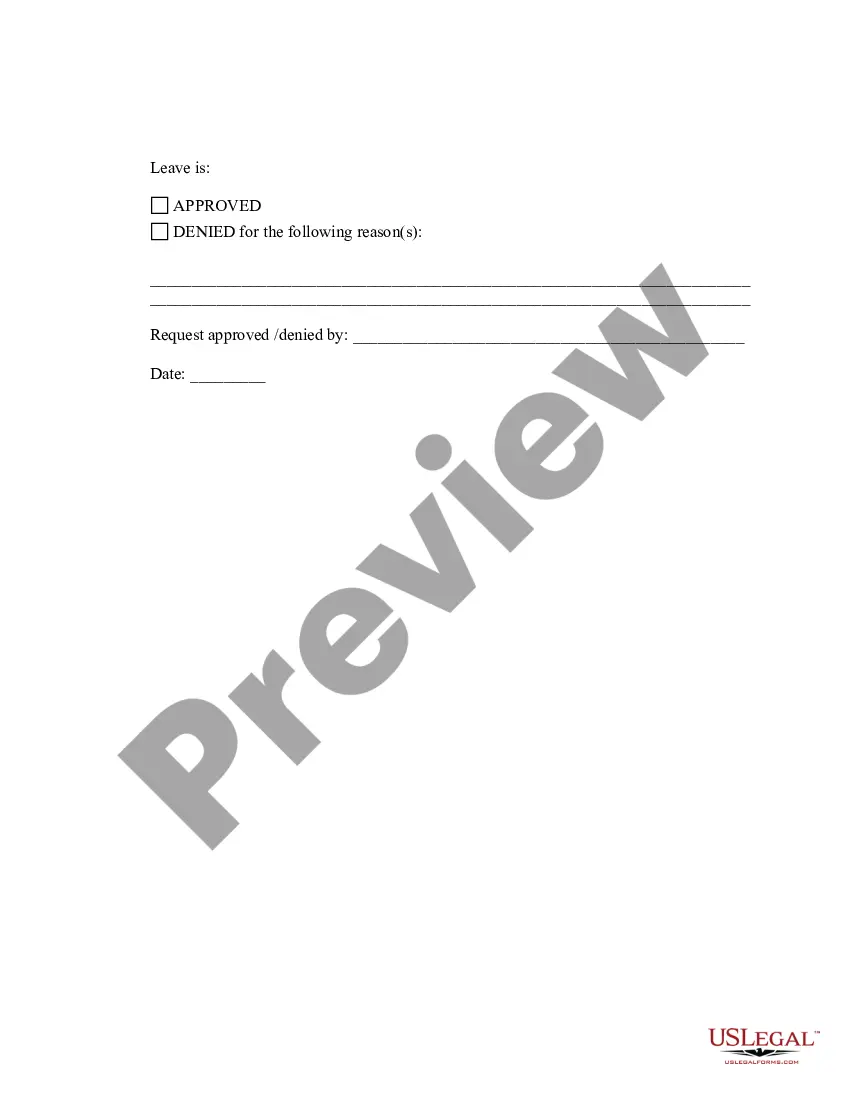
- Supervisor approval: A section for the supervisor to confirm workforce size and other relevant details.
Common use cases
This form should be used when an employee wants to request leave for a medical condition or family responsibility covered under the FMLA. Situations may include personal health issues that prevent an employee from working, the need to care for a family member with a serious health condition, or the birth or adoption of a child. It is advised to submit the request at least 30 days before the intended leave if possible.
Who should use this form
- Employees who have worked for their employer for a total of at least 12 months.
- Employees who have worked a minimum of 1,250 hours in the past 12 months.
- Employees needing to take leave for their own serious health condition or to care for a family member.
How to complete this form
- Fill in the date and your full name along with your Social Security Number and job title.
- Respond to the eligibility questions by marking âYesâ or âNoâ accordingly.
- If applicable, provide details on any previous leave taken, including dates and reasons.
- Select the reason for your leave by circling the appropriate option and provide any necessary details.
- Sign and date the form before submitting it to your supervisor.
Notarization guidance
This form does not typically require notarization unless specified by local law. Always check your specific state requirements to ensure compliance.
Get your form ready online
Our built-in tools help you complete, sign, share, and store your documents in one place.
Make edits, fill in missing information, and update formatting in US Legal Forms—just like you would in MS Word.
Download a copy, print it, send it by email, or mail it via USPS—whatever works best for your next step.
Sign and collect signatures with our SignNow integration. Send to multiple recipients, set reminders, and more. Go Premium to unlock E-Sign.
If this form requires notarization, complete it online through a secure video call—no need to meet a notary in person or wait for an appointment.
We protect your documents and personal data by following strict security and privacy standards.

Make edits, fill in missing information, and update formatting in US Legal Forms—just like you would in MS Word.

Download a copy, print it, send it by email, or mail it via USPS—whatever works best for your next step.

Sign and collect signatures with our SignNow integration. Send to multiple recipients, set reminders, and more. Go Premium to unlock E-Sign.

If this form requires notarization, complete it online through a secure video call—no need to meet a notary in person or wait for an appointment.

We protect your documents and personal data by following strict security and privacy standards.
Common mistakes
- Failing to submit the form at least 30 days in advance when possible.
- Not answering all eligibility questions, which may lead to processing delays.
- Leaving out specific details about previous leaves or not providing a clear reason for the request.
Benefits of completing this form online
- Convenience of accessing and completing the form anytime, without the need for printing or mailing.
- Editability allows for corrections and adjustments before submission.
- Reliability from using professionally drafted templates that meet legal standards.
Legal use & context
- The FMLA provides eligible employees with up to twelve weeks of unpaid, job-protected leave.
- Employers are required to notify employees of their rights and obligations under the FMLA.
- Failure to comply with the notice requirements may result in denial or postponement of leave.
What to keep in mind
- The Family and Medical Leave Request Form is essential for addressing leave under FMLA.
- Ensure eligibility criteria are met before submitting the form.
- Submit the request as early as possible to avoid complications with leave approval.
Looking for another form?





Form popularity
FAQ
If the employee fails or refuses to provide a proper certification (on your form or otherwise), you can deny the leave. However, a more detailed note or letter from the doctor might suffice, even if it is not on your preferred form.
If you are seeking FMLA leave because you are caring for a family member with a serious health condition, fill out the WH-380-F form. To take leave under the active duty qualifying exigency provision, fill out the WH-384 form.
This form, like 380-E, requires the employer, employee, and the health care practitioner to complete specific information. Your relative's medical provider must complete the rest of the form with information similar to that required by Form 380-E, such as: When did the condition begin. How long might it last.
Employers can't require their employees to submit doctors' notes for each FMLA absence. Sooner or later, you might have to take time off from work for a reason covered by the Family and Medical Leave Act (FMLA) (29 U.S.C. ? 2601 and following).
Even if you're covered, your boss can ask you to provide a certification form from your doctor. The company can ask for certification up front or it can do so later during the leave period, if your company questions why you're staying out so long.
They have designated seven different FMLA application forms aligned to the reason for the qualified leave and how much information your employer requires to approve or deny the request. You can download the form from the DOL-WHD website or by calling them at 1-866-487-9243.
Yes. Doctors can and usually do charge a fee to complete Family and Medical Leave Act (FMLA) certifications.An employer may also have a policy on reimbursing an employee for the cost of certification or recertification.
FMLA leave can be denied even to a deserving employee if the employee does not get the correct certification.Under the FMLA, a negative certification from a doctor means that the employer does not have to provide any FMLA leave.
You need leave under the Family & Medical Leave Act (FMLA). Your employer gives you a form to have your doctor fill out certifying your need for leave under the FMLA.Under the FMLA, an employer can request that you have your doctor complete a form certifying your need for leave under the FMLA.