Termination of Domestic Partnership
What this document covers
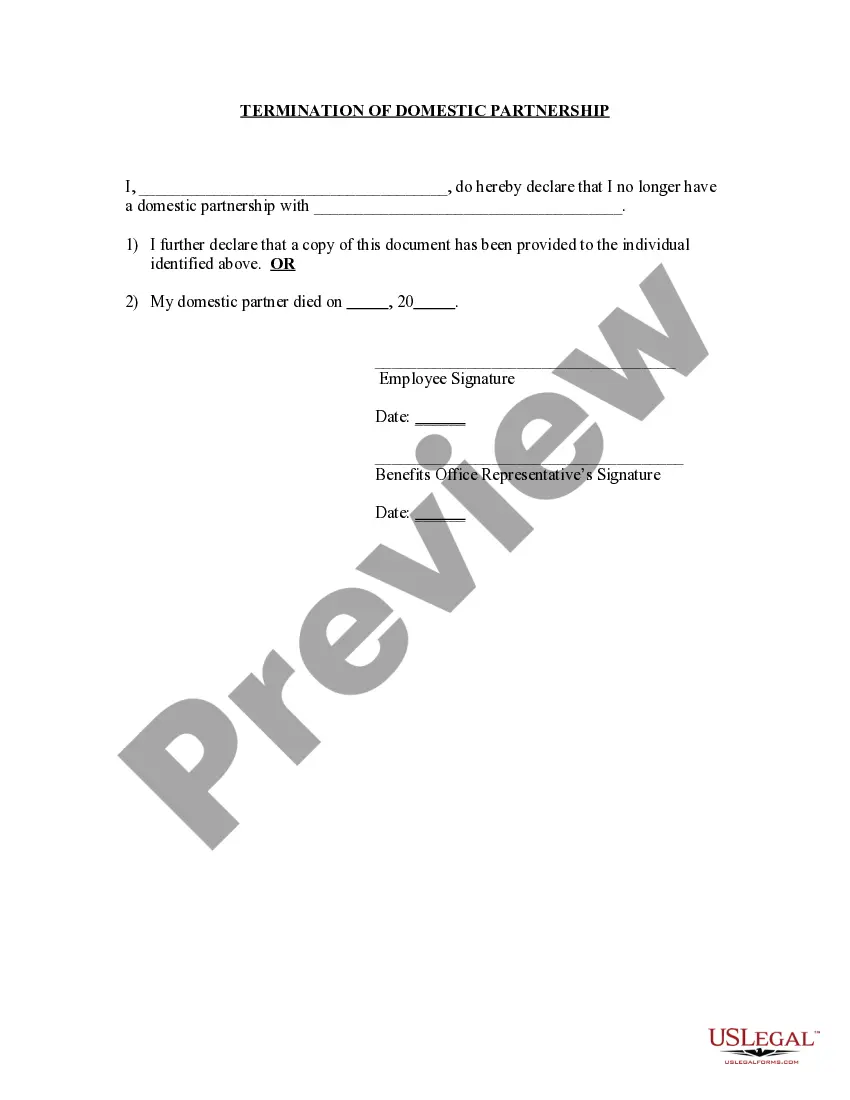
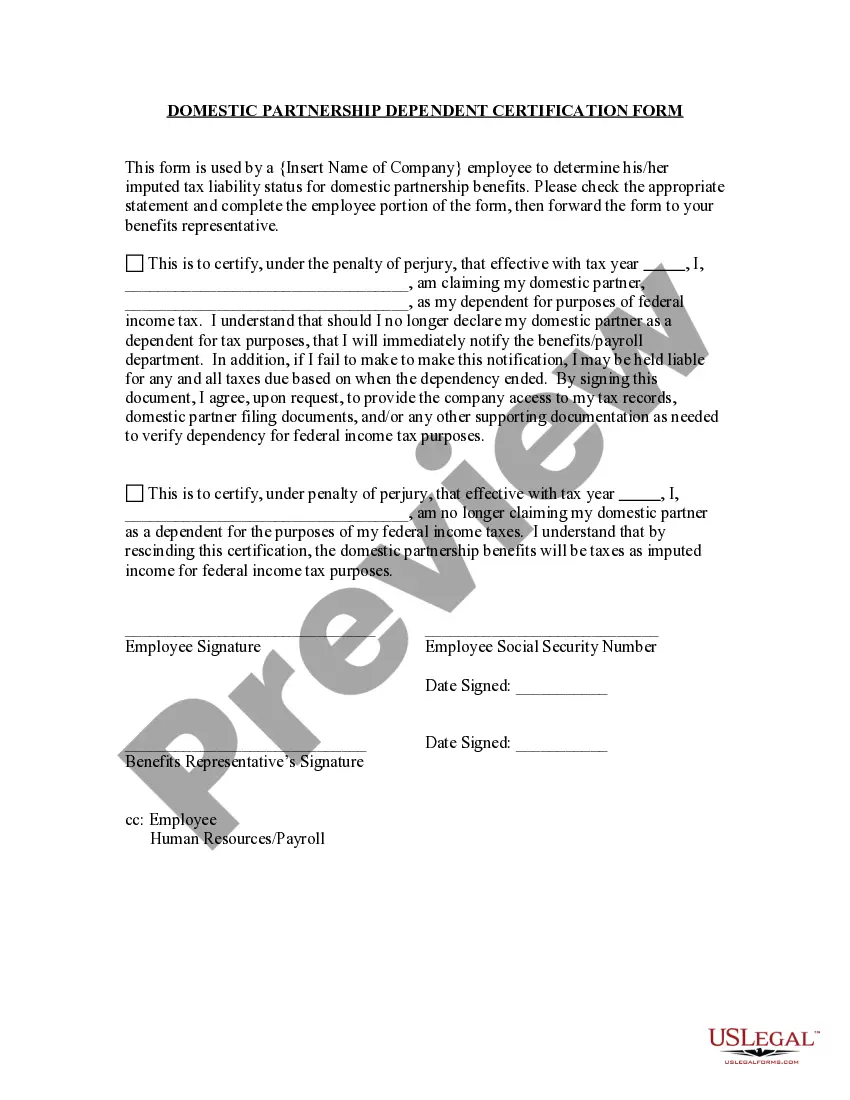
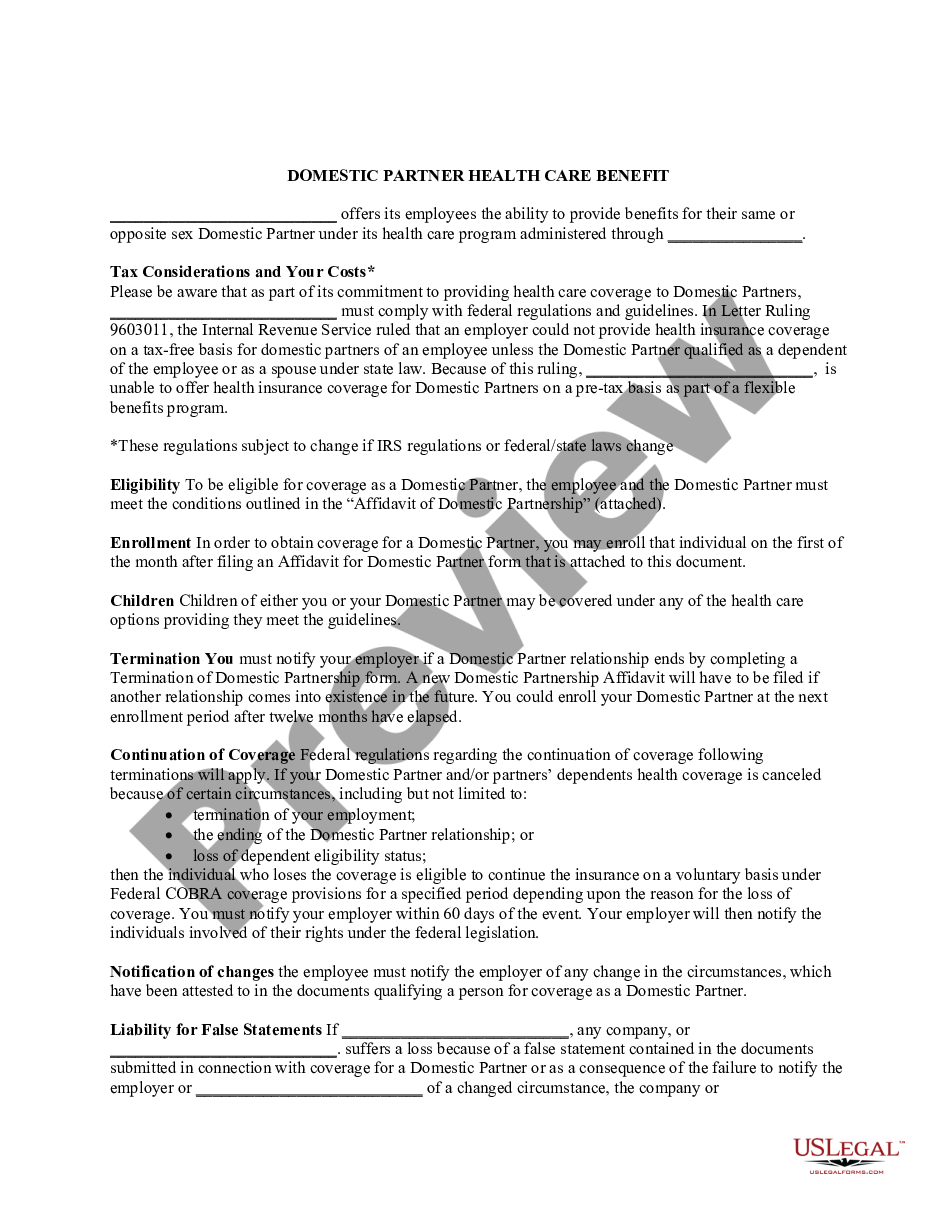
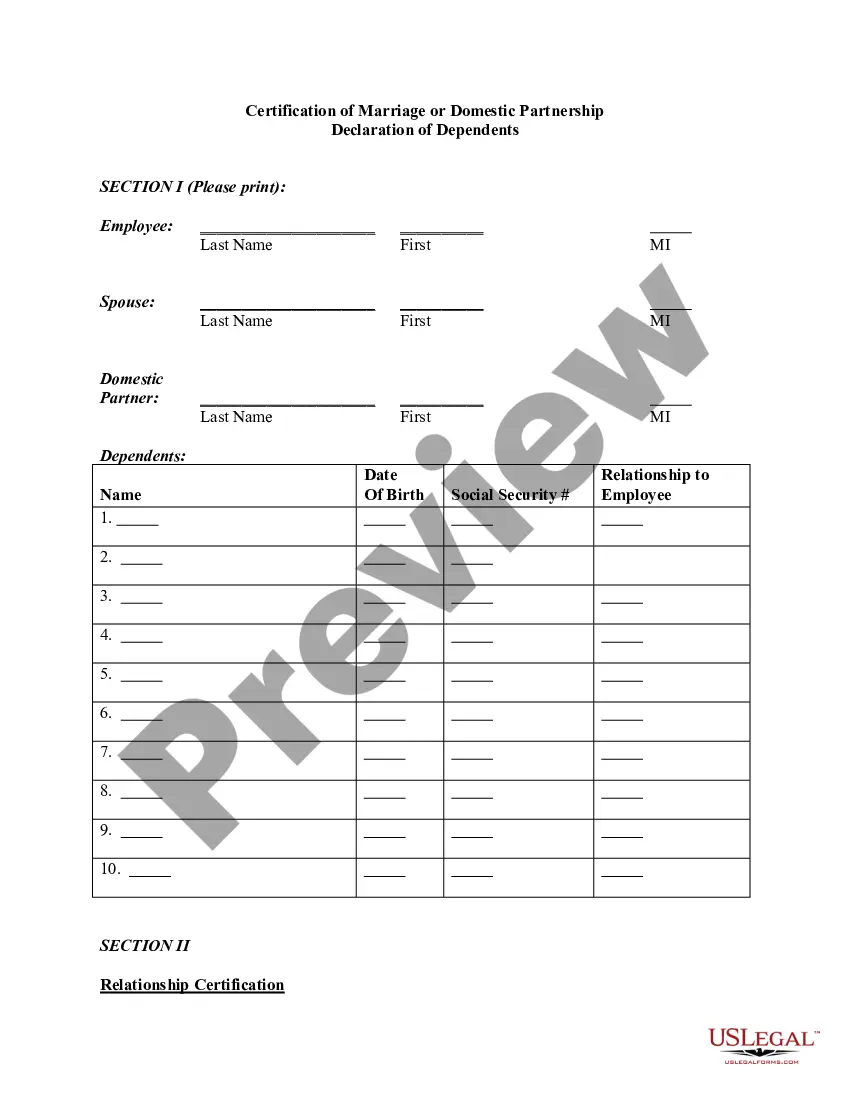
The Termination of Domestic Partnership form is a legal document that allows an individual to officially declare the end of a domestic partnership. This form is submitted to human resources to terminate domestic partner benefits, which is distinct from divorce or separation as it specifically addresses the cessation of a domestic partnership arrangement. By completing this form, parties can ensure that they fulfill their obligations under employer policies regarding domestic partnership benefits.
Key parts of this document
- Declaratory statement of the termination of the domestic partnership
- Identification of the party declaring the termination
- Identification of the former domestic partner
- Confirmation that a copy of the document has been provided to the former partner
Situations where this form applies
This form should be used when an individual decides to end their domestic partnership and wants to stop receiving domestic partner benefits provided by their employer. It is necessary in situations where formal recognition of this change is required to comply with workplace policies or for personal legal records.
Who needs this form
- Individuals in a domestic partnership who wish to terminate it.
- Employees who receive benefits related to a domestic partnership and need to inform human resources of the change.
- Anyone planning to legally confirm the end of their domestic partnership for personal or legal documentation purposes.
Steps to complete this form
- Identify yourself by entering your full name in the specified section.
- Provide the name of your former domestic partner as required.
- Review the declaration of the termination of the domestic partnership.
- Sign and date the form to finalize your declaration.
- Provide a copy of the completed form to your former domestic partner.
Is notarization required?
This form does not typically require notarization unless specified by local law. Always check with your human resources department or legal counsel for specific requirements in your jurisdiction.
Get your form ready online
Our built-in tools help you complete, sign, share, and store your documents in one place.
Make edits, fill in missing information, and update formatting in US Legal Forms—just like you would in MS Word.
Download a copy, print it, send it by email, or mail it via USPS—whatever works best for your next step.
Sign and collect signatures with our SignNow integration. Send to multiple recipients, set reminders, and more. Go Premium to unlock E-Sign.
If this form requires notarization, complete it online through a secure video call—no need to meet a notary in person or wait for an appointment.
We protect your documents and personal data by following strict security and privacy standards.

Make edits, fill in missing information, and update formatting in US Legal Forms—just like you would in MS Word.

Download a copy, print it, send it by email, or mail it via USPS—whatever works best for your next step.

Sign and collect signatures with our SignNow integration. Send to multiple recipients, set reminders, and more. Go Premium to unlock E-Sign.

If this form requires notarization, complete it online through a secure video call—no need to meet a notary in person or wait for an appointment.

We protect your documents and personal data by following strict security and privacy standards.
Avoid these common issues
- Failing to provide a copy of the form to the former partner.
- Not signing or dating the form before submitting it.
- Leaving any required fields blank, which may delay processing.
Advantages of online completion
- Convenience of accessing and completing the form anytime, anywhere.
- Ability to easily edit the form to ensure accuracy before submission.
- Reliability of using professionally drafted legal templates that comply with relevant laws.
- This form serves as a valid notification for dissolving a domestic partnership when completed correctly.
- While generally adequate for terminating benefits, check local laws for any additional requirements.
Main things to remember
- The Termination of Domestic Partnership form is essential for officially ending a domestic partnership and terminating benefits.
- Accurate completion ensures that both parties are notified appropriately, avoiding potential legal issues.
- Accessing and completing this form online offers convenience and peace of mind.
Looking for another form?
Form popularity
FAQ
To end a domestic partnership, you must follow the same procedures as ending a marriage. That means filing a dissolution action in state Superior Court and getting a court order dissolving your domestic partnership.
Under the Insurance Nondiscrimination Act, all group health care plans and health insurance policies marketed, issued or delivered to a California resident must offer equal coverage for spouses and registered domestic partners, regardless of the location of the employer or the site of the contract or policy.
A: You may remove family members from your plan at any time. Generally, this happens when they obtain coverage from another source. Call the number on the back of your ID card to remove dependents from your plan.
While the RF policy requires you to remove your ex-domestic partner from your benefits within 14 days of the relationship ending, federal regulations require the RF to provide your ex-domestic partner the opportunity to continue group health, dental, and vision coverage at their own cost under COBRA.
While California generally treats registered domestic partners and married couples equally in terms of rights and responsibilities, the federal government does not always treat registered domestic partners the same as spouses for legal or tax purposes.
You may change your beneficiary designation at any time for your Basic and/or Optional Life Insurance Plans by completing a new Benefits Enrollment Form and submitting it to your campus Benefits Office.
An employee may be allowed to drop their spouse from coverage during open enrollment; however, the employee should follow any court orders in place, and the employer should be mindful of the fact that there are COBRA implications when the employee does this in anticipation of divorce.
Domestic partnership termination Either partner of a registered domestic partnership may terminate such relationship by filing a notarized Declaration of Termination of Domestic Partnership Relationship. Upon receipt of a completed application, you will receive a letter certifying the termination.
The IRS doesn't recognize domestic partners or civil unions as a marriage. This means that on your federal return, you should file as single, head of household, or qualifying widow(er).