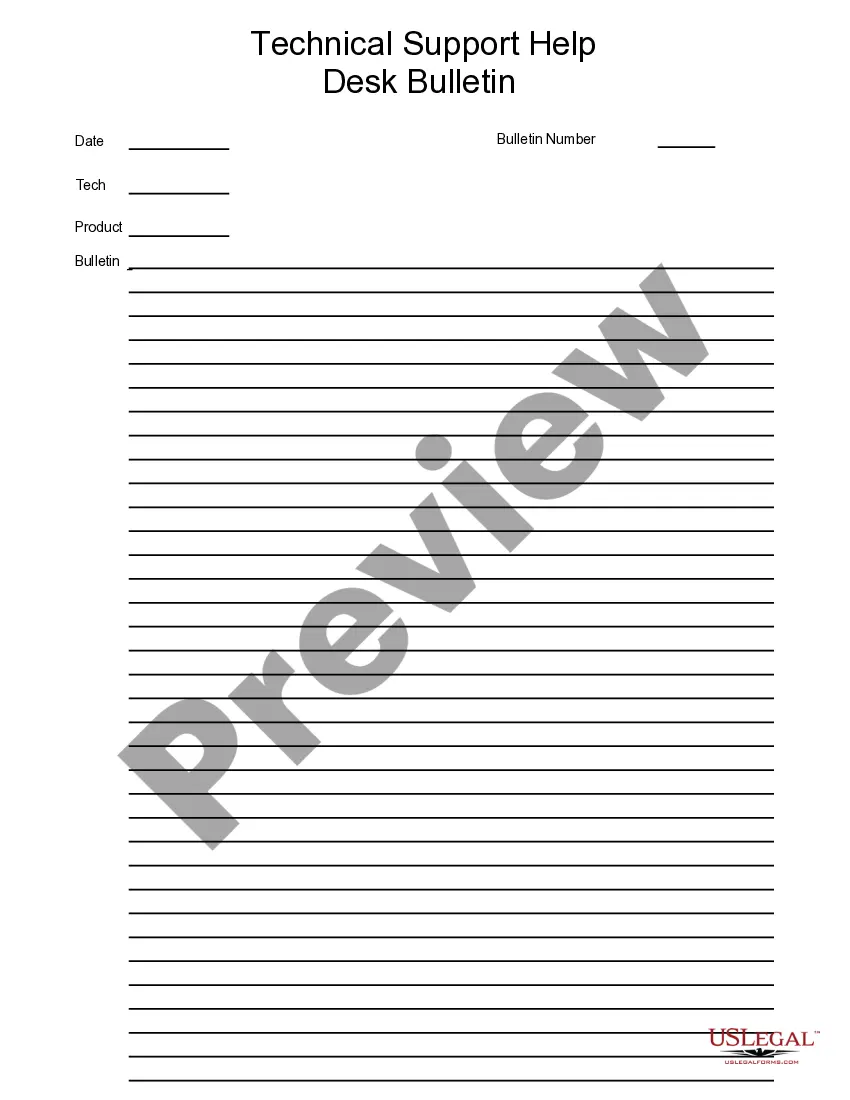
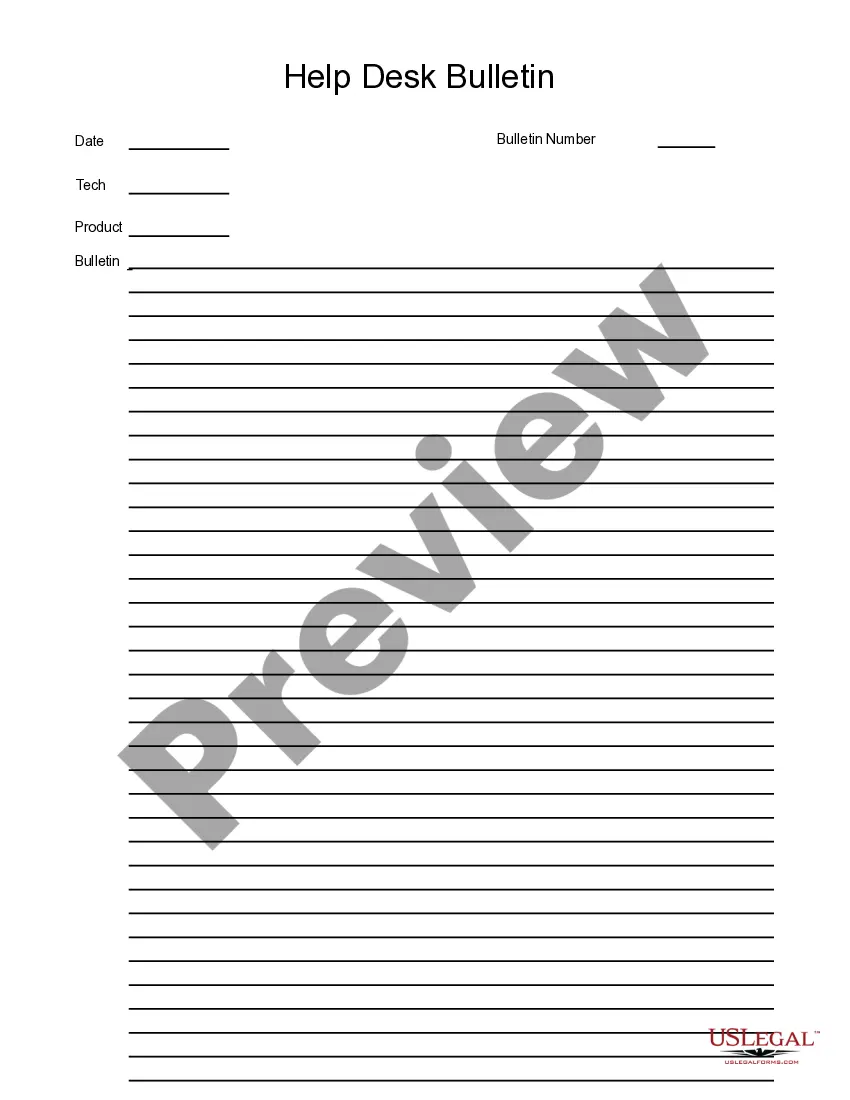
Technical Support Help Bulletin
What is this form?
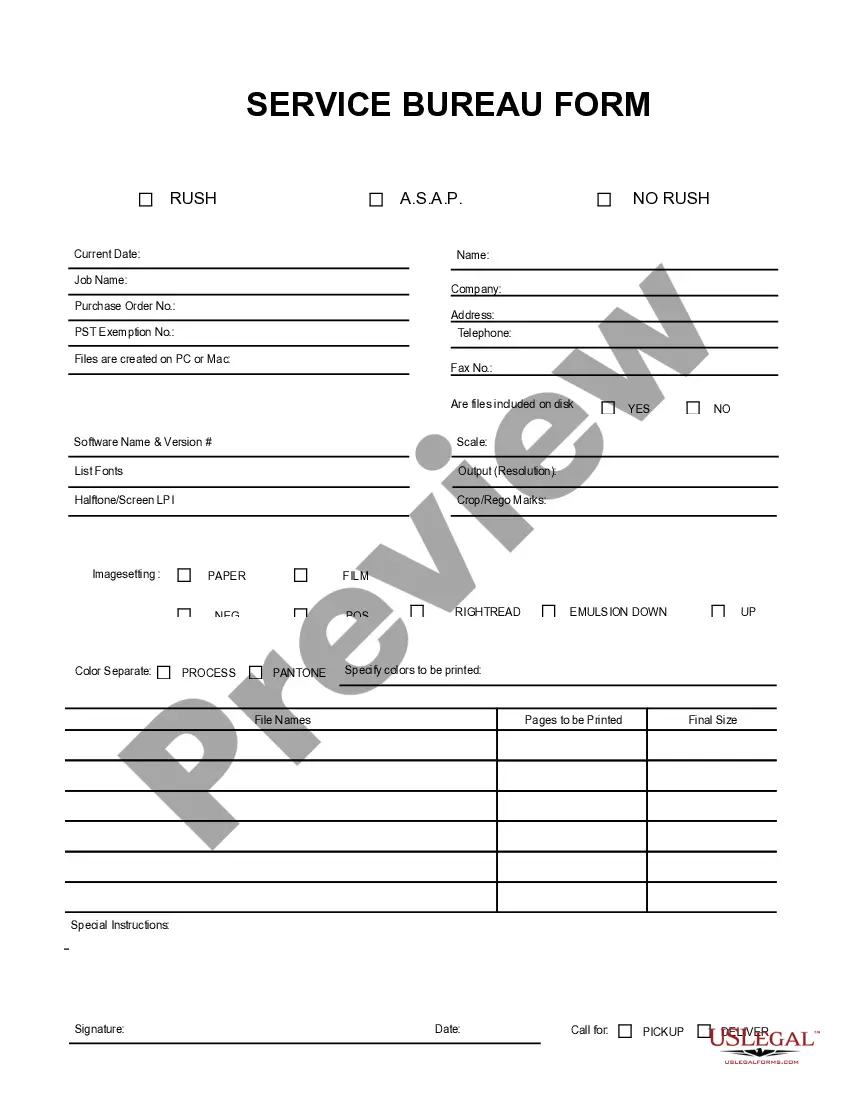
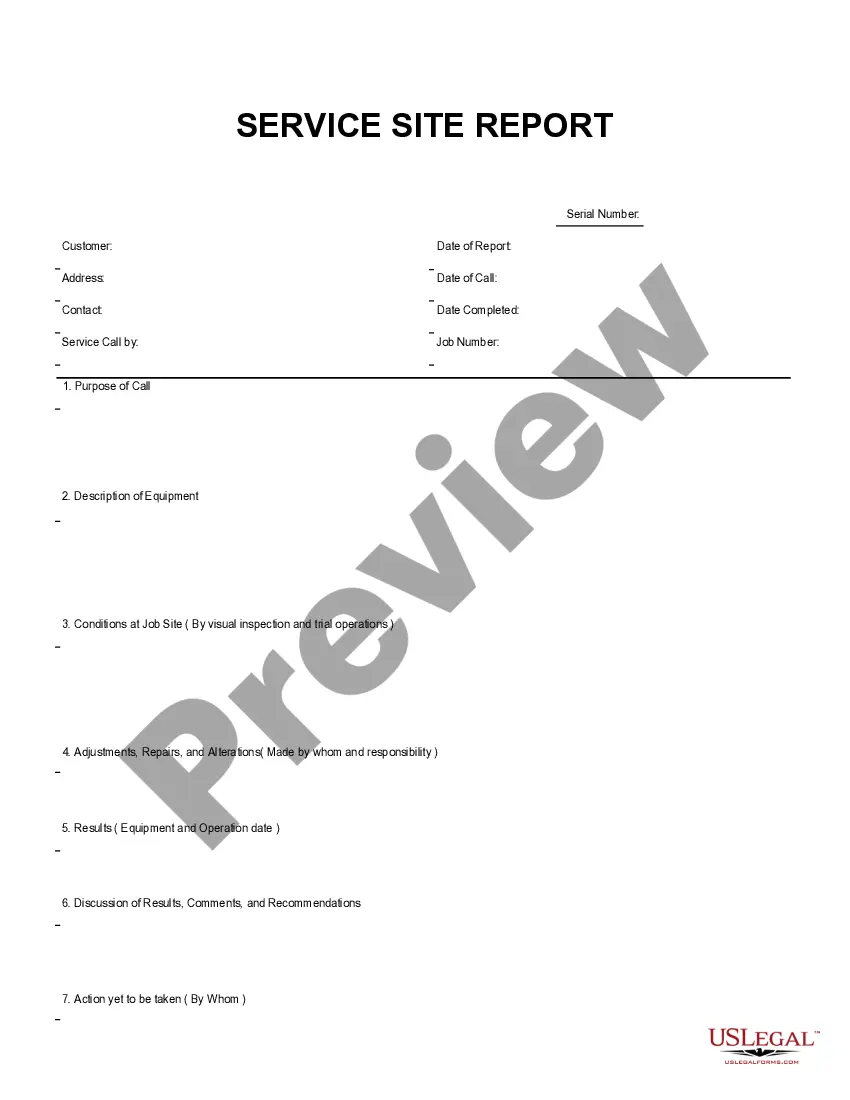
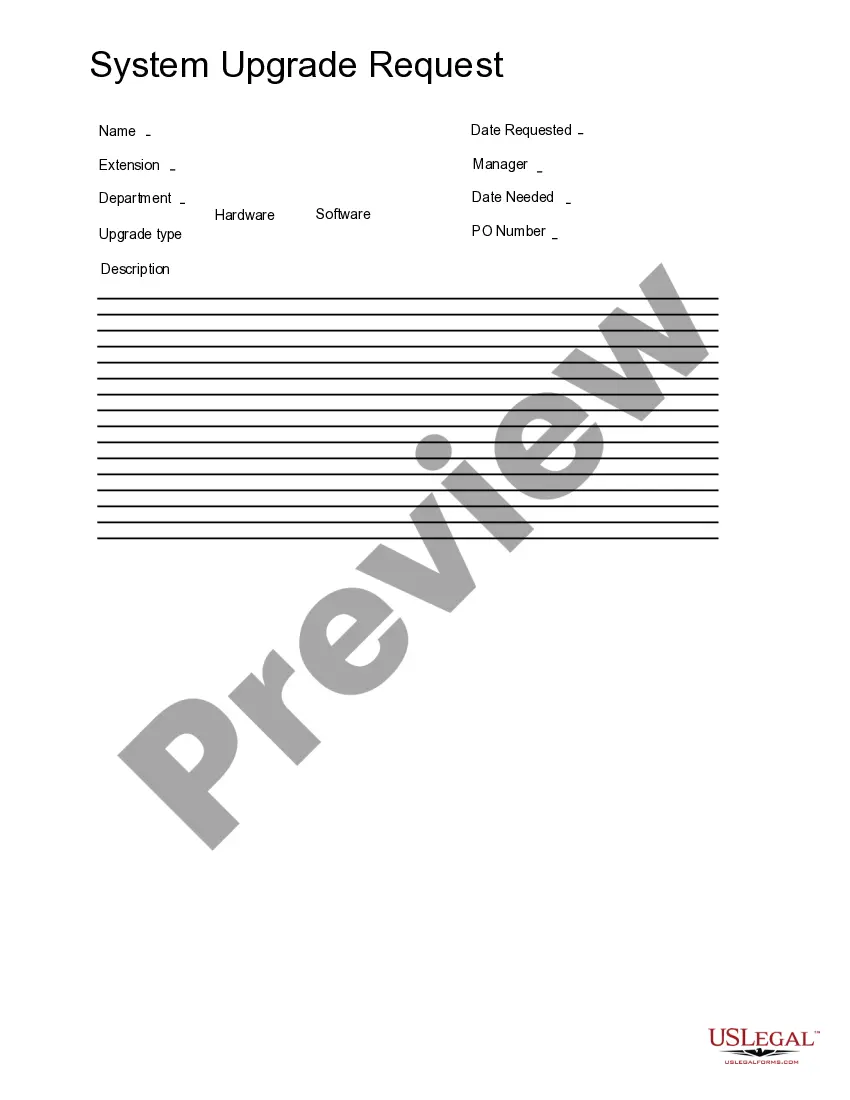
The Technical Support Help Bulletin form is designed for businesses to efficiently manage technical support requests and provide relevant assistance to clients or customers. Unlike generic support forms, this template is specifically crafted to capture detailed information necessary for addressing technical issues effectively. It allows for straightforward input through Adobe Acrobat or Word, making it accessible for users with varying levels of technical expertise.
Key parts of this document
- Contact information section for both the requester and the technical support team.
- Detailed description area for outlining the nature of the technical issue.
- Priority level selection to indicate the urgency of the request.
- Space for tracking the resolution process and any follow-up actions taken.
- Signature fields to confirm that the support request has been acknowledged.
Situations where this form applies
This form is useful in various business scenarios including when a client reports a technical issue that requires prompt resolution, when internal staff need assistance with technology-related problems, or for documenting support requests for compliance and future reference. It simplifies communication between parties and ensures all necessary information is collected to facilitate troubleshooting.
Who can use this document
This form is ideal for:
- Businesses offering technical support or IT services.
- Internal IT departments responsible for maintaining technology infrastructure.
- Clients or customers seeking help with software or hardware issues.
Instructions for completing this form
- Identify the contact information for the requester and support team.
- Clearly describe the technical issue in the dedicated section.
- Select the appropriate priority level for the request.
- Track the status and any solution steps taken in the resolution area.
- Obtain signatures to confirm acknowledgment of the request and its outcome.
Does this document require notarization?
In most cases, this form does not require notarization. However, some jurisdictions or signing circumstances might. US Legal Forms offers online notarization powered by Notarize, accessible 24/7 for a quick, remote process.
Get your form ready online
Our built-in tools help you complete, sign, share, and store your documents in one place.
Make edits, fill in missing information, and update formatting in US Legal Forms—just like you would in MS Word.
Download a copy, print it, send it by email, or mail it via USPS—whatever works best for your next step.
Sign and collect signatures with our SignNow integration. Send to multiple recipients, set reminders, and more. Go Premium to unlock E-Sign.
If this form requires notarization, complete it online through a secure video call—no need to meet a notary in person or wait for an appointment.
We protect your documents and personal data by following strict security and privacy standards.

Make edits, fill in missing information, and update formatting in US Legal Forms—just like you would in MS Word.

Download a copy, print it, send it by email, or mail it via USPS—whatever works best for your next step.

Sign and collect signatures with our SignNow integration. Send to multiple recipients, set reminders, and more. Go Premium to unlock E-Sign.

If this form requires notarization, complete it online through a secure video call—no need to meet a notary in person or wait for an appointment.

We protect your documents and personal data by following strict security and privacy standards.
Avoid these common issues
- Failing to provide sufficient details about the technical issue.
- Not selecting a priority level, leading to delayed responses.
- Omitting contact information, making it difficult for the support team to reach out.
- Not updating the resolution status after addressing the issue.
Benefits of completing this form online
- Convenient access to fill out the form from anywhere at any time.
- Editable fields make it easy to provide accurate information.
- Reliability of a structured format that captures essential details.
Legal use & context
- This form serves as an official record of technical support requests, which may be required for compliance purposes.
- Proper completion of the form helps in maintaining accountability in business operations.
Quick recap
- The Technical Support Help Bulletin streamlines the process of handling technical issues in a business context.
- It's designed for easy completion and effective communication between clients and support teams.
- Using this form can help avoid common pitfalls and ensure proper documentation of technical support requests.
Looking for another form?

Form popularity
FAQ
1Title.2Contents.3Introduction.4Brief Background Information.5Problem Statement or Objectives.6New Processes or Product Descriptions.7Checklists and Process Charts.8Summary and Conclusions.How to Write Technical Bulletins - HubPages\ndiscover.hubpages.com > literature > how-to-write-technical-bulletins