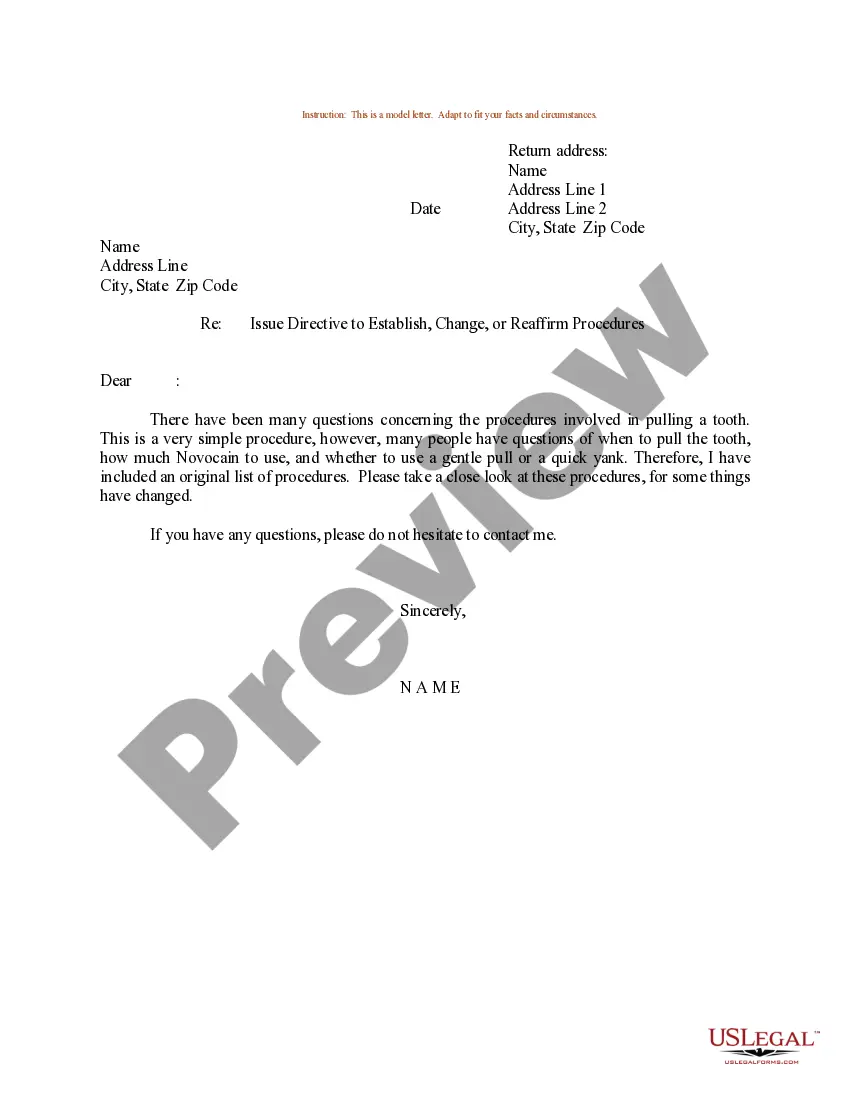
Sample Letter for Directive - Establish, Change, or Reaffirm Procedures
About this form
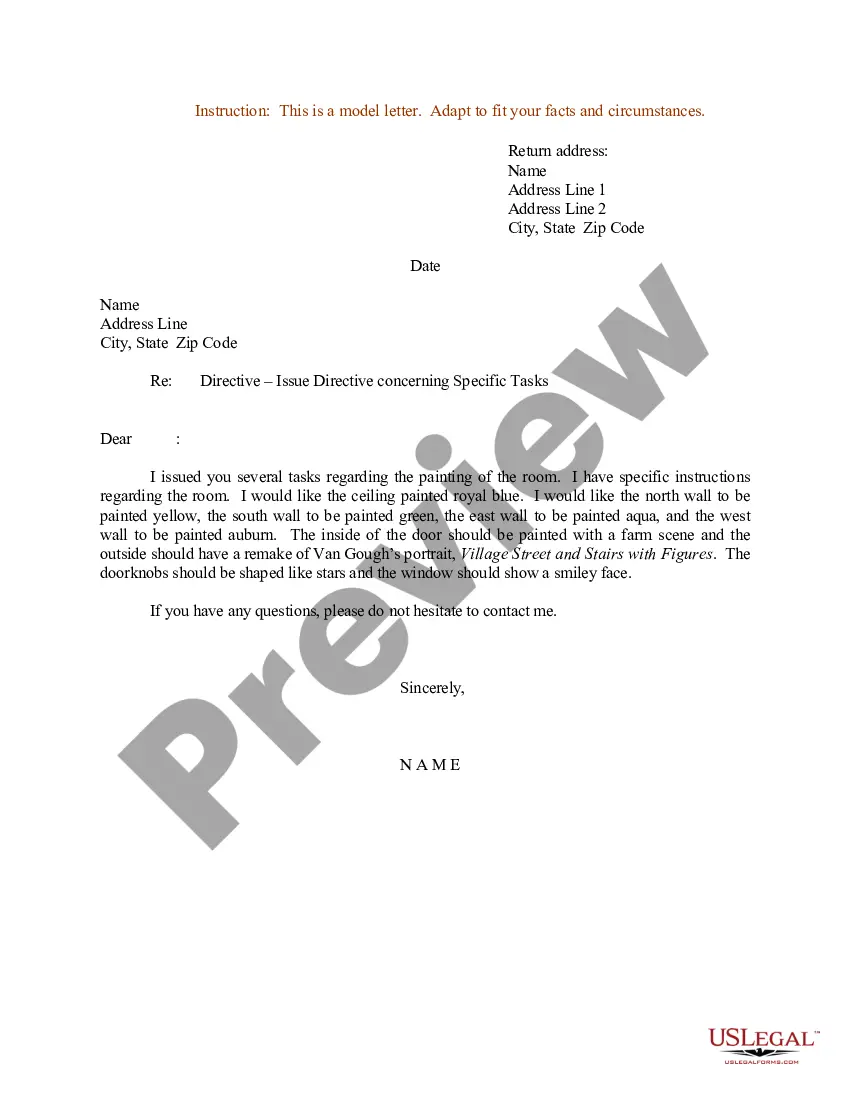
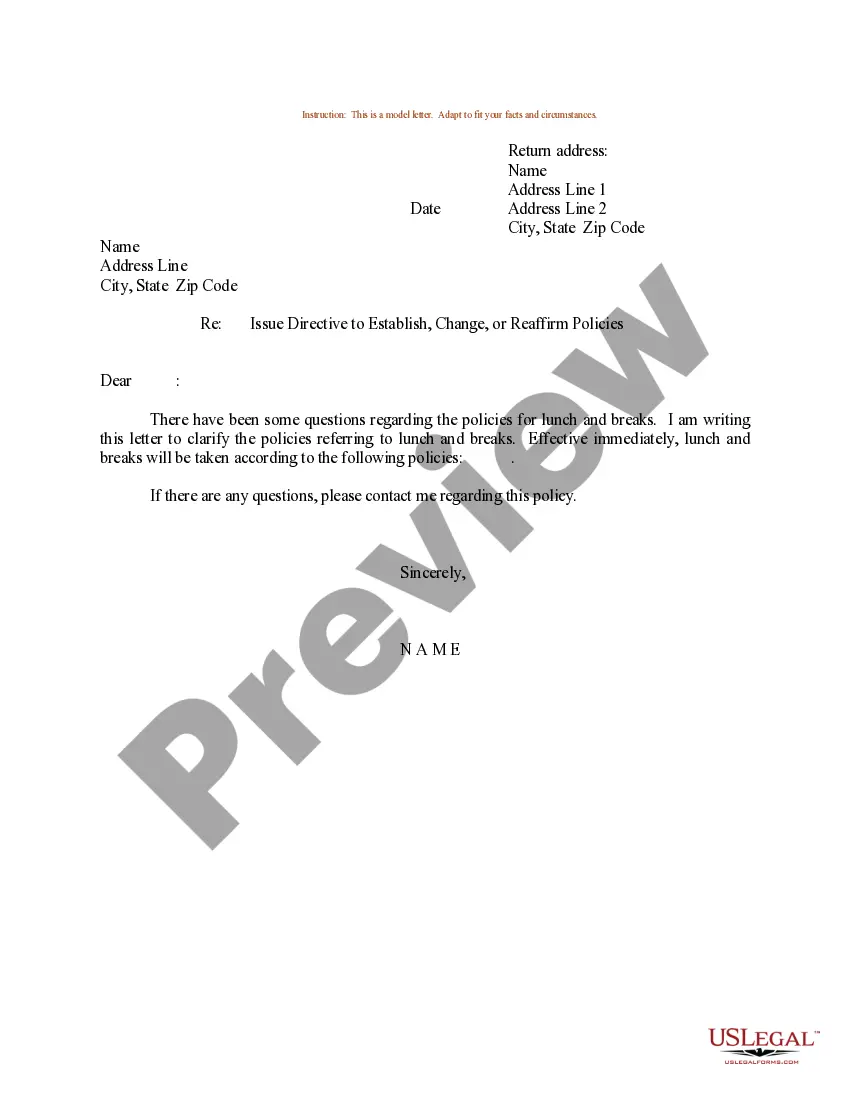
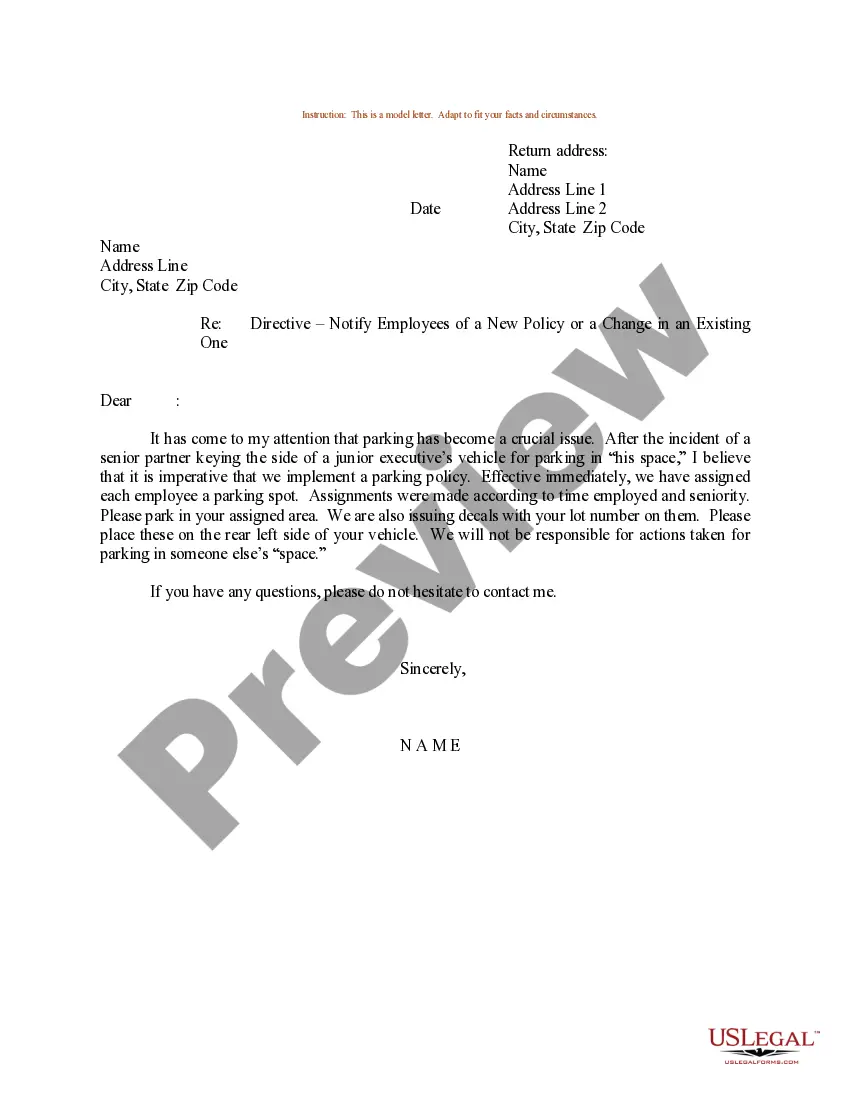
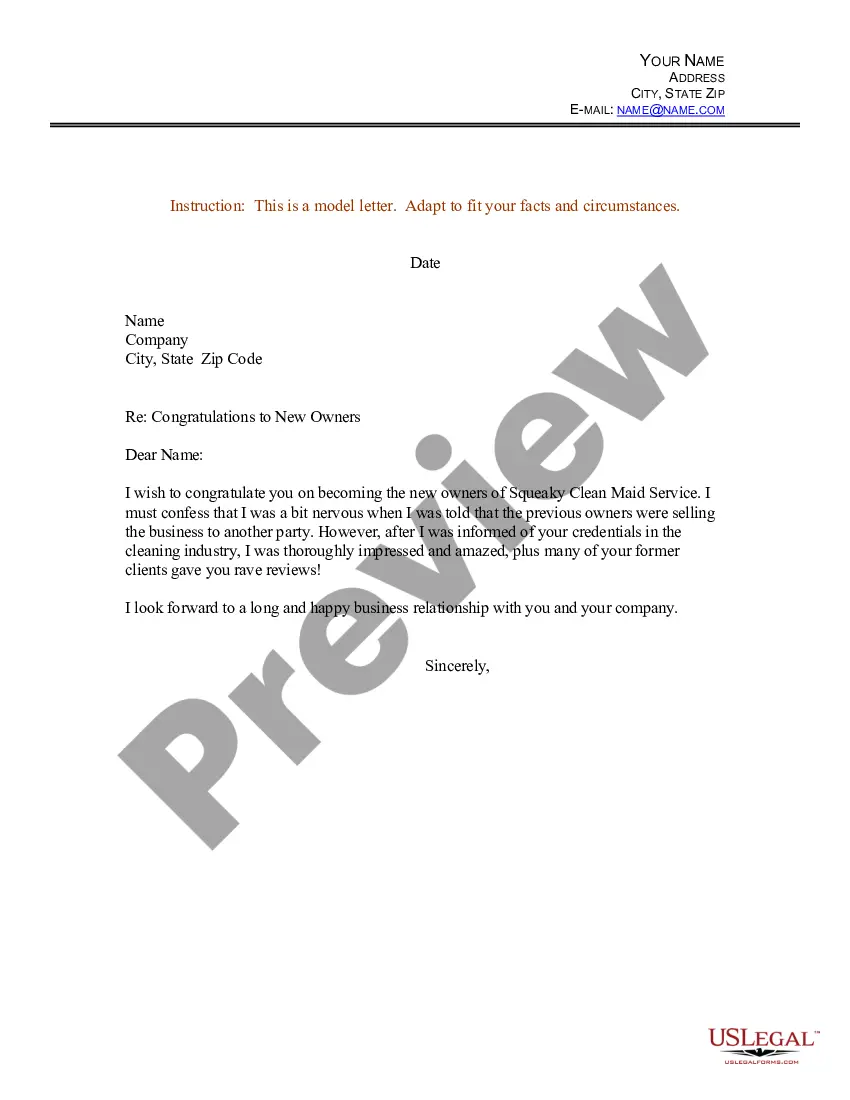
This Sample Letter for Directive is a Word document used to establish, change, or reaffirm procedures within an organization. It provides a template that outlines essential instructions and communications necessary for procedural clarity and compliance. This form is particularly useful for formalizing directives, which can help maintain organizational effectiveness and transparency.
Main sections of this form
- Return address including the sender's name and contact information.
- Date of the letter to indicate when the directive is issued.
- Recipient's address, specifying the individual or department receiving the directive.
- Subject line clearly stating the purpose of the letter.
- Closing statement offering assistance for any questions regarding the directive.
- Signature line for the sender's name.
When this form is needed
This form is typically used when an organization needs to formally communicate changes in procedures or reaffirm existing ones. Scenarios where this letter may be necessary include implementing new policies, updating workflow processes, or clarifying roles within a project. It serves as a written record that can help prevent misunderstandings and ensure all parties are aware of their responsibilities.
Intended users of this form
- Managers and supervisors looking to communicate procedural changes to their teams.
- Human resource professionals who need to update employee policies.
- Team leaders or project managers aiming to clarify roles and responsibilities for specific initiatives.
How to complete this form
- Identify the sender's return address, including name and contact information.
- Input the date when the letter is drafted.
- Fill in the recipient's address, specifying the name or department to which the letter is directed.
- State the subject of the letter at the designated position.
- Conclude with a supportive closing statement, offering to answer any questions.
- Sign the form by entering the sender's name at the bottom.
Does this form need to be notarized?
In most cases, this form does not require notarization. However, some jurisdictions or signing circumstances might. US Legal Forms offers online notarization powered by Notarize, accessible 24/7 for a quick, remote process.
Get your form ready online
Our built-in tools help you complete, sign, share, and store your documents in one place.
Make edits, fill in missing information, and update formatting in US Legal Forms—just like you would in MS Word.
Download a copy, print it, send it by email, or mail it via USPS—whatever works best for your next step.
Sign and collect signatures with our SignNow integration. Send to multiple recipients, set reminders, and more. Go Premium to unlock E-Sign.
If this form requires notarization, complete it online through a secure video call—no need to meet a notary in person or wait for an appointment.
We protect your documents and personal data by following strict security and privacy standards.

Make edits, fill in missing information, and update formatting in US Legal Forms—just like you would in MS Word.

Download a copy, print it, send it by email, or mail it via USPS—whatever works best for your next step.

Sign and collect signatures with our SignNow integration. Send to multiple recipients, set reminders, and more. Go Premium to unlock E-Sign.

If this form requires notarization, complete it online through a secure video call—no need to meet a notary in person or wait for an appointment.

We protect your documents and personal data by following strict security and privacy standards.
Avoid these common issues
- Failing to specify the effective date of the changes.
- Neglecting to include the recipient's full address.
- Using ambiguous language that can lead to misunderstandings.
- Omitting a closing statement that encourages questions or clarifications.
- Not proofreading for grammatical errors or correctness of information.
Why complete this form online
- Convenient access allows you to download and edit the form anytime.
- The template is customizable to fit your specific needs and context.
- Ensures that all necessary components are included for a complete directive.
- Provides a reliable format that meets legal standards for formal communication.
Looking for another form?
Form popularity
FAQ
How to Write a Directive Letter. Clearly state your request or indicate what needs to be done and give as much detail as necessary for the task, project, or other assignment to be accomplished. If a problem needs to be resolved, clearly indicate what the problem is and, if desired, how you would like it to be solved.
Directive letters are letters written to give official or authoritative instructions. These letters allow individuals or companies to carry out tasks in an efficient way. There are countless scenarios that may require one to write a directive letter.
A directive memo states a set of instructions or directions for the reader to follow. Directive memos are also used when a change in policy or something of the like happens in the workplace.
A directive is an order or direction issued for other by an authority. Your reason should be clear and the reason of issuing the letter must be obvious and understandable.You can also mention that you want follow up of the task and when it should be sent.
1. emails written to give command or order to do something.
A directive is defined as an order or an official instruction. When your boss orders you to call a client, this is an example of a directive.
In this letter, announce a new policy or changes in the existing ones. Give the reason for doing so in detail. Make an announcement about the new or changed policy. Give the reasons for this change and explain its benefits to the company and its employees. Express gratitude for everyone's cooperation.
Provide Clear Instructions. Once you have a clear idea of what you want to achieve write it clearly. Be Concise and to the Point. Create Your Plan Step-by-Step. One Issue Per Directive. When in Doubt, Refer to Your Previous Directives. Use Exact Numbers.
Sending emails to employees. Putting information on your company intranet site. Sharing the policies on your internal social media platforms. Write directly to employees. Having managers discuss the changes at team meetings. Including information about the policy in internal newsletters.