Sample Letter regarding Articles of Incorporation - Election of Sub-S Status
Overview of this form
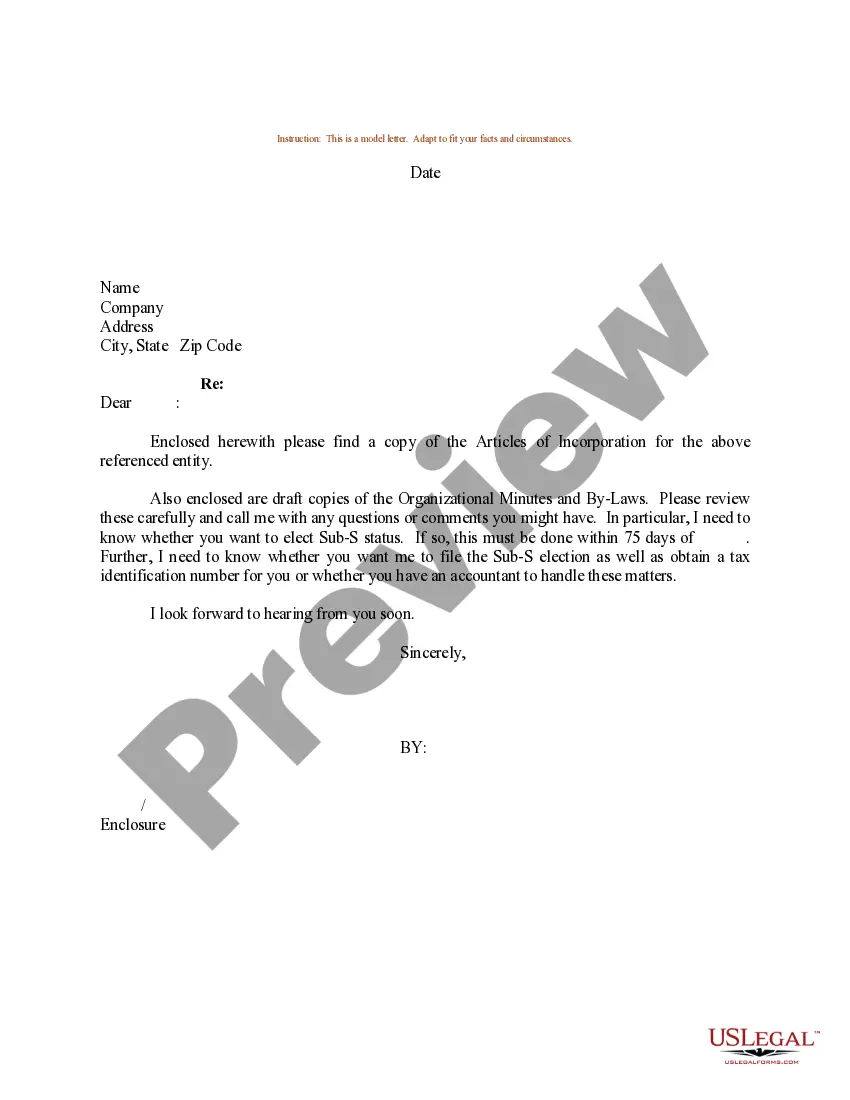
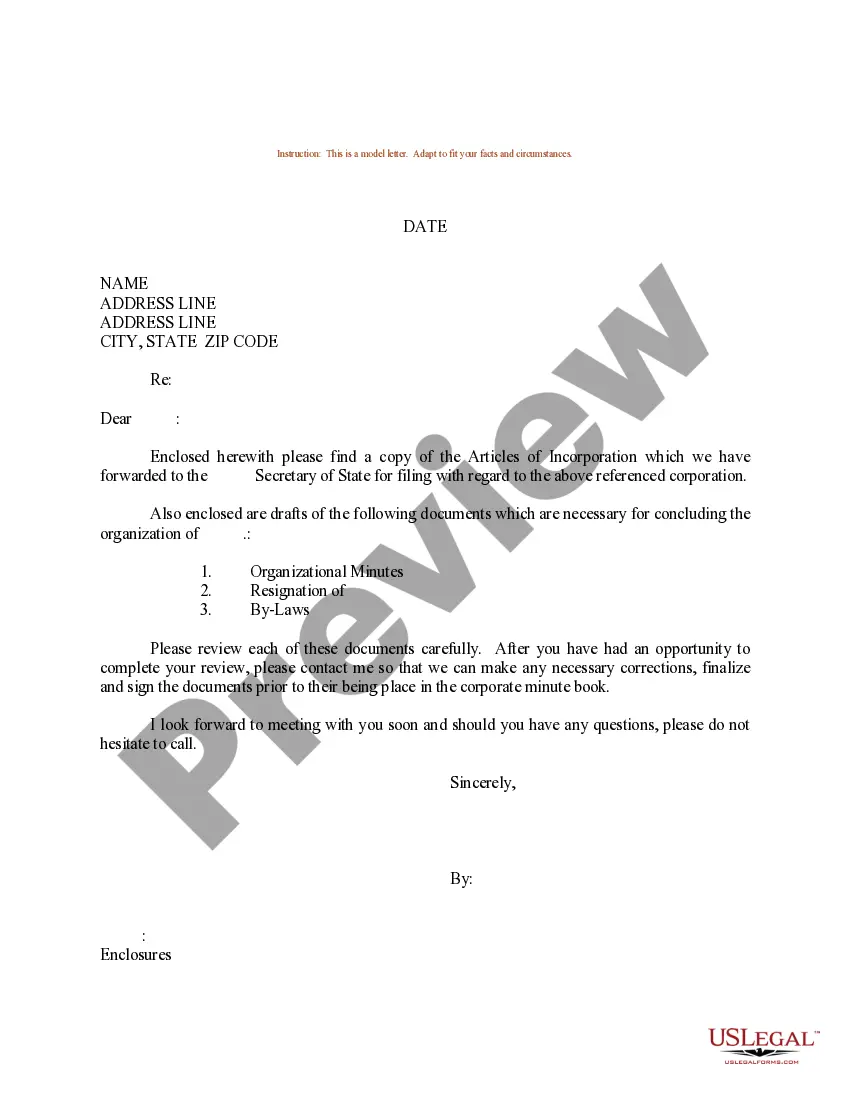
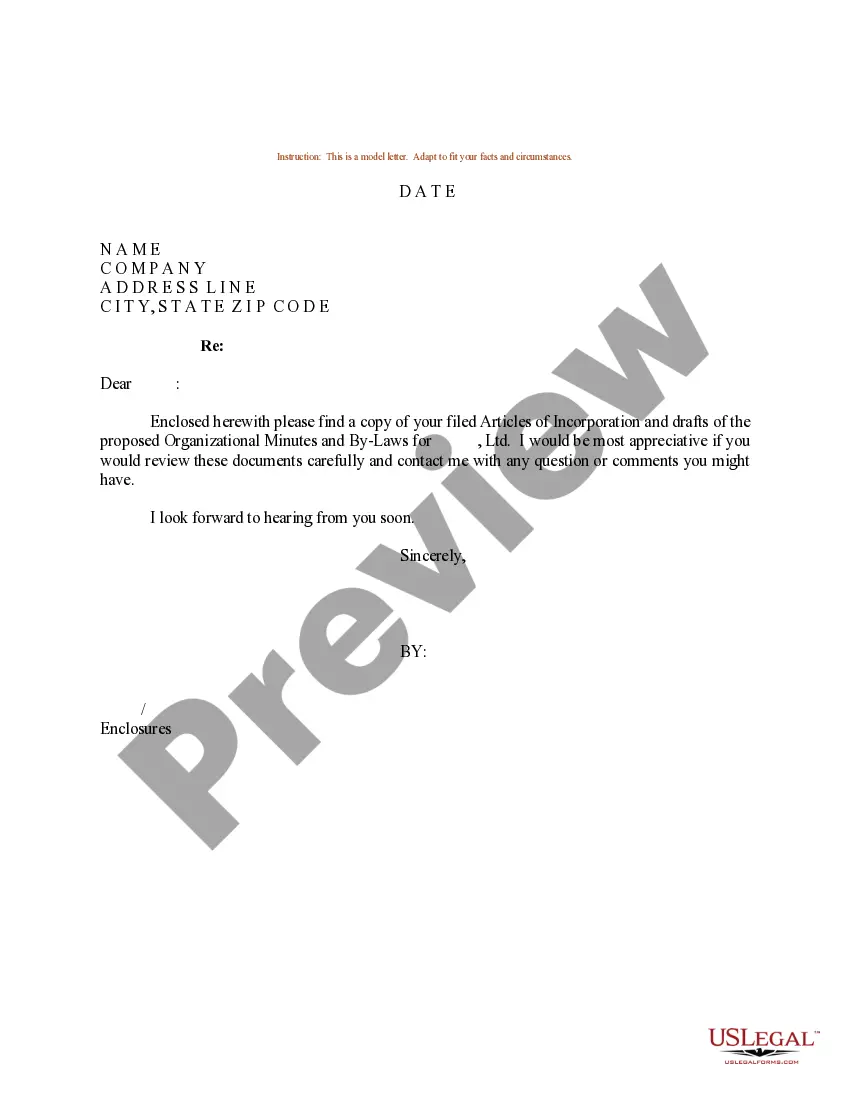
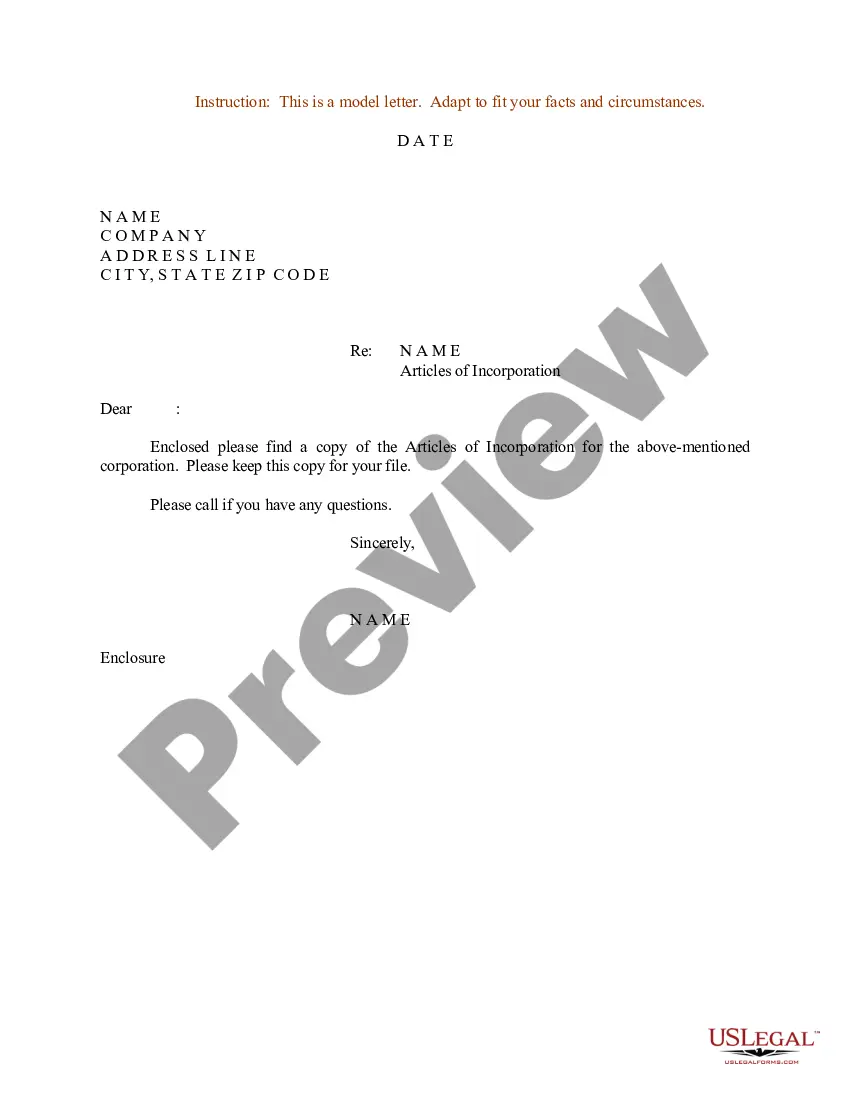
The Sample Letter regarding Articles of Incorporation - Election of Sub-S Status is a template used by corporations to formally elect to be treated as an S corporation for tax purposes. This letter serves to notify the relevant state agency and tax authorities about the election, distinguishing it from other corporate forms by focusing specifically on the S corporation election process.
Form components explained
- Date of the letter.
- Name and address of the corporation.
- Statement of the election for S corporation status.
- Signature of an authorized representative.
When this form is needed
This letter is typically used when a corporation has decided to elect S status to receive potential tax benefits. It is necessary to submit this letter when filing for S corporation status with the IRS and applicable state tax agencies, ensuring compliance with all legal requirements for the election.
Who can use this document
This form is intended for:
- Corporations seeking to be taxed as an S corporation.
- Business owners and corporate officers responsible for tax filings.
- Registered agents or legal representatives managing corporate status changes.
How to complete this form
- Identify the date of the letter.
- Enter the corporation's name and full address.
- Clearly state the election of S corporation status.
- Provide the signature of an authorized representative.
- Send the completed letter to the appropriate state agency and the IRS.
Does this document require notarization?
This form does not typically require notarization unless specified by local law.
Get your form ready online
Our built-in tools help you complete, sign, share, and store your documents in one place.
Make edits, fill in missing information, and update formatting in US Legal Forms—just like you would in MS Word.
Download a copy, print it, send it by email, or mail it via USPS—whatever works best for your next step.
Sign and collect signatures with our SignNow integration. Send to multiple recipients, set reminders, and more. Go Premium to unlock E-Sign.
If this form requires notarization, complete it online through a secure video call—no need to meet a notary in person or wait for an appointment.
We protect your documents and personal data by following strict security and privacy standards.

Make edits, fill in missing information, and update formatting in US Legal Forms—just like you would in MS Word.

Download a copy, print it, send it by email, or mail it via USPS—whatever works best for your next step.

Sign and collect signatures with our SignNow integration. Send to multiple recipients, set reminders, and more. Go Premium to unlock E-Sign.

If this form requires notarization, complete it online through a secure video call—no need to meet a notary in person or wait for an appointment.

We protect your documents and personal data by following strict security and privacy standards.
Mistakes to watch out for
- Failing to include the date on the letter.
- Not providing a complete and accurate address for the corporation.
- Omitting the signature of a corporate officer.
Benefits of completing this form online
- Instant access to a professionally drafted form.
- Easy to edit and customize for your specific needs.
- Reliable and convenient, allowing you to complete it at your own pace.
Legal use & context
- Filing this letter timely is crucial to receive S Corporation tax benefits.
- Ensure that your corporation meets the IRS eligibility requirements for S Corporation status.
- This form can be part of a broader tax strategy for small businesses.
Looking for another form?



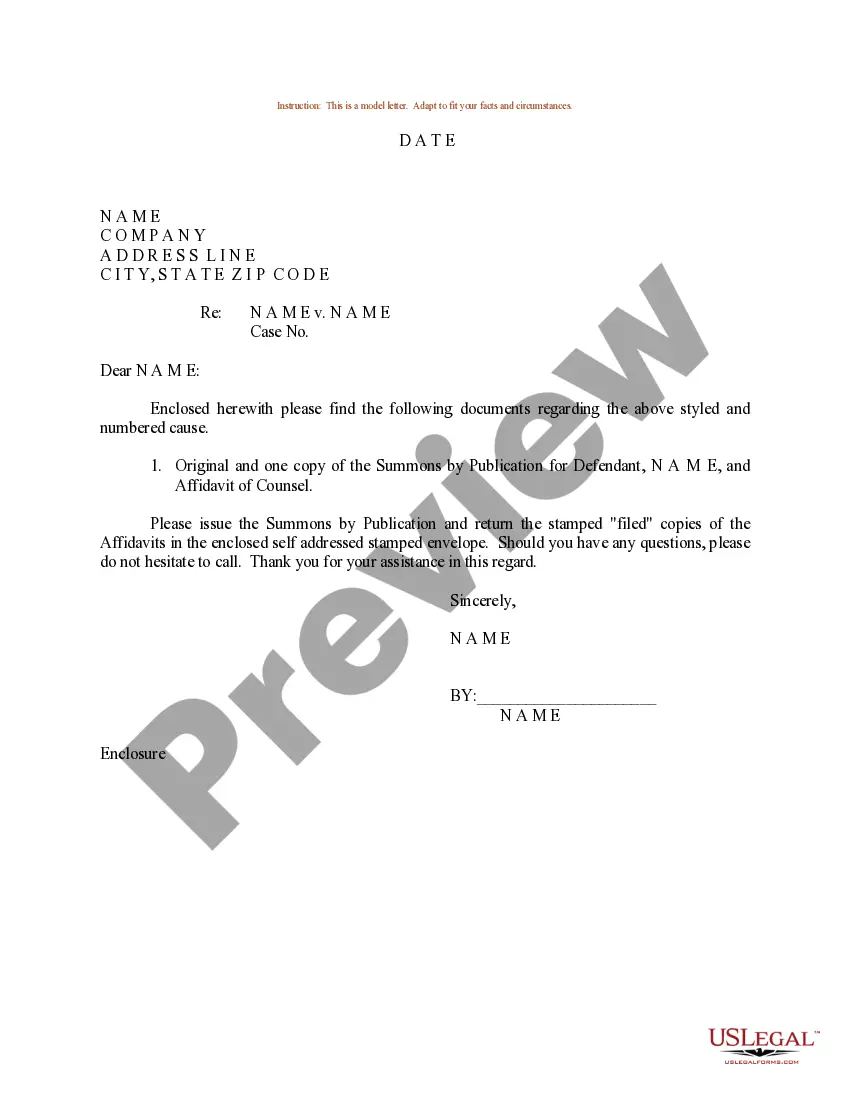
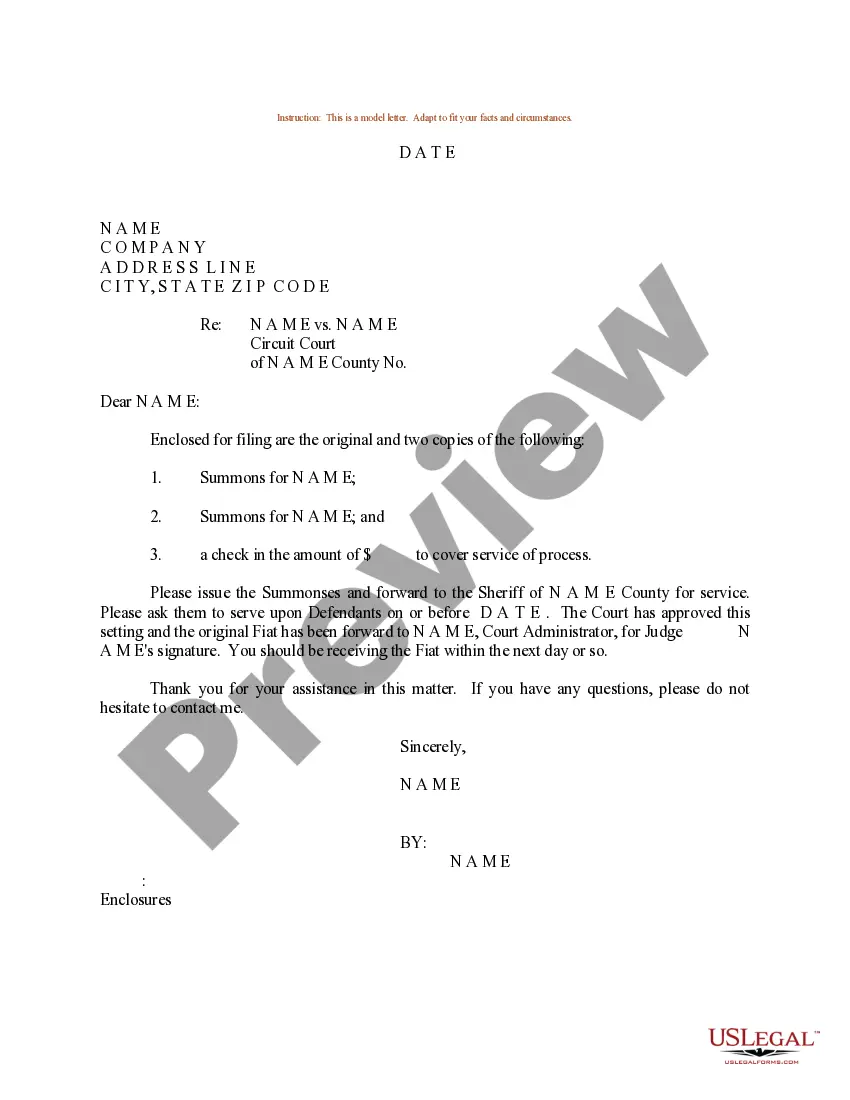
Form popularity
FAQ
A. Employer identification number (EIN): Put your company's EIN here. B. Date incorporated: Write the date your business was incorporated or registered. C. State of incorporation: Enter the state where you formed your business. D. Check if:
Filing options for IRS Form 2553 include mail and fax filing. You cannot file this form online.
If you're an LLC or partnership, use Form 8832 if you want to be taxed as a C-corp, partnership, or a sole proprietor. Meanwhile, Form 2553 is for LLCs or corporations that want to be taxed as S-corps. Keep this in mind: If you're filing Form 2553, you don't need to file Form 8832.
Although being taxed like an S corporation is probably chosen the least often by small business owners, it is an option. For some LLCs and their owners, this can actually provide a tax saving2248particularly if the LLC operates an active trade or business and the payroll taxes on the owner or owners is high.
You can check your S corp status relatively easily by contacting the IRS. If you have properly submitted your S corporation form to the IRS and have not heard back, you can call the IRS at (800) 829-4933 and they will inform you of your application status.
1the name of your corporation.2your corporation's principal place of business.3the name and address of your corporation's registered agent.4a statement of the corporation's purpose.5the corporation's duration.6information about the number of shares and classes of stock the corporation is authorized to issue.What Are Articles of Incorporation? Nolo\nwww.nolo.com > legal-encyclopedia > articles-incorporation