Job Invoice
What this document covers
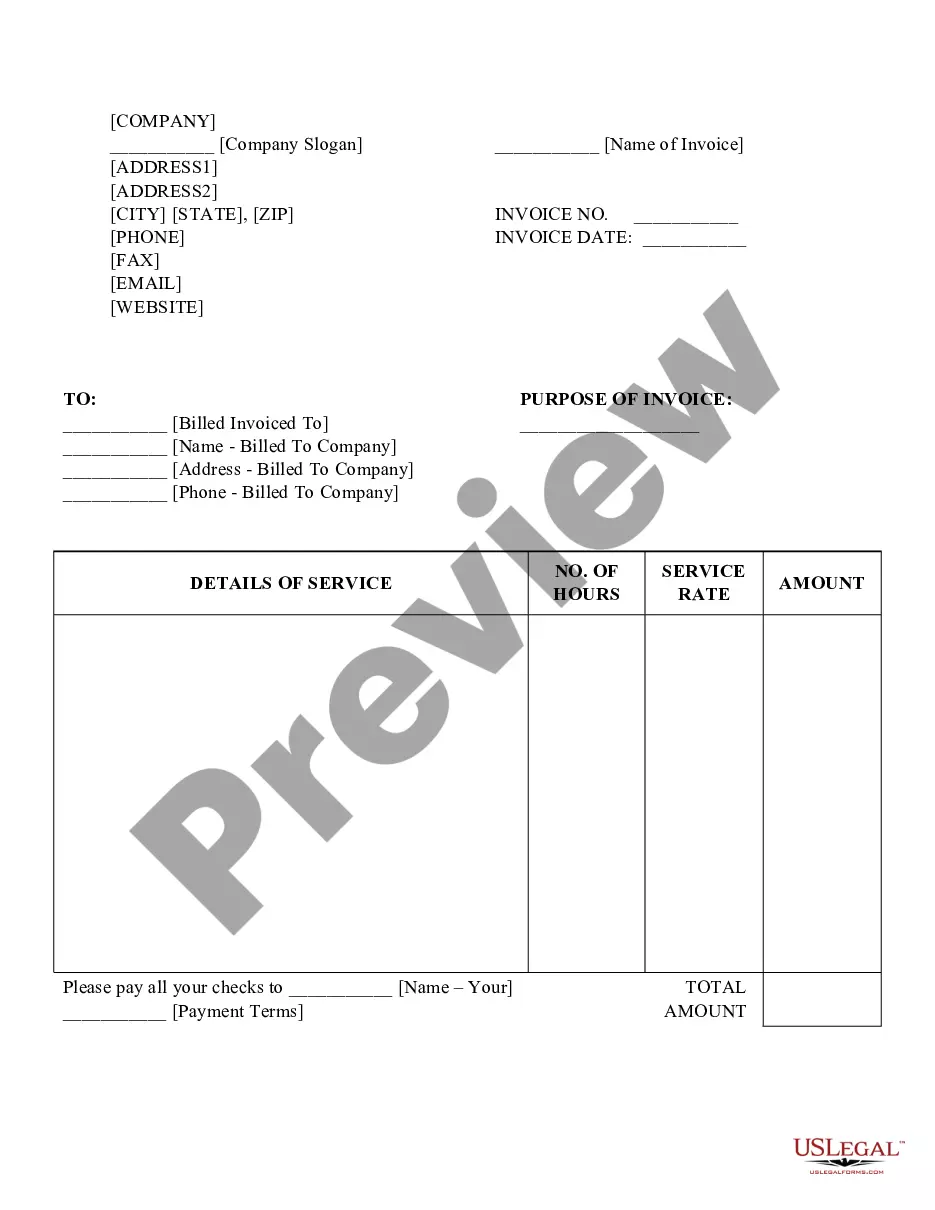
The job invoice is a detailed document used to specify the work completed and the costs associated with that work. Unlike general invoices, which may include various items or services, a job invoice focuses specifically on the services rendered in relation to a specific job, making it essential for clear communication between service providers and clients.
Key parts of this document
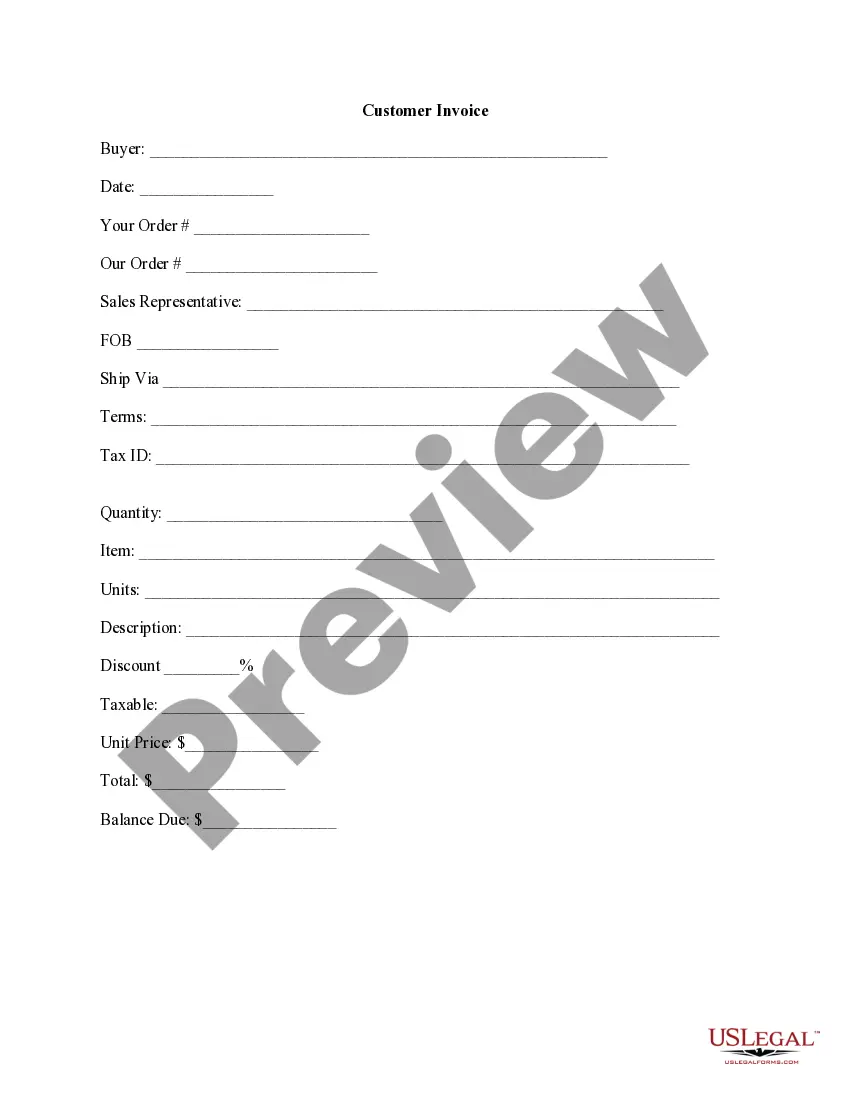
- Buyer information section to capture client's details.
- Tax ID field to include the buyer's identification for tax purposes.
- Date of service completion to indicate when the work was performed.
- Sections for order numbers to track specific transactions.
- Sales representative field to identify who managed the transaction.
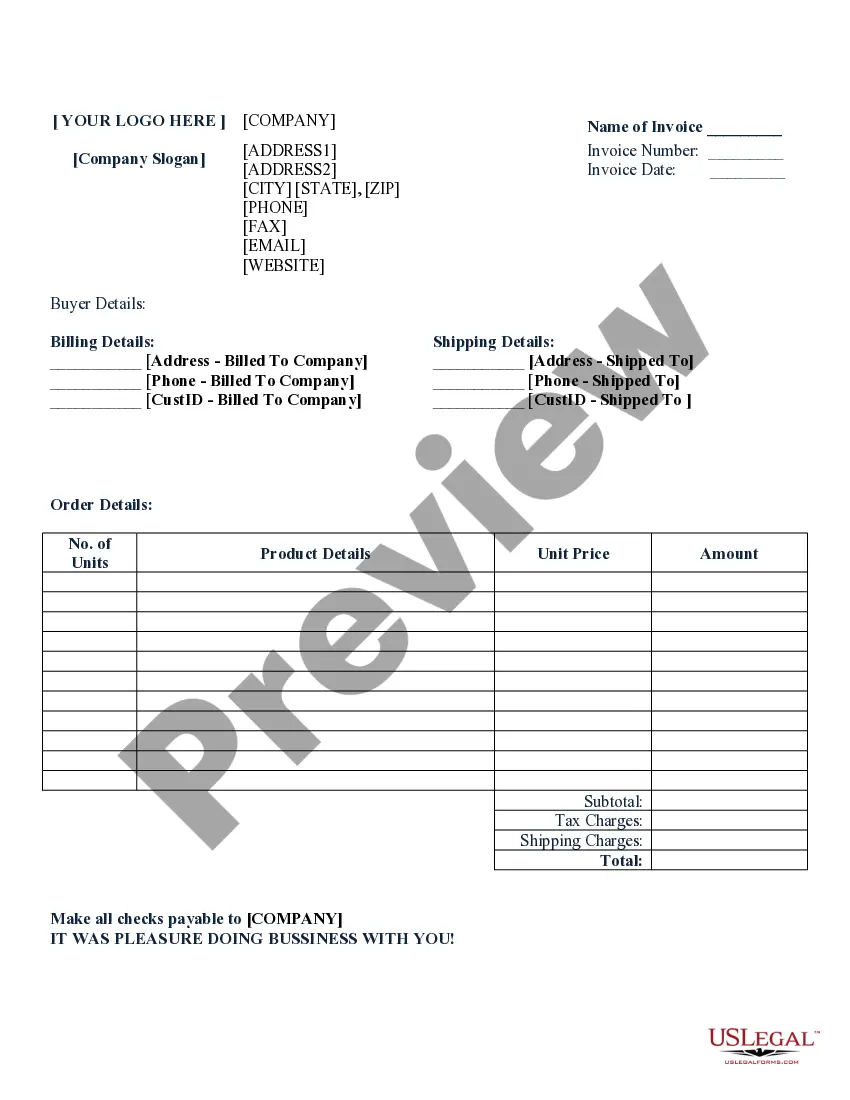
- Itemized listing of materials, labor hours, and associated costs.
- Total amount due, summarizing all charges for clarity.


When to use this form
This form is useful when a service provider needs to bill a client for completed work. Situations may include freelance projects, home repairs, consulting services, and any other circumstances where detailed billing is necessary. It helps ensure both parties have a clear record of what was agreed upon and delivered.
Who should use this form
- Freelancers who provide services in various fields.
- Contractors completing home renovations or repairs.
- Consultants offering professional advice or services.
- Service providers in industries like cleaning, landscaping, or IT support.
Completing this form step by step
- Identify the buyer by filling in their details and tax ID.
- Input the date when the service was performed.
- List all materials used along with their quantities and unit prices.
- Document the labor hours and applicable rates for the tasks completed.
- Calculate the total amounts for materials, labor, and the overall total due.
Does this document require notarization?
In most cases, this form does not require notarization. However, some jurisdictions or signing circumstances might. US Legal Forms offers online notarization powered by Notarize, accessible 24/7 for a quick, remote process.
Get your form ready online
Our built-in tools help you complete, sign, share, and store your documents in one place.
Make edits, fill in missing information, and update formatting in US Legal Forms—just like you would in MS Word.
Download a copy, print it, send it by email, or mail it via USPS—whatever works best for your next step.
Sign and collect signatures with our SignNow integration. Send to multiple recipients, set reminders, and more. Go Premium to unlock E-Sign.
If this form requires notarization, complete it online through a secure video call—no need to meet a notary in person or wait for an appointment.
We protect your documents and personal data by following strict security and privacy standards.

Make edits, fill in missing information, and update formatting in US Legal Forms—just like you would in MS Word.

Download a copy, print it, send it by email, or mail it via USPS—whatever works best for your next step.

Sign and collect signatures with our SignNow integration. Send to multiple recipients, set reminders, and more. Go Premium to unlock E-Sign.

If this form requires notarization, complete it online through a secure video call—no need to meet a notary in person or wait for an appointment.

We protect your documents and personal data by following strict security and privacy standards.
Typical mistakes to avoid
- Failing to include all materials and labor in the itemized list.
- Not specifying the date of service, which can lead to confusion.
- Leaving out the buyer's tax ID, which may impact tax reporting.
- Incorrectly calculating the total amounts due.
Benefits of using this form online
- Downloadable and editable format allows for quick adjustments.
- Templates are drafted by licensed attorneys, ensuring legal compliance.
- Convenient to store electronically for easy access and record-keeping.
- Ability to generate professional invoices quickly without legal jargon.
Legal use & context
- A job invoice serves as a binding agreement between the service provider and the client regarding payment for services rendered.
- It provides clear documentation which can be important for both tax purposes and legal protection in disputes.
Main things to remember
- A job invoice is essential for detailing work done and requesting payment.
- It includes key sections for buyer information, labor, and materials.
- The form is suitable for various professionals, including freelancers and contractors.
- Using an online template offers convenience and professionalism.
Looking for another form?



Form popularity
FAQ
A unique identification number. your company name, address and contact information. the company name and address of the customer you're invoicing. a clear description of what you're charging for. the date the goods or service were provided (supply date) the date of the invoice.
Make your invoice look professional. The first step is to put your invoice together. Clearly mark your invoice. Add company name and information. Write a description of the goods or services you're charging for. Don't forget the dates. Add up the money owed. Mention payment terms.
The name and contact details of your business. The client's contact information. A unique invoice number. An itemized summary of the services provided. Specific payment terms. The invoice due date. The total amount owing on the invoice.
Personalize and make your invoice professional. To begin, choose a color that best represents your brand and upload your brand's logo. Fill-out the appropriate contact information on your invoice. Select a due date on your invoice. Fill in the projects/ tasks you are invoicing the client for. Add payment information.
Your company/trading name, VAT number (if applicable), address and contact info. Your customer's company/trading name, address and contact info. A unique invoice number. The date of the invoice. A description of what you are charging for.
An invoice is an invaluable tool for accounting. It helps both the seller and the buyer to keep track of their payments and amounts owed.
Make your invoice look professional. The first step is to put your invoice together. Clearly mark your invoice. Add company name and information. Write a description of the goods or services you're charging for. Don't forget the dates. Add up the money owed. Mention payment terms.
An invoice typically contains contact information for the seller or service provider in case there is an error relating to the billing. Payment terms may be outlined on the invoice, as well as the information relating to any discounts, early payment details or finance charges assessed for late payments.
What is a receipt? While an invoice is a request for payment, a receipt is the proof of payment. It is a document confirming that a customer received the goods or services they paid a business for or, conversely, that the business was appropriately compensated for the goods or services they sold to a customer.