Auto Expense Travel Report
About this form
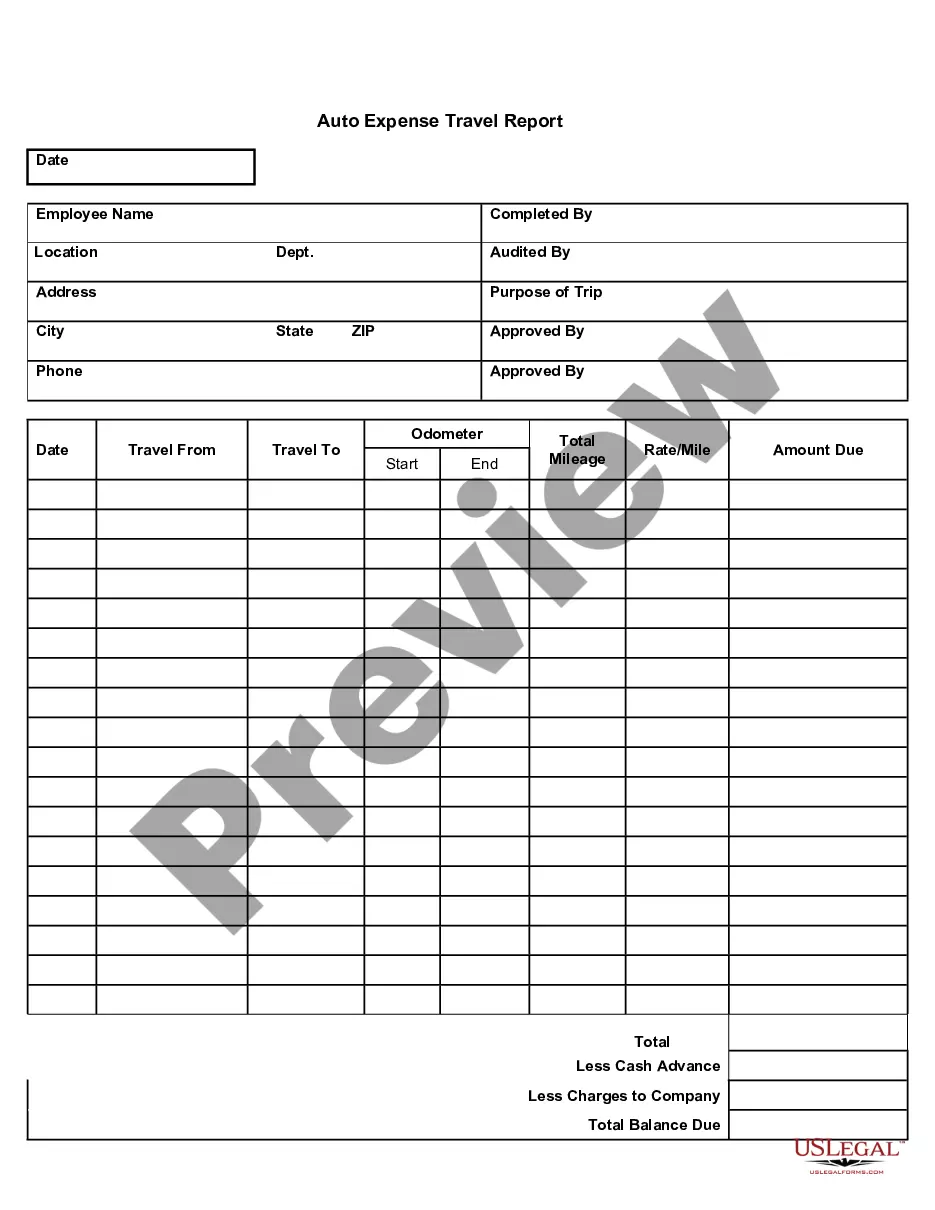
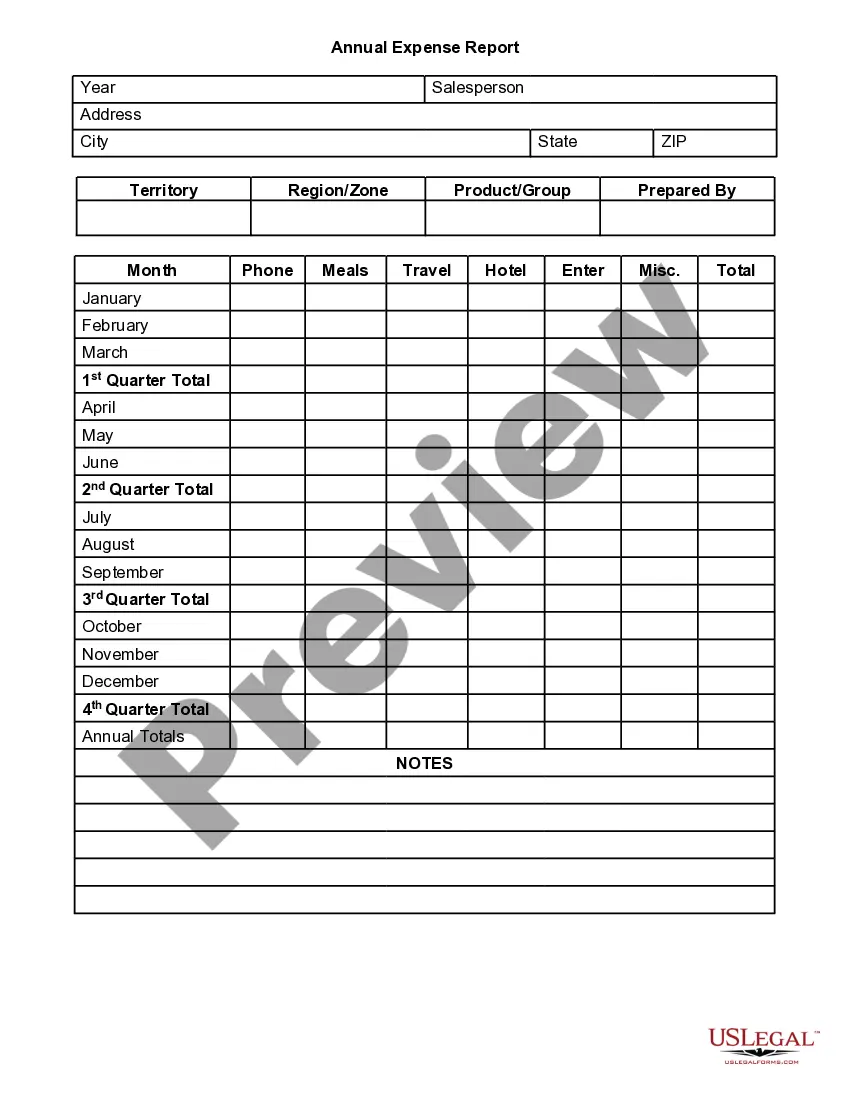
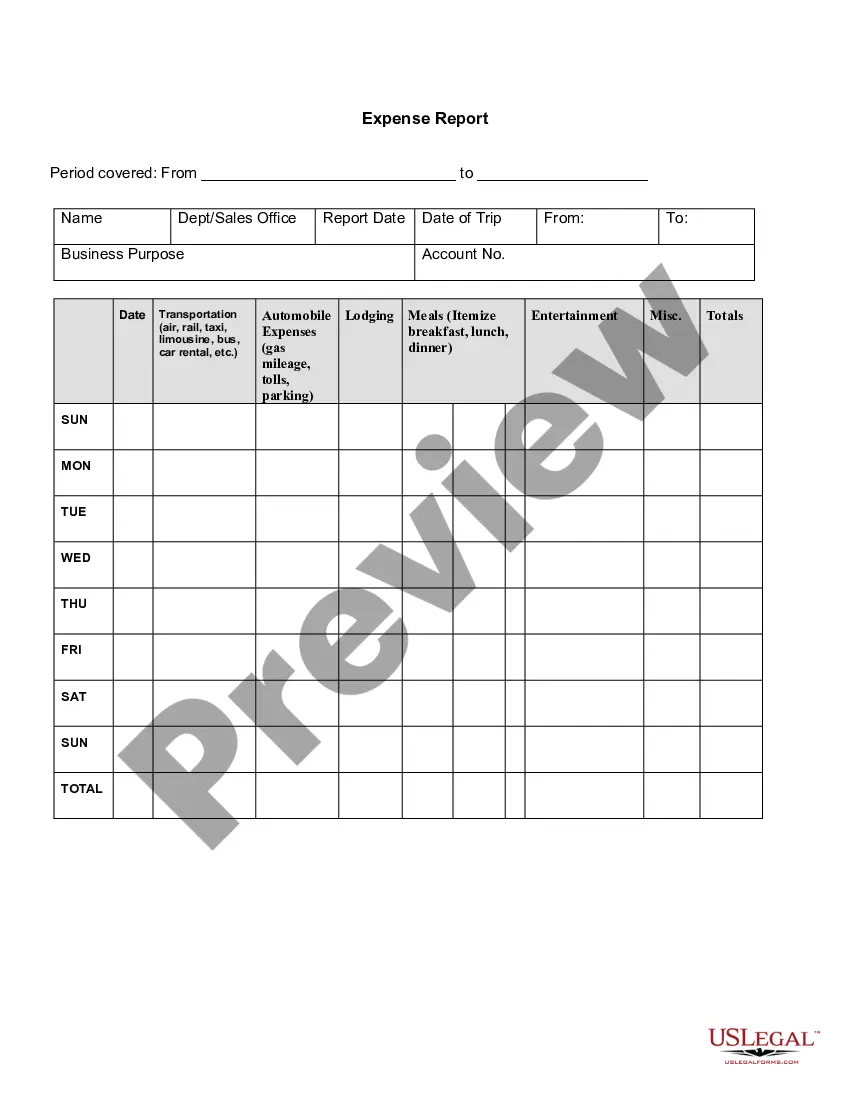
The Auto Expense Travel Report is a form used to document an employee's automobile travel mileage and reimbursement expenses. This form streamlines the process of reporting travel-related costs separately from standard expense reports, ensuring accurate tracking of mileage claims and related expenses for reimbursement purposes. It is especially important for organizations that reimburse employees for business-related travel, providing a clear record of expenses incurred during trips.
What’s included in this form
- Date: The date when the travel occurred.
- Employee Name: The name of the employee requesting reimbursement.
- Completed By: The individual who filled out the report.
- Location: Where the trip started and ended.
- Total Mileage: The total miles driven for the trip.
- Amount Due: The total reimbursement calculated based on mileage and rates.


When to use this form
Use the Auto Expense Travel Report when an employee needs to claim reimbursement for automobile travel related to business purposes. This form is crucial for trips requiring long-distance travel, allowing employees to report their mileage and associated costs accurately. It should be completed promptly after returning from the trip to ensure timely processing of reimbursements.
Who should use this form
- Employees who drive for business travel and seek reimbursement for their expenses.
- Employers or organizations that reimburse employees for vehicle mileage and related costs.
- Accounting personnel responsible for processing travel expense reports.
Instructions for completing this form
- Identify the travel dates and enter them in the designated fields.
- Fill in the employee's name and contact information.
- Specify the starting and ending locations for the trip.
- Record the odometer readings at the start and end of the trip to calculate total mileage.
- Calculate the total amount due based on mileage rates and any additional expenses.
Notarization guidance
This form does not typically require notarization unless specified by local law. It is advisable to check with your employer or organization's policy regarding any additional requirements for reimbursement forms.
Get your form ready online
Our built-in tools help you complete, sign, share, and store your documents in one place.
Make edits, fill in missing information, and update formatting in US Legal Forms—just like you would in MS Word.
Download a copy, print it, send it by email, or mail it via USPS—whatever works best for your next step.
Sign and collect signatures with our SignNow integration. Send to multiple recipients, set reminders, and more. Go Premium to unlock E-Sign.
If this form requires notarization, complete it online through a secure video call—no need to meet a notary in person or wait for an appointment.
We protect your documents and personal data by following strict security and privacy standards.

Make edits, fill in missing information, and update formatting in US Legal Forms—just like you would in MS Word.

Download a copy, print it, send it by email, or mail it via USPS—whatever works best for your next step.

Sign and collect signatures with our SignNow integration. Send to multiple recipients, set reminders, and more. Go Premium to unlock E-Sign.

If this form requires notarization, complete it online through a secure video call—no need to meet a notary in person or wait for an appointment.

We protect your documents and personal data by following strict security and privacy standards.
Common mistakes
- Forgetting to include the start and end odometer readings.
- Not providing a clear purpose for the trip.
- Entering incorrect mileage rates or calculations.
- Missing required signatures or approvals.
Benefits of using this form online
- Convenient access from any device, allowing employees to complete their reports anywhere.
- Editable fields enable users to fill out the form easily and make changes as needed.
- Quick submission processes streamline the reimbursement workflow for both employees and employers.
Quick recap
- The Auto Expense Travel Report is vital for employees seeking reimbursement for work-related car travel.
- Completing this form correctly can expedite the reimbursement process.
- Remember to provide your supervisor's approval before submitting the report.
Looking for another form?
Form popularity
FAQ
Information identifying the person submitting the report (department, position, contact info, SSN, etc.) A date and dollar amount for each expense, matching the date and dollar amount on the receipt provided for that expense. A brief description of each expense.
Add personal information. Enter purchase details. Sign the form. Attach receipts. Submit to the management or accounting department.
Choose a template or expense-tracking software. Edit the columns and categories (such as rent or mileage) as needed. Add itemized expenses with costs. Add up the total. Attach or save your corresponding receipts. Print or email the report.
Information identifying the person submitting the report (department, position, contact info, SSN, etc.) A date and dollar amount for each expense, matching the date and dollar amount on the receipt provided for that expense. A brief description of each expense.
An expense report is a form that itemizes expenses necessary to the functioning of a business. A small business may ask its employees to submit expense reports to reimburse them for business-related purchases such as gas or meals.
Choose a Template (or Software) To make an expense report, you should use either a template or expense-tracking software. Edit the Columns. Add Itemized Expenses. Add up the Total. Attach Receipts, If Necessary. Print or Send the Report.
Choose a template or expense-tracking software. Edit the columns and categories (such as rent or mileage) as needed. Add itemized expenses with costs. Add up the total. Attach or save your corresponding receipts. Print or email the report.
An itemised expense would contain multiple expenses listed as line items. The itemised expense total will be calculated automatically, based on the expense amount of each line item and the tax applied on each of them.
An expense report is a form that itemizes expenses necessary to the functioning of a business. A small business may ask its employees to submit expense reports to reimburse them for business-related purchases such as gas or meals.