Assignment of Photographer's Rights to Photographs
What this document covers
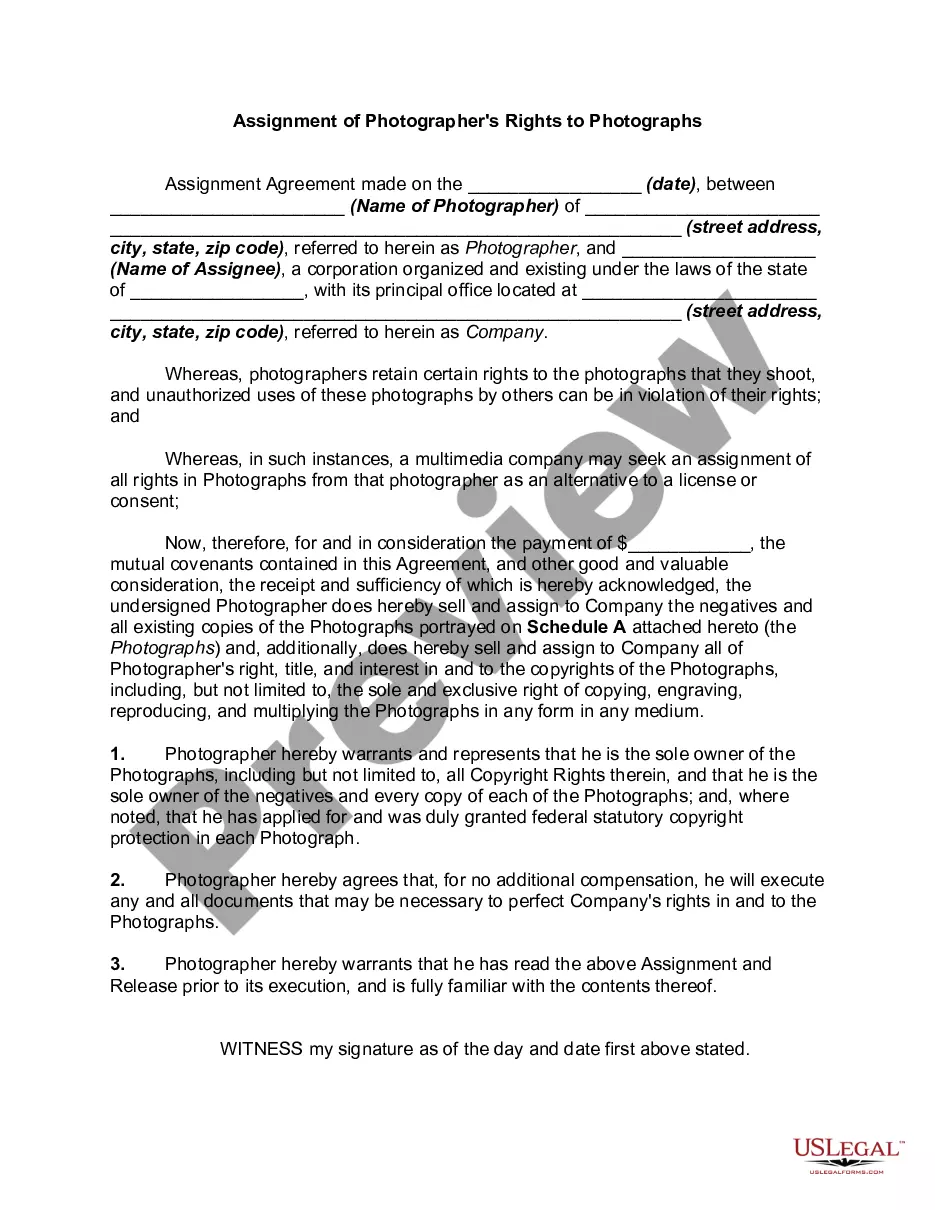
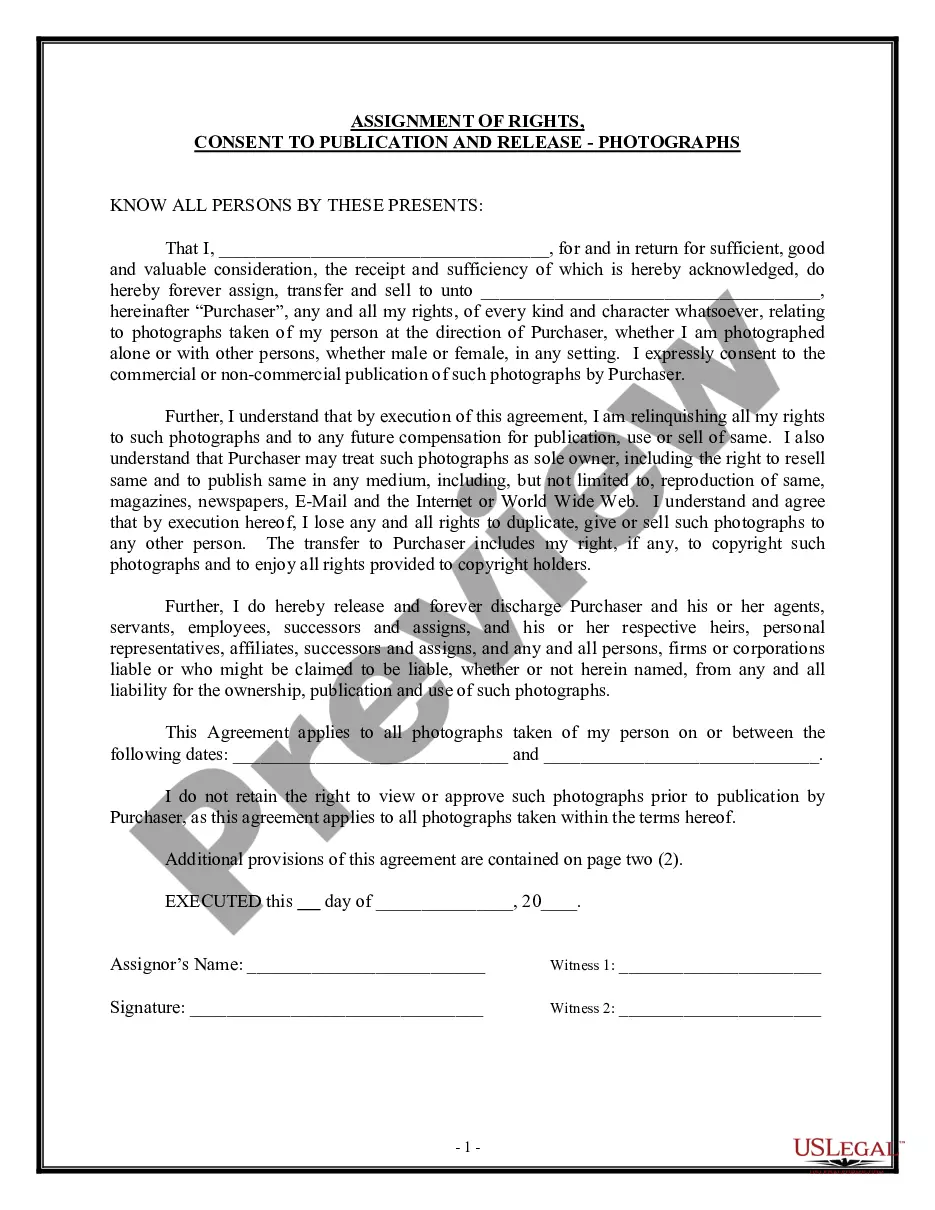
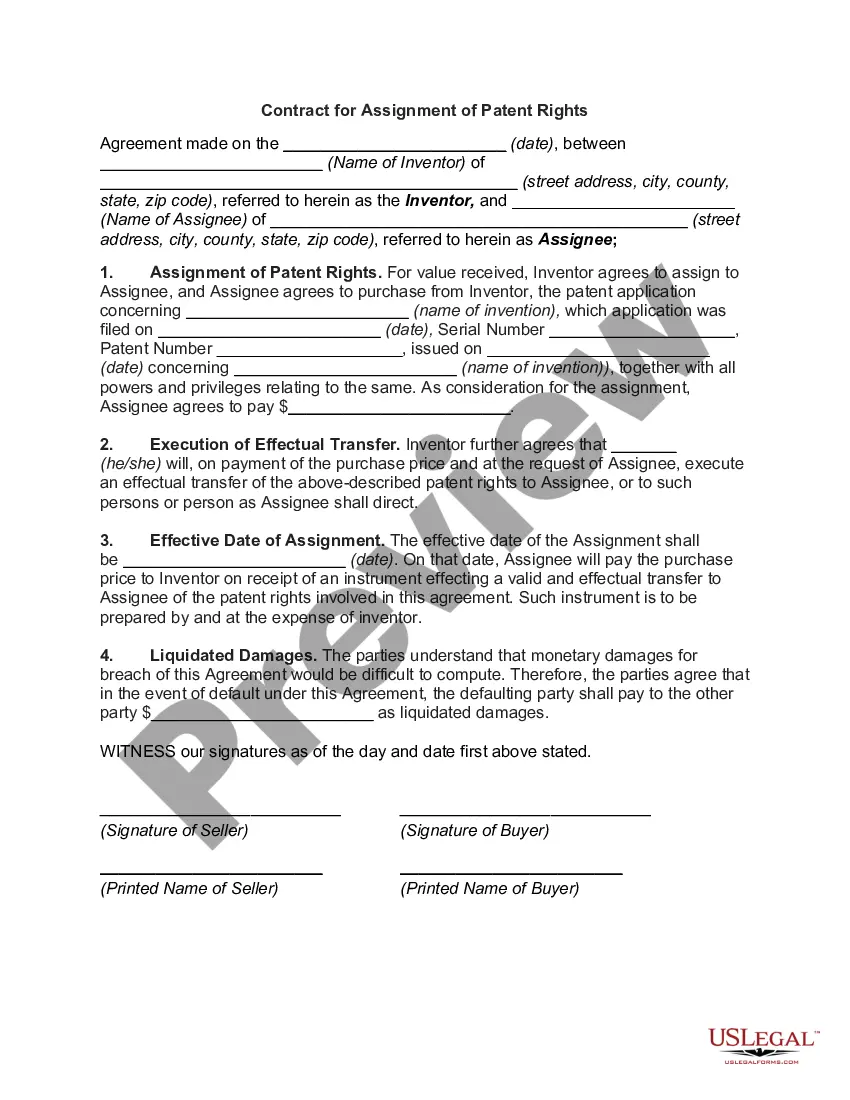
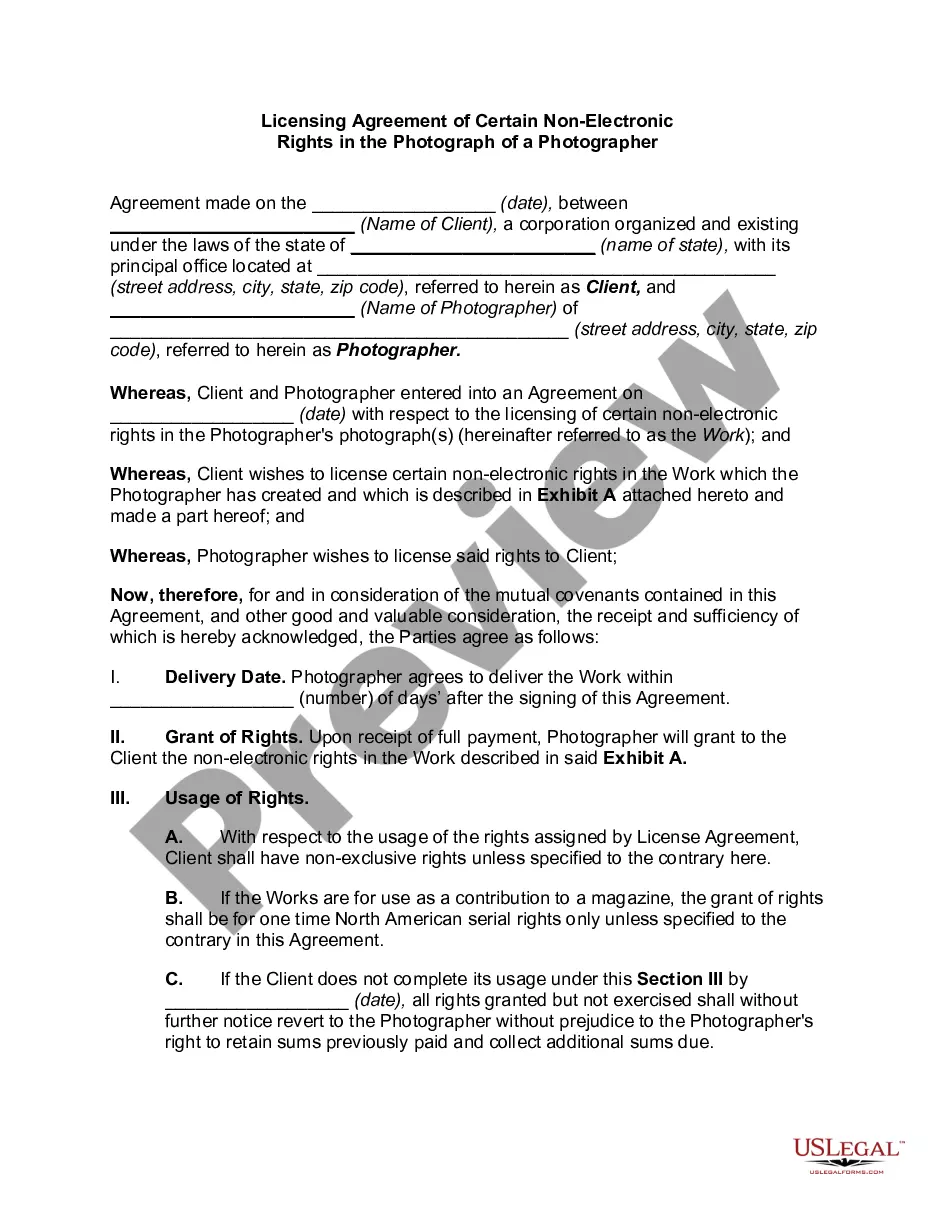
The Assignment of Photographer's Rights to Photographs is a legal document that allows a photographer to transfer ownership of their rights to photographs to another party, typically a company. This form ensures that the assignee obtains all copyrights, including the rights to copy, reproduce, and distribute the images. Unlike a license, which grants permission for specific uses, an assignment fully relinquishes the photographer's rights, making it crucial for photographers to understand before signing.
Form components explained
- Date of the agreement.
- Name and address of the photographer (assignor).
- Name and address of the company (assignee).
- Consideration amount (payment for the assignment).
- Detailed description of the photographs being assigned.
- Warranties by the photographer regarding ownership and copyright.
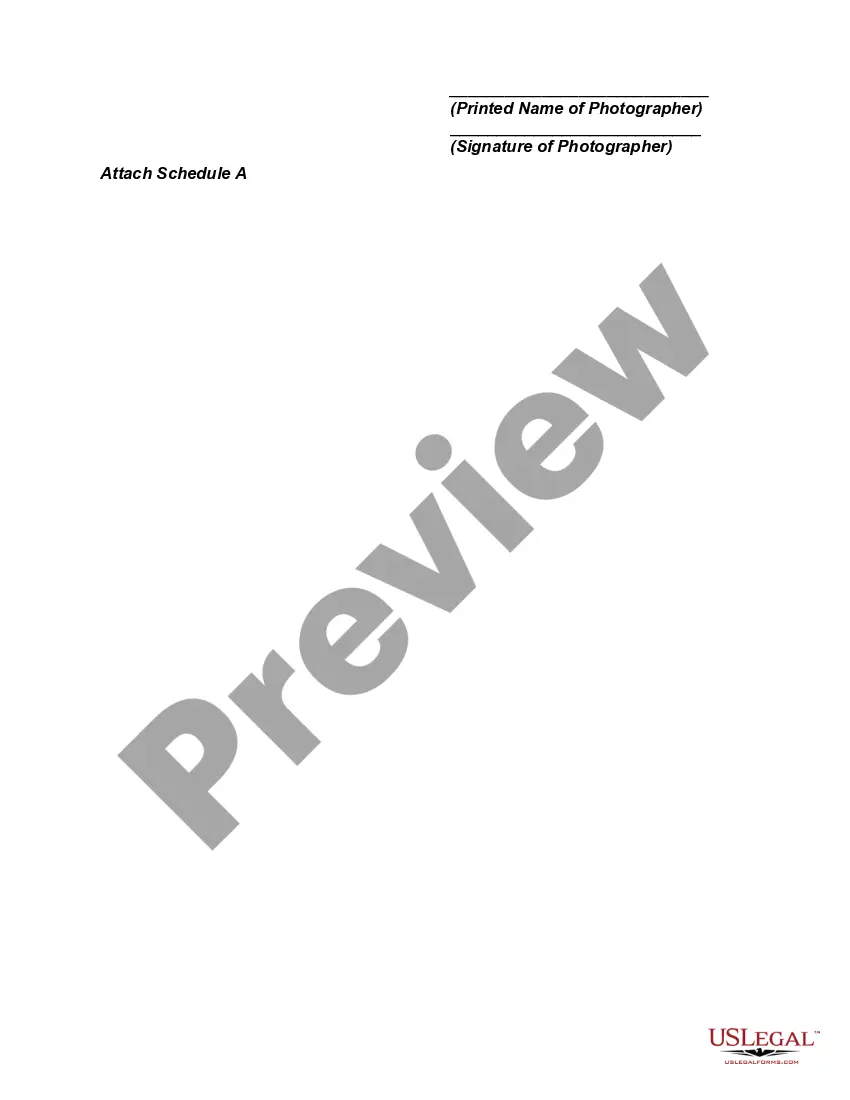
- Signature of the photographer.
When to use this form
This form should be used when a photographer agrees to transfer all rights of their photographs to a company or individual. It is particularly useful in situations where the photographs will be used commercially, such as in advertising or publishing, and where the company needs full control over the images without limitations.
Who this form is for
- Professional photographers seeking to assign their rights to a third party.
- Companies needing to obtain full rights to use photographs for commercial purposes.
- Individuals or organizations that frequently work with photographers and require clarified rights to photographs for various uses.
Steps to complete this form
- Identify the date of the agreement.
- Enter the name and address of the photographer in the designated fields.
- Provide the name and address of the company receiving the rights.
- Specify the consideration amount to be paid for the assignment.
- Attach a description or list of the photographs being assigned as seen in Schedule A.
- Have the photographer review the agreement and sign it, ensuring they understand the terms.
Does this form need to be notarized?
Notarization is generally not required for this form. However, certain states or situations might demand it. You can complete notarization online through US Legal Forms, powered by Notarize, using a verified video call available anytime.
Get your form ready online
Our built-in tools help you complete, sign, share, and store your documents in one place.
Make edits, fill in missing information, and update formatting in US Legal Forms—just like you would in MS Word.
Download a copy, print it, send it by email, or mail it via USPS—whatever works best for your next step.
Sign and collect signatures with our SignNow integration. Send to multiple recipients, set reminders, and more. Go Premium to unlock E-Sign.
If this form requires notarization, complete it online through a secure video call—no need to meet a notary in person or wait for an appointment.
We protect your documents and personal data by following strict security and privacy standards.

Make edits, fill in missing information, and update formatting in US Legal Forms—just like you would in MS Word.

Download a copy, print it, send it by email, or mail it via USPS—whatever works best for your next step.

Sign and collect signatures with our SignNow integration. Send to multiple recipients, set reminders, and more. Go Premium to unlock E-Sign.

If this form requires notarization, complete it online through a secure video call—no need to meet a notary in person or wait for an appointment.

We protect your documents and personal data by following strict security and privacy standards.
Mistakes to watch out for
- Failing to specify the consideration amount, which can lead to disputes.
- Not including a comprehensive description of the photographs being assigned.
- Forgetting to have the form signed and dated by the photographer.
- Neglecting to verify copyright ownership, which could invalidate the assignment.
Why use this form online
- Immediate access to professionally drafted legal documents.
- Easy customization to suit specific needs regarding photography rights.
- Quick and secure download for immediate use.
- Support from licensed attorneys during form completion, if needed.
Legal use & context
- The form is legally binding once signed by both parties.
- Safeguards against unauthorized use of photographs.
- Clarifies the rights and expectations of both the photographer and the assignee.
Summary of main points
- The Assignment of Photographer's Rights transfers copyright ownership from the photographer to another entity.
- This form is essential for protecting the interests of both parties involved in the transaction.
- Ensure to complete all sections accurately and review any jurisdiction-specific requirements.
Looking for another form?






Form popularity
FAQ
Step 1: Open an image in Photoshop. Step 2: Open the File Info dialog box. Step 3: Load your template. Step 4: Choose an Import option. Step 5: Add any image-specific information. Step 6: Click OK. Step 7: Save your image.
Taking photographs and video of things that are plainly visible in public spaces is a constitutional rightand that includes transportation facilities, the outside of federal buildings, and police and other government officials carrying out their duties.
Under copyright law, the photographer owns the copyright and can use it for any editorial use without permission of the person in the picture.
Photos and images are intellectual property. As such, photo ownership starts and almost always stays with the photographer. Hiring a photographer doesn't change the ownership.The photographer may grant you an unlimited license for these photos, but legal ownership stays with the photographer.
You can use Ctrl + Alt + C to create the copyright symbol in Windows and Option + C to create it on OS X on Mac. Certain word-processing programs, such as MS Word and OpenOffice.org, automatically create the symbol when you type ( c ). You can copy it and paste it on the photo in the image-editing program.
The cost of selling image rights should depend on your level of work, labor, resources, photography experience, marketing, and terms of use. In general, you can get anywhere between $20 to $50. However, you can ask for more, even thousands of dollars, if you want a complete copyright buyout.
Under the Federal Copyright Act of 1976, photographs are protected by copyright from the moment of creation. According to the U.S. Copyright Office, the owner of the work is generally the photographer or, in certain situations, the employer of the photographer.
The symbol © (a letter C in a circle), the word Copyright or the abbreviation Copr. The year of first publication followed by a hyphen and the year of last publication.
Most wedding photographers maintain the rights to ownership, reproduction, and publication of your photos so that they can use the photography for their own portfolio, website, advertising, and marketing content.