Privacy Policy for Website that Conducts OnLine Auctions
What is this form?
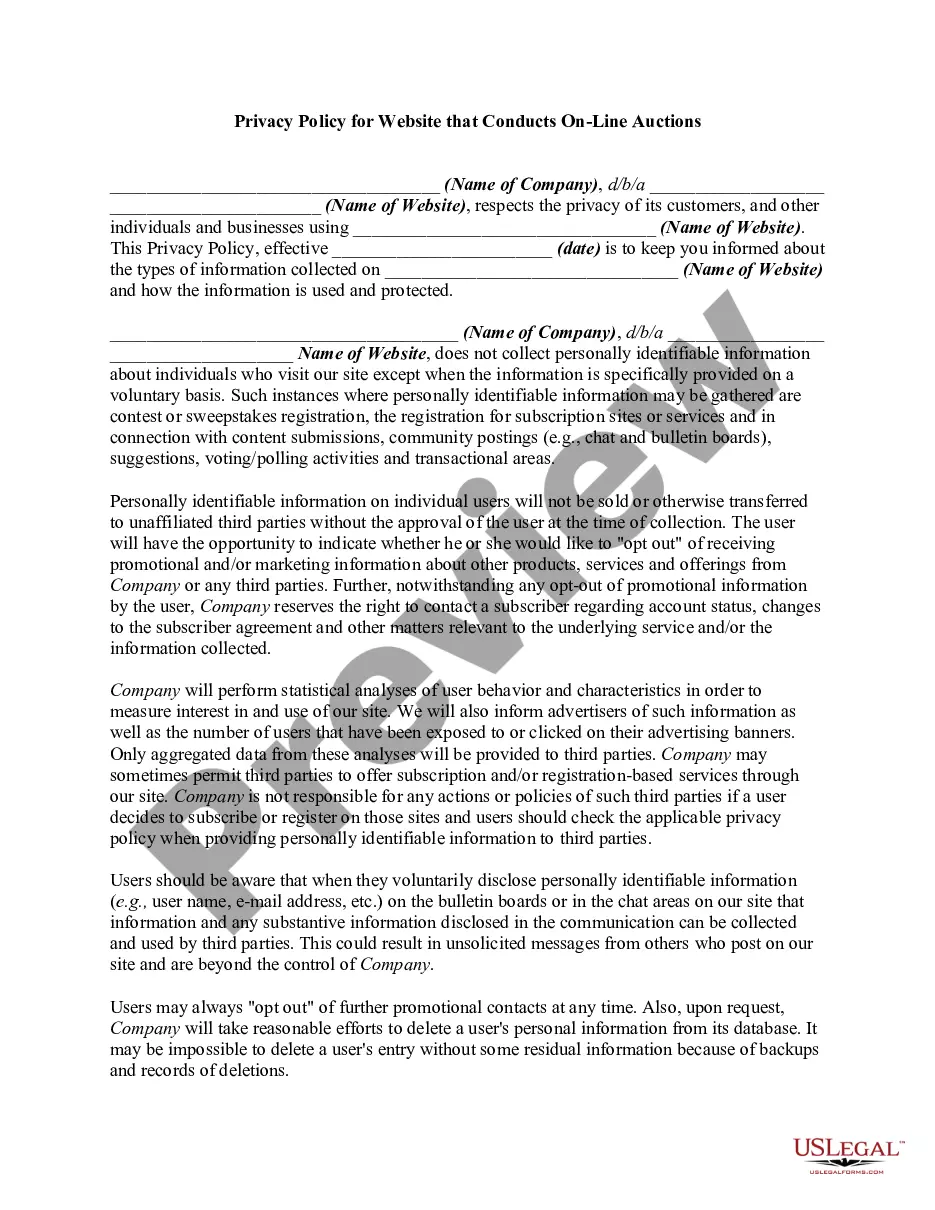
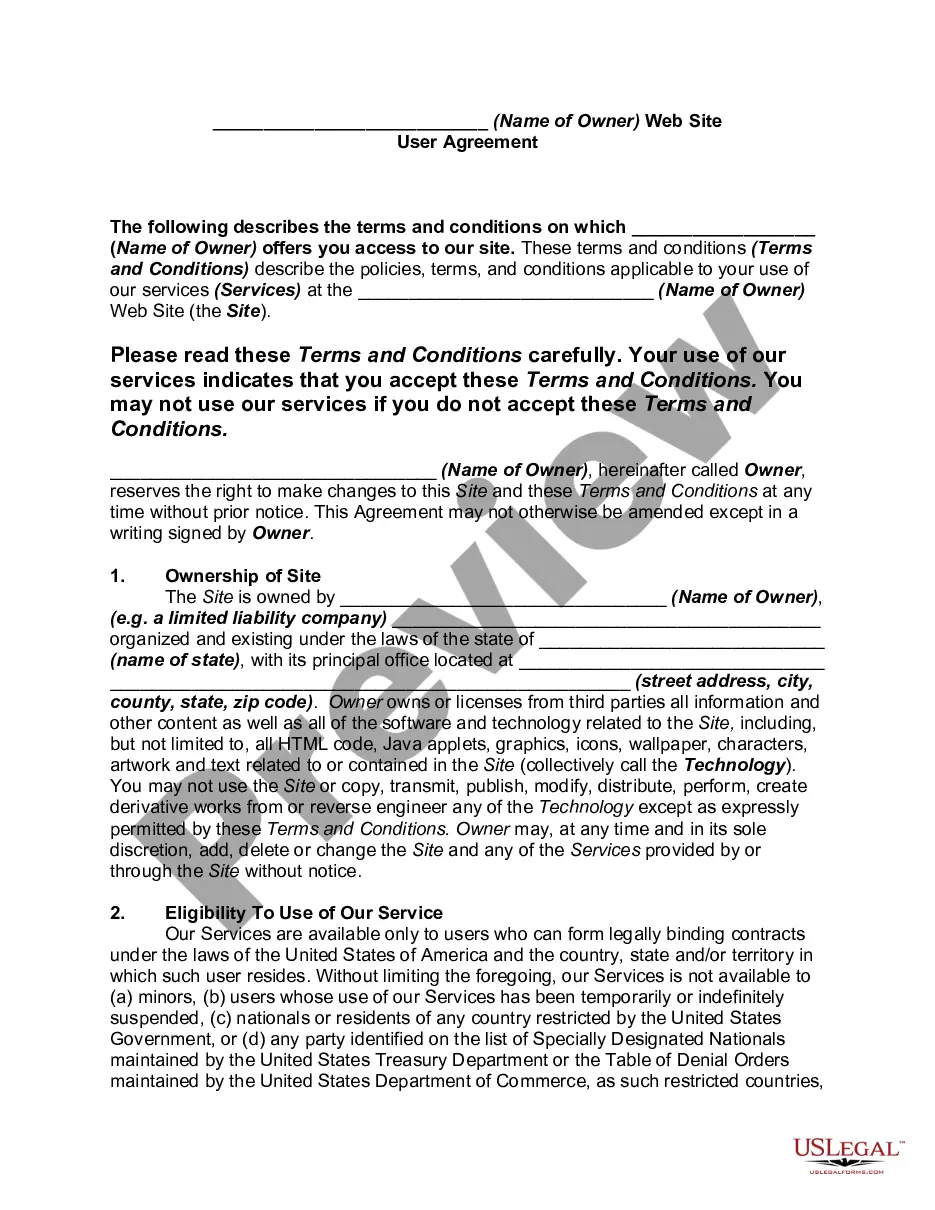
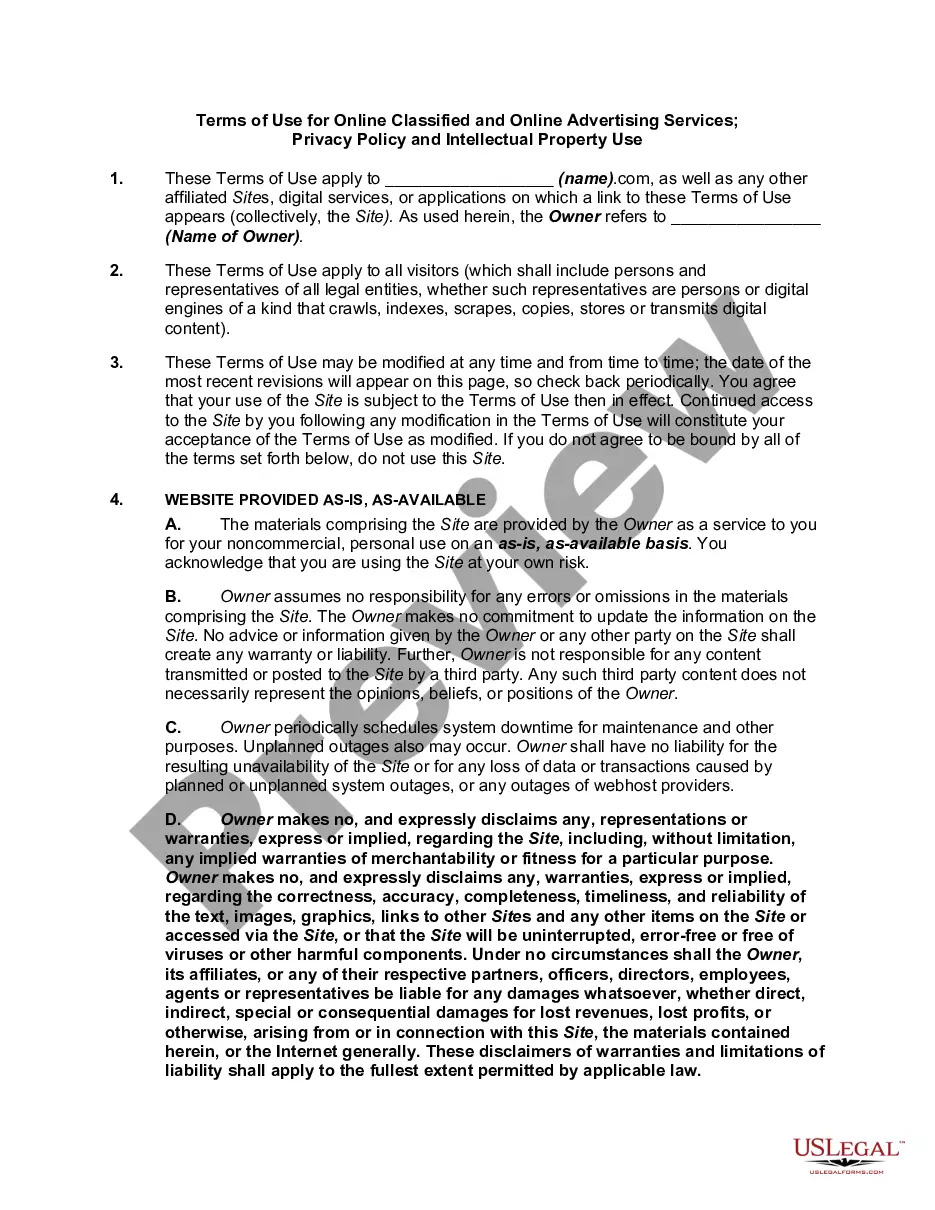
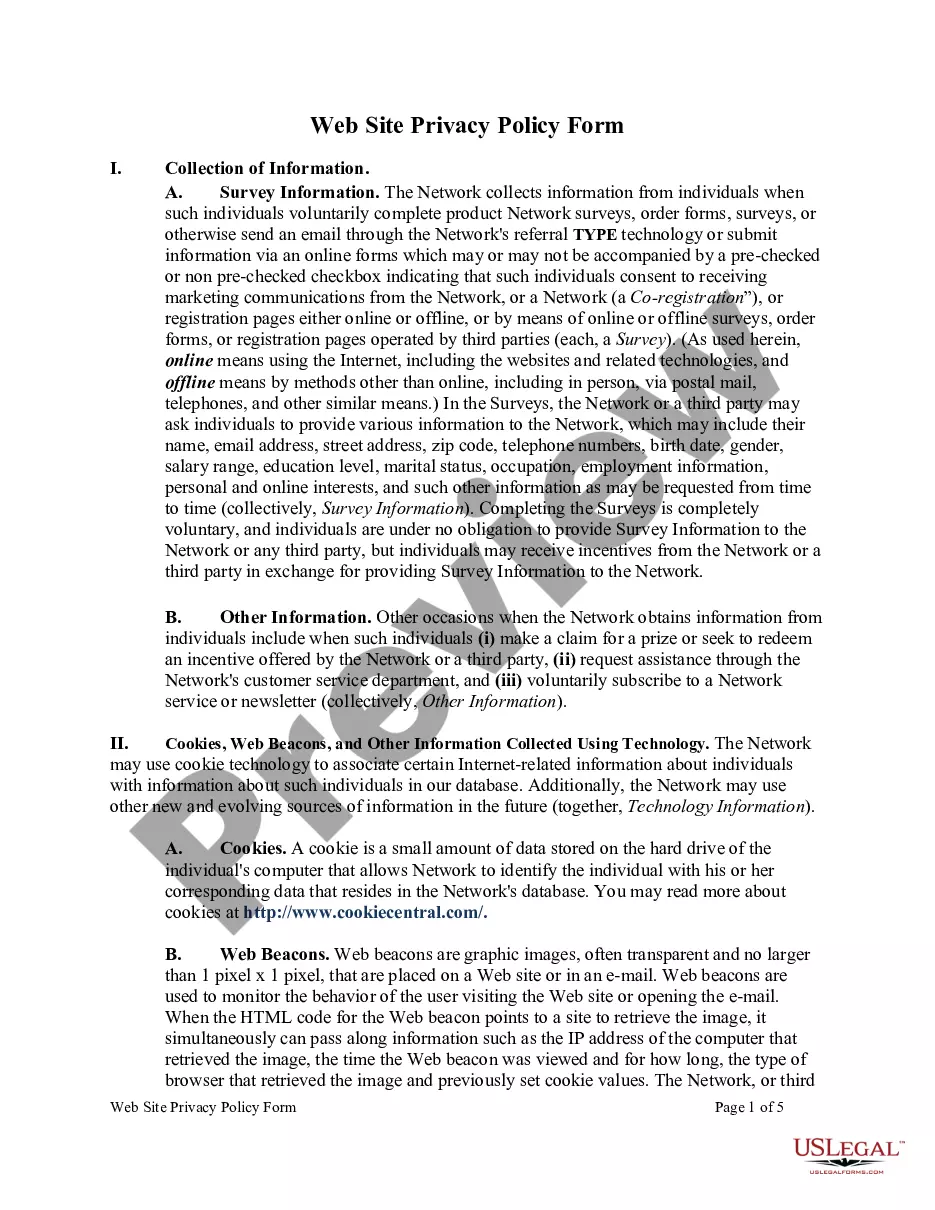
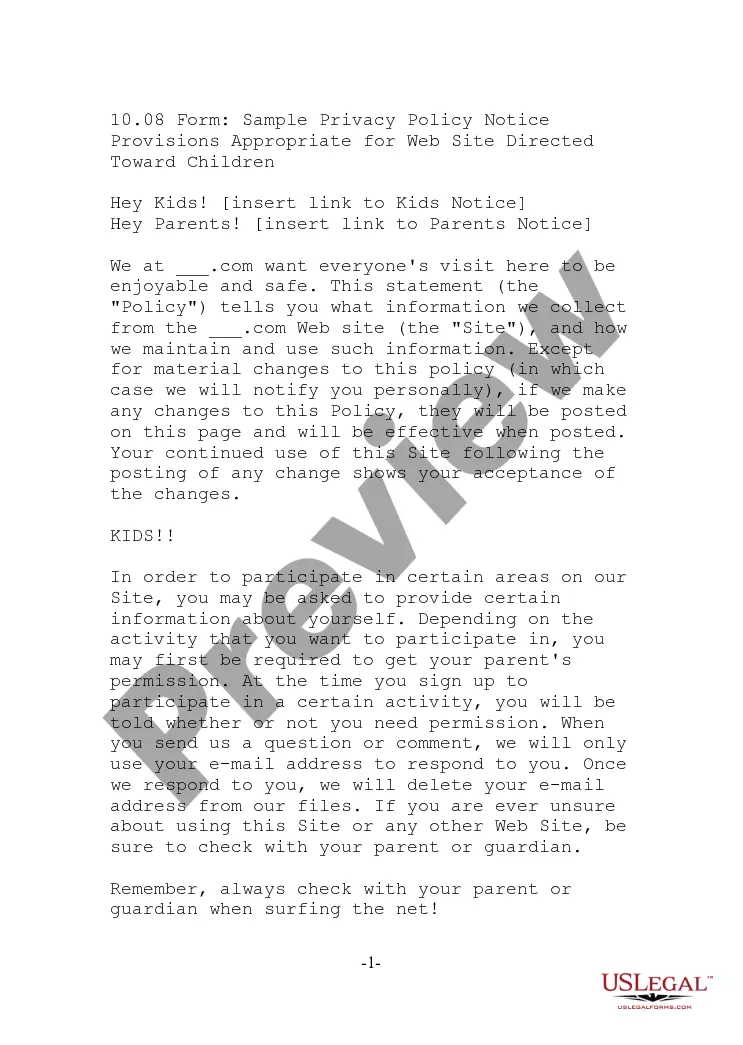
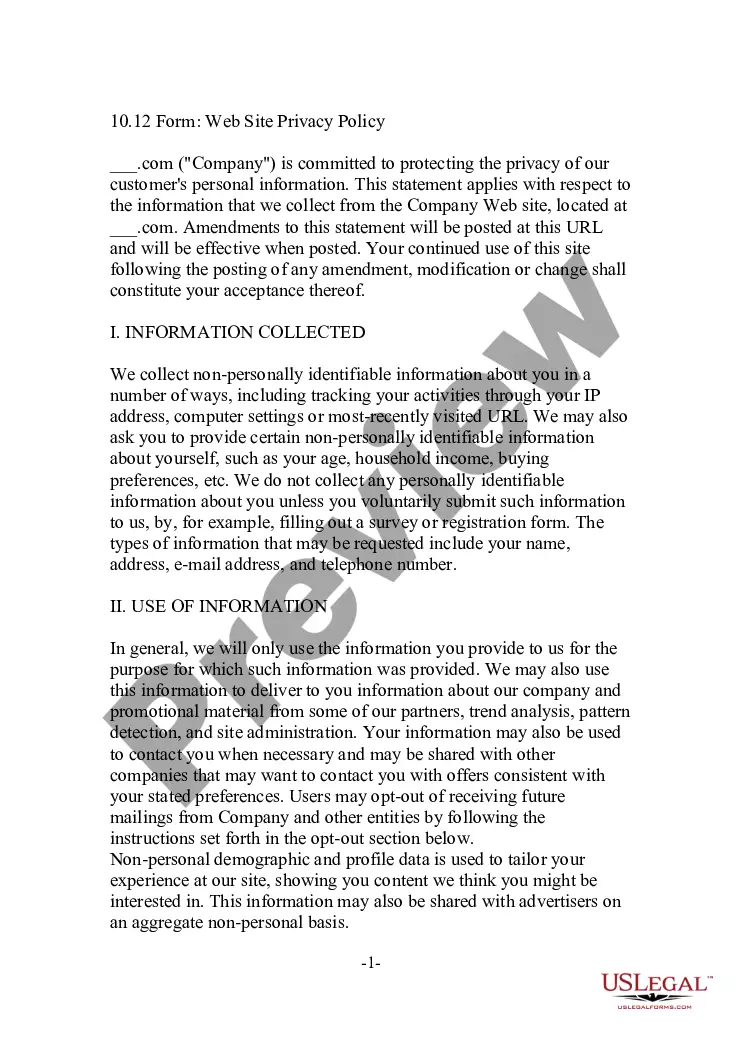
The Privacy Policy for Website that Conducts Online Auctions is a legal document that outlines how a website collects, uses, and protects personal information from its users. This policy differs from an end user agreement, as it specifically addresses privacy concerns. It assures visitors that their identifiable information will remain confidential, allowing them to make informed decisions about interacting with the website. This form serves as a sample privacy statement for online auction platforms, ensuring compliance with privacy laws and building trust with users.
What’s included in this form
- Name of the company and website.
- Date the privacy policy becomes effective.
- Types of information collected and how it is used.
- Conditions under which personal information may be shared.
- Details on opting out of promotional communications.
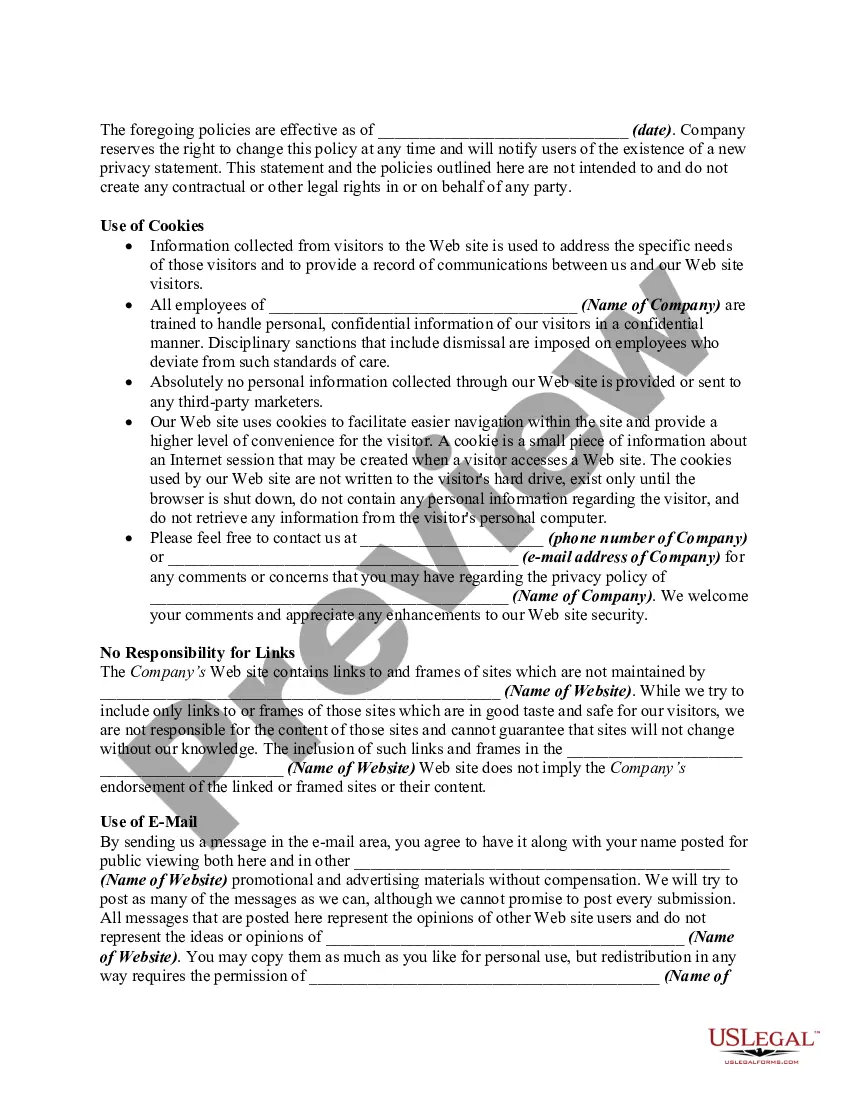
- Cookie usage and data management practices.
- Liability disclaimer concerning third-party links.
When to use this document
This form should be used when setting up or managing a website that conducts online auctions and needs to reassure visitors about privacy. If your website collects personal information from users during various activities such as registration, contests, or messaging, having a comprehensive privacy policy in place is essential. This policy not only complies with legal requirements but also fosters user trust.
Who this form is for
- Website owners operating online auction platforms.
- Businesses collecting personal information online.
- Web developers creating sites that involve user data.
- Legal professionals needing a baseline privacy policy template.
How to prepare this document
- Provide the name of the company and the website operated.
- Set the effective date of the privacy policy.
- Outline the types of personal information you will collect.
- Specify how personal information will be used and protected.
- Include any options for users to opt out of promotional communications.
- Detail the use of cookies and the policy on third-party links.
Does this document require notarization?
Notarization is not commonly needed for this form. However, certain documents or local rules may make it necessary. Our notarization service, powered by Notarize, allows you to finalize it securely online anytime, day or night.
Get your form ready online
Our built-in tools help you complete, sign, share, and store your documents in one place.
Make edits, fill in missing information, and update formatting in US Legal Forms—just like you would in MS Word.
Download a copy, print it, send it by email, or mail it via USPS—whatever works best for your next step.
Sign and collect signatures with our SignNow integration. Send to multiple recipients, set reminders, and more. Go Premium to unlock E-Sign.
If this form requires notarization, complete it online through a secure video call—no need to meet a notary in person or wait for an appointment.
We protect your documents and personal data by following strict security and privacy standards.

Make edits, fill in missing information, and update formatting in US Legal Forms—just like you would in MS Word.

Download a copy, print it, send it by email, or mail it via USPS—whatever works best for your next step.

Sign and collect signatures with our SignNow integration. Send to multiple recipients, set reminders, and more. Go Premium to unlock E-Sign.

If this form requires notarization, complete it online through a secure video call—no need to meet a notary in person or wait for an appointment.

We protect your documents and personal data by following strict security and privacy standards.
Common mistakes
- Failing to update the policy after making changes to data collection practices.
- Not specifying how users can opt out of information sharing.
- Omitting information about cookie usage.
- Neglecting to mention third-party services and their privacy policies.
Benefits of using this form online
- Convenient to download and customize for specific business needs.
- Structured to comply with legal standards for online privacy.
- Editable format allows for easy updates and adjustments.
- Helps build trust with users by clearly outlining privacy practices.
Legal use & context
- This privacy policy serves as a disclosure document required by data protection laws.
- Helps to inform users about their rights regarding personal information.
- Establishes guidelines for the collection and use of data, protecting both the user and the website.
Quick recap
- A robust privacy policy is essential for building user trust on online auction sites.
- Ensure the policy is clear, comprehensive, and updated as needed.
- Understand specific state regulations that may affect your privacy practices.
Looking for another form?









Form popularity
FAQ
Once you've got your mobile or desktop app URL, all you need to do is provide it to your host. Login to your developer account and navigate to Settings > Basic. You'll head to the Privacy Policy URL field and then paste the link you generated from TermsFeed into the box. Save your changes, and you're ready to go.
Go to your Facebook Developer Dashboard. In the left navigation menu, click on Settings, then click on Basic in the submenu. The Privacy Policy URL field will be on this page, as shown below:
Use of Information. This section should explain to your users how and why you use the information that you collect from them. Third Party Disclosure. Information Protection. Cookies. Notification of Changes. Contact Information.
The purpose of a Privacy Policy is to inform users of your data collection practices in order to protect the customer's privacy. Your Privacy Policy should disclose how the website/app collects information, how the information is used, whether or not it is shared with third parties and how it is protected and stored.
In the developer's dashboard, Click on Settings in the left navigation bar and click the Basic link that appears underneath. Locate the form field that says "Privacy Policy URL" and paste your Privacy Policy URL into this field.
Your policy should disclose that your site will collect and maintain personal information provided by its users, including their names, addresses, mobile telephone numbers, email addresses, and so forth.
There are lots of sites that can help you create your very own privacy policy document. However, it's critical that you consider all of the things you want included in your policy. While most sites use standard templates, you'll need to add or edit such a template to satisfy all the needs of your business.
Go to Google Sites and create a new site. Fill in your action's name, the title of the page, and text of your privacy policy. Click Publish and give your site a name. Copy and paste your site's URL in the Privacy Policy field when you publish your Action.
Privacy laws around the world dictate that if you collect personal information from your website visitors, then you need to have a Privacy Policy posted to your site and available with your mobile app (if applicable).