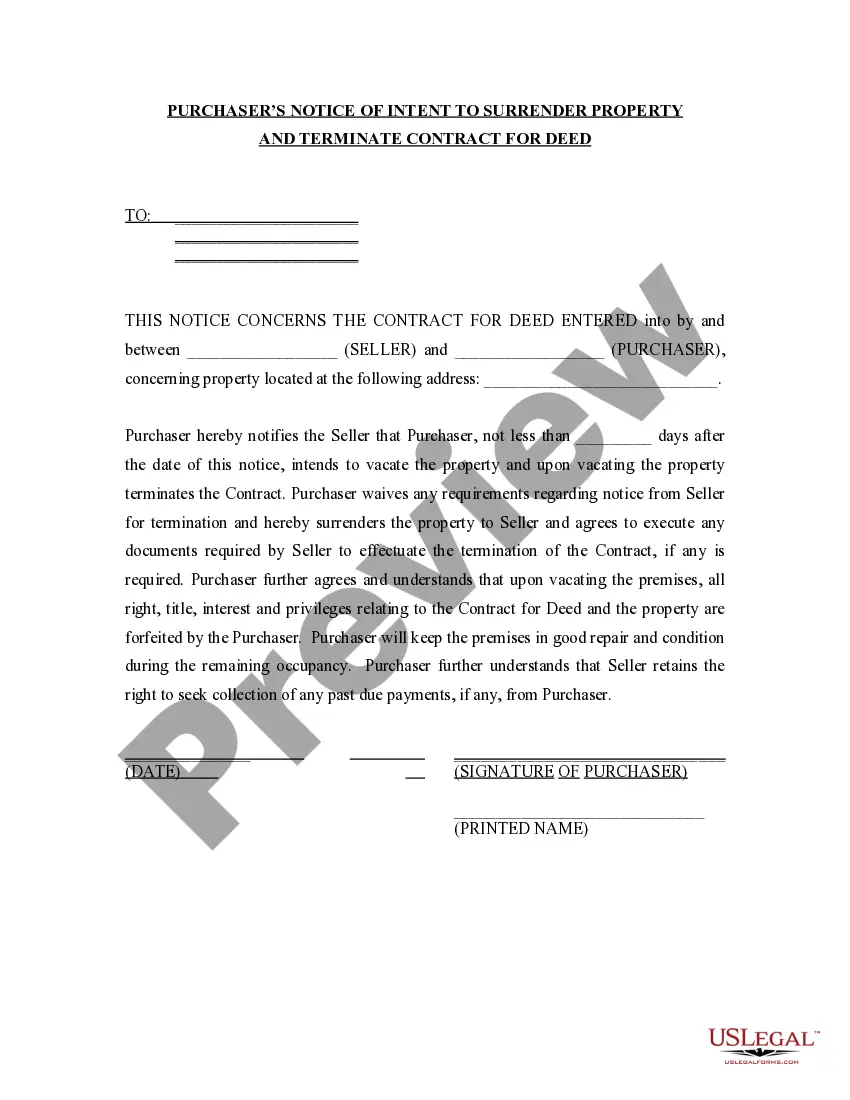
Invoice of Consultant with Blanks to be Filled in for Service and Amount of Charge
What this document covers
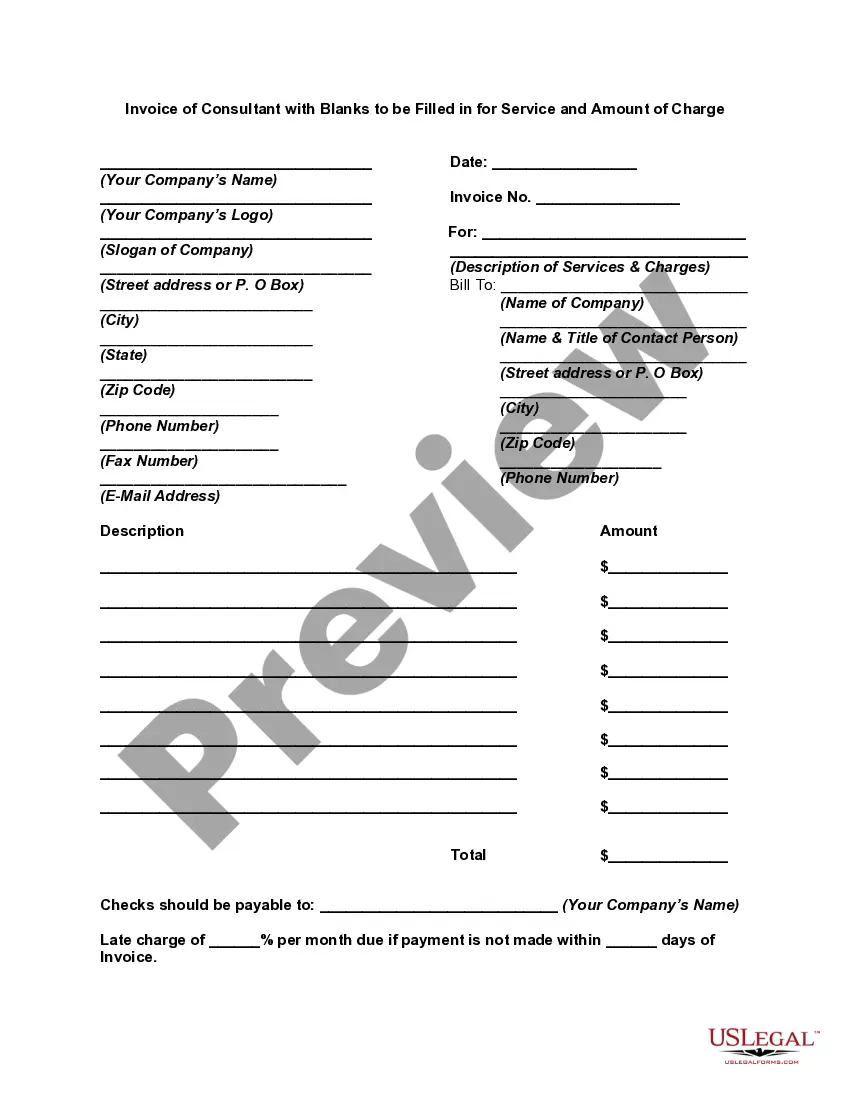
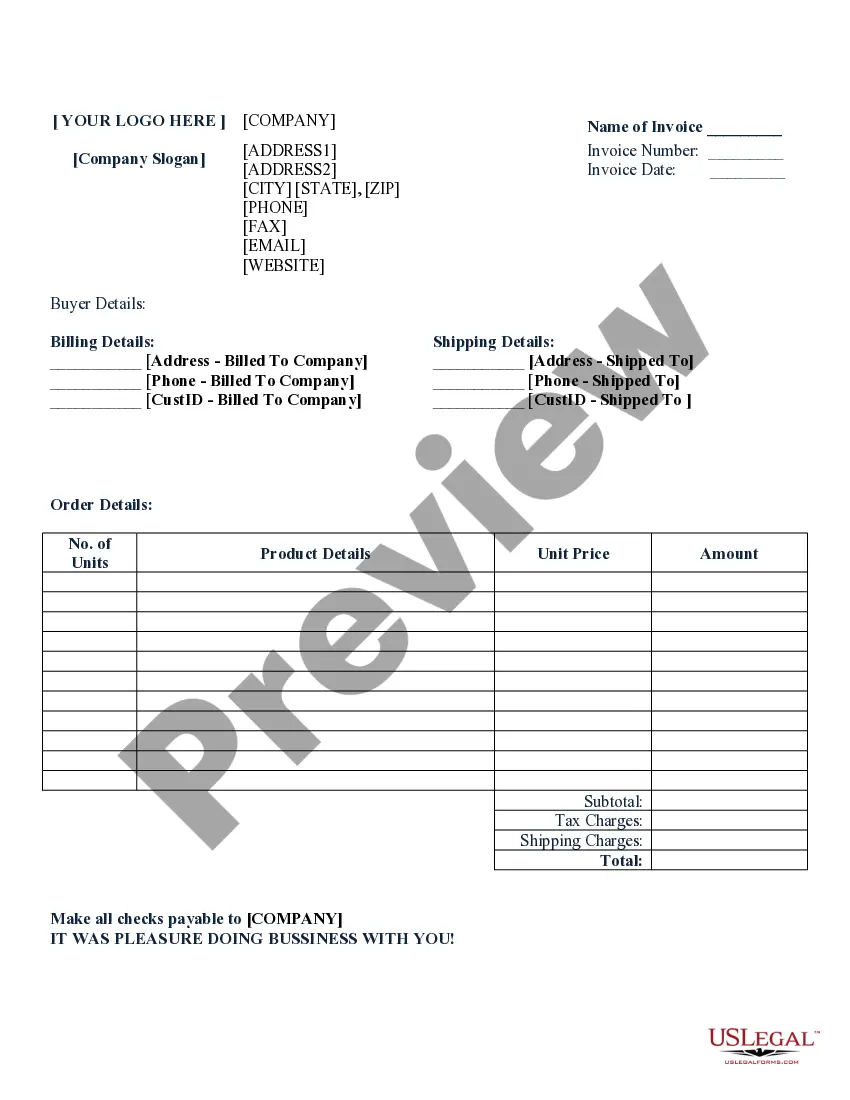
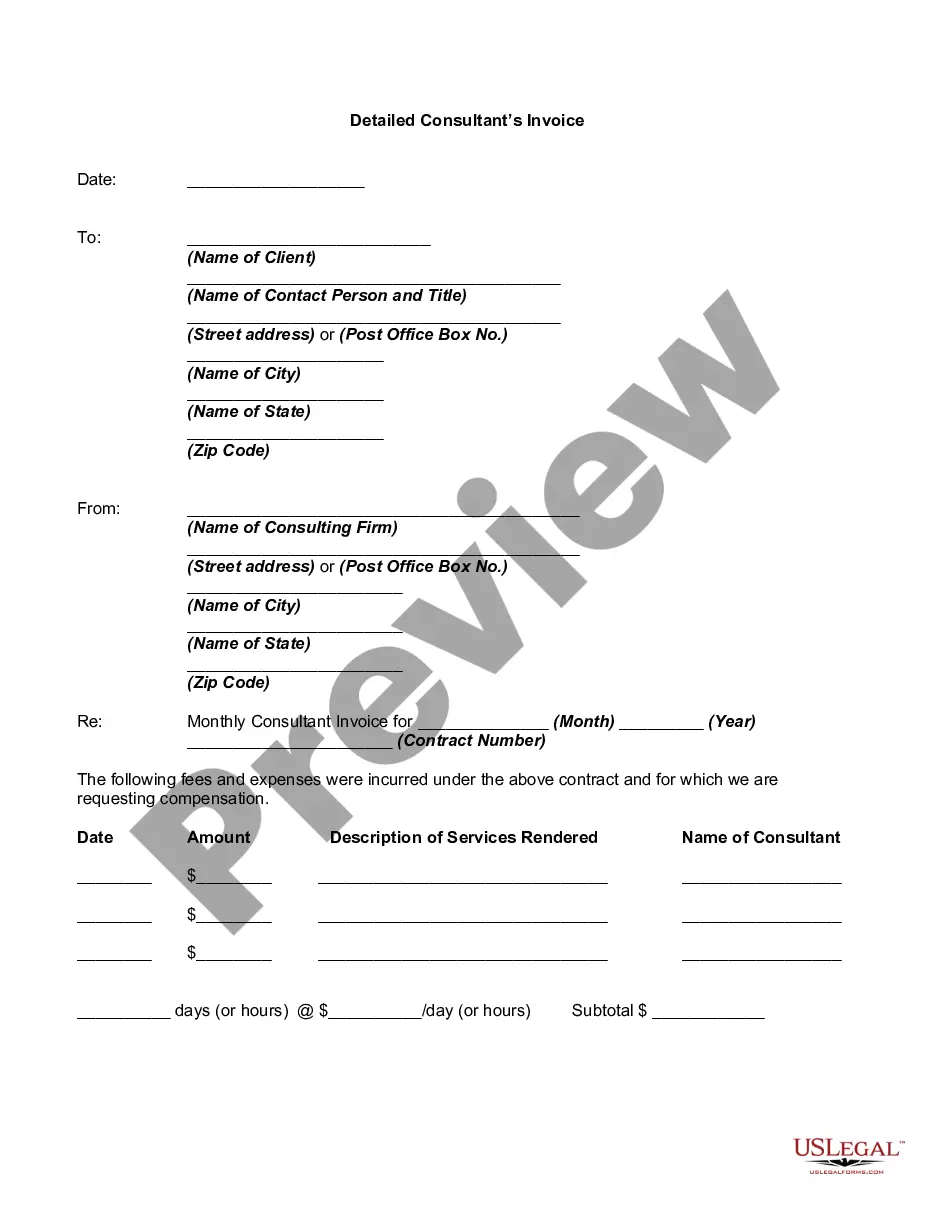
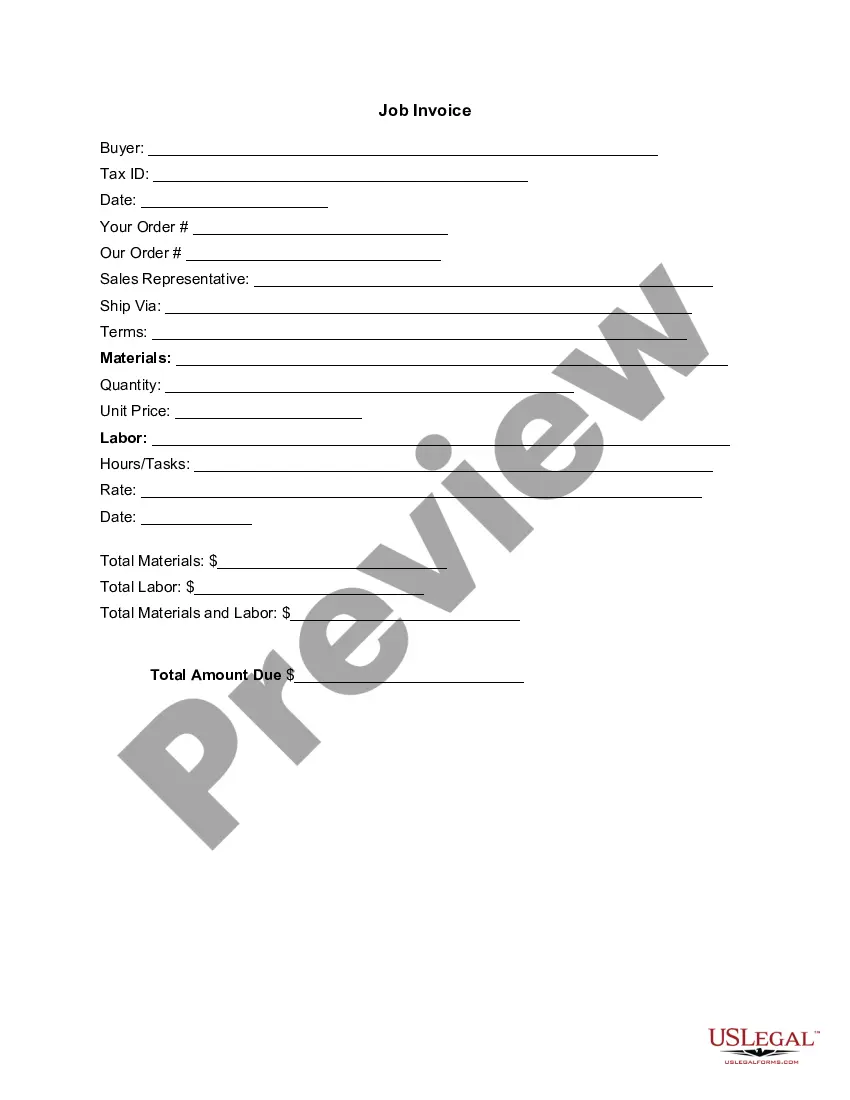
An Invoice of Consultant is a formal document that details the services rendered by a consultant along with the corresponding charges. It serves as a financial record, providing clear communication about what services have been delivered and what the client owes. In essence, this form acts as a request for payment after services have been completed, distinguishing itself from purchase orders and receipts, which serve different purposes in the transaction process.
Key components of this form
- Company information: Includes the consultant's name and contact details.
- Invoice number: A unique identifier for tracking the invoice.
- Service descriptions: Details the specific services provided.
- Charges: Lists the cost associated with each service rendered.
- Payment terms: Outlines any late fees and payment deadlines.
- Thank you note: A polite closing to express appreciation for the client's business.



When this form is needed
This form is commonly used when a consultant has completed work for a client and needs to request payment. Situations that warrant using this form include freelance projects, advisory services, and any contractual consultations that require billing for time and expertise. It ensures clarity in financial transactions and is essential for record-keeping.
Who can use this document
- Consultants providing professional services to clients.
- Freelancers seeking to bill clients for completed projects.
- Businesses that require documentation for services rendered.
- Individuals managing their consulting services and payments.
How to prepare this document
- Identify your company name and include your logo at the top of the invoice.
- Fill in the invoice number to maintain unique tracking.
- Provide the date of the invoice.
- List detailed descriptions of the services provided along with their respective charges.
- Complete the recipient's contact information to ensure proper billing.
- Specify payment terms, including the total amount due and any applicable late charges.
Does this form need to be notarized?
In most cases, this form does not require notarization. However, some jurisdictions or signing circumstances might. US Legal Forms offers online notarization powered by Notarize, accessible 24/7 for a quick, remote process.
Get your form ready online
Our built-in tools help you complete, sign, share, and store your documents in one place.
Make edits, fill in missing information, and update formatting in US Legal Forms—just like you would in MS Word.
Download a copy, print it, send it by email, or mail it via USPS—whatever works best for your next step.
Sign and collect signatures with our SignNow integration. Send to multiple recipients, set reminders, and more. Go Premium to unlock E-Sign.
If this form requires notarization, complete it online through a secure video call—no need to meet a notary in person or wait for an appointment.
We protect your documents and personal data by following strict security and privacy standards.

Make edits, fill in missing information, and update formatting in US Legal Forms—just like you would in MS Word.

Download a copy, print it, send it by email, or mail it via USPS—whatever works best for your next step.

Sign and collect signatures with our SignNow integration. Send to multiple recipients, set reminders, and more. Go Premium to unlock E-Sign.

If this form requires notarization, complete it online through a secure video call—no need to meet a notary in person or wait for an appointment.

We protect your documents and personal data by following strict security and privacy standards.
Common mistakes to avoid
- Failing to include a unique invoice number, which can lead to tracking issues.
- Omitting detailed descriptions of services, causing confusion for the client.
- Not specifying payment terms, which can result in delayed payments.
- Forget to double-check contact information for accuracy.
Benefits of using this form online
- Convenient access: Downloadable format allows for easy completion and distribution.
- Customizable fields: Tailor the invoice to fit specific services and charges.
- Record-keeping: Digital invoices aid in organized financial tracking.
- Professional appearance: A well-structured invoice enhances credibility with clients.
Looking for another form?



Form popularity
FAQ
Open Microsoft Word. Click on File and select New. Enter Invoice into the search field, and Word will bring up all available invoice templates. If you're using Office Online, there is a series of templates on the homepage. Choose the template you want to use.
The name of your company. The name of your customer. The date the services were provided. Invoice number. A description of services rendered. Quantity of hours spent on services rendered. The price you're charging for the services or your hourly rate.
The market rate is the average price and range of pricing a typical customer will pay for your type of consulting service. If the average business consultant charges and receives $100 per hour, than the market rate is likely between $50 to $150 per hour.
1. ' Invoice' A unique invoice number. Your company name and address. The company name and address of the customer. A description of the goods/services. The date of supply. The date of the invoice. The amount of the individual goods or services to be paid.
Develop a Service-Based Invoice Template. List Your Business Name and Contact Information. Include Your Client's Name and Contact Details. Assign a Service Invoice Number. Write the Issuing Date for Your Service Invoice. List All Services Rendered. Include Applicable Taxes for Your Services.
The name and contact details of your business. The client's contact information. A unique invoice number. An itemized summary of the services provided. Specific payment terms. The invoice due date. The total amount owing on the invoice.
To calculate your consulting hourly rate, determine what salary you'd like to make. Take that number and divide it by 52 (number of working weeks), then again by 40 (number of hours in each week). And finfally, take that number and mark it up by 25 to 50 percent.
Track Your Hours. It's common in the consulting industry for businesses to charge clients by the hour. Include A Header. Add Your Client's Contact Details. Include The Invoice Date. Number Your Invoices. Clearly List Your Services. State Your Payment Terms. List the Payment Due Date.
Download the Blank Invoice Template as a Microsoft Word doc, an Excel file or as a PDF. Open the template on your computer or device. Add your business branding. Save your blank invoice template. To create a new client invoice, make a copy of the existing document.