Letter to Report False Submission of Deceased Person's Information
What is this form?
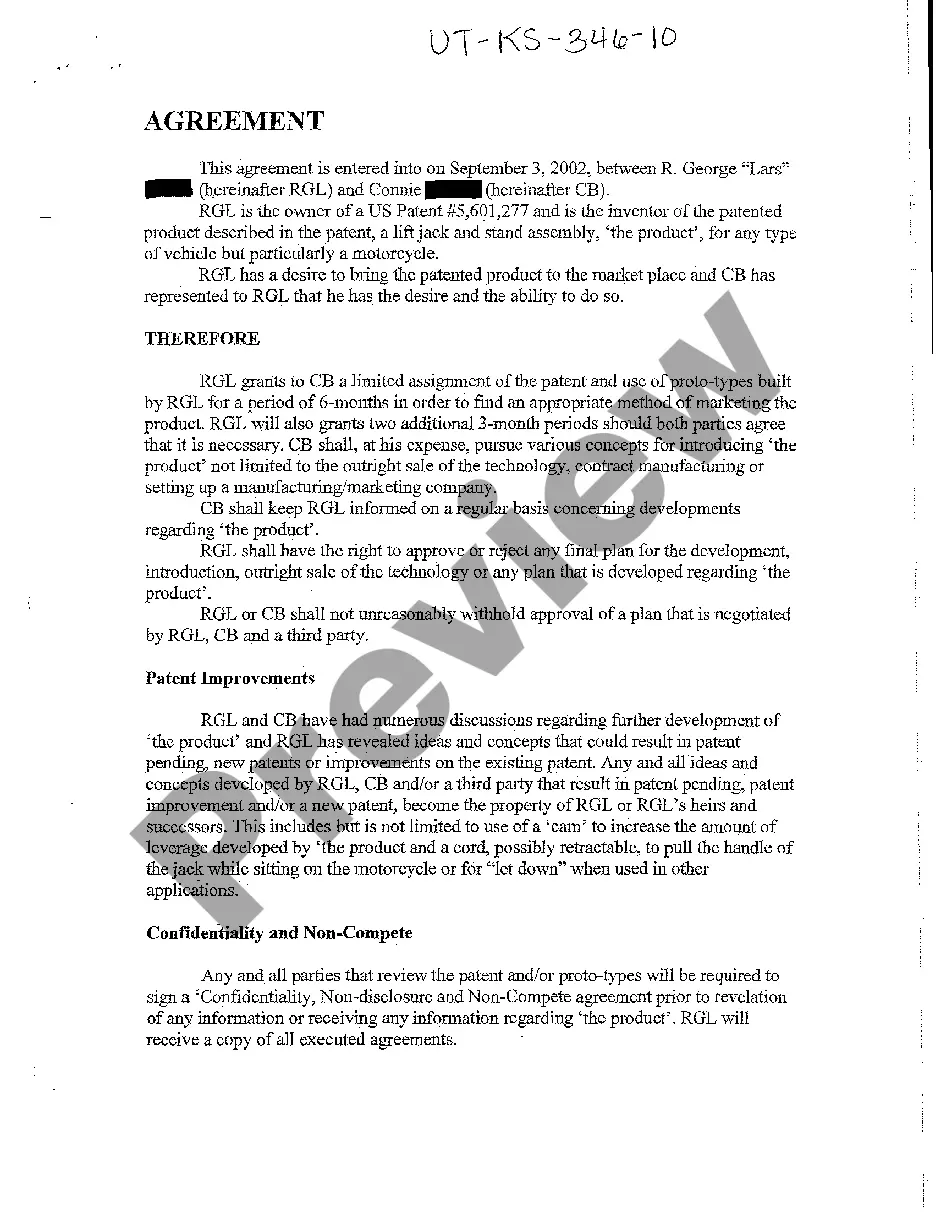
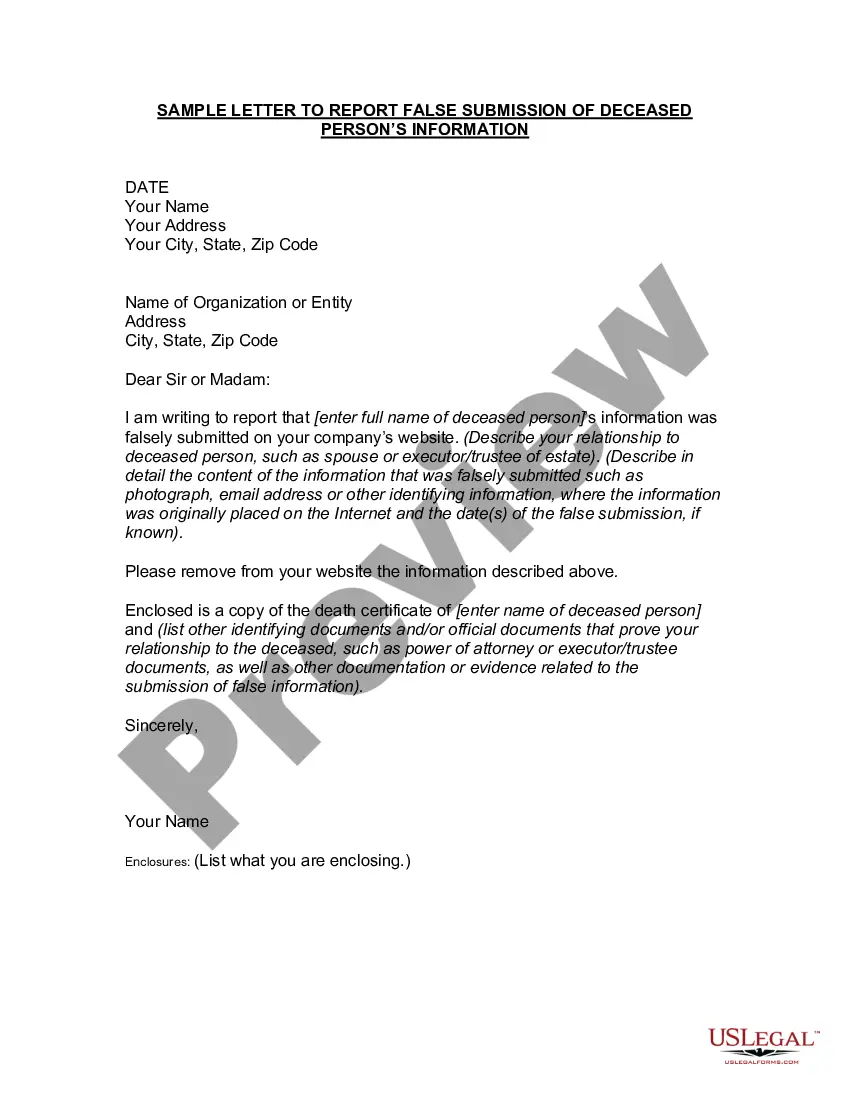
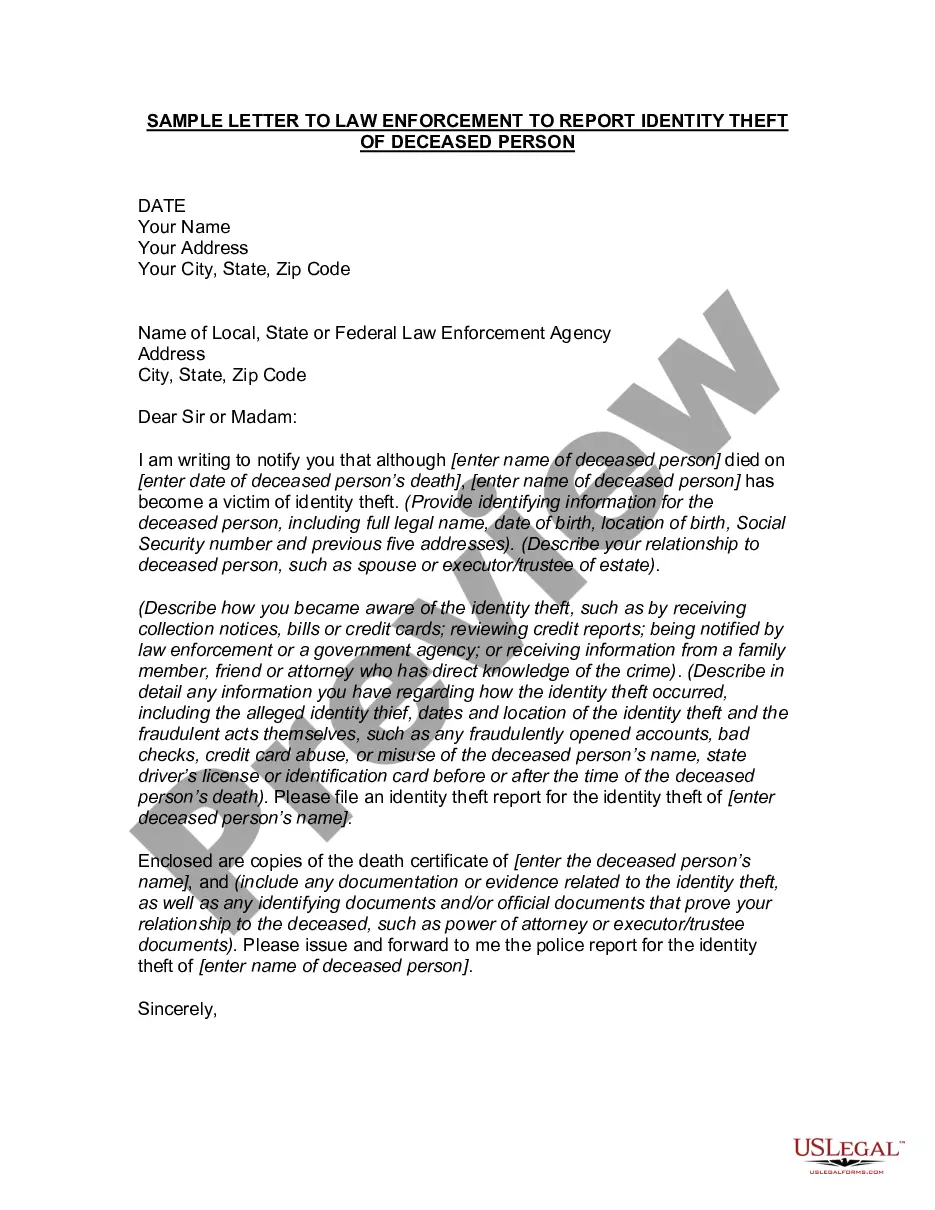
The Letter to Report False Submission of Deceased Person's Information is a legal document used to notify organizations that incorrect information about a deceased person has been submitted on their website. This form serves as a formal request for the removal of any false submissions, such as photos or other identifying details, ensuring that the deceased personâs privacy is protected. Unlike other forms that may simply report errors, this letter specifically addresses false information about deceased individuals.
Main sections of this form
- Date: The date the letter is written.
- Your Name and Address: The sender's contact information.
- Recipient Information: Name and address of the organization being notified.
- Statement of False Information: Details regarding the deceased person's information that was falsely submitted.
- Relationship to the Deceased: An explanation of your relation to the deceased, such as spouse or executor.
- Request for Removal: A clear request for the organization to remove the false information.
- Enclosures: A list of supporting documents included with the letter, such as a copy of the death certificate.
When to use this form
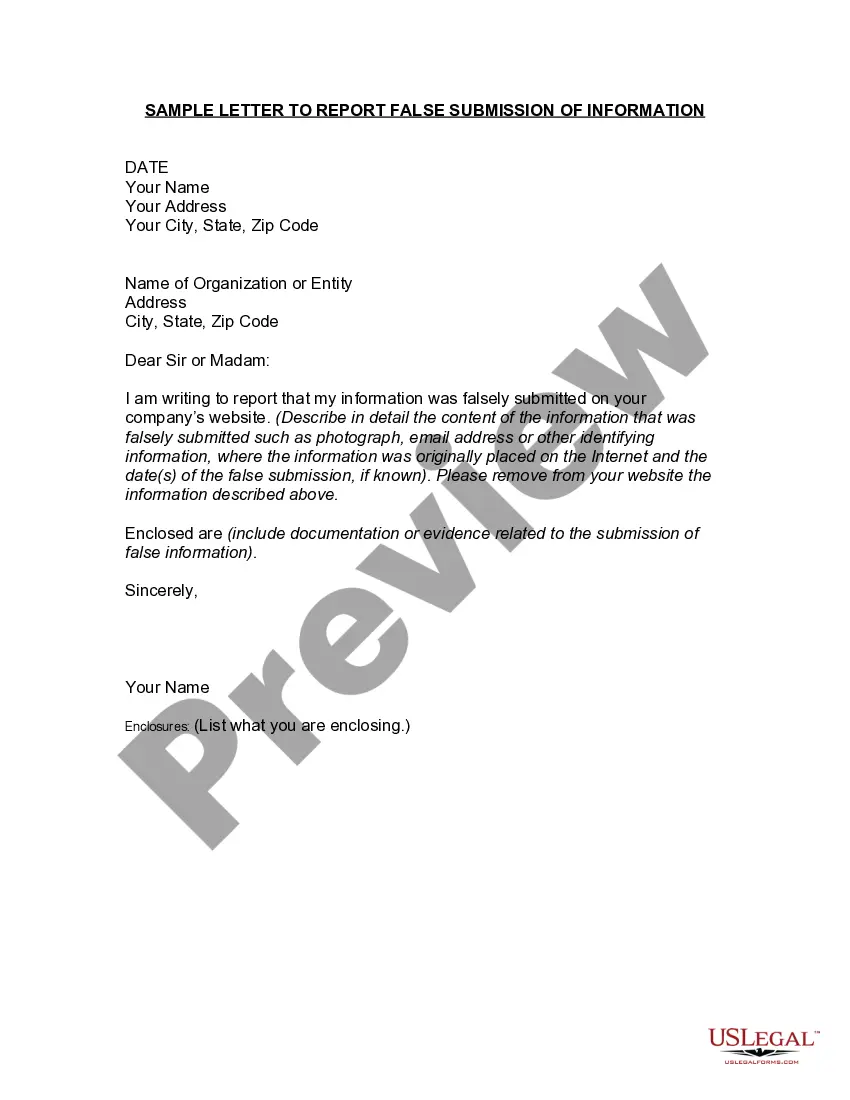
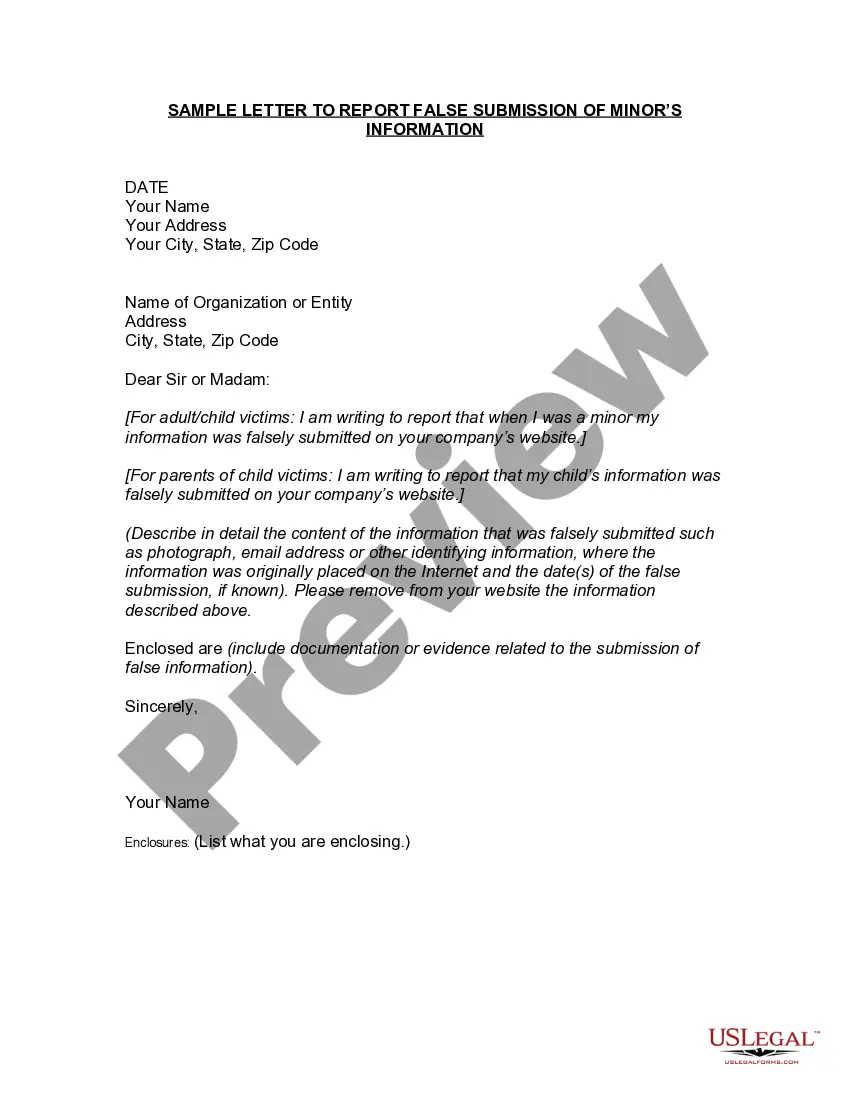
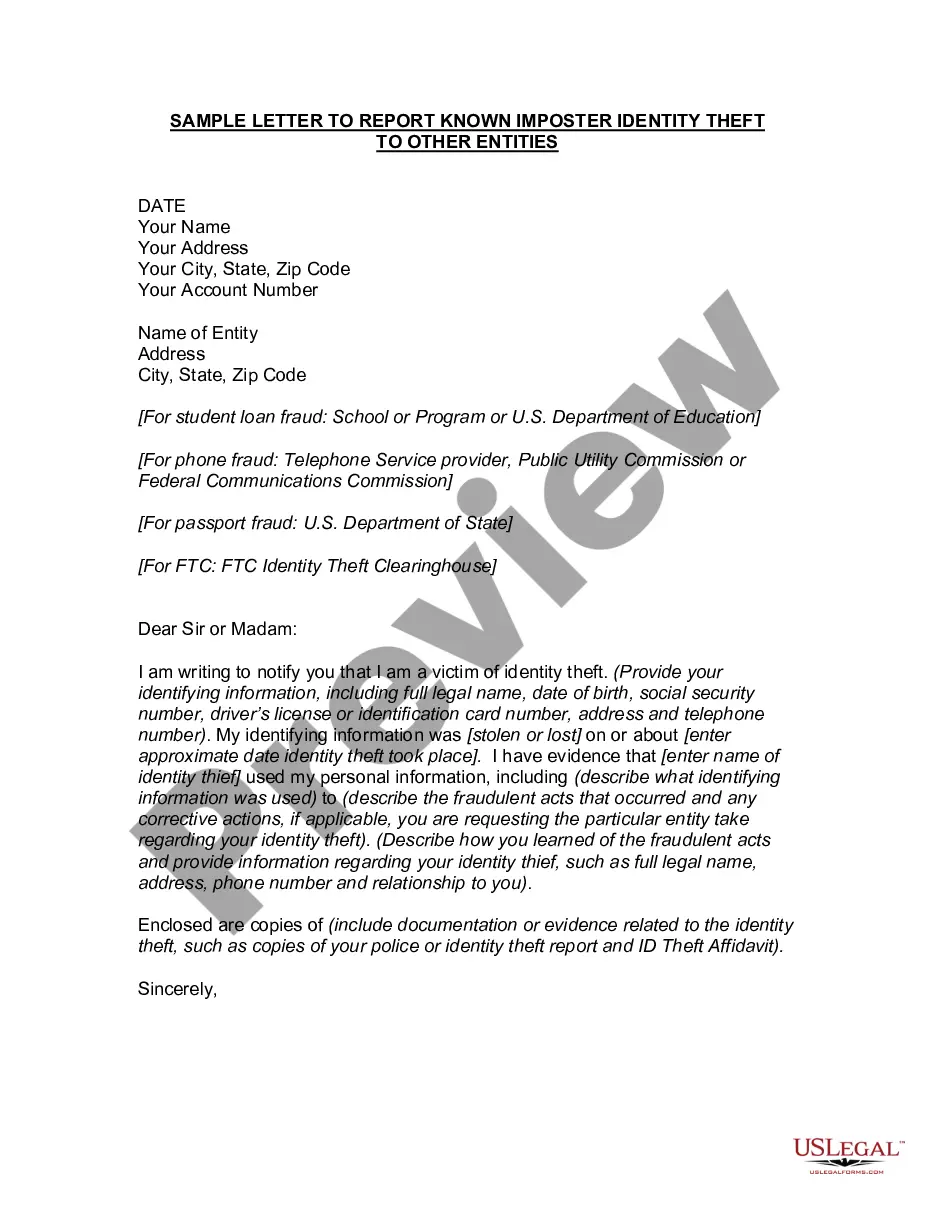
This form should be used when you discover that false information about a deceased person has been submitted to an organization or entity's website. Common situations where this letter is needed include instances where an unauthorized individual has posted the deceased person's photograph, email address, or any other identifying information that could harm their reputation or violate their privacy. Additionally, it can be useful when you are acting on behalf of the deceased's estate to ensure accurate representation.
Who can use this document
- Family members of the deceased who want to protect their loved oneâs privacy.
- Executors or trustees of the deceased's estate who are responsible for managing their affairs.
- Anyone who has discovered false information about a deceased individual on an organizationâs website.
How to complete this form
- Start by entering the date at the top of the letter.
- Fill in your name and address for contact purposes.
- Provide the name and address of the organization to which you are sending the letter.
- Clearly state the full name of the deceased and describe the false information submitted.
- Explain your relationship to the deceased (e.g., spouse, executor) to establish your authority to act.
- List all enclosed documents that support your claim, including the death certificate and any other relevant paperwork.
Notarization guidance
This form does not typically require notarization unless specified by local law. However, having it notarized can strengthen its validity, especially when sending it to an organization that may require official documentation.
Get your form ready online
Our built-in tools help you complete, sign, share, and store your documents in one place.
Make edits, fill in missing information, and update formatting in US Legal Forms—just like you would in MS Word.
Download a copy, print it, send it by email, or mail it via USPS—whatever works best for your next step.
Sign and collect signatures with our SignNow integration. Send to multiple recipients, set reminders, and more. Go Premium to unlock E-Sign.
If this form requires notarization, complete it online through a secure video call—no need to meet a notary in person or wait for an appointment.
We protect your documents and personal data by following strict security and privacy standards.

Make edits, fill in missing information, and update formatting in US Legal Forms—just like you would in MS Word.

Download a copy, print it, send it by email, or mail it via USPS—whatever works best for your next step.

Sign and collect signatures with our SignNow integration. Send to multiple recipients, set reminders, and more. Go Premium to unlock E-Sign.

If this form requires notarization, complete it online through a secure video call—no need to meet a notary in person or wait for an appointment.

We protect your documents and personal data by following strict security and privacy standards.
Avoid these common issues
- Failing to include important identifying details about the deceased.
- Not providing adequate proof of your relationship to the deceased.
- Leaving out any enclosures that support your claims.
- Addressing the letter to the wrong organization or individual.
Advantages of online completion
- Convenience: Easily fill out and download the form from your home.
- Editability: Make necessary changes before finalizing the letter.
- Reliability: Access professionally drafted forms that comply with legal standards.
Key takeaways
- This letter is crucial for addressing false information submitted posthumously.
- Provide detailed and accurate information to facilitate the removal process.
- Enclose supporting documents to validate your relationship with the deceased.
Looking for another form?
Form popularity
FAQ
In most cases, the funeral home will report the person's death to us. You should give the funeral home the deceased person's Social Security number if you want them to make the report. If you need to report a death or apply for benefits, call 1-800-772-1213 (TTY 1-800-325-0778).
However, once the three nationwide credit bureaus Equifax, Experian and TransUnion are notified someone has died, their credit reports are sealed and a death notice is placed on them. That notification can happen one of two ways from the executor of the person's estate or from the Social Security Administration.
If you wish, you may mail a copy of your mother's death certificate to Experian, P.O. Box 4500, Allen, TX 75013. You may also submit it online by uploading your documents.
You may need to contact lenders and creditors to notify them the person is deceased and the accounts need to be closed, even if the account has a zero balance. Lender and creditor contact information can be found on the credit reports.
How to notify credit bureaus of death. A person's credit report is not automatically closed after someone passes away. Instead, credit bureaus wait for notification from the executor of the deceased's estate or the Social Security Administration.
Dear {Name}, This letter is to inform you that {Name} has passed away and to request that a formal death notice be added to {his/her} file in your accounts. {Name}'s full name was {Full Name}. At the time of death, {his/her} residence was {Address}, {City} in {County} County, {State}.
How do I obtain a credit report for a deceased person? The spouse or executor of the estate may request the deceased person's credit report by mailing a request to each of the credit reporting companies.A copy of the death certificate or letters testamentary.
Write a letter to one of the nationwide credit reporting agencies. Whichever agency you contactTransUnion, Equifax or Experianwill then notify the other two on your behalf. Along with a copy of the death certificate, please also include the following for the deceased: Legal name.
Agencies by telephone to report the death: Experian (888-397-3742), Equifax (800-685-1111) and TransUnion (800-888-4213). Request the credit report is flagged as Deceased. Do Not Issue Credit. Follow up with a written correspondence to each agency sent via certified mail.