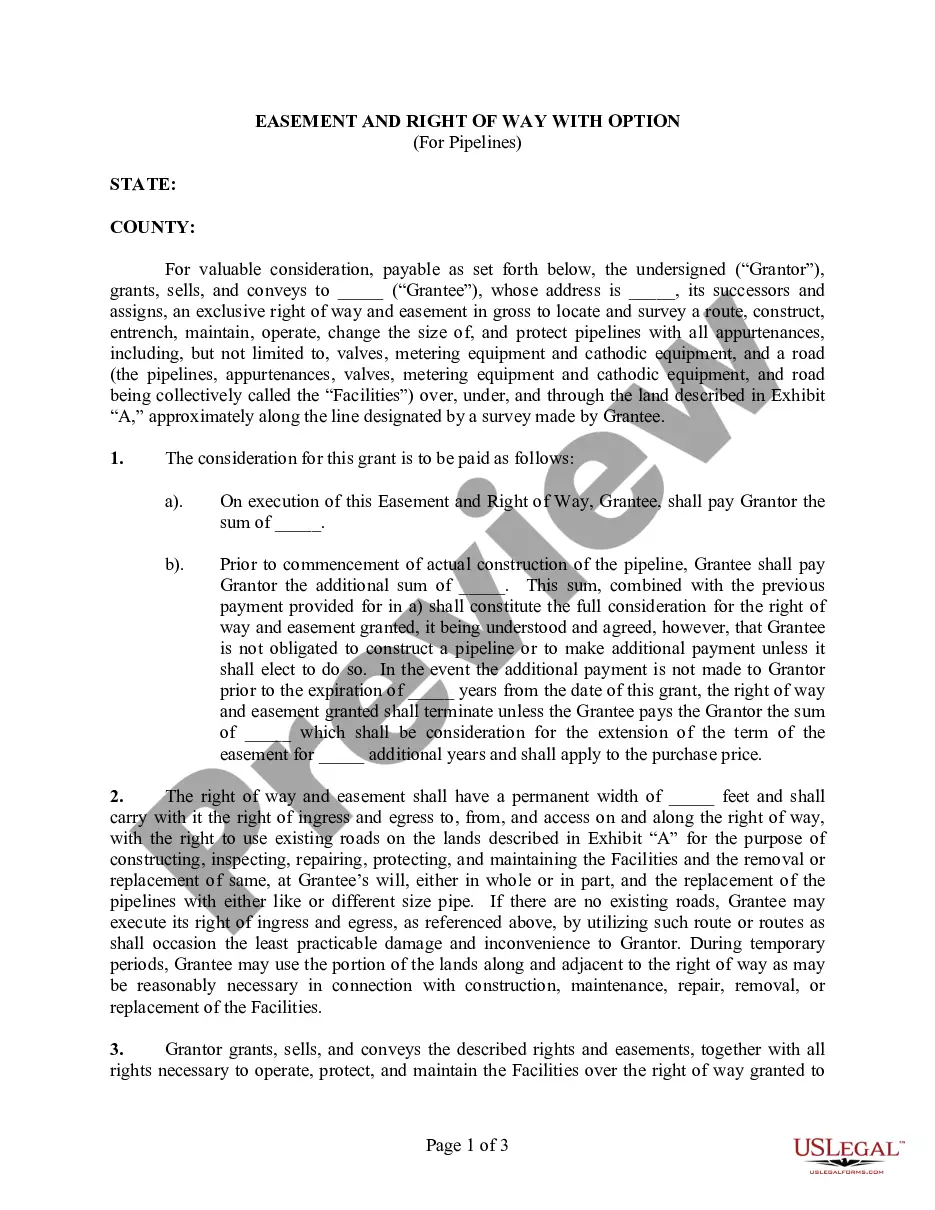
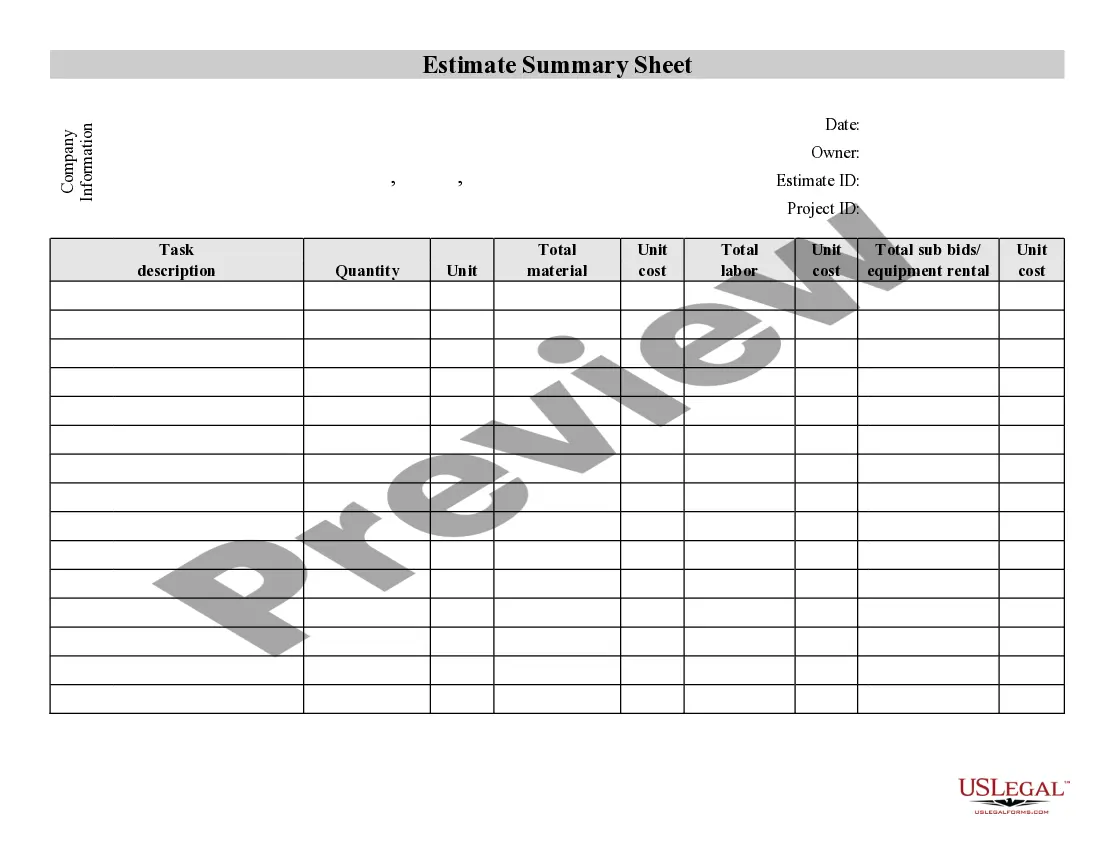
Contractor's Summary of an Estimate
What this document covers
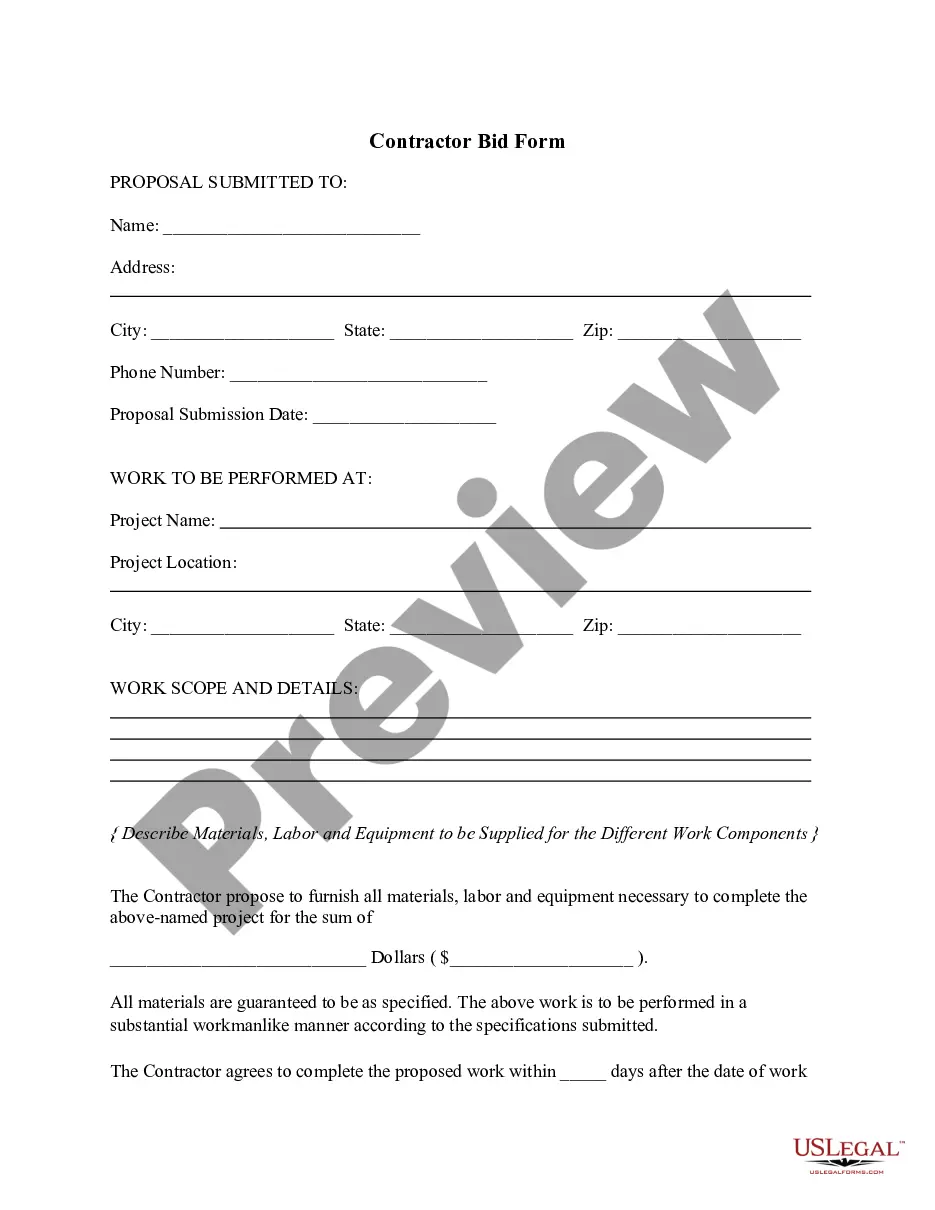
The Contractor's Summary of an Estimate is a legal document that allows contractors to outline and summarize various tasks involved in a construction project. This form provides a detailed breakdown of work and associated expenses, assisting contractors in determining a fair contract price. Unlike other forms that simply list costs, this summary emphasizes the specific tasks and their financial implications, making it a crucial tool for project planning and budgeting.
Key parts of this document
- Project details: Information about the project location and purpose.
- Task breakdown: A section listing all tasks involved in the project.
- Cost estimation: Itemized expense estimates for each task.
- Overall summary: A total cost calculation for the entire project.
- Contractor's information: Contact details and qualifications of the contractor.


When to use this document
This form is useful when a contractor needs to provide clients with a comprehensive estimate for a project. It should be used prior to initiating work, especially during the bidding process. By summarizing tasks and costs, contractors can clearly communicate the project's scope and expected expenses, ensuring transparency and mutual understanding with clients.
Who should use this form
This form is suitable for:
- Independent contractors managing their own projects.
- Construction companies preparing estimates for clients.
- Subcontractors requiring a summary for specific tasks within a larger project.
- Freelancers offering services in renovation or construction fields.
Steps to complete this form
- Identify the project: Enter details such as the project address and type of work.
- List tasks: Break down the project into specific tasks that need to be completed.
- Estimate costs: Provide a detailed cost estimate for each task listed.
- Calculate total: Sum up all task costs to derive the overall project cost.
- Add contractor information: Include your name, contact details, and relevant qualifications.
Is notarization required?
This form usually doesn’t need to be notarized. However, local laws or specific transactions may require it. Our online notarization service, powered by Notarize, lets you complete it remotely through a secure video session, available 24/7.
Get your form ready online
Our built-in tools help you complete, sign, share, and store your documents in one place.
Make edits, fill in missing information, and update formatting in US Legal Forms—just like you would in MS Word.
Download a copy, print it, send it by email, or mail it via USPS—whatever works best for your next step.
Sign and collect signatures with our SignNow integration. Send to multiple recipients, set reminders, and more. Go Premium to unlock E-Sign.
If this form requires notarization, complete it online through a secure video call—no need to meet a notary in person or wait for an appointment.
We protect your documents and personal data by following strict security and privacy standards.

Make edits, fill in missing information, and update formatting in US Legal Forms—just like you would in MS Word.

Download a copy, print it, send it by email, or mail it via USPS—whatever works best for your next step.

Sign and collect signatures with our SignNow integration. Send to multiple recipients, set reminders, and more. Go Premium to unlock E-Sign.

If this form requires notarization, complete it online through a secure video call—no need to meet a notary in person or wait for an appointment.

We protect your documents and personal data by following strict security and privacy standards.
Common mistakes
- Neglecting to detail all tasks involved in the project.
- Forgetting to include all associated costs, leading to underestimation.
- Using vague project descriptions that do not accurately convey the work scope.
- Failing to include contact information, making follow-up difficult.
Benefits of using this form online
- Convenience: Easily accessible and downloadable from anywhere.
- Editability: Allows for quick adjustments to estimates as project needs change.
- Reliability: Based on templates drafted by licensed attorneys, ensuring legal soundness.
Quick recap
- The Contractor's Summary of an Estimate is essential for detailing project costs and tasks.
- Use this form to ensure clarity and professionalism when presenting estimates to clients.
- Check local regulations to ensure compliance with any specific state requirements.
Looking for another form?

Form popularity
FAQ
An estimate should be the contractor's best professional assessment, including the cost of hiring any subcontractors, the price of materials, and any other labor involved.
Job description. Explain the work you'll be doing. Materials and labor. Provide a high-level view of the necessary materials and labor and the costs for each. Total cost. Clearly and correctly tally up the total costs of the project. This is a big one. Sales and company contact info.
Expert judgment. This is probably the most common way people get a project estimation. Comparative or analogous estimation. Top-down. Bottom-up. Parametric model estimating.
Step 1: Creating the Table. To start off you will need to create a table. Step 2: Formatting the Table. Step 3: Entering Data. Step 4: Calculating Area. Step 5: Converting to Cubic Yards. Step 6: Formatting the Numbers. Step 7: Calculating Area Cost. Step 8: Creating an Absolute Reference.
Job description. Explain the work you'll be doing. Materials and labor. Provide a high-level view of the necessary materials and labor and the costs for each. Total cost. Clearly and correctly tally up the total costs of the project. This is a big one. Sales and company contact info.
Step 1: Creating the Table. To start off you will need to create a table. Step 2: Formatting the Table. Step 3: Entering Data. Step 4: Calculating Area. Step 5: Converting to Cubic Yards. Step 6: Formatting the Numbers. Step 7: Calculating Area Cost. Step 8: Creating an Absolute Reference.
Click the File tab, click Options, and then click the Formulas tab in the dialog box. Click the radio button next to Automatic in the Calculation Options section. Click OK to save and close. Enter your data on the worksheet.
The general rule for estimating is to look at the digit to the right of the digit you want to estimate. Estimating or rounding to the nearest whole number means looking at the digit to the right of the decimal. If you see a digit greater than 5, round up, and if it's less than 5, round down.
The Excel FORECAST function predicts a value based on existing values along a linear trend. FORECAST calculates future value predictions using linear regression, and can be used to predict numeric values like sales, inventory, expenses, measurements, etc.