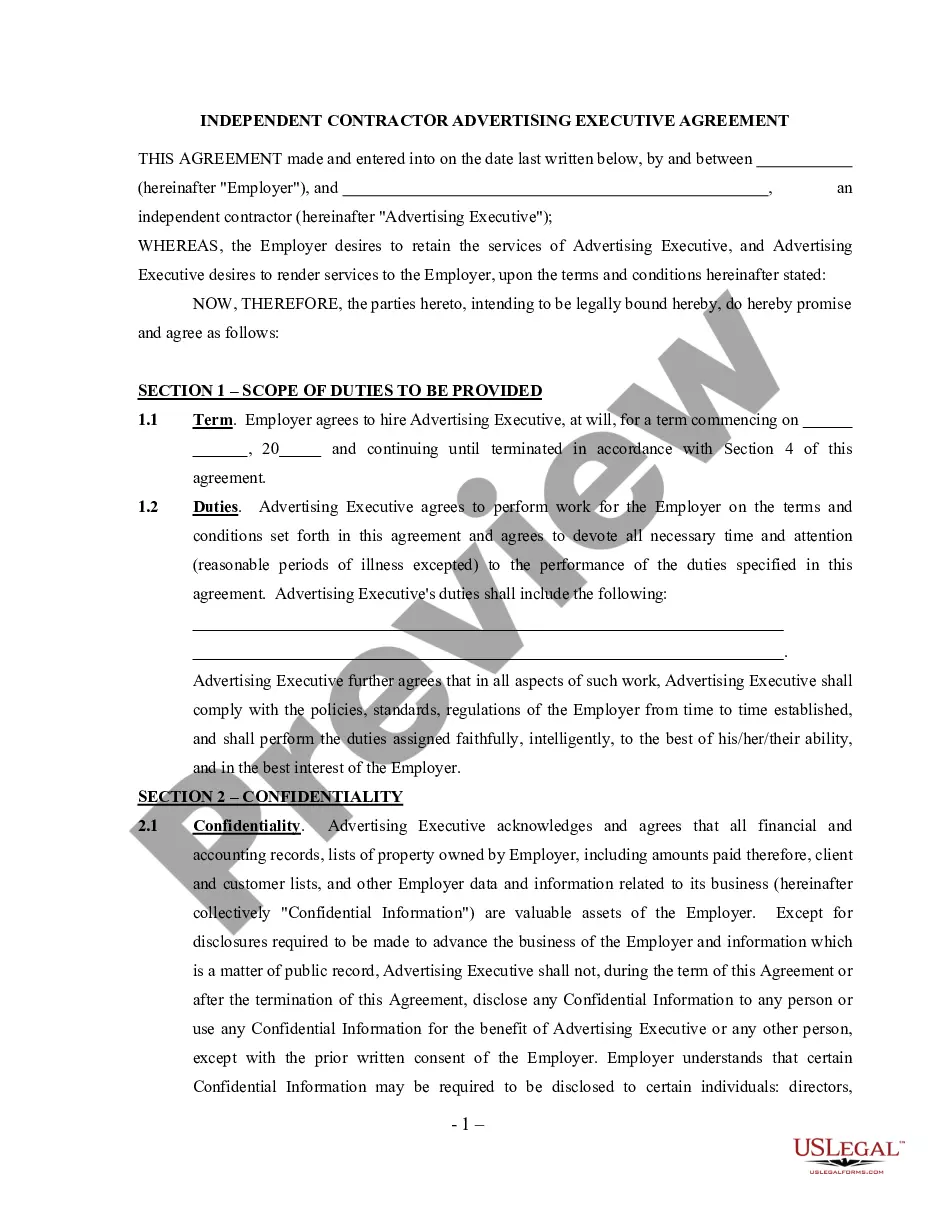
Wyoming HIPAA Privacy and Authorization Package
Description
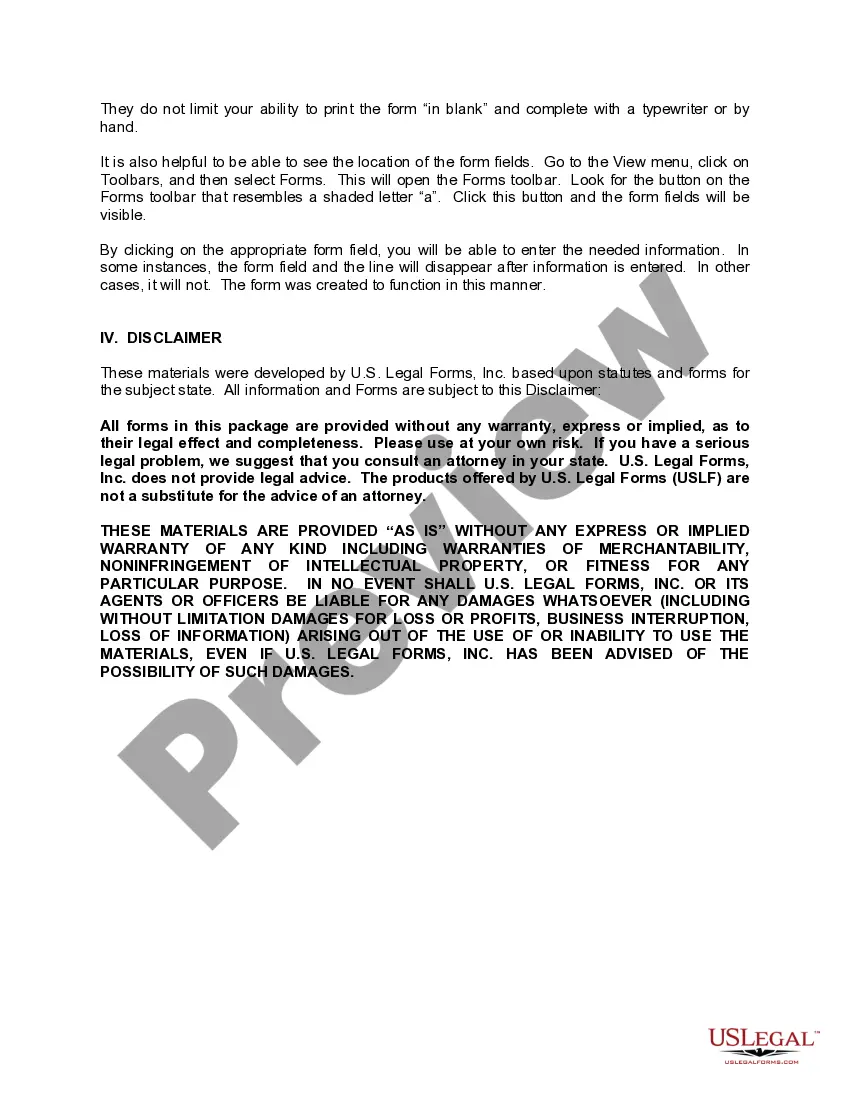
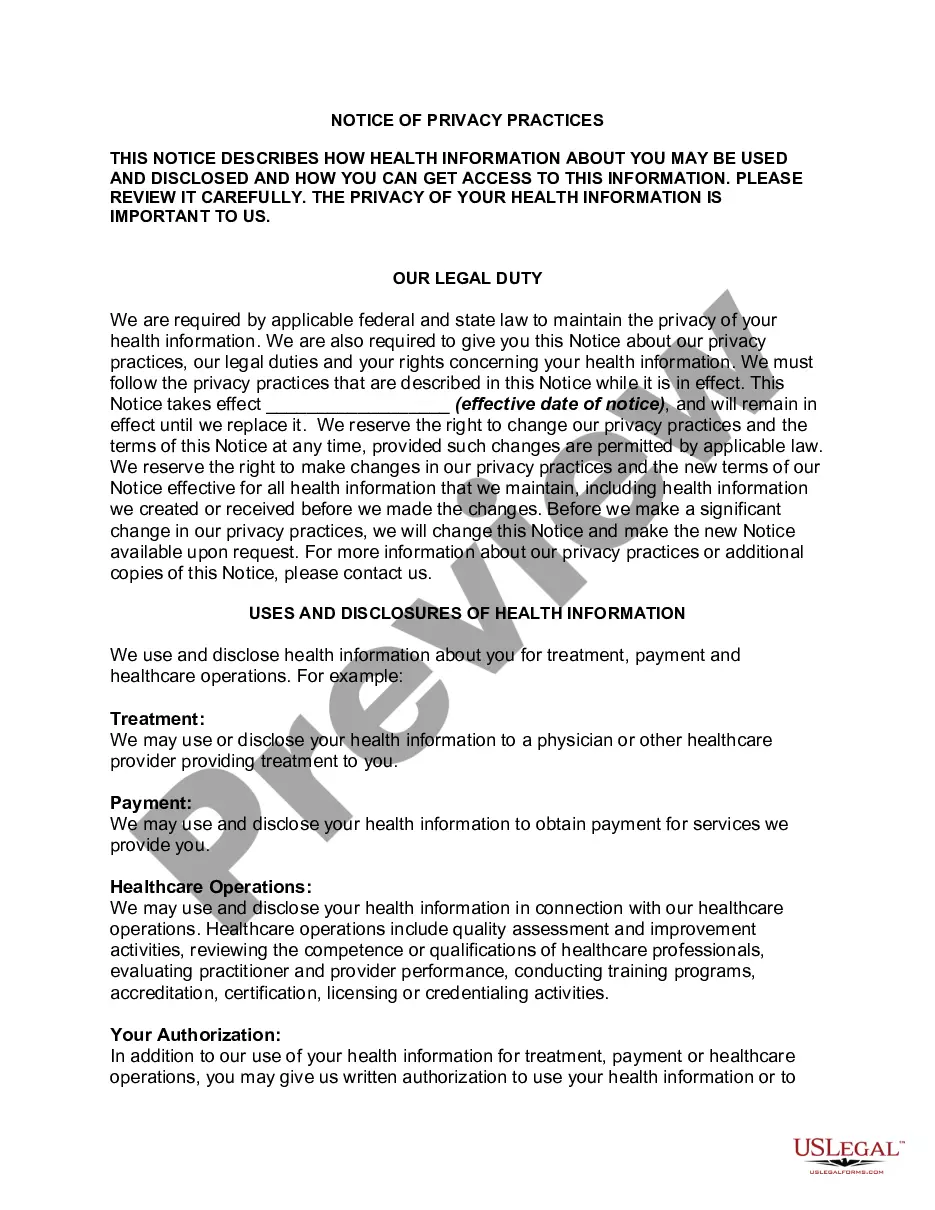
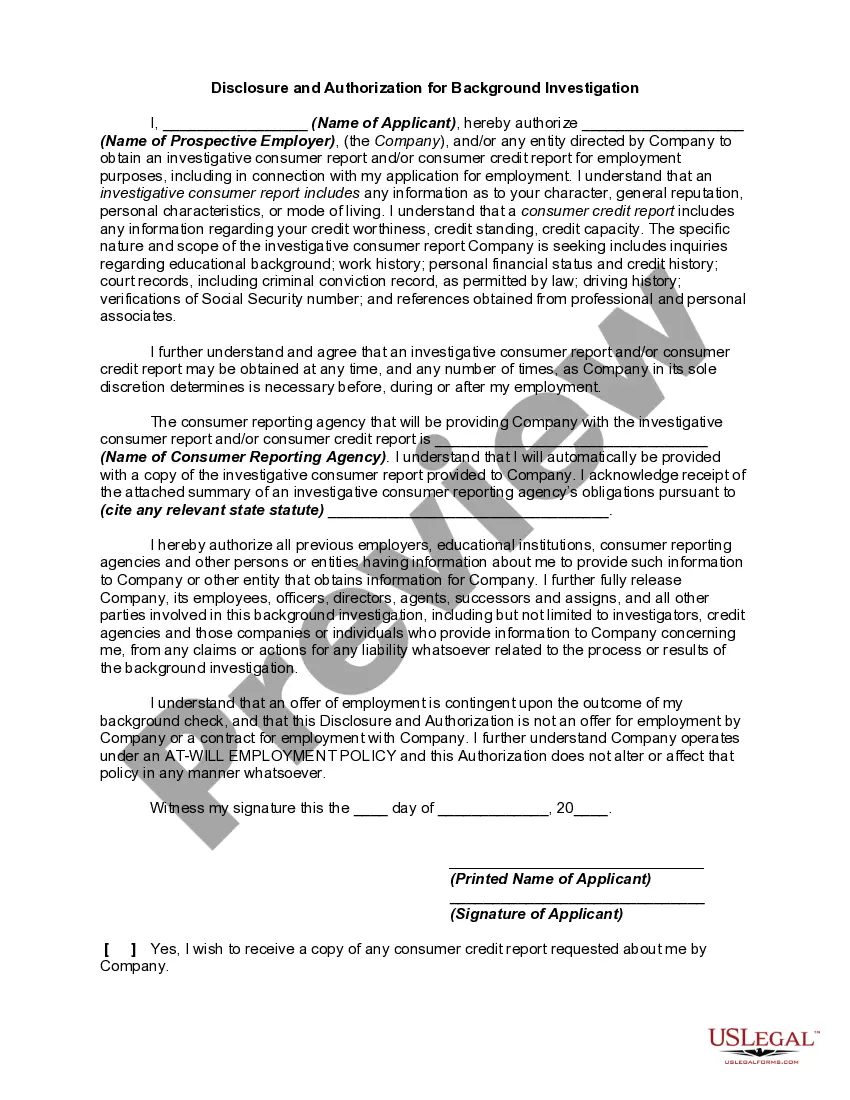
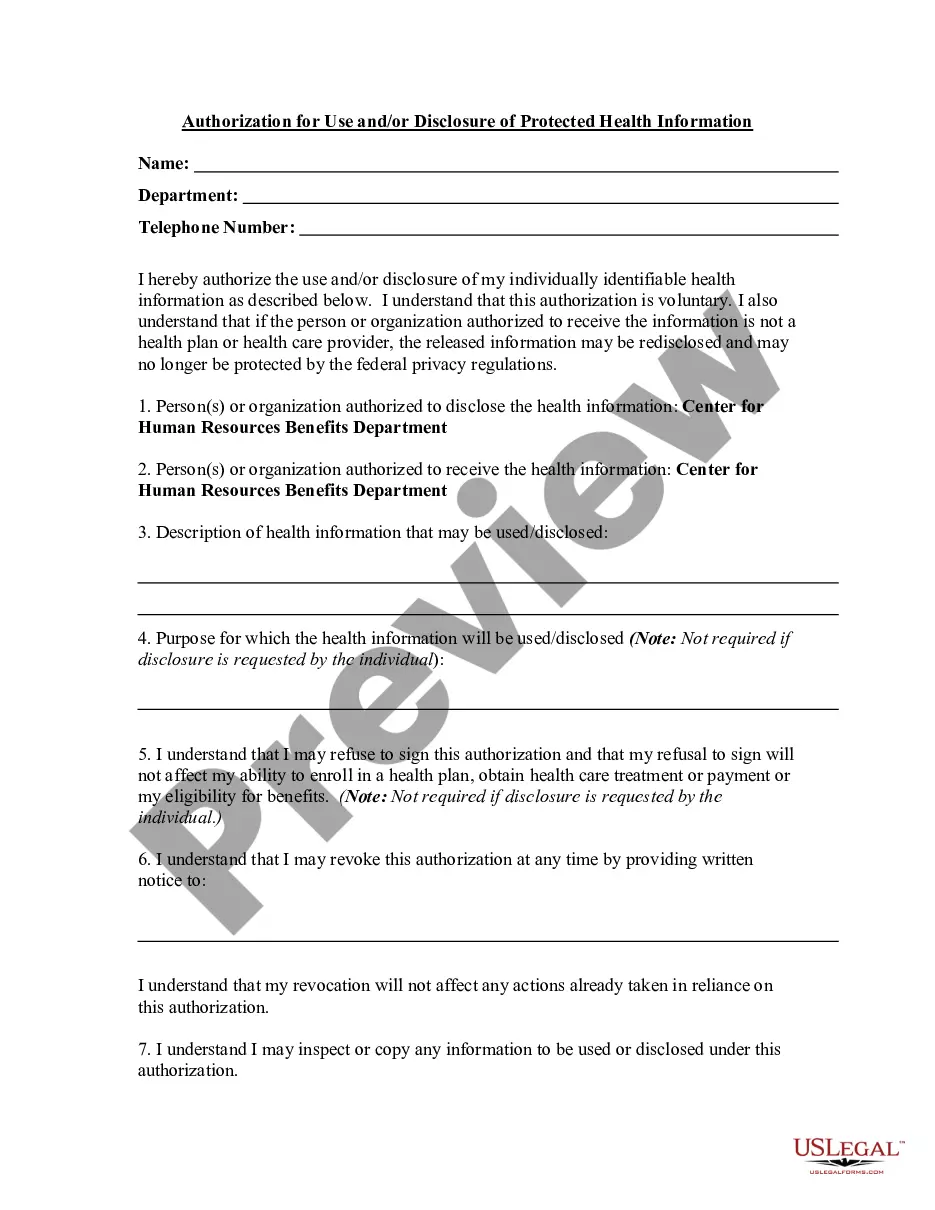
Get your form ready online
Our built-in tools help you complete, sign, share, and store your documents in one place.
Make edits, fill in missing information, and update formatting in US Legal Forms—just like you would in MS Word.
Download a copy, print it, send it by email, or mail it via USPS—whatever works best for your next step.
Sign and collect signatures with our SignNow integration. Send to multiple recipients, set reminders, and more. Go Premium to unlock E-Sign.
If this form requires notarization, complete it online through a secure video call—no need to meet a notary in person or wait for an appointment.
We protect your documents and personal data by following strict security and privacy standards.

Make edits, fill in missing information, and update formatting in US Legal Forms—just like you would in MS Word.

Download a copy, print it, send it by email, or mail it via USPS—whatever works best for your next step.

Sign and collect signatures with our SignNow integration. Send to multiple recipients, set reminders, and more. Go Premium to unlock E-Sign.

If this form requires notarization, complete it online through a secure video call—no need to meet a notary in person or wait for an appointment.

We protect your documents and personal data by following strict security and privacy standards.
Looking for another form?


How to fill out HIPAA Privacy And Authorization Package?
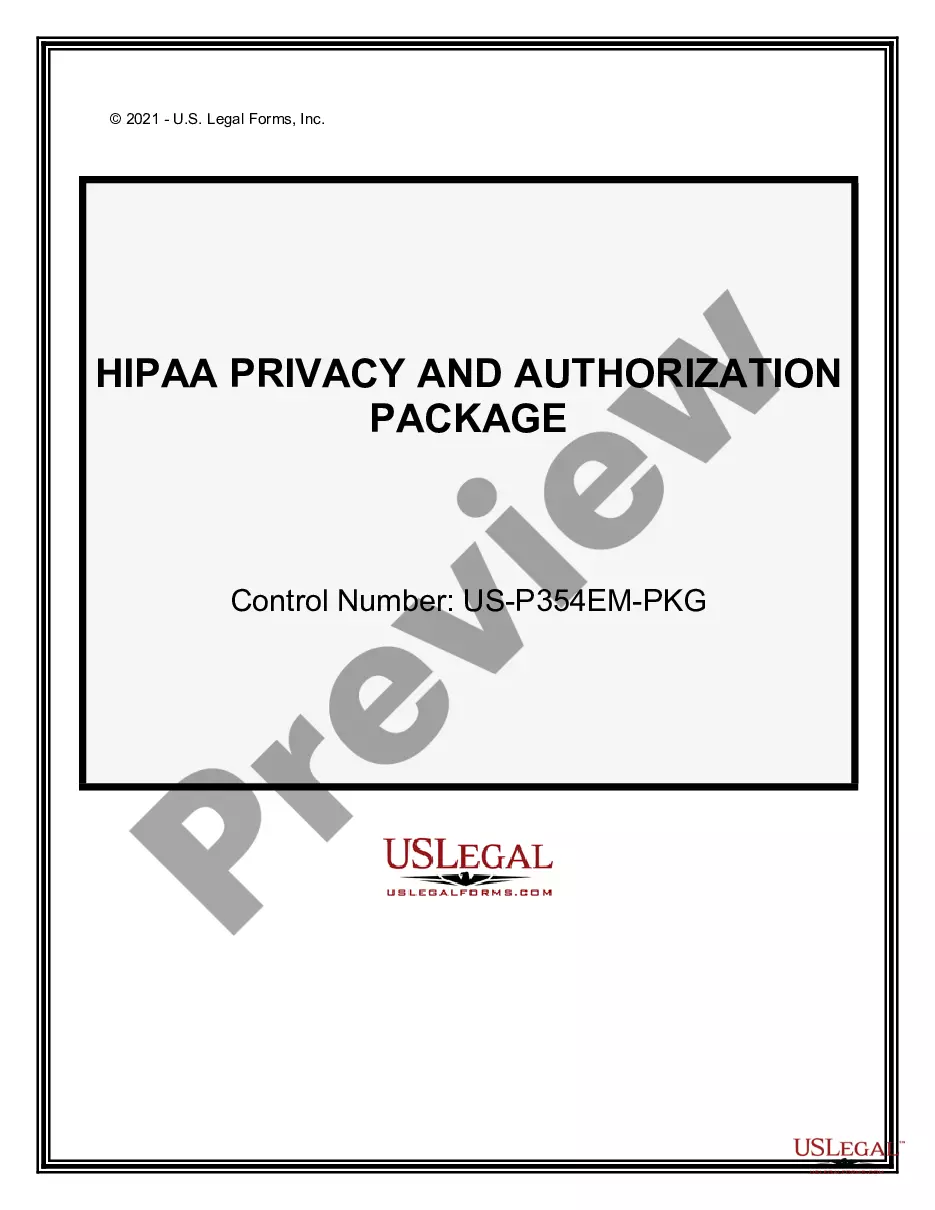
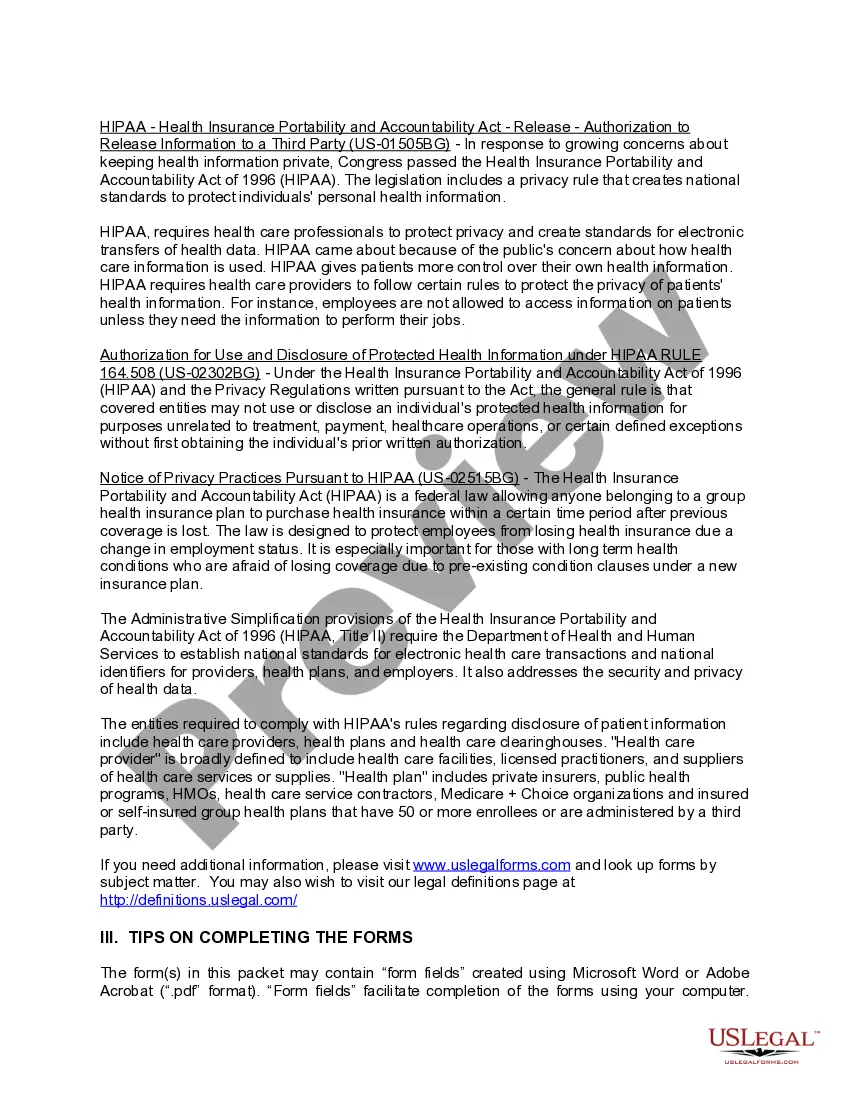
Choosing the right authorized record format might be a battle. Obviously, there are a variety of layouts available online, but how can you find the authorized form you want? Use the US Legal Forms website. The assistance delivers a huge number of layouts, such as the Wyoming HIPAA Privacy and Authorization Package, that you can use for business and personal requirements. Each of the kinds are examined by experts and meet up with state and federal requirements.
Should you be already listed, log in to the accounts and then click the Down load switch to find the Wyoming HIPAA Privacy and Authorization Package. Use your accounts to check throughout the authorized kinds you might have bought previously. Check out the My Forms tab of the accounts and have one more backup of the record you want.
Should you be a fresh user of US Legal Forms, listed here are straightforward instructions that you should comply with:
- First, make sure you have chosen the proper form for your town/state. You can examine the form using the Preview switch and browse the form outline to make certain this is basically the right one for you.
- In the event the form fails to meet up with your requirements, take advantage of the Seach industry to obtain the right form.
- Once you are certain that the form would work, go through the Get now switch to find the form.
- Choose the rates plan you want and enter the required info. Make your accounts and pay money for the transaction with your PayPal accounts or charge card.
- Pick the data file format and down load the authorized record format to the system.
- Full, modify and print and sign the acquired Wyoming HIPAA Privacy and Authorization Package.
US Legal Forms is definitely the largest library of authorized kinds for which you can see various record layouts. Use the company to down load expertly-created papers that comply with condition requirements.
Form popularity
FAQ
It generally gives patients the right to examine and obtain a copy of their own health records and request corrections.
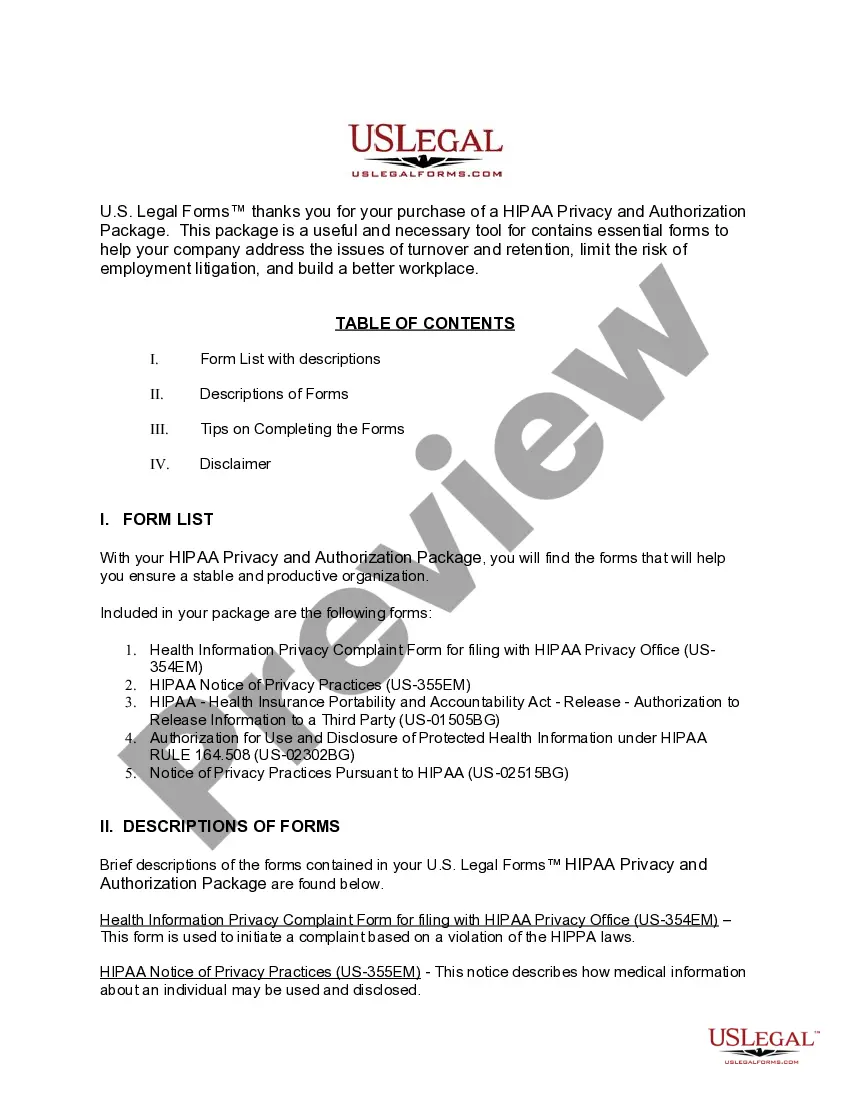
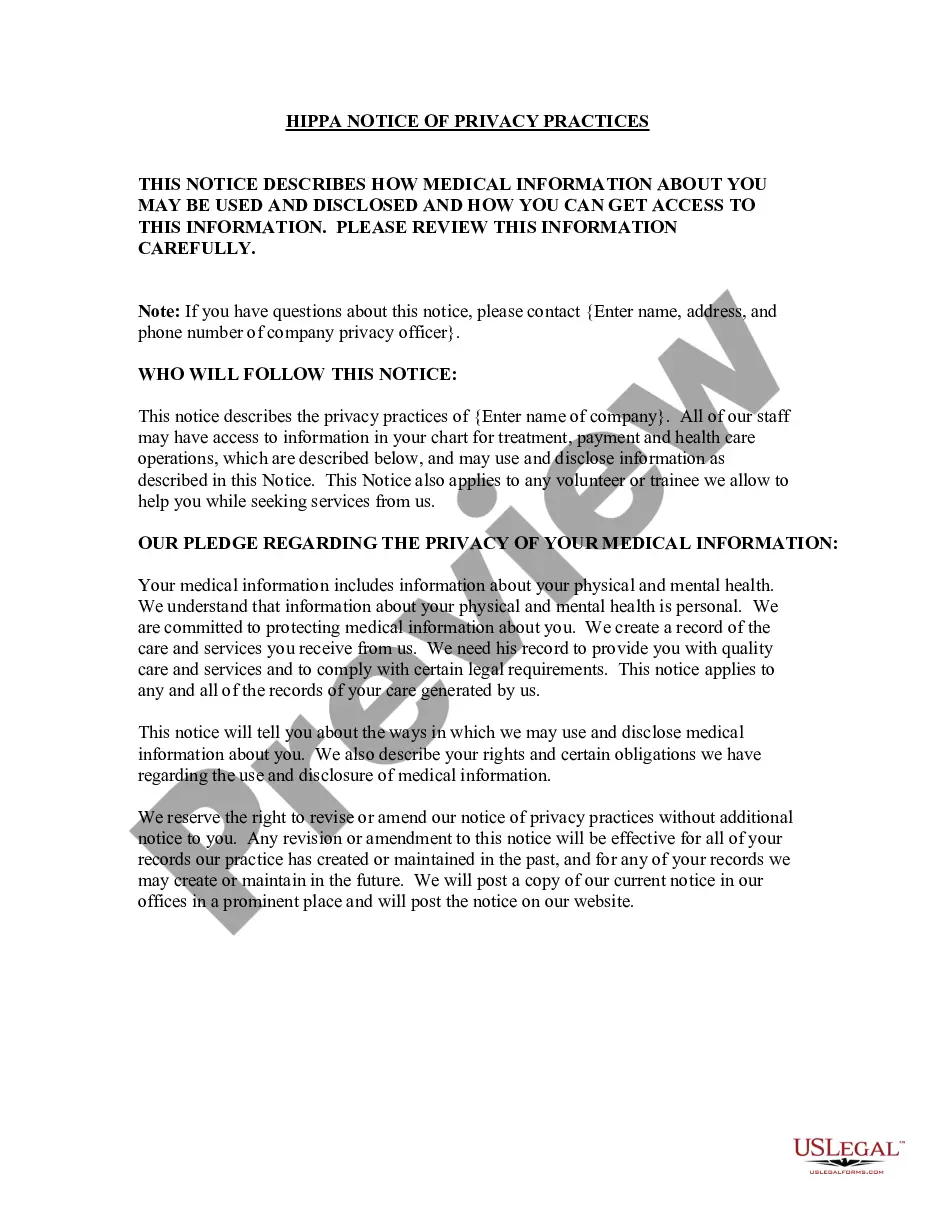
This notice describes how health information about you may be used and disclosed, how you can get access to this information, your rights concerning your health information, and our responsibilities to protect your health information.
The Notice of Privacy Practices form must be given to patients. The notice must describe how the covered entity (CE) may and may not use protected health information (PHI), and what the patient's rights and obligations with respect to the PHI are.
A Privacy Rule Authorization is an individual's signed permission to allow a covered entity to use or disclose the individual's protected health information (PHI) that is described in the Authorization for the purpose(s) and to the recipient(s) stated in the Authorization.
Question: Which of the following statements is true of the notice of privacy practices? Incorrect: It gives the covered entity permission to use information for treatment purposes. Correct Answer: It must be provided to every individual at the first time of contact or service with the covered entity.
????Notice of Privacy Practices Individuals have the right to know how their protected health information may be used and disclosed, and what their privacy rights are. The Notice of Privacy Practices (NPP) provides individuals with this information.