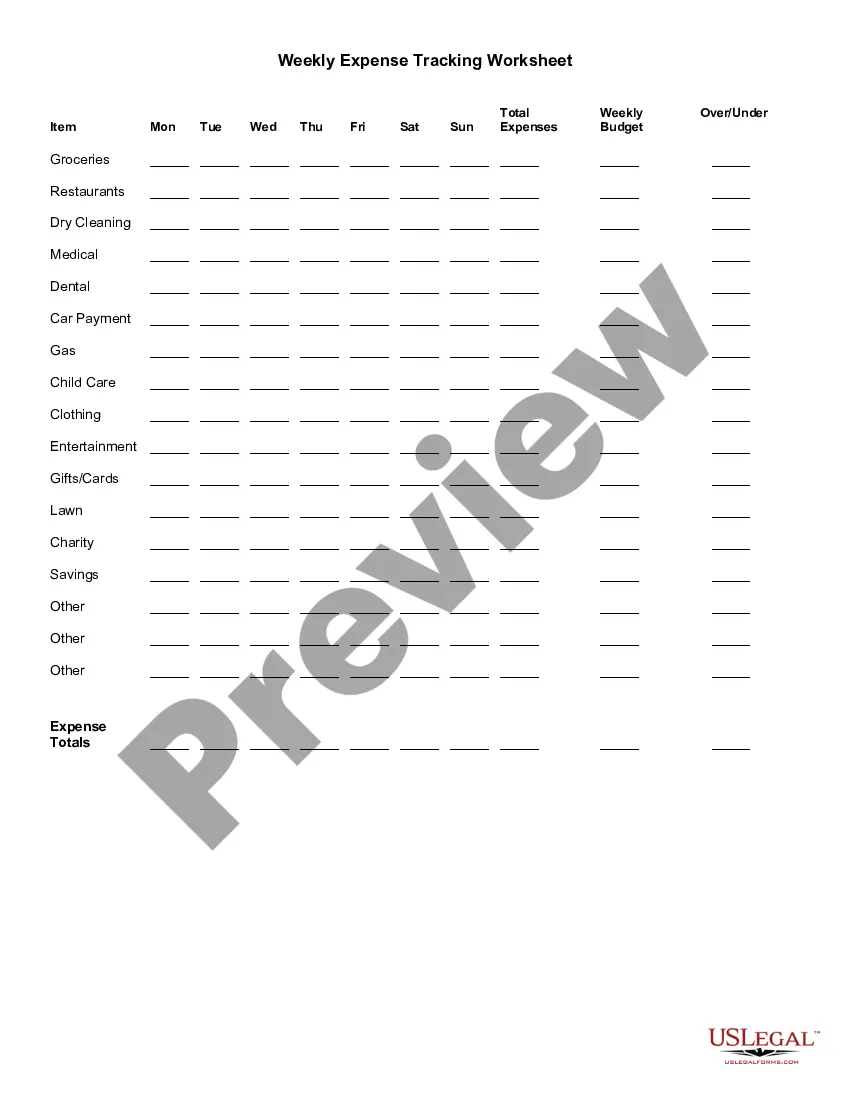
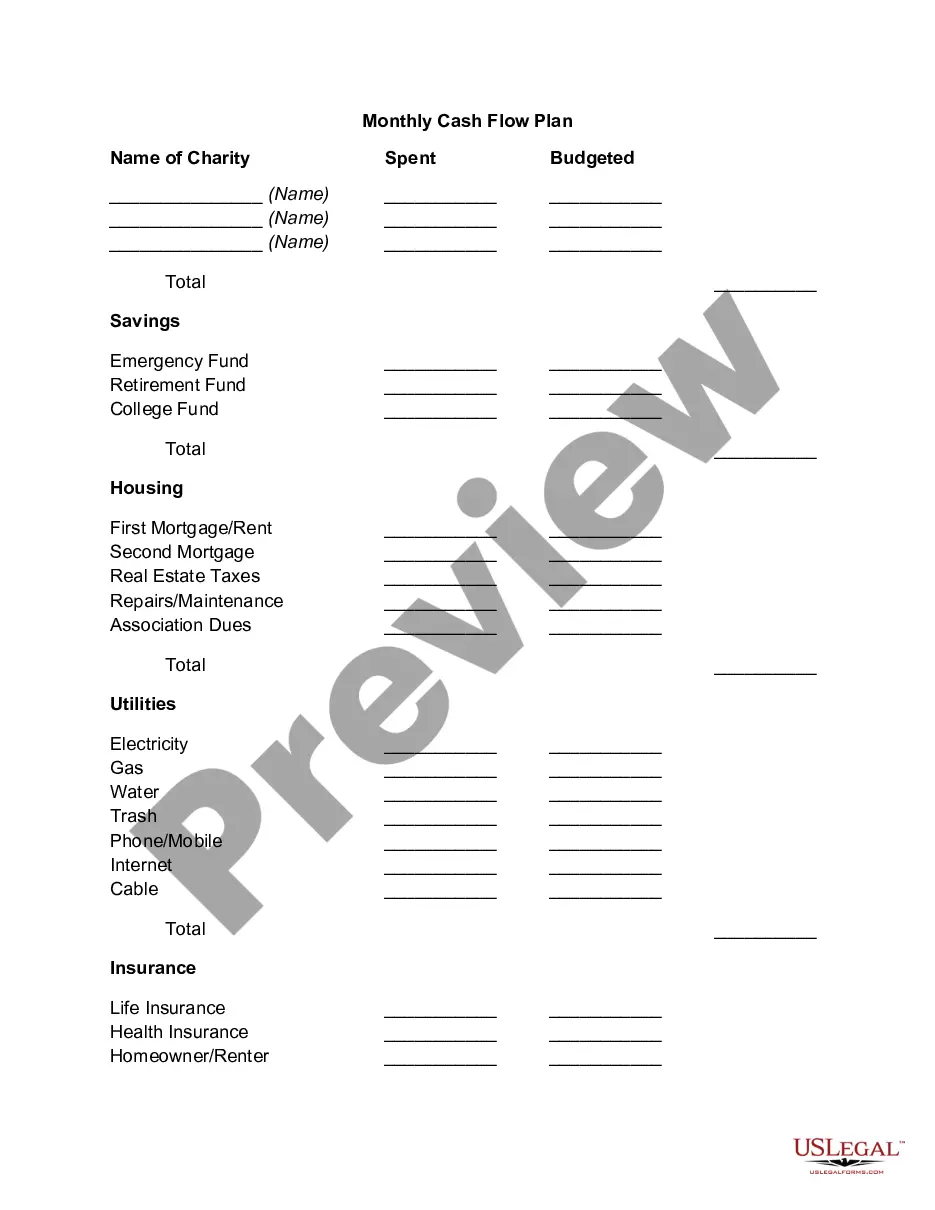
Wyoming Weekly Expense Tracking Worksheet
Description

Get your form ready online
Our built-in tools help you complete, sign, share, and store your documents in one place.
Make edits, fill in missing information, and update formatting in US Legal Forms—just like you would in MS Word.
Download a copy, print it, send it by email, or mail it via USPS—whatever works best for your next step.
Sign and collect signatures with our SignNow integration. Send to multiple recipients, set reminders, and more. Go Premium to unlock E-Sign.
If this form requires notarization, complete it online through a secure video call—no need to meet a notary in person or wait for an appointment.
We protect your documents and personal data by following strict security and privacy standards.

Make edits, fill in missing information, and update formatting in US Legal Forms—just like you would in MS Word.

Download a copy, print it, send it by email, or mail it via USPS—whatever works best for your next step.

Sign and collect signatures with our SignNow integration. Send to multiple recipients, set reminders, and more. Go Premium to unlock E-Sign.

If this form requires notarization, complete it online through a secure video call—no need to meet a notary in person or wait for an appointment.

We protect your documents and personal data by following strict security and privacy standards.
Looking for another form?




How to fill out Weekly Expense Tracking Worksheet?
US Legal Forms - one of the largest collections of legal documents in the United States - offers a variety of legal document templates that you can download or print.
By using the website, you can access thousands of forms for business and personal use, categorized by types, states, or keywords. You can find the latest forms such as the Wyoming Weekly Expense Tracking Worksheet in moments.
If you already have a subscription, Log In to download the Wyoming Weekly Expense Tracking Worksheet from the US Legal Forms library. The Download button will appear on every form you view. You can access all previously downloaded forms in the My documents section of your account.
Complete the transaction. Use a credit card or PayPal account to finalize the transaction.
Select the format and download the form to your device. Make modifications. Fill out, edit, print, and sign the downloaded Wyoming Weekly Expense Tracking Worksheet. Every template you added to your account has no expiration date and belongs to you indefinitely. So, if you wish to download or print an additional copy, simply navigate to the My documents section and click on the form you require. Access the Wyoming Weekly Expense Tracking Worksheet through US Legal Forms, the most extensive selection of legal document templates. Utilize numerous professional and state-specific templates that meet your business or personal needs and requirements.
- To use US Legal Forms for the first time, here are some simple steps to help you get started.
- Ensure you have selected the correct form for your city/region. Click the Preview button to review the contents of the form.
- Read the form description to confirm you have chosen the right form.
- If the form does not meet your needs, utilize the Search box at the top of the page to find one that does.
- If you are satisfied with the form, confirm your choice by clicking the Buy now button.
- Then, select the payment plan you prefer and enter your details to create an account.
Form popularity
FAQ
Creating a spreadsheet to track payments involves setting up a document with columns for invoice numbers, due dates, amounts, and payment status. This structure allows for easy monitoring of your financial obligations. You might want to use a tool like the Wyoming Weekly Expense Tracking Worksheet to enhance your payment tracking process, providing you clarity and control over your finances.
To prepare the weekly expense budget, include your expected revenues and the estimated bills. Subtract your expenses from your revenues. If the number is positive, then compare this to the estimated cash flows for the week and adjust your expenses down if the existing cash and incoming cash will not cover them.
A simple, step-by-step guide to creating a budget in Google SheetsStep 1: Open a Google Sheet.Step 2: Create Income and Expense Categories.Step 3: Decide What Budget Period to Use.Step 4: Use simple formulas to minimize your time commitment.Step 5: Input your budget numbers.Step 6: Update your budget.
The Essential Budget CategoriesHousing (25-35 percent)Transportation (10-15 percent)Food (10-15 percent)Utilities (5-10 percent)Insurance (10-25 percent)Medical & Healthcare (5-10 percent)Saving, Investing, & Debt Payments (10-20 percent)Personal Spending (5-10 percent)More items...?
How to budget moneyCalculate your monthly income, pick a budgeting method and monitor your progress.Try the 50/30/20 rule as a simple budgeting framework.Allow up to 50% of your income for needs.Leave 30% of your income for wants.Commit 20% of your income to savings and debt repayment.More items...
How to calculate total expenses?Net income = End equity - Beginning equity (from the balance sheet)Total Expenses = Net Revenue - Net Income.
Recommended Budgeting CategoriesMortgage or rent.Property taxes.Household repairs.HOA fees.
Really simple way to record your daily expenses just keep your receipts for the day, then add up each type of spending by category. Add in the total for that specific day, and move on with your life.
The process for building an expense report is fairly straightforward:Determine what expenses you want to include in your report.List the expenses that meet your criteria, including the details listed above.Total the expenses included in your report.Add notes about expenses incurred or total paid.More items...
"Many people assume there are four weeks per month, but it's not that simple." Multiple your total available monthly income by 12 to determine your total annual income, then divide that amount by 52 to arrive at your weekly spending budget.