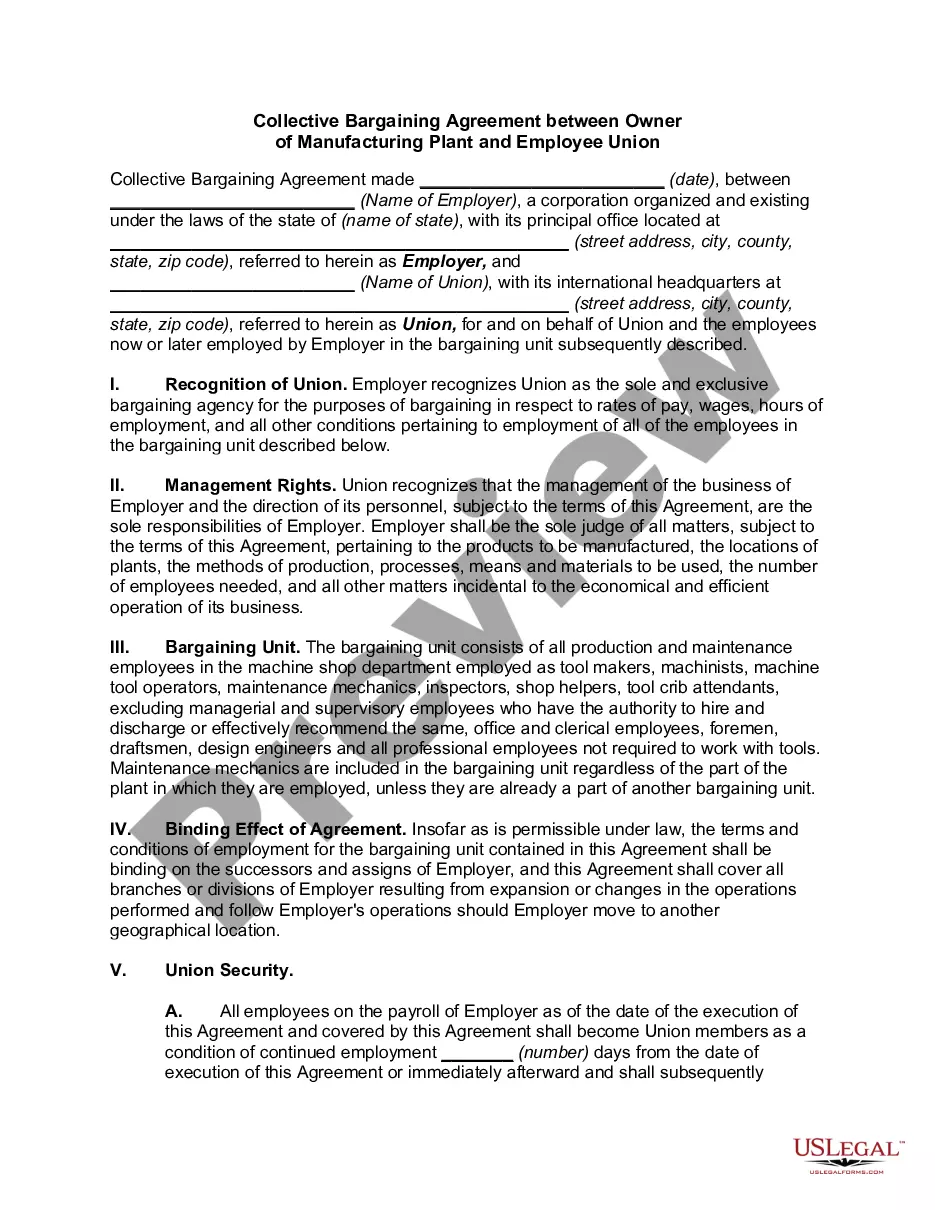
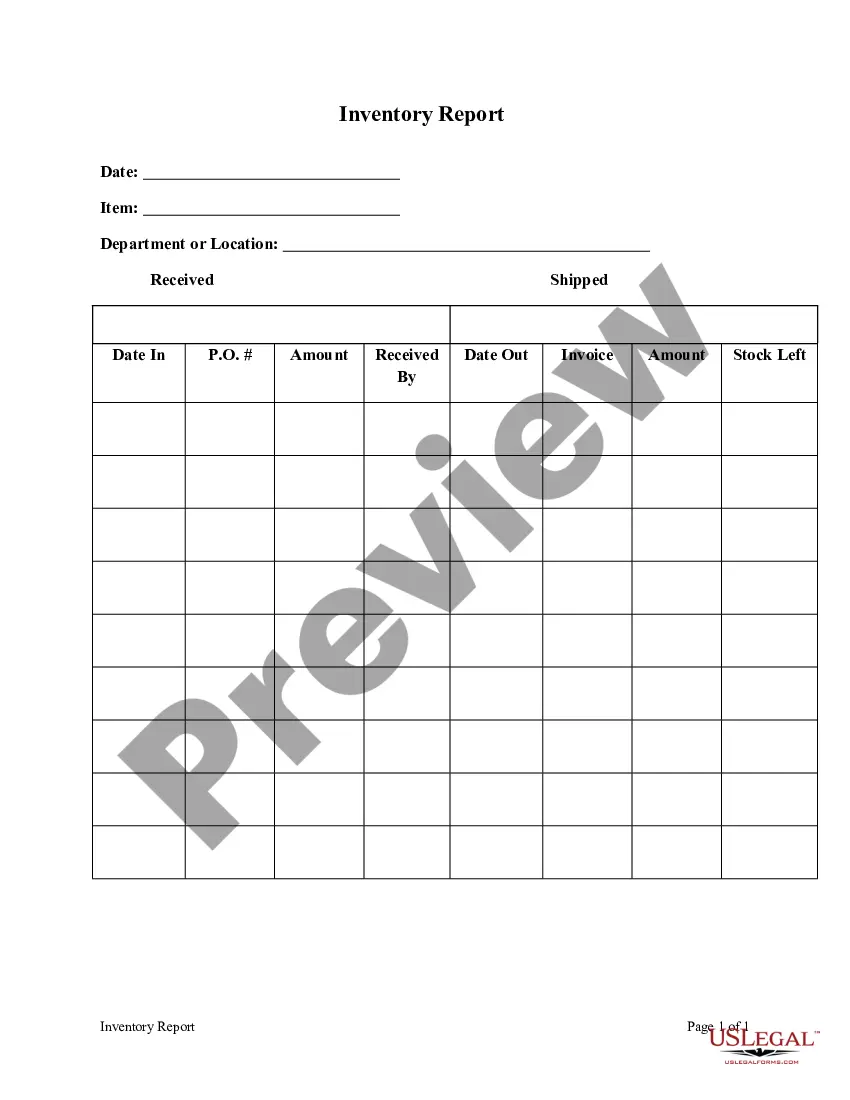
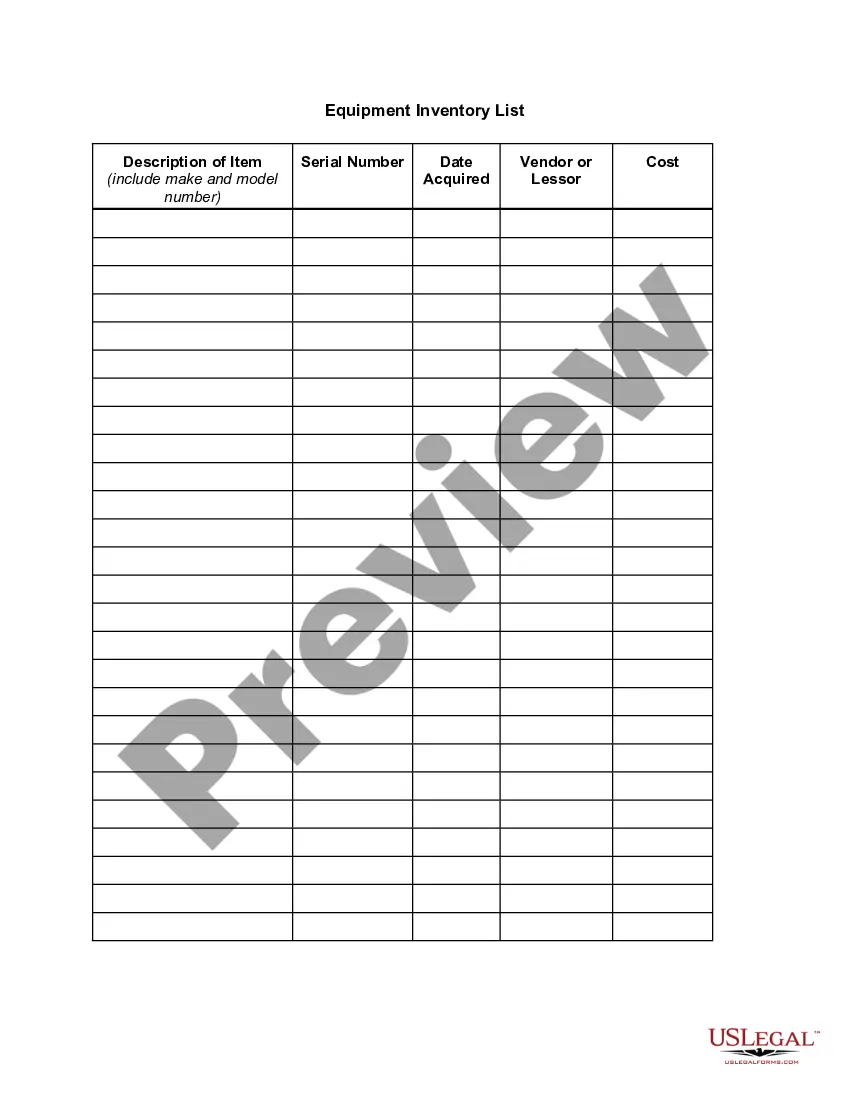
West Virginia Inventory Report
Description
Get your form ready online
Our built-in tools help you complete, sign, share, and store your documents in one place.
Make edits, fill in missing information, and update formatting in US Legal Forms—just like you would in MS Word.
Download a copy, print it, send it by email, or mail it via USPS—whatever works best for your next step.
Sign and collect signatures with our SignNow integration. Send to multiple recipients, set reminders, and more. Go Premium to unlock E-Sign.
If this form requires notarization, complete it online through a secure video call—no need to meet a notary in person or wait for an appointment.
We protect your documents and personal data by following strict security and privacy standards.

Make edits, fill in missing information, and update formatting in US Legal Forms—just like you would in MS Word.

Download a copy, print it, send it by email, or mail it via USPS—whatever works best for your next step.

Sign and collect signatures with our SignNow integration. Send to multiple recipients, set reminders, and more. Go Premium to unlock E-Sign.

If this form requires notarization, complete it online through a secure video call—no need to meet a notary in person or wait for an appointment.

We protect your documents and personal data by following strict security and privacy standards.
Looking for another form?


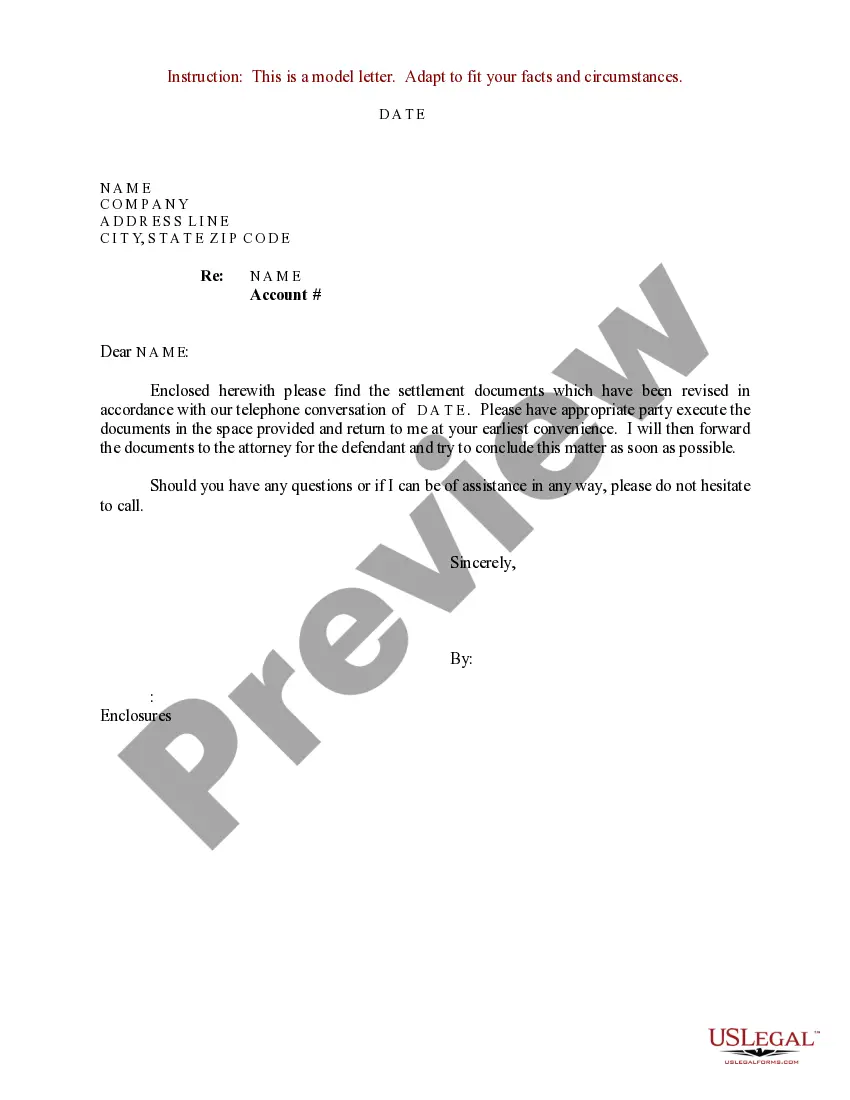
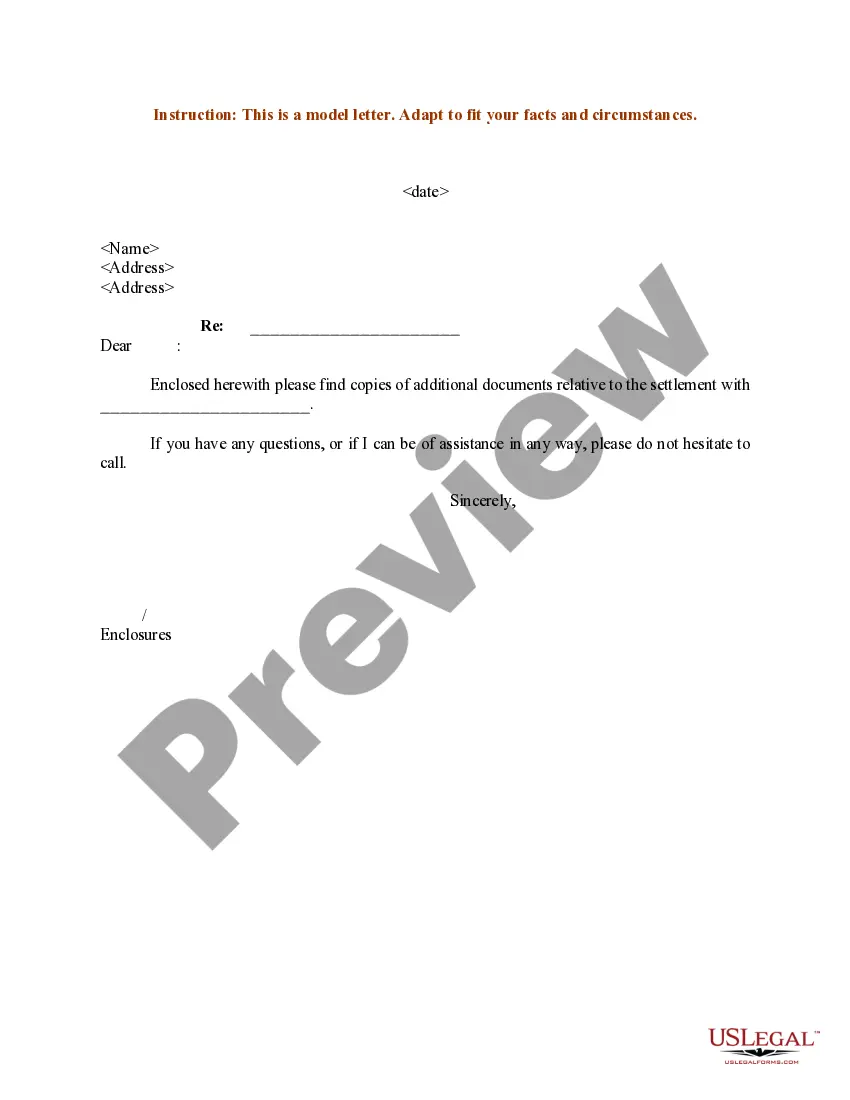
How to fill out Inventory Report?
If you desire to complete, obtain, or print legal document templates, utilize US Legal Forms, the largest compilation of legal forms, available online.
Take advantage of the site's simple and user-friendly search feature to locate the documents you require.
Various templates for business and personal purposes are categorized by types and states, or keywords.
Every legal document template you purchase belongs to you forever. You have access to every form you downloaded within your account. Visit the My documents section and select a form to print or download again.
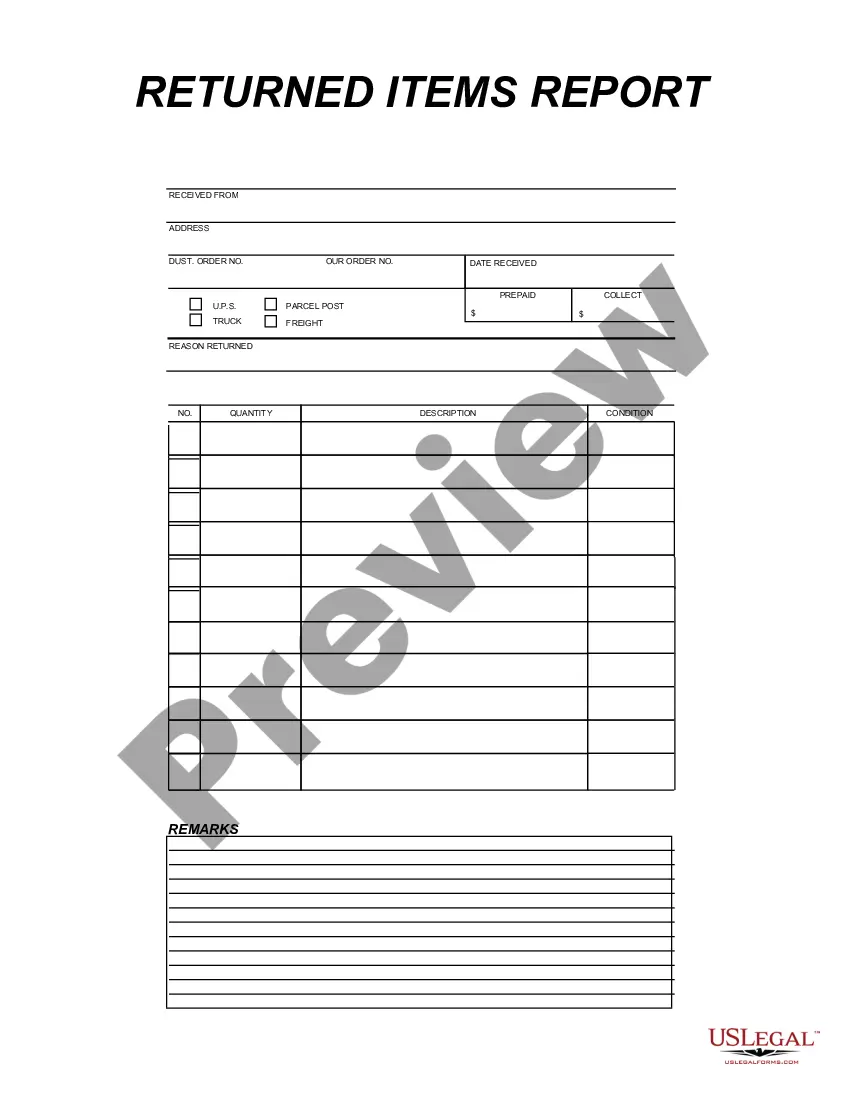
Be proactive and purchase, and print the West Virginia Inventory Report with US Legal Forms. There are millions of professional and state-specific forms available for your personal or business needs.
- Utilize US Legal Forms to locate the West Virginia Inventory Report in just a few clicks.
- If you are already a US Legal Forms user, Log In to your account and then click the Acquire button to find the West Virginia Inventory Report.
- You can also access forms you previously downloaded within the My documents tab of your account.
- If you are using US Legal Forms for the first time, refer to the guidelines below.
- Step 1. Ensure you have selected the form for the correct city/state.
- Step 2. Use the Preview option to review the form's content. Do not forget to check the details.
- Step 3. If you are not satisfied with the form, utilize the Search field at the top of the screen to find alternative versions of the legal form template.
- Step 4. Once you have found the form you need, click the Purchase now button. Select your preferred pricing plan and enter your information to register for the account.
- Step 5. Complete the transaction. You can use your credit card or PayPal account to finalize the purchase.
- Step 6. Choose the format of your legal form and download it to your device.
- Step 7. Fill out, modify, and print or sign the West Virginia Inventory Report.
Form popularity
FAQ
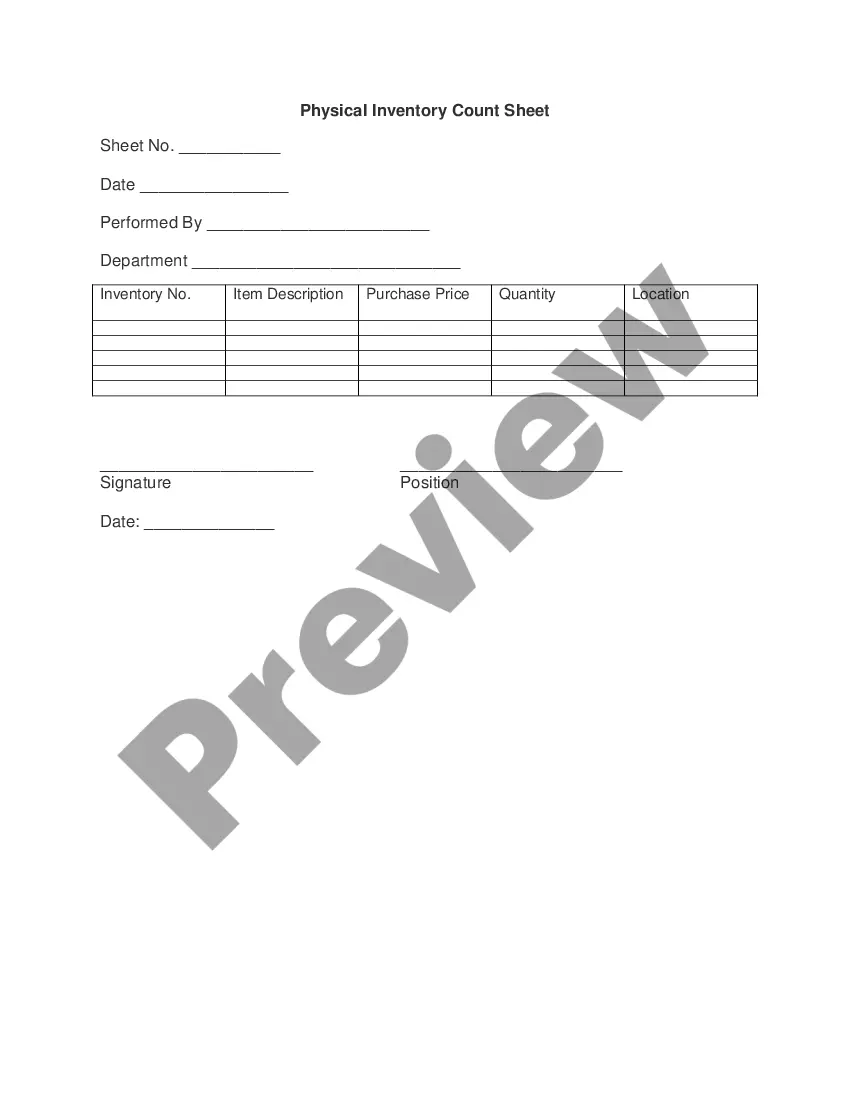
Filling out an estate inventory involves listing all assets owned by the deceased, including real estate, bank accounts, and personal property. You should categorize these assets and provide an estimated value for each item. Utilizing a service like USLegalForms can simplify this process and help you create a precise West Virginia Inventory Report. This ensures that all assets are accounted for and accurately valued.
While Virginia also has a sales tax on most goods, inventory taxation varies by state, and in Virginia, inventory may not be taxed the same way as it is in West Virginia. It's essential to familiarize yourself with each state's regulations. When preparing your West Virginia Inventory Report, ensure that you differentiate the tax obligations based on state guidelines.
Non-probate assets in West Virginia refer to assets that do not go through the probate process after a person's death. These may include accounts with designated beneficiaries, joint ownership properties, and certain trusts. Knowing about non-probate assets can help in creating a thorough West Virginia Inventory Report. This ensures that all assets are correctly accounted for in estate planning.
In West Virginia, inventory is generally considered taxable. However, there are exceptions for certain types of goods and small business exemptions. It's important to classify your items correctly in your West Virginia Inventory Report to avoid tax issues. Keeping accurate records helps you stay compliant.
West Virginia does not impose sales tax on specific items, such as agricultural products, used vehicles, and utilities. This is beneficial for consumers and businesses alike. Knowing about these exemptions can help you prepare a more accurate West Virginia Inventory Report. It's essential to track these items to ensure compliance.