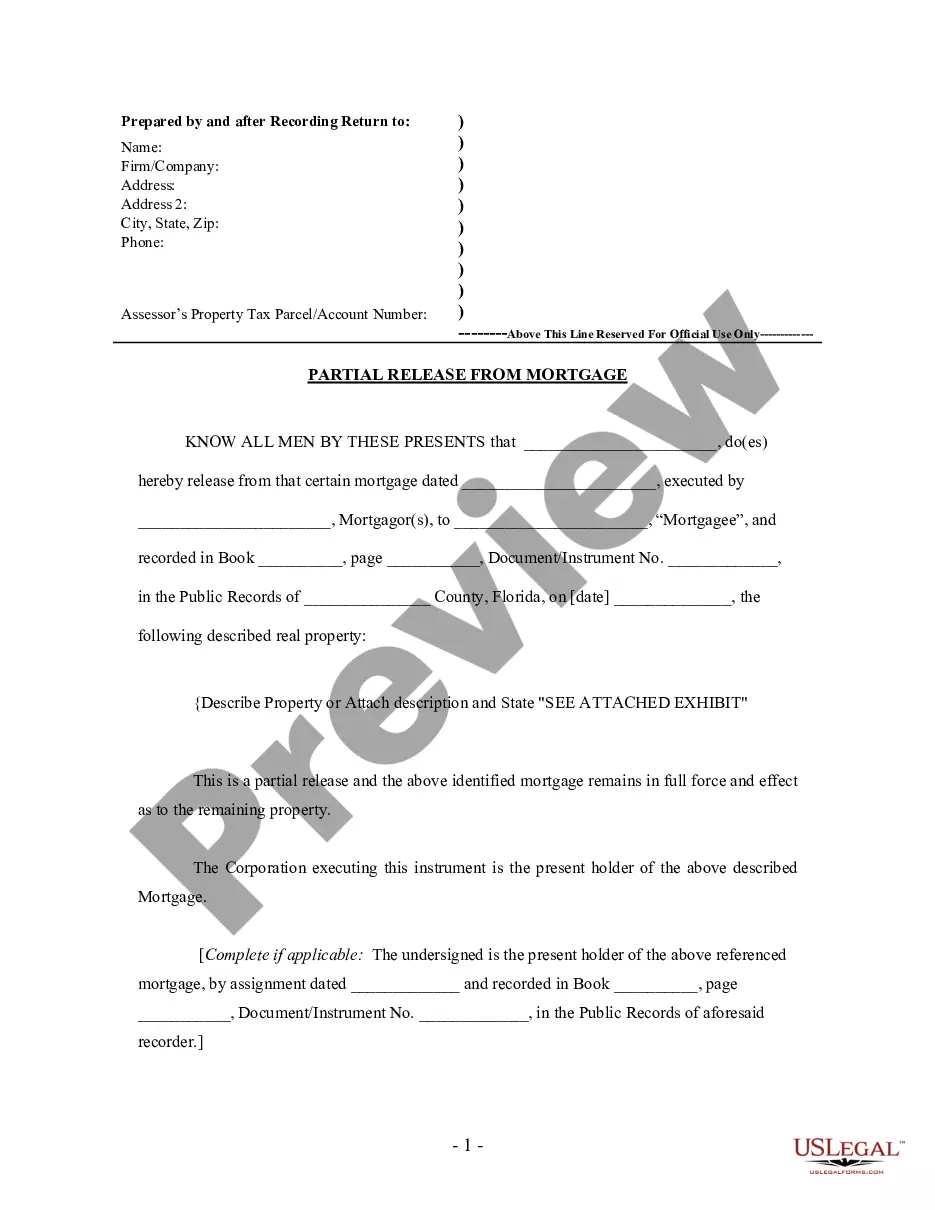
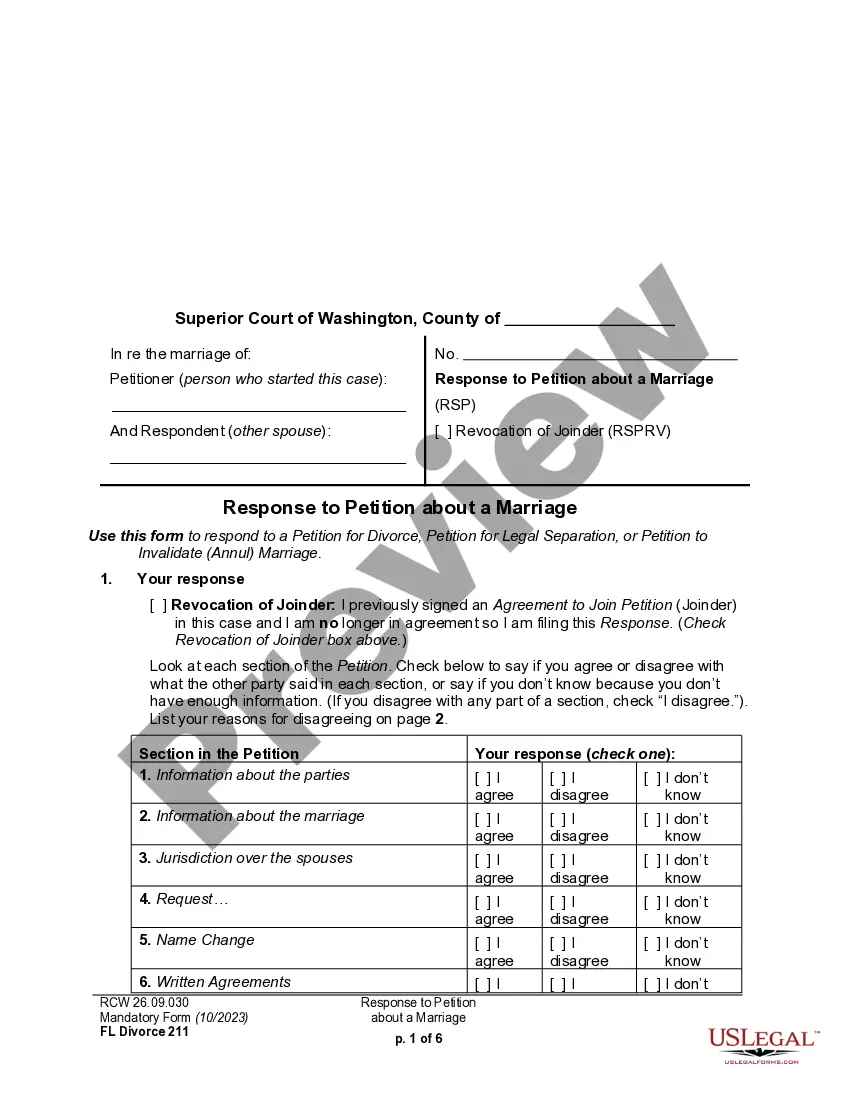
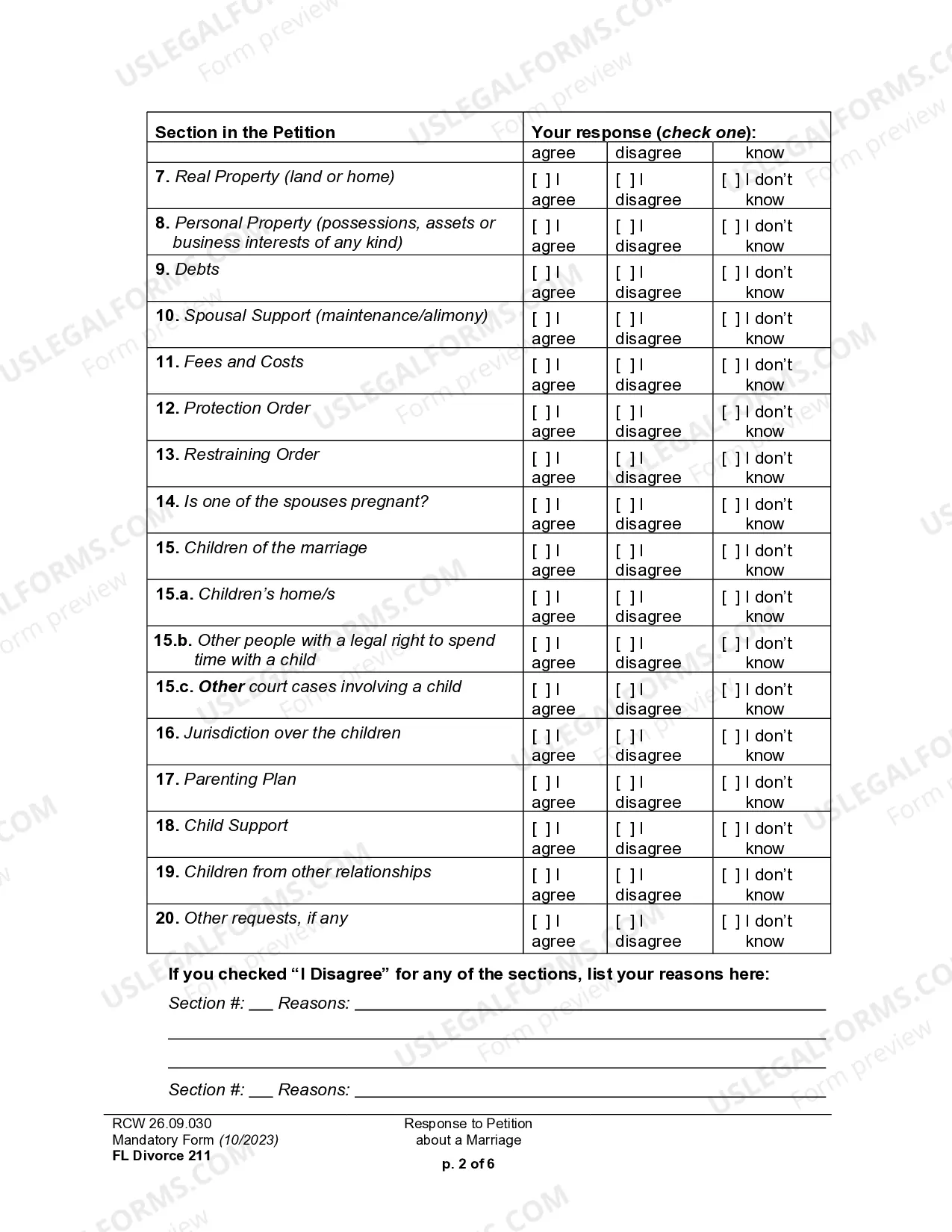
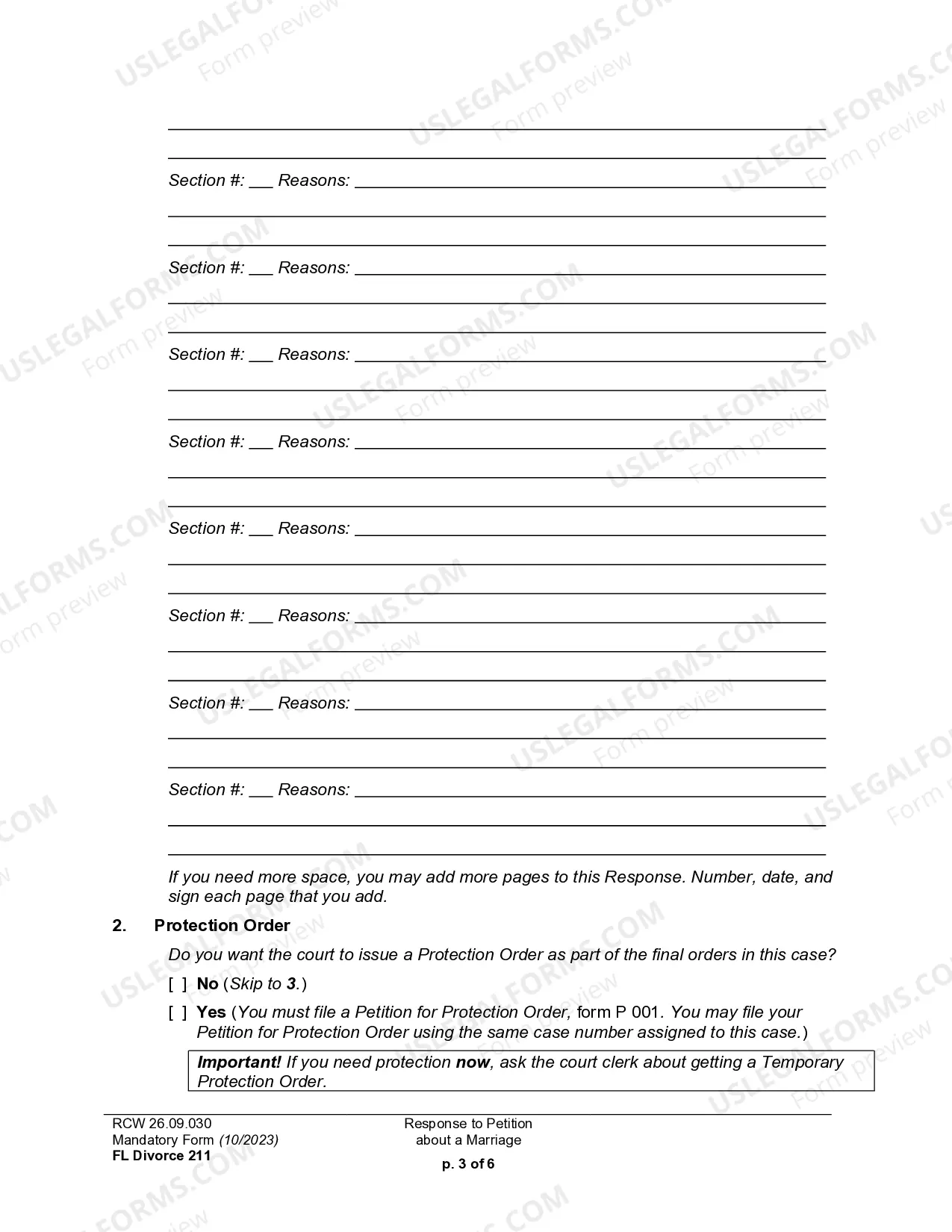
Washington Response to Petition for Dissolution of Marriage
Description
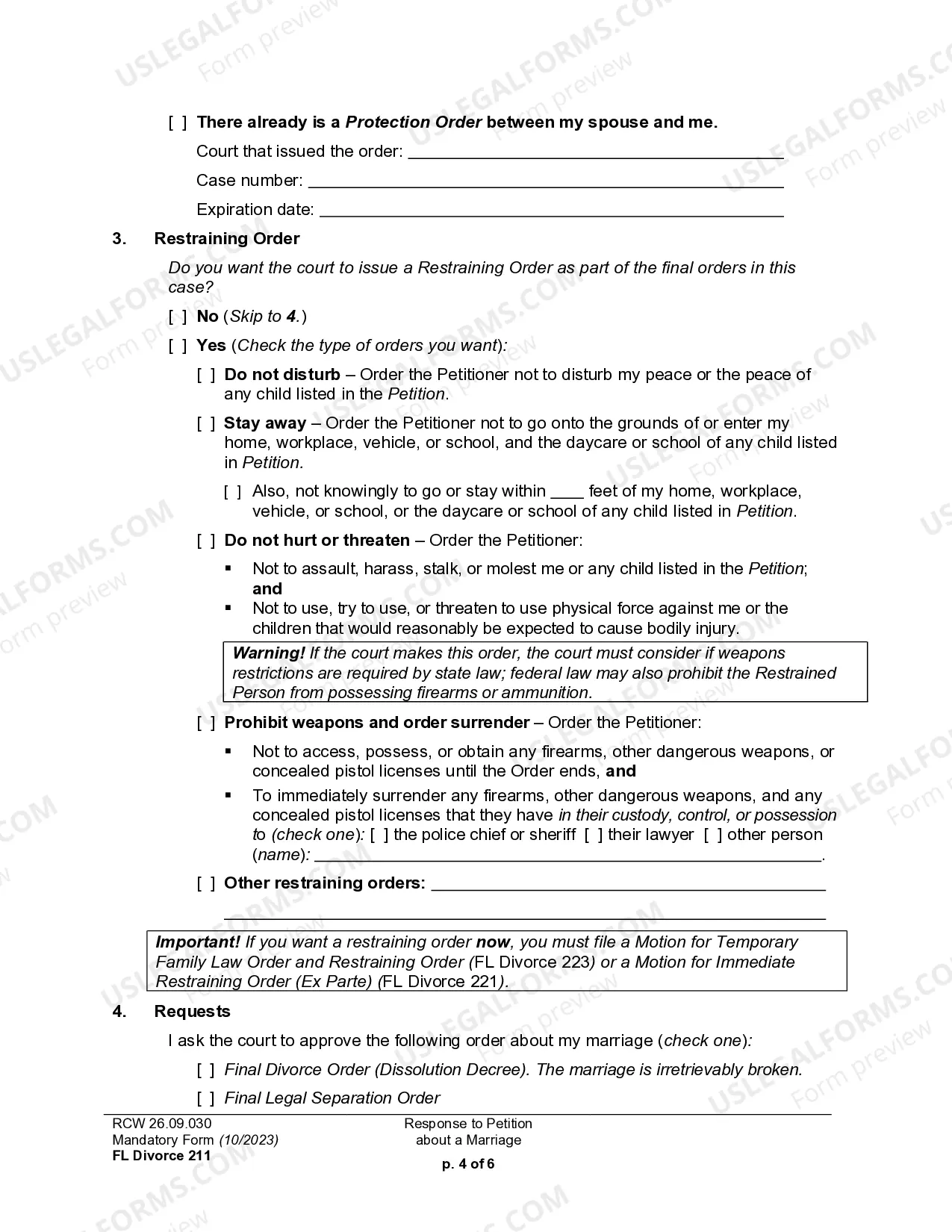
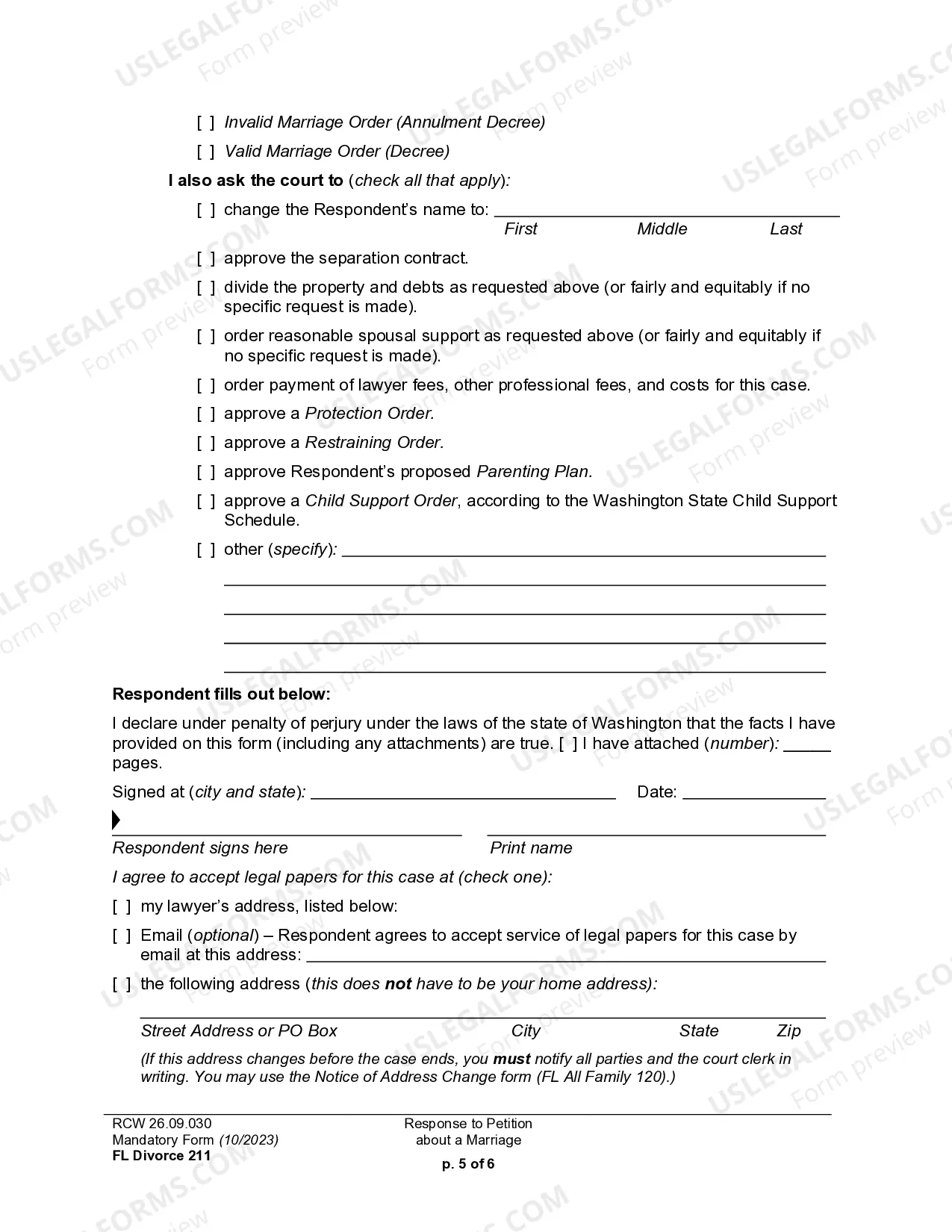
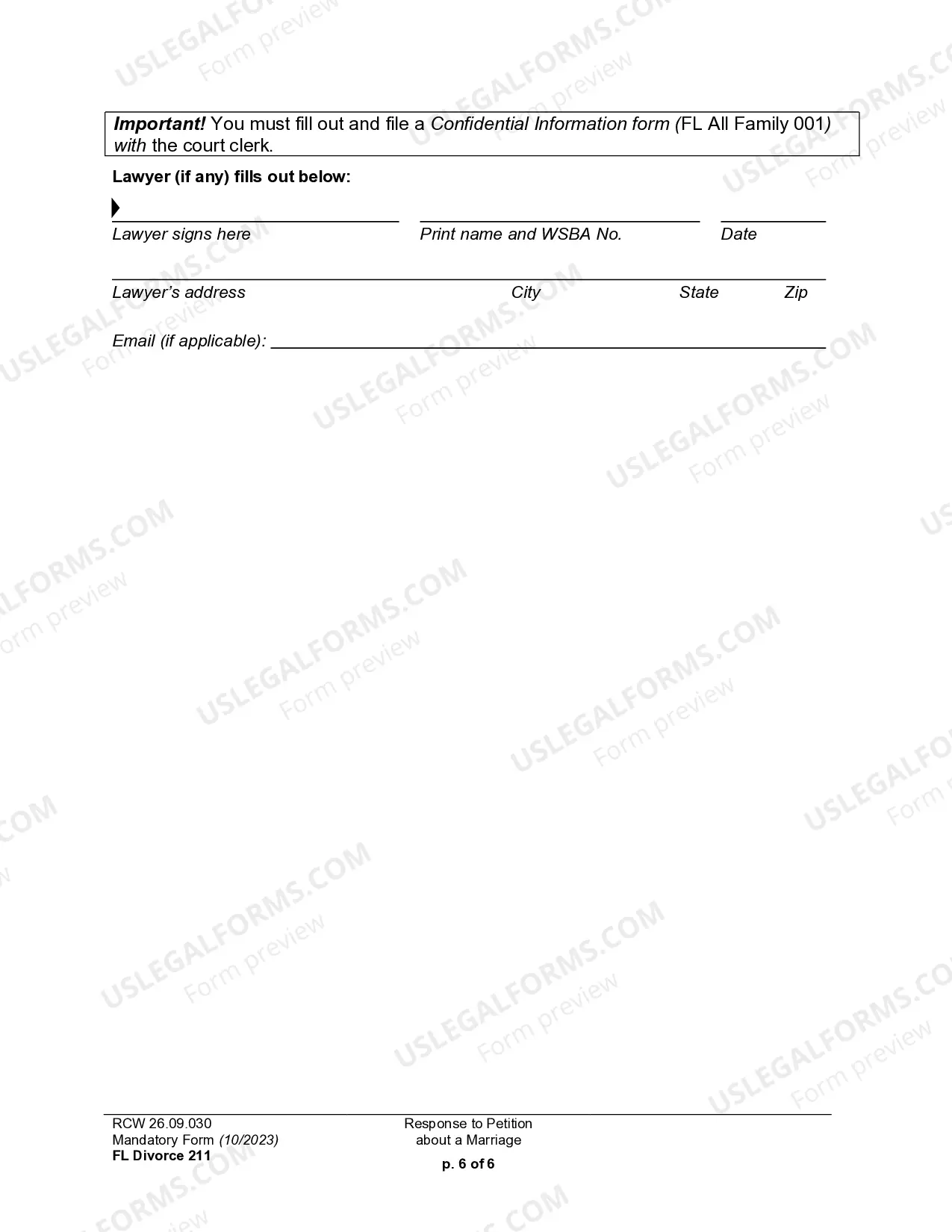
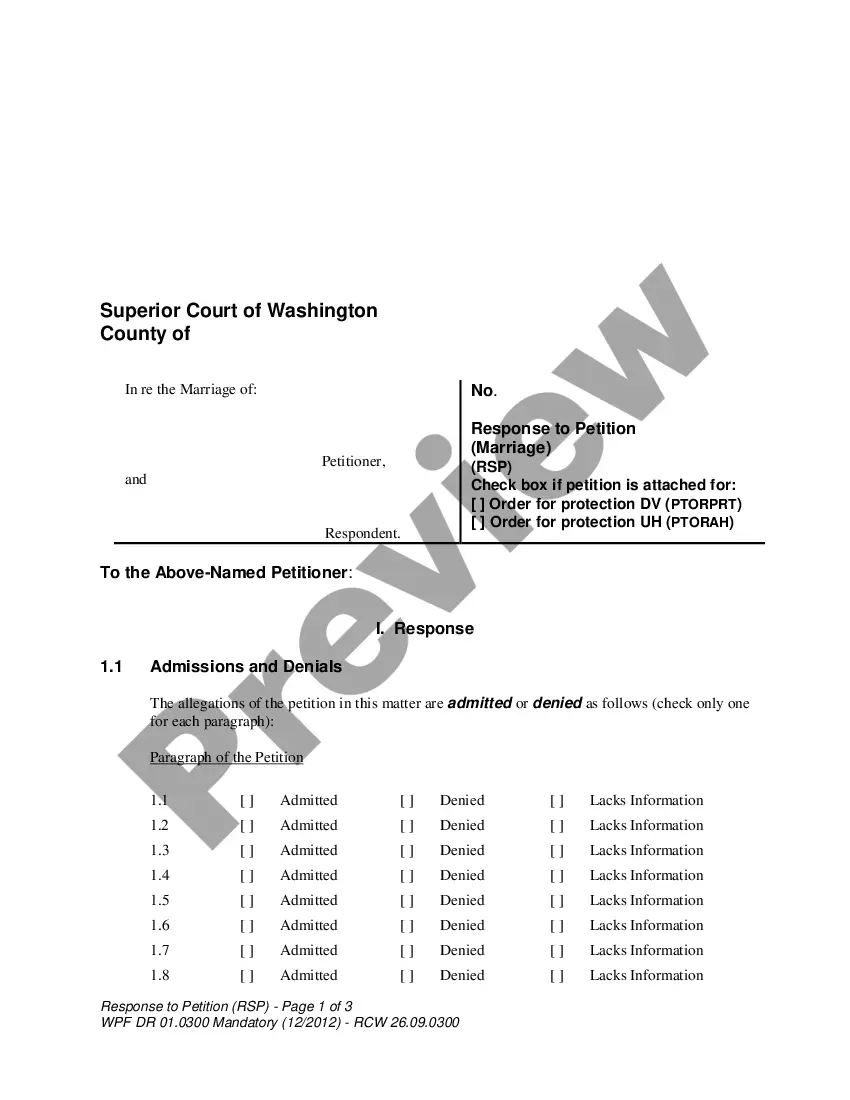
Get your form ready online
Our built-in tools help you complete, sign, share, and store your documents in one place.
Make edits, fill in missing information, and update formatting in US Legal Forms—just like you would in MS Word.
Download a copy, print it, send it by email, or mail it via USPS—whatever works best for your next step.
Sign and collect signatures with our SignNow integration. Send to multiple recipients, set reminders, and more. Go Premium to unlock E-Sign.
If this form requires notarization, complete it online through a secure video call—no need to meet a notary in person or wait for an appointment.
We protect your documents and personal data by following strict security and privacy standards.

Make edits, fill in missing information, and update formatting in US Legal Forms—just like you would in MS Word.

Download a copy, print it, send it by email, or mail it via USPS—whatever works best for your next step.

Sign and collect signatures with our SignNow integration. Send to multiple recipients, set reminders, and more. Go Premium to unlock E-Sign.

If this form requires notarization, complete it online through a secure video call—no need to meet a notary in person or wait for an appointment.

We protect your documents and personal data by following strict security and privacy standards.
Looking for another form?
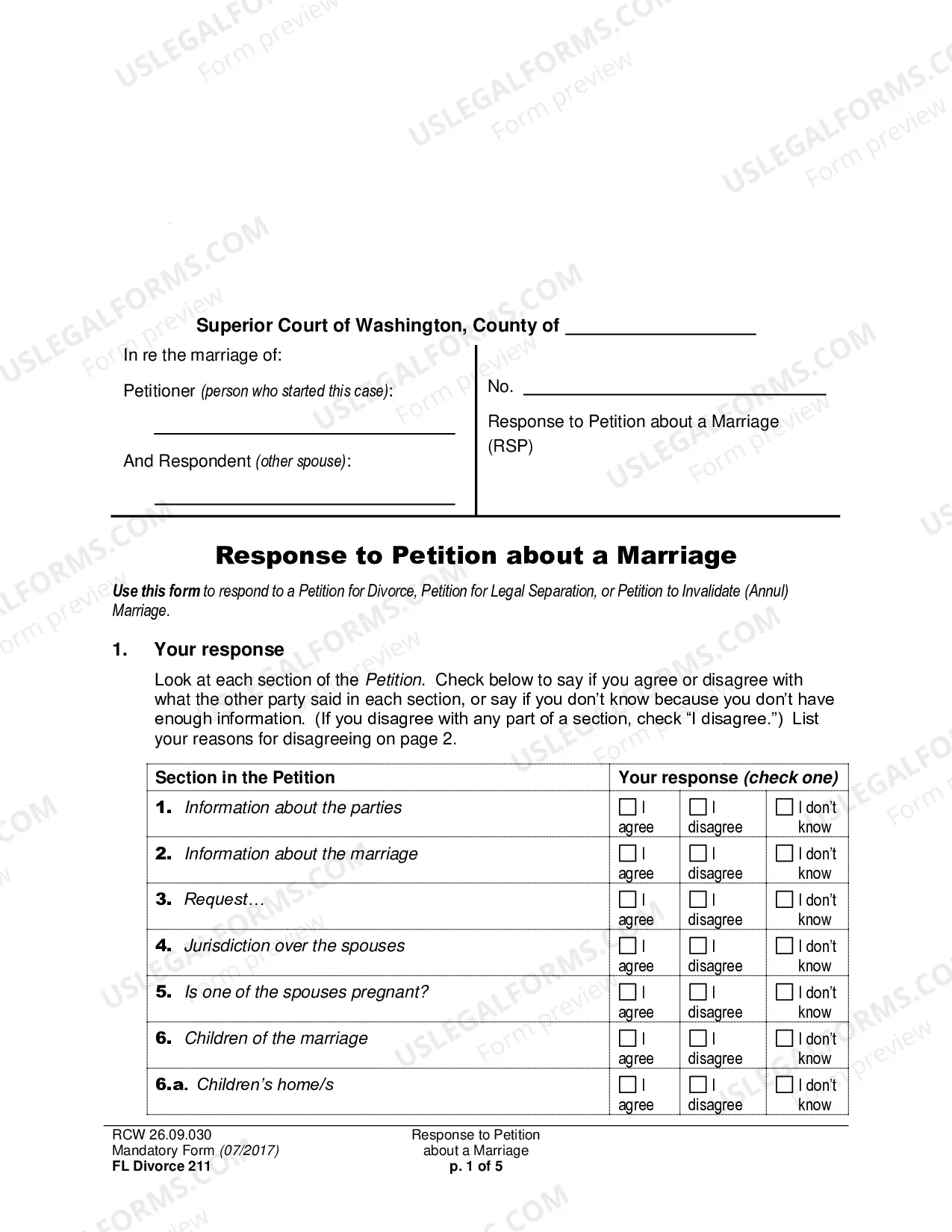
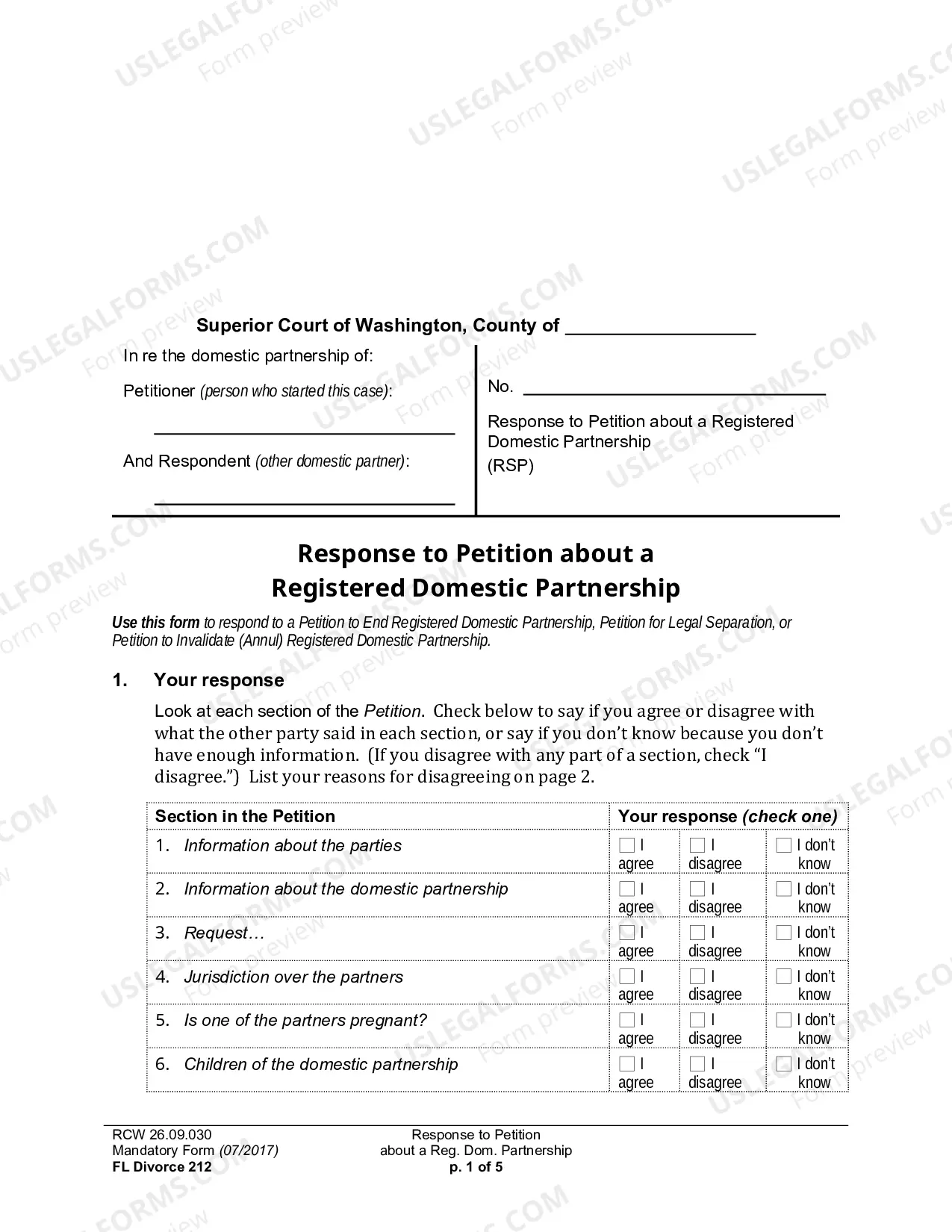
How to fill out Washington Response To Petition For Dissolution Of Marriage?
Out of the large number of services that provide legal templates, US Legal Forms provides the most user-friendly experience and customer journey while previewing templates before purchasing them. Its comprehensive catalogue of 85,000 templates is grouped by state and use for simplicity. All the documents on the platform have been drafted to meet individual state requirements by licensed lawyers.
If you already have a US Legal Forms subscription, just log in, look for the template, click Download and access your Form name in the My Forms; the My Forms tab keeps all your downloaded forms.
Follow the guidelines below to get the form:
- Once you find a Form name, make certain it’s the one for the state you really need it to file in.
- Preview the form and read the document description just before downloading the template.
- Look for a new template through the Search field if the one you’ve already found isn’t proper.
- Click on Buy Now and choose a subscription plan.
- Create your own account.
- Pay using a card or PayPal and download the document.
When you have downloaded your Form name, you are able to edit it, fill it out and sign it with an online editor that you pick. Any form you add to your My Forms tab might be reused many times, or for as long as it remains the most updated version in your state. Our platform provides quick and easy access to samples that suit both lawyers and their customers.
Form popularity
FAQ
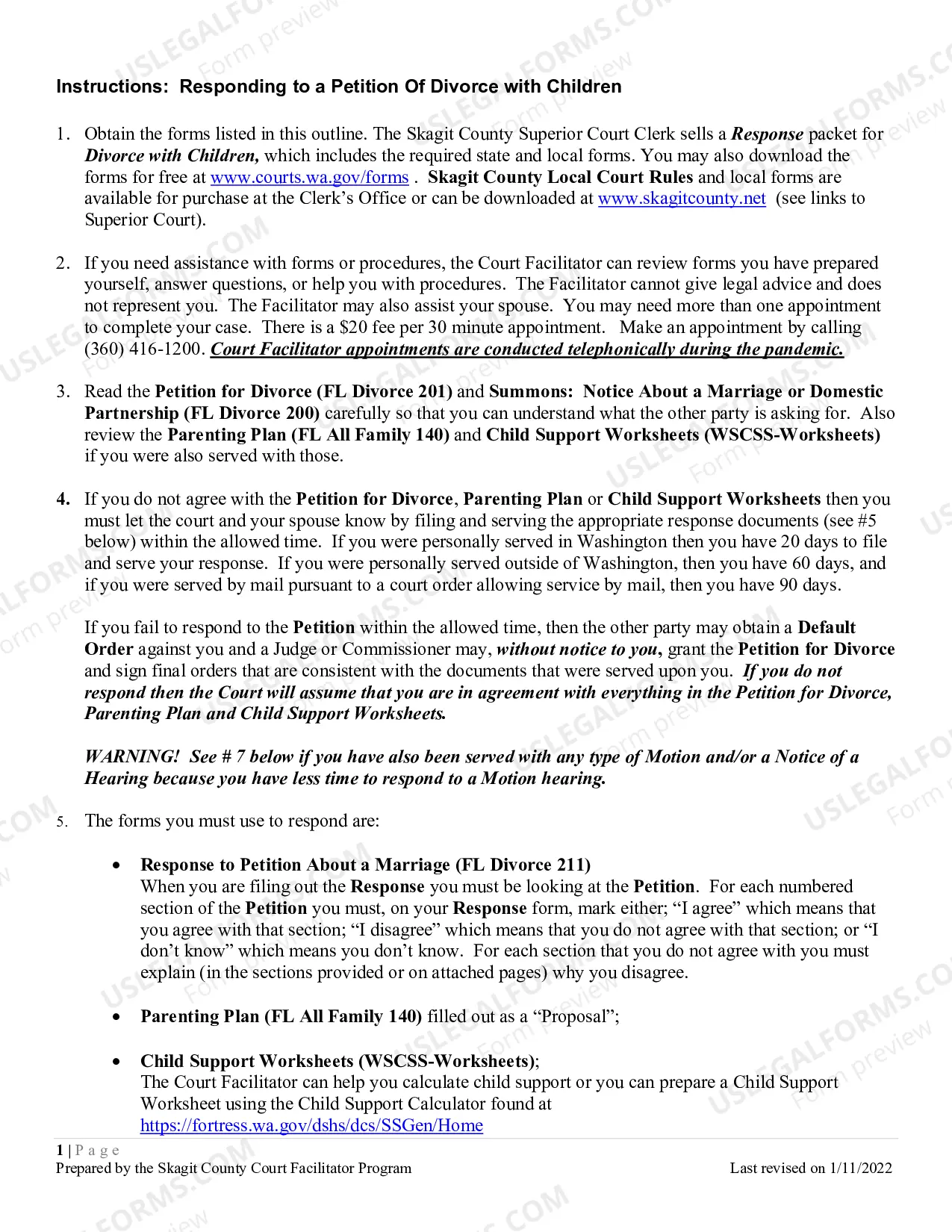
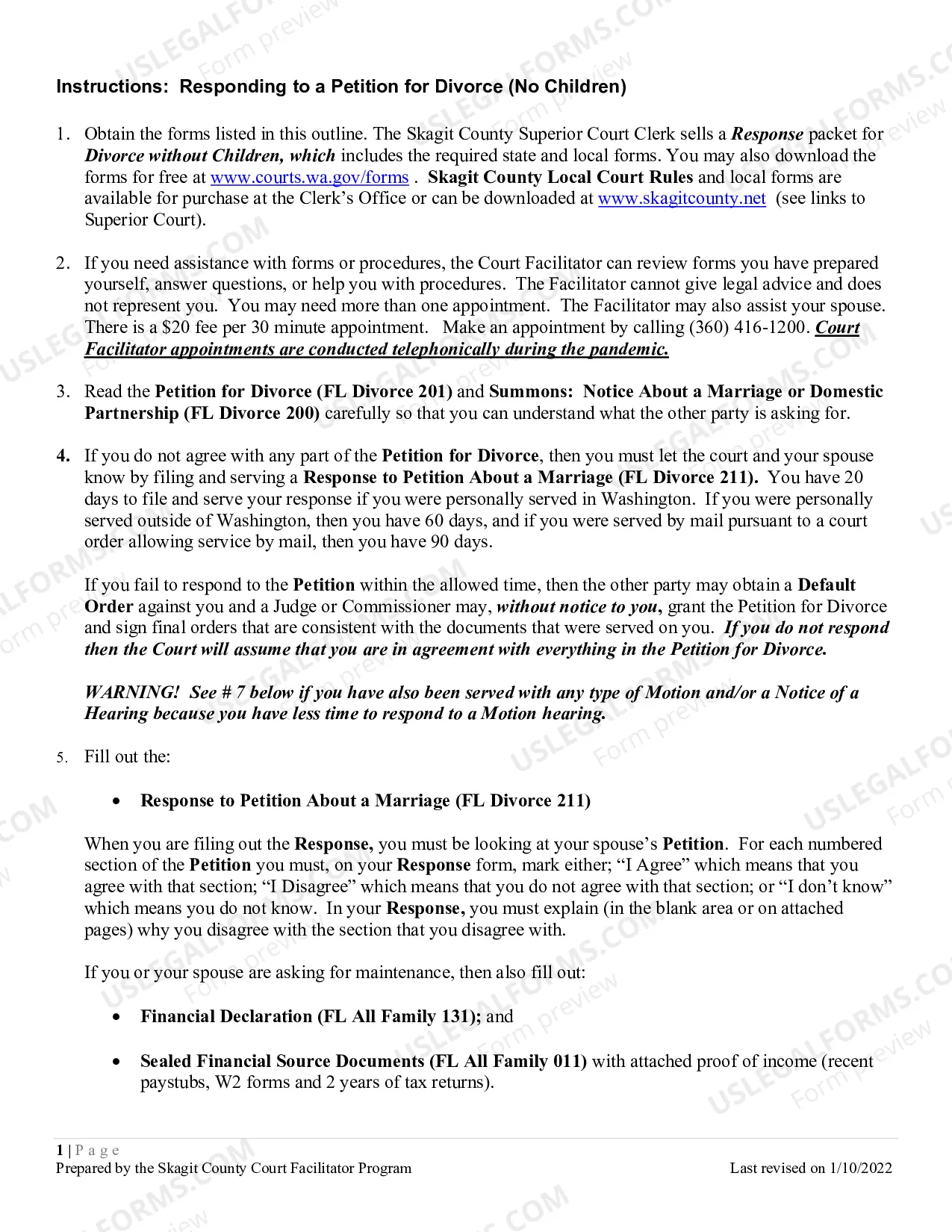
Step 1: Determine your response deadline. Step 2: Fill out these forms. Step 3: Take your original forms to the Clerk's Office and file. Step 4: Have the other party served. Step 5: You and your spouse/registered domestic partner must go to a. Step 6: Follow your Case Schedule. Step 7: Complete your final documents.
Pull the header information from the plaintiff's petition. Title your Answer Answer to Plaintiff's Petition/Complaint. Center this title and make it bold. Introduce yourself. Admit, deny, or claim that you lack sufficient knowledge to admit or deny each of the plaintiff's numbered allegations.
The spouse who has been served with the divorce/dissolution petition is called the "respondent" or "defendant" in the divorce/dissolution process. He or she must respond to ("answer") the petition within a certain time (usually about three weeks).
Answer only. An "Answer" tells the judge and your spouse what parts of the complaint you agree with and disagree with. Answer with a Counterclaim.
You answer the divorce petition to let the court know your position in the divorce case.If you don't answer the divorce petition and you don't go to a hearing, it's still possible that the judge can grant the divorce. If that happens, the judge also can make other decisions in the divorce.
You answer the divorce petition to let the court know your position in the divorce case.If you don't answer the divorce petition and you don't go to a hearing, it's still possible that the judge can grant the divorce. If that happens, the judge also can make other decisions in the divorce.