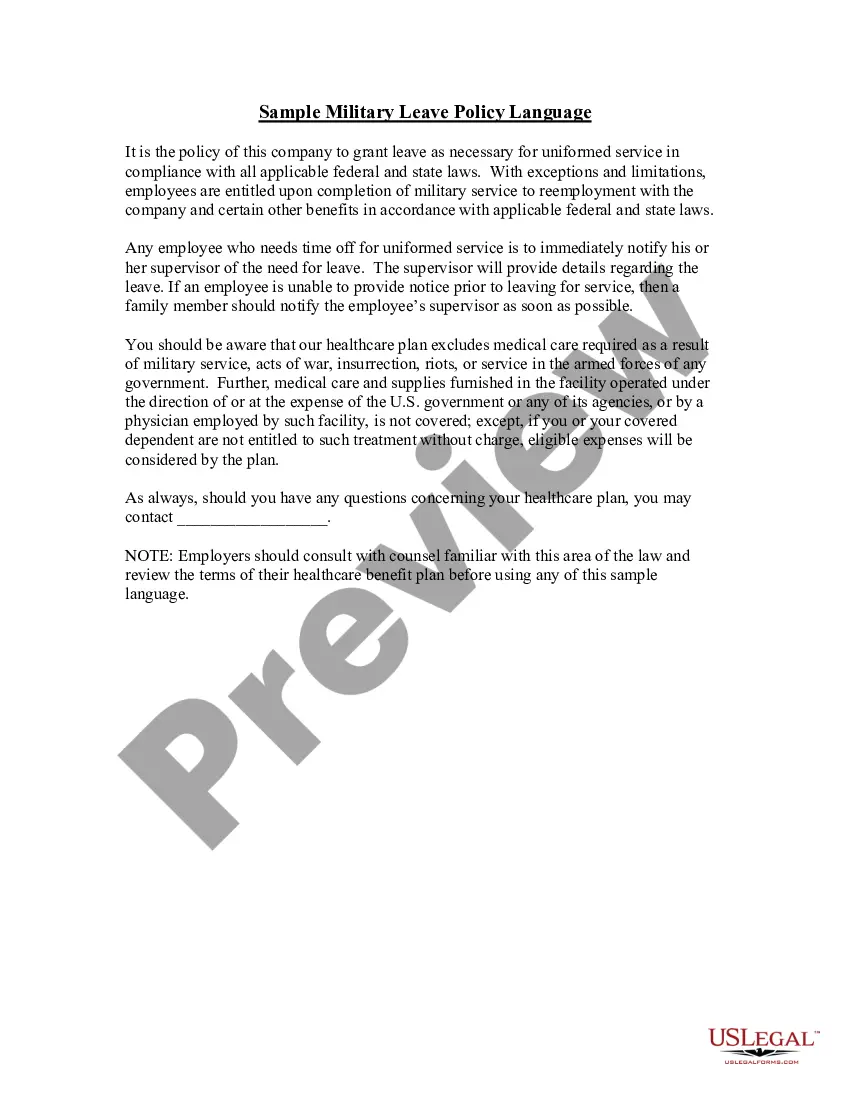
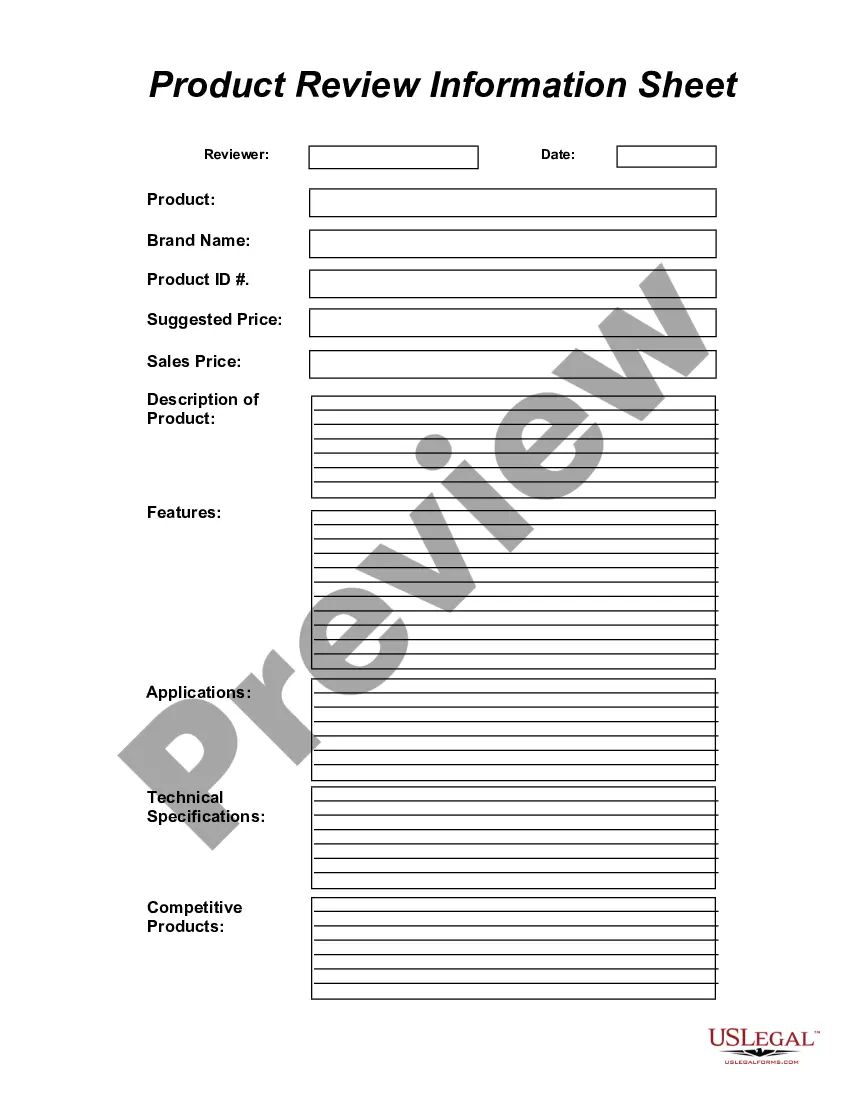
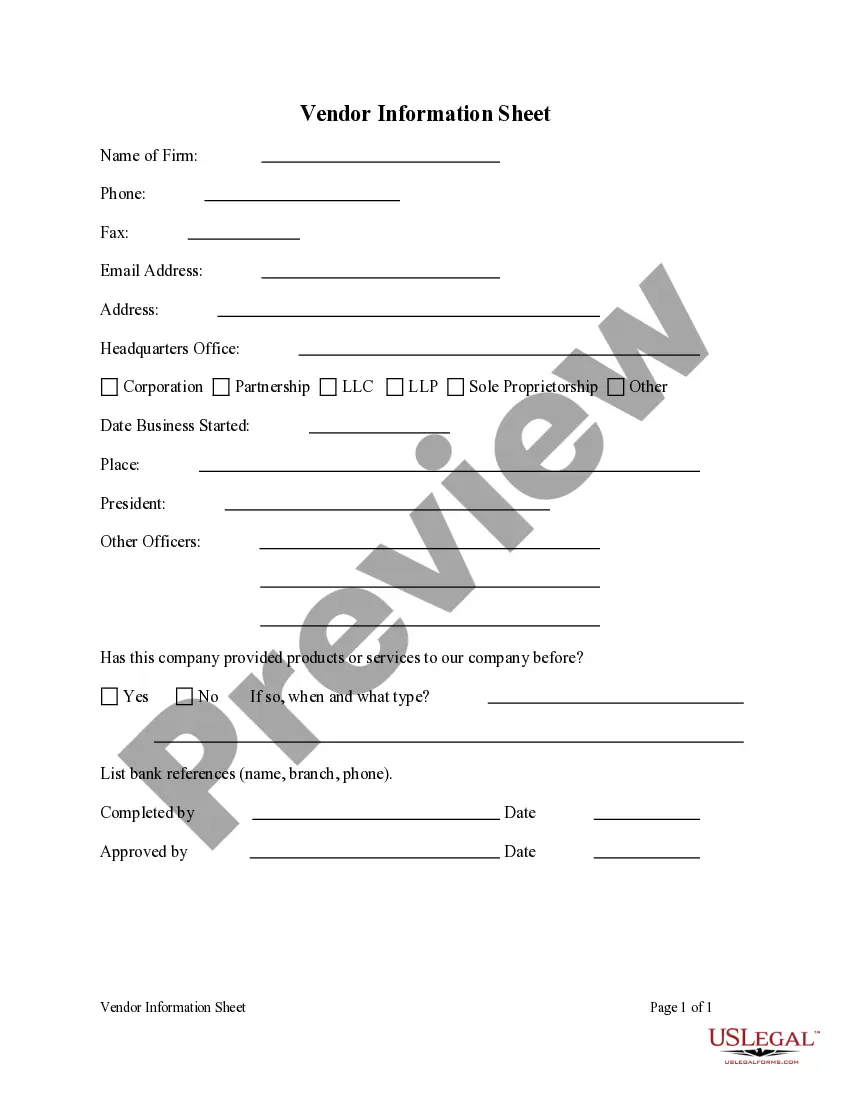
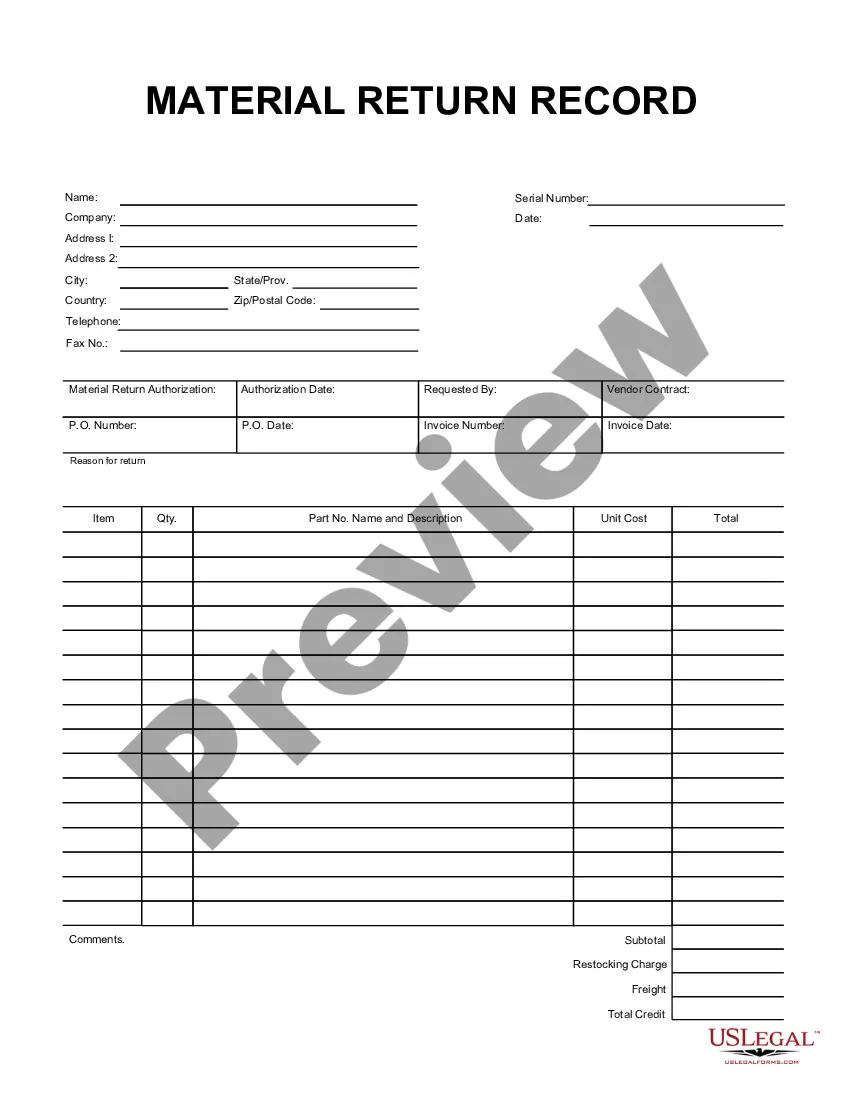
This form is a business type form that is formatted to allow you to complete the form using Adobe Acrobat or Word. The word files have been formatted to allow completion by entry into fields. Some of the forms under this category are rather simple while others are more complex. The formatting is worth the small cost.
Washington Product Review Information Sheet
Category:
State:
Multi-State
Control #:
US-185-AZ
Format:
Word;
PDF;
Rich Text
Instant download
Description
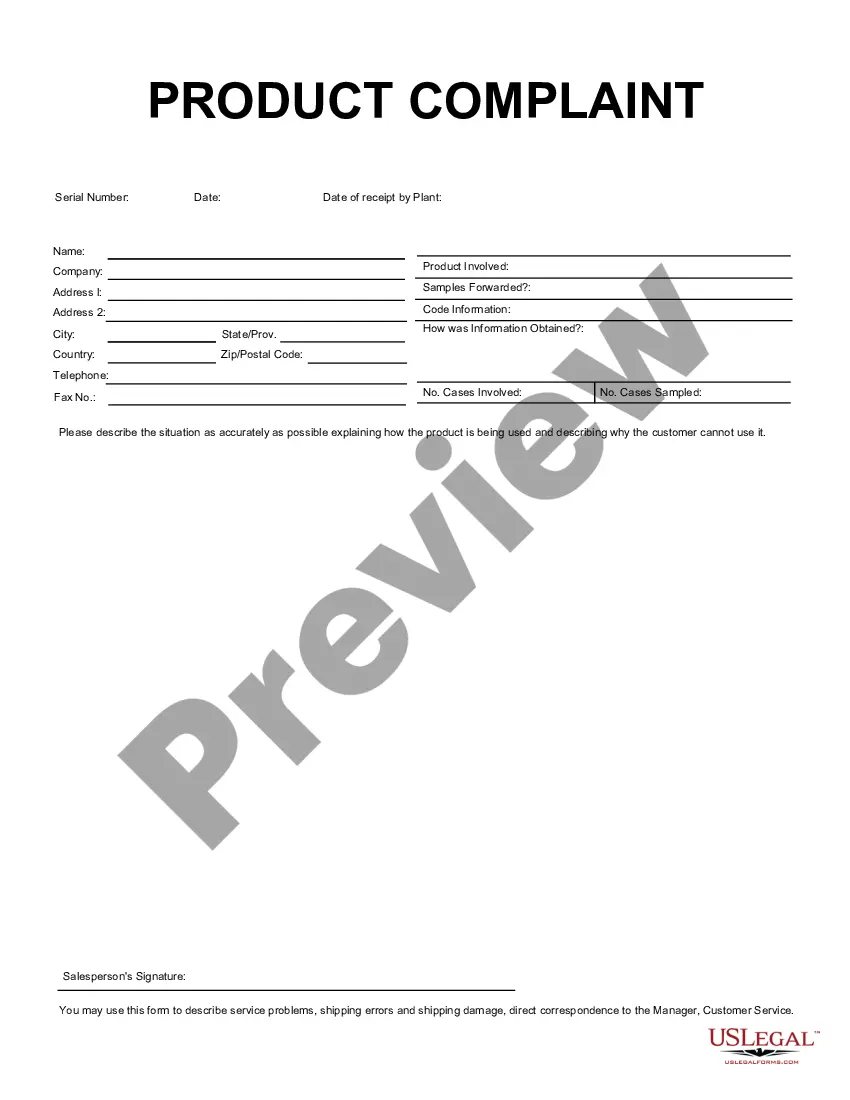
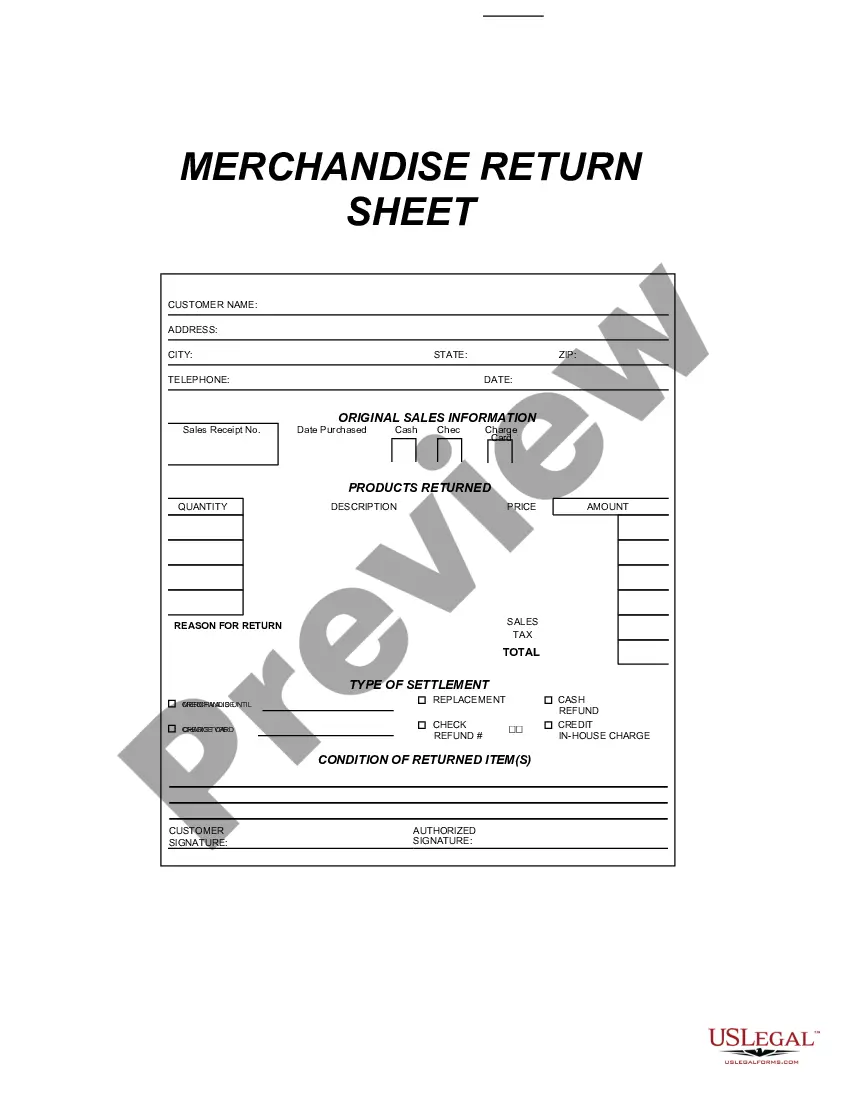
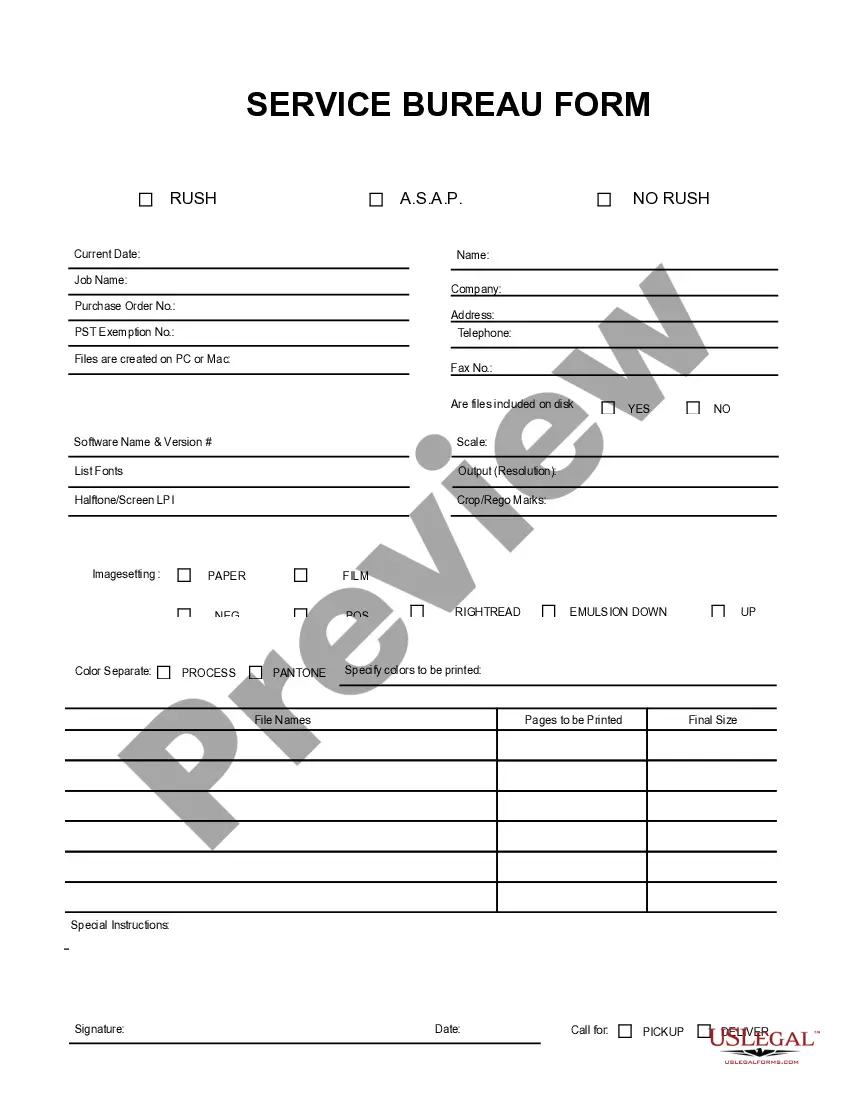
Get your form ready online
Our built-in tools help you complete, sign, share, and store your documents in one place.
Built-in online Word editor
Make edits, fill in missing information, and update formatting in US Legal Forms—just like you would in MS Word.
Export easily
Download a copy, print it, send it by email, or mail it via USPS—whatever works best for your next step.
E-sign your document
Sign and collect signatures with our SignNow integration. Send to multiple recipients, set reminders, and more. Go Premium to unlock E-Sign.
Notarize online 24/7
If this form requires notarization, complete it online through a secure video call—no need to meet a notary in person or wait for an appointment.
Store your document securely
We protect your documents and personal data by following strict security and privacy standards.

Make edits, fill in missing information, and update formatting in US Legal Forms—just like you would in MS Word.

Download a copy, print it, send it by email, or mail it via USPS—whatever works best for your next step.

Sign and collect signatures with our SignNow integration. Send to multiple recipients, set reminders, and more. Go Premium to unlock E-Sign.

If this form requires notarization, complete it online through a secure video call—no need to meet a notary in person or wait for an appointment.

We protect your documents and personal data by following strict security and privacy standards.
Looking for another form?
How to fill out Product Review Information Sheet?
US Legal Forms - among the top libraries of legal documents in the United States - offers a broad variety of legal document templates you can download or create.
By utilizing the website, you will access thousands of forms for business and personal purposes, organized by categories, states, or keywords. You can obtain the latest forms such as the Washington Product Review Information Sheet in just minutes.
If you already have a subscription, Log In and download the Washington Product Review Information Sheet from the US Legal Forms catalog. The Download button will be visible on every form you encounter. You have access to all previously saved forms in the My documents section of your account.
Complete the transaction. Use your credit card or PayPal account to finalize the purchase.
Select the format and download the form to your device. Edit. Fill out, modify, print, and sign the saved Washington Product Review Information Sheet. Each template you added to your account has no expiration date and is yours forever. Therefore, if you wish to download or print another copy, simply go to the My documents section and click on the form you need. Access the Washington Product Review Information Sheet with US Legal Forms, one of the largest collections of legal document templates. Utilize numerous professional and state-specific templates that fulfill your business or personal needs and requirements.
- If you are using US Legal Forms for the first time, here are simple steps to get started.
- Make sure you have selected the correct form for your city/state. Click on the View button to examine the form's content.
- Check the form description to confirm that you have chosen the appropriate form.
- If the form does not meet your needs, use the Search field at the top of the display to find one that does.
- If you are satisfied with the form, confirm your selection by clicking the Get now button.
- Then, choose the pricing plan you prefer and provide your details to register for an account.
Form popularity
FAQ
Talk about how the product grew on you and share first impressions (and all the consecutive ones!). Share your experiences with the product. List real pros and cons of the product. Tell the readers if a product is aimed at them who the target users/buyers are.
At first, you need to go to your WordPress dashboard and navigate to WooCommerce > Product Reviews Im-Ex tab.The opening window takes you to product review import/export settings of the plugin.The first two options are for uploading CSV formated file containing product reviews, you can either import them via,More items...?
You can also import your review directly by going to More > Import and Export > Import Reviews > From Review Apps > Judge.me. Then upload your CSV file as usual.
How to Write a Product ReviewBe Willing to Commit the Time.Decide on the Product.Get to Know Your Readers.Be Unbiased and Objective.Know the Product Inside and Out.Don't Rely on PR and Marketing Material.List the Pros and Cons.Include Technical Information.More items...?23-Aug-2016
How to Write a Product ReviewCreate product review summary box.Empathize with your readers.Identify who the product is for.Introduce the solution with the product.Explain the relationship between product features and benefits through case studies.Offer social proof.List product alternatives.More items...?
How to Write the Perfect Product ReviewGet Your Hands on the Product.Become an Affiliate.Learn About Your Product(s)Be Honest.Confront with Other Players.Get a Discussion Going.End a Product Review with a Take-Home Message.Implement 5-Star Rating and Rich Snippets.
Import reviewsMake sure you have a CSV file of the reviews you want to import and that it is formatted correctly.From your Shopify admin, go to Apps > Product Reviews.Click Settings.Click Import.Click Choose file, and then select your CSV file.Click Import.
How to submit product reviews dataUpload your product reviews feed directly in your Merchant Center account.Work with an approved third-party reviews aggregator (listed below) to have Google fetch reviews directly from them.Collect reviews through Google Customer Reviews.
Functionality in detailAliExpress Review Importer will show you all your products.You decide which products you want to add reviews to.You search for the relevant AliExpress product(s) and add the URL to AliExpress Review Importer.You choose your filter criteria and import the reviews.More items...
Unfortunately, that isn't possible with reviews. As each review site has unique forms for consumers to fill out and unique criteria for evaluation, there is not a way to import reviews to Google from other sources. An option is to let your customers know that you would appreciate reviews on Google.