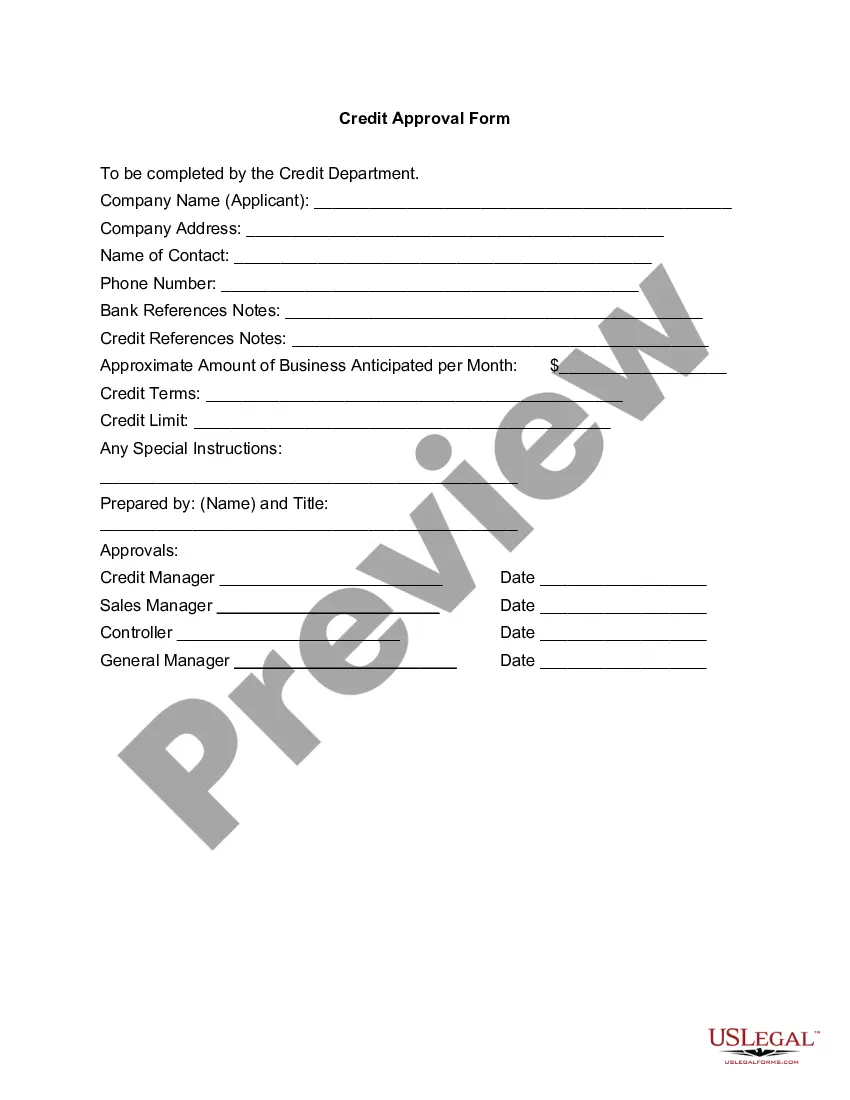
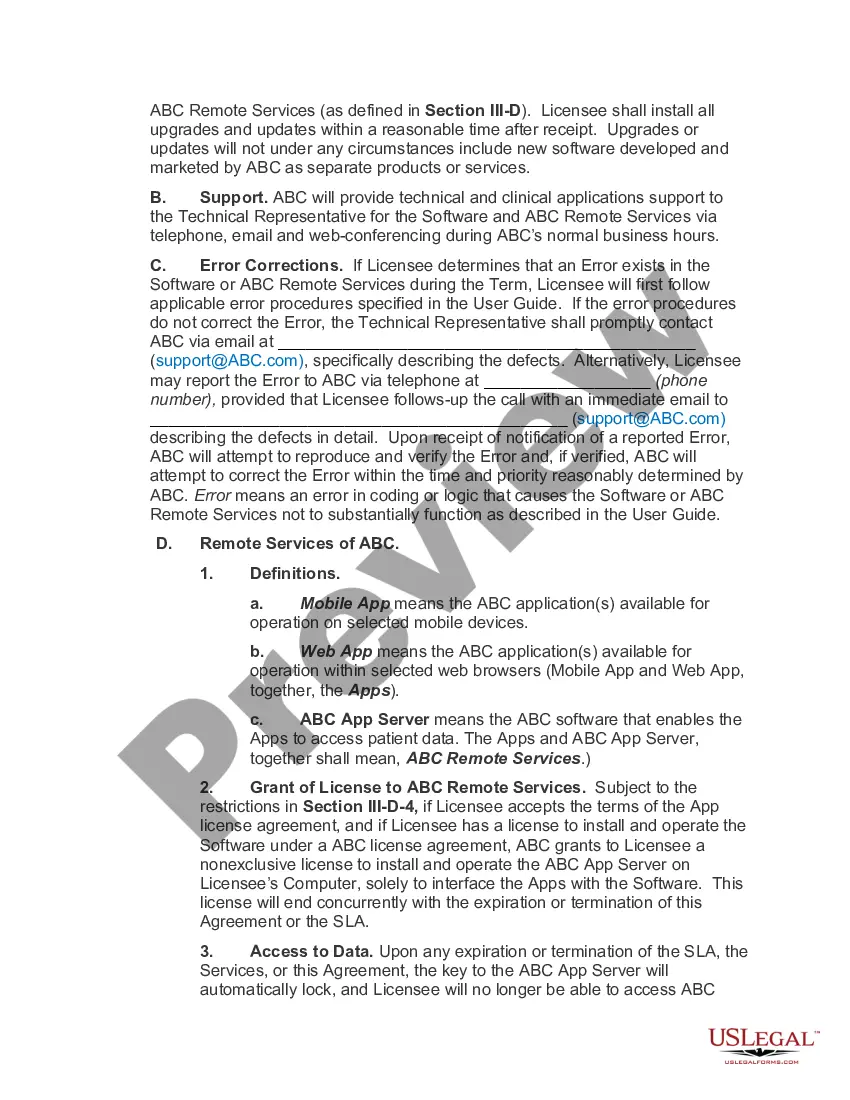
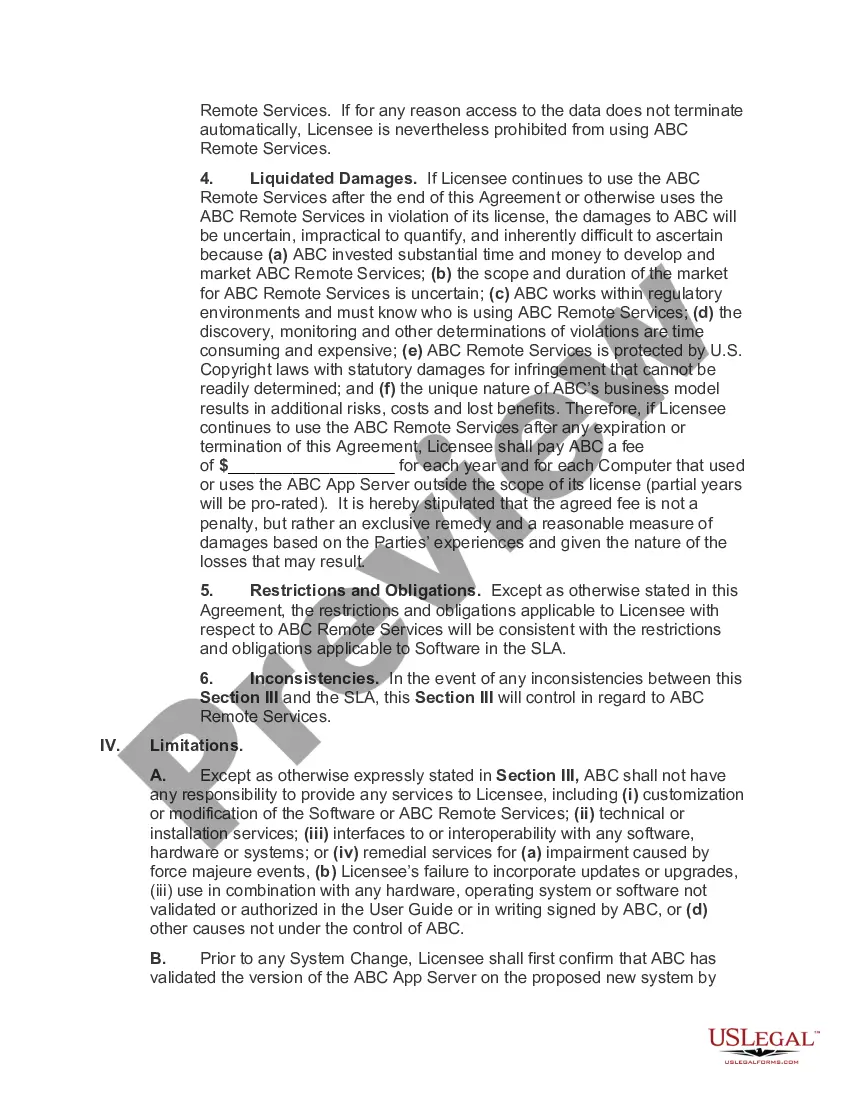
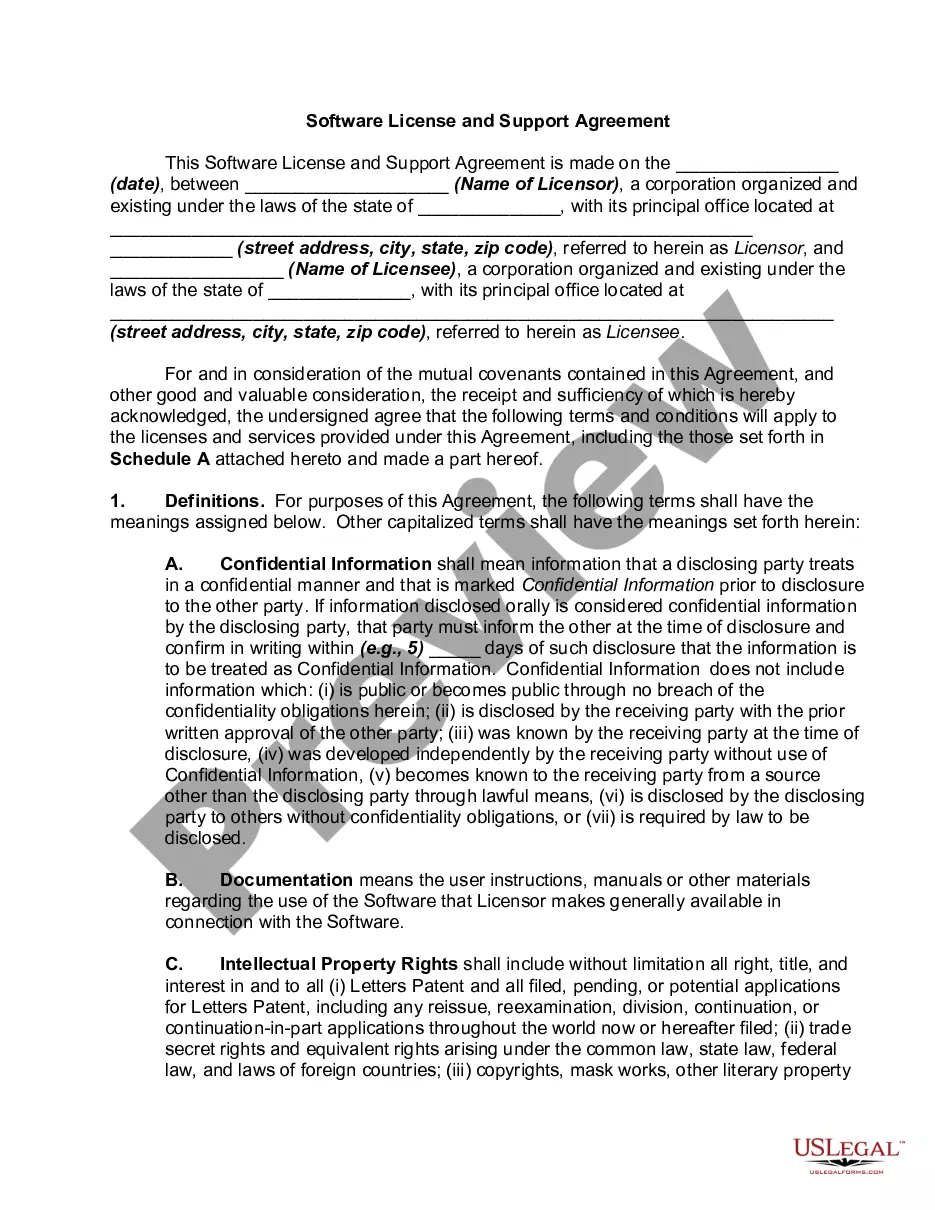
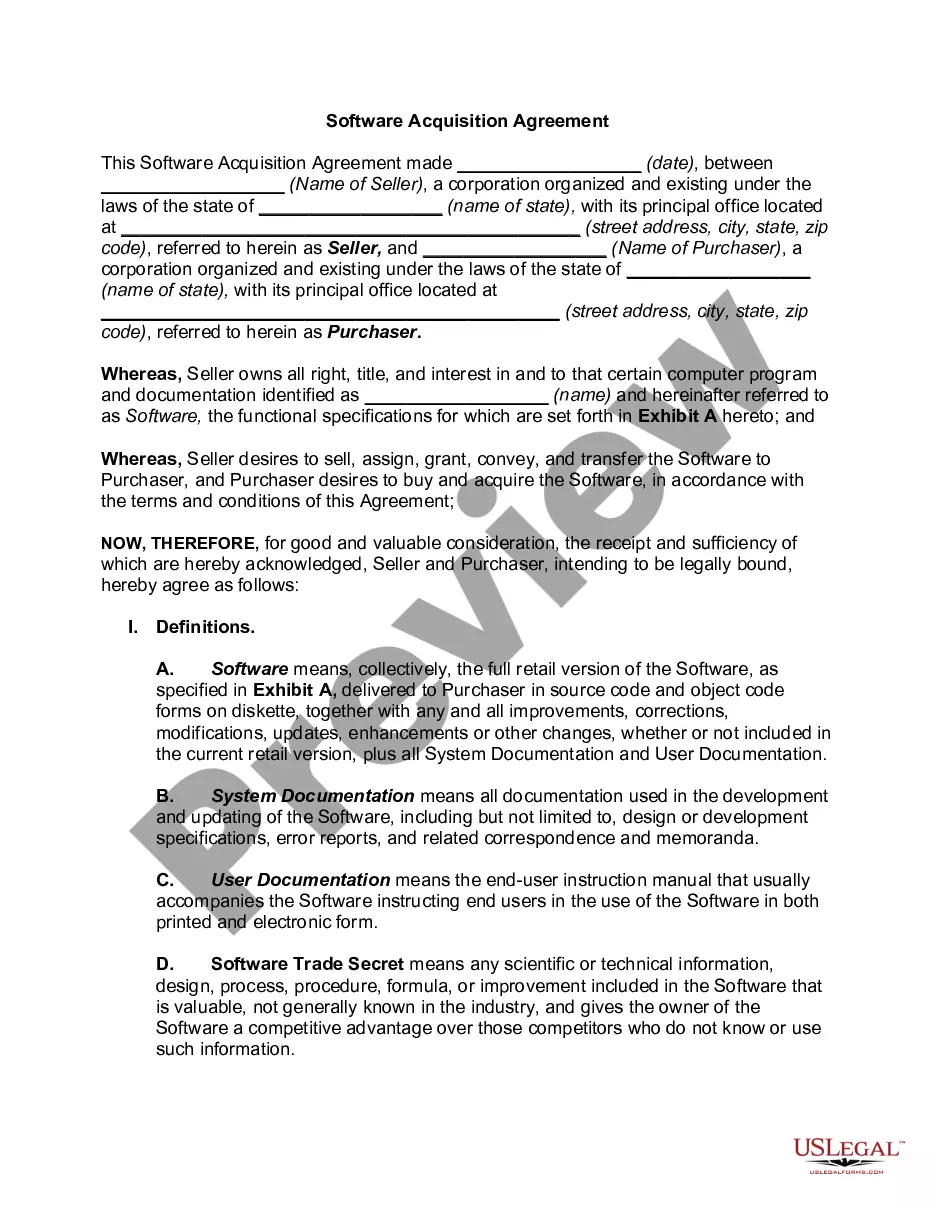
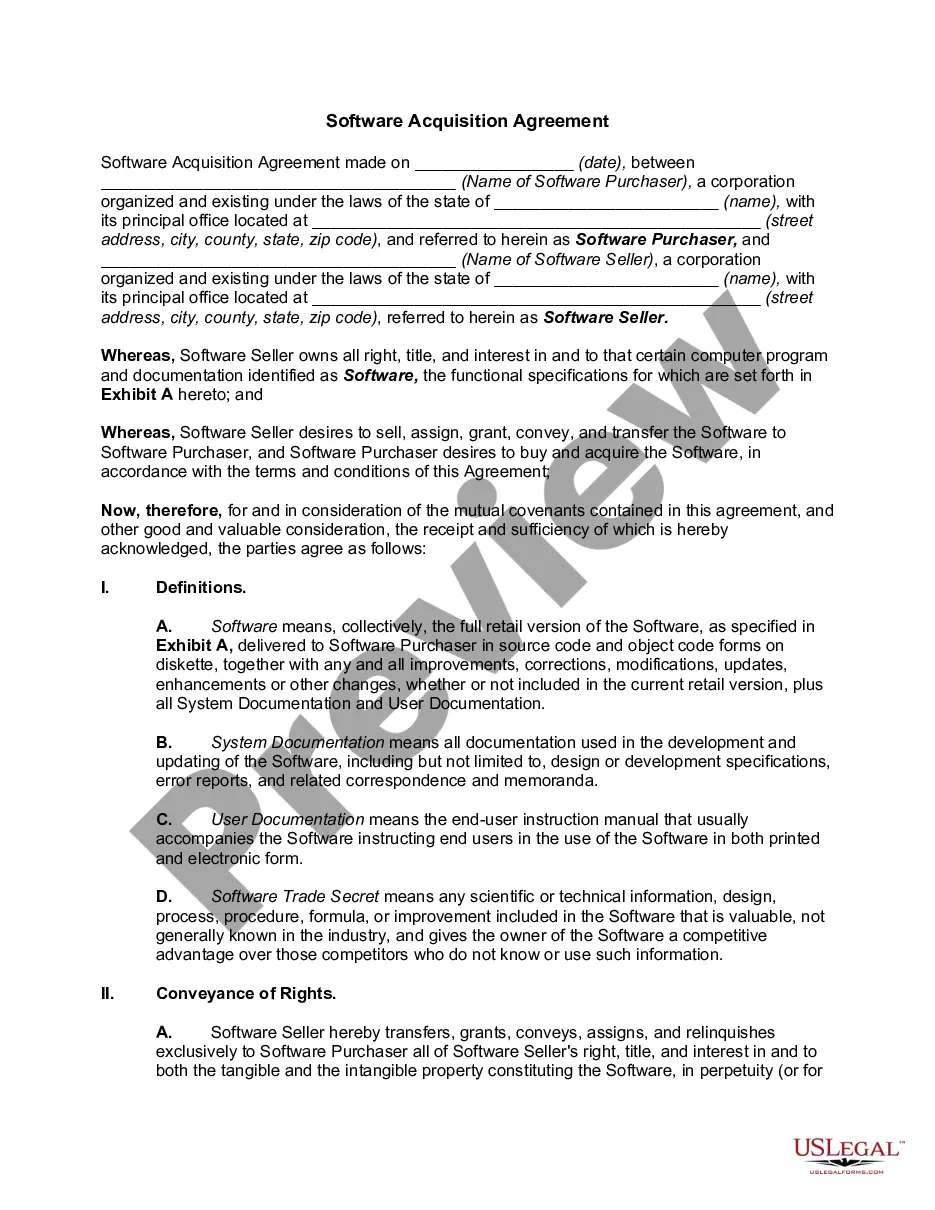
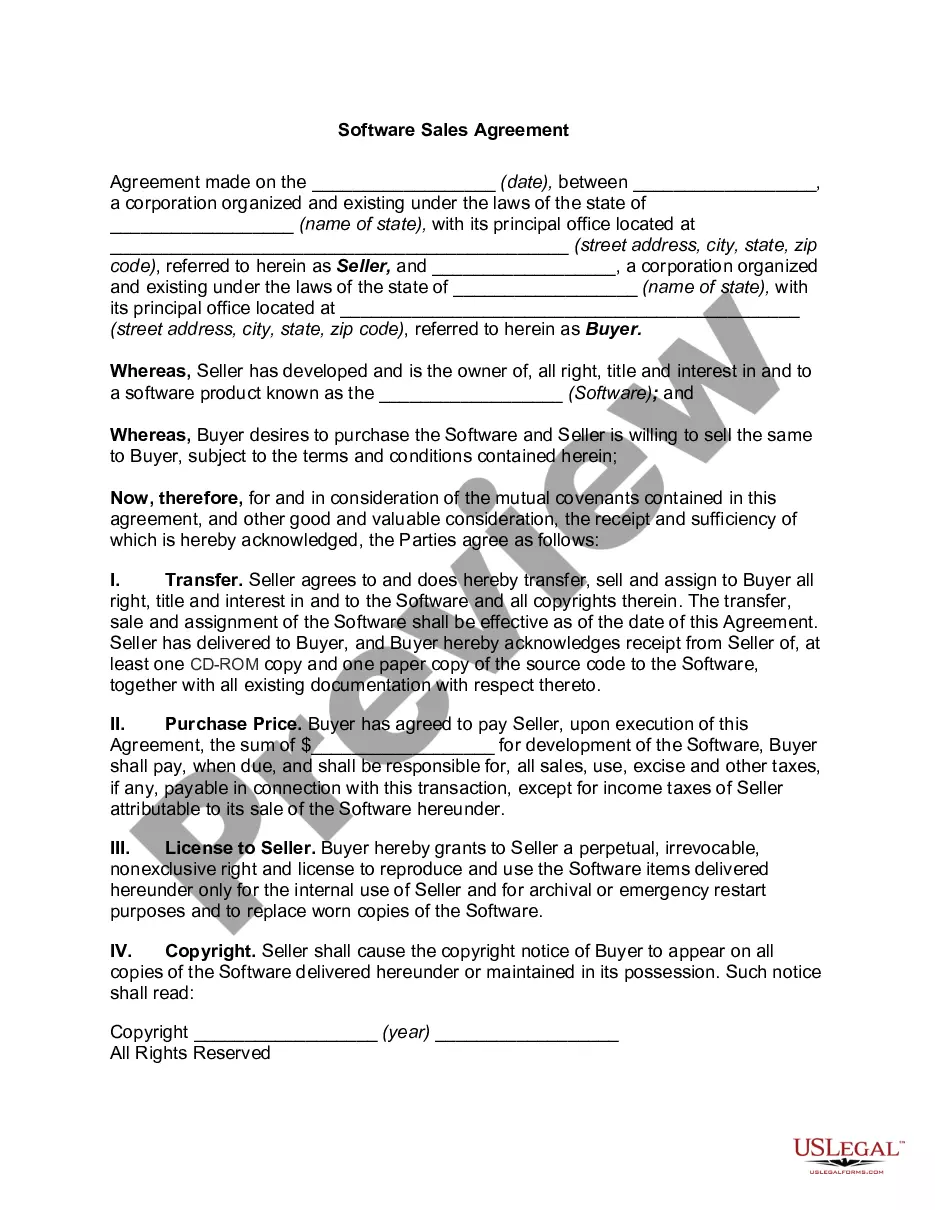
Washington Software Assurance Agreement
Description
Get your form ready online
Our built-in tools help you complete, sign, share, and store your documents in one place.
Make edits, fill in missing information, and update formatting in US Legal Forms—just like you would in MS Word.
Download a copy, print it, send it by email, or mail it via USPS—whatever works best for your next step.
Sign and collect signatures with our SignNow integration. Send to multiple recipients, set reminders, and more. Go Premium to unlock E-Sign.
If this form requires notarization, complete it online through a secure video call—no need to meet a notary in person or wait for an appointment.
We protect your documents and personal data by following strict security and privacy standards.

Make edits, fill in missing information, and update formatting in US Legal Forms—just like you would in MS Word.

Download a copy, print it, send it by email, or mail it via USPS—whatever works best for your next step.

Sign and collect signatures with our SignNow integration. Send to multiple recipients, set reminders, and more. Go Premium to unlock E-Sign.

If this form requires notarization, complete it online through a secure video call—no need to meet a notary in person or wait for an appointment.

We protect your documents and personal data by following strict security and privacy standards.
Looking for another form?



How to fill out Software Assurance Agreement?
You have the ability to spend hours online searching for the valid document template that meets the state and federal standards you require.
US Legal Forms provides thousands of valid templates that are evaluated by experts.
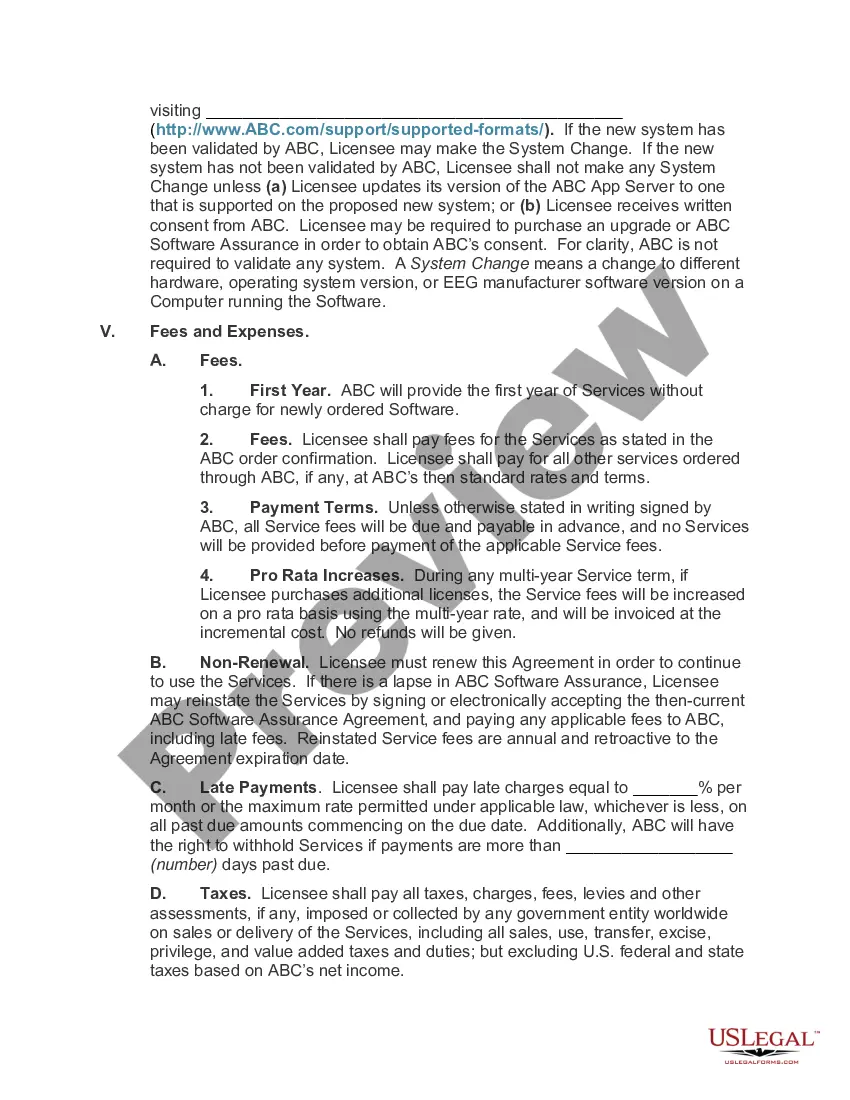
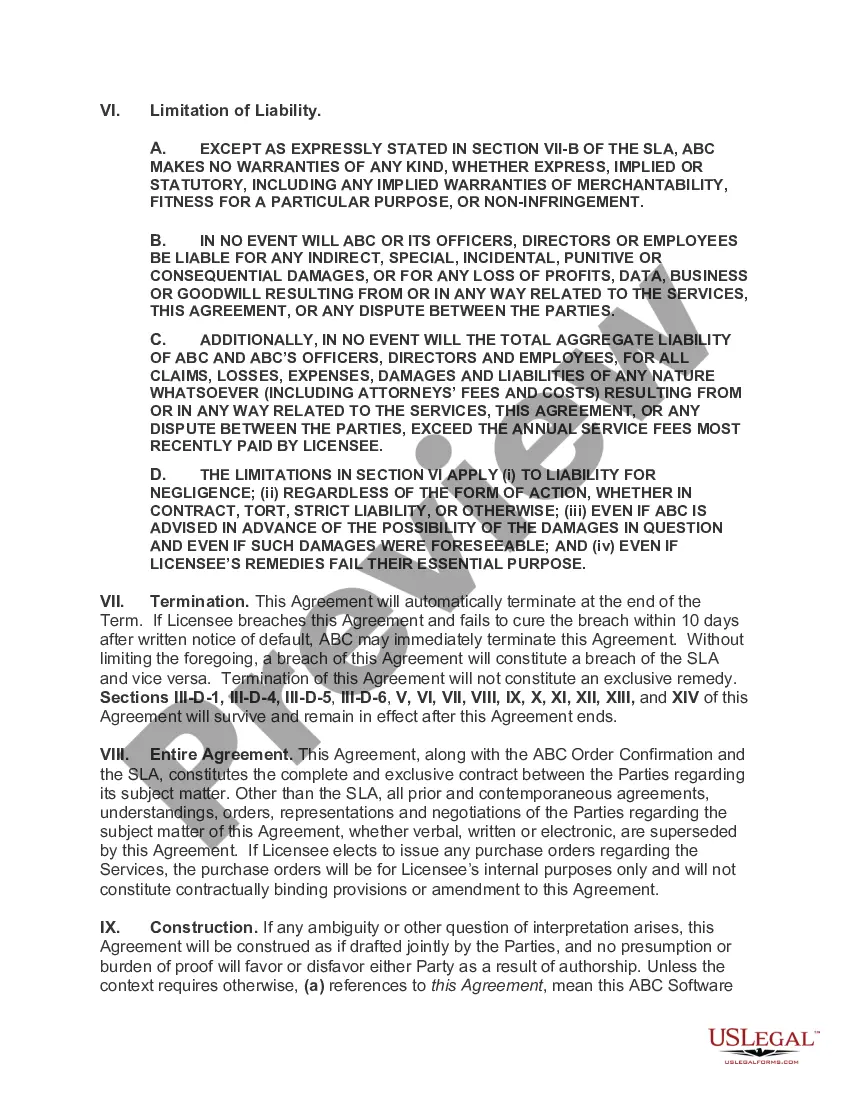
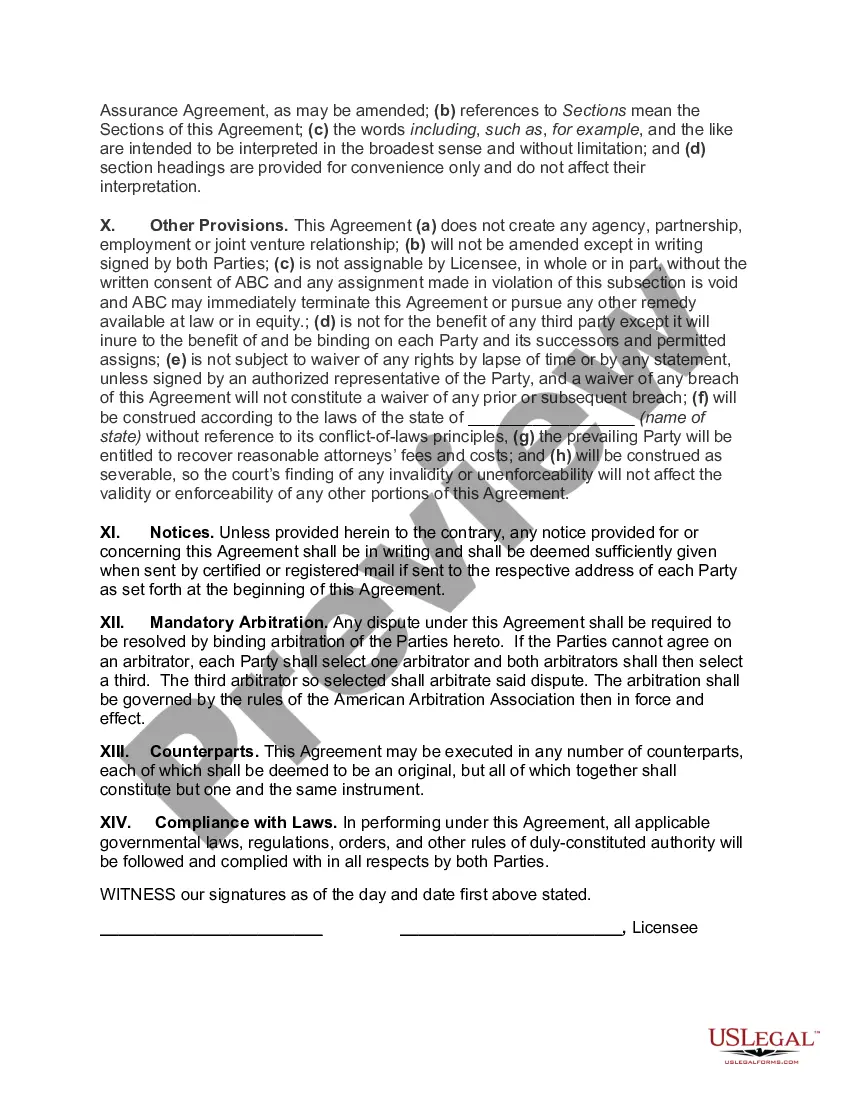
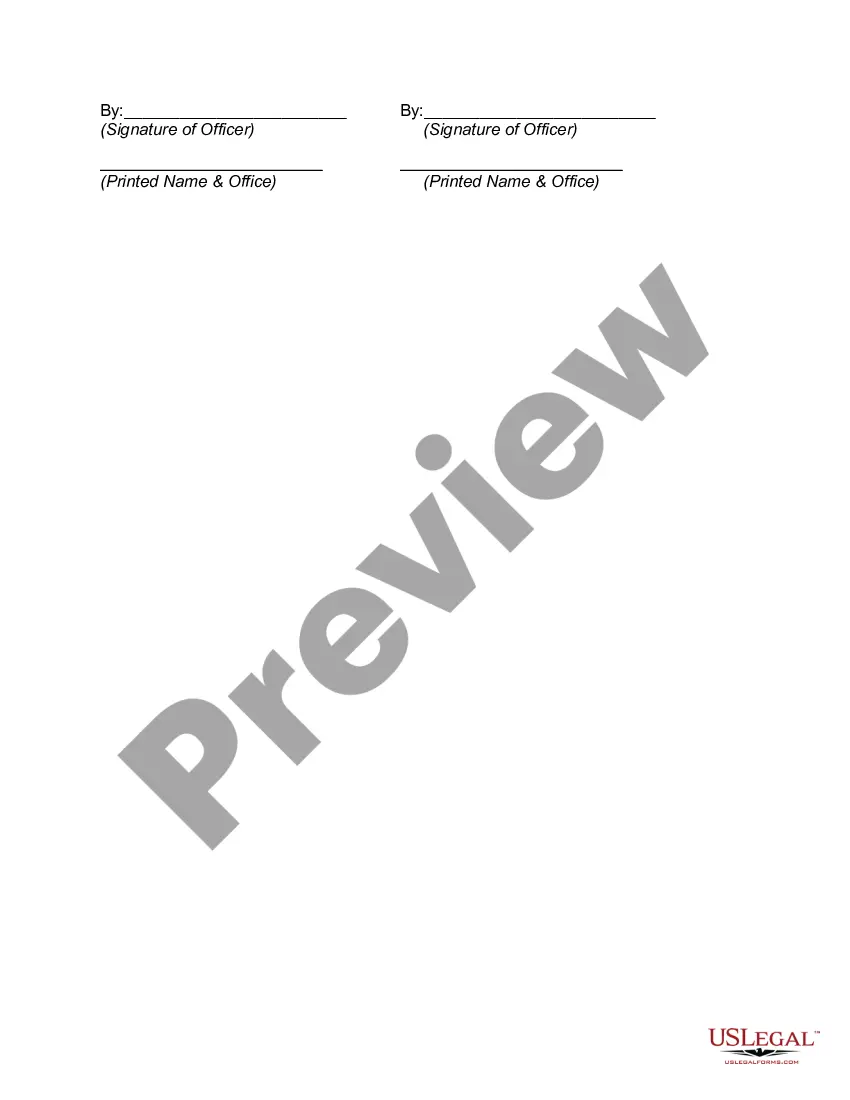
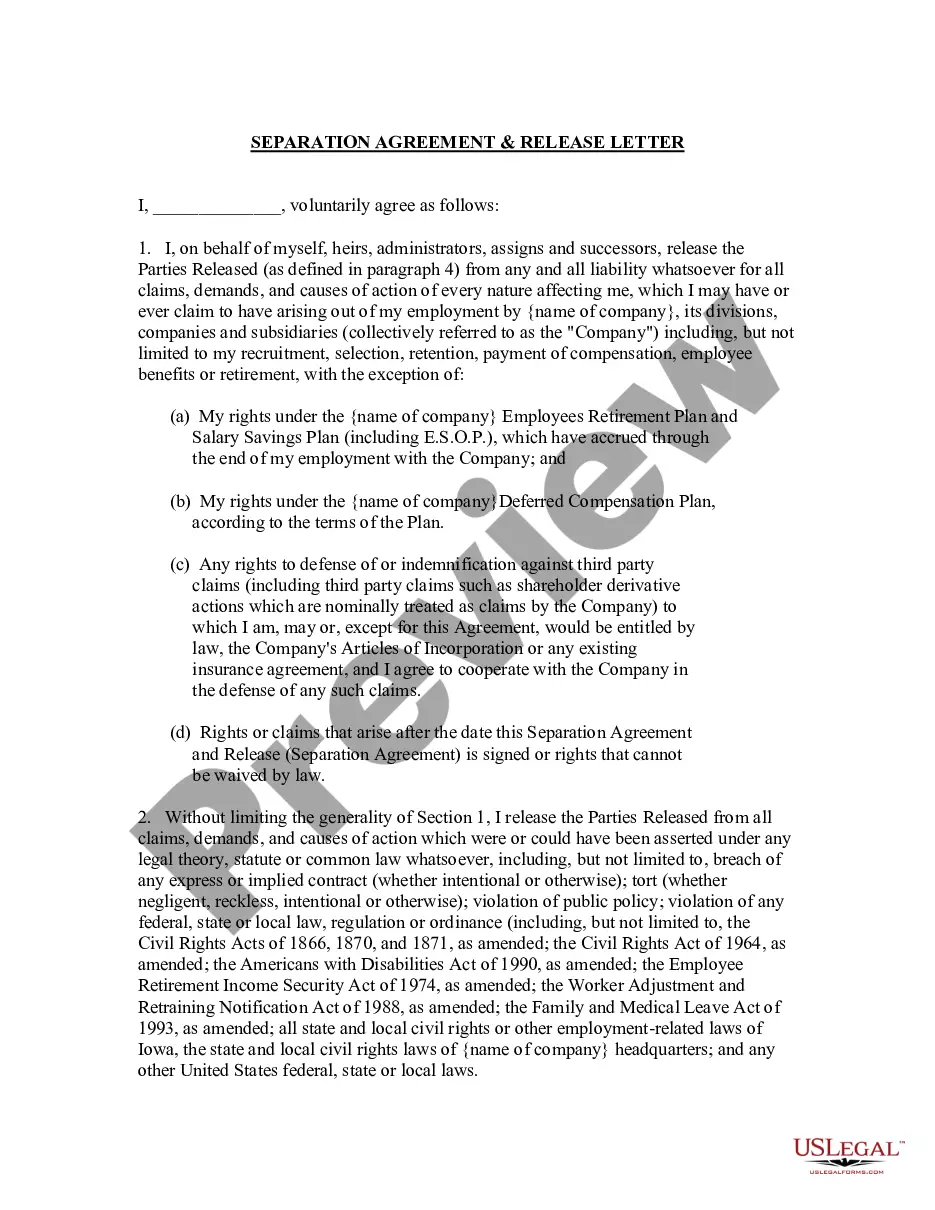
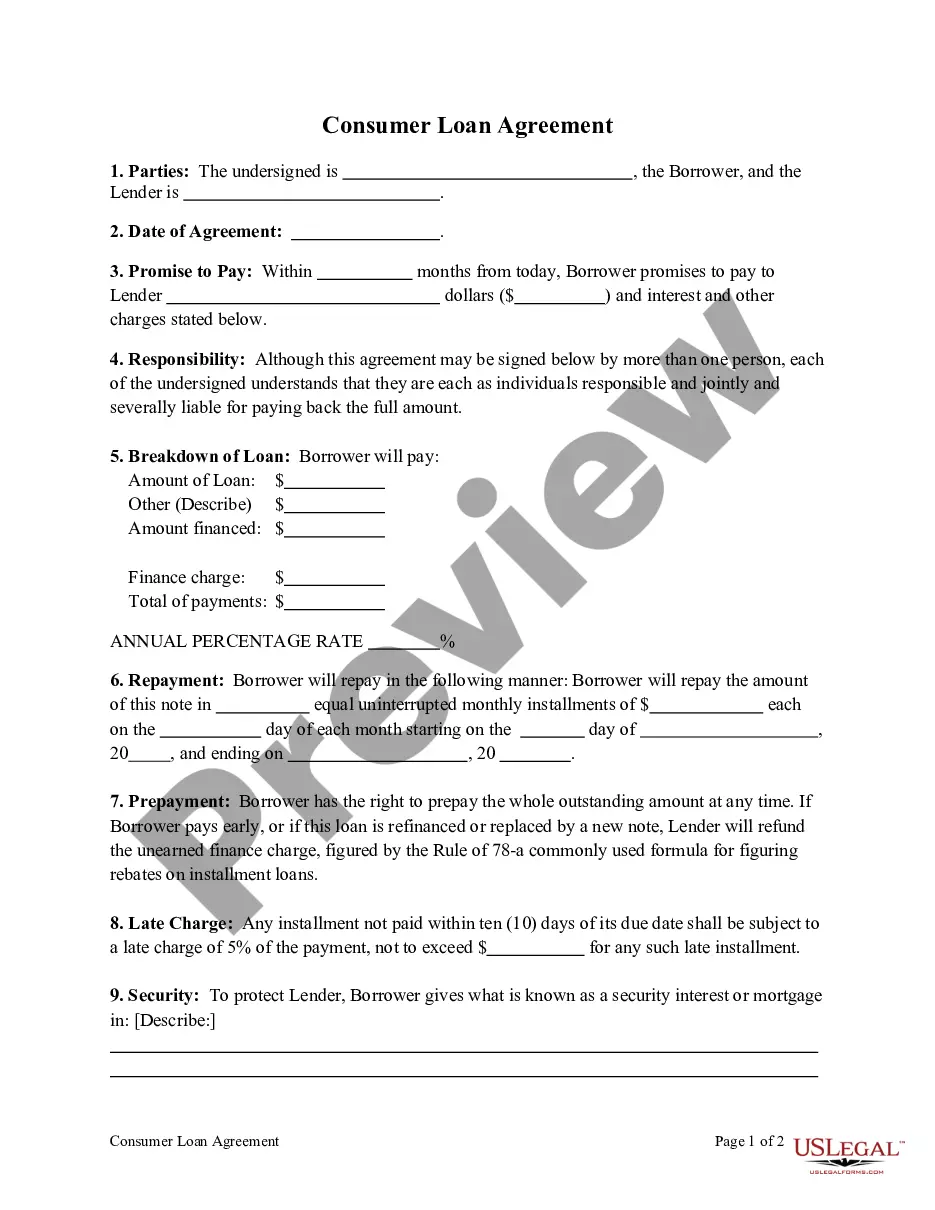
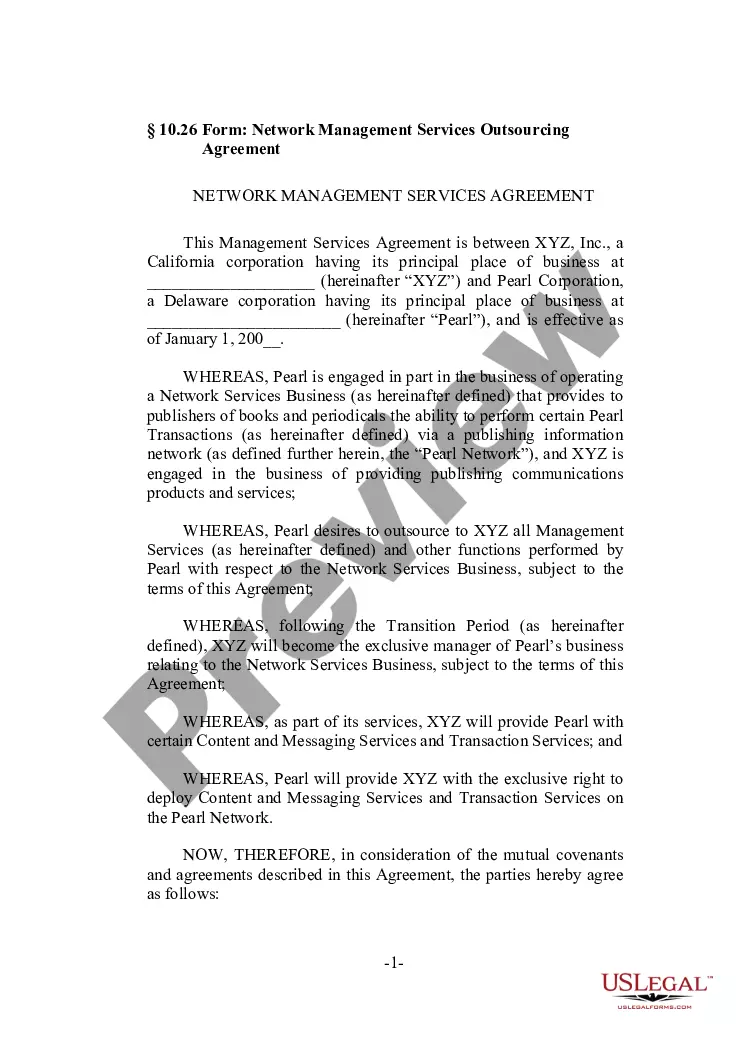
You can indeed obtain or print the Washington Software Assurance Agreement from our service.
If available, use the Preview button to view the document template as well.
- If you already have a US Legal Forms account, you can sign in and then click the Download button.
- Subsequently, you can complete, modify, print, or sign the Washington Software Assurance Agreement.
- Each valid document template you purchase is yours indefinitely.
- To access an additional copy of any form obtained, navigate to the My documents tab and click the respective button.
- If you are using the US Legal Forms website for the first time, follow the straightforward steps below.
- Firstly, ensure you have chosen the correct document template for your desired state/city.
- Check the form description to confirm that you have selected the appropriate form.
Form popularity
FAQ
Open Licensing Designed primarily for small-to-medium organizations, Open Programs allows customers to acquire perpetual or subscription licenses and, at the customer's election, rights to future versions of software products over a specified time period (two or three years depending on the Open Programs used).
What does Software Assurance do? Microsoft Software Assurance provides licenses for version upgrades. Software Assurance customers automatically receive licensing rights that will allow them to deploy new software versions whenever they are released.
Software Assurance provides you with the tools you need to do more with your Microsoft IT investments. Software Assurance is only available through Volume Licensing and is purchased when you buy or renew a Volume Licensing agreement. It is included with some agreements and is an optional purchase with others.
Software Assurance can also be purchased on OEM licensed software within 90 days after purchase. For example, your organization purchases new computers with Office already installed (an Office OEM license. You have 90 days from the date of purchase of the computer to purchase Software Assurance.
Activate through the VLSC Before you can activate your Software Assurance benefits in the VLSC, your organization needs to provide you with Software Assurance Manager permissions. After you are signed in, you'll find a complete list of your available Software Assurance benefits.
Software Assurance benefits expire after two years, though they can be renewed for a fee up to 90 days before the date they expire. There is no grace period after the end of the benefit period to renew.
Can I add Software Assurance to an OEM/Retail product license? Yes, you can attach standalone Software Assurance coverage to an OEM/Retail product license, but you must do so within 90 days of purchasing the OEM/Retail (full packaged product) product license.
What does Software Assurance do? Microsoft Software Assurance provides licenses for version upgrades. Software Assurance customers automatically receive licensing rights that will allow them to deploy new software versions whenever they are released.
Microsoft Software Assurance benefits are not the same as product licenses. Product licenses do not expire. They are valid for as long as you own the product. Software Assurance benefits expire after three years.