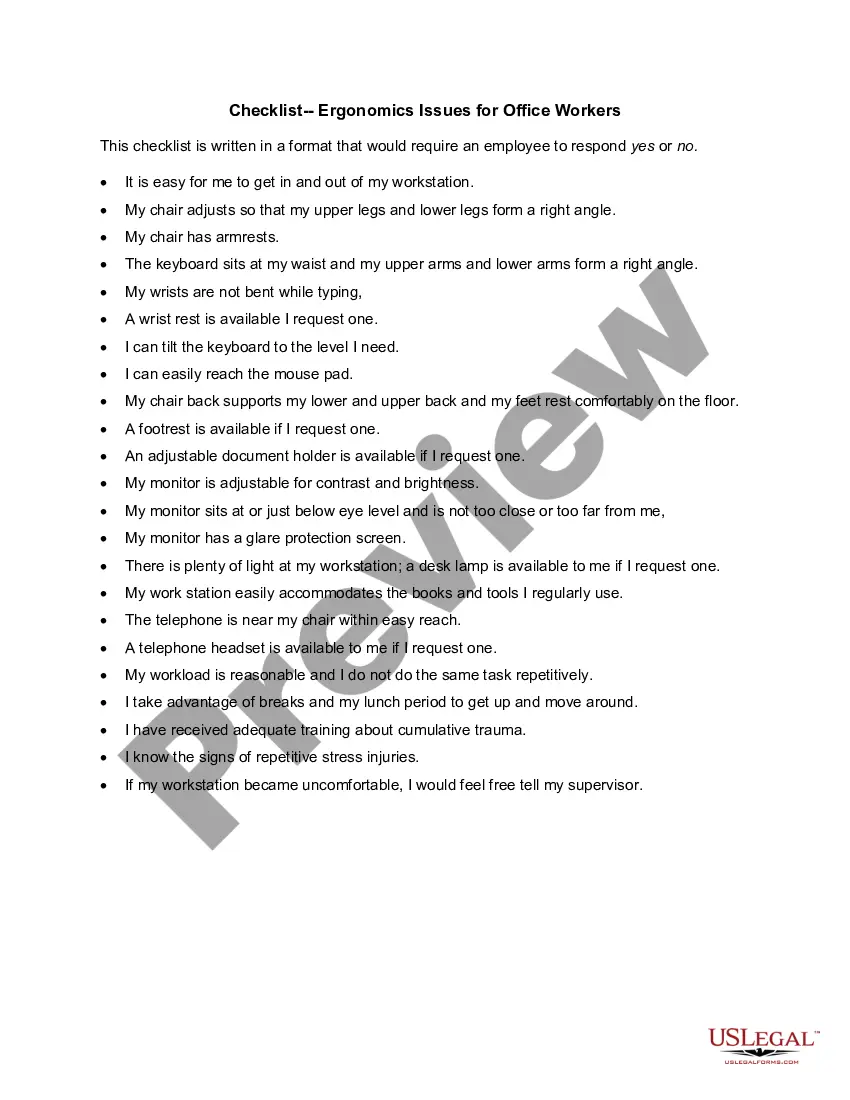
Washington Checklist - Ergonomics Issues for Office Workers
Description

Get your form ready online
Our built-in tools help you complete, sign, share, and store your documents in one place.
Make edits, fill in missing information, and update formatting in US Legal Forms—just like you would in MS Word.
Download a copy, print it, send it by email, or mail it via USPS—whatever works best for your next step.
Sign and collect signatures with our SignNow integration. Send to multiple recipients, set reminders, and more. Go Premium to unlock E-Sign.
If this form requires notarization, complete it online through a secure video call—no need to meet a notary in person or wait for an appointment.
We protect your documents and personal data by following strict security and privacy standards.

Make edits, fill in missing information, and update formatting in US Legal Forms—just like you would in MS Word.

Download a copy, print it, send it by email, or mail it via USPS—whatever works best for your next step.

Sign and collect signatures with our SignNow integration. Send to multiple recipients, set reminders, and more. Go Premium to unlock E-Sign.

If this form requires notarization, complete it online through a secure video call—no need to meet a notary in person or wait for an appointment.

We protect your documents and personal data by following strict security and privacy standards.
Looking for another form?


How to fill out Checklist - Ergonomics Issues For Office Workers?
US Legal Forms - one of the most prominent collections of legal documents in the United States - offers an extensive array of legal paper templates that you can download or create.
On the website, you can access thousands of forms for both business and personal purposes, organized by categories, claims, or keywords.
You can locate the latest versions of forms such as the Washington Checklist - Ergonomics Issues for Office Workers in just a few moments.
Review the form description to confirm that you've chosen the right document.
If the form doesn’t meet your needs, utilize the Search field at the top of the screen to find one that does.
- If you hold a monthly subscription, Log In and retrieve the Washington Checklist - Ergonomics Issues for Office Workers from the US Legal Forms library.
- The Obtain button will appear on every form you access.
- You will have access to all previously downloaded forms from the My documents tab of your account.
- To utilize US Legal Forms for the first time, here are basic instructions to get started.
- Make sure you have selected the correct form for your city/county.
- Click the Review button to inspect the content of the form.
Form popularity
FAQ
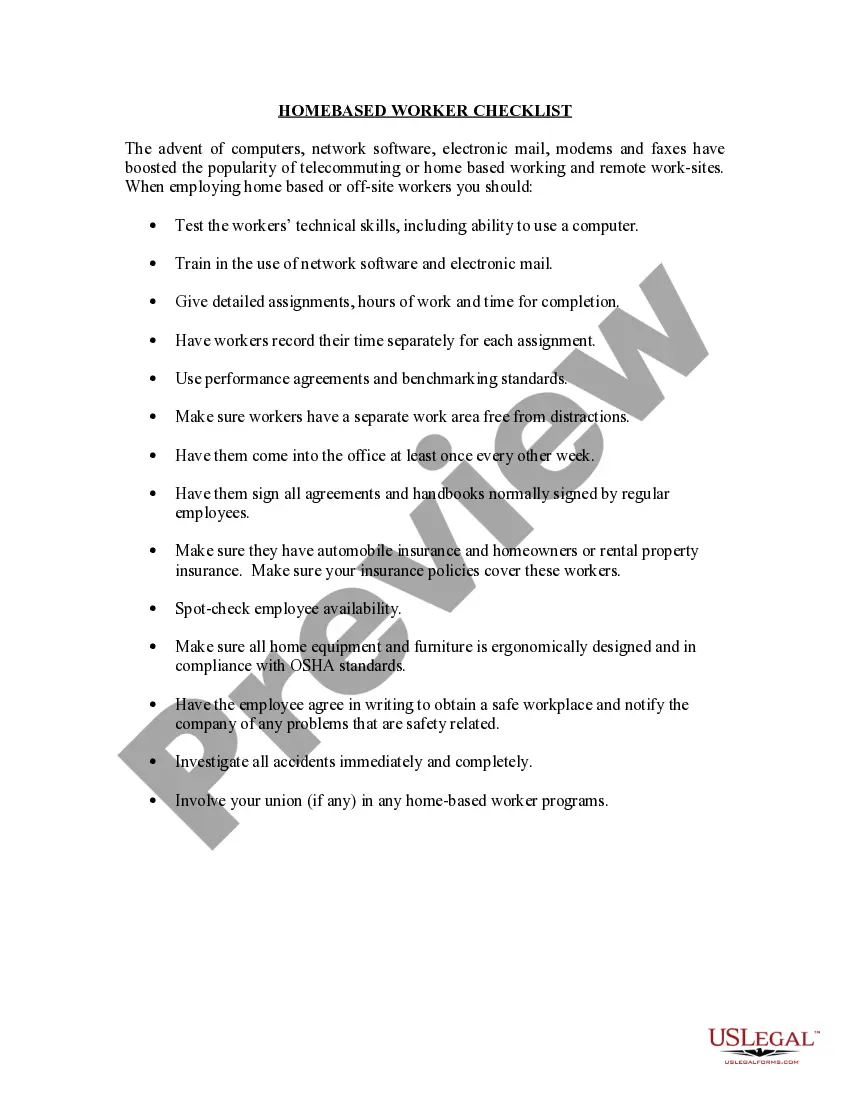
To perform an ergonomic assessment in an office, begin by observing workstations and the layout of furniture. Document each employee's workstation setup, noting height settings for desks and chairs. Encourage employees to express any discomfort they experience while working. Using the Washington Checklist - Ergonomics Issues for Office Workers, identify potential adjustments that can enhance comfort and productivity. This proactive approach ensures a safer and more efficient work environment.
To effectively conduct an ergonomic assessment, begin with identifying the workspace and tasks performed by employees. Next, evaluate the physical conditions of the workspace, such as desk height and chair support. Then, analyze employee work habits and posture during tasks. After gathering this information, the final step is to create a Washington Checklist - Ergonomics Issues for Office Workers to document findings and recommend solutions. This checklist will guide improvements for a healthier work environment.
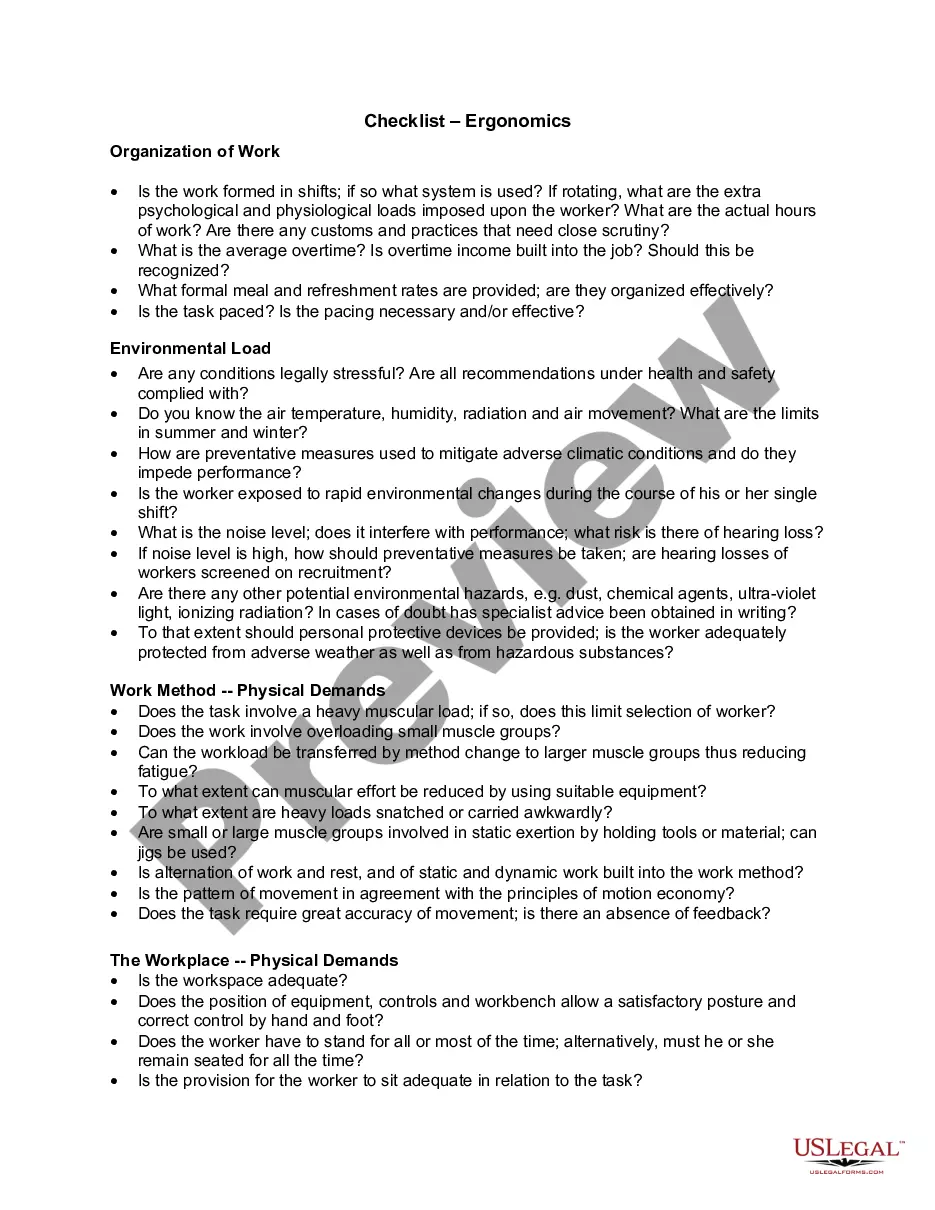
Ergonomics guidelines for the office typically include proper workstation setup, adjustable furniture, and techniques for reducing strain during work activities. Following these guidelines promotes a healthier and safer work environment. The Washington Checklist - Ergonomics Issues for Office Workers serves as an excellent resource for implementing these best practices.
An ergonomic risk assessment for office workers is a systematic evaluation of the workplace aimed at identifying potential hazards related to ergonomics. This assessment helps in understanding how work design affects worker performance and safety. Utilizing the Washington Checklist - Ergonomics Issues for Office Workers can streamline the assessment process and enhance workplace safety.
Yes, ergonomics falls under the purview of OSHA, the Occupational Safety and Health Administration. Although OSHA does not have specific ergonomic regulations, it does suggest best practices for preventing workplace injuries. Knowledge of the Washington Checklist - Ergonomics Issues for Office Workers can assist in ensuring compliance with safety standards.
Ergonomic requirements for working in an office often focus on workstation setup, tool design, and work processes that promote employee well-being. It's essential to ensure that equipment is adjustable and that postures are optimized. You can find valuable insights in the Washington Checklist - Ergonomics Issues for Office Workers to help meet these requirements.
The ergonomic risk assessment for office workers involves analyzing tasks and environments to pinpoint potential ergonomic hazards. By identifying these risks, you can take proactive steps to mitigate them. Referencing the Washington Checklist - Ergonomics Issues for Office Workers provides a structured approach to performing these assessments.
An ergonomic assessment in an office setting evaluates workspaces, practices, and employee habits to identify risk factors. This process aims to enhance comfort and productivity while reducing the risk of injury. Incorporating insights from the Washington Checklist - Ergonomics Issues for Office Workers can drive effective assessments.
Employers are encouraged, but not always legally required, to provide ergonomic assessments. The need for assessments can depend on state laws and regulations. Understanding the guidelines in the Washington Checklist - Ergonomics Issues for Office Workers can help you navigate your rights and responsibilities as an employee or an employer.
Ergonomic risk factors for office workers include repetitive motions, awkward postures, and excessive force. These factors can lead to discomfort and injuries over time. Recognizing these risks is crucial, as part of the Washington Checklist - Ergonomics Issues for Office Workers, to create a healthier work environment.