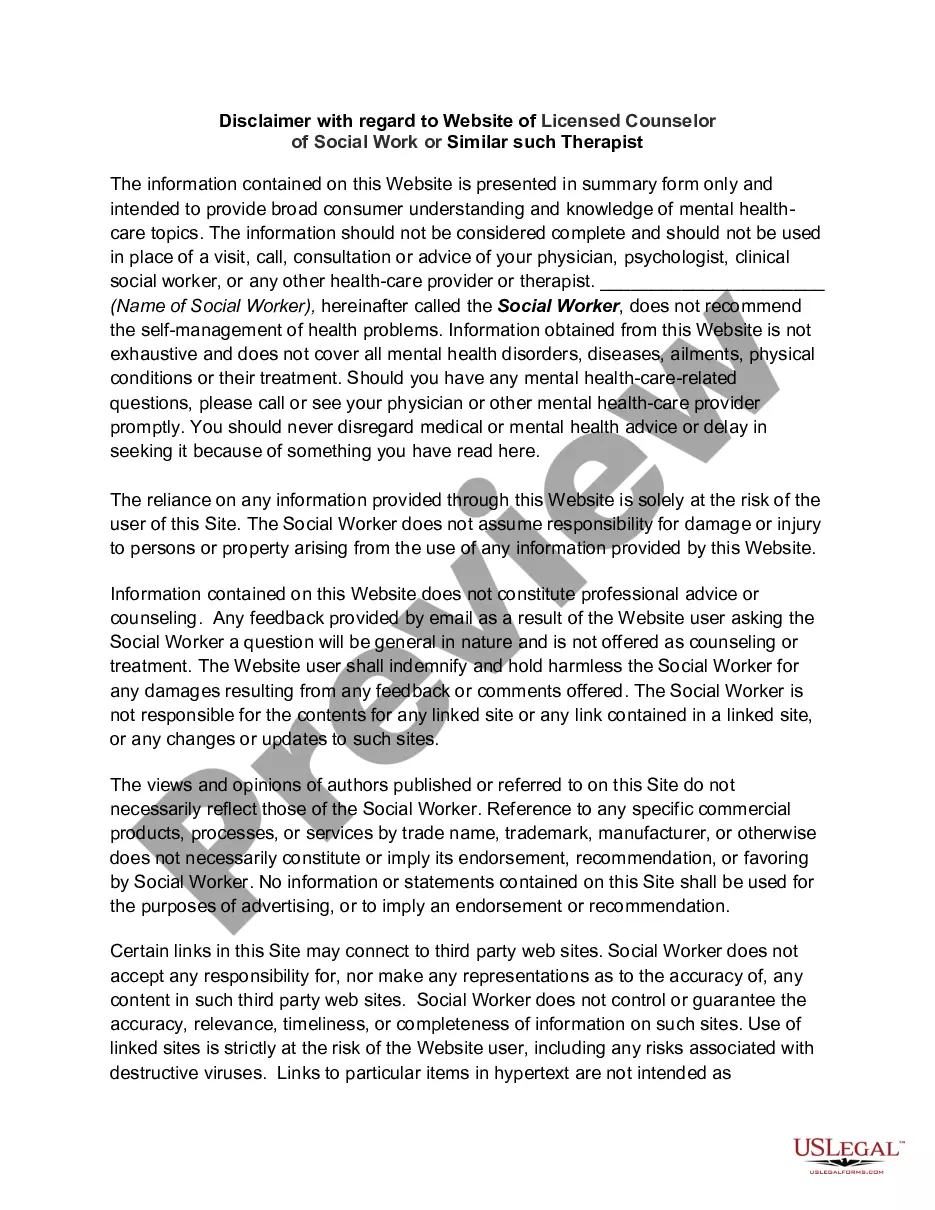
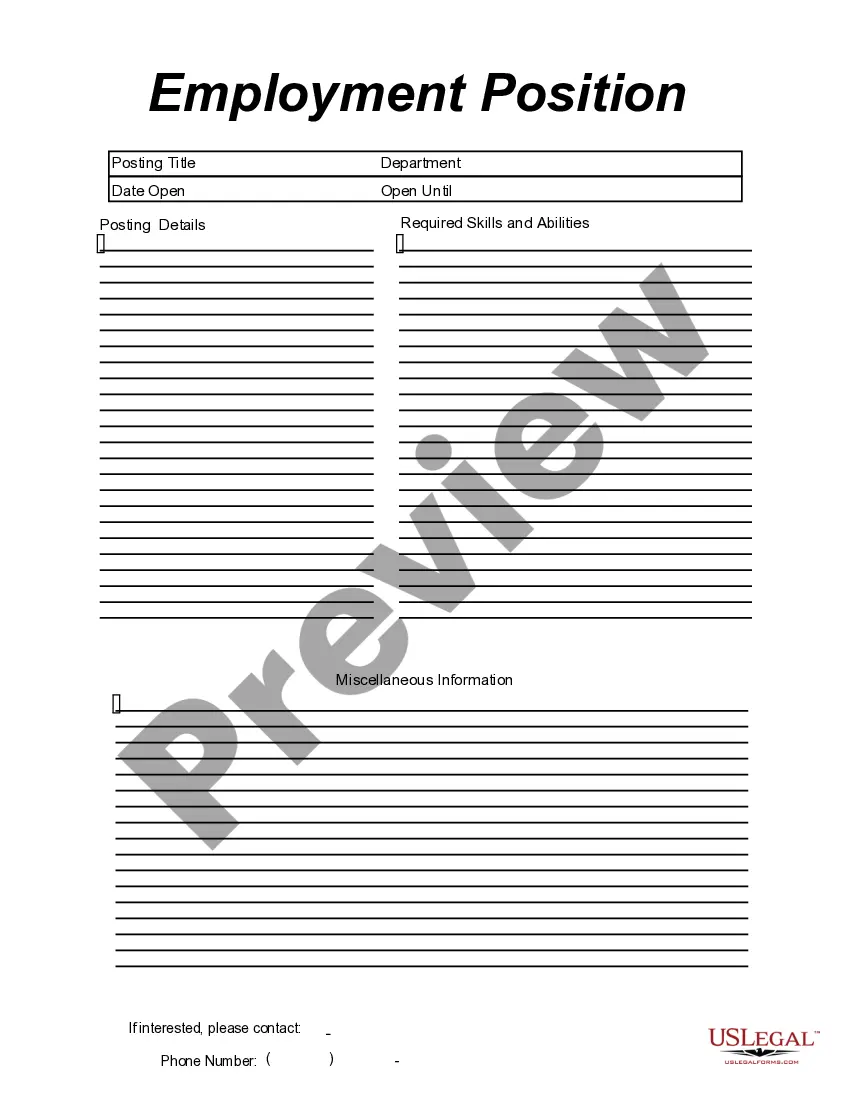
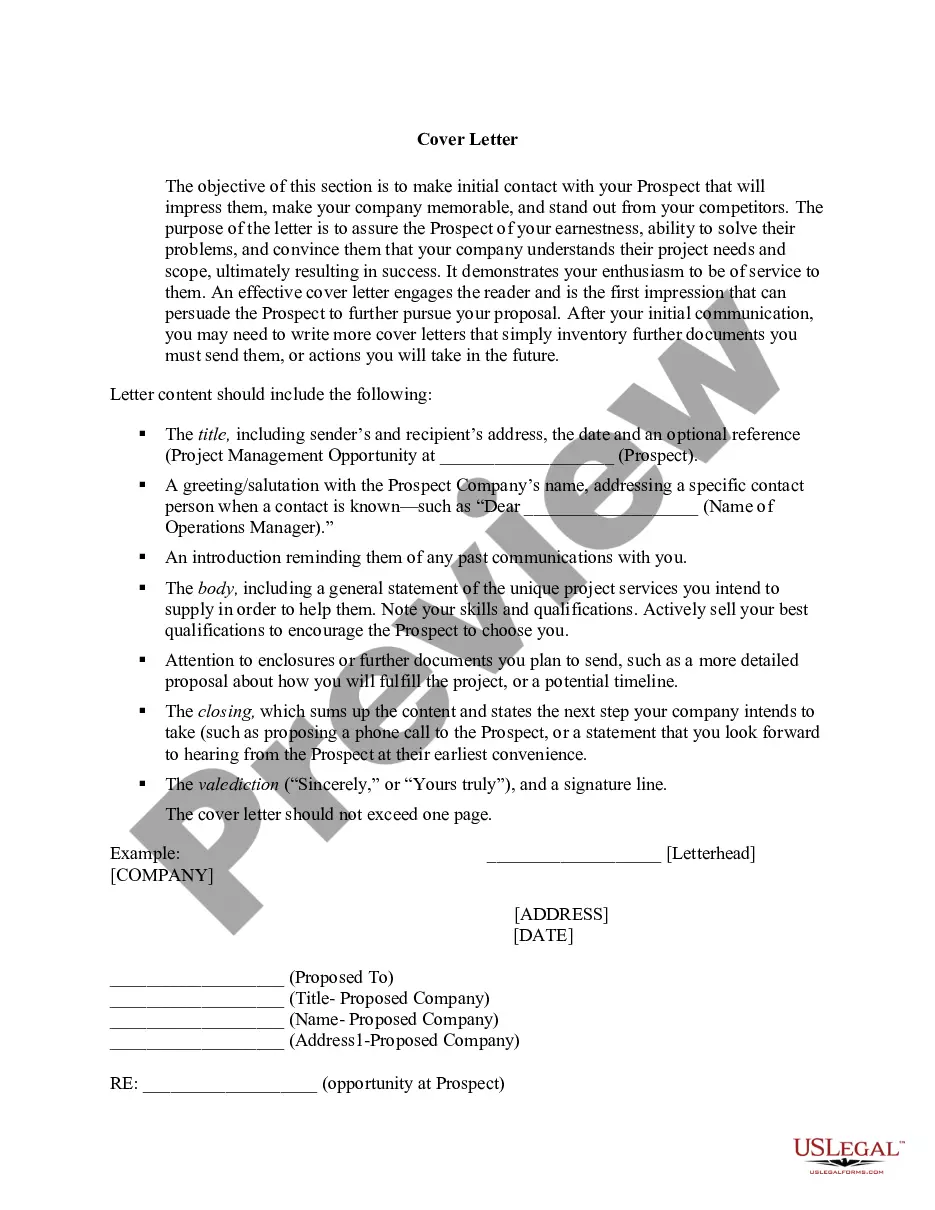
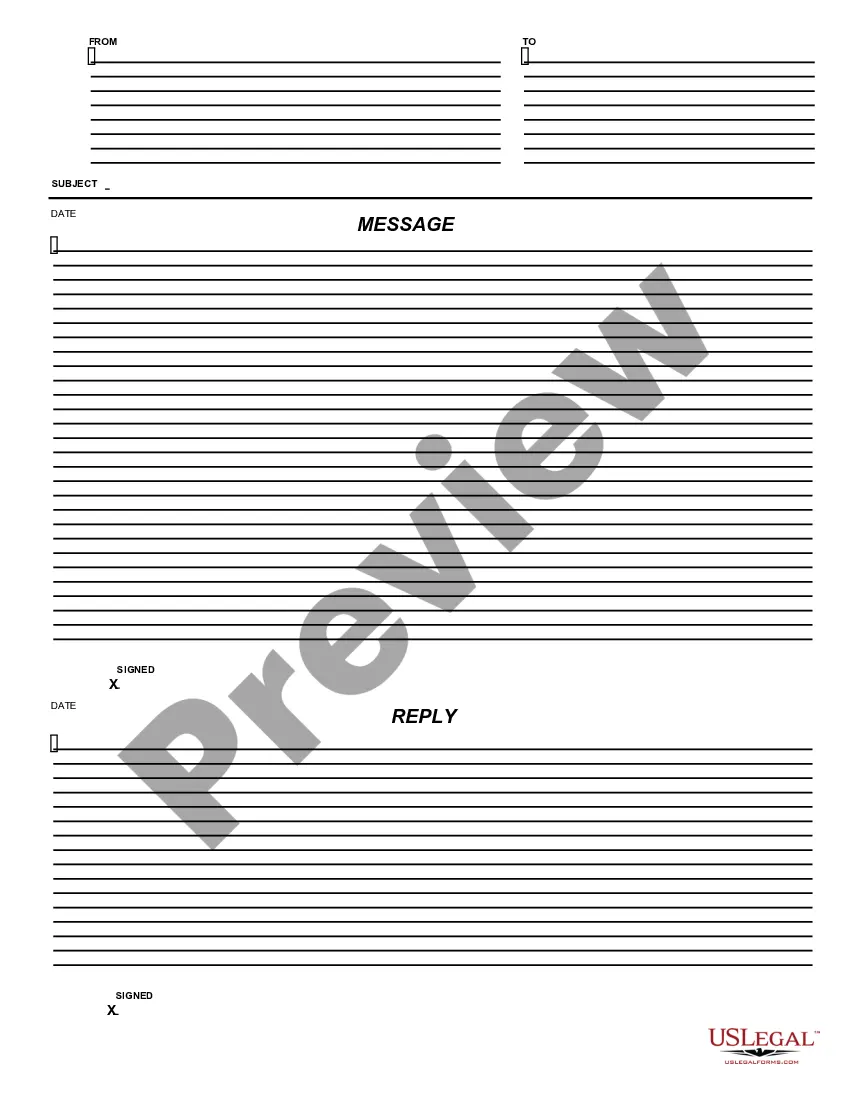
This form is a business type form that is formatted to allow you to complete the form using Adobe Acrobat or Word. The word files have been formatted to allow completion by entry into fields. Some of the forms under this category are rather simple while others are more complex. The formatting is worth the small cost.
Vermont Employment Position Announcement
Category:
State:
Multi-State
Control #:
US-149-AZ
Format:
Word;
PDF;
Rich Text
Instant download
Description

Get your form ready online
Our built-in tools help you complete, sign, share, and store your documents in one place.
Built-in online Word editor
Make edits, fill in missing information, and update formatting in US Legal Forms—just like you would in MS Word.
Export easily
Download a copy, print it, send it by email, or mail it via USPS—whatever works best for your next step.
E-sign your document
Sign and collect signatures with our SignNow integration. Send to multiple recipients, set reminders, and more. Go Premium to unlock E-Sign.
Notarize online 24/7
If this form requires notarization, complete it online through a secure video call—no need to meet a notary in person or wait for an appointment.
Store your document securely
We protect your documents and personal data by following strict security and privacy standards.

Make edits, fill in missing information, and update formatting in US Legal Forms—just like you would in MS Word.

Download a copy, print it, send it by email, or mail it via USPS—whatever works best for your next step.

Sign and collect signatures with our SignNow integration. Send to multiple recipients, set reminders, and more. Go Premium to unlock E-Sign.

If this form requires notarization, complete it online through a secure video call—no need to meet a notary in person or wait for an appointment.

We protect your documents and personal data by following strict security and privacy standards.
Looking for another form?
How to fill out Employment Position Announcement?
US Legal Forms - one of the largest collections of legal documents in the United States - offers a diverse selection of legal form templates that you can download or print.
Through the website, you can access thousands of forms for business and personal purposes, categorized by types, states, or keywords. You can find updated versions of forms such as the Vermont Employment Position Announcement in no time.
If you have an active monthly subscription, Log In to download the Vermont Employment Position Announcement from your library of US Legal Forms. The Obtain button will be available on each form that you view. You can access all previously downloaded forms in the My documents section of your account.
Complete the transaction. Utilize your credit card or PayPal account to finalize the purchase.
Select the format and download the form to your device. Make edits. Fill out, modify, print, and sign the downloaded Vermont Employment Position Announcement. Each template you added to your account has no expiration date and is yours indefinitely. So, to download or print another copy, simply navigate to the My documents section and click on the form you desire. Access the Vermont Employment Position Announcement with US Legal Forms, the most comprehensive collection of legal document templates. Utilize thousands of professional and state-specific templates that address your business or personal needs and requirements.
- Ensure that you have selected the correct form for your city/county.
- Click on the Review button to verify the content of the form.
- Read the form description to confirm that you have chosen the right document.
- If the form does not meet your requirements, utilize the Search box at the top of the page to find one that does.
- Once you are satisfied with the form, confirm your selection by clicking the Buy now button.
- Next, choose your preferred pricing plan and provide your information to register for an account.
Form popularity
FAQ
In Vermont, full-time status is generally defined by employers, but 32 hours a week may qualify as full-time for some companies. Many employers base full-time classifications on the availability of benefits, such as health insurance. When assessing a Vermont Employment Position Announcement, it’s beneficial to clarify the employer's definition of full-time to understand your potential benefits and obligations.
The self-employment tax in Vermont generally aligns with federal guidelines, which include contributions to Social Security and Medicare. As an independent worker, you are responsible for paying this tax based on your net earnings. For those drafting a Vermont Employment Position Announcement, knowing the self-employment tax impacts can inform your hiring and compensation strategies.
Step 1: Navigate to your business page on Facebook. First, you should log in as the administrator of your business's Facebook page.Step 2: Click job above the spot to write a new posting.Step 3: Enter job details.Step 4: Preview the job posting.Step 5: Publish the job posting.
Vermont JobLink Whether searching for work or looking to hire, VT JobLink can assist in linking employers and talent.
How to Write a Great Job Posting (2021)Perform a thorough job analysis.Keep the job posting in the 300-700 word range.A job title must be clear, direct, and specific.Describe the job opportunity.Sell the job opportunity.Sell the company vision and culture.Structure your job posting.Describe the application process.More items...?
How to Write a Job DescriptionJob Title. Make your job titles specific.Job Summary. Open with a strong, attention-grabbing summary.Responsibilities and Duties. Outline the core responsibilities of the position.Qualifications and Skills. Include a list of hard and soft skills.Salary and Benefits. Include a salary range.
How to Write a Great Job Posting (2021)Perform a thorough job analysis.Keep the job posting in the 300-700 word range.A job title must be clear, direct, and specific.Describe the job opportunity.Sell the job opportunity.Sell the company vision and culture.Structure your job posting.Describe the application process.More items...?
Once a job posting has been successfully created, you may want to share this posting through social media. Postings may be shared via Facebook, Twitter, LinkedIn, and email.
Here are 6 simple and cost-effective ways to promote your job openings:Make use of free job boards.Utilize the traffic on your website.Don't forget about social media.Partner up with local universities/colleges.Participate in career-related online discussions.Make use of employee referrals.
Advertise your vacanciesAdvertise your jobs free to millions of jobseekers who search Universal Jobmatch every week. When you register on gov.uk/advertise-job, you'll be able to post and manage jobs online 24/7, 365 days a year.