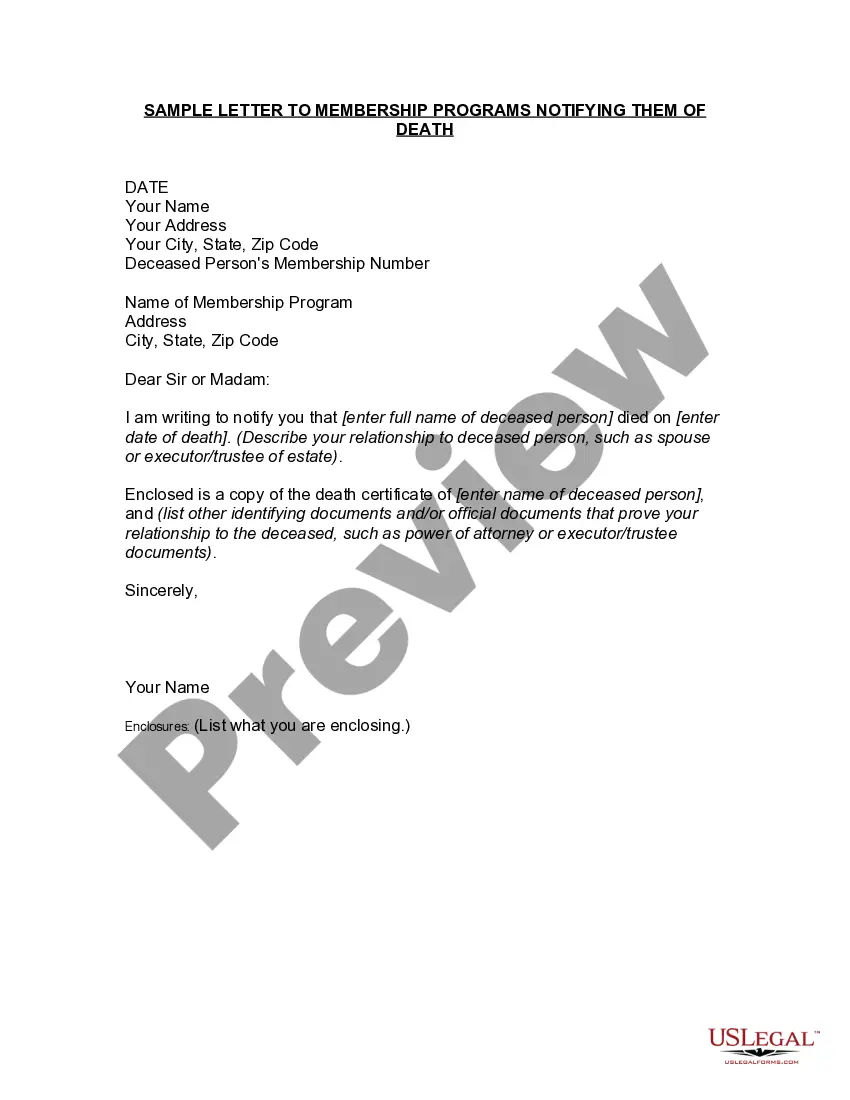
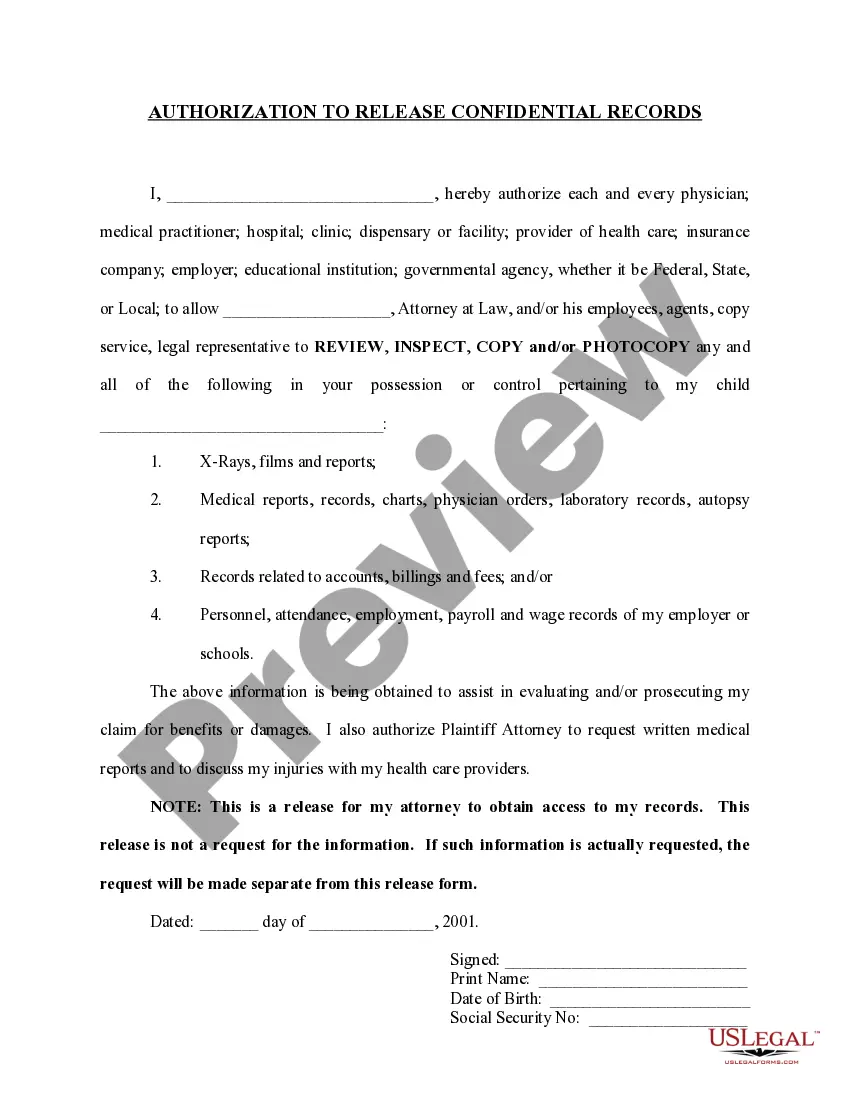
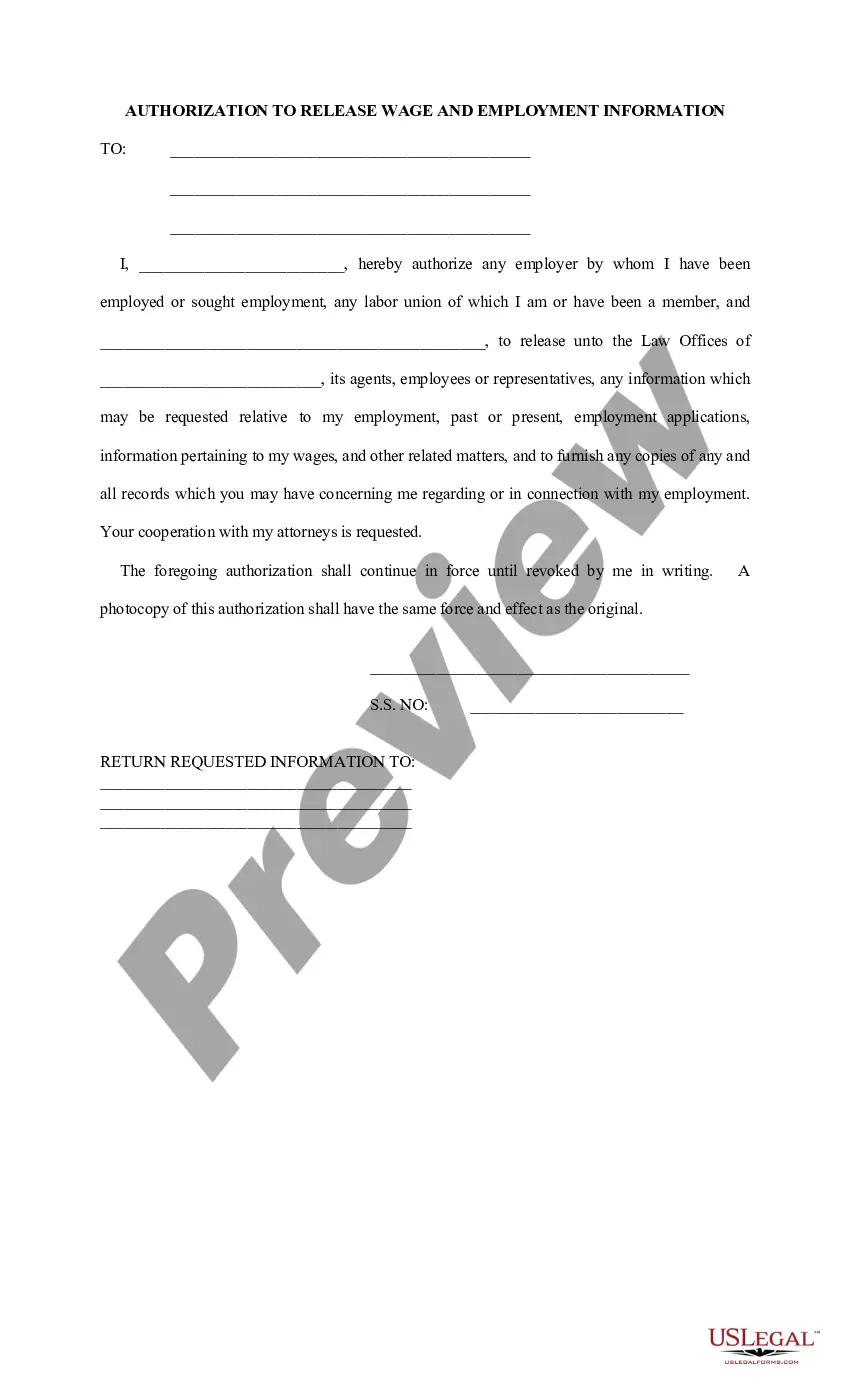
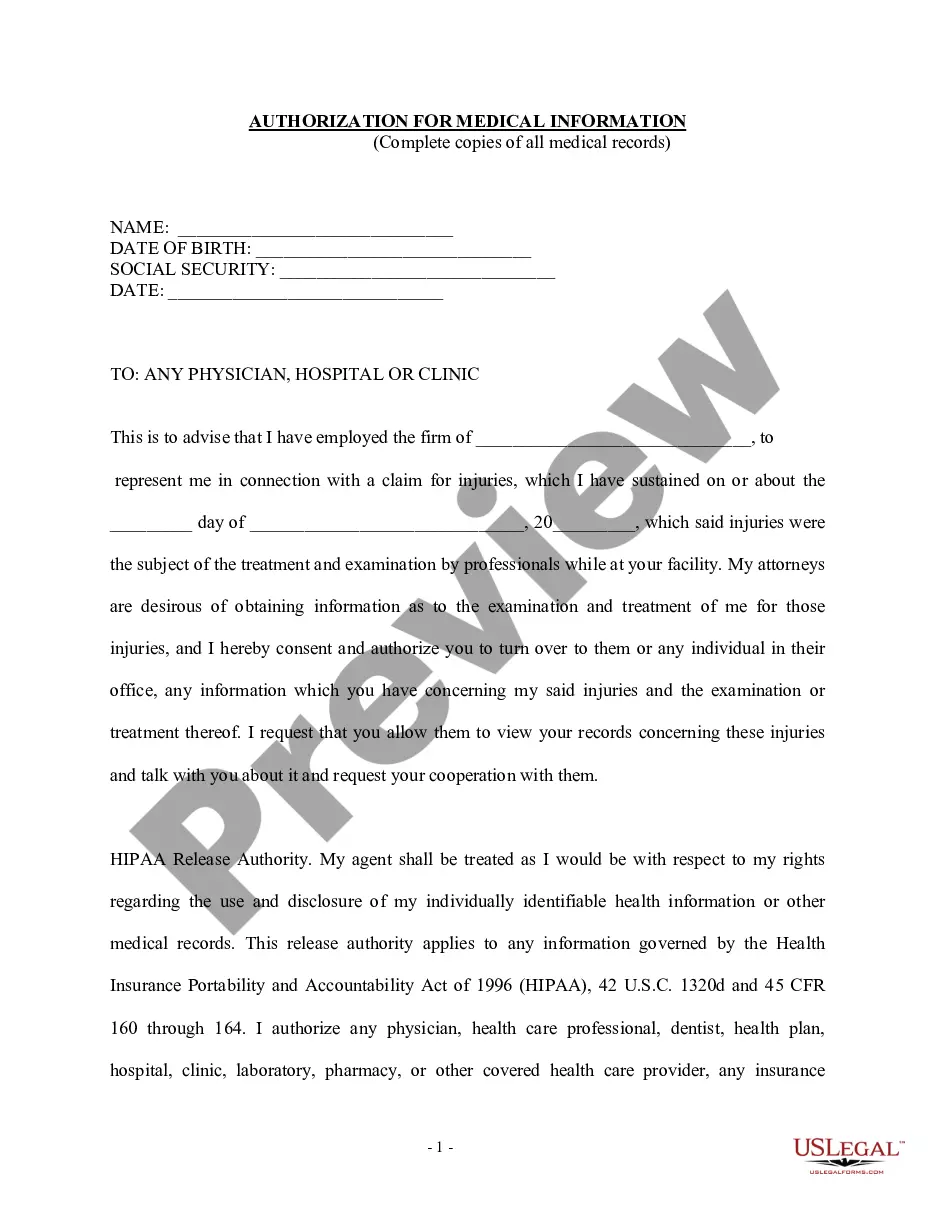
This form authorizes the release of plaintiff's confidential medical records to plaintiff's attorney.
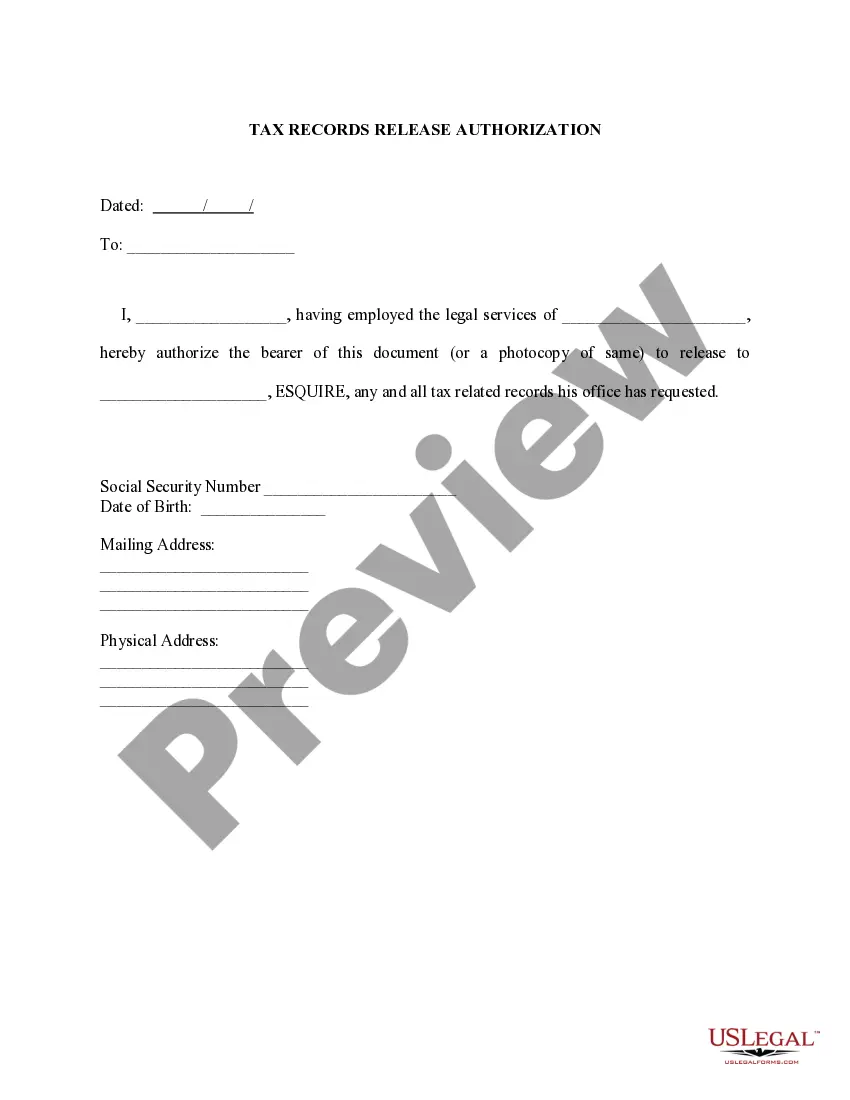
Virgin Islands Authorization to Release Confidential Records
State:
Multi-State
Control #:
US-PI-0312
Format:
Word;
Rich Text
Instant download
Description
Get your form ready online
Our built-in tools help you complete, sign, share, and store your documents in one place.
Built-in online Word editor
Make edits, fill in missing information, and update formatting in US Legal Forms—just like you would in MS Word.
Export easily
Download a copy, print it, send it by email, or mail it via USPS—whatever works best for your next step.
E-sign your document
Sign and collect signatures with our SignNow integration. Send to multiple recipients, set reminders, and more. Go Premium to unlock E-Sign.
Notarize online 24/7
If this form requires notarization, complete it online through a secure video call—no need to meet a notary in person or wait for an appointment.
Store your document securely
We protect your documents and personal data by following strict security and privacy standards.
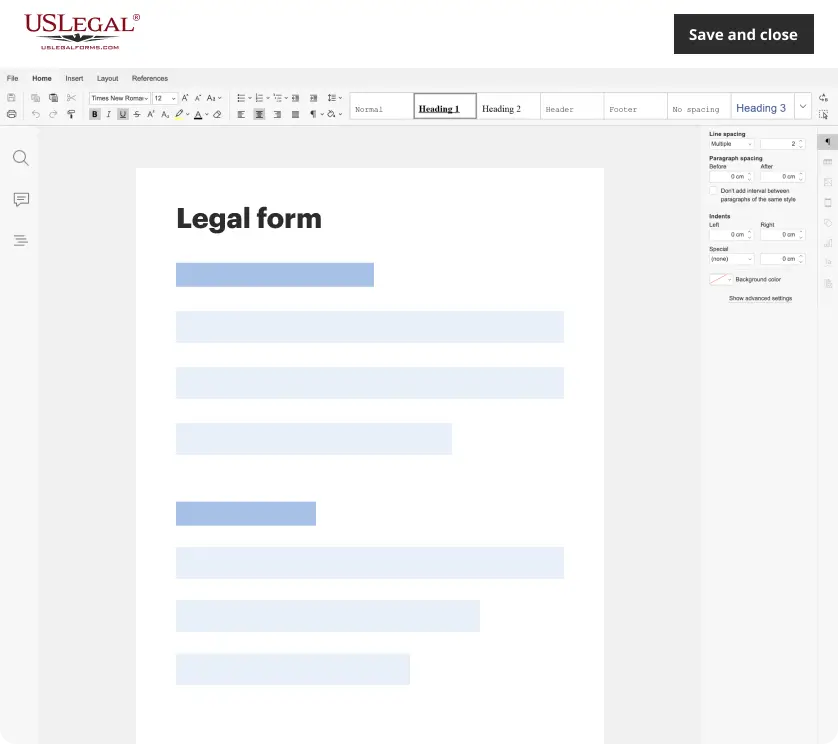
Make edits, fill in missing information, and update formatting in US Legal Forms—just like you would in MS Word.
Download a copy, print it, send it by email, or mail it via USPS—whatever works best for your next step.
Sign and collect signatures with our SignNow integration. Send to multiple recipients, set reminders, and more. Go Premium to unlock E-Sign.
If this form requires notarization, complete it online through a secure video call—no need to meet a notary in person or wait for an appointment.
We protect your documents and personal data by following strict security and privacy standards.
Looking for another form?



How to fill out Authorization To Release Confidential Records?
Finding the right legitimate document design can be a struggle. Obviously, there are plenty of web templates available on the net, but how do you find the legitimate kind you want? Utilize the US Legal Forms web site. The service offers a huge number of web templates, for example the Virgin Islands Authorization to Release Confidential Records, that can be used for enterprise and personal demands. All of the forms are checked out by experts and meet up with state and federal demands.
If you are currently signed up, log in for your accounts and click on the Down load option to have the Virgin Islands Authorization to Release Confidential Records. Utilize your accounts to search from the legitimate forms you may have ordered formerly. Proceed to the My Forms tab of your own accounts and acquire another duplicate from the document you want.
If you are a fresh end user of US Legal Forms, listed here are straightforward directions that you can adhere to:
- First, make certain you have chosen the correct kind to your area/region. You are able to look over the shape utilizing the Review option and study the shape description to make certain this is the right one for you.
- In case the kind fails to meet up with your expectations, make use of the Seach area to get the appropriate kind.
- Once you are certain the shape is suitable, click on the Buy now option to have the kind.
- Select the rates program you desire and enter the required information. Build your accounts and pay money for your order using your PayPal accounts or credit card.
- Select the submit structure and acquire the legitimate document design for your gadget.
- Total, modify and print and indication the obtained Virgin Islands Authorization to Release Confidential Records.
US Legal Forms may be the biggest catalogue of legitimate forms for which you can discover numerous document web templates. Utilize the company to acquire professionally-produced files that adhere to state demands.
Form popularity
FAQ
Under the HIPAA Privacy Rule, healthcare providers, health plans, business associates, and others involved in administration of healthcare, may not share a patient's protected health information (PHI) without that patient's written authorization.
Authorization. A covered entity must obtain the individual's written authorization for any use or disclosure of protected health information that is not for treatment, payment or health care operations or otherwise permitted or required by the Privacy Rule.
The proper release of medical records always requires authorization to protect the patient's privacy and to help keep you from being liable.
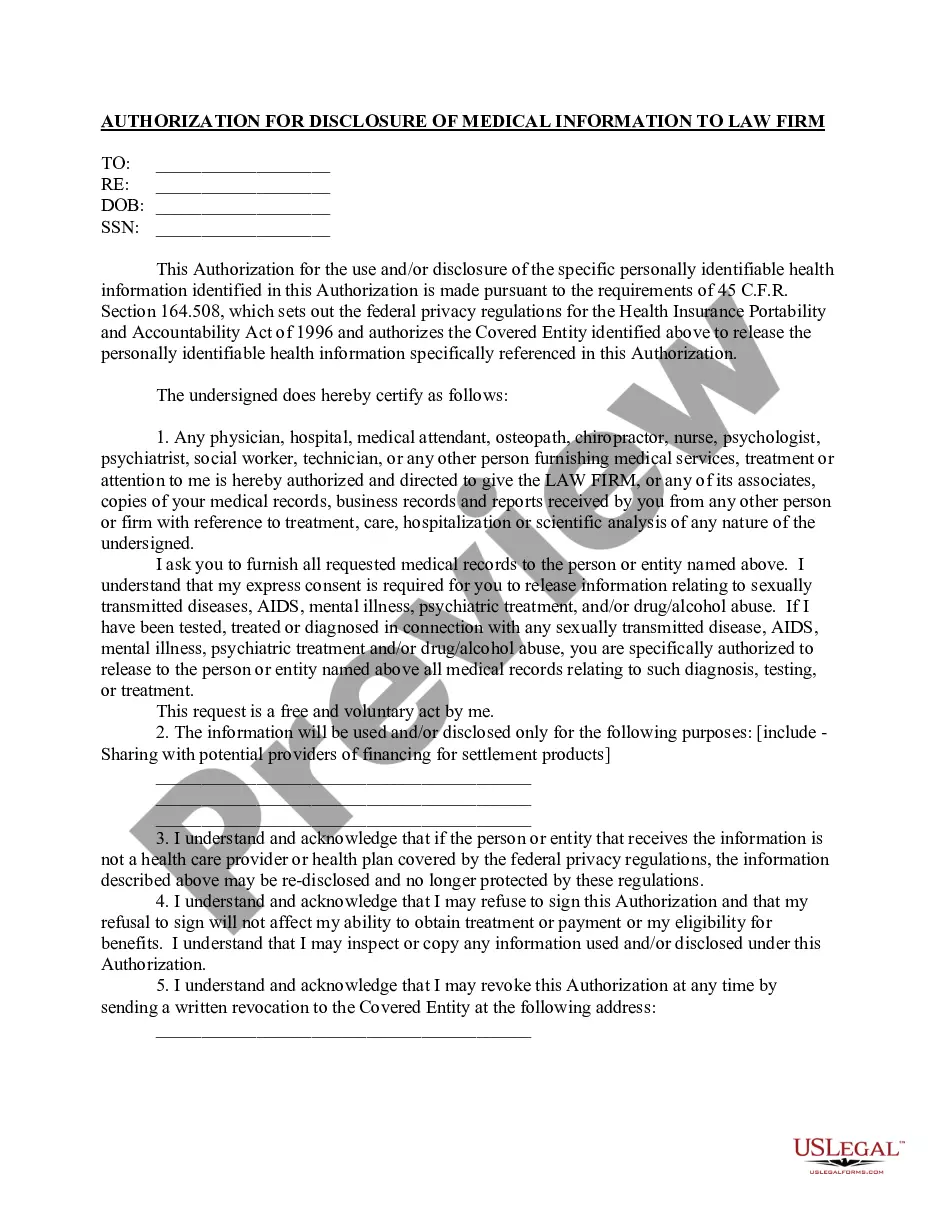
A HIPAA authorization form, also known as a HIPAA release form, is a document that individual signs for their health provider before the entity may use or disclose their protected health information (PHI).
Refusing to sign the acknowledgement does not prevent a provider or plan from using or disclosing health information as HIPAA permits. If you refuse to sign the acknowledgement, the provider must keep a record of this fact.
A HIPAA release form is a document that ? when signed ? allows healthcare providers to share a patient's protected health information (PHI) with specified individuals or organizations, ing to the details stipulated in the form.