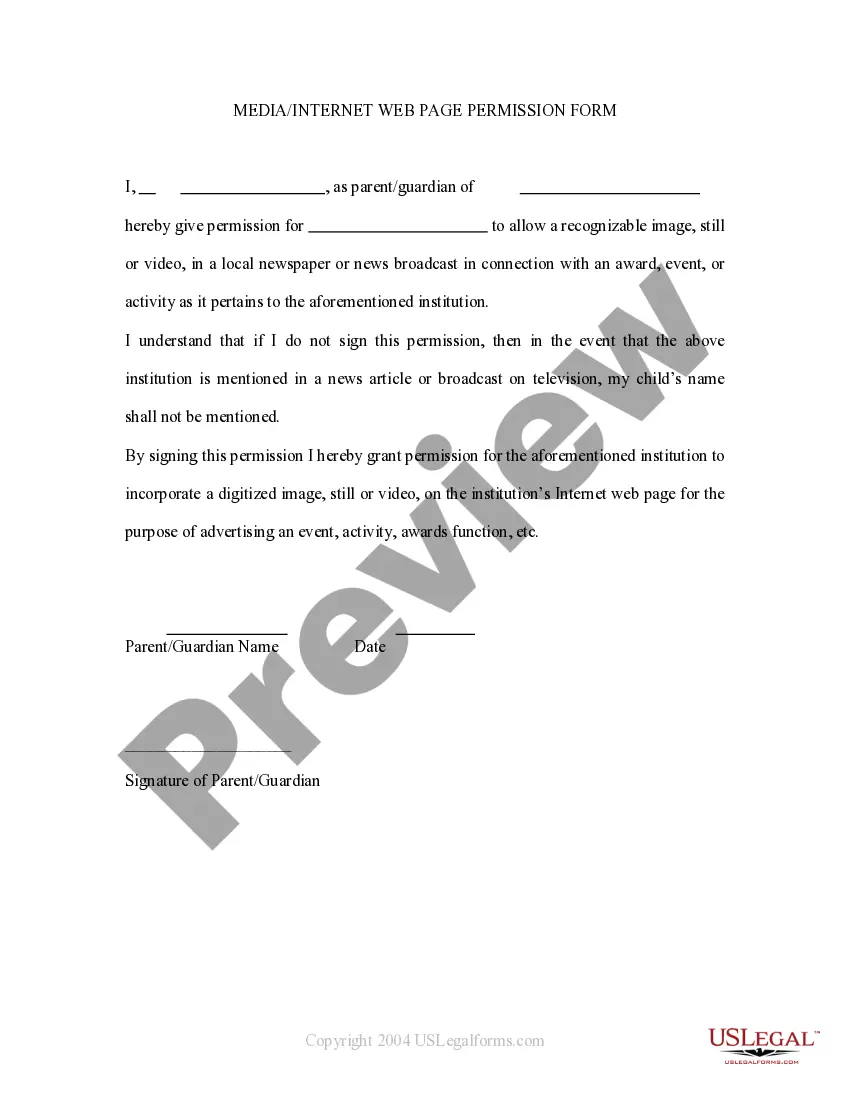
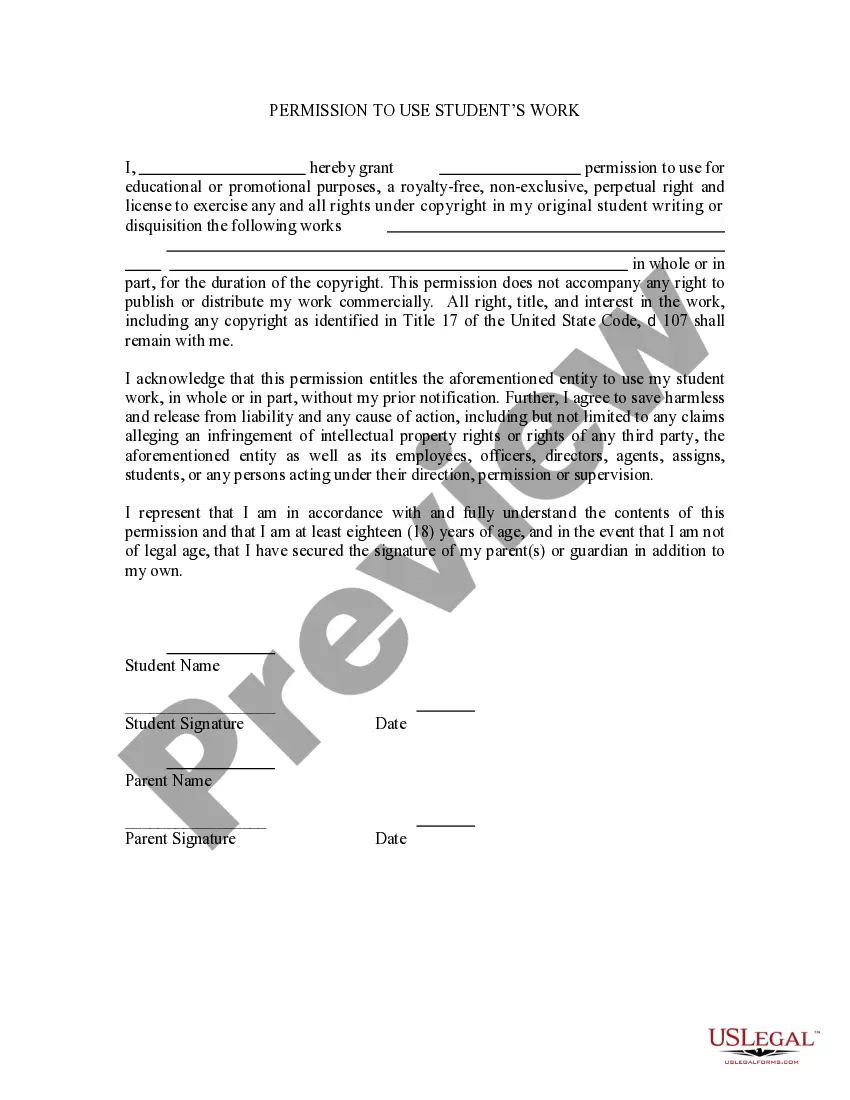
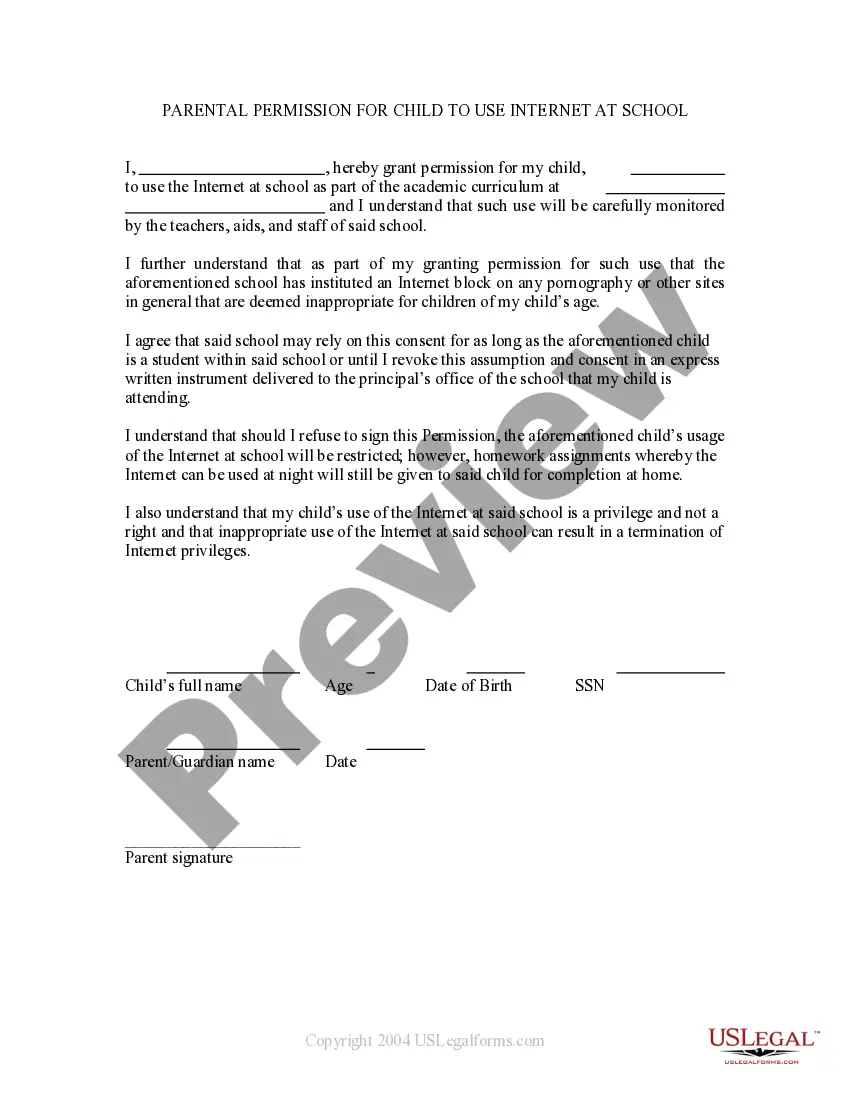
This is a permission form signed by parents allowing a child's name to be mentioned in broadcast form. If the child wins an award then permission is thereby granted to mention the child in a newspaper or on televised news. It also grants permission for the child's name to be mentioned on the school's web site.
Virginia Media - Internet Web Page Permission Form
Category:
State:
Multi-State
Control #:
US-PRM-22
Format:
Word;
Rich Text
Instant download
Description
Get your form ready online
Our built-in tools help you complete, sign, share, and store your documents in one place.
Built-in online Word editor
Make edits, fill in missing information, and update formatting in US Legal Forms—just like you would in MS Word.
Export easily
Download a copy, print it, send it by email, or mail it via USPS—whatever works best for your next step.
E-sign your document
Sign and collect signatures with our SignNow integration. Send to multiple recipients, set reminders, and more. Go Premium to unlock E-Sign.
Notarize online 24/7
If this form requires notarization, complete it online through a secure video call—no need to meet a notary in person or wait for an appointment.
Store your document securely
We protect your documents and personal data by following strict security and privacy standards.

Make edits, fill in missing information, and update formatting in US Legal Forms—just like you would in MS Word.

Download a copy, print it, send it by email, or mail it via USPS—whatever works best for your next step.

Sign and collect signatures with our SignNow integration. Send to multiple recipients, set reminders, and more. Go Premium to unlock E-Sign.

If this form requires notarization, complete it online through a secure video call—no need to meet a notary in person or wait for an appointment.

We protect your documents and personal data by following strict security and privacy standards.
Looking for another form?


How to fill out Media - Internet Web Page Permission Form?
Selecting the appropriate legal document template can be a challenge. Obviously, there are countless templates accessible online, but how do you find the legal document you require? Utilize the US Legal Forms website. The platform offers a vast array of templates, including the Virginia Media - Internet Web Page Permission Form, which can be used for both business and personal purposes. All documents are verified by experts and meet federal and state regulations.
If you are already registered, Log In to your account and click on the Download button to acquire the Virginia Media - Internet Web Page Permission Form. Use your account to view the legal documents you have previously ordered. Visit the My documents section of your account to obtain another copy of the document you need.
If you are a new user of US Legal Forms, here are some basic steps for you to follow: First, ensure you have selected the correct form for your city/region. You can examine the form using the Preview button and read the form description to confirm it is indeed the right one for you. If the form does not meet your requirements, utilize the Search field to find the appropriate form. Once you are certain that the form is correct, click the Download now button to retrieve the form. Select the pricing plan you wish and enter the necessary details. Create your account and pay for your order using your PayPal account or credit card. Choose the document format and download the legal document template to your device. Complete, edit, print, and sign the acquired Virginia Media - Internet Web Page Permission Form.
In summary, US Legal Forms is your go-to solution for obtaining legally compliant document templates efficiently.
- US Legal Forms is the largest repository of legal documents where you can find numerous file templates.
- Utilize the service to download professionally created paperwork that adhere to state regulations.
- All forms are reviewed and comply with legal standards.
- You can easily access your previously ordered documents.
- The platform provides a user-friendly interface for searching and acquiring forms.
- Ensure you select the appropriate form for your specific needs.
Form popularity
FAQ
To stop Media from blocking websites, you will need to adjust your content filtering settings. Log into your Virginia Media account and look for the option to manage blocked sites. You can either whitelist specific websites or lower the filtering level. For a comprehensive guide, the Virginia Media - Internet Web Page Permission Form is an excellent resource to assist you in making these changes.
If you cannot access certain websites on Media, it may be due to your current filtering settings. Check your web safe settings to see if specific categories are blocked. Sometimes, the adult filter or other restrictions may limit access. Using the Virginia Media - Internet Web Page Permission Form can help you identify and resolve these issues quickly.
Turning off the adult filter in Media is straightforward. First, log in to your Virginia Media account and access the filtering options. You can easily disable the adult filter by unchecking the relevant box. For further assistance, consider utilizing the Virginia Media - Internet Web Page Permission Form to ensure your settings align with your needs.
To change your Media web safe settings, start by logging into your Virginia Media account. Navigate to the settings section, where you will find options for web safety. Adjust the settings according to your preferences, and remember to save your changes. If you need detailed guidance, the Virginia Media - Internet Web Page Permission Form can help you navigate this process effectively.
To turn off the adult content filter in Media, you will need to adjust your settings or permissions. If you encounter difficulties, the Virginia Media - Internet Web Page Permission Form can assist you in requesting the necessary changes. By filling out this form, you can specify your needs and gain access to the content you wish to view without restrictions. Be sure to follow any guidelines provided to ensure a smooth process.
When your internet displays an 'access denied' message, it typically indicates that the website you are trying to reach is blocked by filters or restrictions. This could be due to network settings, parental controls, or organizational policies. To resolve this issue, you can use the Virginia Media - Internet Web Page Permission Form to request access to the site in question, enabling you to browse freely.
Websites may be blocked for various reasons, including security concerns, content restrictions, or compliance with legal regulations. Organizations often implement these blocks to protect users from harmful content or to adhere to policies. Understanding the reasons behind website blocking can help you navigate the internet more effectively. Utilizing the Virginia Media - Internet Web Page Permission Form can aid you in gaining access to specific sites.
To unlock media blocked sites, you can use the Virginia Media - Internet Web Page Permission Form. This form allows you to request access to specific websites that are currently restricted. Simply fill out the form, providing the necessary details about the sites you wish to access. Once submitted, you will receive a response regarding your request.