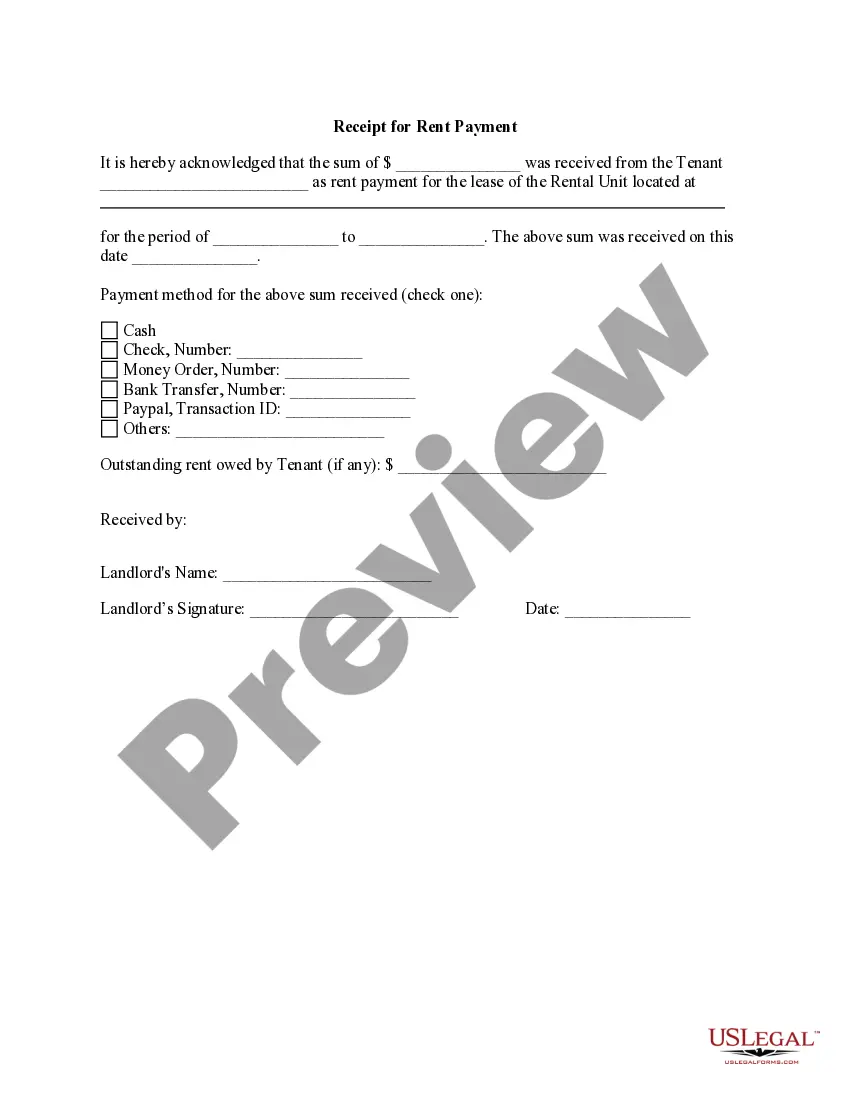
Receipt for Rent Payment
What this document covers
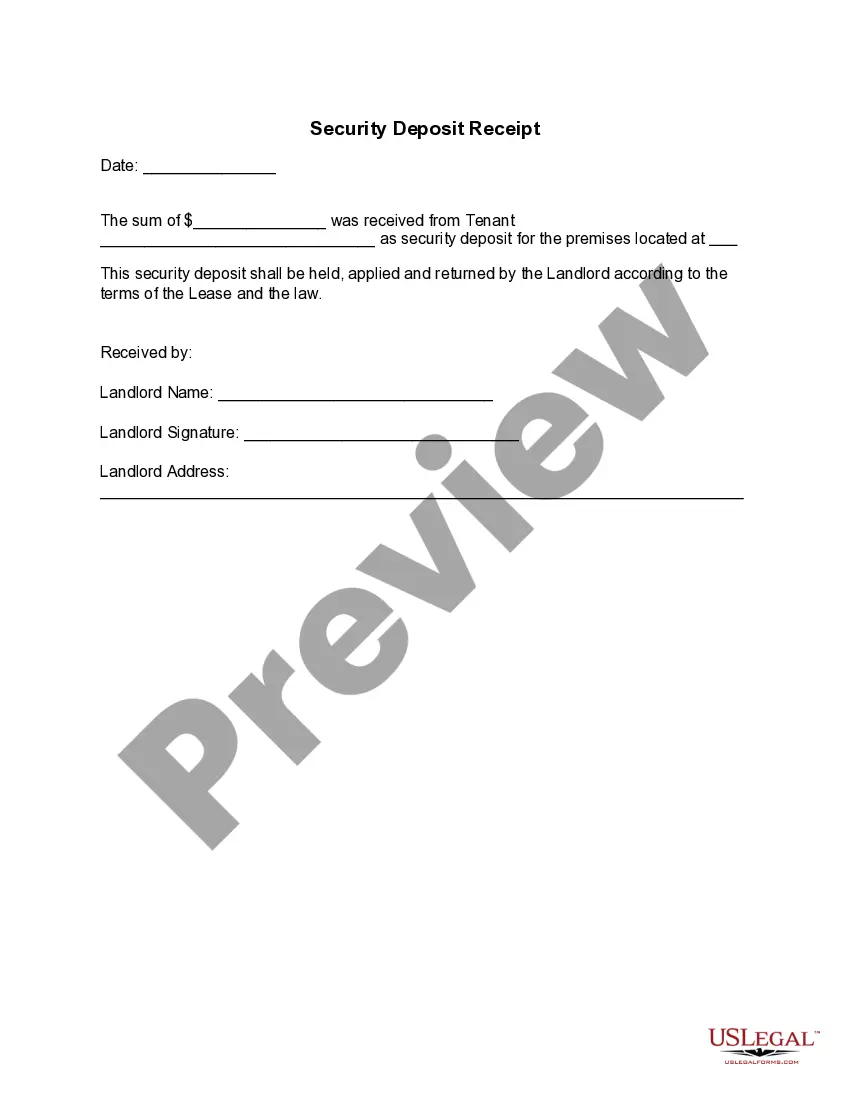
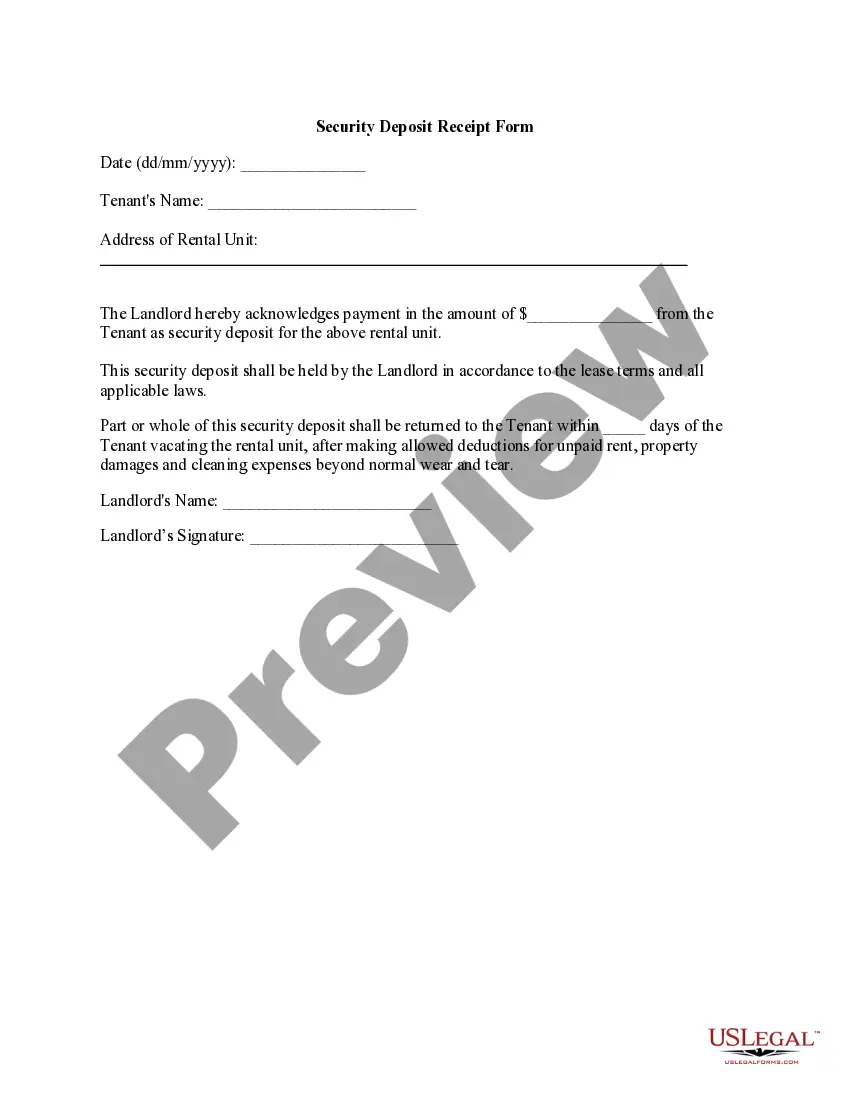
The Receipt for Rent Payment is a formal acknowledgment that rent has been received from a tenant. This form serves as proof of payment for both landlords and tenants, distinguishing it from other rental documents like lease agreements or eviction notices. By using this form, landlords can efficiently document received payments, reducing potential disputes and ensuring transparency in rental transactions.
What’s included in this form
- Tenant's name: Identifies who made the payment.
- Amount received: Specifies the total rent that was paid.
- Property address: Indicates the location of the rented unit.
- Payment period: Defines the time frame the payment covers.
- Payment method: Details how the payment was made (cash, check, etc.).
- Landlord's signature: Confirms the receipt and acknowledgment of payment.
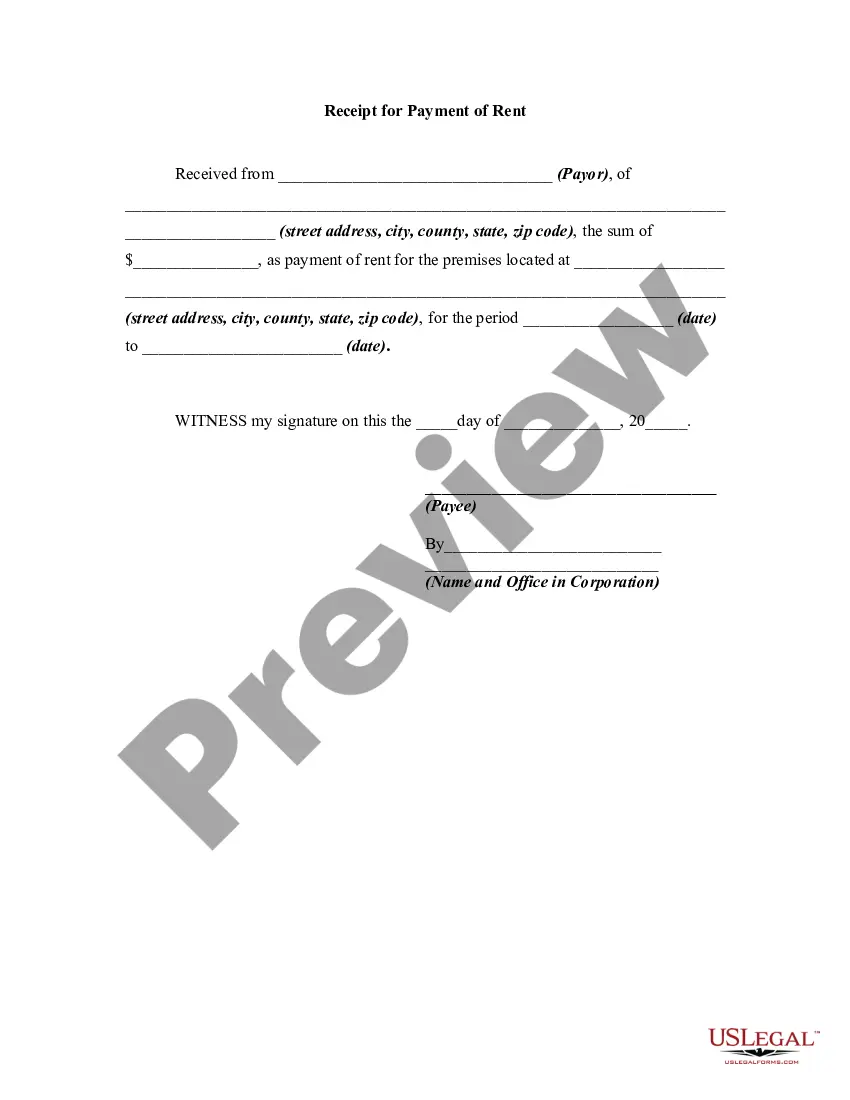
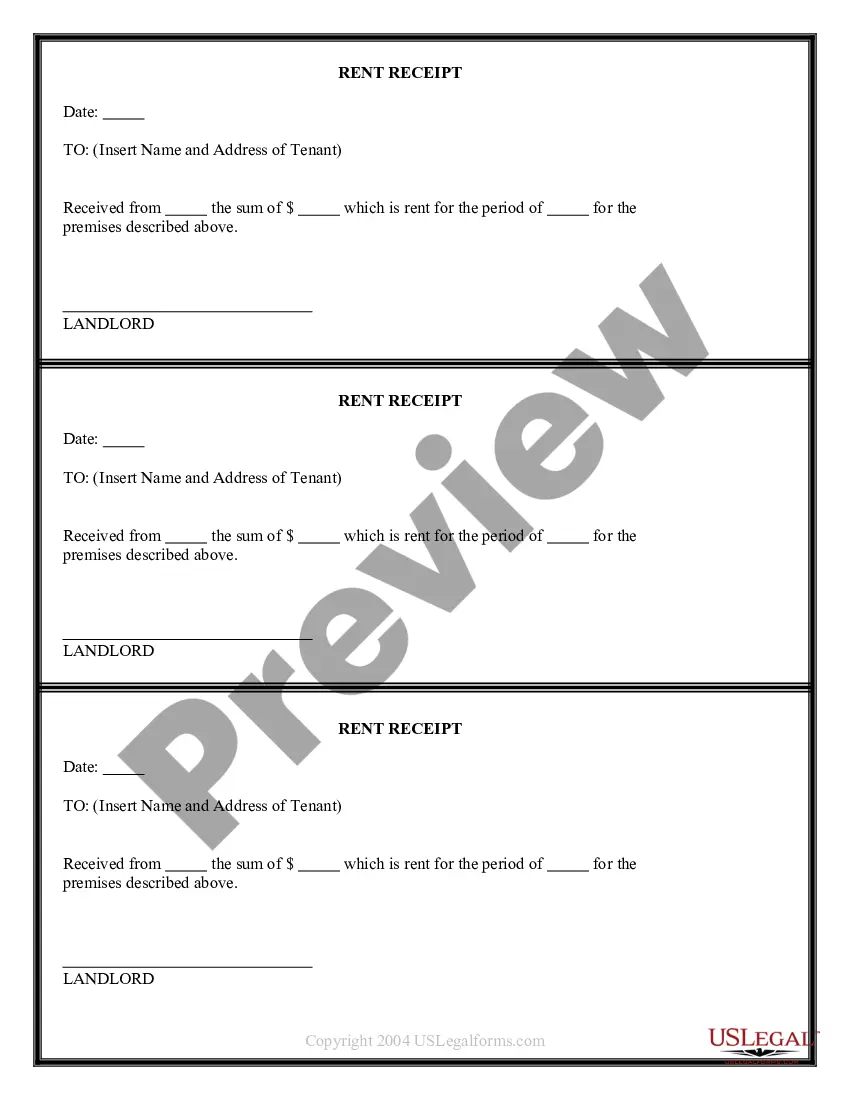
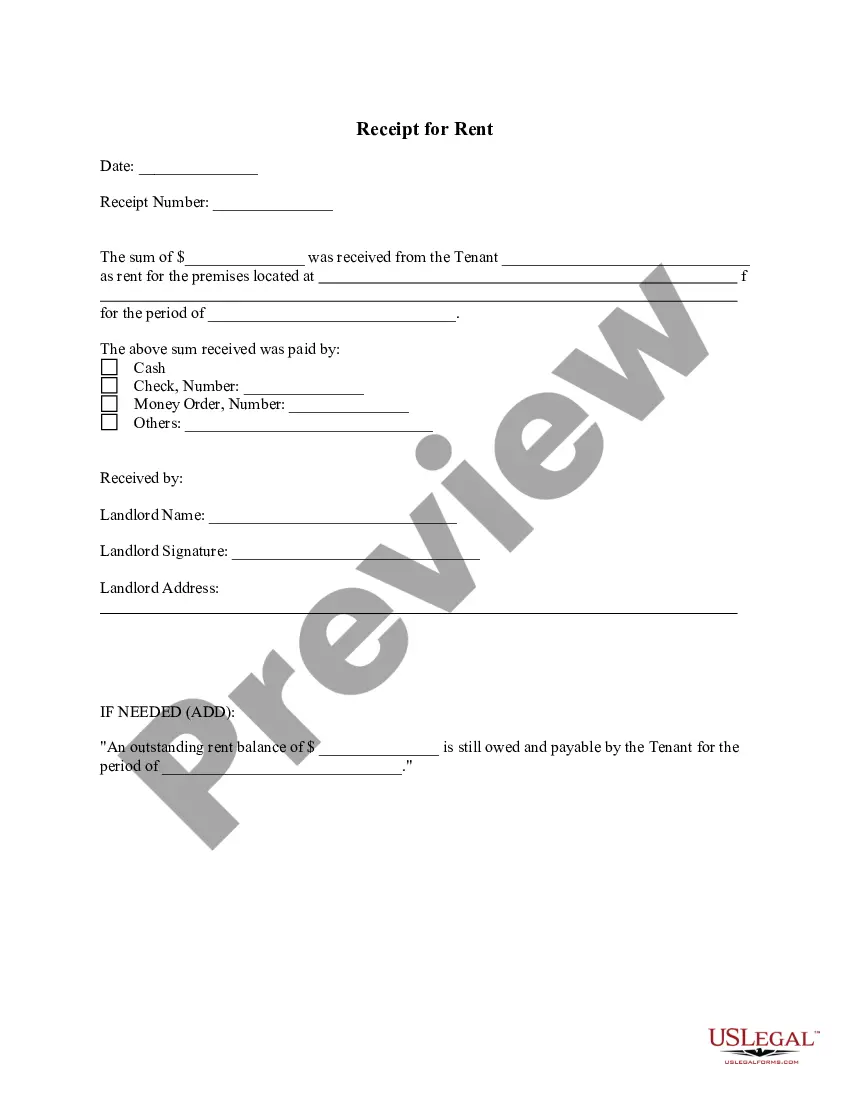
When this form is needed
This form should be used whenever a tenant makes a rent payment to the landlord. It is particularly useful at the end of a rental period or upon receipt of a recurring monthly payment. The Receipt for Rent Payment can also be used to clarify any past due amounts owed, providing a clear record of transactions made between the tenant and landlord.
Who can use this document
This form is intended for:
- Landlords who need to document receipt of rent from tenants.
- Property managers overseeing rental properties on behalf of landlords.
- Tenants looking to maintain a record of their rent payments.
Completing this form step by step
- Identify the parties: Fill in the tenant's name and the landlord's name.
- Specify the property: Enter the address of the rental unit being leased.
- Enter the payment details: Record the amount received and the payment method.
- Input the payment period: Indicate the start and end dates of the rental period covered by the payment.
- Complete the date: Write the date the payment was received.
- Obtain signature: Have the landlord sign and date the receipt to confirm acknowledgment.
Notarization guidance
This form does not typically require notarization unless specified by local law. However, having it notarized may provide additional credibility and security to the transaction.
Get your form ready online
Our built-in tools help you complete, sign, share, and store your documents in one place.
Make edits, fill in missing information, and update formatting in US Legal Forms—just like you would in MS Word.
Download a copy, print it, send it by email, or mail it via USPS—whatever works best for your next step.
Sign and collect signatures with our SignNow integration. Send to multiple recipients, set reminders, and more. Go Premium to unlock E-Sign.
If this form requires notarization, complete it online through a secure video call—no need to meet a notary in person or wait for an appointment.
We protect your documents and personal data by following strict security and privacy standards.

Make edits, fill in missing information, and update formatting in US Legal Forms—just like you would in MS Word.

Download a copy, print it, send it by email, or mail it via USPS—whatever works best for your next step.

Sign and collect signatures with our SignNow integration. Send to multiple recipients, set reminders, and more. Go Premium to unlock E-Sign.

If this form requires notarization, complete it online through a secure video call—no need to meet a notary in person or wait for an appointment.

We protect your documents and personal data by following strict security and privacy standards.
Avoid these common issues
- Failing to specify the correct payment amount.
- Neglecting to sign and date the document.
- Incorrectly recording the payment method.
- Omitting the rental period covered by the payment.
- Not providing a copy to the tenant.
Why use this form online
- Convenience: Easily fill out and download the form from anywhere.
- Editability: Customize the form to fit specific needs before printing.
- Reliability: Access officially drafted forms that comply with legal standards.
Key takeaways
- The Receipt for Rent Payment is crucial for documenting rent transactions.
- It helps prevent disputes by providing clear and formal acknowledgment of payments.
- Users should ensure accurate and complete information is entered for it to be valid.
Looking for another form?
Form popularity
FAQ
Common examples of receipts include packing slips, cash register tape, invoices, credit card statements, petty cash slips, and invoices.
What information should I include in a receipt? A receipt should include the date of the transaction, the name of the business, a description of the goods or services provided, and the amount paid. It may also include the payment method used, taxes, discounts, and the business contact information.
How to print or email payment receipts - YouTube YouTube Start of suggested clip End of suggested clip Select the customer. Name the payment method enter the amount. You'll find at the bottom of the pageMoreSelect the customer. Name the payment method enter the amount. You'll find at the bottom of the page the receipt option. So you can choose to print or. Email.
RECEIVED from Mr./Ms. Tenant Name, the sum of Rs. Amount (Rupees Amount in words), on account of rent of Property Address Line 1, Address Line 2, City, State Pincode, inclusive of all taxes, for the month of Month, Year by way of cash or cheque or demand draft.
MakeReceipt generates receipts quickly for anything. MakeReceipt receipt templates are professionally designed to match today's common receipts from around the world. MakeReceipt offers many FREE receipts. We are the #1 free receipt maker app in the world.
A receipt can be issued on paper or electronically. It can be handwritten or typed. Many small cash register contain built-in printers for producing receipts.
How to Write a Receipt for Rent Payment The date of the payment. The rental period the payment is for. Which rental property is the payment for. The tenant's full name. Who received the payment. The property address. The payment amount. The method of payment.
Receipts Name of vendor (person or company you paid) Transaction date (when you paid) Detailed description of goods or services purchased (what you bought) Amount paid. Form of payment (how you paid ? cash, check, or last four digits of credit card)