Employee Evaluation Form for Postman
Overview of this form
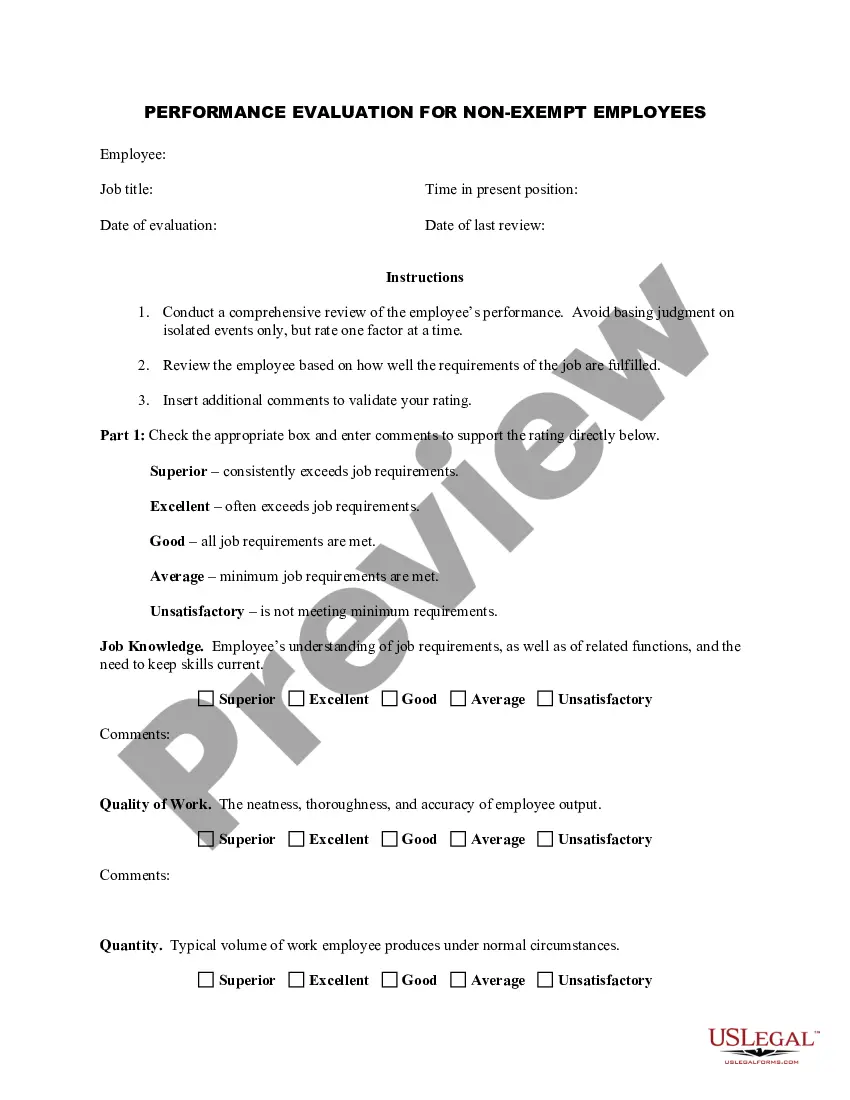
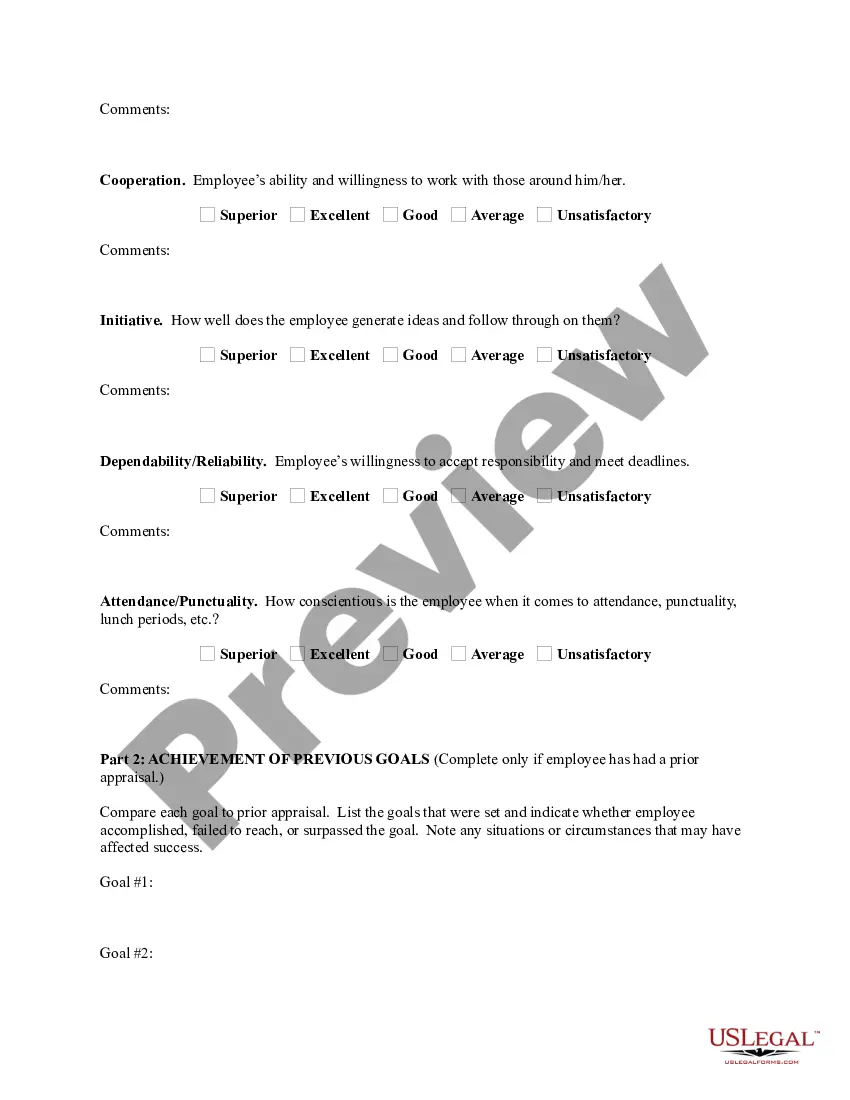
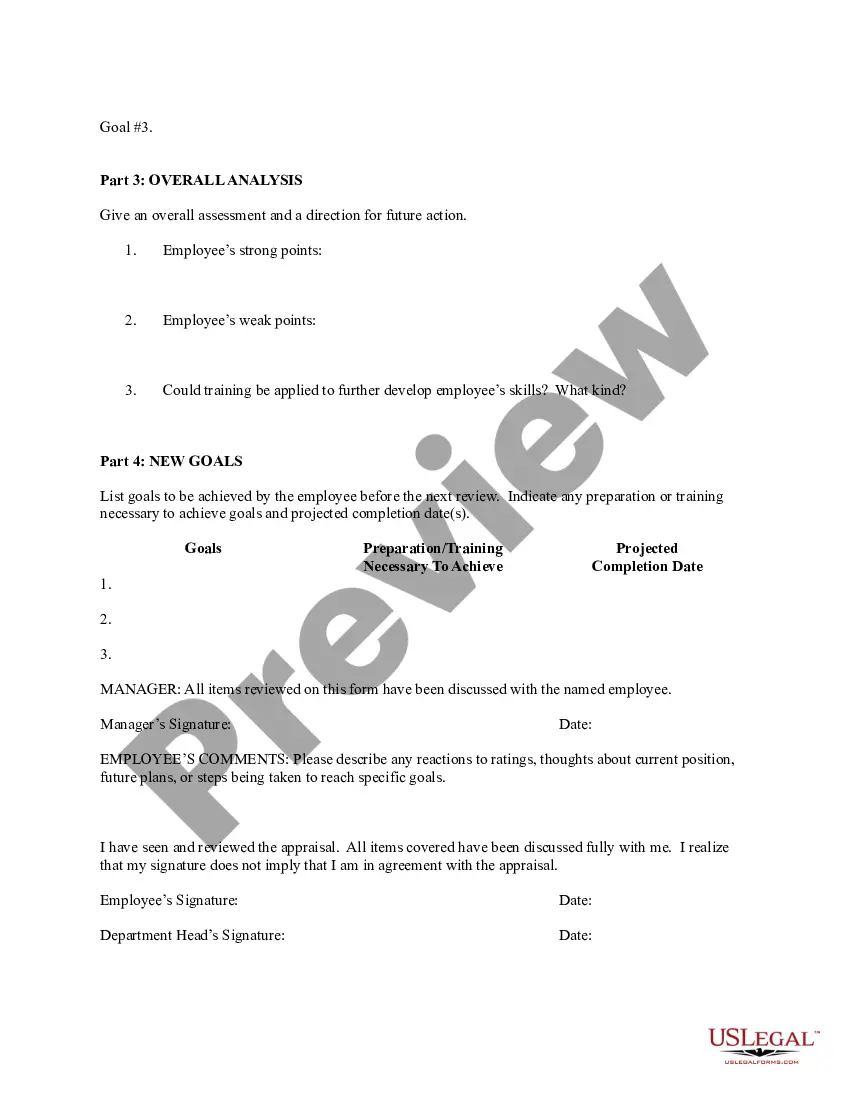
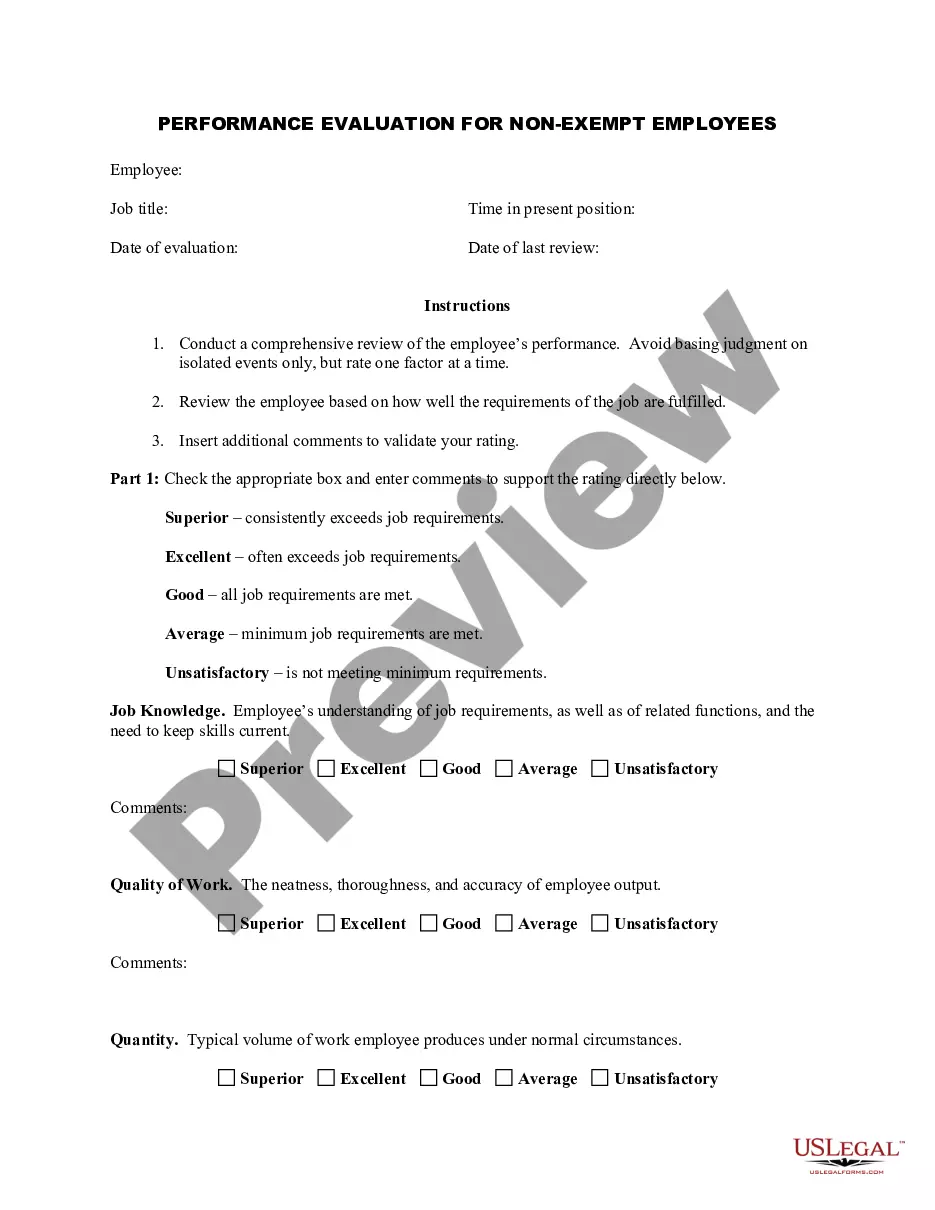
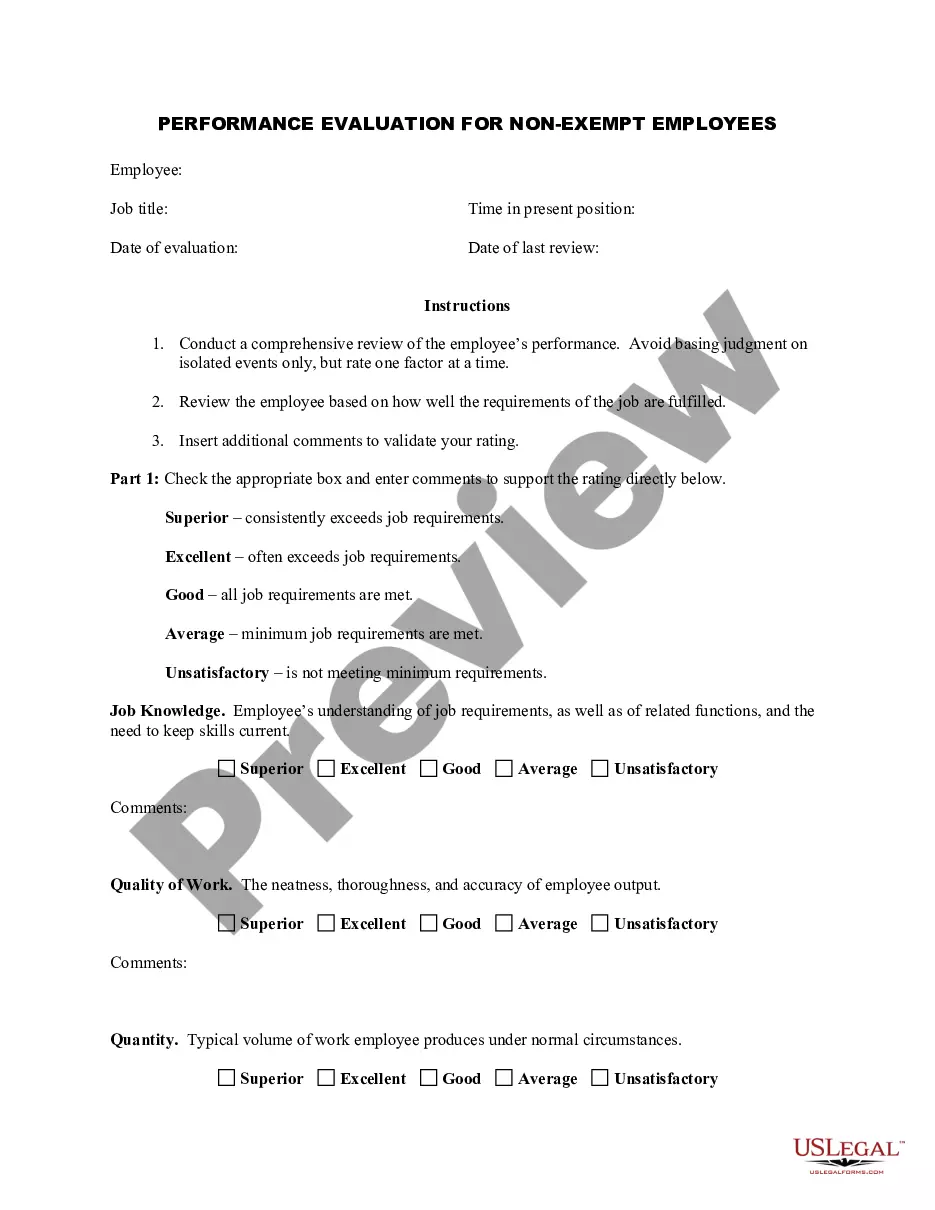
The Employee Evaluation Form for Postman is a performance review tool designed to assess non-exempt employees based on their job performance. This form focuses on various aspects of an employee's work, including job knowledge, quality and quantity of work, cooperation, initiative, dependability, and attendance. It distinguishes itself from other evaluation forms by providing specific criteria and structured commentary areas for managers to give feedback and set new goals for employees.
Form components explained
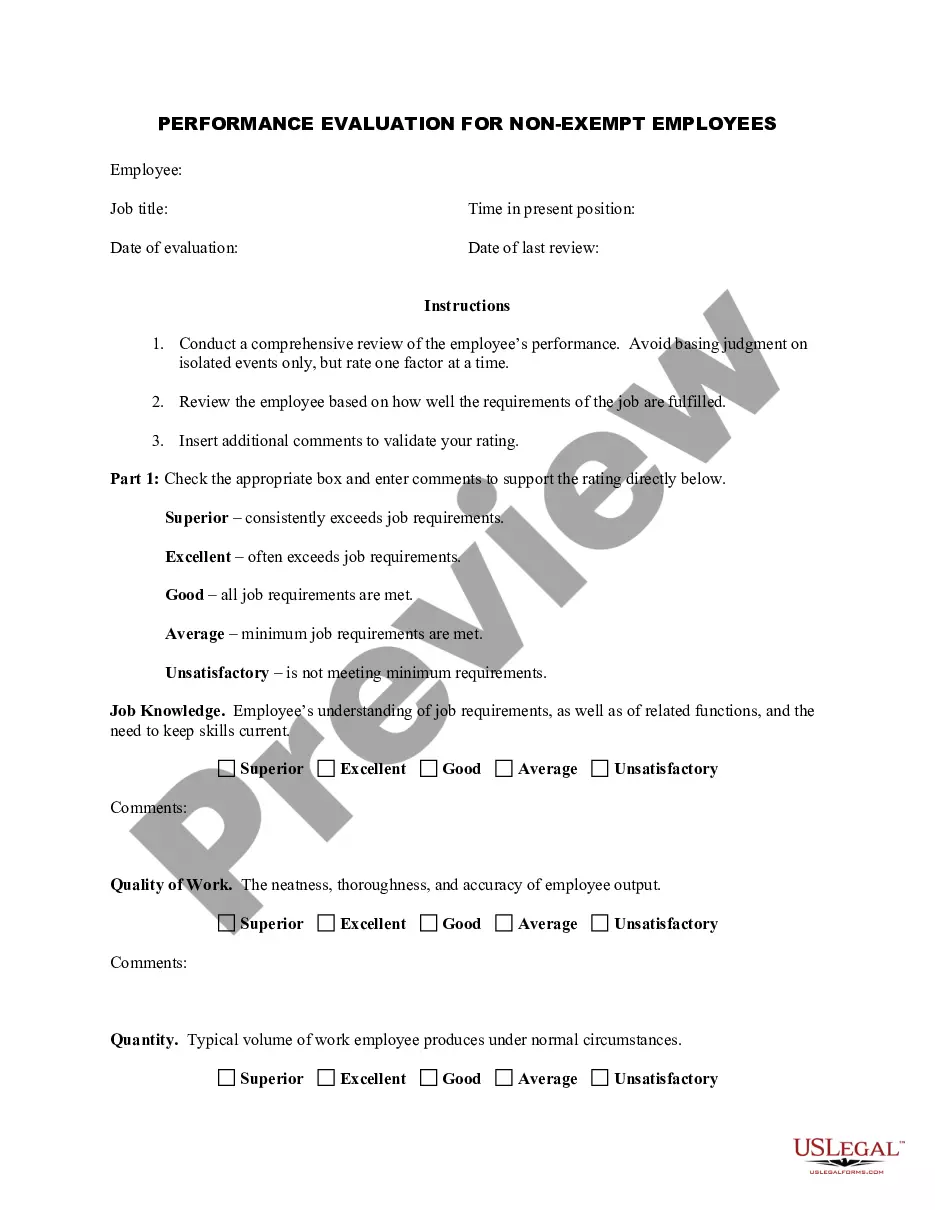
- Job title: Employee's position within the company.
- Time in present position: Duration the employee has been in their current role.
- Date of evaluation: The date when the evaluation is being conducted.
- Evaluation criteria: Sections for rating job knowledge, quality of work, quantity of work, cooperation, initiative, dependability, and attendance.
- Comments section: Areas for providing specific feedback supporting each evaluation rating.
- Goals for next evaluation: Outline of new goals and required training for the employee.

When this form is needed
This form should be used during regular performance reviews or evaluations of Postman employees. It is particularly useful for identifying strengths and areas for improvement, setting future objectives, and documenting employee progress over time. Additionally, it can play an essential role in employee development discussions and promotions.
Who this form is for
- Managers conducting performance reviews for postal employees.
- HR professionals overseeing employee evaluations.
- Team leaders responsible for assessing team member contributions.
How to prepare this document
Steps to Complete the Evaluation Form:
- Gather relevant performance data and feedback from previous reviews.
- Rate the employee on each evaluation criterion using the provided scale (Superior, Excellent, Good, Average, Unsatisfactory).
- Add comments justifying each rating to provide context and specific examples.
- Set new goals for the upcoming evaluation period, specifying any training needed.
- Ensure both the evaluator and the employee sign and date the form to acknowledge the discussion.
Does this form need to be notarized?
This form does not typically require notarization unless specified by local law.
Get your form ready online
Our built-in tools help you complete, sign, share, and store your documents in one place.
Make edits, fill in missing information, and update formatting in US Legal Forms—just like you would in MS Word.
Download a copy, print it, send it by email, or mail it via USPS—whatever works best for your next step.
Sign and collect signatures with our SignNow integration. Send to multiple recipients, set reminders, and more. Go Premium to unlock E-Sign.
If this form requires notarization, complete it online through a secure video call—no need to meet a notary in person or wait for an appointment.
We protect your documents and personal data by following strict security and privacy standards.

Make edits, fill in missing information, and update formatting in US Legal Forms—just like you would in MS Word.

Download a copy, print it, send it by email, or mail it via USPS—whatever works best for your next step.

Sign and collect signatures with our SignNow integration. Send to multiple recipients, set reminders, and more. Go Premium to unlock E-Sign.

If this form requires notarization, complete it online through a secure video call—no need to meet a notary in person or wait for an appointment.

We protect your documents and personal data by following strict security and privacy standards.
Avoid these common issues
Common mistakes to avoid:
- Failing to provide specific examples or evidence to support evaluation ratings.
- Relying solely on a single incident rather than considering overall performance.
- Not involving the employee in the discussion about their performance.
- Leaving the goals section incomplete or vague.
Why use this form online
Benefits of using this form online:
- Easy access to the form, enabling timely evaluations.
- Ability to edit and update as needed, ensuring accuracy of information.
- Secure storage of completed forms for future reference or audits.
Legal use & context:
- The evaluation form serves as a documented method of assessing employee performance, which can be referenced in legal contexts regarding employee development and disputes.
- Accurate completion and discussion of this form can help mitigate legal risks associated with employment decisions.
Key takeaways
Key takeaways:
- Use the Employee Evaluation Form for Postman to assess job performance methodically.
- Involve employees in the discussion for transparency and engagement.
- Clearly outline new goals to guide development and enhance performance moving forward.
Glossary of terms:
- Non-exempt employee: An employee entitled to minimum wage and overtime pay.
- Performance review: A formal assessment of an employee's job performance and contributions.
- Job knowledge: The understanding an employee has regarding their specific role and responsibilities.
Looking for another form?


Form popularity
FAQ
First things first: Identify the need and purpose. Determine who will rate and how often it will be done. Evaluate job-related SMART objectives. Include your organization's core values. Have a follow-up section. Discuss developmental goals and needs. Have clear evaluation parameters. Additional pointers.
Review the employee's job description. Get a current copy of each person's job description and review the requirements. Highlight areas of improvement. Compare strengths and weaknesses. Recommend actionable goals. Provide constructive feedback. Welcome employee input.
Make it easy to use. Ensure that the information your evaluation form seeks is clear and concise. Determine the focus of the form. There needs to be a clear purpose. Establish a clearly defined rating scale.
Communication. Collaboration and teamwork. Problem-solving. Quality and accuracy of work. Attendance, punctuality and reliability. The ability to accomplish goals and meet deadlines.
Develop an evaluation form. Identify performance measures. Set guidelines for feedback. Create disciplinary and termination procedures. Set an evaluation schedule.
1 Know how the self-evaluation is going to be used. 2 Write out a list of your accomplishments. 3 Gather analytics if you can. 4 Write out a list of your struggles. 5 Narrow your accomplishments list down. 6 Don't forget to align your review with your manager's or team's goals.
Employee evaluation forms are used to formally review and document an employee's performance and get their acknowledgment that the evaluation took place. This is important in establishing a paper trail to support important HR decisions.
The purpose of an employee evaluation is to measure job performance. Many evaluations provide quantitative measurements essential for a production-oriented work environment. Other employee evaluations provide employers with metrics regarding the quality of employees' work.