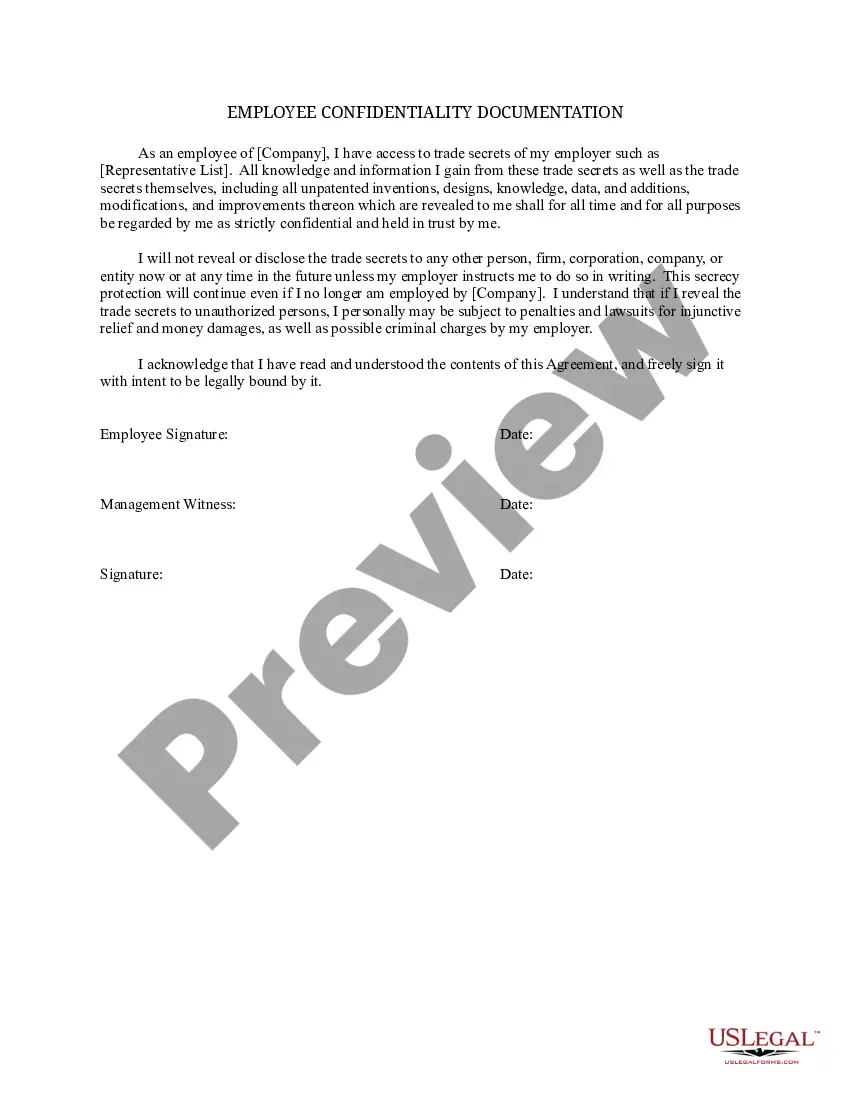
Employee Confidentiality Documentation
Overview of this form
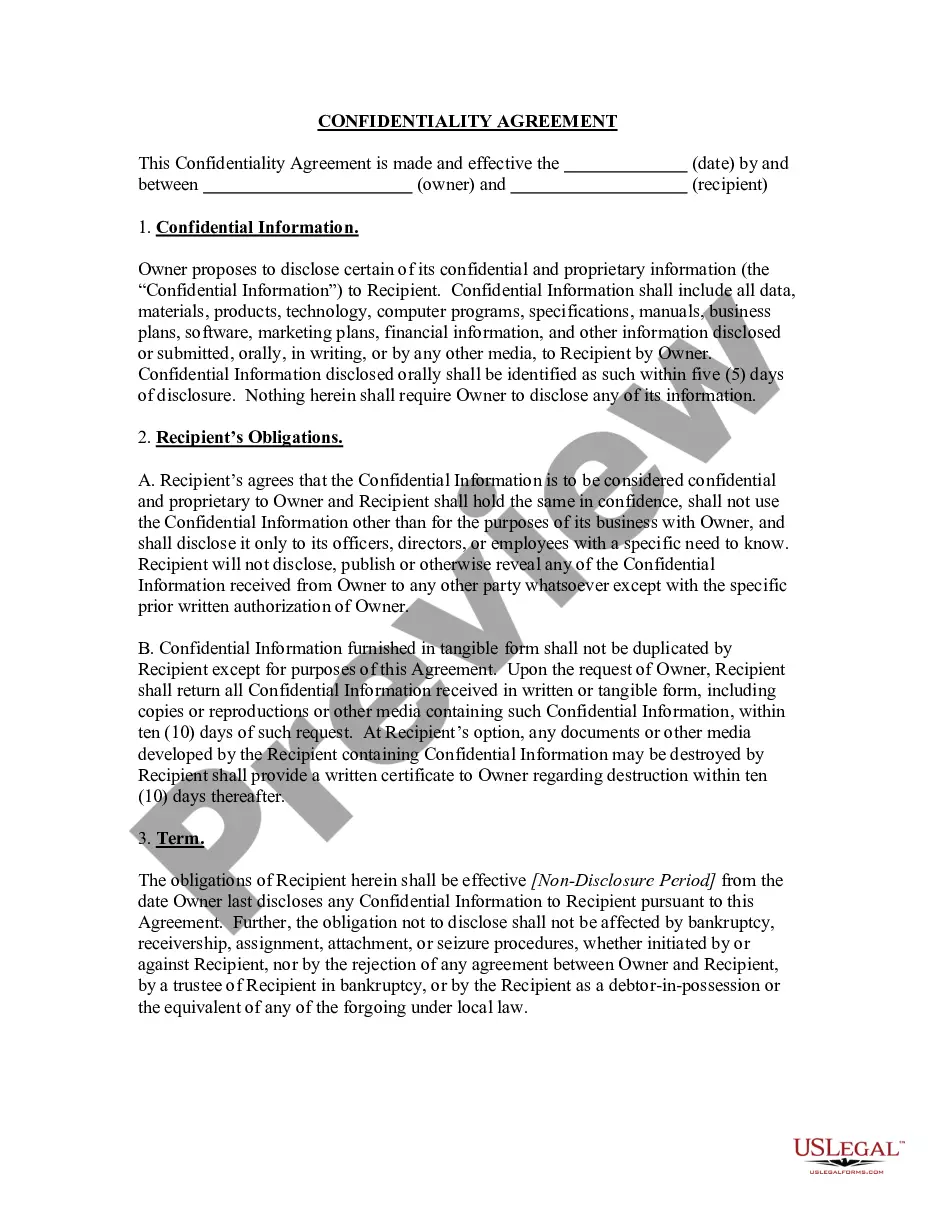
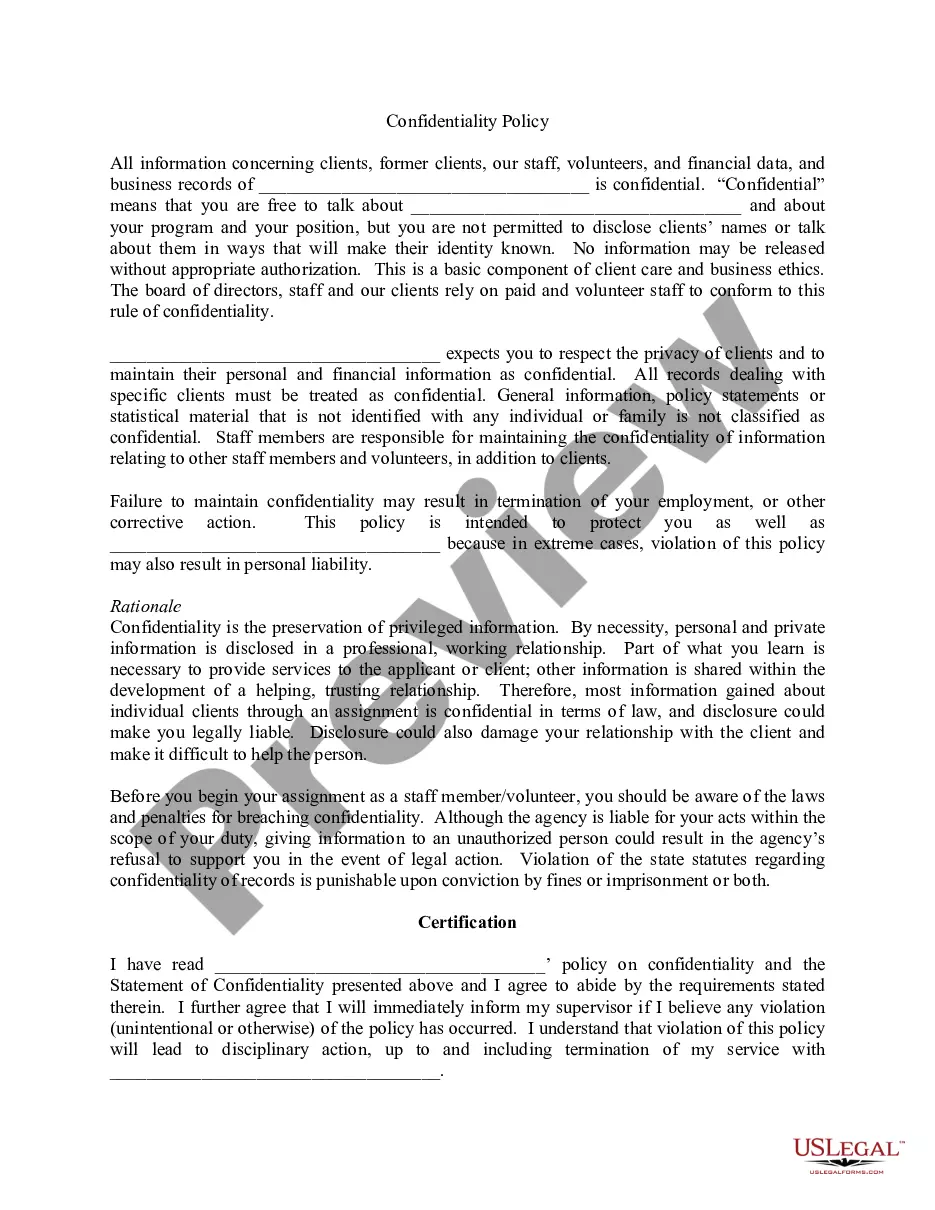
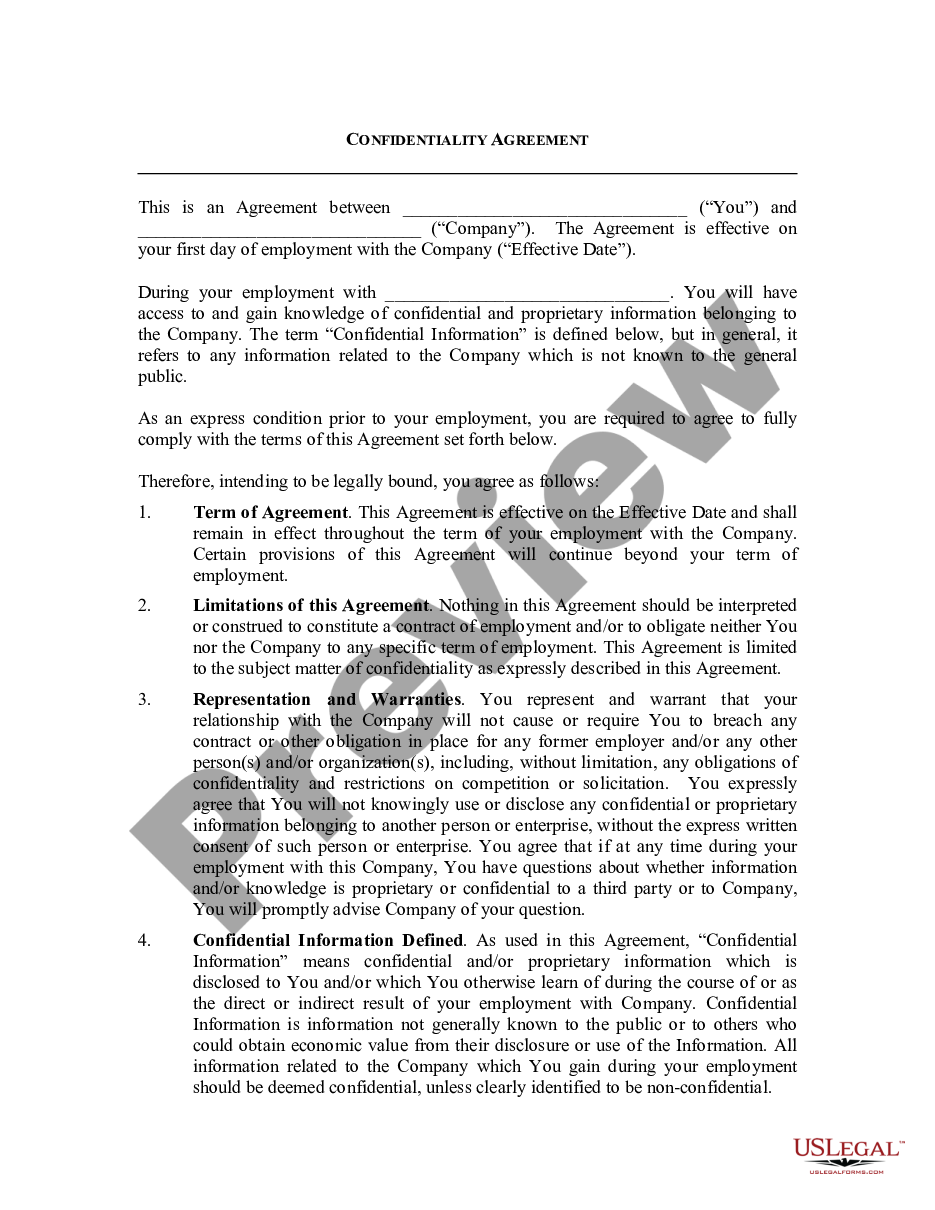
The Employee Confidentiality Documentation is a legal form that ensures employees understand their responsibilities regarding the confidentiality of sensitive information, such as trade secrets, they may encounter during their employment. This form is essential for protecting a company's proprietary information and differs from general employment contracts as it specifically focuses on confidentiality obligations.
Main sections of this form
- Confidentiality Clause: Defines the types of information considered confidential.
- Employee Identification: Requires the name and position of the employee.
- Trade Secrets List: A section to specify the trade secrets to which the employee will have access.
- Signatures: Includes spaces for both the employee's and a witness's signatures, confirming agreement to the terms.
When to use this form
This form should be used when an employee is granted access to sensitive information that could include trade secrets, proprietary data, or unique business practices. It is particularly relevant during the onboarding process or when an employee's role evolves to include access to confidential material to ensure they acknowledge and agree to maintain confidentiality throughout and after their employment.
Intended users of this form
The following individuals should use the Employee Confidentiality Documentation:
- Employers looking to protect their trade secrets and confidential information.
- Employees in positions that involve access to sensitive company information.
- Human resources personnel managing onboarding processes for new employees.
Completing this form step by step
- Identify the parties: Enter the name of the company and the employee.
- Specify the trade secrets: Clearly list the confidential information the employee will access.
- Review the confidentiality clause: Ensure the employee understands the importance of maintaining confidentiality.
- Signatures: Have the employee and a witness sign the form to validate it.
Does this document require notarization?
Notarization is generally not required for this form. However, certain states or situations might demand it. You can complete notarization online through US Legal Forms, powered by Notarize, using a verified video call available anytime.
Get your form ready online
Our built-in tools help you complete, sign, share, and store your documents in one place.
Make edits, fill in missing information, and update formatting in US Legal Forms—just like you would in MS Word.
Download a copy, print it, send it by email, or mail it via USPS—whatever works best for your next step.
Sign and collect signatures with our SignNow integration. Send to multiple recipients, set reminders, and more. Go Premium to unlock E-Sign.
If this form requires notarization, complete it online through a secure video call—no need to meet a notary in person or wait for an appointment.
We protect your documents and personal data by following strict security and privacy standards.

Make edits, fill in missing information, and update formatting in US Legal Forms—just like you would in MS Word.

Download a copy, print it, send it by email, or mail it via USPS—whatever works best for your next step.

Sign and collect signatures with our SignNow integration. Send to multiple recipients, set reminders, and more. Go Premium to unlock E-Sign.

If this form requires notarization, complete it online through a secure video call—no need to meet a notary in person or wait for an appointment.

We protect your documents and personal data by following strict security and privacy standards.
Mistakes to watch out for
- Failing to clearly define the confidential information.
- Omitting the witness's signature.
- Not revising the document to reflect changes in employee roles or company policies.
Why use this form online
- Convenience: Easily access and fill out the form at your convenience.
- Editability: Quickly make changes to tailor the document to specific needs.
- Reliability: Ensure that the form is legally compliant and drafted by licensed attorneys.
Legal use & context
- The signed Employee Confidentiality Documentation is enforceable in court if disputes arise over confidentiality breaches.
- Understanding the limitations of the form, such as its enforceability based on state laws regarding trade secrets.
What to keep in mind
- The Employee Confidentiality Documentation is critical for protecting trade secrets in the workplace.
- Proper completion of the form includes listing trade secrets and securing appropriate signatures.
- This form helps prevent unauthorized sharing of sensitive company information.
Looking for another form?

Form popularity
FAQ
Sample statement you could use: Please tell me your story and I will let you know if I should or should not be keeping it confidential. You can contact the Human Resource Department at 2501 W Pecan Blvd, or by calling 956-872-4448.
Job description for the position. job application and/or resume. offer of employment. IRS Form W-4 (the Employee's Withholding Allowance Certificate) receipt or signed acknowledgment of employee handbook. performance evaluations.
Confidential Employee Information Personal data: Social Security Number, date of birth, marital status, and mailing address. Job application data: resume, background checks, and interview notes.Job termination data: the employee's resignation letter, termination records, and unemployment insurance claims.
A definition of confidential information. Who is involved. Why the recipient knows the information. Exclusions or limits on confidential information. Receiving party's obligations. Time frame or term. Discloser to the recipient.
Confidential Documents means all plans, drawings, renderings, reports, analyses, studies, records, agreements, summaries, notes and other materials and documents, whether written or conveyed orally, related to Developer, the Project, the Property or the Services, as are provided to the Recipient or its agents or
Name, date of birth, age, sex and address. current contact details of family, guardian etc. bank details. medical history or records. personal care issues. service records and file progress notes. individual personal plans. assessments or reports.
2. Clearly label all confidential information as confidential. This means writing confidential on documents or any folder you keep them in. If you are sending an email, make sure the title clearly identifies it as confidential.
Confidential information is generally defined as information disclosed to an individual employee or known to that employee as a consequence of the employee's employment at a company.Confidential information can include information in any form, such as written documents/records or electronic data.
2. Clearly label all confidential information as confidential. This means writing confidential on documents or any folder you keep them in. If you are sending an email, make sure the title clearly identifies it as confidential.