14.26 DEFINITION: "EQUIVALENT POSITION"
Overview of this form
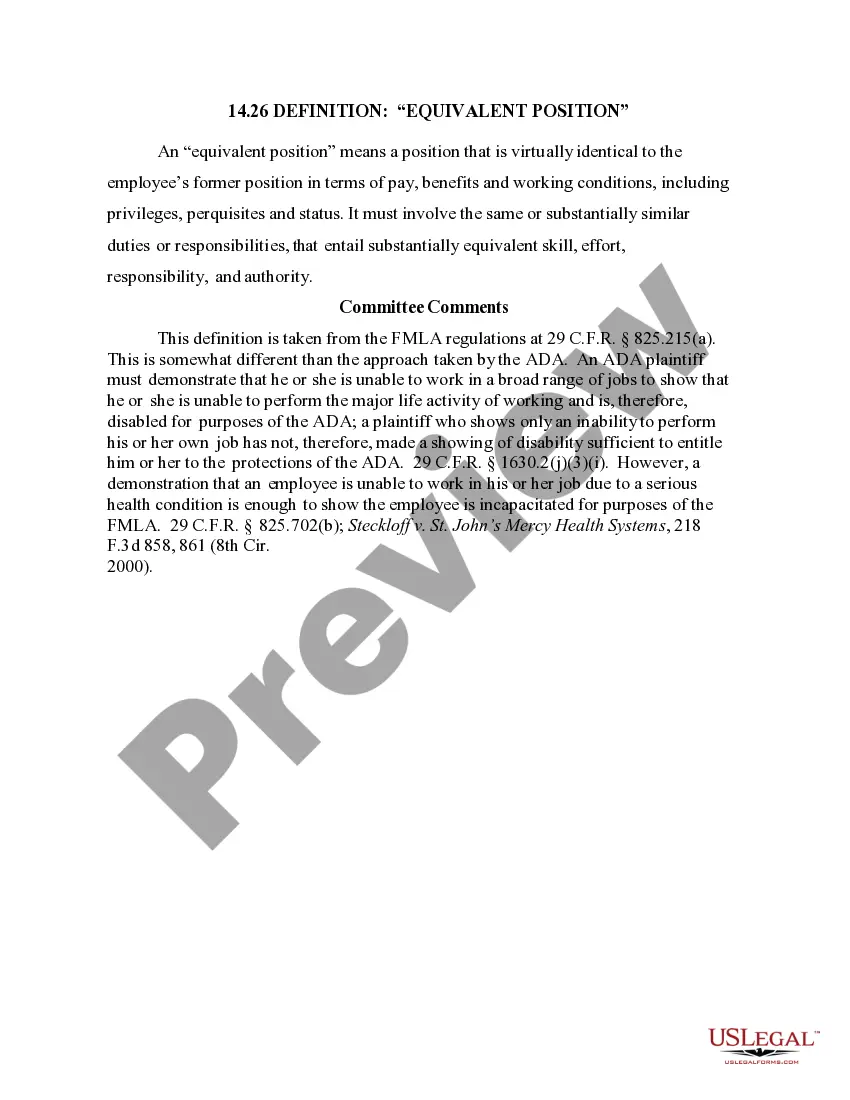
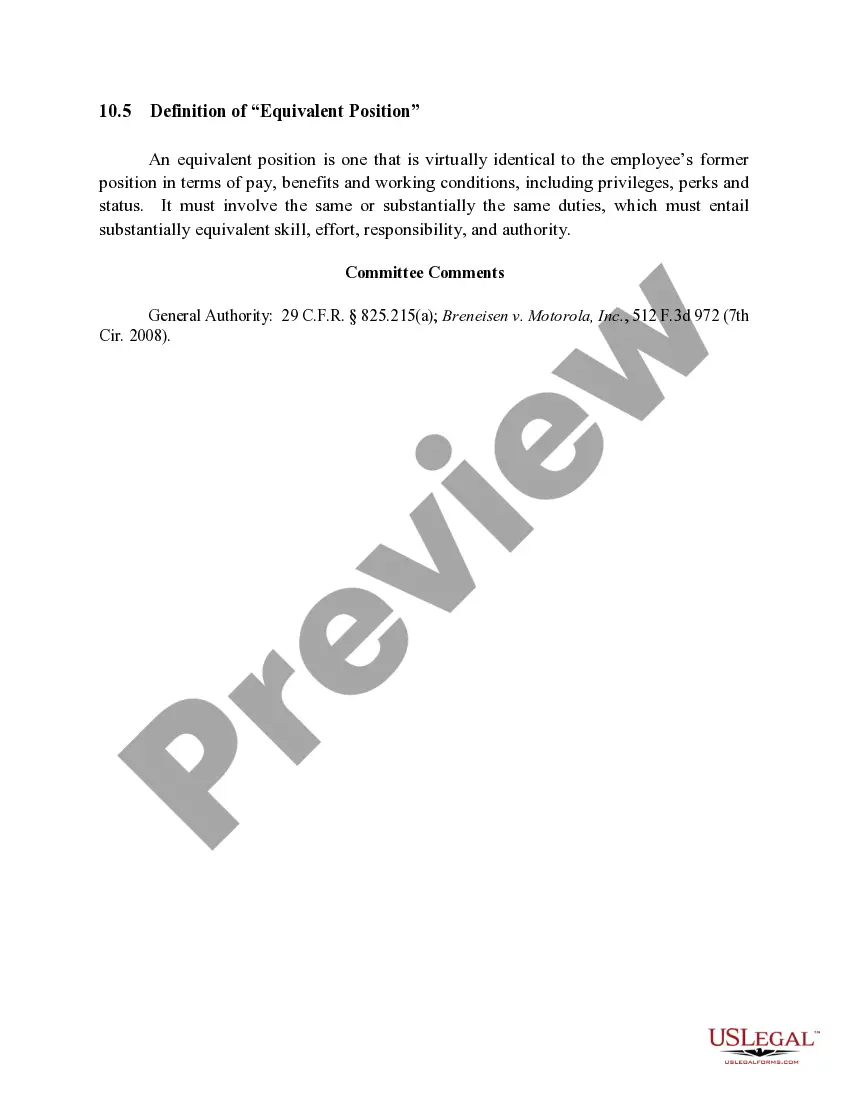
The 14.26 Definition: "Equivalent Position" form defines what constitutes an equivalent position for an employee under the Family and Medical Leave Act (FMLA). This form is essential for clarifying the standards that determine if a job role is similar enough to an employee's former job in terms of pay, benefits, and working conditions. Understanding this definition helps differentiate it from other legal frameworks, particularly regarding the Americans with Disabilities Act (ADA), which has different requirements for assessing disability and job capabilities.
Form components explained
- Definition of 'equivalent position': Clarifies that it must mirror the original position in pay, benefits, and working conditions.
- Criteria for comparison: Outlines that the new position must involve similar duties, responsibilities, and required skills.
- Legal references: Includes citations from FMLA regulations for authoritative context.
- Difference with ADA: Notes the distinctions in definitions and requirements under FMLA versus ADA.
When to use this document
This form is used in situations where an employee is temporarily unable to perform their job due to a health condition and is exploring their rights under the FMLA. It helps clarify whether the offered job position during their leave qualifies as an equivalent position, especially if they are returning to work after an extended absence. Employers may also reference this form to ensure compliance with FMLA standards when offering positions to returning employees.
Who should use this form
- Employees seeking to understand their rights under the FMLA regarding job reinstatement.
- Employers providing positions to employees returning from medical leave.
- HR professionals and legal advisors involved in compliance with employment laws.
Completing this form step by step
- Review the definition of an equivalent position based on the criteria outlined.
- Identify the essential duties and responsibilities of the original job.
- Compare the new position's pay and benefits to ensure they match closely.
- Gather any supporting documentation related to job descriptions and employee contracts.
- Consult with HR or a legal advisor if there are uncertainties in the assessment process.
Notarization requirements for this form
Notarization is generally not required for this form. However, certain states or situations might demand it. You can complete notarization online through US Legal Forms, powered by Notarize, using a verified video call available anytime.
Get your form ready online
Our built-in tools help you complete, sign, share, and store your documents in one place.
Make edits, fill in missing information, and update formatting in US Legal Forms—just like you would in MS Word.
Download a copy, print it, send it by email, or mail it via USPS—whatever works best for your next step.
Sign and collect signatures with our SignNow integration. Send to multiple recipients, set reminders, and more. Go Premium to unlock E-Sign.
If this form requires notarization, complete it online through a secure video call—no need to meet a notary in person or wait for an appointment.
We protect your documents and personal data by following strict security and privacy standards.

Make edits, fill in missing information, and update formatting in US Legal Forms—just like you would in MS Word.

Download a copy, print it, send it by email, or mail it via USPS—whatever works best for your next step.

Sign and collect signatures with our SignNow integration. Send to multiple recipients, set reminders, and more. Go Premium to unlock E-Sign.

If this form requires notarization, complete it online through a secure video call—no need to meet a notary in person or wait for an appointment.

We protect your documents and personal data by following strict security and privacy standards.
Common mistakes to avoid
- Failure to properly compare job duties and benefits between positions.
- Assuming that similar job titles equate to equivalent positions without detailed analysis.
- Neglecting to gather necessary documentation to support claims of equivalence.
Why complete this form online
- Convenience of downloading a legally drafted form at your convenience.
- Access to reliable templates created by licensed attorneys.
- Editability allows for customized content to suit individual needs.
Legal use & context
- This definition is crucial for understanding employee rights under the FMLA.
- It clarifies employers' obligations to reinstate employees to equivalent positions.
- Understanding the distinction between FMLA and ADA definitions helps in compliance with both laws.