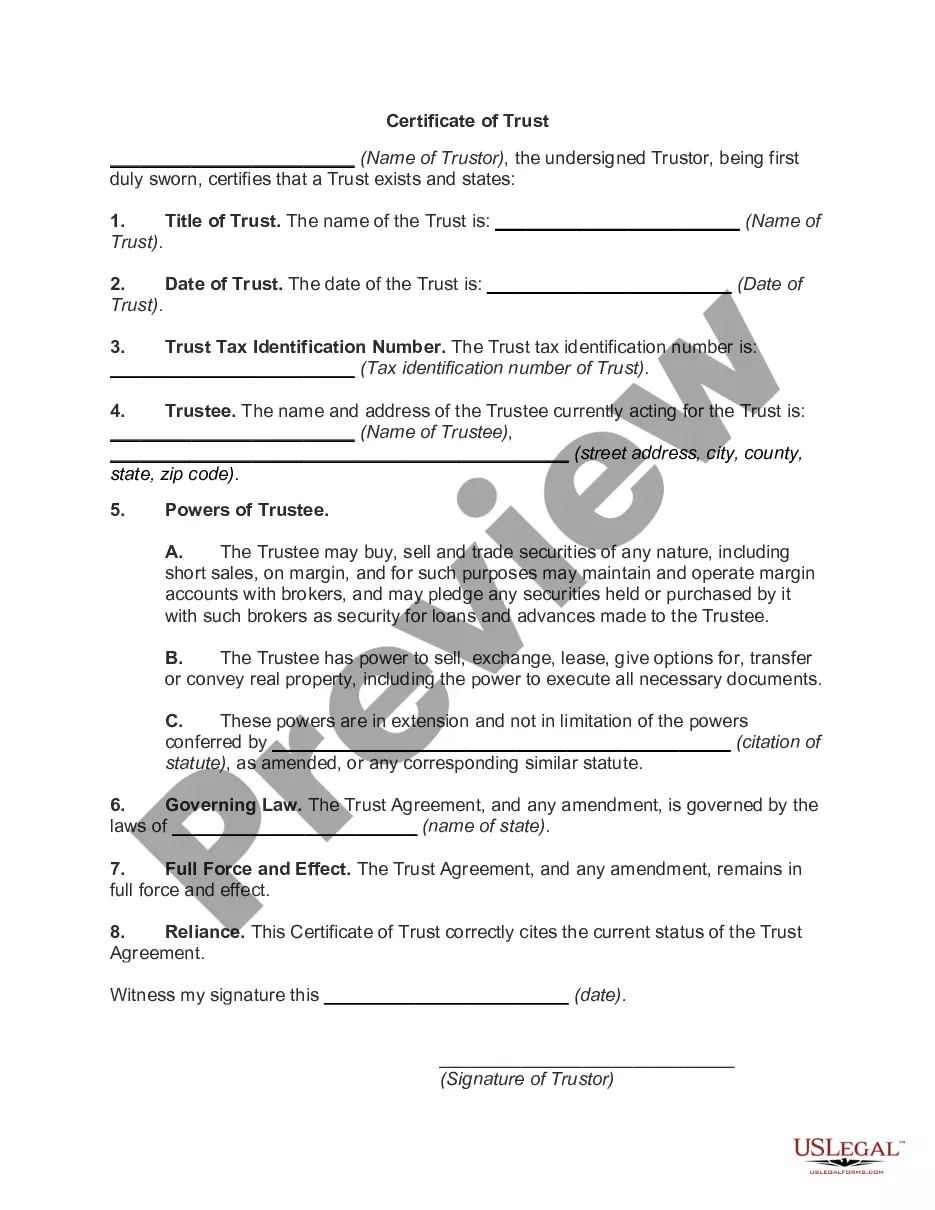
Certificate of Trust
About this form
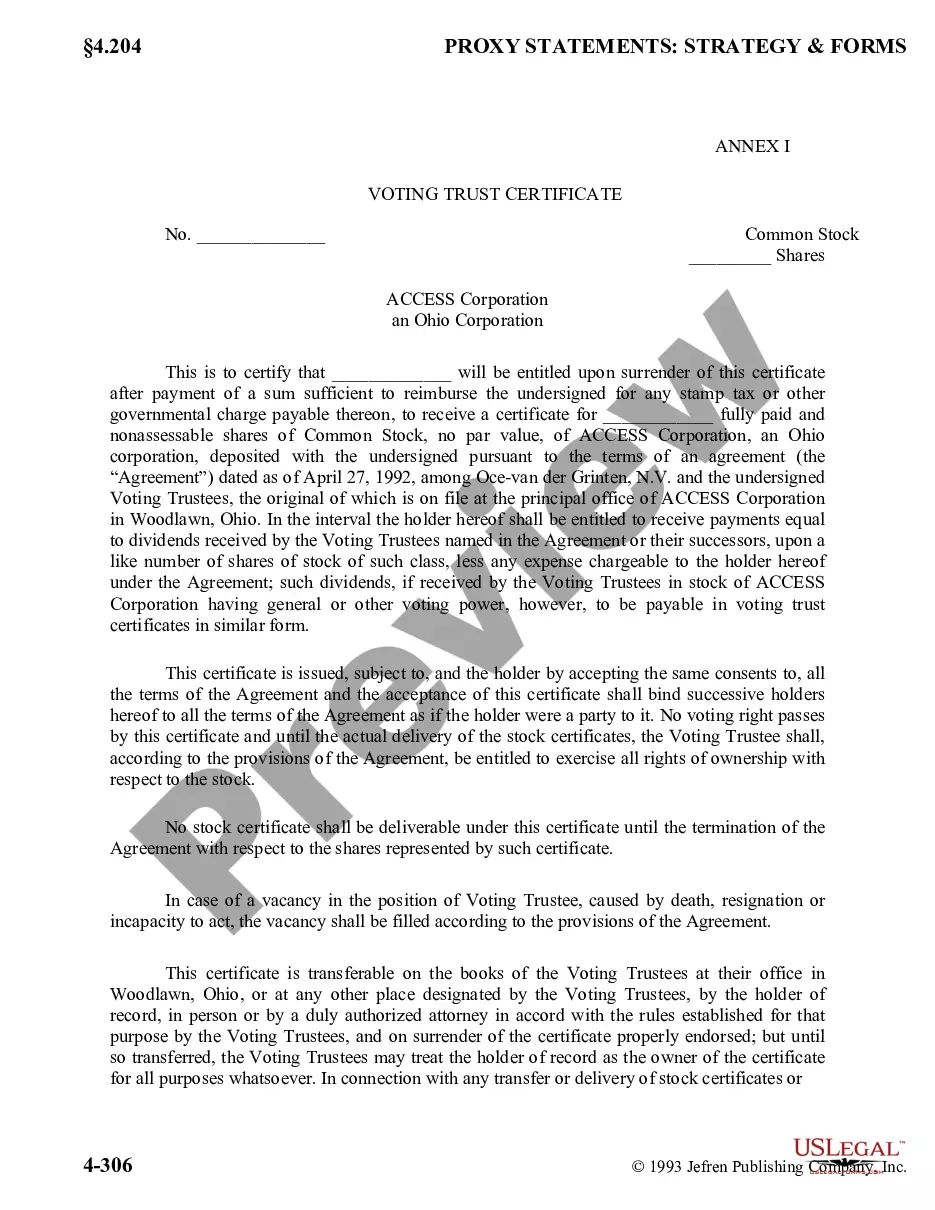
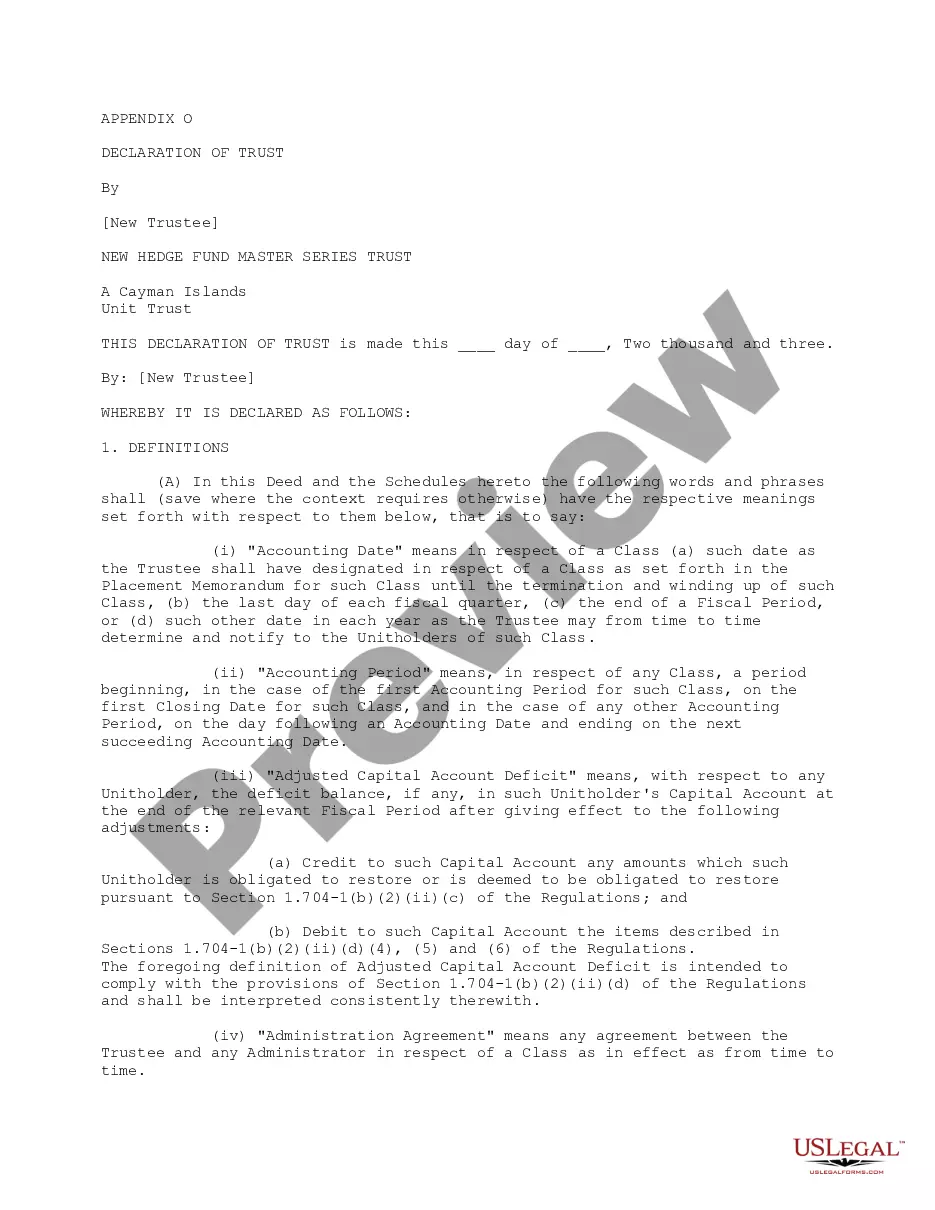
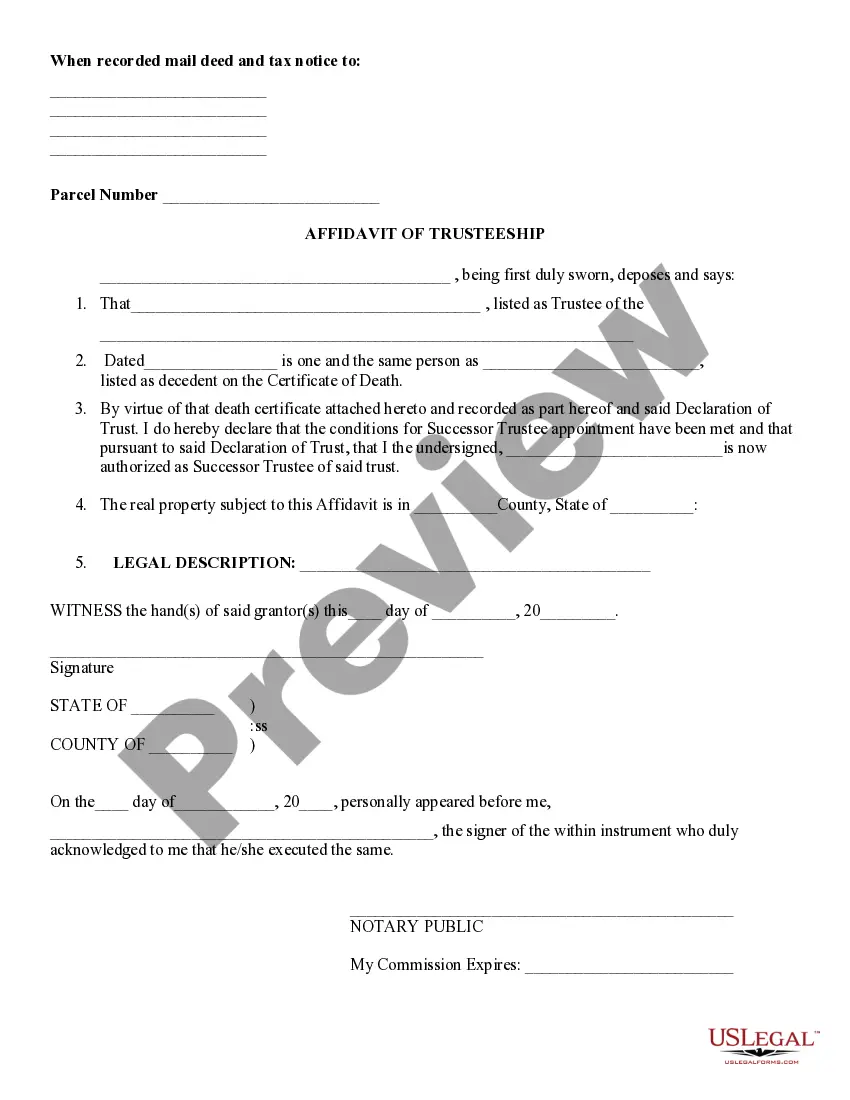
A Certificate of Trust is a simplified version of a declaration of trust. It serves to confirm the existence of a trust without disclosing sensitive details such as the property held in the trust or the identities of the beneficiaries. This document can be presented to financial institutions or other organizations to validate your trust without compromising your privacy. It is worth noting that some states may refer to this document as a certificate or abstract of trust.
Key components of this form
- Title of Trust: The name of the trust is specified here.
- Date of Trust: The date on which the trust was established.
- Trust Tax Identification Number: The tax identification number associated with the trust.
- Trustee: Name and address of the individual appointed as the trustee.
- Powers of Trustee: Specific powers granted to the trustee, including buying and selling property.
- Governing Law: The laws that govern the trust document.
- Full Force and Effect: Confirmation that the trust agreement is valid and enforceable.
- Reliance: A statement attesting to the current status of the trust agreement.

When this form is needed
You should use a Certificate of Trust when you need to provide evidence of a trust's existence without disclosing detailed information about its terms or assets. Common scenarios include opening bank accounts, transferring real estate, or dealing with other financial institutions that may require proof of the trust. This form is especially useful when privacy is a concern and you do not wish to reveal the beneficiaries or specific assets included in the trust.
Who needs this form
- Individuals who have established a trust and need to prove its existence.
- Trustors looking to maintain confidentiality regarding the trust's details.
- Trustees who require documentation to act on behalf of the trust.
- Financial institutions or entities needing verification of a trust for transactions.
Steps to complete this form
- Identify the parties: Enter the name of the trustor and the trust.
- Specify the date: Fill in the date the trust was established.
- Provide the tax identification number: Enter the trust's tax identification number.
- Detail the trustee: Include the name and address of the current trustee.
- List the powers of the trustee: Clearly define what the trustee can do.
- Sign and date: The trustor must sign and date the document to validate it.
Notarization requirements for this form
This form does not typically require notarization unless specified by local law. However, it is important to consult your jurisdiction to ensure compliance with any notarization requirements.
Get your form ready online
Our built-in tools help you complete, sign, share, and store your documents in one place.
Make edits, fill in missing information, and update formatting in US Legal Forms—just like you would in MS Word.
Download a copy, print it, send it by email, or mail it via USPS—whatever works best for your next step.
Sign and collect signatures with our SignNow integration. Send to multiple recipients, set reminders, and more. Go Premium to unlock E-Sign.
If this form requires notarization, complete it online through a secure video call—no need to meet a notary in person or wait for an appointment.
We protect your documents and personal data by following strict security and privacy standards.

Make edits, fill in missing information, and update formatting in US Legal Forms—just like you would in MS Word.

Download a copy, print it, send it by email, or mail it via USPS—whatever works best for your next step.

Sign and collect signatures with our SignNow integration. Send to multiple recipients, set reminders, and more. Go Premium to unlock E-Sign.

If this form requires notarization, complete it online through a secure video call—no need to meet a notary in person or wait for an appointment.

We protect your documents and personal data by following strict security and privacy standards.
Mistakes to watch out for
- Failing to include the correct trust name or date.
- Not providing the trust's tax identification number.
- Omitting the complete address of the trustee.
- Not properly signing the document, which may invalidate it.
Why complete this form online
- Convenience: Easily download and customize the Certificate of Trust from anywhere.
- Editability: Modify the template to suit your specific needs without starting from scratch.
- Reliability: Ensure you are using a form created by licensed attorneys, which is compliant with applicable laws.
Looking for another form?
Form popularity
FAQ
A trust certificate is a bond or debt investment, usually issued by a public corporation, that is backed by other assets. These assets serve a purpose similar to collateral.
(1) The existence of the trust and date of execution of the trust instrument. (2) The identity of the settlor or settlors and the currently acting trustee or trustees of the trust. (3) The powers of the trustee.
A certificate that is trusted by the relying party on the basis of secure and authenticated delivery.
A Standard Document used in California to certify the existence of a trust and to provide information regarding its essential terms, without providing a full copy of the trust instrument.
California law states that a trust is created only if: The settlor properly manifests an intention to create a trust; There is trust property; and. There is a beneficiary (unless it is a charitable trust).
The bank, brokerage, escrow company or other financial institution likely has a trust certificate form you can fill out and use. An estate lawyer or other attorney can help draft a certificate of trust. This includes online legal and estate planning services.
The certificate of the trust should also include a description of how the assets should be distributed to the beneficiaries of the trusts. The trust grantor and the trustee will have to sign and date the document and it will have to be notarized and signed by a notary public.