Time Sheet Instructions
What is this form?
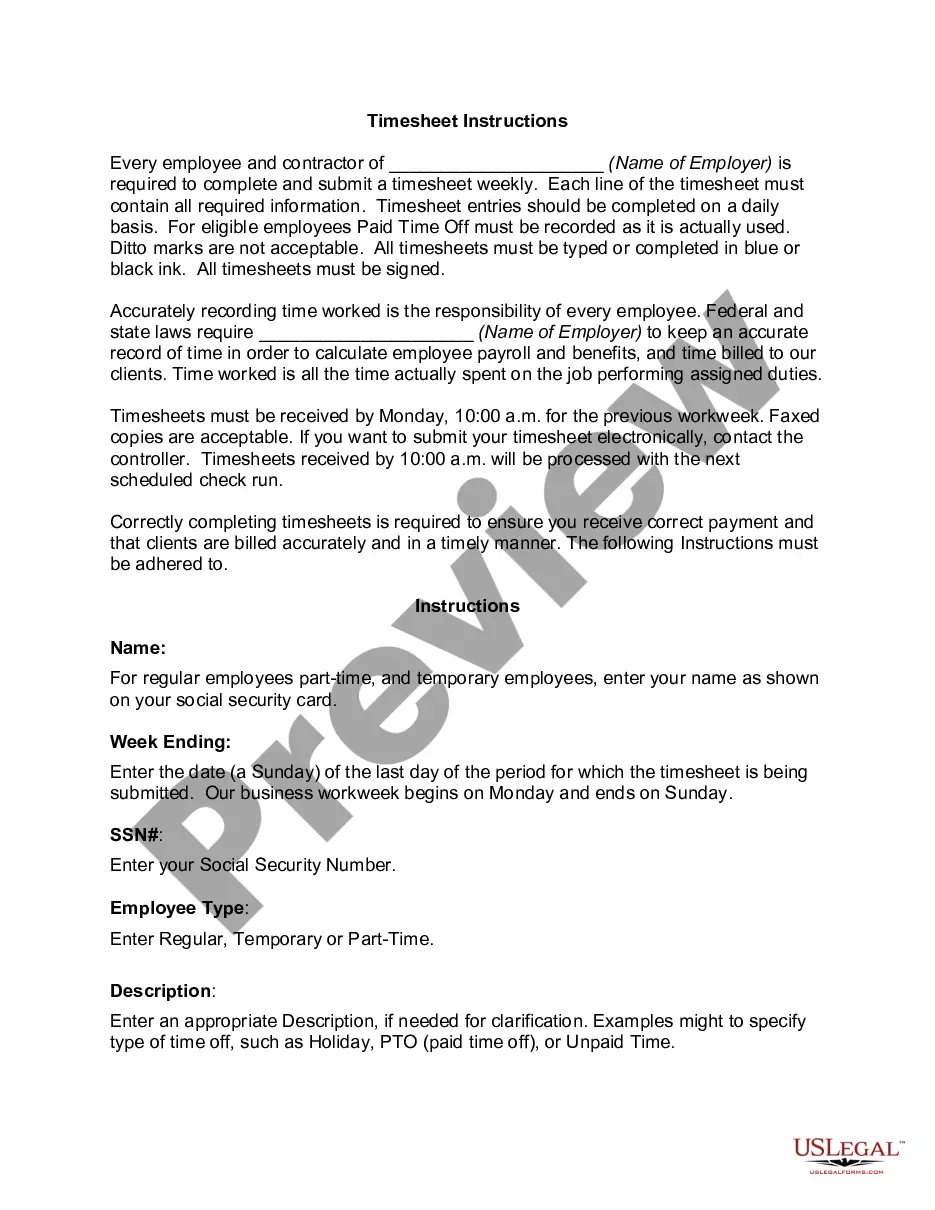
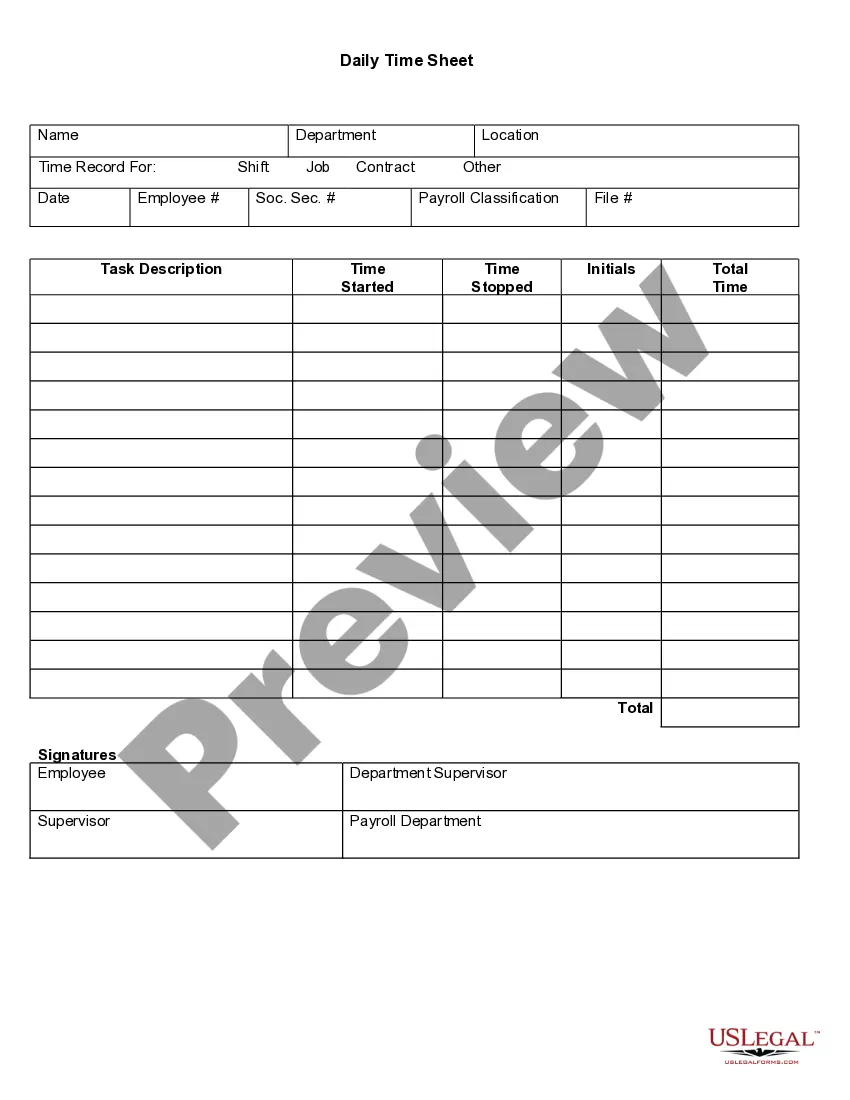
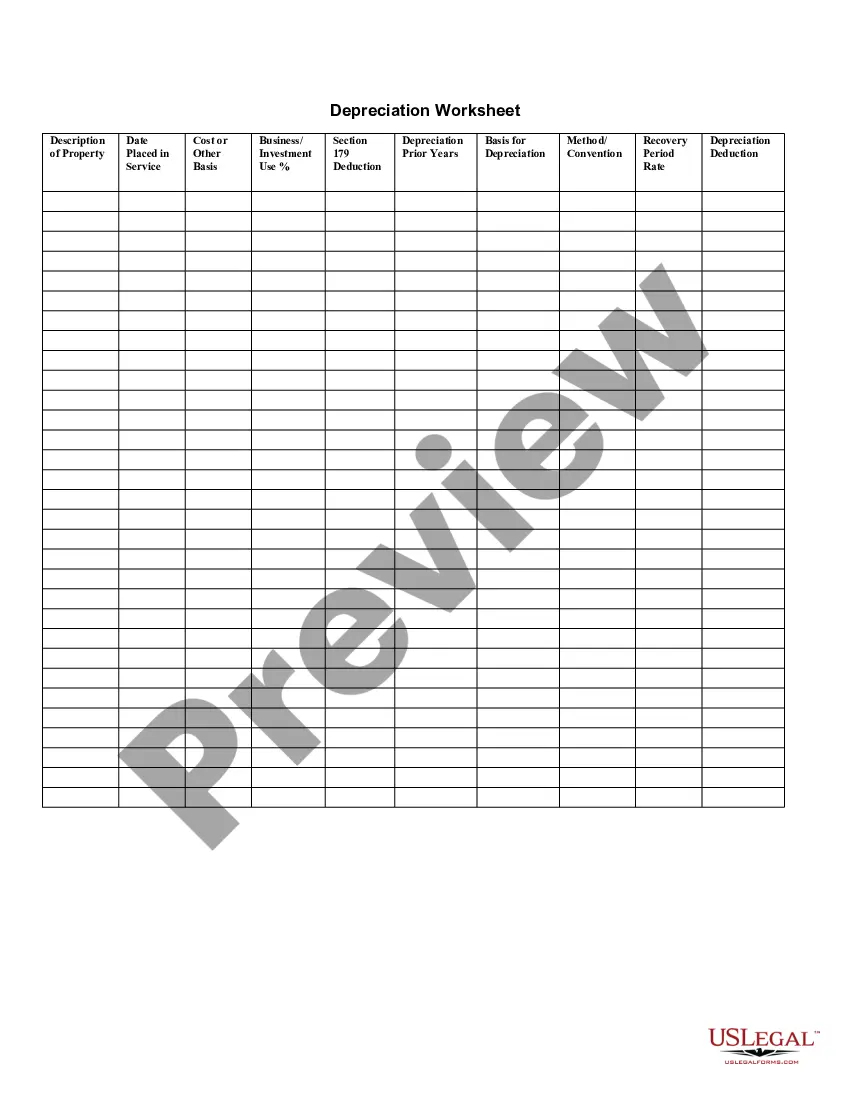
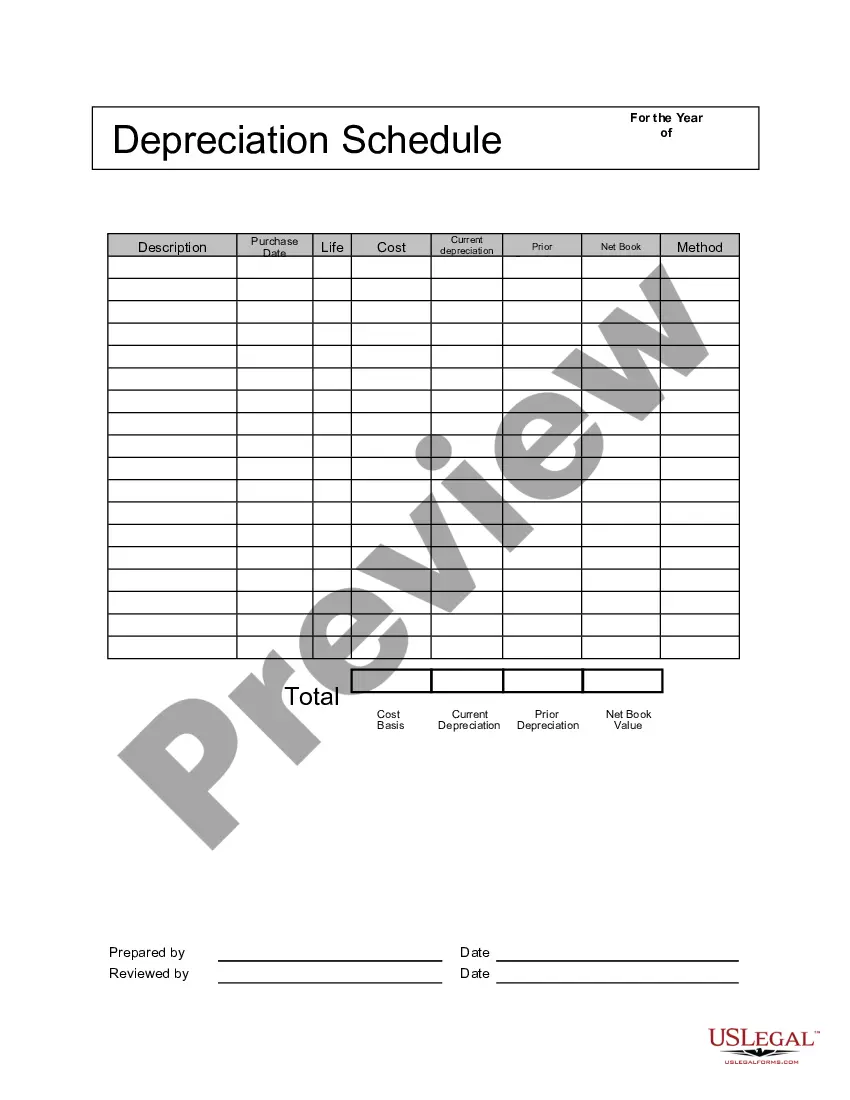
The Time Sheet Instructions form is a legal template designed to guide employees and contractors in accurately recording their work hours and tasks for payroll and billing purposes. Originally created for payroll calculations, this time sheet now also serves project management and client billing needs. Following these instructions ensures compliance with federal and state regulations on timekeeping and employee compensation.
Form components explained
- Employee and contractor identification: Name and type of employment.
- Week ending date: Specifies the end of the reporting period.
- Social Security number: Required for payroll identification purposes.
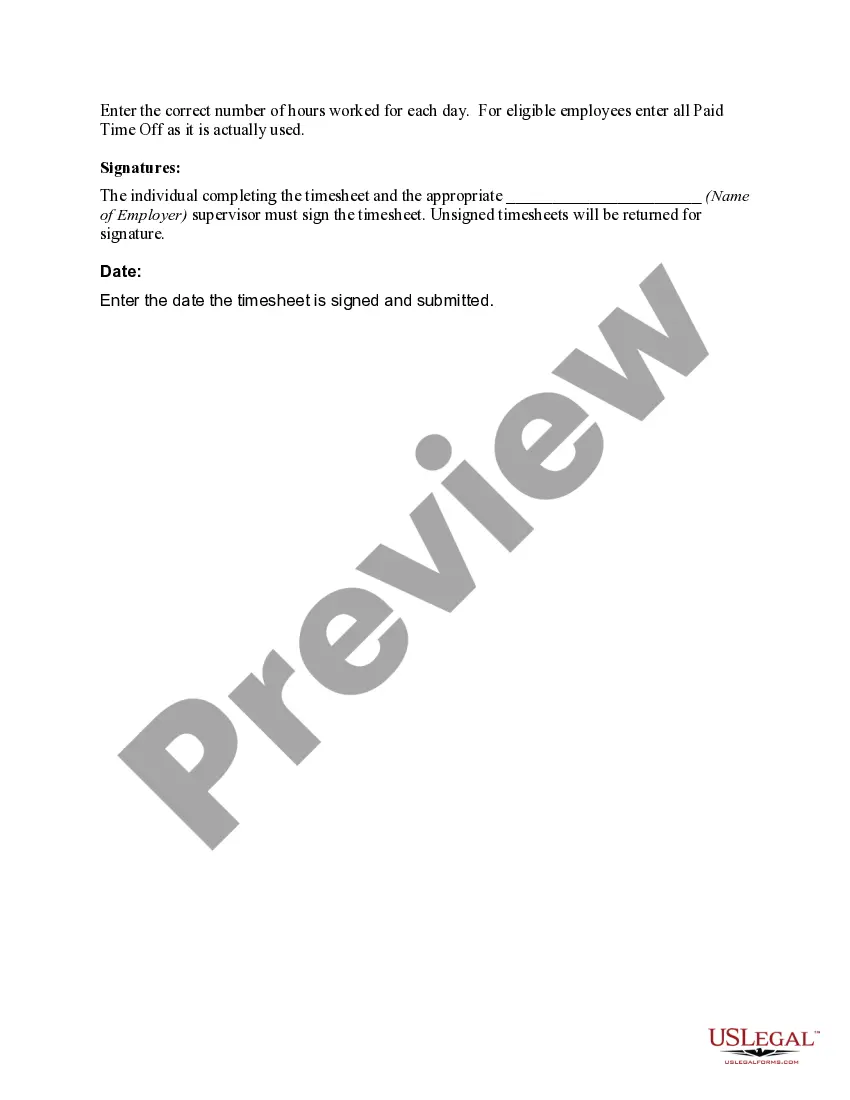
- Hours worked: Detailed entry for each day worked, including Paid Time Off (PTO).
- Signatures: Must be signed by the employee and the supervisor.
- Submission date: Date when the timesheet is completed and handed in.

Common use cases
This form should be used whenever employees or contractors need to report their hours worked and tasks completed for a specific week. It is essential for timely payroll processing and accurate client billing, as well as for tracking project progress and labor costs. Adhering to the submission deadlines ensures that payments and billing processes run smoothly.
Intended users of this form
- Regular employees: Those employed full-time with standard payroll schedules.
- Part-time employees: Individuals working less than full-time hours.
- Temporary employees: Workers engaged on a short-term basis.
- Contractors: Individuals providing services without an employer-employee relationship.
How to prepare this document
- Enter your full name as it appears on your Social Security card.
- Specify the week ending date by inserting the last day (Sunday) of the reporting period.
- Fill in your Social Security number for identification purposes.
- Indicate your employee type (Regular, Temporary, or Part-Time).
- Record the hours worked each day and include any Paid Time Off used.
- Ensure both you and your supervisor sign the timesheet before submission.
Notarization guidance
Notarization is not commonly needed for this form. However, certain documents or local rules may make it necessary. Our notarization service, powered by Notarize, allows you to finalize it securely online anytime, day or night.
Get your form ready online
Our built-in tools help you complete, sign, share, and store your documents in one place.
Make edits, fill in missing information, and update formatting in US Legal Forms—just like you would in MS Word.
Download a copy, print it, send it by email, or mail it via USPS—whatever works best for your next step.
Sign and collect signatures with our SignNow integration. Send to multiple recipients, set reminders, and more. Go Premium to unlock E-Sign.
If this form requires notarization, complete it online through a secure video call—no need to meet a notary in person or wait for an appointment.
We protect your documents and personal data by following strict security and privacy standards.

Make edits, fill in missing information, and update formatting in US Legal Forms—just like you would in MS Word.

Download a copy, print it, send it by email, or mail it via USPS—whatever works best for your next step.

Sign and collect signatures with our SignNow integration. Send to multiple recipients, set reminders, and more. Go Premium to unlock E-Sign.

If this form requires notarization, complete it online through a secure video call—no need to meet a notary in person or wait for an appointment.

We protect your documents and personal data by following strict security and privacy standards.
Avoid these common issues
- Not signing the timesheet, resulting in rejection of the submission.
- Failing to report Paid Time Off (PTO) accurately.
- Submitting the timesheet after the deadline, which delays payroll processing.
- Using ditto marks instead of fully stating time worked.
Why use this form online
- Instant access to fillable forms that can be completed at your convenience.
- Editability allows accurate adjustments before final submission.
- Reliable document storage for future payroll and tax needs.
- Consistency in formatting helps prevent errors in record-keeping.
Main things to remember
- The Time Sheet Instructions form is critical for accurate payroll and billing.
- Each employee must maintain precise records of hours worked and PTO utilized.
- Timely submission by the deadline is essential for smooth payroll processing.
- Both employee and supervisor signatures are mandatory for validation purposes.
Looking for another form?

Form popularity
FAQ
Use an accurate timekeeping system. Require employees to record all time worked. Record training and travel time. Consider rest breaks "work time." Under the FLSA, if you provide a rest break (any period lasting 20 minutes or less that the employee is allowed to spend away from work), it must be paid.
Click Payroll in the menu at the left side of your screen, then Timesheets. If your employee worked any overtime hours, used any paid vacation hours or paid sick time hours, input those hours in the Overtime Pay, Vacation Pay, or Sick Time Pay rows. Click Save.
Timesheets let you know exactly what your employees are working on. They track efficiency of workers by comparing the amount of time they work with the output they produce. Timesheets help spot employees that perform poorly and cost your company money.
Timekeepers, also known as payroll assistants or clerks, support payroll department activities and efficiency by gathering and entering employee time and wage data within the department's time management system.
5 minutes = .08. 10 minutes = .17. 15 minutes = .25. 20 minutes = .33. 25 minutes = .42. 30 minutes = .50. 35 minutes = .58. 40 minutes = .67.
Employee's name. Pay period. Date worked. Day worked. Hours worked. Total workweek hours.
Each employee enters the hours they work in their timesheet, and then they submit it at the end of each timesheet period. They can enter time against available projects, tasks, or activities, and can record comments. In addition, they can complete custom fields and copy data from previous timesheets.
From Time Clock, at the bottom of the screen, tap Timesheets. At the top, tap SUBMIT TIME, select the date(s) to submit, then tap SUBMIT > Submit.
To complete a timesheet: Add the total hours you have worked and 2. multiply the result by the hourly rate of pay to arrive at your Total Gross Pay and record that number After selecting where you want your check to 3. arrive (your AC box or your home), review your time sheets for any mistakes.