Demographic Comparison Worksheet
About this form
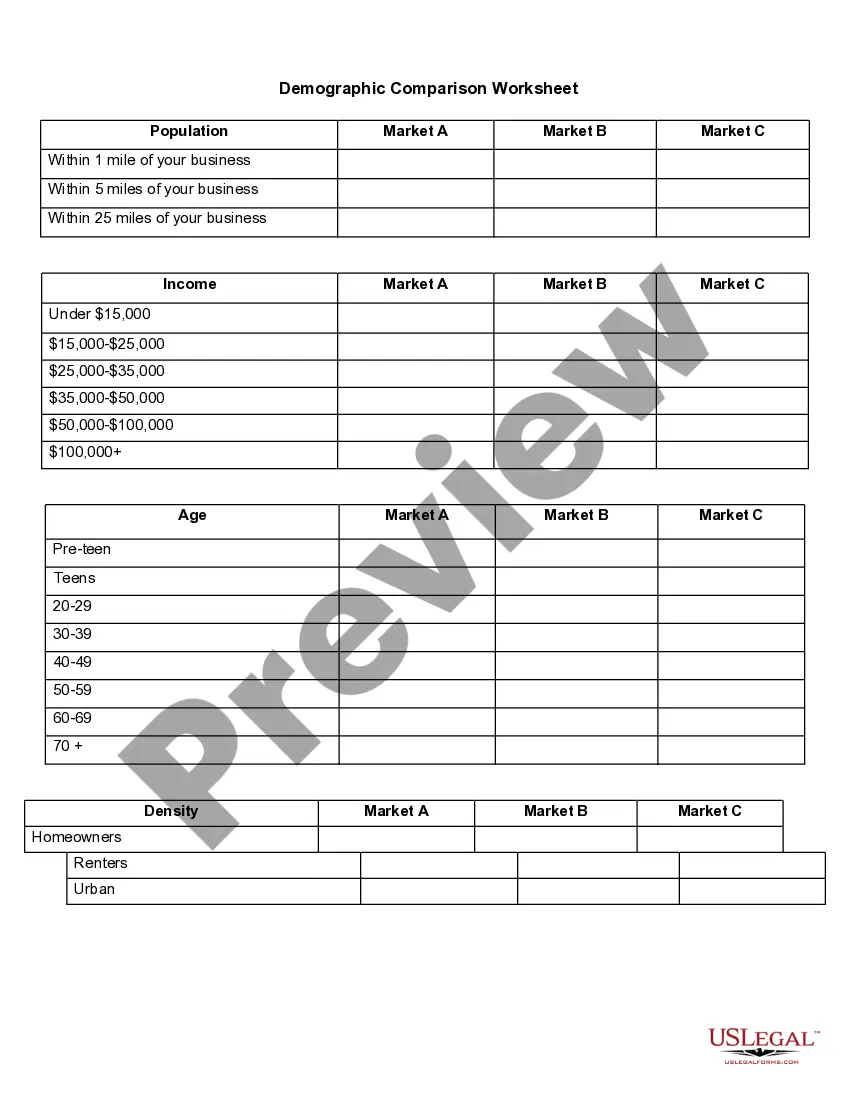
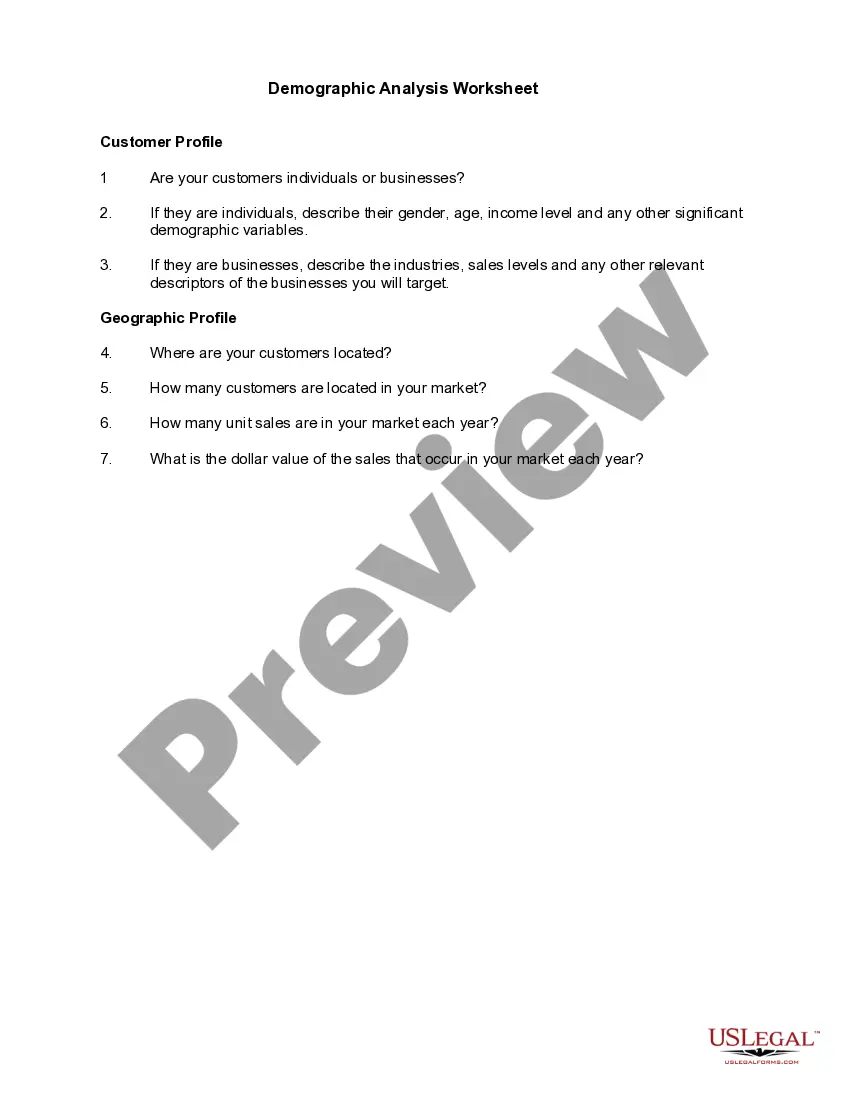
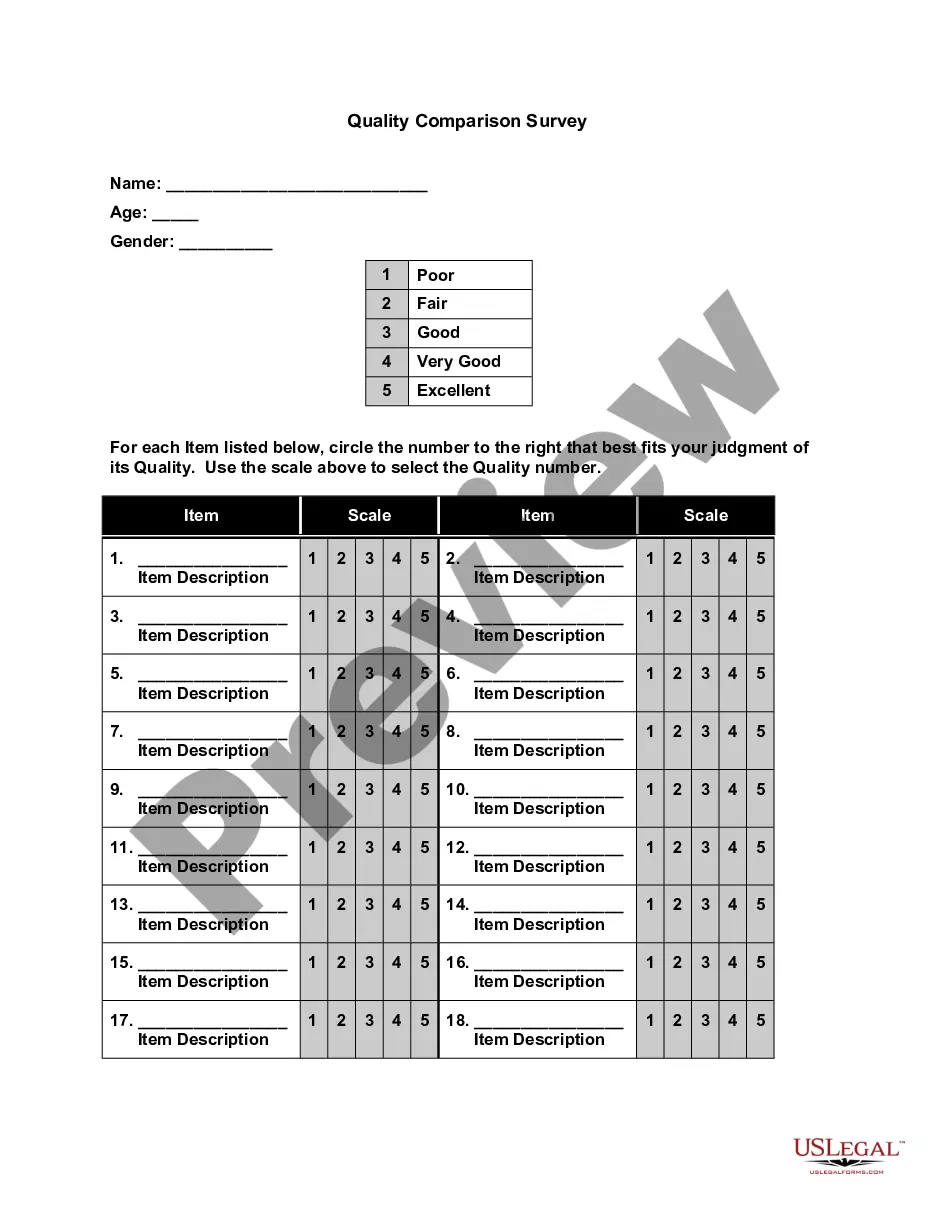
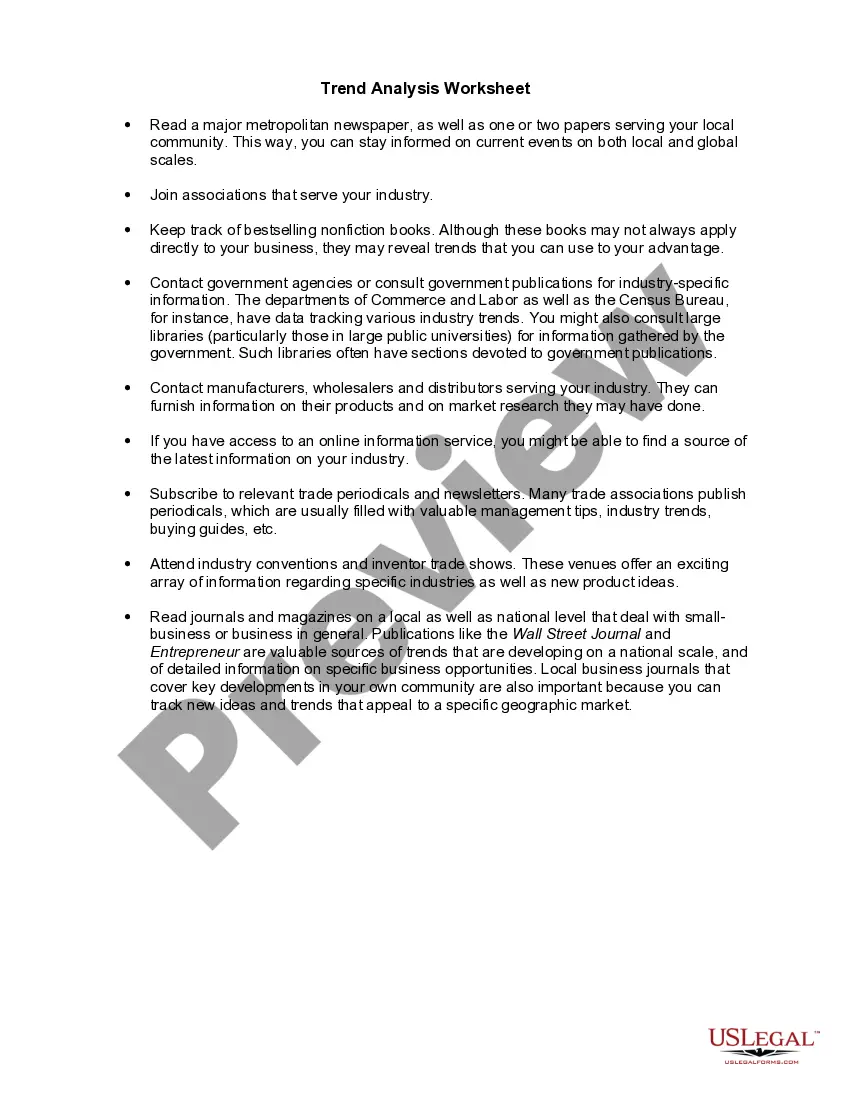
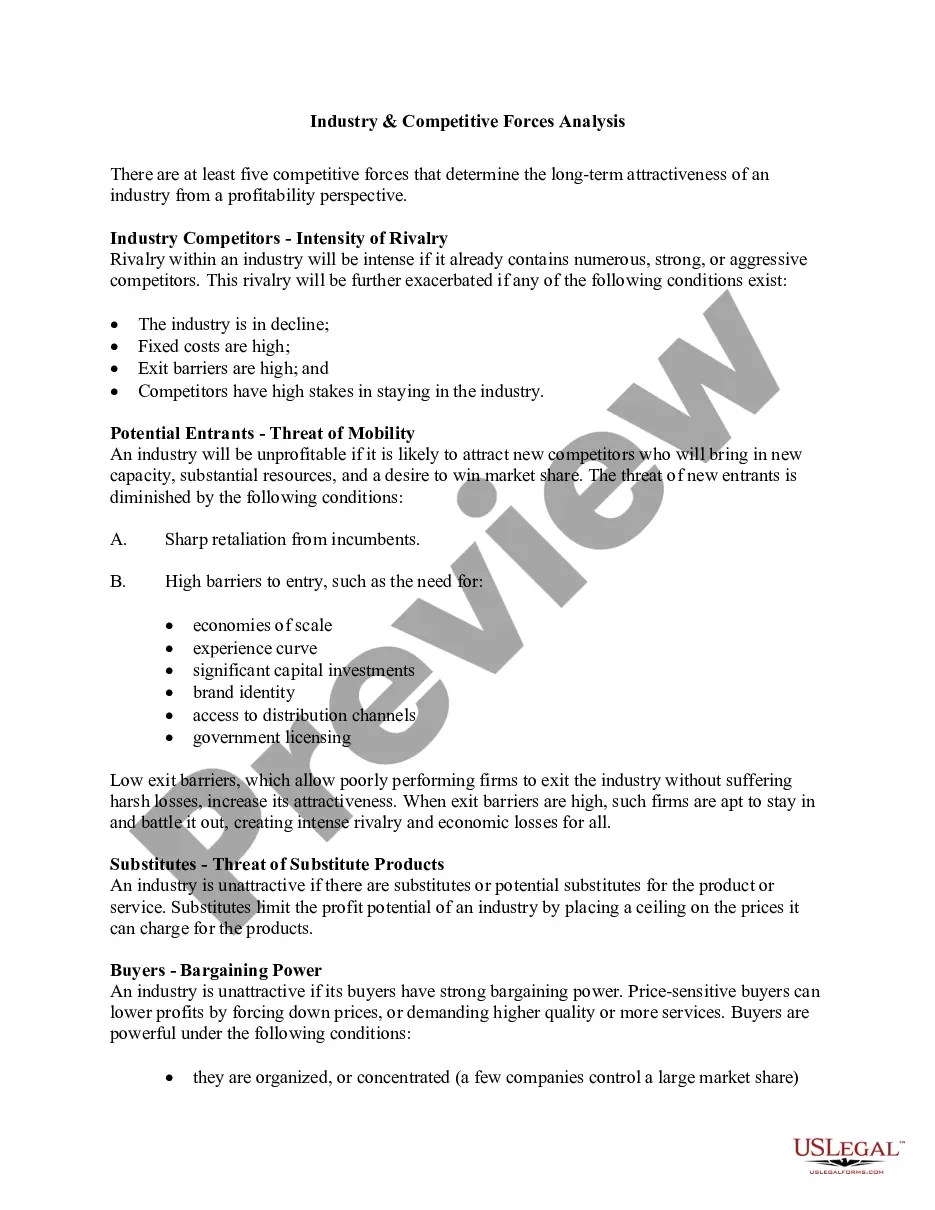
The Demographic Comparison Worksheet is a tool designed to help businesses assess potential locations by evaluating community demographics. It allows users to compare demographic traits such as income levels, age distribution, and housing density across different markets. This form enables business owners to make informed decisions about where to establish or expand their business based on demographic compatibility.
Main sections of this form
- Population demographics: Sections for comparing markets A, B, and C across different distances from the business location.
- Income brackets: Fields to analyze income distribution within the community.
- Age groups: Categories to assess the age demographics that could affect business availability.
- Density indicators: Information on housing types, including the percentage of homeowners versus renters.
When this form is needed
This form is useful when a business owner is considering multiple locations and needs to evaluate which community will best support their target market. It helps identify key demographic factors that will influence customer engagement and overall business success.
Who needs this form
This form is intended for:
- Business owners looking to establish a new location.
- Entrepreneurs evaluating potential markets for expansion.
- Consultants assisting clients with market analysis.
- Real estate professionals assessing business viability in specific areas.
Completing this form step by step
- Identify the markets you want to compare (Market A, Market B, Market C).
- Enter the relevant distances from your proposed business location (1 mile, 5 miles, 25 miles).
- Fill in income data based on local demographics for each market.
- Record age distribution data to identify potential customer segments.
- Include density information to assess housing trends in the area.
Is notarization required?
Notarization is not commonly needed for this form. However, certain documents or local rules may make it necessary. Our notarization service, powered by Notarize, allows you to finalize it securely online anytime, day or night.
Get your form ready online
Our built-in tools help you complete, sign, share, and store your documents in one place.
Make edits, fill in missing information, and update formatting in US Legal Forms—just like you would in MS Word.
Download a copy, print it, send it by email, or mail it via USPS—whatever works best for your next step.
Sign and collect signatures with our SignNow integration. Send to multiple recipients, set reminders, and more. Go Premium to unlock E-Sign.
If this form requires notarization, complete it online through a secure video call—no need to meet a notary in person or wait for an appointment.
We protect your documents and personal data by following strict security and privacy standards.

Make edits, fill in missing information, and update formatting in US Legal Forms—just like you would in MS Word.

Download a copy, print it, send it by email, or mail it via USPS—whatever works best for your next step.

Sign and collect signatures with our SignNow integration. Send to multiple recipients, set reminders, and more. Go Premium to unlock E-Sign.

If this form requires notarization, complete it online through a secure video call—no need to meet a notary in person or wait for an appointment.

We protect your documents and personal data by following strict security and privacy standards.
Mistakes to watch out for
- Not gathering accurate demographic data for comparison.
- Ignoring distance factors that impact market reach.
- Forgetting to analyze multiple income levels.
- Overlooking the importance of age demographics for product fit.
Why use this form online
- Convenience: Access and complete the form anytime, anywhere.
- Editability: Modify responses easily before finalizing your analysis.
- Reliability: Obtain templates drafted by licensed attorneys to ensure accuracy.
Legal use & context
- The Demographic Comparison Worksheet is a strategic tool and not a legally binding document.
- It is used primarily for market analysis and internal decision-making processes.
Summary of main points
- The Demographic Comparison Worksheet helps assess community demographic traits.
- Utilizes key demographic data critical for business success.
- Useful for business owners and professionals evaluating location options.