Invoice Template for SEO Expert
What this document covers
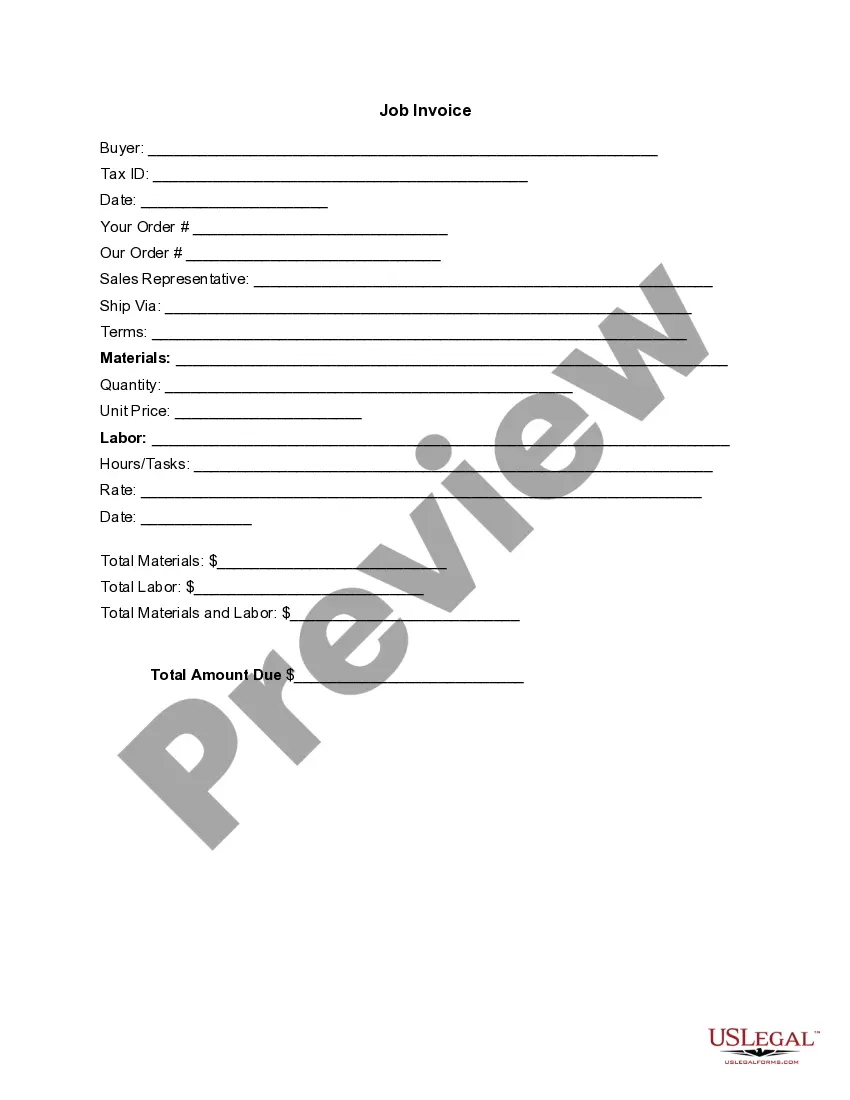
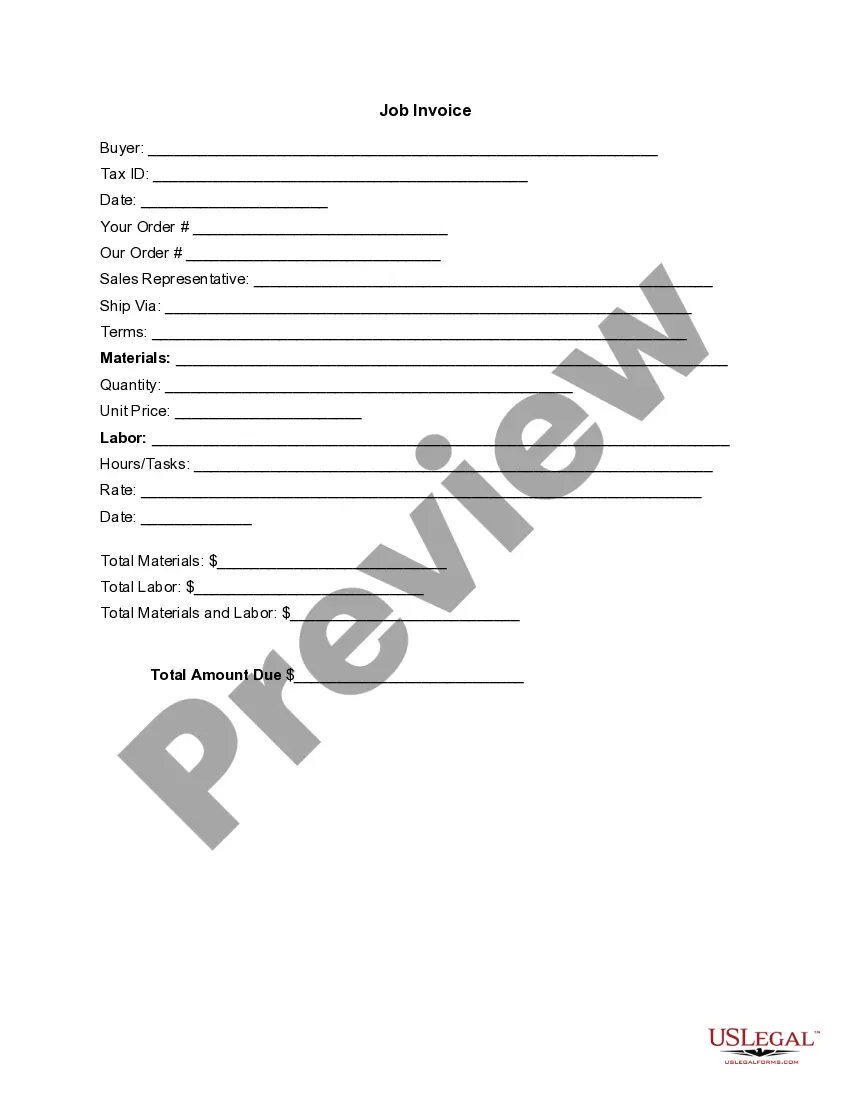
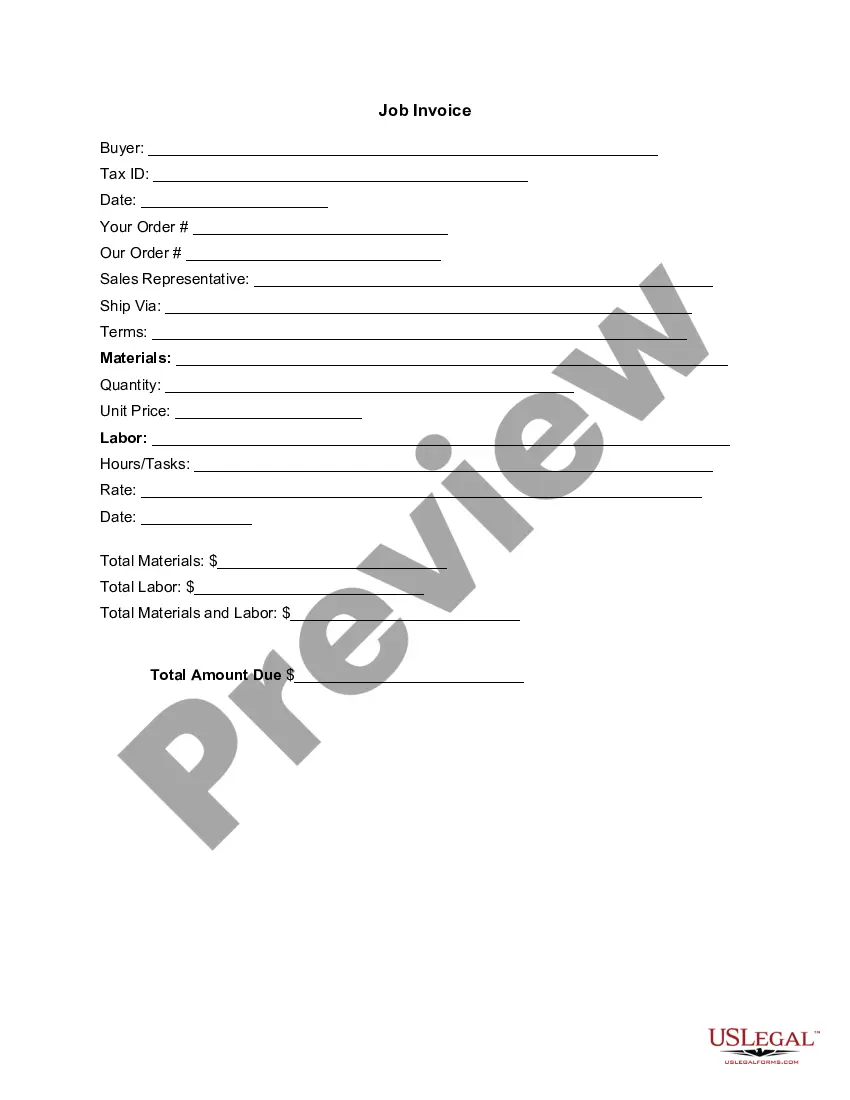
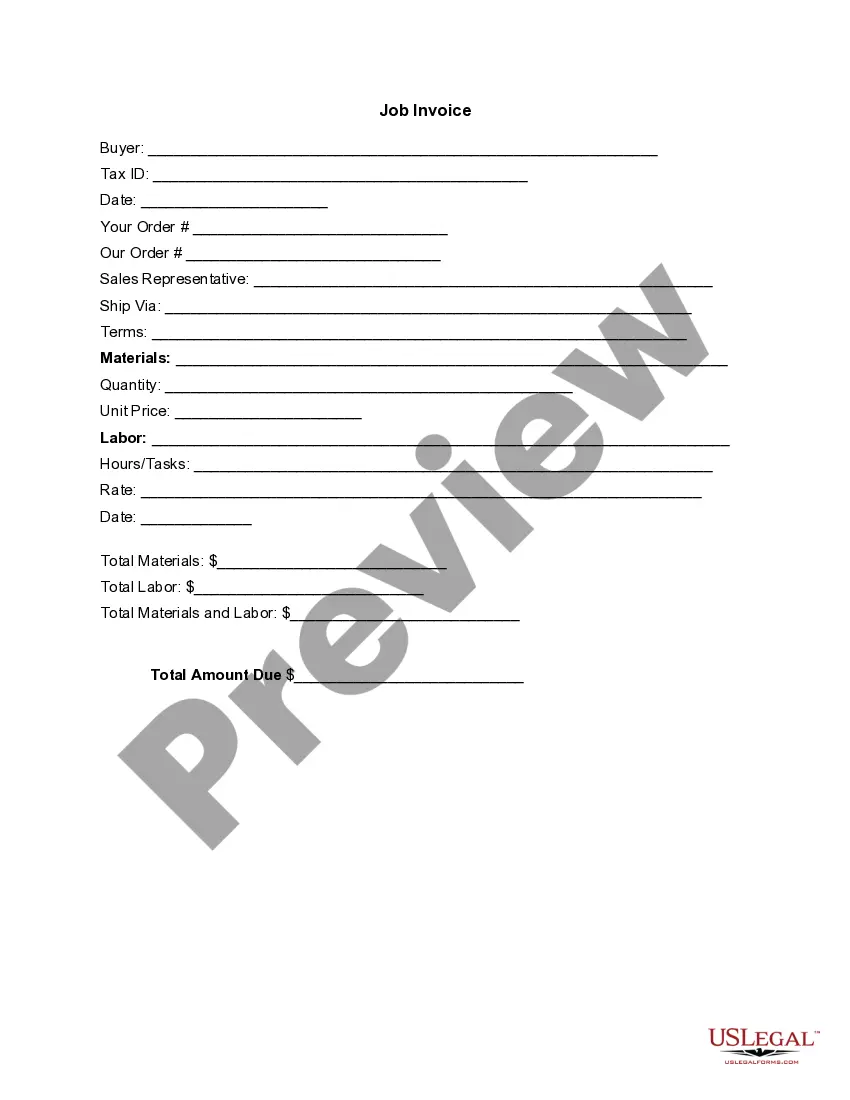
An invoice template for an SEO expert is a detailed document that outlines services provided, including itemized costs for materials and labor. This form serves to formally request payment from clients, distinguishing it from other billing documents by focusing specifically on SEO services rendered. Using an invoice template helps ensure all necessary details are clearly captured, making the billing process more efficient.
Main sections of this form
- Buyer information section, including name and Tax ID.
- Date of invoice and order numbers for tracking.
- Sales representative contact details.
- Shipping method and terms of service.
- Itemized list of materials and their quantities.
- Labor hours or tasks completed with corresponding rates.
- Total amounts calculated for both materials and labor.


When to use this form
This invoice template should be used whenever an SEO expert has completed work for a client and needs to bill for the services. It is appropriate for both one-time projects and ongoing service agreements where detailed records of work completed and costs incurred are necessary for transparency and accounting purposes.
Who can use this document
This invoice template is intended for:
- Freelance SEO experts providing services to clients.
- Agencies offering digital marketing and SEO packages.
- Businesses needing to document SEO work done for internal or external billing.
Completing this form step by step
- Enter the buyer's name and Tax ID in the designated fields.
- Fill in the date of the invoice and include relevant order numbers.
- Provide the sales representative's contact information for client reference.
- List the items or services provided, including quantities and unit prices.
- Document labor hours and rates, ensuring accurate totals are calculated.
- Finally, summarize the total amount due at the bottom of the form.
Does this document require notarization?
Notarization is not commonly needed for this form. However, certain documents or local rules may make it necessary. Our notarization service, powered by Notarize, allows you to finalize it securely online anytime, day or night.
Get your form ready online
Our built-in tools help you complete, sign, share, and store your documents in one place.
Make edits, fill in missing information, and update formatting in US Legal Forms—just like you would in MS Word.
Download a copy, print it, send it by email, or mail it via USPS—whatever works best for your next step.
Sign and collect signatures with our SignNow integration. Send to multiple recipients, set reminders, and more. Go Premium to unlock E-Sign.
If this form requires notarization, complete it online through a secure video call—no need to meet a notary in person or wait for an appointment.
We protect your documents and personal data by following strict security and privacy standards.

Make edits, fill in missing information, and update formatting in US Legal Forms—just like you would in MS Word.

Download a copy, print it, send it by email, or mail it via USPS—whatever works best for your next step.

Sign and collect signatures with our SignNow integration. Send to multiple recipients, set reminders, and more. Go Premium to unlock E-Sign.

If this form requires notarization, complete it online through a secure video call—no need to meet a notary in person or wait for an appointment.

We protect your documents and personal data by following strict security and privacy standards.
Common mistakes
- Leaving out essential buyer information, such as Tax ID.
- Not itemizing services and materials correctly, leading to confusion.
- Failing to double-check calculations for total amounts.
- Omitting terms of service or payment terms.
Benefits of using this form online
- Convenient access to a preformatted template that saves time.
- Editability allows for customization based on specific client needs.
- Reliable format ensuring that all important details are covered.
Legal use & context
- An invoice serves as a legal document for requesting payment.
- Providing clear records can help in case of payment disputes.
- Invoices can also serve as proof of services rendered for tax purposes.
Summary of main points
- An invoice template for SEO experts simplifies the billing process.
- Ensure all details are accurately filled to avoid payment issues.
- Important for both freelancers and agencies working in digital marketing.
Looking for another form?


Form popularity
FAQ
Maintain great client relationships. You know who will want to pay you on time? Invoice on time. Use cloud-based services. Switch to a retainer-based model. Write the payment terms in the contract, including late fees. Ask for upfront payments. Don't deliver the work until you get payment. Stick to a payment schedule.
Download a free invoice template. Include your business name and contact information. Add business media or logo. Include client's name, business and contact details. Input unique invoice number on template, plus invoice date and due date. List services or products with descriptions and costs for each.
Make your invoice look professional. The first step is to put your invoice together. Clearly mark your invoice. Add company name and information. Write a description of the goods or services you're charging for. Don't forget the dates. Add up the money owed. Mention payment terms.
Create on-demand invoices with a Google Docs invoice template that is accessible from anywhere there is an internet service. Get paid promptly for all services rendered with this fully customizable invoice template.
Businesses can make custom invoices for free using Google Docs, either by downloading a professional template or by creating the invoice design from scratch. With Google Docs, you can create invoices that meet your needs and then save them to the cloud, so you can access the invoices from anywhere.
Create a Professional Layout. Include Company and Client Information. Add an Invoice Number, Invoice Date, and Due Date. Write Each Line Item with a Description of Services. Add-up Line Items for Total Money Owed. Include Simple Payment Terms and Payment Options. Add a Personal Note.
The most basic invoice should include: A unique invoice number. Your complete information name, address and phone number. Customer's complete information name, address and phone number.
The name and contact details of your business. The client's contact information. A unique invoice number. An itemized summary of the services provided. Specific payment terms. The invoice due date. The total amount owing on the invoice.
Design the Invoice Structure. Take time before diving into invoice design to plan out the structure of your invoice template. Include Your Brand and Style. Make the Information Readable. Leave Room for Descriptions. Make Deadlines and Payment Totals Stand Out. Clearly State Payment Terms.