Invoice Template for Construction
What is this form?
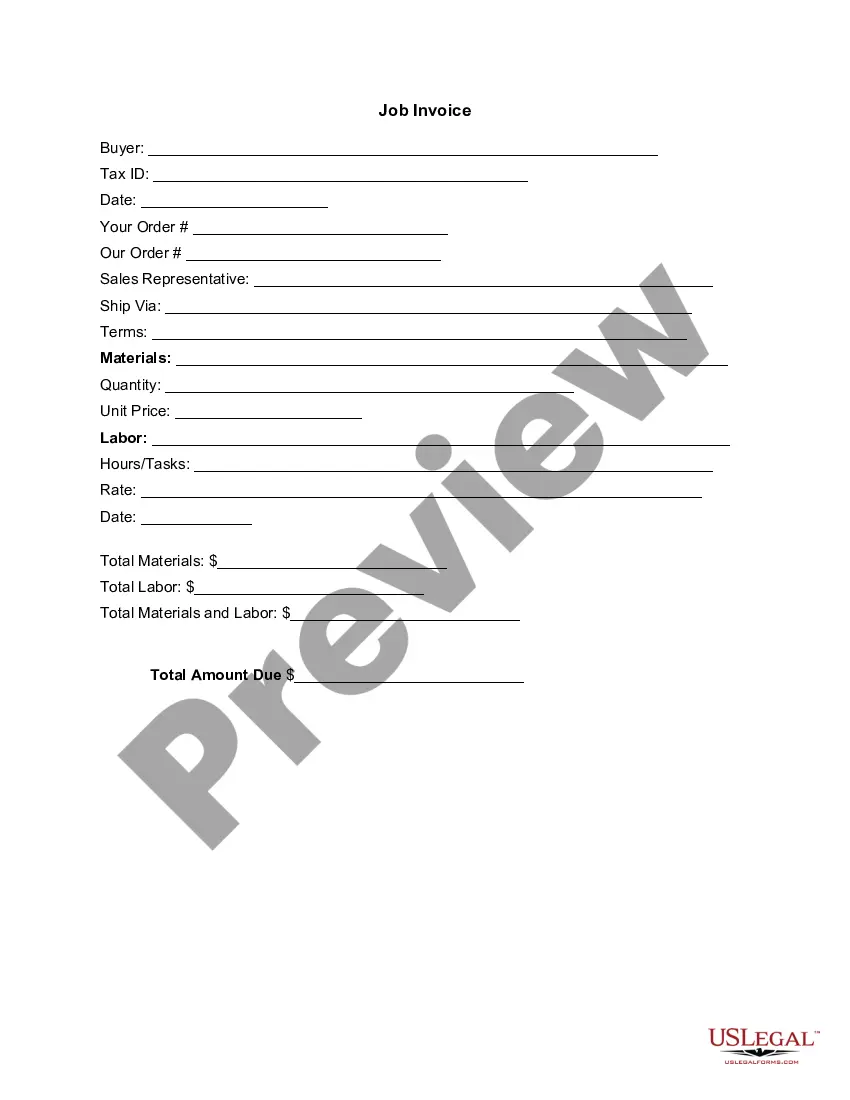
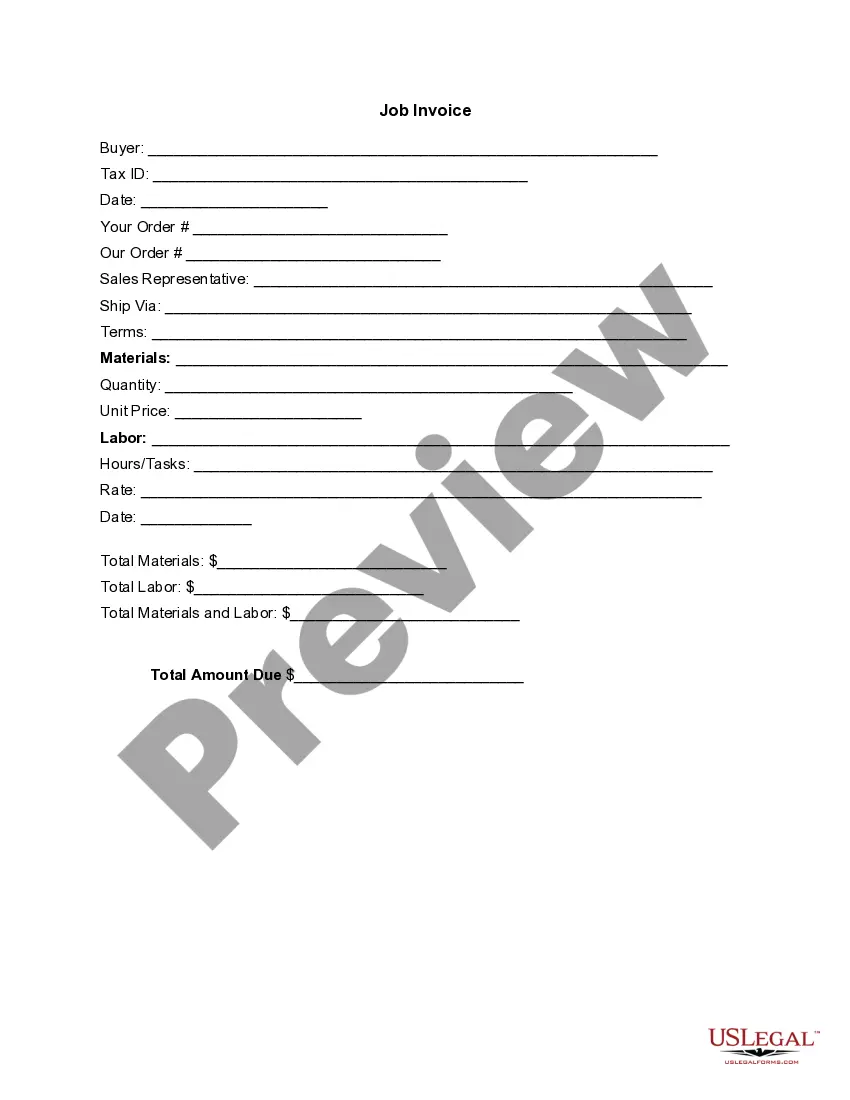
The Invoice Template for Construction is a specialized document used to itemize the services and materials provided in construction projects. This form serves as a formal request for payment and includes detailed listings of all expenses involved in a specific job, distinguishing it from general invoices that might not be as detailed in project-specific costs.
Key components of this form
- Buyer details: Information about the client, including name and tax ID.
- Job order numbers: Spaces for your order and the company's order references.
- Sales representative: Indicates the representative handling the account.
- Terms of service: Specifies payment terms to clarify expectations.
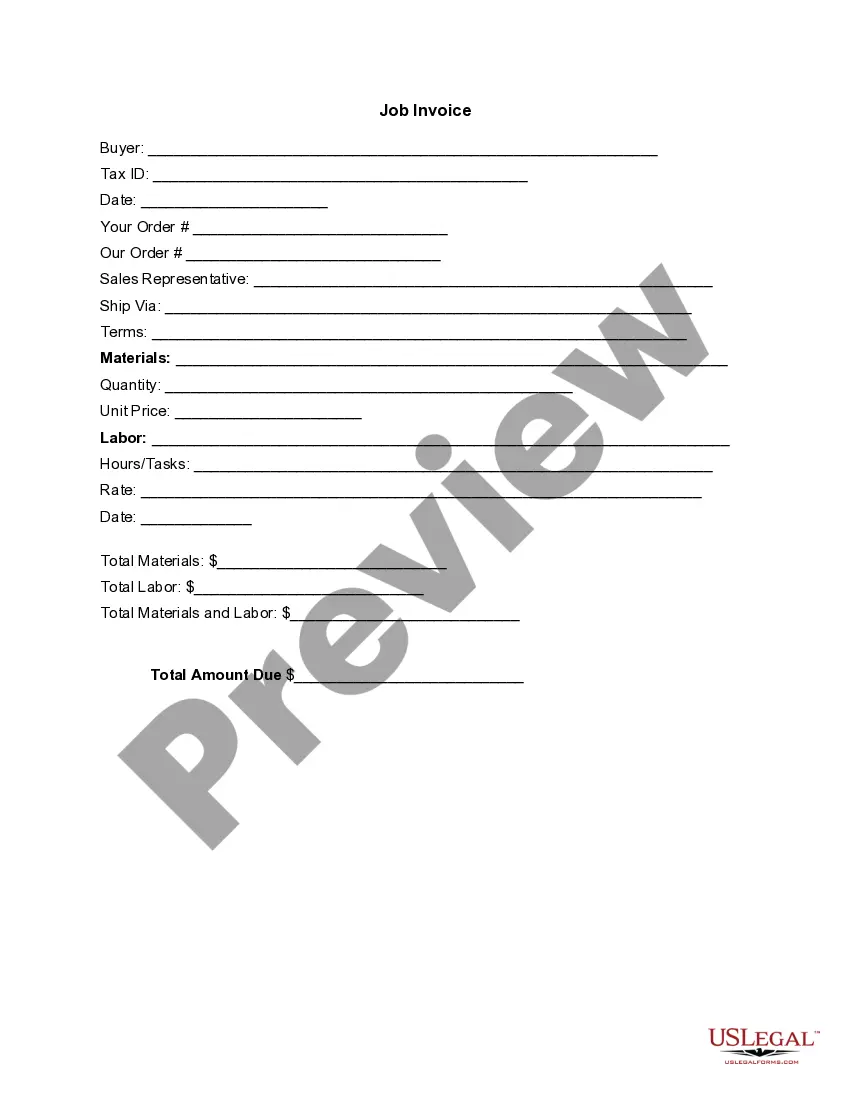
- Materials and labor: Sections for detailing materials, quantities, unit prices, and labor rates.
- Total amounts: Clear sections for summarizing total materials, labor, and overall amount due.



When to use this document
This form is essential when a construction project has been completed, and the service provider needs to request payment from the client. It is commonly used by contractors, subcontractors, and suppliers to ensure all costs are clearly communicated and documented, helping to facilitate prompt payment for services rendered.
Who this form is for
- Contractors who provide construction services.
- Subcontractors involved in specialized tasks like plumbing, electrical work, or roofing.
- Suppliers providing materials for construction projects.
- Freelancers working on small construction or renovation jobs.
Steps to complete this form
- Identify the buyer by filling in their name and tax ID.
- Enter relevant order information, including your order number and the order number from the company.
- Specify the sales representative handling the transaction.
- List all materials provided, with quantities, unit prices, and individual costs for labor performed.
- Calculate and enter total amounts for materials, labor, and the final amount due.
Notarization requirements for this form
This form does not typically require notarization unless specified by local law. However, ensure the invoice is signed by the appropriate parties to validate it as a formal document.
Get your form ready online
Our built-in tools help you complete, sign, share, and store your documents in one place.
Make edits, fill in missing information, and update formatting in US Legal Forms—just like you would in MS Word.
Download a copy, print it, send it by email, or mail it via USPS—whatever works best for your next step.
Sign and collect signatures with our SignNow integration. Send to multiple recipients, set reminders, and more. Go Premium to unlock E-Sign.
If this form requires notarization, complete it online through a secure video call—no need to meet a notary in person or wait for an appointment.
We protect your documents and personal data by following strict security and privacy standards.

Make edits, fill in missing information, and update formatting in US Legal Forms—just like you would in MS Word.

Download a copy, print it, send it by email, or mail it via USPS—whatever works best for your next step.

Sign and collect signatures with our SignNow integration. Send to multiple recipients, set reminders, and more. Go Premium to unlock E-Sign.

If this form requires notarization, complete it online through a secure video call—no need to meet a notary in person or wait for an appointment.

We protect your documents and personal data by following strict security and privacy standards.
Common mistakes
- Failing to include all materials and labor details can lead to payment delays.
- Not clarifying payment terms, which may result in misunderstandings.
- Omitting the date can cause confusion about when payment is due.
- Forgetting to double-check calculations for total amounts owed.
Why complete this form online
- Convenience: Easily download and fill out the form as needed.
- Editability: Make adjustments quickly for different projects.
- Reliability: Use professionally drafted templates created by licensed attorneys.
Main things to remember
Key takeaways:
- The Invoice Template for Construction is crucial for clear communication of costs to clients.
- It should include all relevant details about labor and materials to avoid payment conflicts.
- Accurate completion can help ensure timely payment from clients.
- Utilizing this form online enhances convenience and efficiency in the billing process.
Looking for another form?




Form popularity
FAQ
The elements of a construction receipt include product information such as quantity, item description and the total amount billed. You also include client information such as contact number email and transaction information such as location and date.
Invoice Bus. Invoicebus helps you send online invoices to your clients and get paid instantly regardless to wherever you are based in the world. Invoice Generator. FreshBooks. Skynova. Invoiceto.me. Create. Zoho Invoice. Square Invoices.
The name and address of the business or individual receiving the payment. The name and address of the person making the payment. The date the payment was made. A receipt number. The amount paid. The reason for the payment. How the payment was made (credit card, cash, etc)
Download the basic Simple Invoice Template in PDF, Word or Excel format. Open the new invoice doc in Word or Excel. Add your business information and branding, including your business name and logo. Customize the fields in the template to create your invoice. Name your invoice. Save
Answers (1-10) If a contractor is working on a time/material basis with a markup or fee; then yes he has an obligation to furnish the underlying receipts and sub invoices. If the contract is being completed on a set price, then no, he has no obligation to furnish underlying receipts/invoices.
Add in your company details (name, address) in From section. Fill out client details (name, email, address) in For section. Write out line items with description, rate and quantity. Finish with the date, invoice number and your personalized brand.
Download a free labor invoice template from FreshBooks. Add your business name, contact details and branding. Include the client's name and contact information. Create and add a unique invoice number on the template. Add an invoice issue date and payment due date.
Company's name & address. Date. Name of the contractor. A description of the services. Quantity. Prices. Taxes. Total amount paid.
The name of your company. The name of your customer. The duration of the work you're billing for. An invoice number. A description of your work.